Technology · Device management
Android™ device-owner and custom DPC app development
Built-in Android APIs that let one trusted app control a company device: kiosk lock, silent app updates and restrictions, even without Google Play.
How we use it
We build device-owner apps, also called custom device policy controllers (DPCs), in Kotlin when a device needs control that standard tools don't give: hardware without Google Play services, POS and signage devices, or kiosk behaviour tied closely to your own app.
Official site: developer.android.com/work/dpc/build-dpc (opens in new tab)
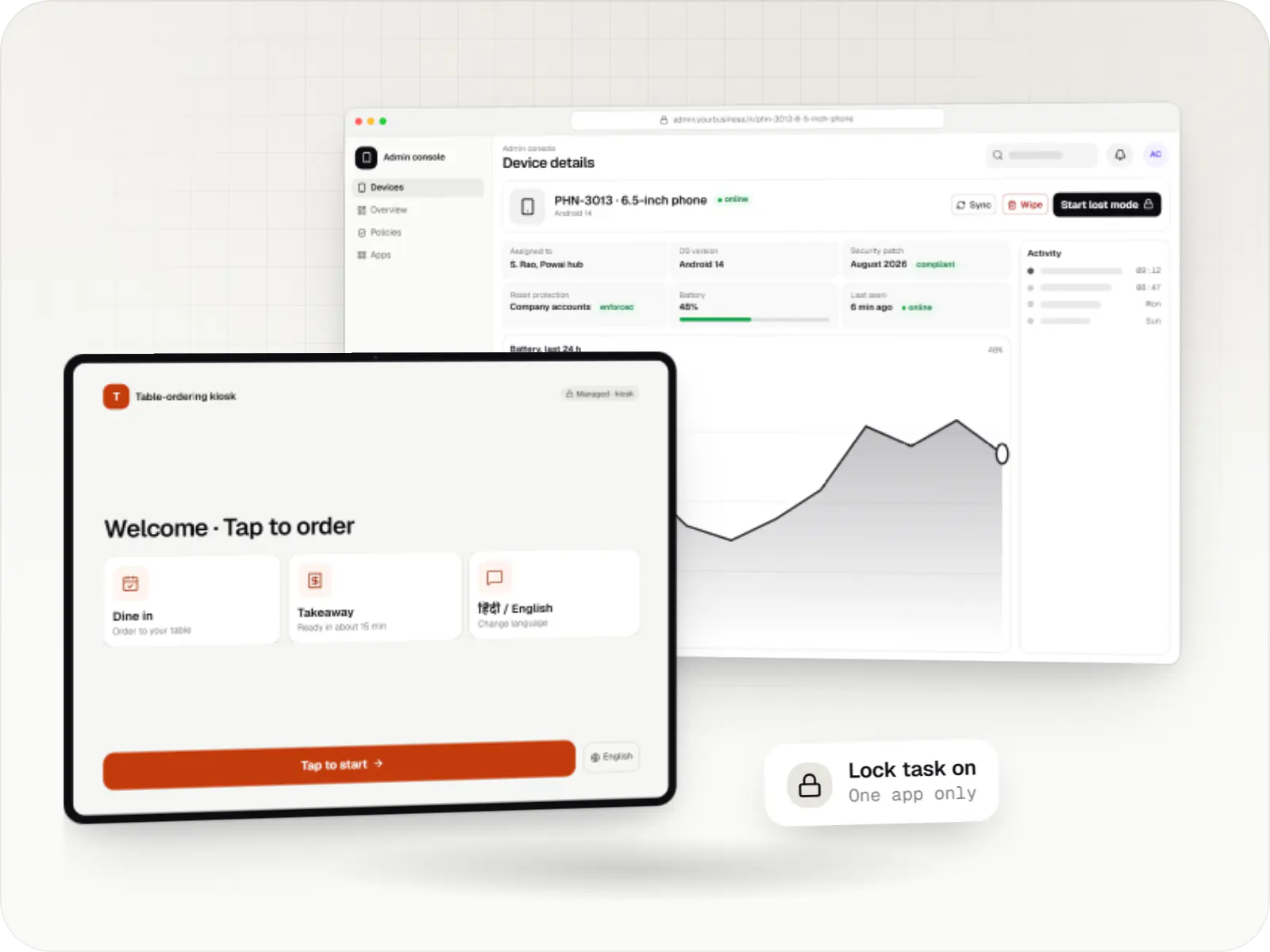

What a device-owner app is, and when it makes sense
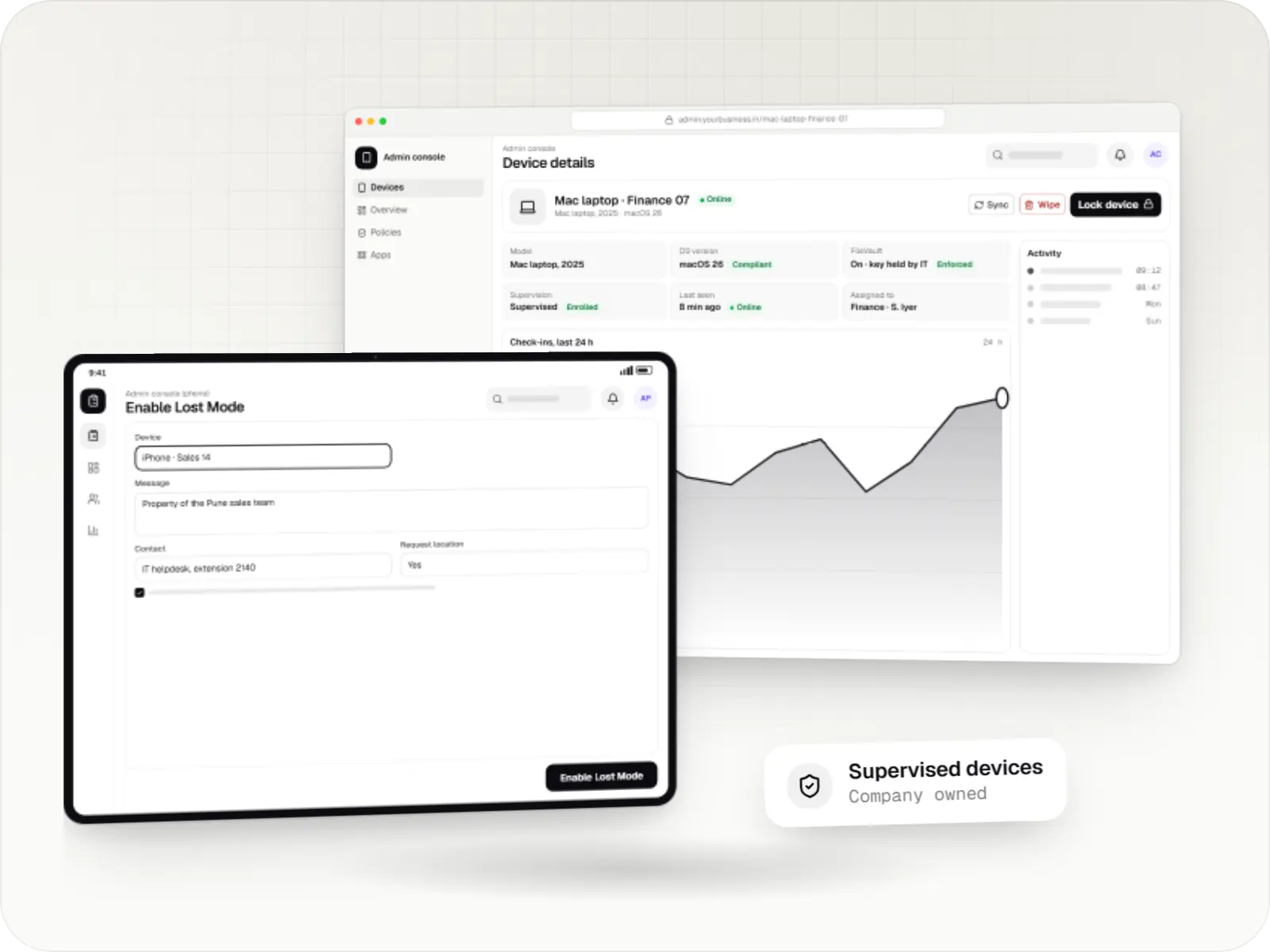
Android™ has device-management APIs built into the operating system. A device policy controller, or DPC, is the app that uses them. When a DPC is made the device owner during setup, it becomes the administrator of that device: it can lock the screen to chosen apps, install and update apps silently, block factory reset or USB storage, act as the home screen and decide when system updates install.
For a business, this is the most direct control you can have over a fleet of identical devices. It also works on hardware that cloud management tools cannot reach, such as AOSP-based POS terminals and signage players, provided the maker's firmware allows a device owner. The trade-off is ownership: the app, its update server and the back end are yours to maintain and test on every new Android version.
Two facts shape every project. A device owner can only be set on a freshly reset device, during setup, usually by scanning a provisioning QR code; developers can also set one on test units with a command. And Google no longer accepts new registrations for custom DPCs through the Google Play EMM API, so a new device-owner app delivers apps from your own server rather than managed Google Play.
Use cases
What we build as device-owner apps
Kiosk launchers with your branding
A home-screen app that shows only approved apps, keeps them in lock task mode and offers a PIN-protected maintenance screen for staff.
Management agents for devices without Google Play
For AOSP-based terminals and players where the maker allows a device owner: policies, app updates and status reports through your own back end.
Silent installs and staged updates
Apps downloaded from your server and installed without prompts, released to a few devices first and rolled back if a version misbehaves.
Hardware and settings lock-down
Block factory reset, safe boot, USB storage, new users and volume changes, keep the screen on while charging and hide the status bar where the device allows.
Update timing control
System update windows outside trading hours, and on Android 9 or later, freeze periods of up to 90 days around busy seasons. Makers may still push urgent security fixes.
Remote commands over your own channel
Lock, restart the kiosk app, fetch logs or change settings, delivered by push messaging or a persistent connection when Google services are absent.
Why a device-owner app matters
Works where cloud tools cannot
Devices without Google Play services, such as many POS terminals and signage players, can still be managed if the maker supports a device owner.
Kiosk behaviour tuned to your app
Exit rules, maintenance screens, restart after a crash and offline behaviour are designed around your workflow, not a generic template.
Updates on your schedule
You decide when apps and system updates install, which matters for billing counters and for delivery devices in the middle of a shift.
Reports your support team can use
Your own code reports what support needs, from app version to printer state where the hardware exposes it.
Comparison
Three ways to keep an Android device on one app
Screen pinning is built into Android 5.0 and later; the other two need device management set up from a factory reset.
| Screen pinning | Lock task mode with a device-owner app | Kiosk policy through the Android Management API | |
|---|---|---|---|
| Needs device management | No | Yes, set as device owner during setup | Yes, enrolled with Android Device Policy |
| Can a user leave the app | Yes, with a button or gesture; a PIN is asked only if that setting is on | Only through an exit the app or an administrator allows | Only when the administrator changes the policy |
| Several allowed apps | No, one app | Yes, an allowlist of apps | Yes, through a kiosk launcher |
| Remote changes | None | Through your own back end | Policy updates from the console |
| Devices without Google Play services | Yes | Yes, if the maker allows a device owner | No |
| Good for | A counter device used carefully by the owner | Custom hardware and tightly controlled kiosks | Kiosk products for many customers on standard devices |
When we would not recommend a custom device-owner app
- A management product for many customers on standard devices: the Android Management API keeps the device agent maintained by Google and gives access to managed Google Play, which new custom DPCs cannot register for.
- Staff's own phones: a device owner needs a factory reset, so it is never an option for personal devices. A work profile through an EMM is.
- A few devices with standard needs: an existing EMM subscription costs less than building and maintaining an agent.
- Hardware whose maker blocks device owners: some terminals only allow control through the maker's SDK or console, and we integrate with that instead.
Plain-English glossary
Device-owner terms, in plain English
- Device policy controller (DPC)
- The app that holds management rights on an Android device and applies the rules. It can be Google's Android Device Policy, an EMM vendor's app, or one we build for your hardware.
- Device owner
- The strongest management role on Android, given to one app when a company device is set up from a factory reset. It controls the whole device, which is why it is only used on devices the organisation owns.
- Lock task mode
- Android's built-in kiosk state. Only allowlisted apps can run, and the home, recent apps and notifications stay hidden unless the device owner turns them back on.
- User restriction
- A switch the device owner sets, such as 'no factory reset' or 'no USB file transfer'. Restrictions stop staff or passers-by from changing the settings that keep a kiosk working.
- Provisioning QR code
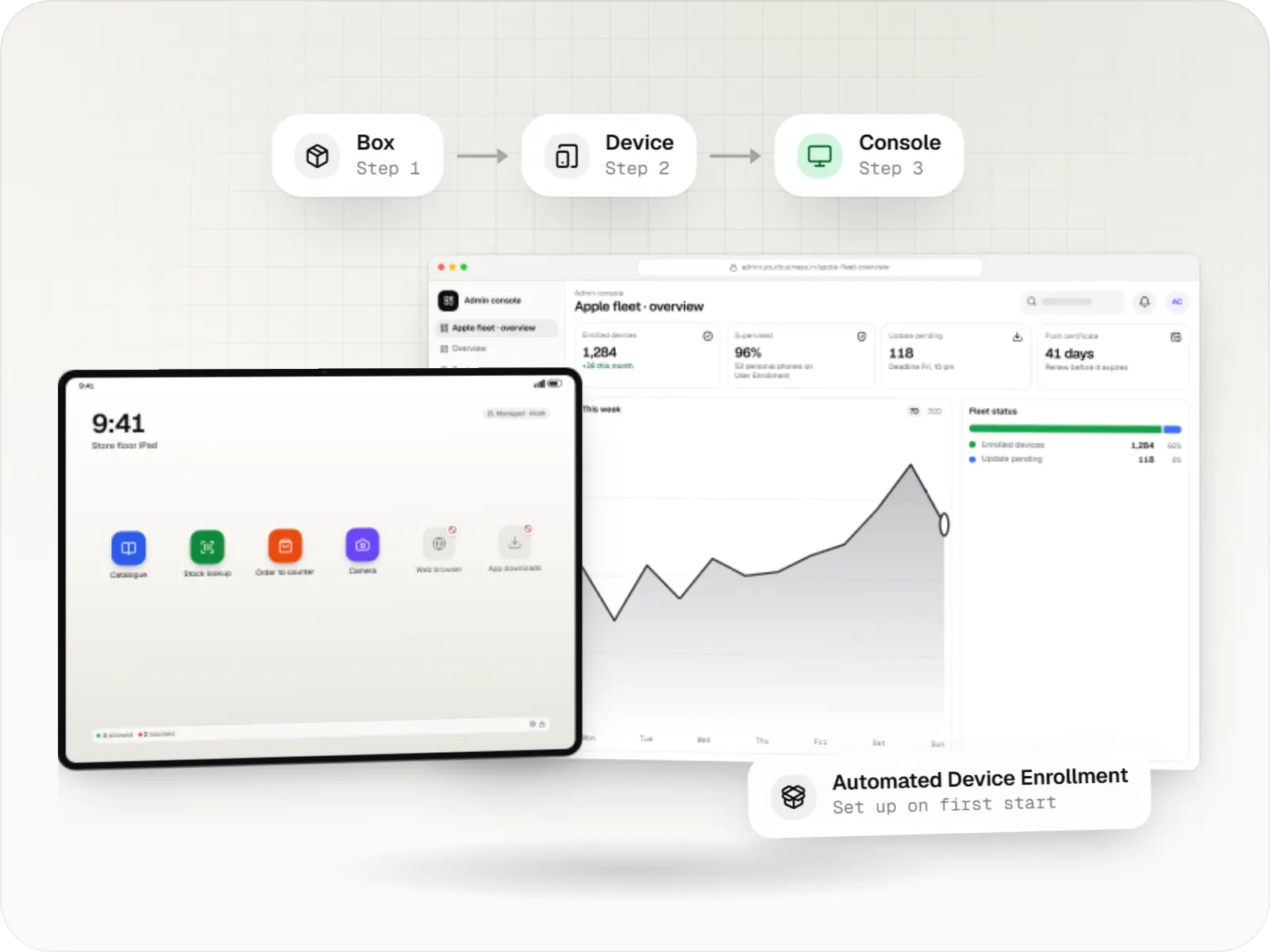
- A code scanned on the first setup screen that downloads the device-owner app and hands it control, so a new device is ready without anyone configuring it by hand.
Platforms
Devices a device-owner app can manage
Android phones, tablets and handhelds, and many Android-based POS terminals, signage players and TV devices, where the maker allows a device owner.
- Mobile
Android Enterprise devices
Android phones, tablets and rugged handhelds with Google Play services, managed through Android Enterprise: company-owned devices as fully managed, dedicated (kiosk) or work-profile devices, and personal phones through a work profile only.
- Point of sale
POS terminals running Android
Countertop and handheld billing terminals running Android-based software, locked to approved billing and payment apps where the terminal maker or supplier allows device-owner or SDK control.
- Signage
Digital signage displays
Commercial displays and media players showing menus, offers and notices, with scheduled playlists, content updates and remote health checks through the player software.
- TV
Android TV devices
TV screens and set-top boxes running Android TV for menus, lobbies and signage. The Android Management API does not support them at the time of writing, so control relies on a device-owner app or the maker's tools, confirmed model by model.
Solutions
Solutions that use device-owner apps
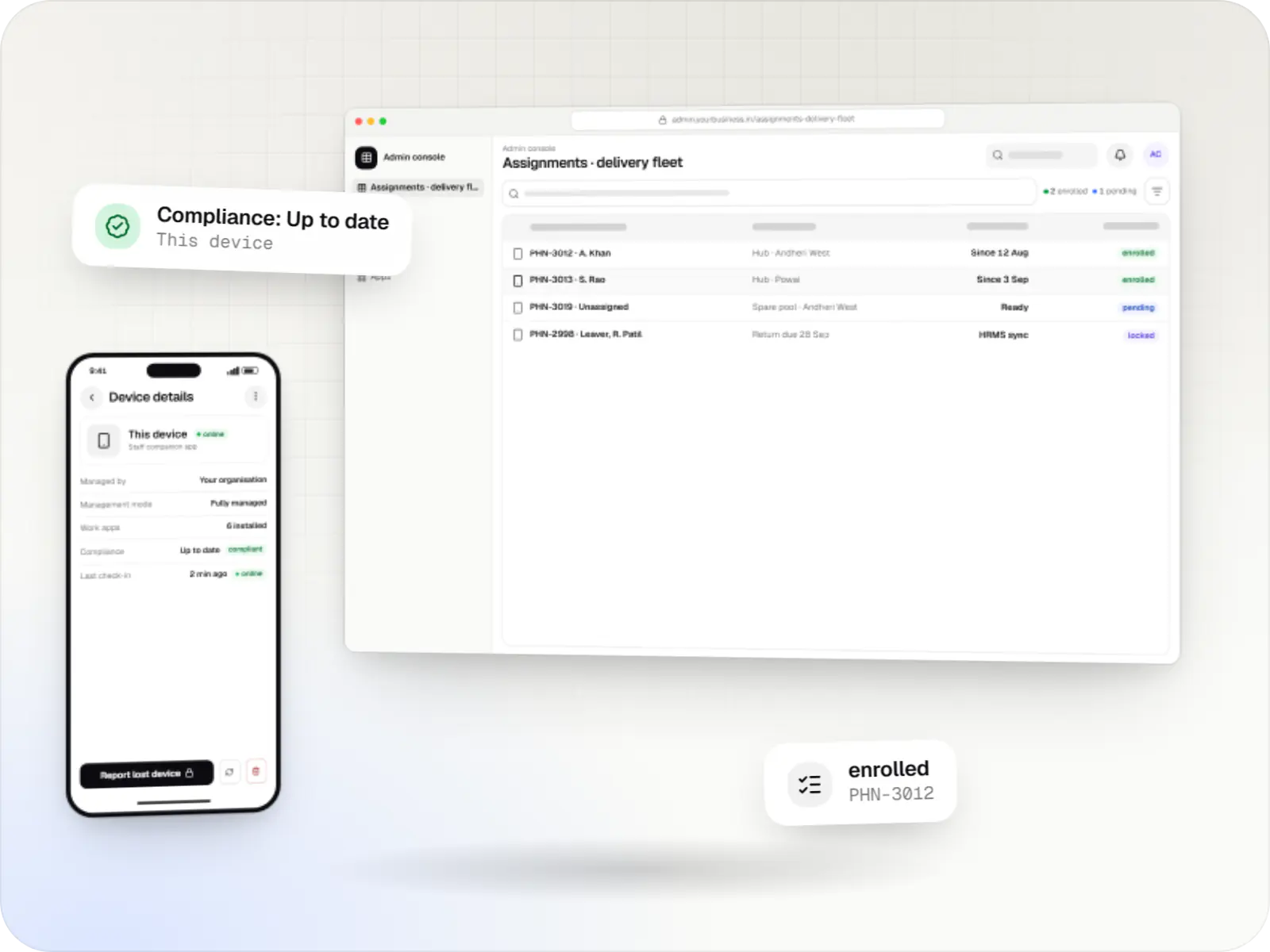
Android Device Owner and fully managed device solutions
Company-owned Android phones and tablets set up as fully managed devices, with custom device-owner apps where standard EMM agents fall short.
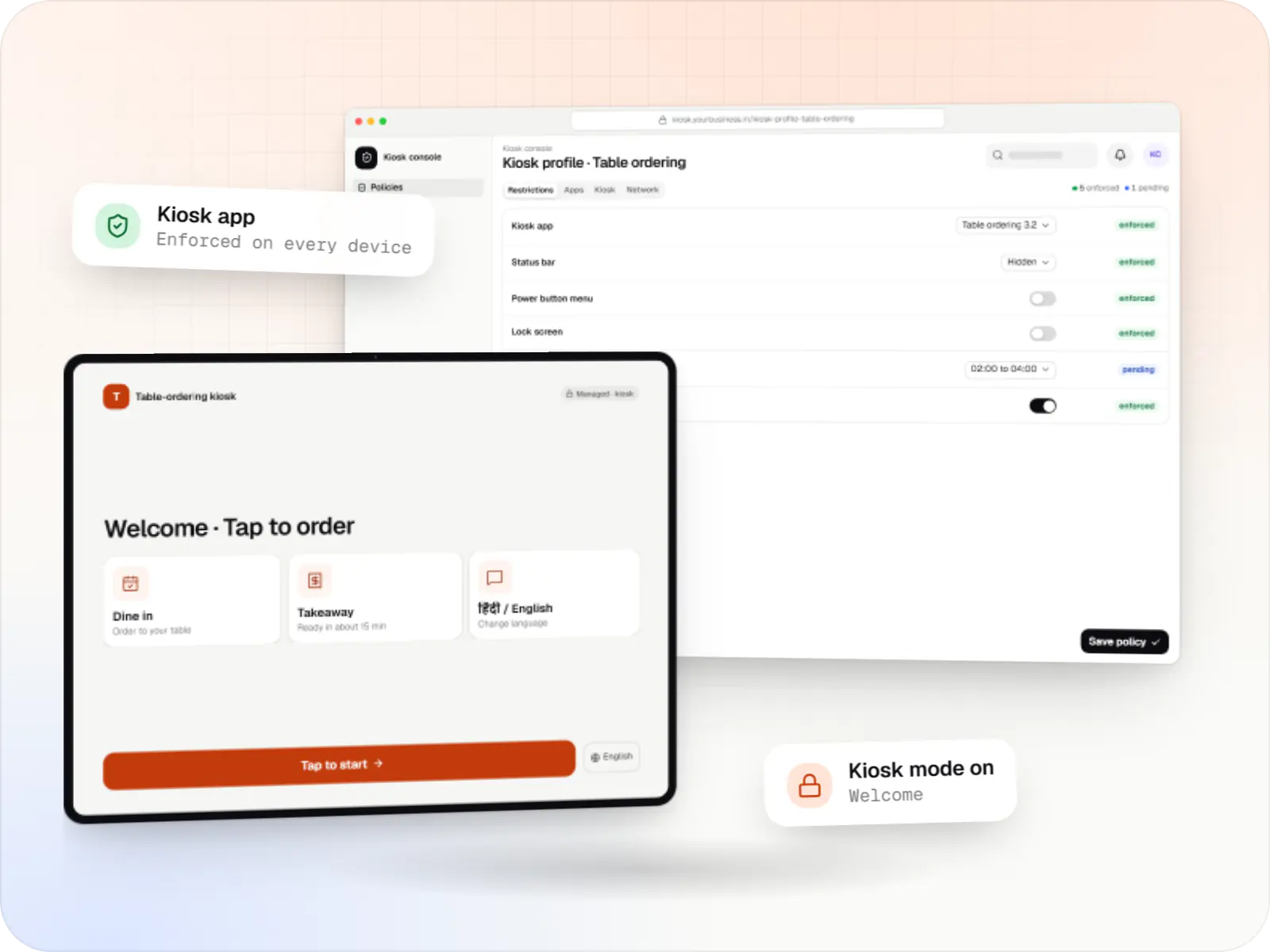
Android kiosk mode development
Single-app and multi-app kiosks for Android tablets, phones and terminals: locked ordering, check-in and catalogue apps that customers cannot escape.
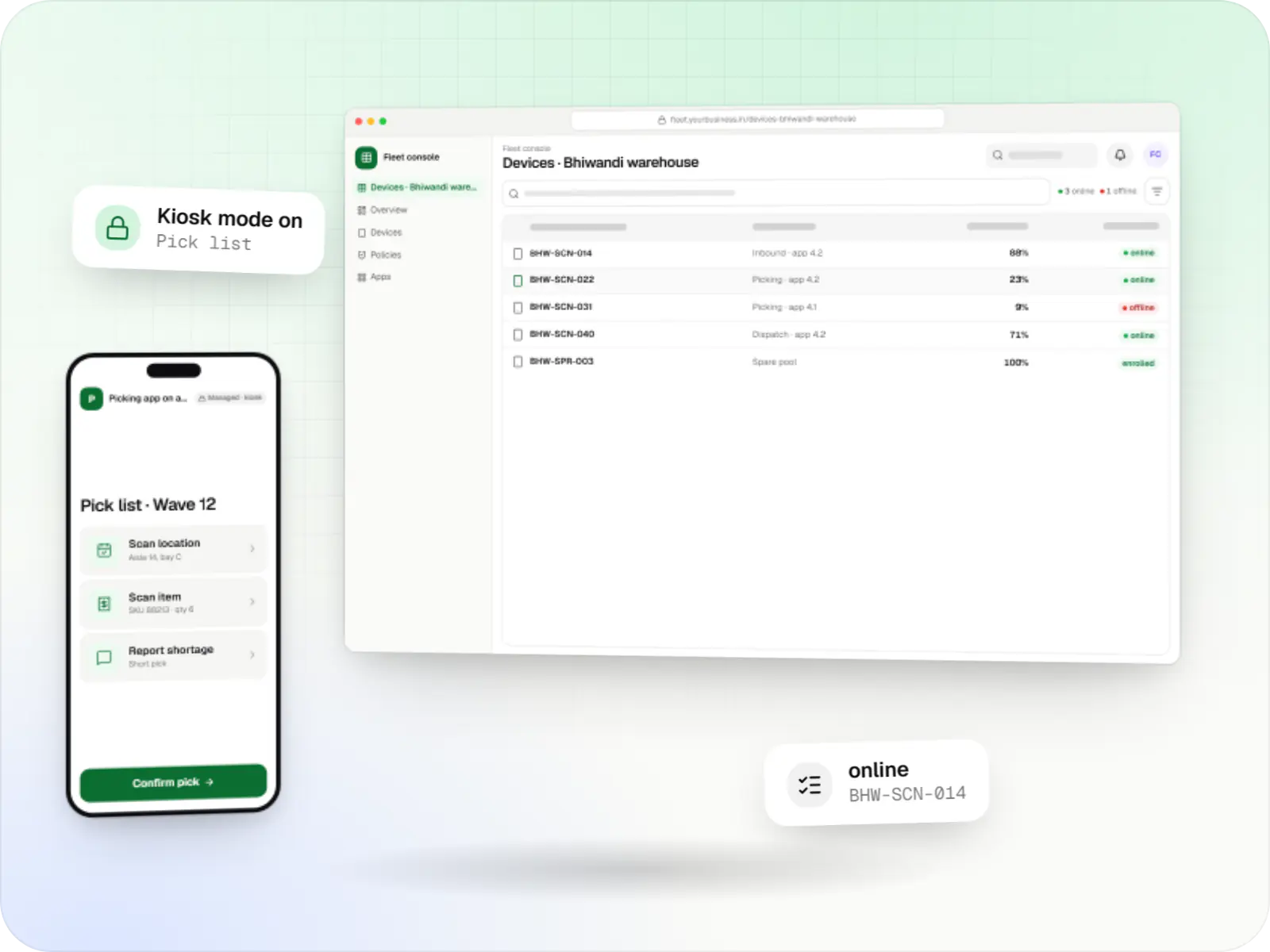
Dedicated device (COSU) management
Fleet management for single-purpose Android devices: rugged scanners, delivery handhelds and shift tablets, kept charged, updated and healthy across sites.
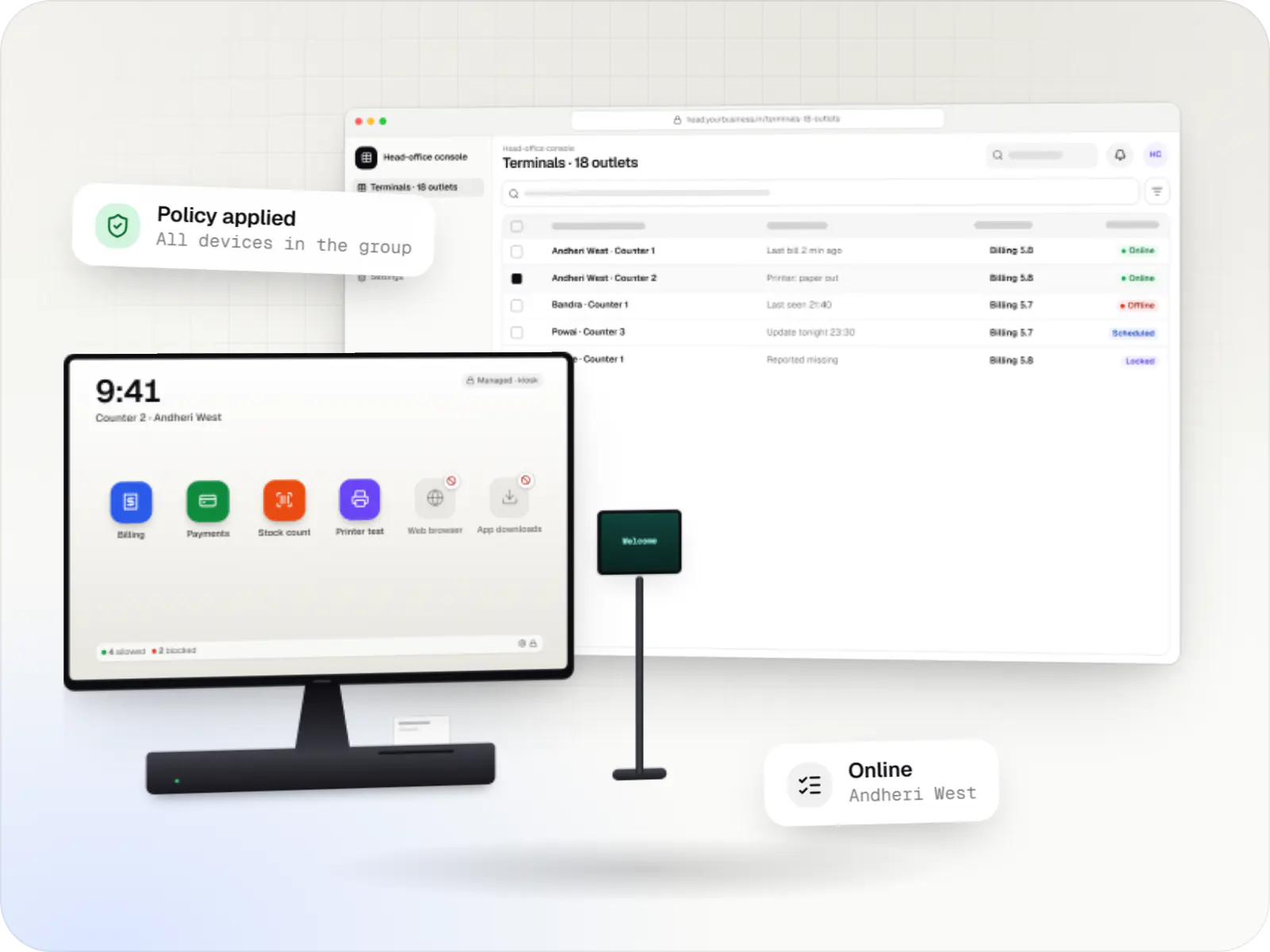
POS device management
Billing terminals locked to your billing and payment apps, with printers and scanners set up and updates held until after closing, in every outlet.
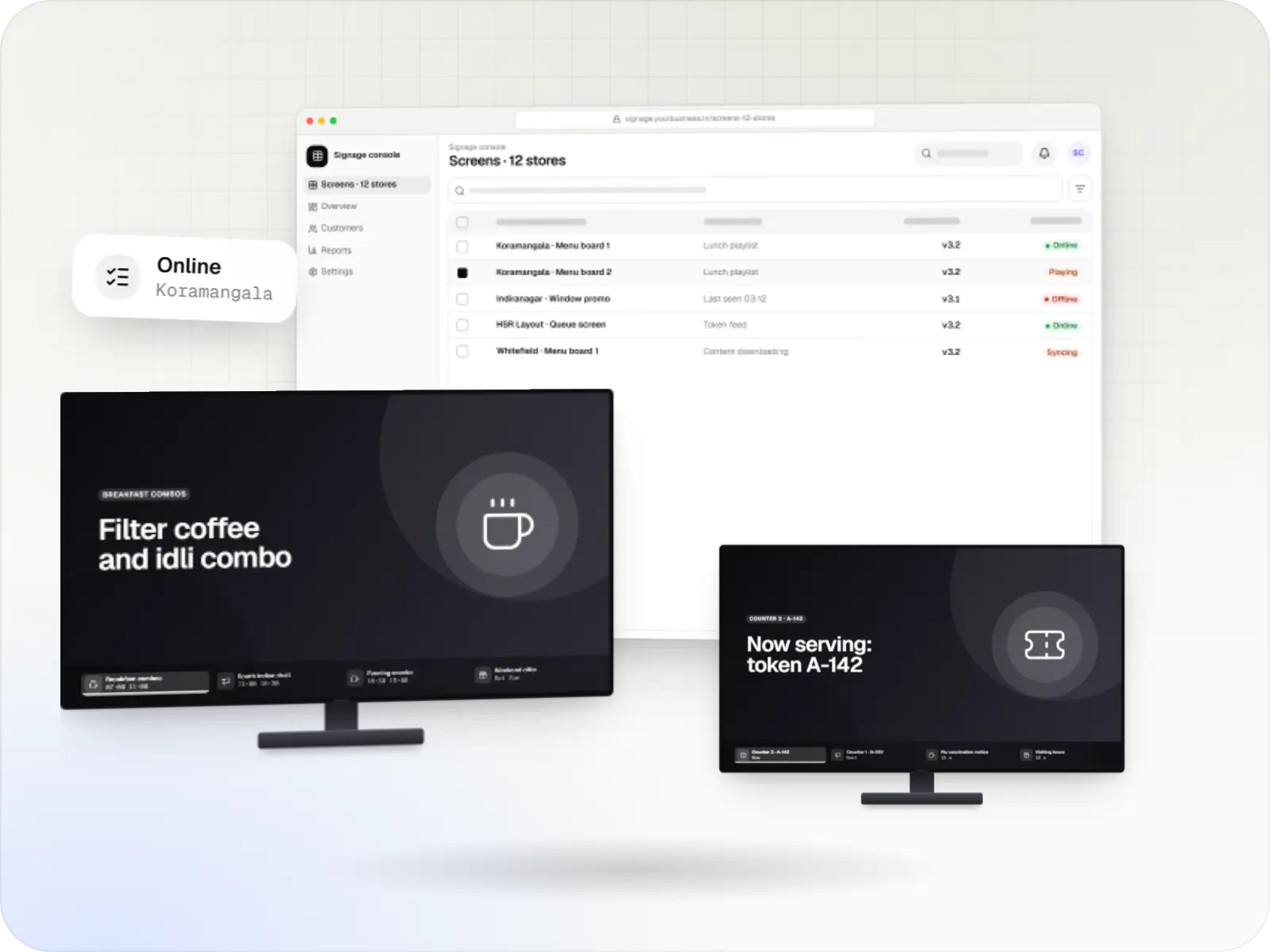
Digital signage and Android TV device management
Player apps, a scheduling console and device management for menu boards, promotions and queue screens on signage players and devices running Android TV.
Services
Services involved
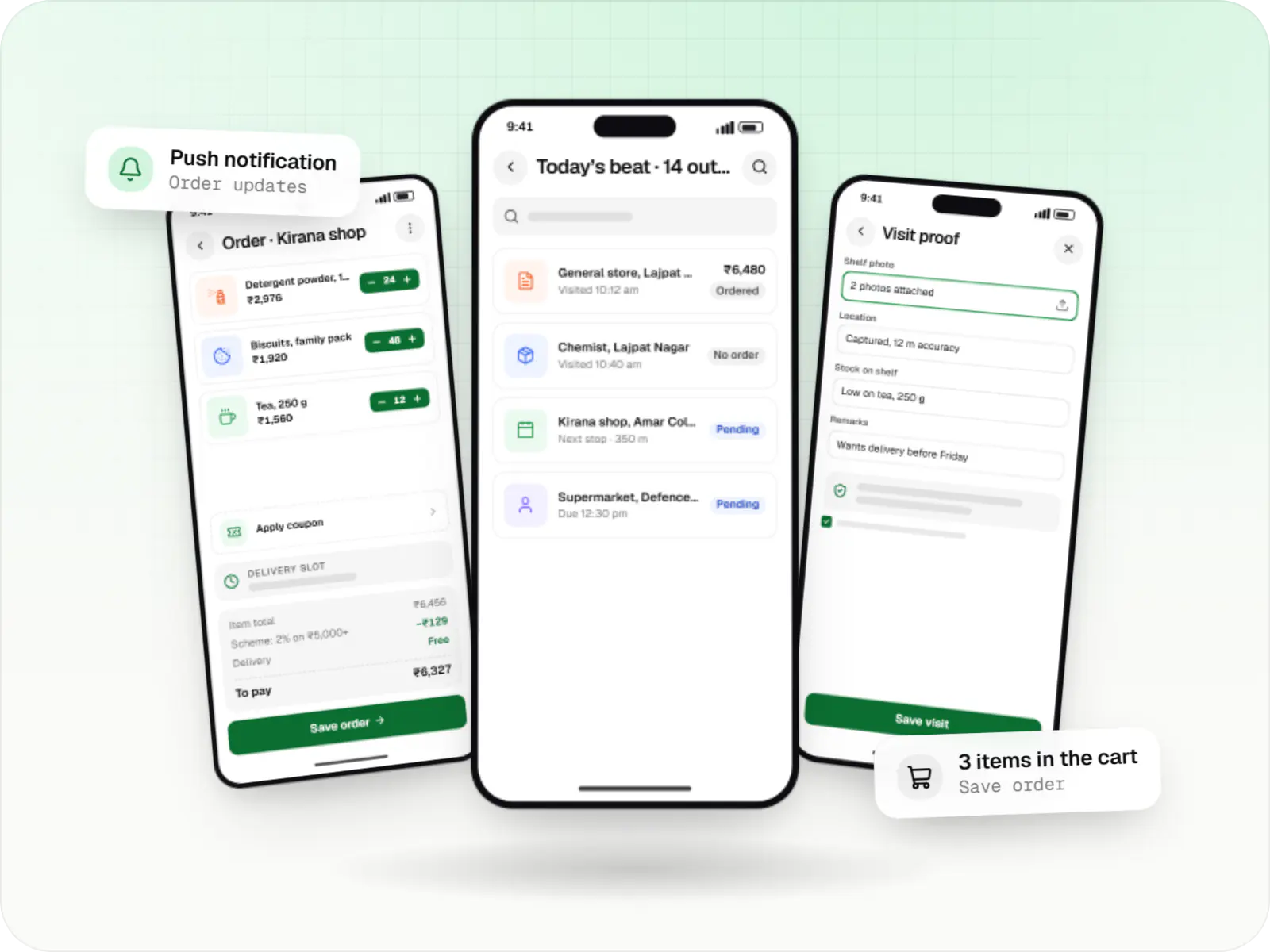
Android app development
Native Android apps in Kotlin and Jetpack Compose, designed for entry-level phones, patchy networks and the background limits of popular Android brands.

API development
Secure, documented REST and GraphQL APIs, plus integrations that connect your apps to payment, logistics, GST, messaging and business systems.

Admin panel development
Back-office dashboards built around your team's daily tasks: order queues, approvals, catalogue management, payouts, reports and audit logs.
FAQ
Frequently asked questions
Can a device-owner app be added to devices already in use?
Not without resetting them. Android only lets an app become device owner while a freshly reset device is being set up, so existing units are backed up where needed, factory reset and set up again with a provisioning QR code. For large fleets we plan this store by store or shift by shift, so operations never lose all their devices at once.
Can a custom device-owner app use managed Google Play?
Not for new projects. Google stopped accepting new registrations for custom DPCs through the Google Play EMM API and recommends the Android Management API for new management products. A new device-owner app therefore installs and updates apps from your own server, which we build with signed packages, staged rollouts and rollback.
Will a device-owner app work on any Android device?
No, it depends on the firmware. Most devices with Google Mobile Services accept a device owner through QR code setup, while some AOSP-based terminals and TV devices disable it or reserve control for the maker's own tools. We test your exact models before committing to a design, and use the maker's SDK where device-owner setup is blocked.
How much work is it to keep the app current with new Android versions?
Plan for testing every major Android release and each firmware update your devices receive. Google publishes behaviour changes in advance, and some management APIs are restricted or replaced over time. We test on beta builds and a few pilot devices before an update reaches the whole fleet, and budget this as ongoing support rather than a one-off task.
What is the difference between a device owner and a profile owner?
A device owner manages a whole company-owned device. A profile owner manages only a work profile, a separate space for work apps and data, on a phone that may belong to the employee. For kiosks, POS terminals and shared handhelds, device owner is the right mode; for staff's own phones, a work profile keeps personal data out of the company's reach.
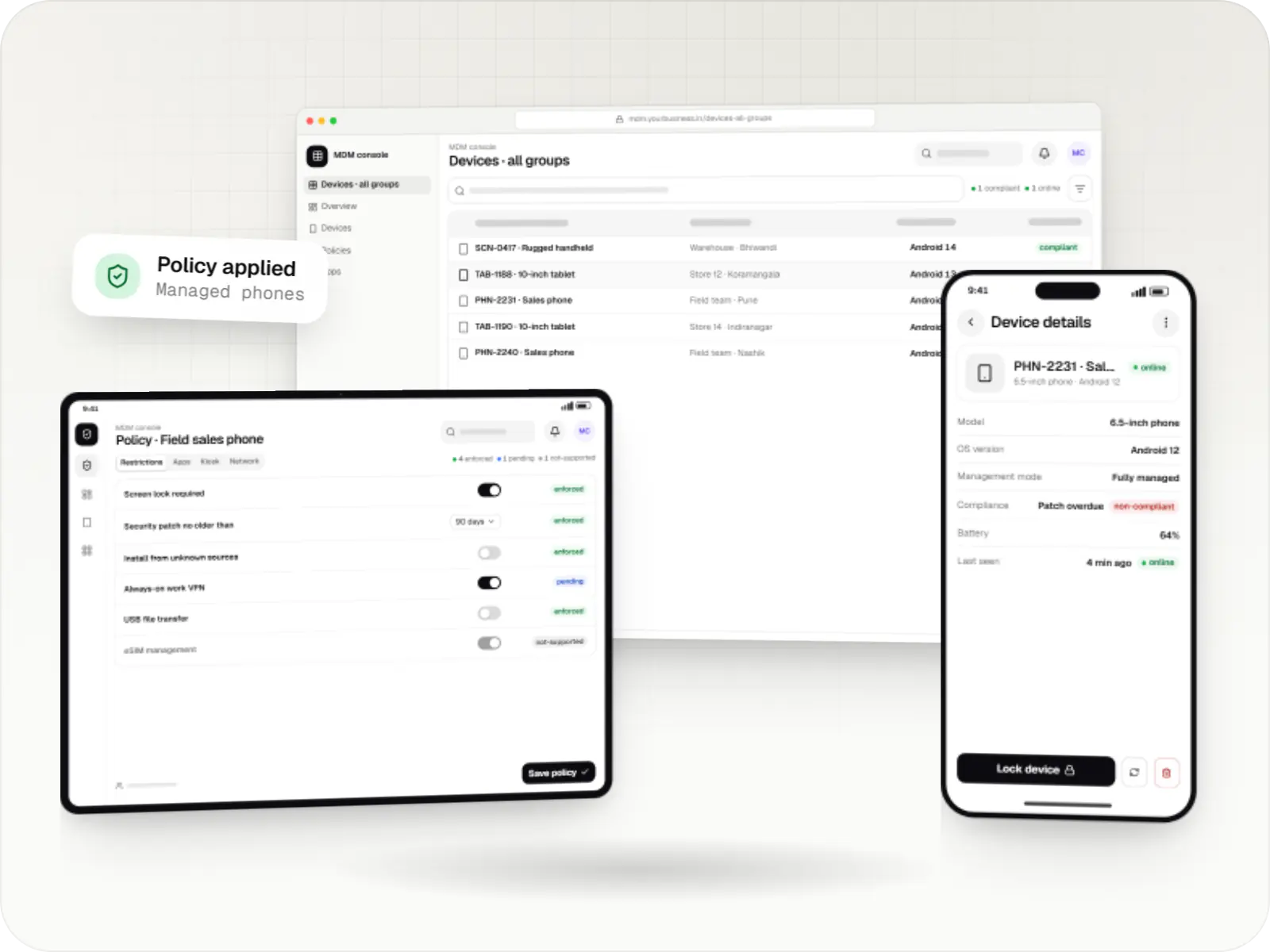
Next step
Need control over devices standard tools cannot manage?
Send us the device models and what they must be locked to, and we will confirm what the firmware allows before quoting.