



Mobile
Android (Kotlin)
Apps built specifically for Android, with full access to the phone's hardware, background location and company-managed devices.
Used for
- Apps for Android
- Delivery partner apps
- Billing and POS apps
- Field staff apps
POS device management
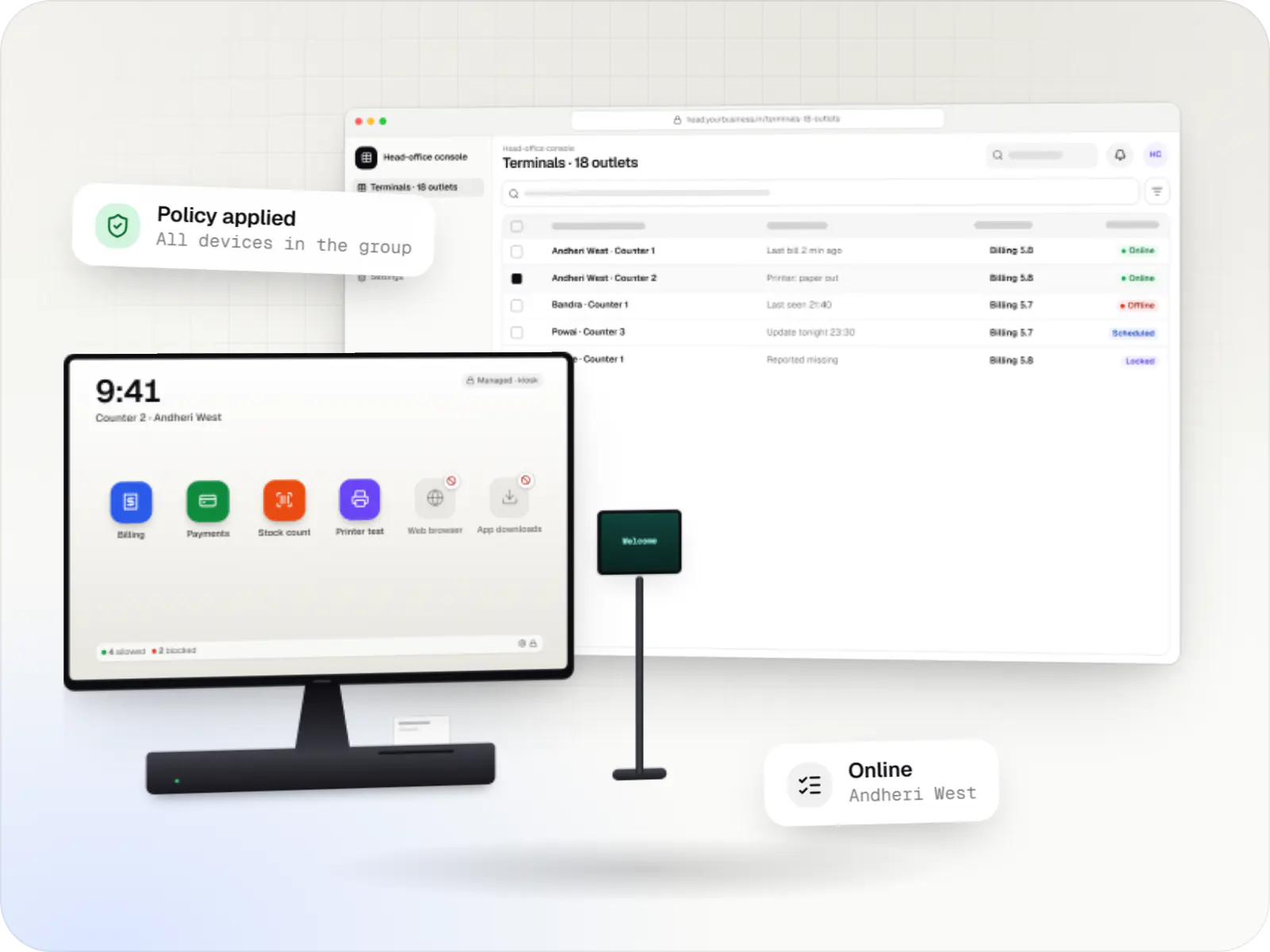
Every billing terminal locked to the apps it needs, set up the same way in every outlet, and updated when the shutters are down.
At a glance
What it is
Billing terminals locked to your billing and payment apps, with printers and scanners set up and updates held until after closing, in every outlet.
How to start
Tell us what you need in your own words. You talk to the developers who would build it and get a written, line-item estimate.
Get a project estimateA POS terminal running Android looks like a phone or tablet with a printer attached, and without management it behaves like one: staff can install games, change the date, turn off updates or leave the billing app. Each of those can stop billing or open a security gap.
Managed as a dedicated device, the terminal shows only the billing app, the payment app and the few tools staff need. Settings are fixed, peripherals are set up the same way everywhere, and head office can see which terminals are online, which app versions they run and which need attention.
How much control is possible depends on the terminal. Some run Android with Google Play services and support Android Enterprise; many run the maker's own build and are managed through the maker's terminal management system or SDK; payment-certified terminals often restrict what outside apps may change. We map this for your models first.
What is included
Platform: POS terminal
Platform: POS terminal
Platform: Admin dashboard
Platform: Admin dashboard
How it works
From the day a terminal reaches an outlet to its daily check-ins.
The serial number is registered against an outlet and a counter in the console.
Depending on the model, the terminal is enrolled through the maker's management system or set up with our device-owner app.
Only the billing app, the payment app and approved tools can run; the launcher shows nothing else.
The outlet's printer, scanner, cash drawer and customer display settings are applied and checked with a test bill.
App and OS updates wait for the maintenance window, after the last bill of the day.
IT sees the terminal's state, pushes a fix or restarts it, and can lock a terminal that goes missing.
Offline terminals, printer errors and outdated versions show up before they stop billing.
Comparison
The terminal decides the route, so we confirm yours before planning features.
| Android terminal with Google Play services | Terminal on the maker's own Android build | Payment-certified terminal | |
|---|---|---|---|
| How it is managed | Android Enterprise, through an EMM or the Android Management API where its policy permits | Our device-owner app, or the maker's terminal management system | Mainly the maker's terminal management system, as the payment provider allows |
| Installing your billing app | Managed Google Play, as a public or private app | Our console or the maker's app store | The maker's or provider's approved channel |
| Kiosk lock | Kiosk mode set in the device policy | Lock task mode from our device-owner app, where allowed | Usually set by the maker; outside changes may be limited |
| OS updates | Can usually be held to a daily maintenance window (Android 8.0 or later) | Delivered by the maker; timing varies | Delivered by the maker, often with the provider's approval |
| What we build | Policies, launcher and console | Device-owner agent, launcher and console | Integration with the maker's tools, plus the fleet view |
Privacy & security
Card payment security depends on your payment provider's certified app and the terminal's own certification, and UPI payments follow your provider's rules. Device management does not make a terminal certified, and we never handle card data.
An allowlist stops unknown apps, one of the simplest ways to reduce malware and misuse at the counter.
Date, time, network and developer options are fixed, so bills and logs stay trustworthy.
Remote locks, app pushes and setting changes are recorded with who made them and when.
Platforms
POS terminals running Android, Android Enterprise devices used at counters, the billing app and the head-office console.
Countertop and handheld billing terminals running Android-based software, locked to approved billing and payment apps where the terminal maker or supplier allows device-owner or SDK control.
Android phones, tablets and rugged handhelds with Google Play services, managed through Android Enterprise: company-owned devices as fully managed, dedicated (kiosk) or work-profile devices, and personal phones through a work profile only.
Apps for Android phones and tablets, tested on budget and mid-range devices and published on Google Play or privately.
Back-office panels for operations, support and finance teams: orders, users, content, reports and permissions.
Technology
Native Android code for the launcher and device-owner agent, Android Enterprise APIs where the terminal supports them, and a cloud console for head office.
Mobile
Apps built specifically for Android, with full access to the phone's hardware, background location and company-managed devices.
Used for
Device management
Built-in Android APIs that let one trusted app control a company device: kiosk lock, silent app updates and restrictions, even without Google Play.
Used for
Device management
A Google cloud API for device-management products: your console sets the rules, and a Google app on each Android device applies them.
Used for
Backend
Runs the server side of apps: fast, scalable back ends that power your app, website and integrations.
Used for
Backend
A structured way to build back ends on Node.js, so large business systems stay organised, testable and easy to hand over.
Used for
Data
A reliable database for the records your business runs on: orders, payments, bookings and stock, kept accurate and easy to report on.
Used for
Web
Builds interactive screens in the browser, such as dashboards, admin panels and portals, that respond instantly as your team works.
Used for
Cloud & DevOps
Ready-made building blocks for mobile apps, such as push notifications, phone OTP login and crash reports, so you launch sooner.
Used for
Cloud & DevOps
Cloud hosting for your app, website and data, with data centres in India and room to grow when traffic rises.
Used for
Plain-English glossary
Product preview
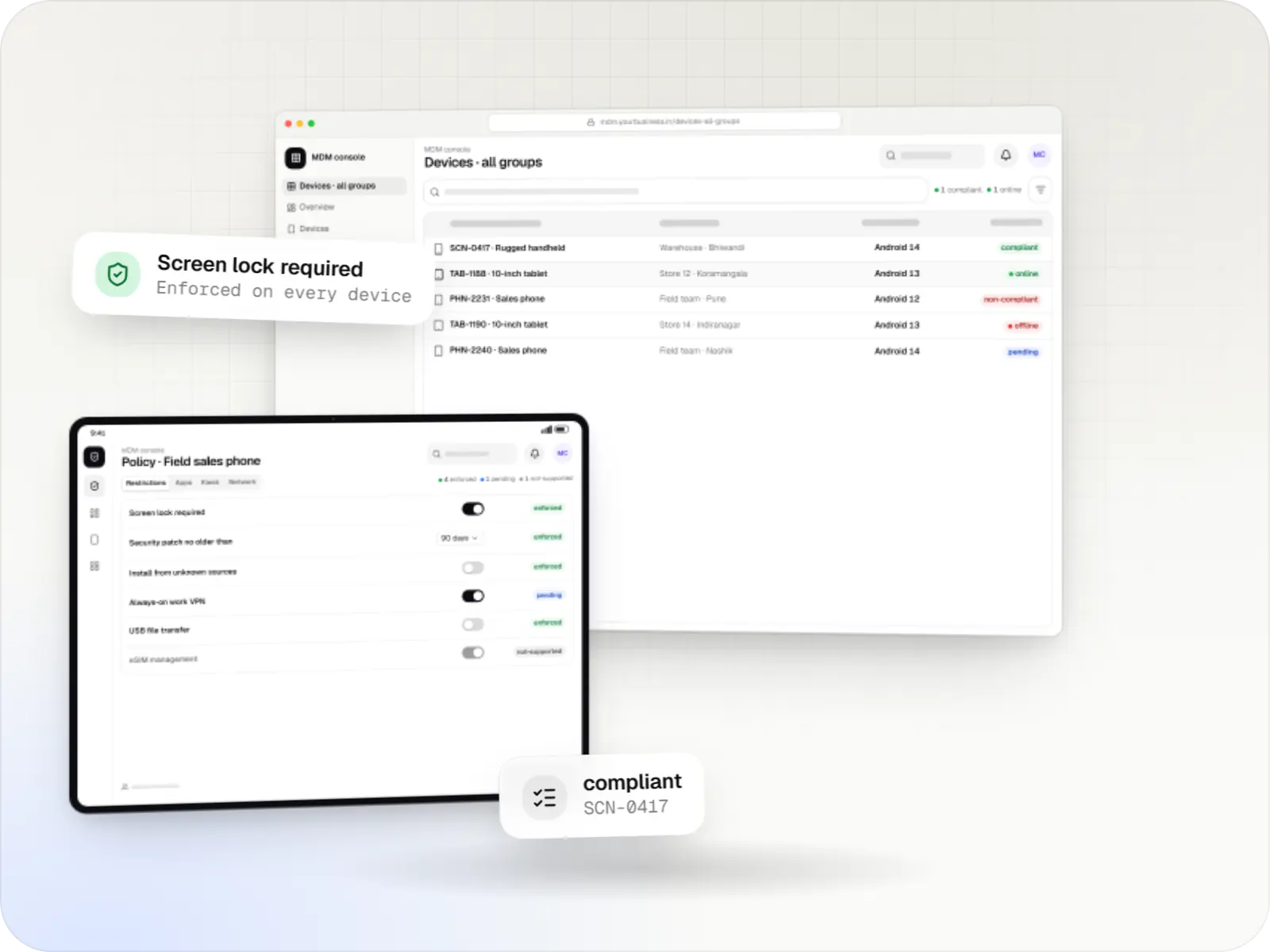
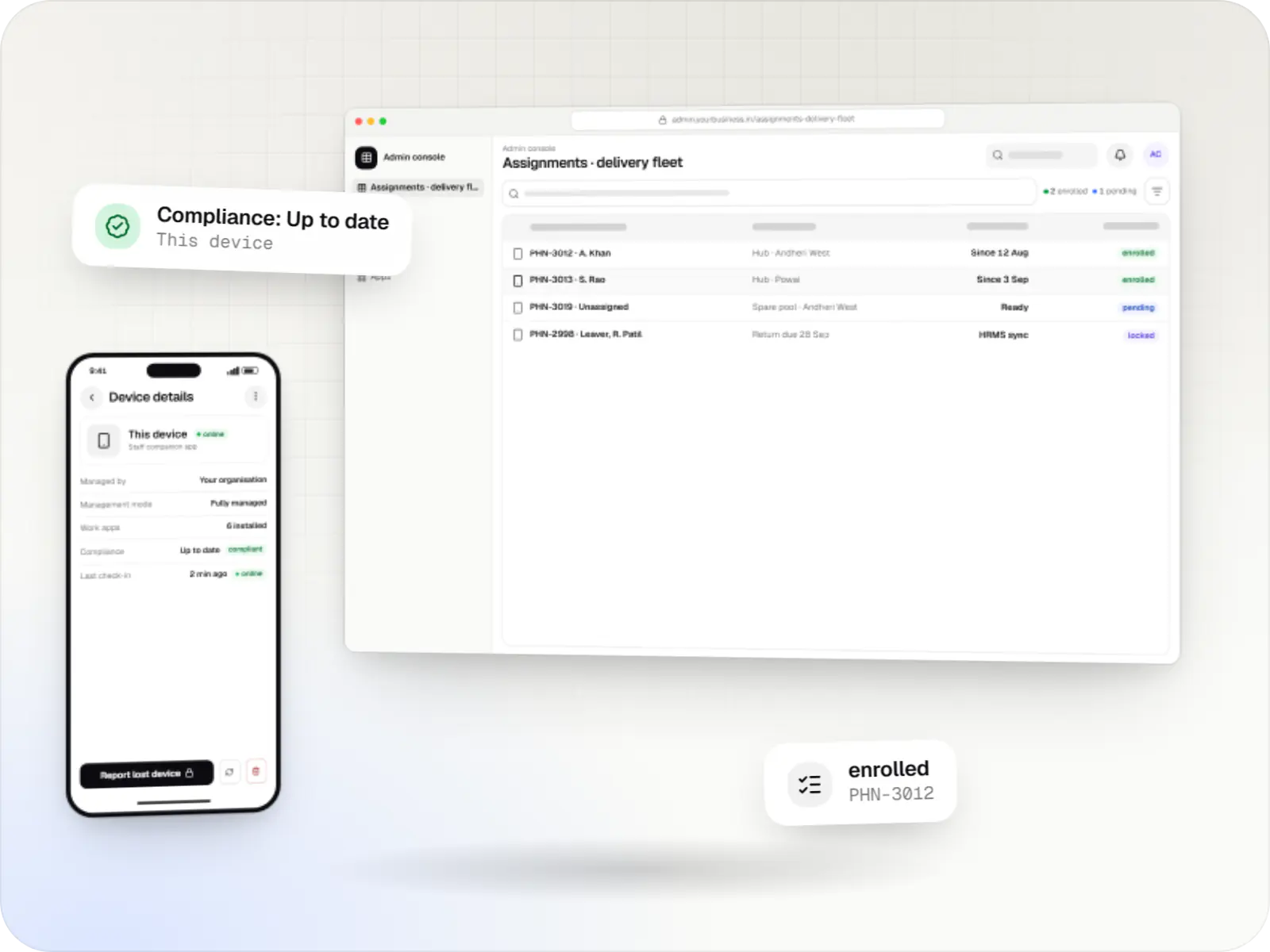
Illustrative screens; outlets, versions and numbers are samples.
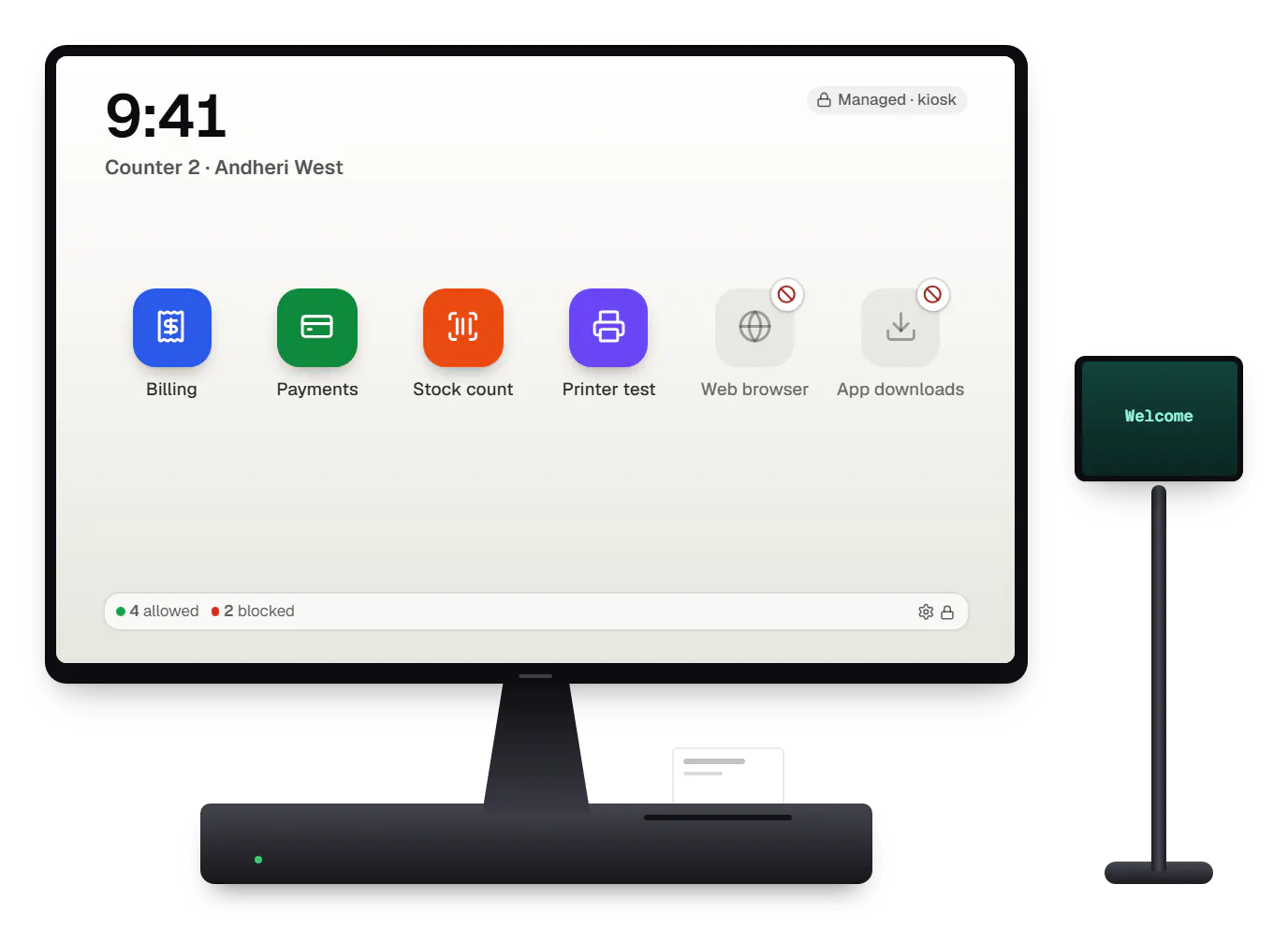
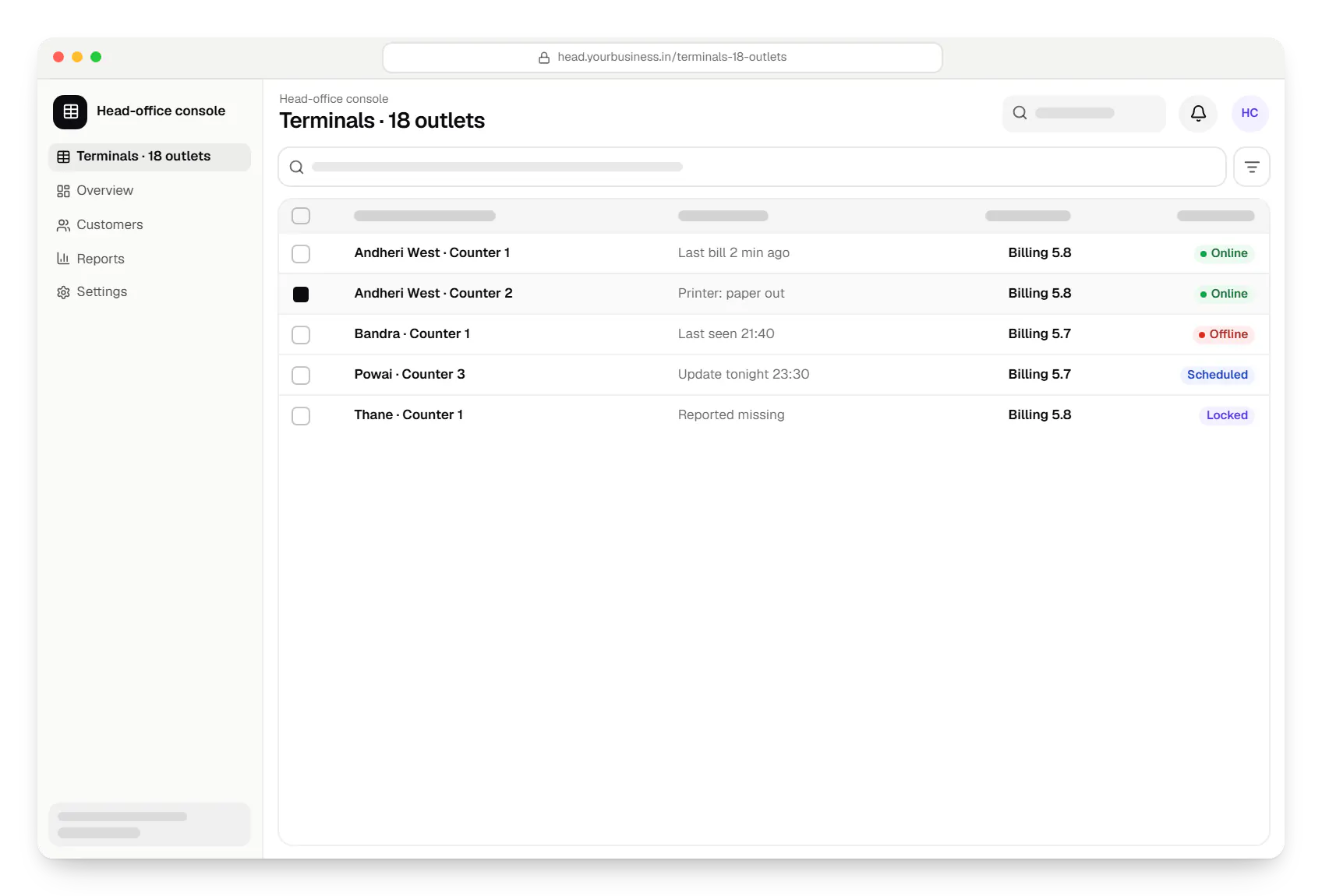
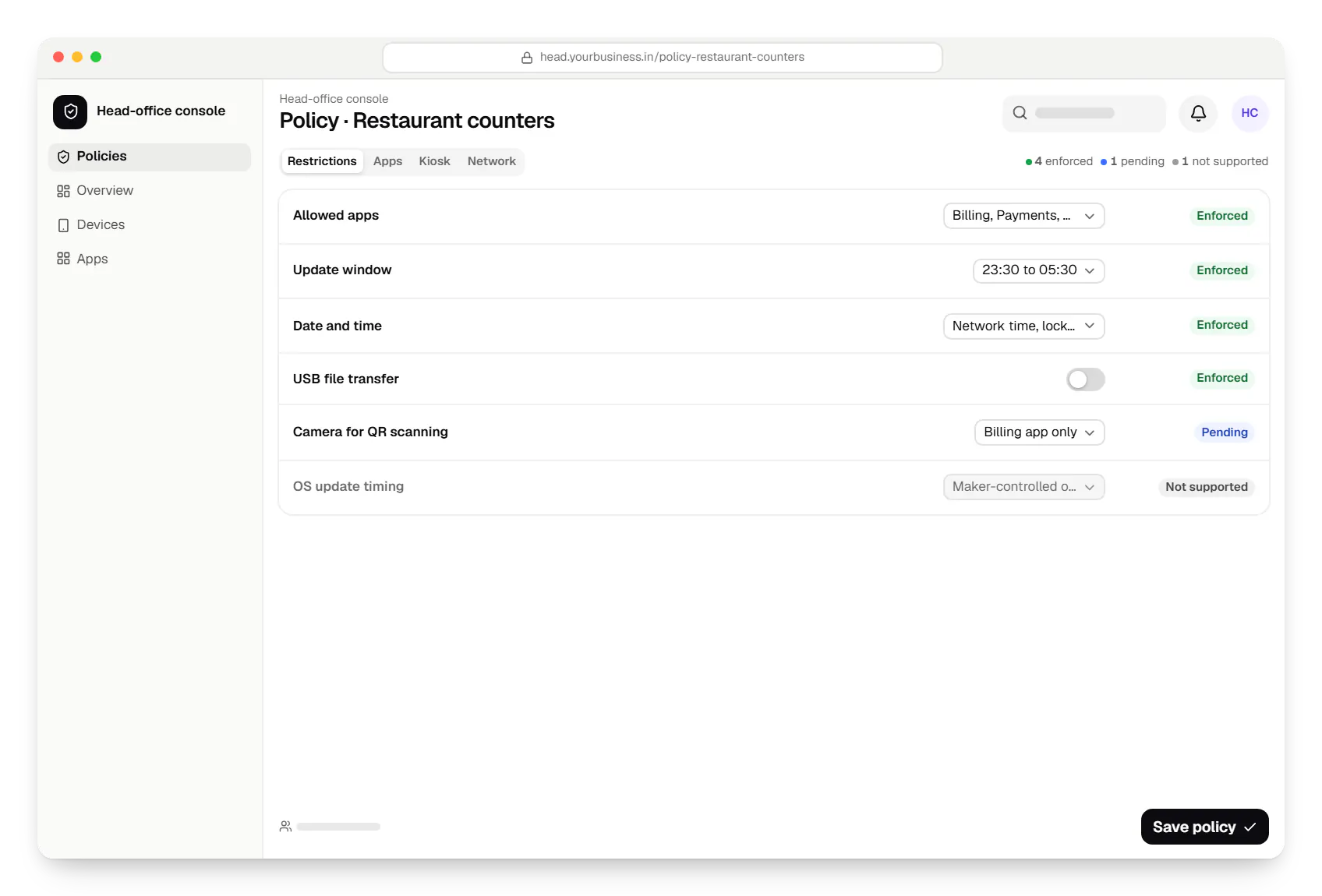
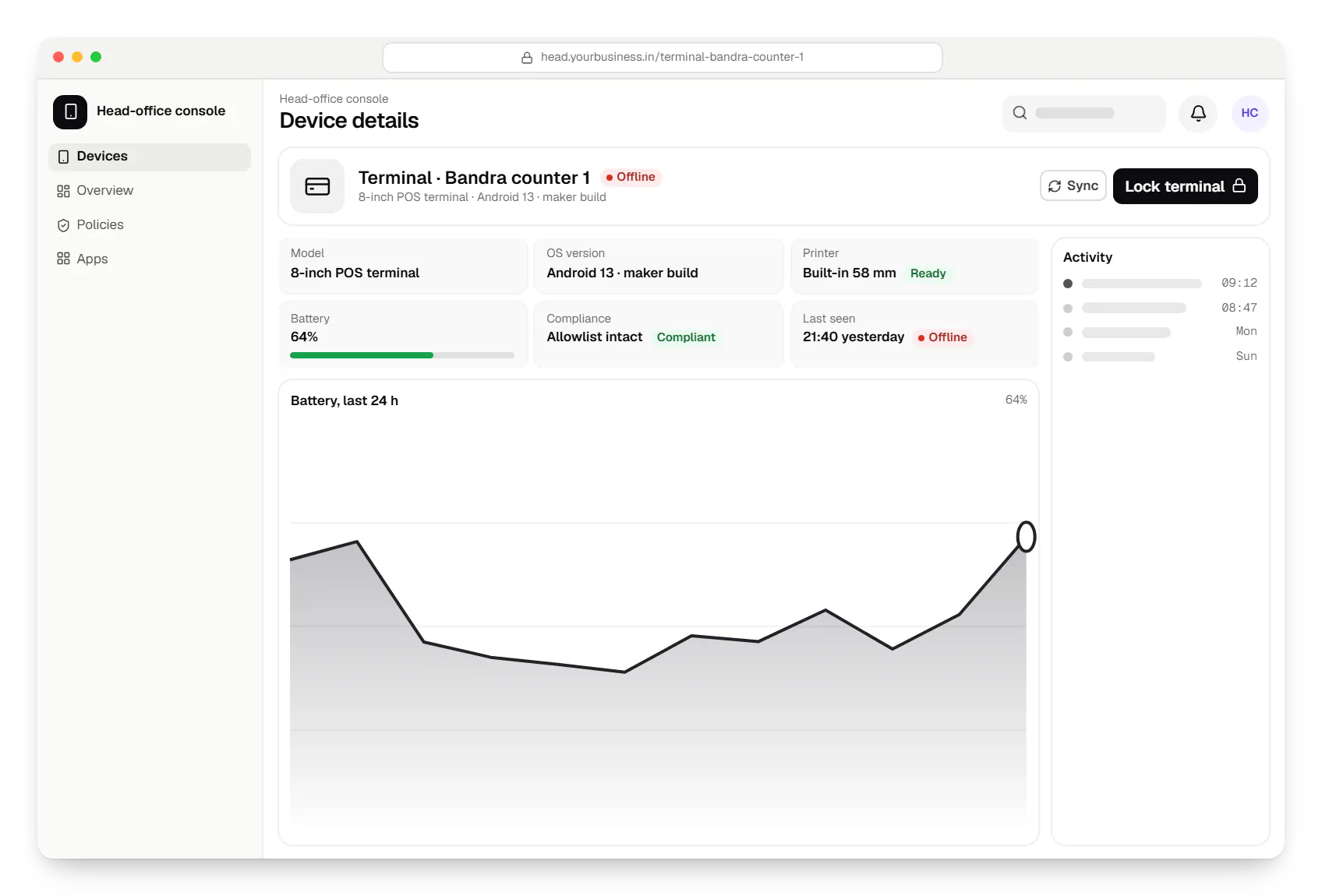
Sample screens: names, prices and figures are examples, not client data.
Work

Device management & kiosk solutions
An illustrative kiosk product for retail chains: locked Android tablets for catalogues and price checks, a staff launcher, and a console to enrol, update and monitor every device.
Runs on
Built with
Cost drivers
Each model has its own Android build, maker tools and peripherals; supporting several multiplies testing.
Integrating the maker's terminal management system differs from building our own device-owner agent, and some fleets need both.
Printers, scanners, scales, cash drawers and customer displays are tested per model and per outlet format.
If we also build or adapt the billing app, work on printing, offline billing and payment integration is estimated separately.
Provisioning days, staff briefings and the swap process for faulty terminals scale with the number of outlets.
Estimates are written from your scope, with the effort and assumptions behind each line item.
How pricing worksProcess
We list your terminal models, their Android builds, peripherals, payment apps and what the makers allow.
You getTerminal capability sheet
We agree which apps each outlet type runs, what staff may change and when updates install.
You getOutlet policies
The launcher, agent and console are tested with your printers, scanners and payment app.
You getTested build
One outlet runs managed terminals through a busy week, including an overnight update.
You getPilot findings
Outlets move in batches outside trading hours; we then handle support and new terminal models.
You getSupport plan
Solutions
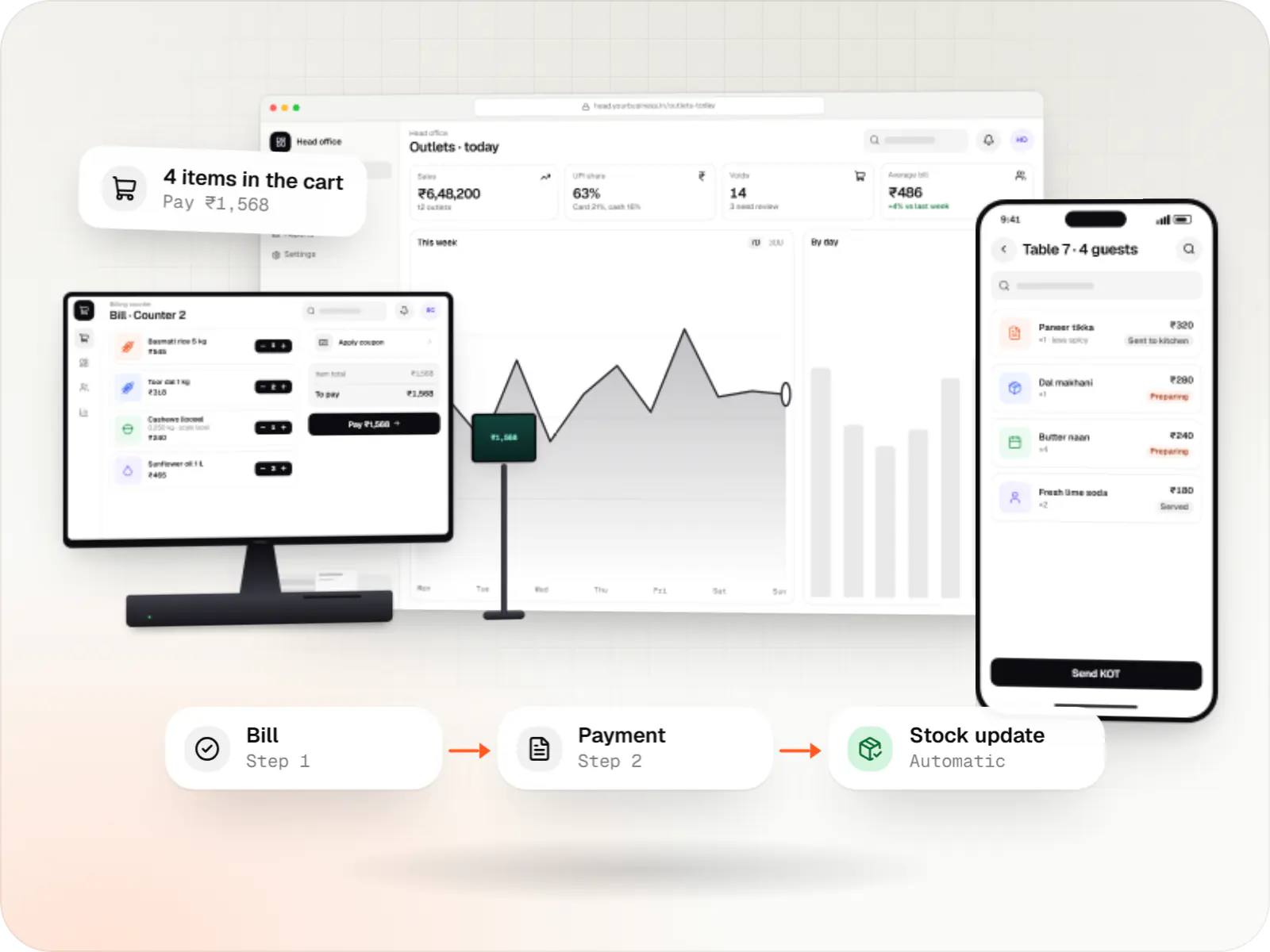
Custom point-of-sale software with offline billing, UPI QR payments, GST invoices, hardware integration and central control for multiple outlets.
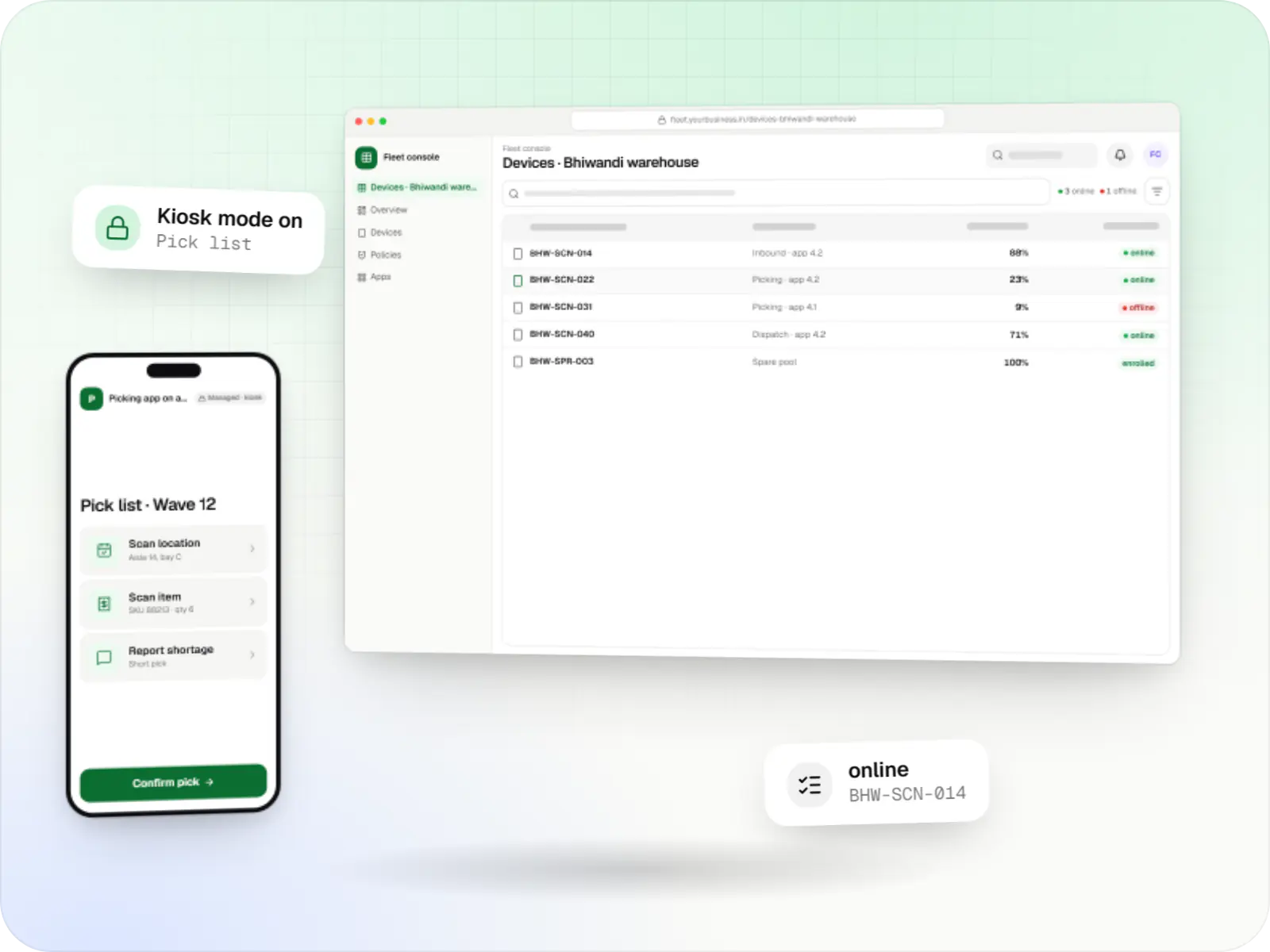
Fleet management for single-purpose Android devices: rugged scanners, delivery handhelds and shift tablets, kept charged, updated and healthy across sites.
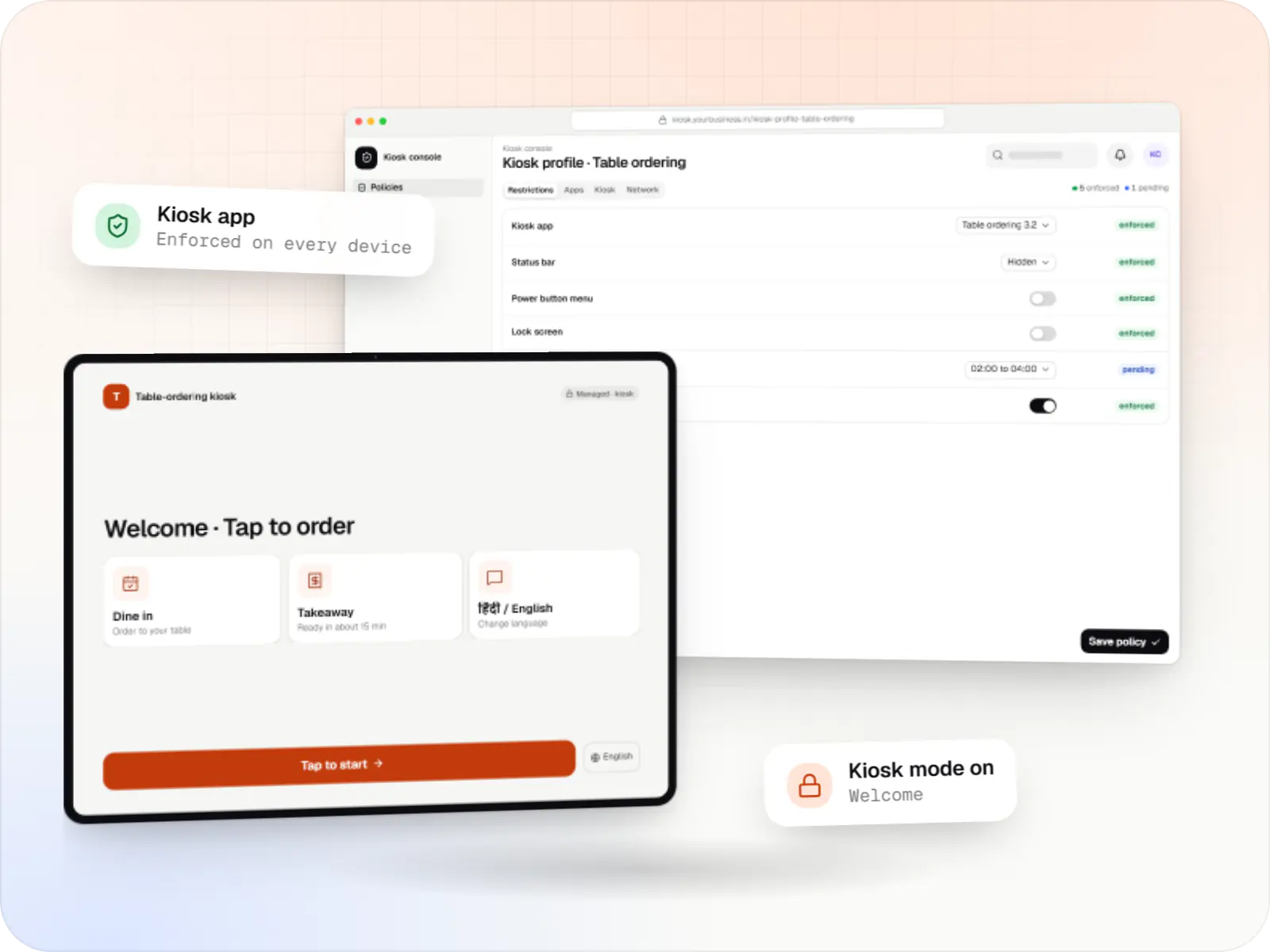
Single-app and multi-app kiosks for Android tablets, phones and terminals: locked ordering, check-in and catalogue apps that customers cannot escape.
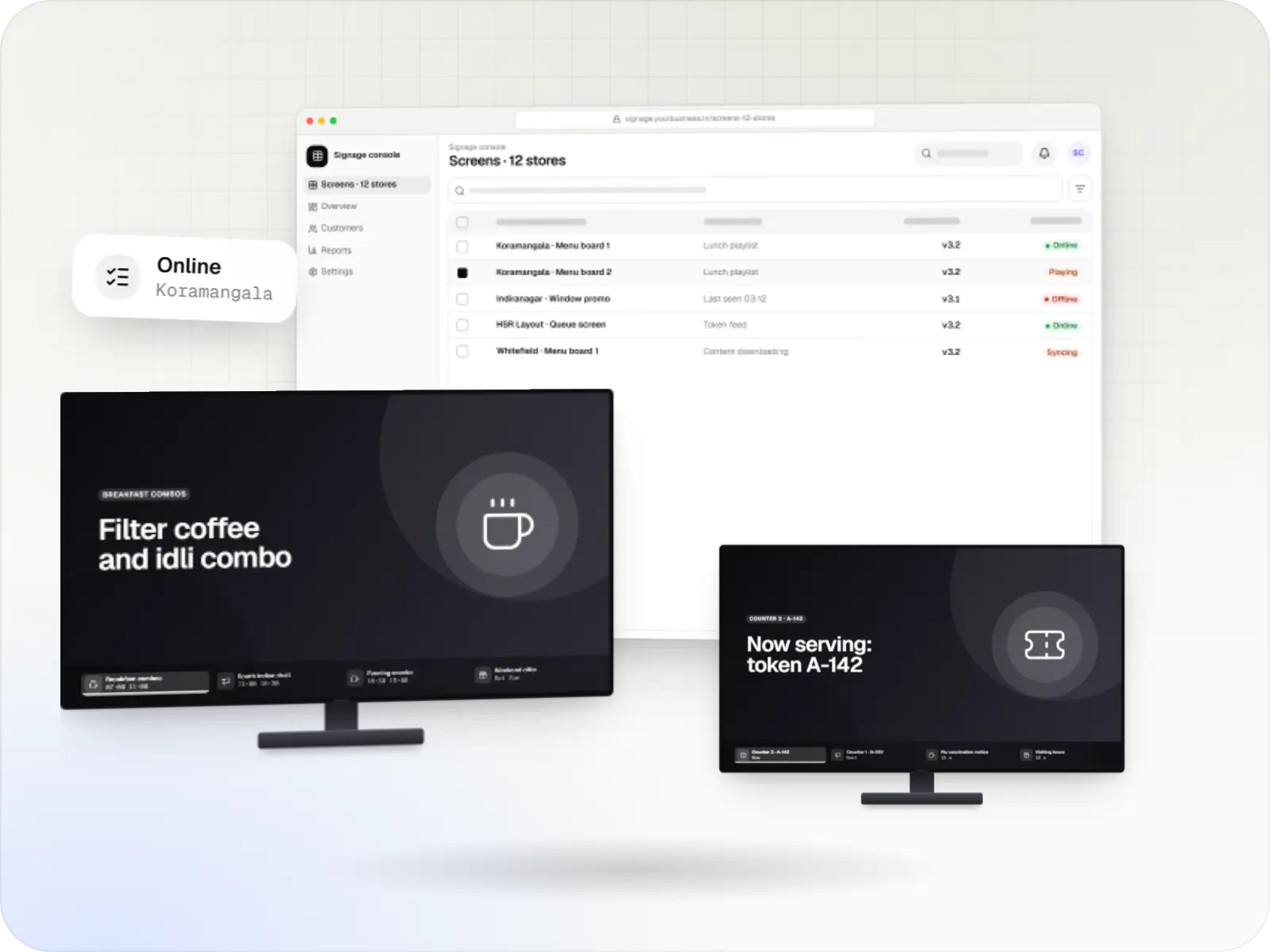
Player apps, a scheduling console and device management for menu boards, promotions and queue screens on signage players and devices running Android TV.
Services
The disciplines a project like this draws on.
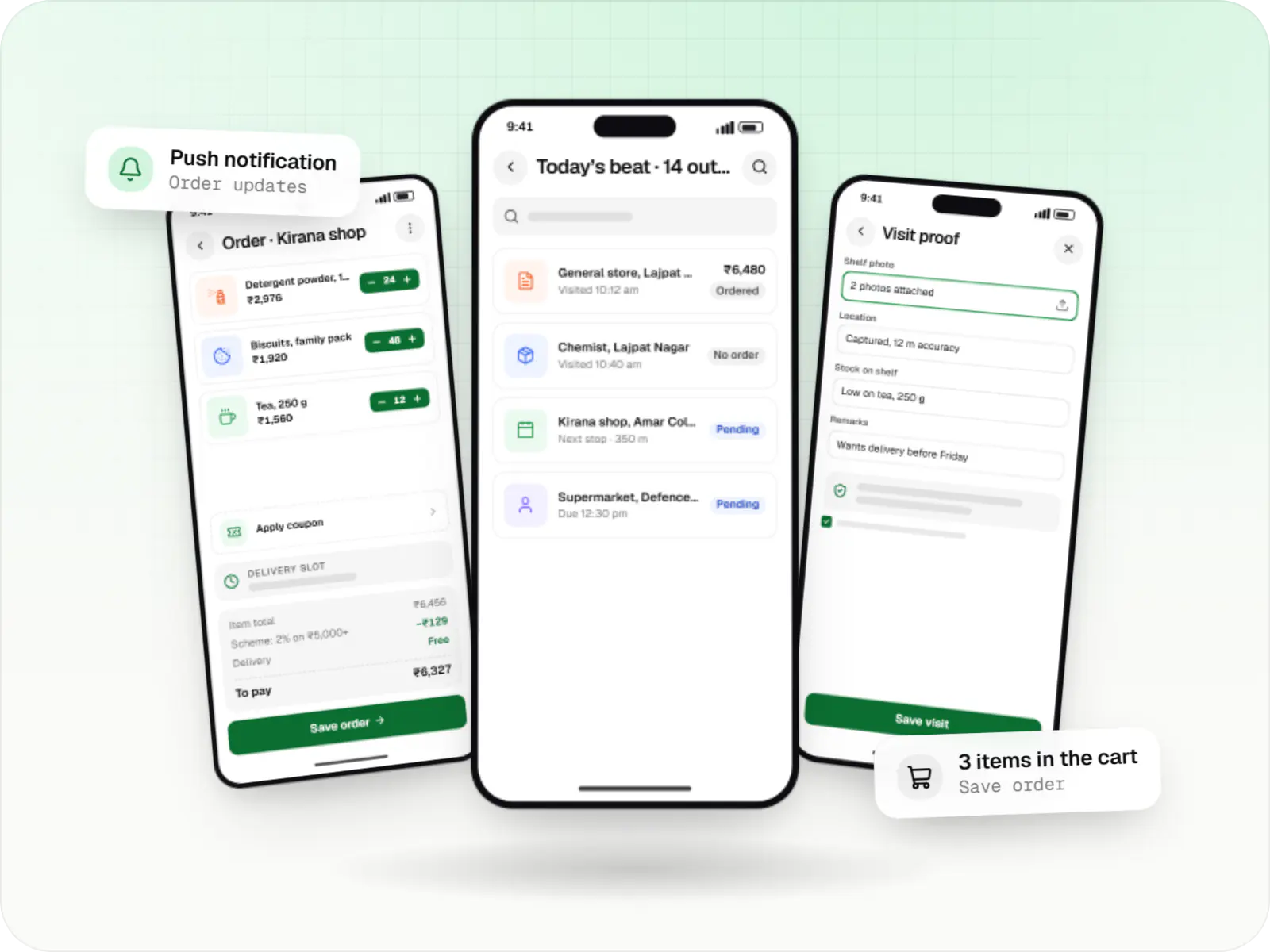
Native Android apps in Kotlin and Jetpack Compose, designed for entry-level phones, patchy networks and the background limits of popular Android brands.

Software shaped around how your business runs, from approvals and inventory to billing and reports, replacing spreadsheets and disconnected tools.

Back-office dashboards built around your team's daily tasks: order queues, approvals, catalogue management, payouts, reports and audit logs.

Secure, documented REST and GraphQL APIs, plus integrations that connect your apps to payment, logistics, GST, messaging and business systems.
Industries
Industries where this kind of product fits well.
More specific pages
POS device management for
FAQ
No, and we do not claim it does. Card payment security depends on your payment provider's certified payment app, the terminal's certification and how your business handles card data. Device management helps around that: only approved apps run, settings are locked and every change is logged. Questions about PCI scope belong with your payment provider or acquiring bank, and we work within the rules they set.
Often only partly. Terminals supplied by a payment provider are usually managed through the provider's or maker's own system, and the provider decides which outside apps may run. Where they allow a billing app and offer a management API, we connect it to the fleet view and deliver your billing app through their channel. Where they do not, we keep your billing app on separate terminals and manage those fully. We check the provider's terms before planning.
We design so that they should not. Billing app updates go to one pilot outlet first and then to the rest during the maintenance window after closing. OS updates follow the same window where the terminal lets us schedule them; on some maker builds the maker controls the timing, and we tell you which models those are. If an update misbehaves, the console can roll the billing app back to the previous version.
Head office marks it missing in the console, and the action is recorded with who took it. On a terminal running our device-owner agent, that switches it to a locked message screen so it cannot bill, and it can also be reset remotely to remove the billing app and its data. On terminals managed through the maker's system, we use the lock and reset that system offers. Location is only available if the terminal has location hardware and the policy allows it, and it is used to recover the device, not to track staff.
Yes, if the billing or payment app needs it. The policy can keep the camera available to those apps while the rest of the terminal stays locked, so staff scan codes inside the billing flow rather than opening a separate camera app. How narrowly camera access can be limited depends on the Android version and the management route, which we confirm per model.
Yes. Captain tablets, kitchen displays and menu screens are all dedicated devices with their own policies, and one console can hold them grouped by outlet. Each device type keeps its own lock settings and update window. If you only need terminals managed today, we design the console so other device types can be added later without rebuilding it.
Related

Next step
Tell us which terminals you use, how many outlets you run and which billing and payment apps they need. We will map what each model allows and send a line-item estimate.