


Mobile
Android (Kotlin)
Apps built specifically for Android, with full access to the phone's hardware, background location and company-managed devices.
Used for
- Apps for Android
- Delivery partner apps
- Billing and POS apps
- Field staff apps
Android kiosk mode
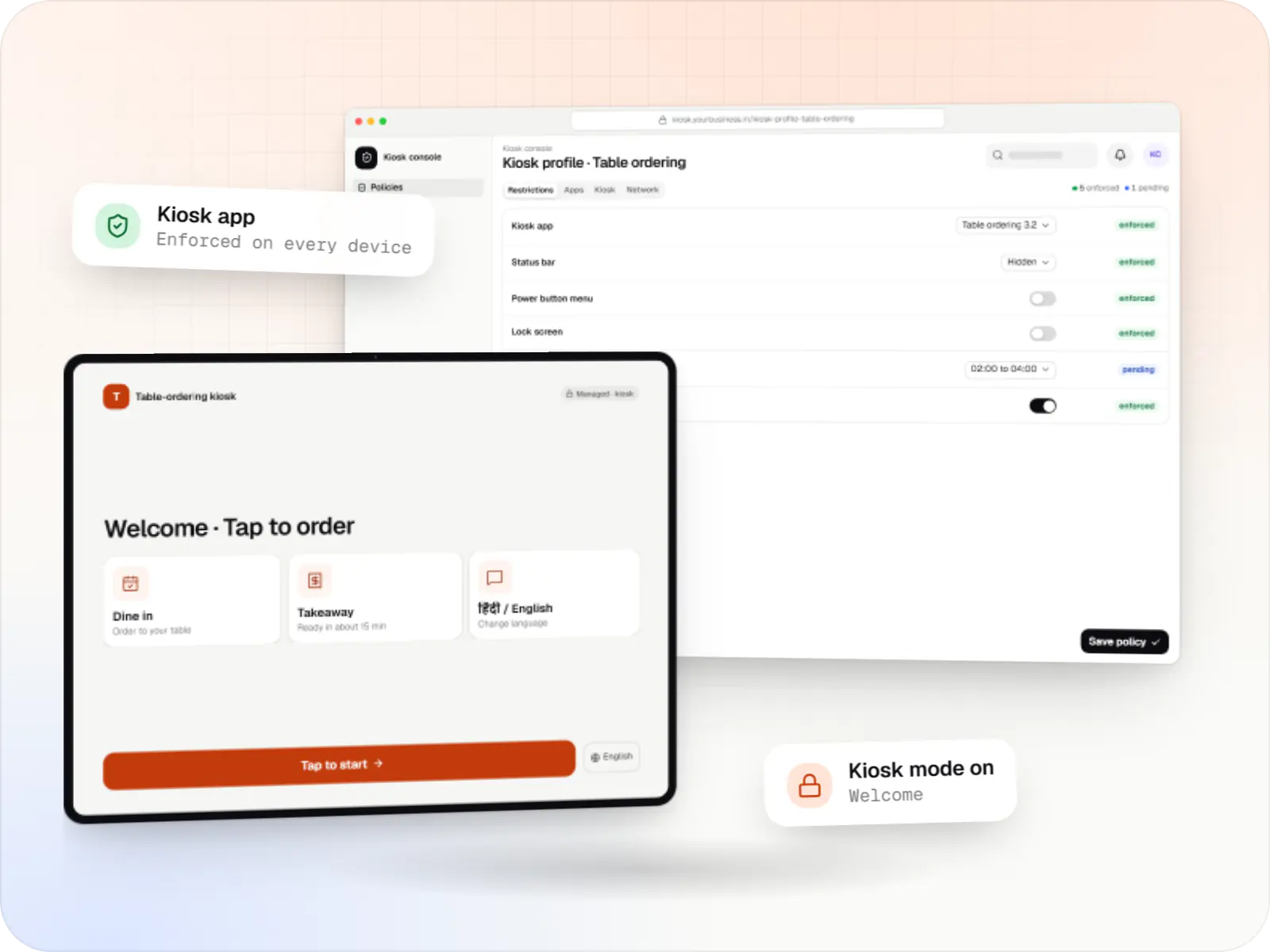
Tablets, phones and terminals locked to your app, so customers and staff see only what they should, with updates and health checks handled from one console.
At a glance
What it is
Single-app and multi-app kiosks for Android tablets, phones and terminals: locked ordering, check-in and catalogue apps that customers cannot escape.
How to start
Tell us what you need in your own words. You talk to the developers who would build it and get a written, line-item estimate.
Get a project estimateMany businesses start with a tablet in a stand and a browser pinned to the ordering page. Within weeks someone swipes down the notification shade, opens settings, or the tablet installs an update in the middle of lunch service.
A proper kiosk uses Android's lock task mode, available to a device's owner app since Android 5.0 and given finer controls in Android 9. Only allowlisted apps can run, the home and recent-apps buttons disappear, the status bar can be hidden and the lock screen switched off for public use. The device is set up as company-owned, so the lockdown survives restarts and cannot be removed from the settings menu.
We build the kiosk app your customers use, the lockdown and launcher around it, and the console where your team updates content and sees which kiosks are working.
Use cases
Restaurant and café tablets that show the menu in several languages, take orders and send tickets to the kitchen.
Hospital and clinic kiosks for registration, tokens and feedback, with no route to other apps or stored data.
Retail tablets that show the full catalogue, check stock at other stores and let staff book a home delivery.
Shared devices at a warehouse or factory gate for attendance, shift handover and daily checklists.
Transport, event and campus kiosks that issue tickets, answer common questions and show maps.
One-question feedback tablets at exits and counters, reset automatically after each response.
Comparison
| Single-app kiosk | Multi-app kiosk | Fully managed (no kiosk) | |
|---|---|---|---|
| What the user sees | Only your app, full screen, from power-on | A simple launcher with a few approved apps | A normal Android home screen with approved work apps |
| Typical use | Customer ordering, check-in, feedback, signage | Staff tablets with billing, stock and chat apps | Sales, delivery and technician phones |
| Home, recent apps and notifications | Hidden | Home shown for the launcher; notifications optional | Available as normal |
| How it is set on Android | Lock task mode with one allowlisted app (install type KIOSK in the Android Management API) | Lock task mode with several allowlisted apps and a kiosk launcher | Device-owner policies without lock task mode |
| Leaving the kiosk | Through the console, or a hidden PIN-protected exit where the set-up allows one | The same; staff switch only between allowed apps | Not applicable |
| Lock screen | Usually off for public devices | On or off, depending on who uses it | On, with a passcode |
Challenges
Swiping down, long-pressing the power key or opening recent apps to reach a video site or settings.
Low-battery warnings, update prompts and other apps' notifications covering the ordering screen.
Tablets dimming, sleeping, or stuck on the home screen after a power cut instead of reopening your app.
App or system updates starting during peak hours and leaving a kiosk on a progress bar.
Staff find out a kiosk is broken only when a customer complains.
What is included
Platform: Kiosk tablet or terminal
Platform: Managed device
Platform: Admin dashboard
Platform: Admin dashboard
How it works
Once set up, a kiosk runs this loop every day without anyone touching it.
The device boots and its management agent starts; the lockdown policy has been in place since enrolment.
Your kiosk app launches by itself, full screen, with home, recent apps and notifications hidden.
They order, check in or leave feedback; the idle timer clears the screen for the next person.
If payment or printing is needed, only the allowlisted payment or printer app opens, then control returns to the kiosk.
Every few minutes the kiosk reports battery, network and app version; silence raises an alert for the site manager.
After closing, app updates install, content refreshes and the device restarts if scheduled, ready for the morning.
Then it starts again at step 1: Power on
Platforms
Company-owned Android tablets and phones, POS terminals running Android, and TV displays where the model supports device-owner management, plus the kiosk console.
Android phones, tablets and rugged handhelds with Google Play services, managed through Android Enterprise: company-owned devices as fully managed, dedicated (kiosk) or work-profile devices, and personal phones through a work profile only.
Countertop and handheld billing terminals running Android-based software, locked to approved billing and payment apps where the terminal maker or supplier allows device-owner or SDK control.
TV screens and set-top boxes running Android TV for menus, lobbies and signage. The Android Management API does not support them at the time of writing, so control relies on a device-owner app or the maker's tools, confirmed model by model.
Commercial displays and media players showing menus, offers and notices, with scheduled playlists, content updates and remote health checks through the player software.
Back-office panels for operations, support and finance teams: orders, users, content, reports and permissions.
Technology
Kotlin for a fast, dependable kiosk app; Android's lock task APIs or the Android Management API for the lockdown; a small backend that pushes content and collects heartbeats.
Mobile
Apps built specifically for Android, with full access to the phone's hardware, background location and company-managed devices.
Used for
Device management
Built-in Android APIs that let one trusted app control a company device: kiosk lock, silent app updates and restrictions, even without Google Play.
Used for
Device management
A Google cloud API for device-management products: your console sets the rules, and a Google app on each Android device applies them.
Used for
Cloud & DevOps
Ready-made building blocks for mobile apps, such as push notifications, phone OTP login and crash reports, so you launch sooner.
Used for
Backend
A structured way to build back ends on Node.js, so large business systems stay organised, testable and easy to hand over.
Used for
Data
A reliable database for the records your business runs on: orders, payments, bookings and stock, kept accurate and easy to report on.
Used for
Web
Builds interactive screens in the browser, such as dashboards, admin panels and portals, that respond instantly as your team works.
Used for
Plain-English glossary
Product preview
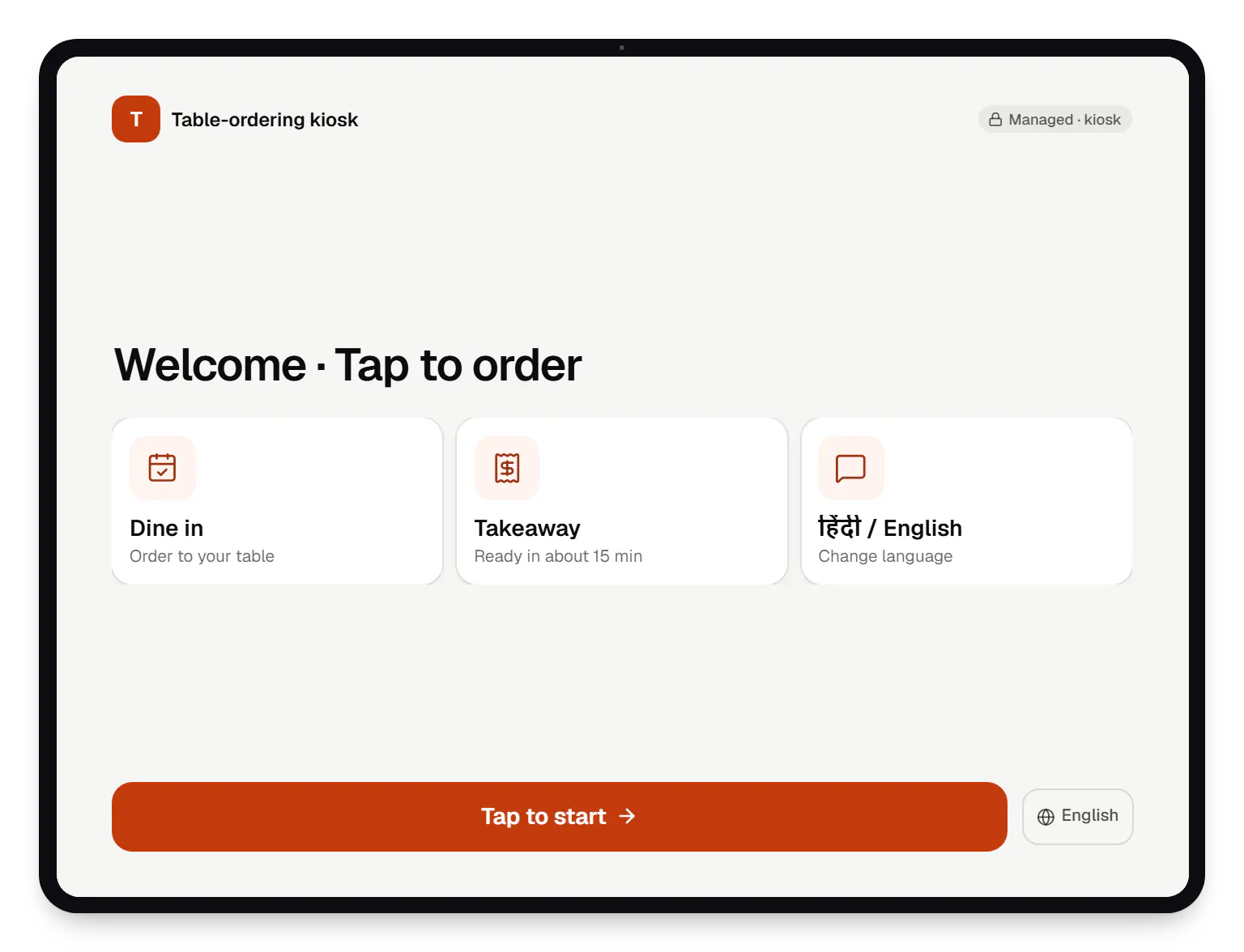
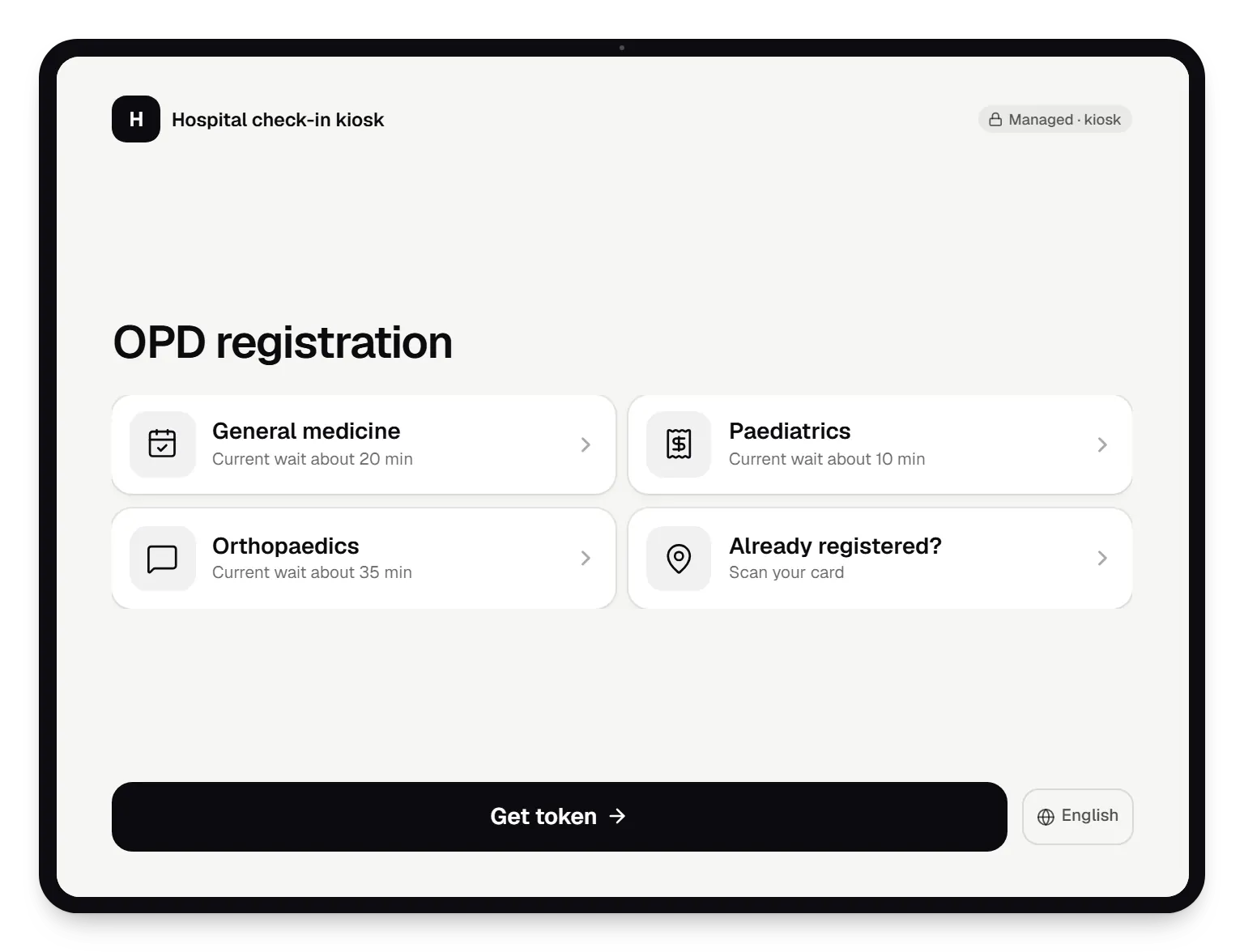
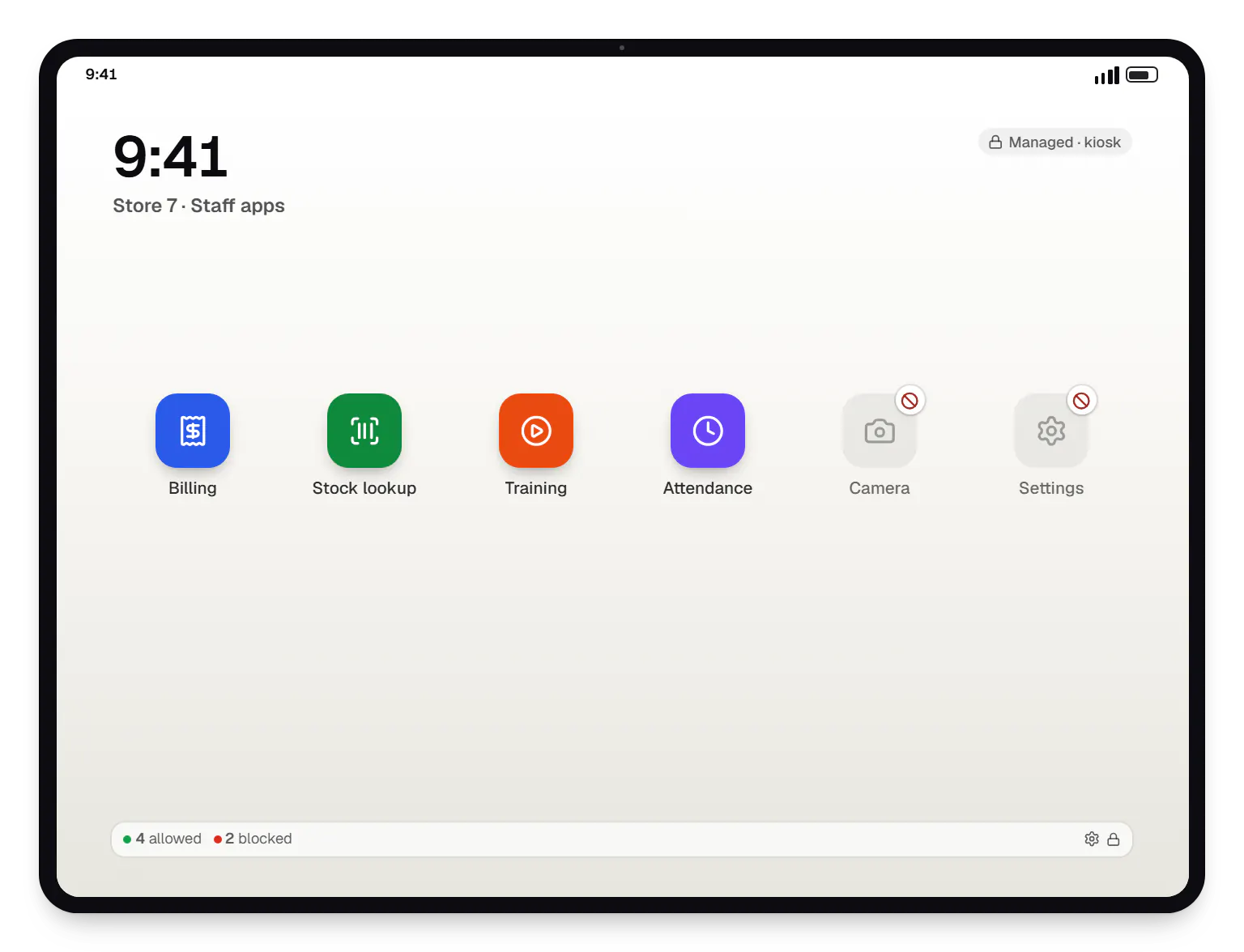
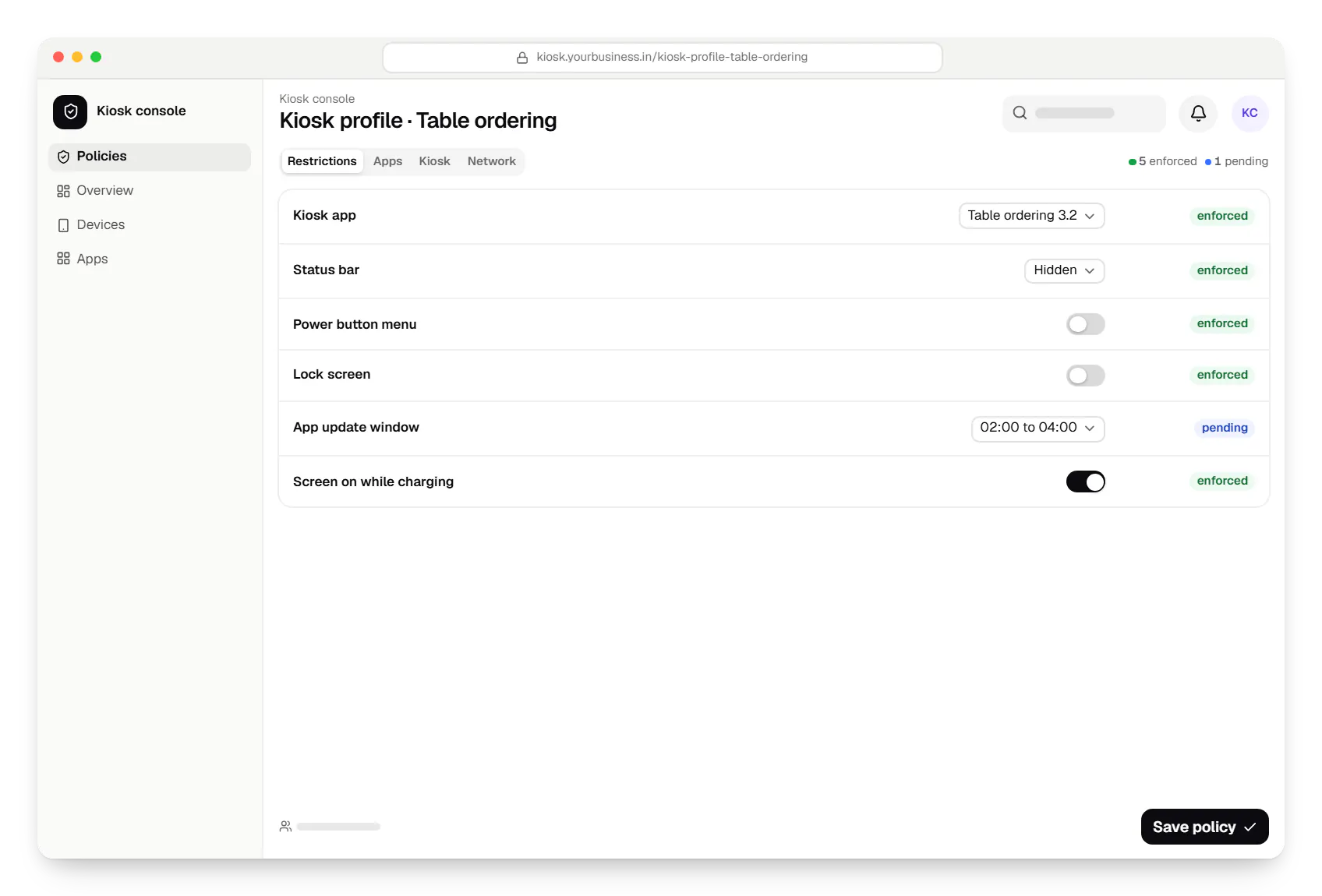
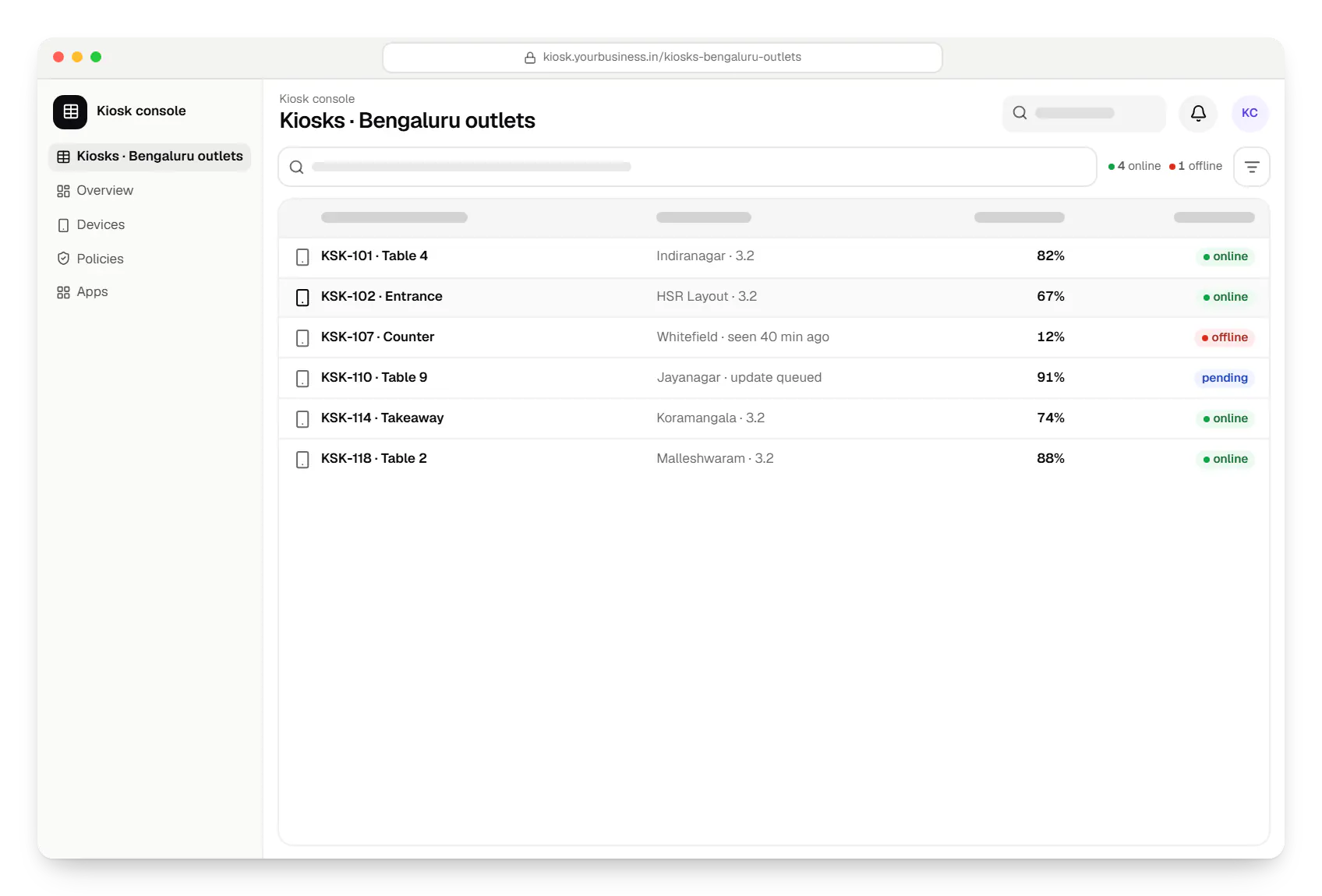
Sample screens: names, prices and figures are examples, not client data.
Work

Device management & kiosk solutions
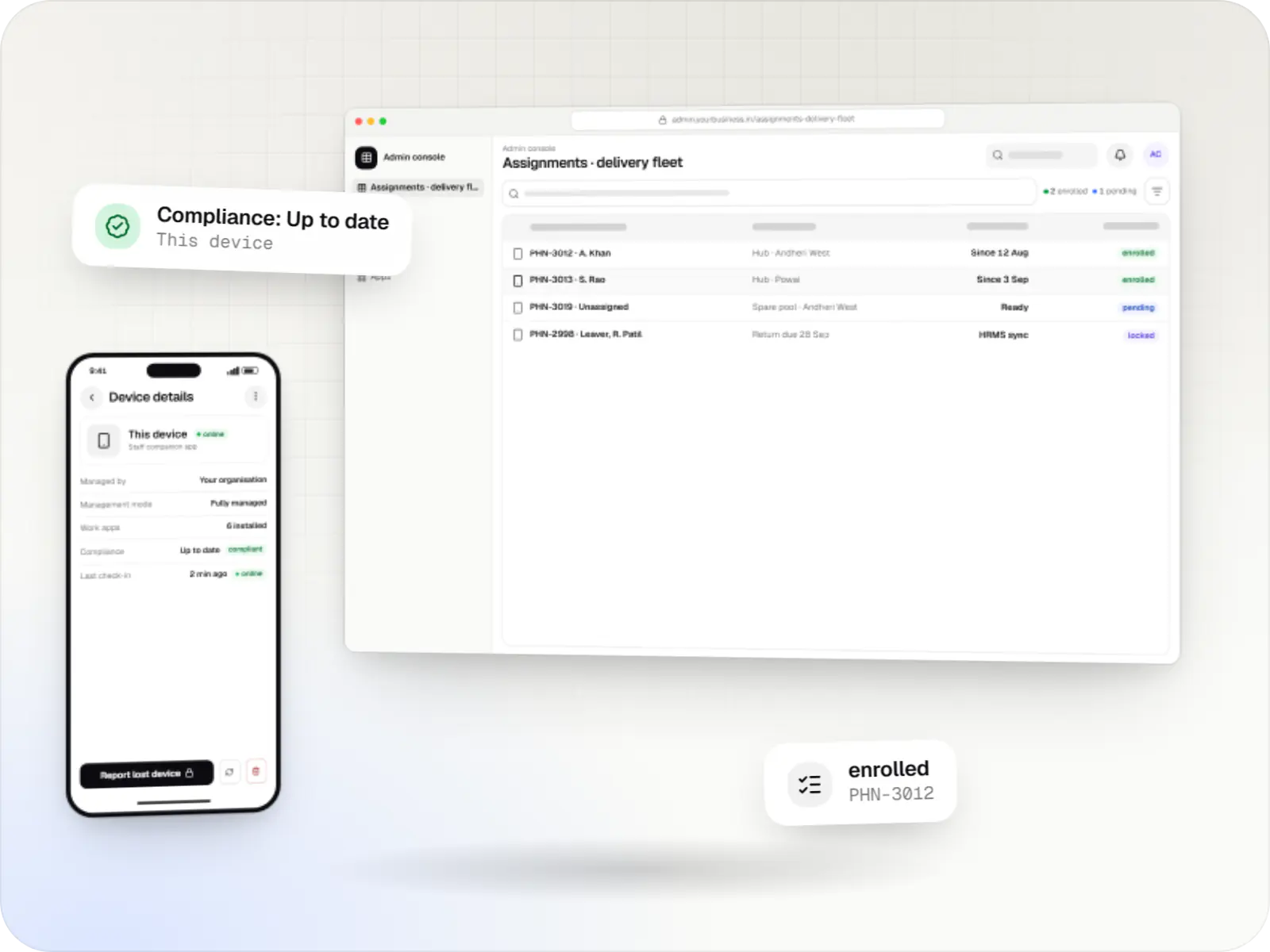
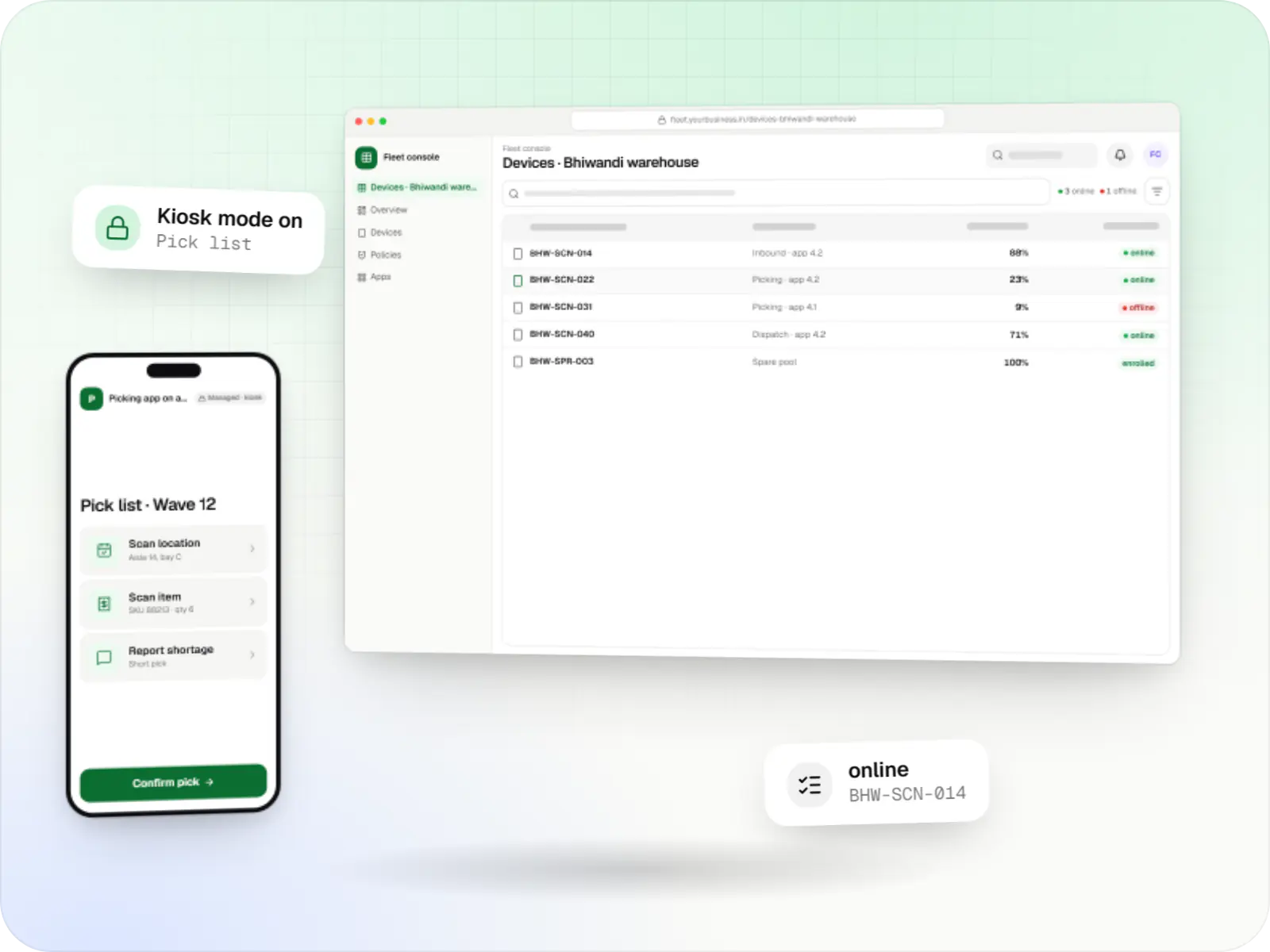
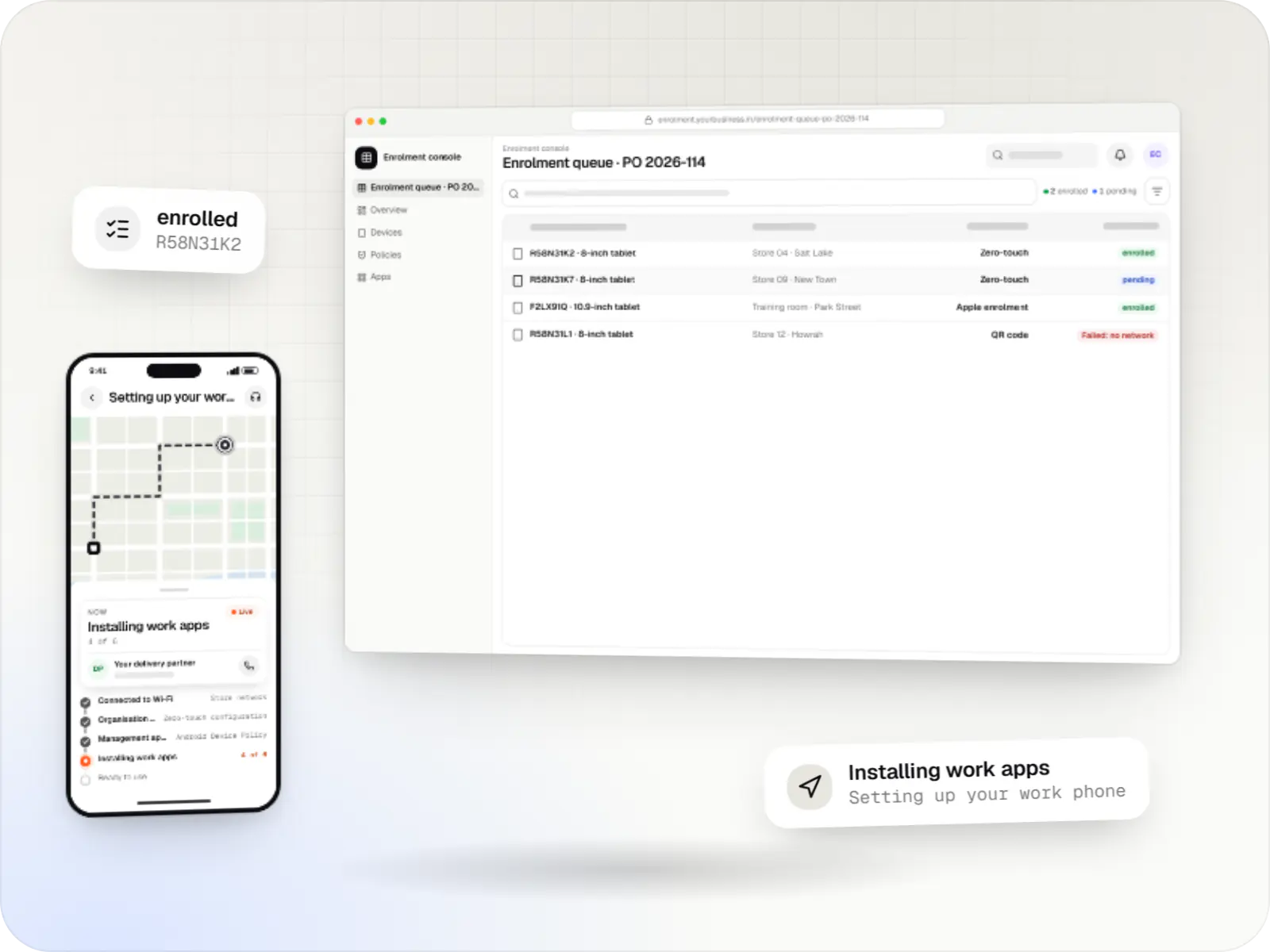
An illustrative kiosk product for retail chains: locked Android tablets for catalogues and price checks, a staff launcher, and a console to enrol, update and monitor every device.
Runs on
Built with
Industries
Cost drivers
A feedback screen is a small app; self-ordering with menus, add-ons, payments and kitchen tickets is a full product.
A multi-app kiosk needs a launcher, allowlist management and testing of every hand-off between apps.
Each tablet or terminal model is tested for lockdown, power behaviour and peripherals; one model is far simpler than five.
Receipt printers, card or UPI payment devices, barcode scanners and token printers each need integration and on-site testing.
An EMM you already license costs least; the Android Management API suits a kiosk-management product you offer to other businesses; a custom device-owner app adds an Android app to maintain.
Menus or content editable from the console, and several Indian languages, add design and backend work.
Staging devices, installation guides for each site and a spare-device plan.
Estimates are written from your scope, with the effort and assumptions behind each line item.
How pricing worksProcess
We map what a customer does at the kiosk, and test your tablet or terminal model for lock task support, auto-start and power behaviour.
You getJourney map and hardware report
Clickable screens run on the actual hardware in its stand, at standing height, before the full build.
You getKiosk prototype
Kiosk app, launcher and lockdown policy are built together and tested against every escape route we know of.
You getKiosk build and lockdown test sheet
A kiosk runs with real customers for two to four weeks while we watch heartbeats, idle resets and support calls.
You getPilot findings
Devices are enrolled in batches with a printed set-up card for each site, and updates follow a nightly window.
You getRollout tracker and support plan
Services
The disciplines a project like this draws on.
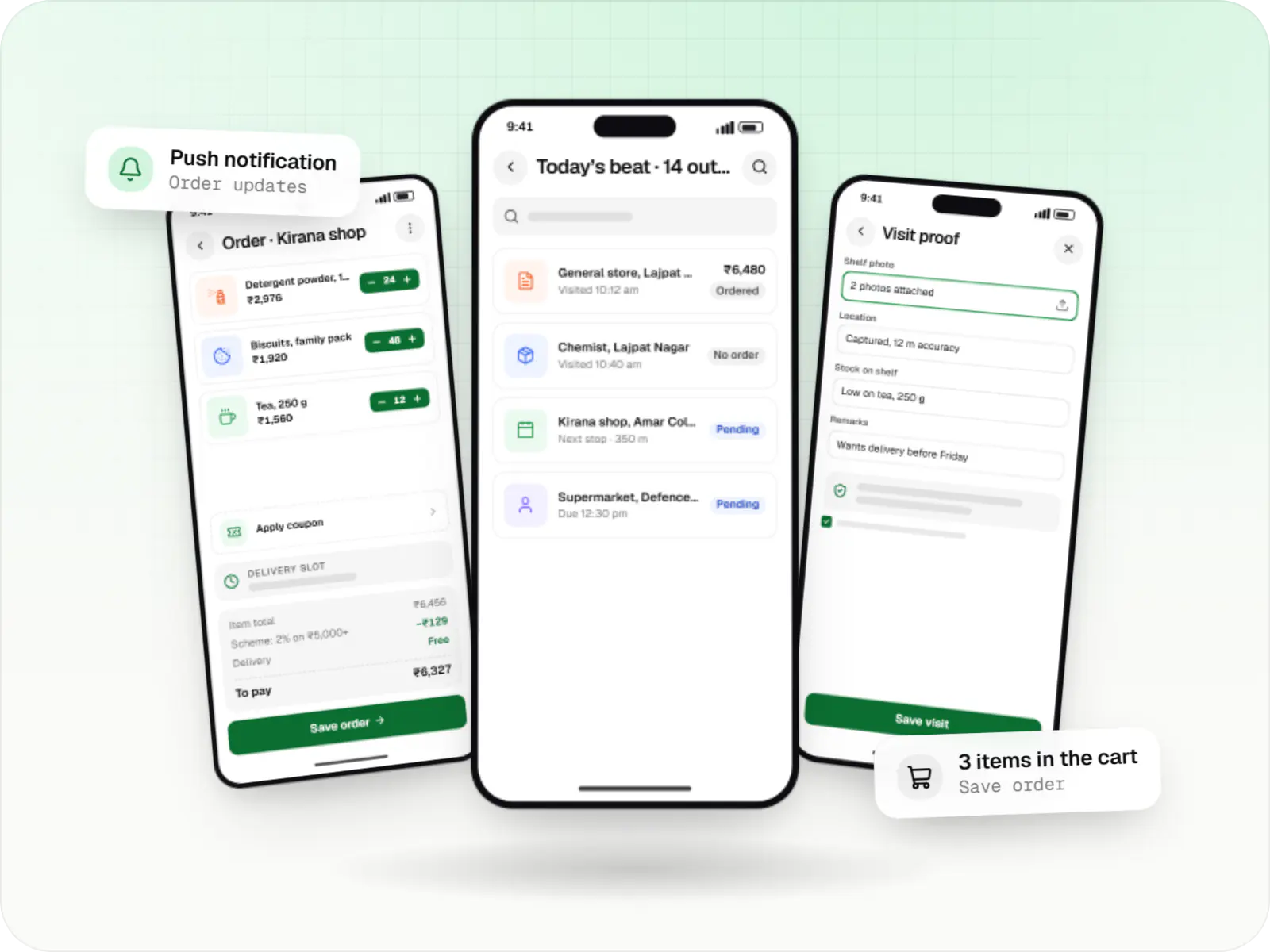
Native Android apps in Kotlin and Jetpack Compose, designed for entry-level phones, patchy networks and the background limits of popular Android brands.

Back-office dashboards built around your team's daily tasks: order queues, approvals, catalogue management, payouts, reports and audit logs.

Software shaped around how your business runs, from approvals and inventory to billing and reports, replacing spreadsheets and disconnected tools.

Product design for web and mobile apps: research, user flows, wireframes, prototypes and design systems that engineers can build from.

Secure, documented REST and GraphQL APIs, plus integrations that connect your apps to payment, logistics, GST, messaging and business systems.
More specific pages
Android kiosk mode development for
FAQ
Not through normal use when lock task mode is set up properly: home, recent apps and notifications are hidden, other apps cannot open and settings are out of reach. On company-owned devices we also block factory reset from settings and safe mode. Physical access still matters, because someone with tools can damage or force-reset hardware, so enclosures, mounting and factory reset protection are part of the plan.
Most maintenance needs no one on site: apps, content and settings change from the console. When a technician must use the device, they leave kiosk mode either through a hidden, PIN-protected exit in the app, where the lockdown route allows one, or by switching the device to a maintenance policy from the console. Both are logged, and PINs can be changed per site.
Often yes, if the model has Google Play, a supported Android version and still receives security updates. Very cheap tablets sometimes lack management features, stop getting updates early, or are not designed to stay on charge all day. We test your chosen model for lock task support, auto-start after power cuts and charging behaviour before you buy in bulk.
The kiosk keeps working for anything it can do offline: menus, check-in forms and feedback are stored on the device and sent when the connection returns. Actions that need a live server, such as confirming an online payment, show a clear message instead of freezing. The console marks the kiosk offline after missed heartbeats, so staff know before a customer complains.
Yes. We can lock the device to a kiosk browser app that opens only your web address, hides the address bar and blocks other sites. It is a quick start if your ordering or check-in system is already web-based. A native app is usually faster, copes better offline and talks to printers and scanners more reliably, so many kiosks move to one later.
Some do. Device-owner management and lock task mode on televisions and set-top boxes vary by model and Android version, and many lack the setup screens used for QR or zero-touch enrolment. For menu boards and signage we test the exact model first; where it cannot be managed properly, a commercial signage player with its own management software is often the more dependable choice.
Through the console. A new version is published to managed Google Play as a private app, or to your own update server for a custom device-owner set-up, and installs in the maintenance window you choose, usually overnight. With the Android Management API, that daily window is how Google Play updates an app pinned on screen. We release to a few kiosks first, for example through a test track, and widen the rollout once they check in healthy.
Related
Next step
Tell us what customers or staff should do at the kiosk and which hardware you have in mind. We will test the lockdown on it and send a line-item estimate.