


Mobile
Android (Kotlin)
Apps built specifically for Android, with full access to the phone's hardware, background location and company-managed devices.
Used for
- Apps for Android
- Delivery partner apps
- Billing and POS apps
- Field staff apps
Kiosk mode · Healthcare
Check-in, feedback and ward tablets locked to approved apps, with patient details cleared after every session and every device managed from one console.
This page brings together
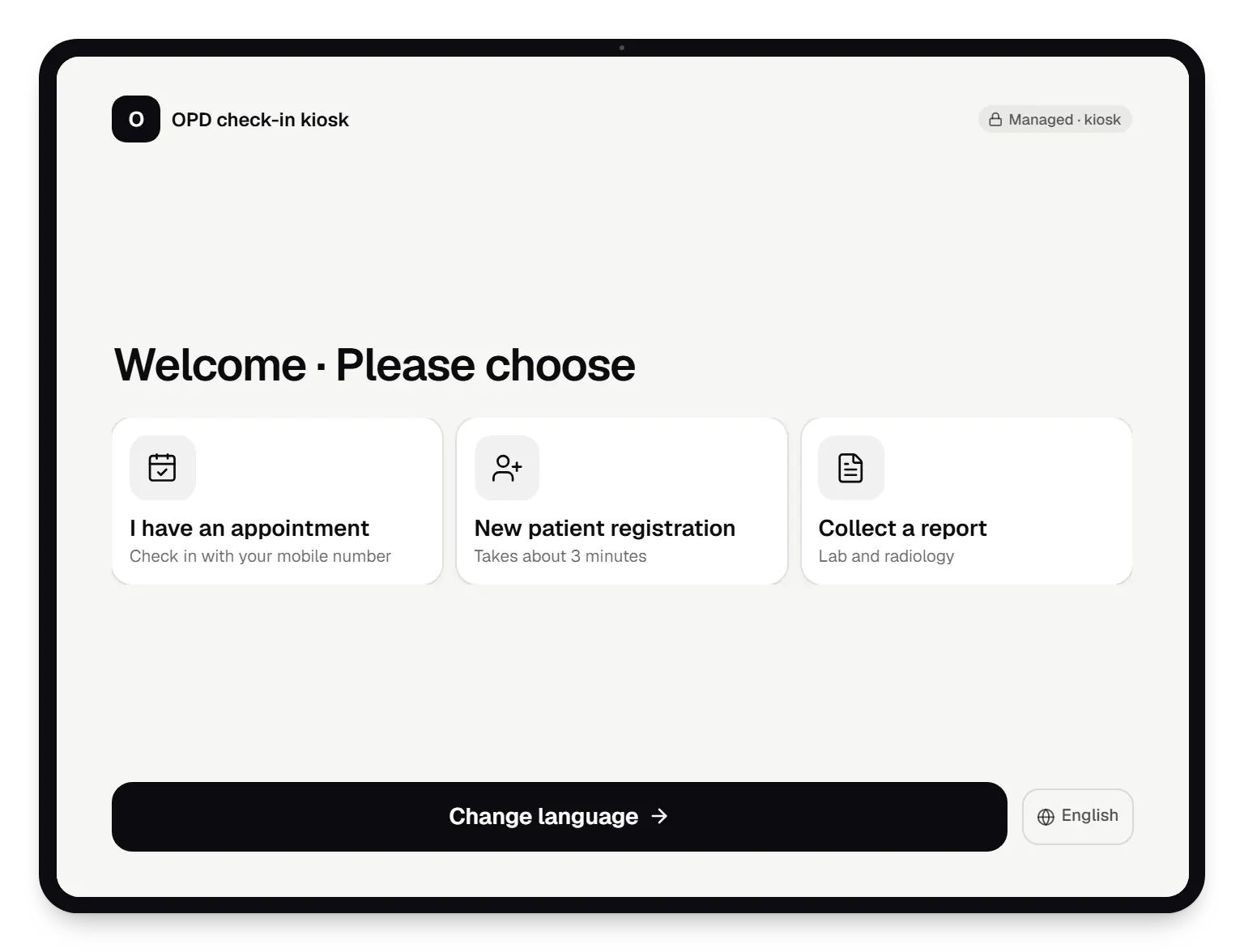
Hospitals and clinics use tablets in more places every year: self check-in at the OPD reception, feedback at discharge, wayfinding across large campuses and shared tablets at nursing stations. In healthcare the risk is not only a patient opening a video app. It is a patient seeing the previous person's name, phone number or appointment on a shared screen, or a ward tablet leaving the building with records on it.
Kiosk mode lets a company-owned tablet run only the approved check-in or ward apps, with the status bar, settings and other apps out of reach. We build kiosk apps that keep nothing on the device after a session, connect them to your hospital information system through its API where one exists, and manage every tablet centrally: which apps it runs, when it updates and what happens if it goes missing.
Challenges
Shared check-in tablets must clear every field and cached record the moment a session ends or goes idle.
Self check-in only helps if it is faster than the counter, including for first-time and elderly patients.
Disinfectant wipes cause stray taps, so the app needs a cleaning mode that ignores touches for a short time.
A lost ward tablet must be locked quickly, and should hold no patient data in the first place.
Appointments, billing and records often sit in different systems with different integration options.
What is included
Platform: Android tablet (single-app kiosk)
Platform: Android tablet (multi-app kiosk)
Platform: Admin dashboard
Platform: Back end
How it works
The kiosk shows three large choices in the patient's language, with nothing else on screen.
An OTP to the registered mobile number confirms the booking, so nobody checks in as someone else.
The kiosk marks the arrival through the system's API and receives the token number and department.
The token appears on screen and by SMS; the queue display later calls it by number, not name.
All fields and cached data are wiped when check-in ends or after 60 seconds idle, and the welcome screen returns.
Offline, low-battery or out-of-policy tablets raise alerts during OPD hours, and app updates install at night.
Then it starts again at step 1: Patient chooses "I have an appointment"
Product preview
Illustrative screens. Departments, wards and settings are invented.
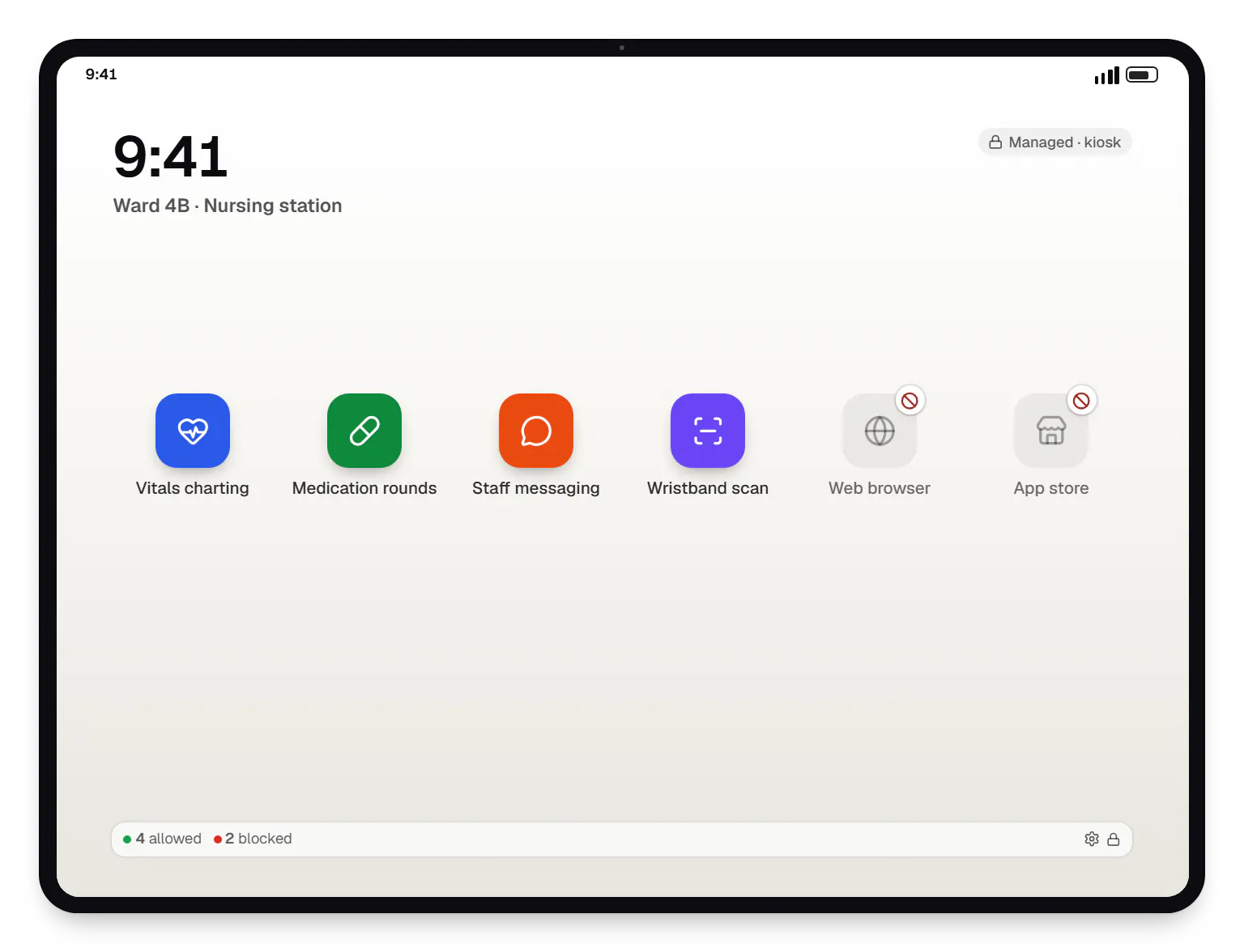
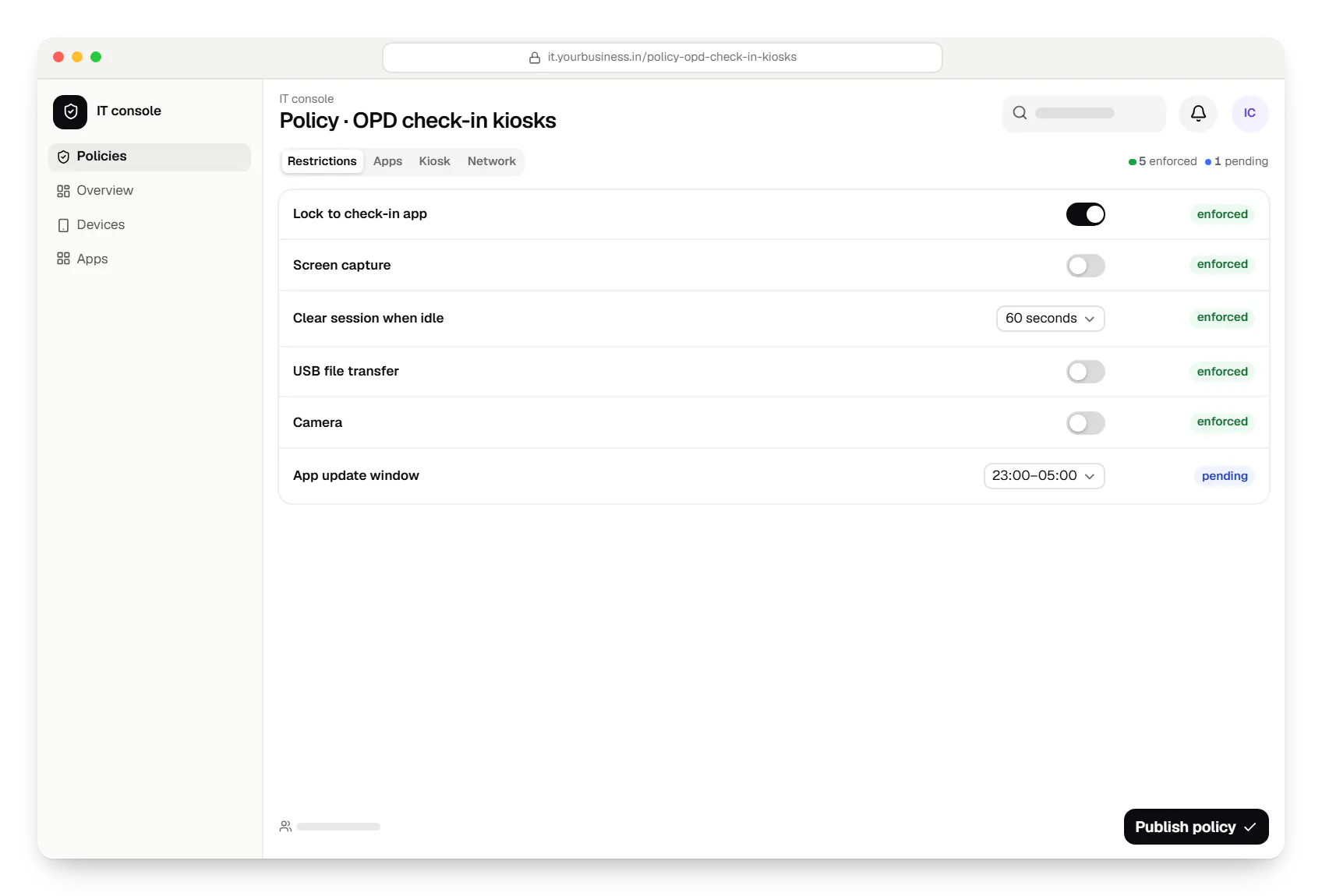
Sample screens: names, prices and figures are examples, not client data.
Privacy & security
Check-in data goes straight to the hospital system over an encrypted connection; the kiosk keeps no patient records after a session.
Queue displays and tokens use numbers, so waiting areas never show who is being called.
New registrations show a short notice of what is collected and why, in line with the Digital Personal Data Protection Act, 2023.
Ward tablets can be locked or wiped remotely; on company-owned devices with a supported Android version, lost mode can also show a return message and report location while lost.
Every remote lock, wipe or policy change is logged with the administrator and time.
Check-in, queue, feedback and wayfinding kiosks are administrative tools. If a tablet app is meant to interpret clinical data, for example to suggest a diagnosis or a dose, it may be regulated as medical device software, and we flag that early so your regulatory adviser can assess it.
Ward tablets in our designs display and capture data inside your existing clinical systems. They do not replace those systems' own sign-in, access rules and audit logs, and device management does not give IT staff access to patient records.
Platforms
Company-owned Android tablets at reception desks and on wards, and the web console your IT team uses.
Android phones, tablets and rugged handhelds with Google Play services, managed through Android Enterprise: company-owned devices as fully managed, dedicated (kiosk) or work-profile devices, and personal phones through a work profile only.
Back-office panels for operations, support and finance teams: orders, users, content, reports and permissions.
Browser-based applications with logins, roles and workflows, such as customer portals, SaaS products and internal tools.
Technology
Kotlin kiosk apps with lock task mode, policies through the Android Management API or a device-owner app, and a NestJS integration layer for your hospital system.
Mobile
Apps built specifically for Android, with full access to the phone's hardware, background location and company-managed devices.
Used for
Device management
A Google cloud API for device-management products: your console sets the rules, and a Google app on each Android device applies them.
Used for
Device management
Built-in Android APIs that let one trusted app control a company device: kiosk lock, silent app updates and restrictions, even without Google Play.
Used for
Backend
A structured way to build back ends on Node.js, so large business systems stay organised, testable and easy to hand over.
Used for
Data
A reliable database for the records your business runs on: orders, payments, bookings and stock, kept accurate and easy to report on.
Used for
Data
Keeps frequently used data in fast memory, so apps stay quick on busy days and live features like order tracking feel instant.
Used for
Cost drivers
Recording arrival and issuing tokens through a documented API is modest; systems without one need an interface agreed with the vendor.
Check-in, registration, feedback and ward tablets each have their own screens, rules and testing.
Large text, audio prompts and several languages matter for elderly and first-time patients.
Token printers and queue displays add hardware testing at each reception.
The route depends on whether the solution serves many hospitals or one group, and more campuses mean more rollout waves.
Estimates are written from your scope, with the effort and assumptions behind each line item.
How pricing worksProcess
We watch check-in during peak OPD hours and list what the kiosk must do faster than the counter.
You getKiosk flow and integration plan
Data flows, retention and notices are reviewed with your IT and legal teams before the build starts.
You getData-flow document
Two or three kiosks run next to the counter, with staff helping patients during the first days.
You getPilot findings
Departments and campuses are added in waves, with night-time update windows from the start.
You getSupport plan
Work

Device management & kiosk solutions
An illustrative kiosk product for retail chains: locked Android tablets for catalogues and price checks, a staff launcher, and a console to enrol, update and monitor every device.
Runs on
Built with
Healthcare software
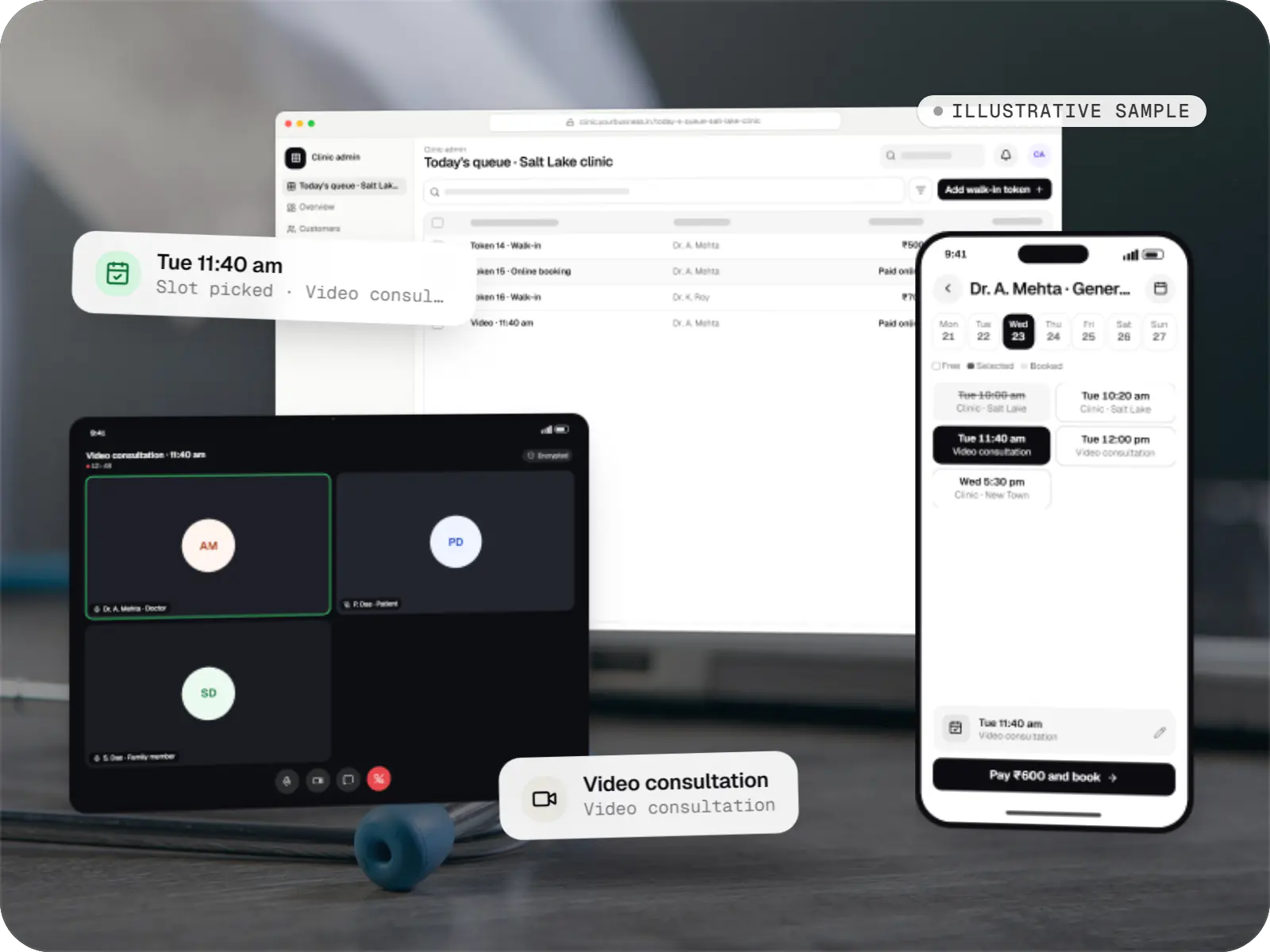
An illustrative patient app, doctor app and clinic admin for in-person and video consultations, with digital prescriptions and consent-based record access.
Runs on
Built with
Solutions
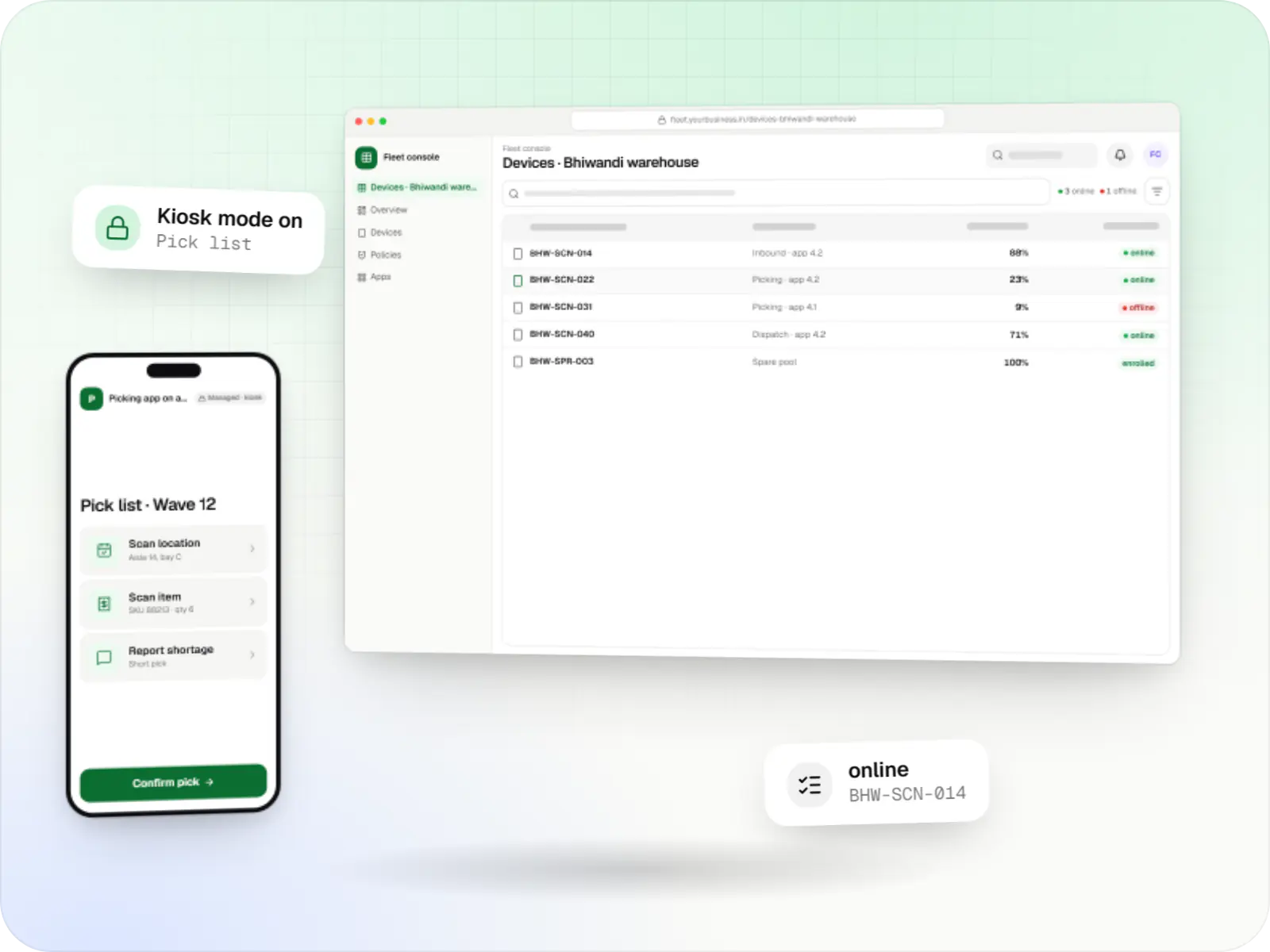
Fleet management for single-purpose Android devices: rugged scanners, delivery handhelds and shift tablets, kept charged, updated and healthy across sites.
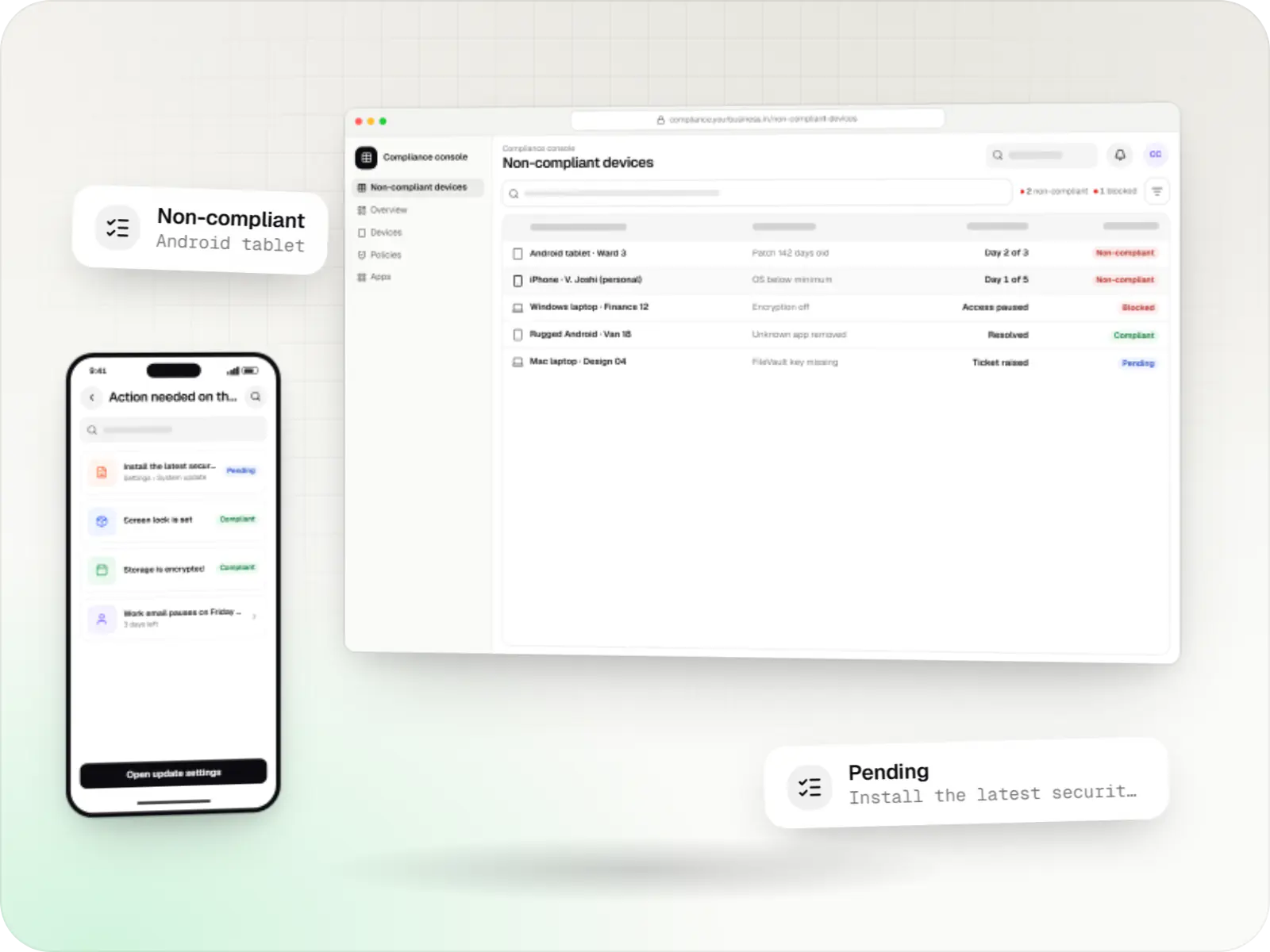
Compliance rules for Android, Apple and Windows devices: passcodes, encryption, OS updates, app lists, remote lock and wipe, audit logs and reports.
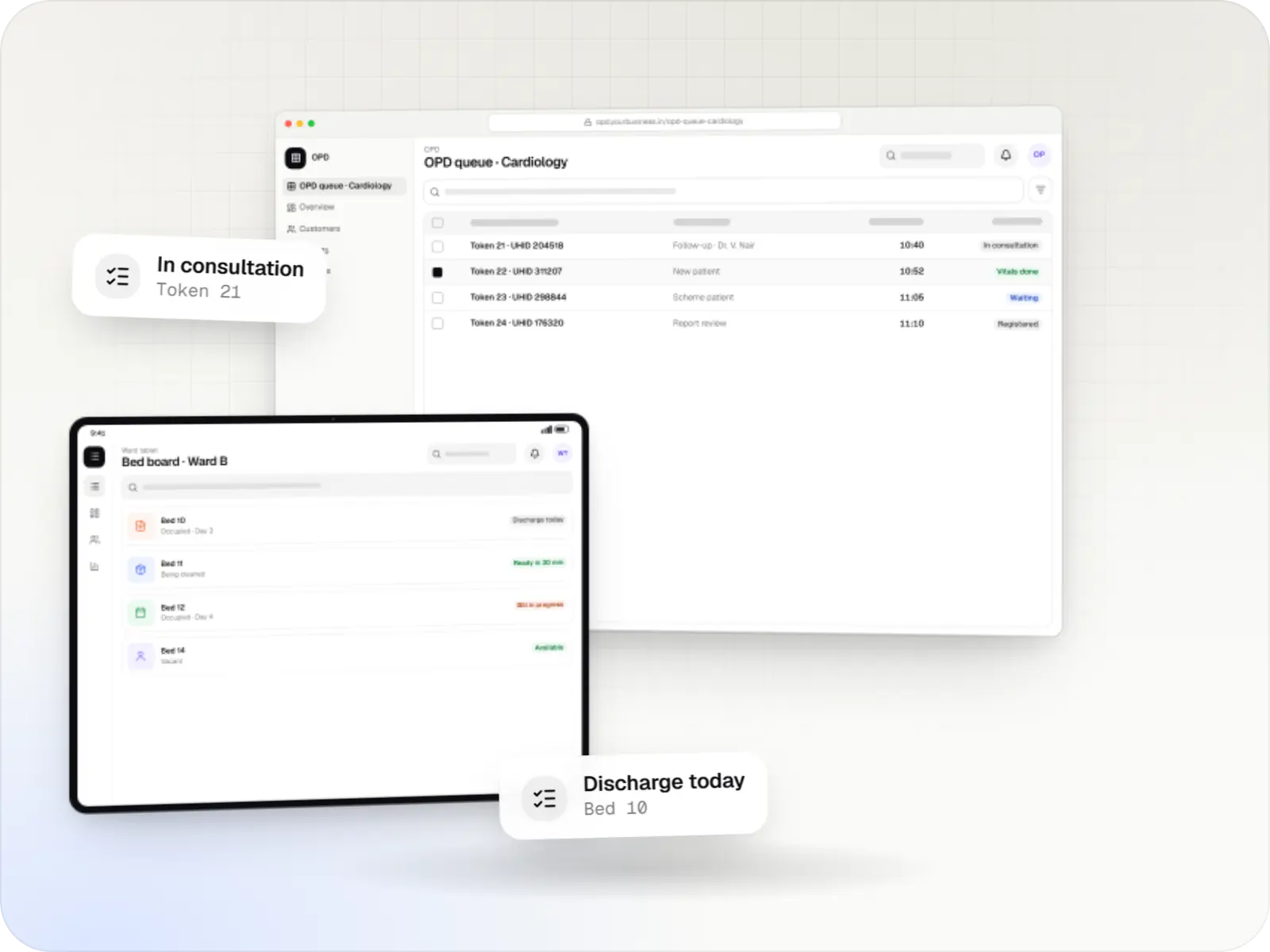
Hospital management software covering registration, OPD, IPD, billing, pharmacy, lab and insurance workflows, with ABDM options and role-based access.
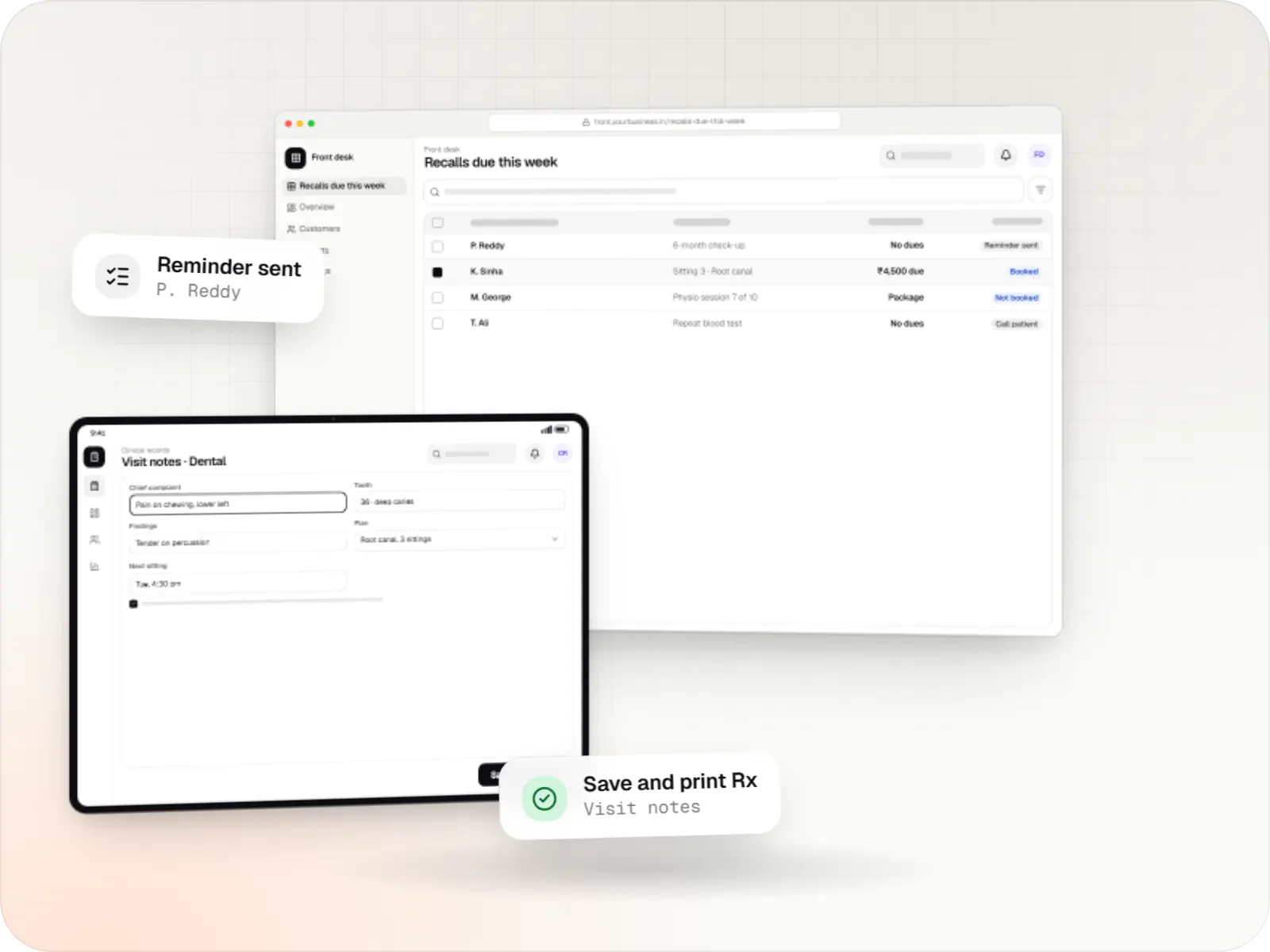
Patient records, visit notes, treatment plans, billing and recalls for clinics, dental and physiotherapy practices, diagnostic centres and speciality care.
More pages
More pages for android kiosk mode development and healthcare.
FAQ
The kiosk app keeps session data in memory only, never writes it to storage and clears every field when check-in ends or the screen has been idle for about a minute. Autofill is turned off, and the app's text fields ask the keyboard not to learn from what is typed. We test this on the actual tablet models with your staff before any patient uses them.
Usually, yes, if the system offers an API or an HL7 or FHIR interface for appointments and registration. Where it does not, we agree an interface with the vendor, or start with a token-only kiosk that staff match at the counter. We check this in the first week, because it drives both cost and timeline.
They need cases suited to your cleaning routine and a cleaning mode in the app, which ignores touches for about 30 seconds while the screen is wiped. Wall or floor stands with cable locks suit reception areas. We test the chosen tablet and case with your infection-control team's usual disinfectant before you buy in volume.
A kiosk used for check-in, tokens, feedback or wayfinding is an administrative tool. Software intended to diagnose, monitor or treat patients may be regulated as a medical device in India, so if a tablet app would interpret clinical data, we raise it during scoping and involve your regulatory adviser before building.
Yes. We design for large text, simple words and clear icons first, then add Hindi and the regional languages your patients use, with audio prompts where reading is difficult. The language choice resets with each session, so the next patient always starts from the welcome screen.
Next step
Tell us which desks and wards need tablets and which hospital system you use, and we will outline a pilot with an itemised estimate.


