Web
React
Builds interactive screens in the browser, such as dashboards, admin panels and portals, that respond instantly as your team works.
Used for
- Web apps
- Admin panels
- Dashboards
- Customer portals
Healthcare · Clinic software
EMR templates for your speciality, treatment plans, billing and recalls in one place, quick enough to use between patients.
At a glance
What it is
Patient records, visit notes, treatment plans, billing and recalls for clinics, dental and physiotherapy practices, diagnostic centres and speciality care.
How to start
Tell us what you need in your own words. You talk to the developers who would build it and get a written, line-item estimate.
Get a project estimateClinical software fails when documenting a visit takes longer than the visit. Doctors return to paper, and the system becomes a billing tool with empty records.
So a patient management system should start with the speciality. A dental practice needs a tooth chart and multi-sitting treatment plans; a physiotherapy clinic needs session packages and progress scales; a dermatology or fertility centre needs photo documentation and cycle tracking. Sensible defaults, saved favourites and keyboard-friendly entry keep notes quick, while appointments, bills, consent forms, lab reports and reminders hang off the same patient record.
Challenges
Unsearchable history leads to repeated questions and tests at every visit.
Multi-session treatments need planned versus completed steps and dues per plan.
Check-up and repeat-test reminders are rarely sent consistently by hand.
Procedure and data-sharing consents belong in the record, linked to the visit.
What is included
Platform: Web and tablet
Platform: Web
Platform: Portal and WhatsApp
How it works
Appointments, notes, bills and reminders all hang off the same patient record.
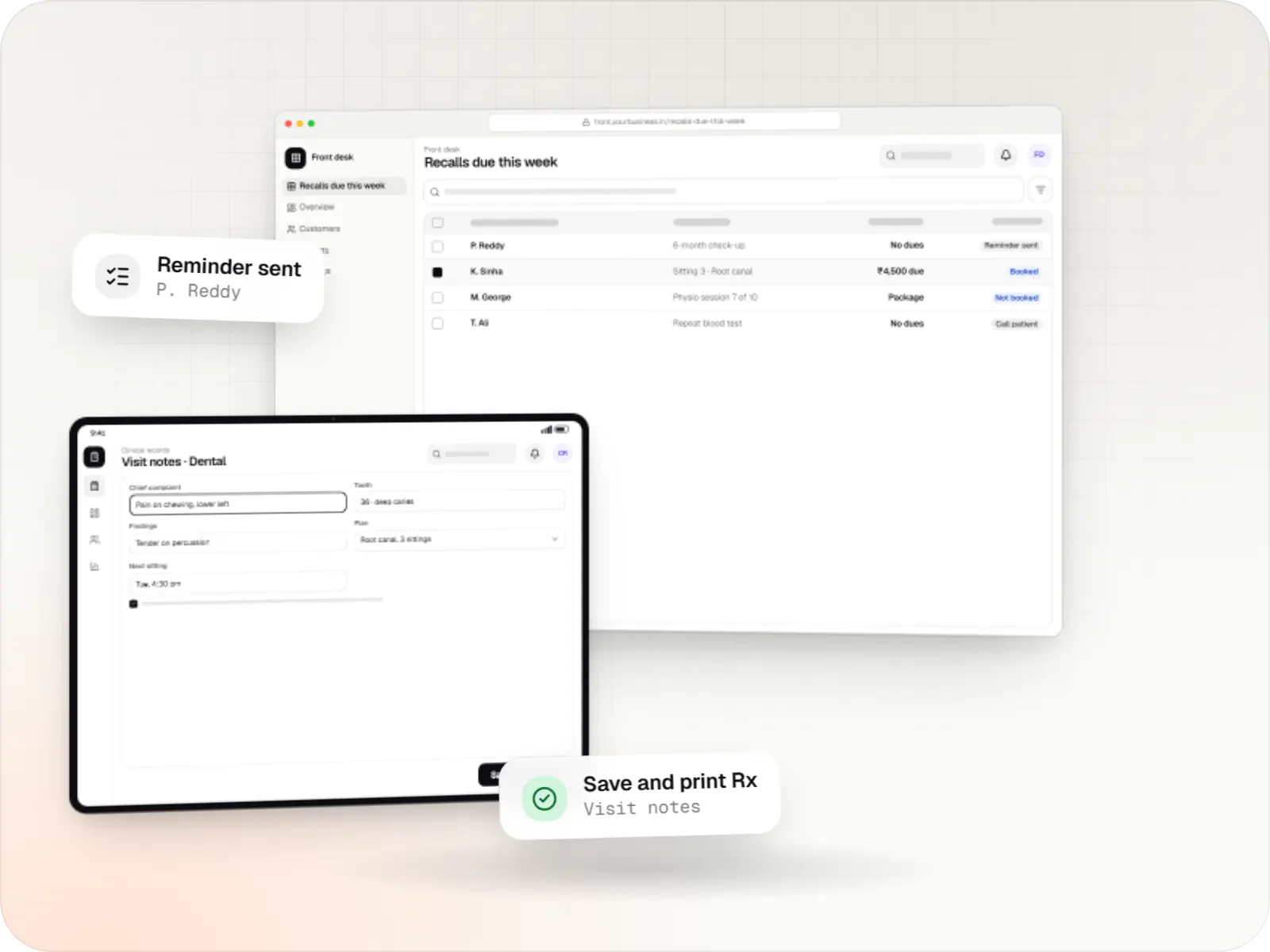
Reception books or registers the patient and opens their record, including any treatment plan in progress.
The patient signs procedure and data-sharing consent forms on a tablet, stored against the visit.
The clinician records findings with speciality templates, such as a tooth chart or a physiotherapy progress scale, in a few taps.
Completed sittings update the plan, and the bill reflects advances, instalments or package sessions.
Prescriptions and reports reach the patient through the portal or an expiring link.
When the next sitting, check-up or repeat test is due, the patient gets a reminder and can book from it.
Then it starts again at step 1: Appointment or walk-in
Platforms
Clinicians use tablets or desktops, the front desk uses a browser, and patients see reports on a portal.
Browser-based applications with logins, roles and workflows, such as customer portals, SaaS products and internal tools.
Installable web apps with offline support and notifications, useful when an app-store listing isn't essential or phones have little storage.
Back-office panels for operations, support and finance teams: orders, users, content, reports and permissions.
Apps for Android phones and tablets, tested on budget and mid-range devices and published on Google Play or privately.
Windows and macOS apps for billing counters, kiosks and offline-heavy work, where a browser isn't enough.
Technology
Chosen for quick note-taking between patients, secure records and hosting that suits a single clinic or a chain.
Web
Builds interactive screens in the browser, such as dashboards, admin panels and portals, that respond instantly as your team works.
Used for
Web
A modern web technology for fast, search-friendly websites, online stores and web applications that load quickly on mobile.
Used for
Backend
Runs the server side of apps: fast, scalable back ends that power your app, website and integrations.
Used for
Backend
A structured way to build back ends on Node.js, so large business systems stay organised, testable and easy to hand over.
Used for
Data
A reliable database for the records your business runs on: orders, payments, bookings and stock, kept accurate and easy to report on.
Used for
Cloud & DevOps
Cloud hosting for your app, website and data, with data centres in India and room to grow when traffic rises.
Used for
Integrations
Orders out and results back into the patient timeline.
ABHA linking and consented record sharing as an optional module.
Appointment and recall reminders.
Payment links for advances, instalments and packages.
Images from intraoral cameras and dermatology imaging software that export files.
Privacy & security
Doctors see clinical notes, reception sees schedules and bills, and staff see only their branch unless permitted.
Edits keep the previous version and record who changed what, and when.
Procedure and record-sharing consents are stored with the visit.
Reports go out through expiring links or the portal, and records can be structured for ABDM sharing.
Plain-English glossary
Product preview
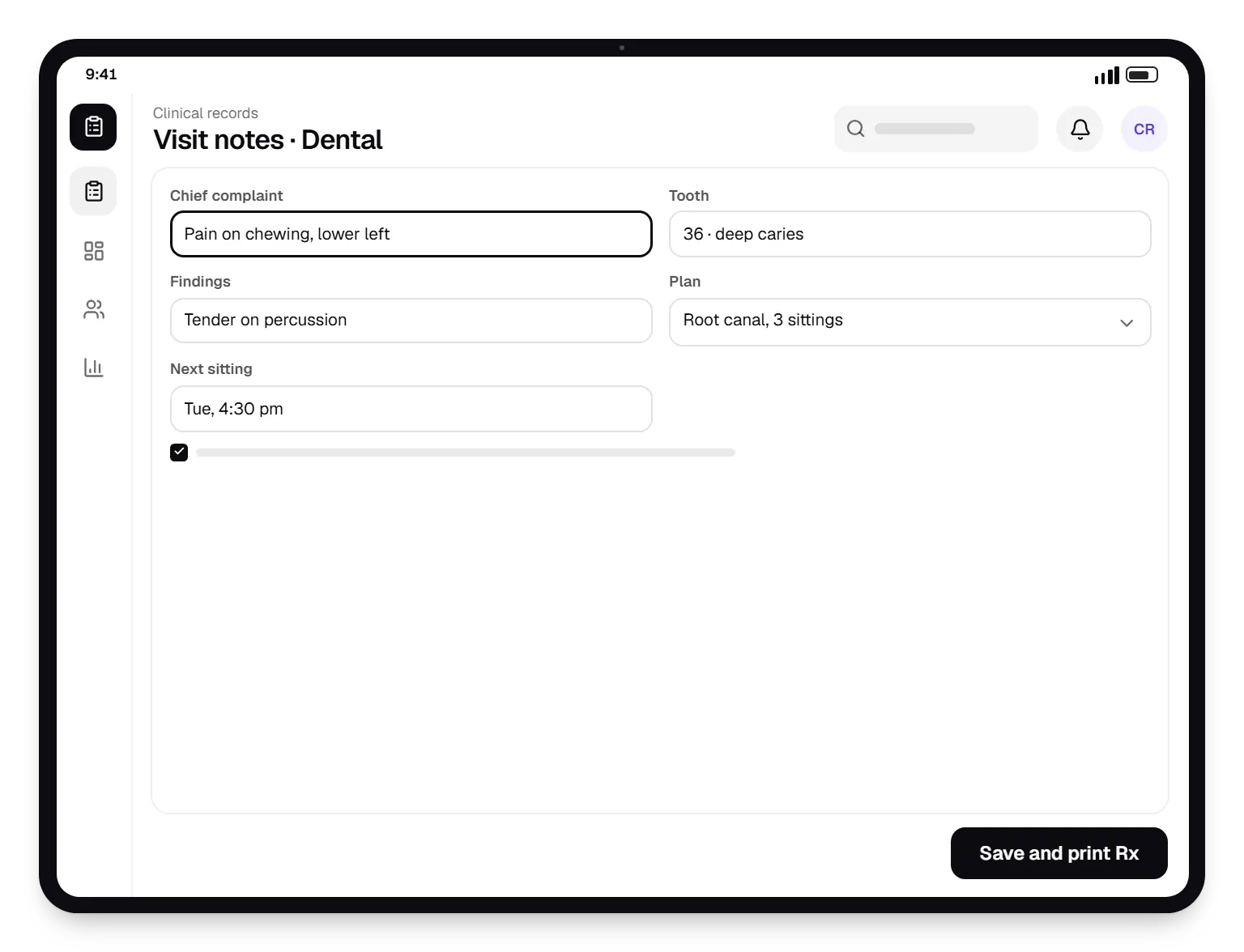
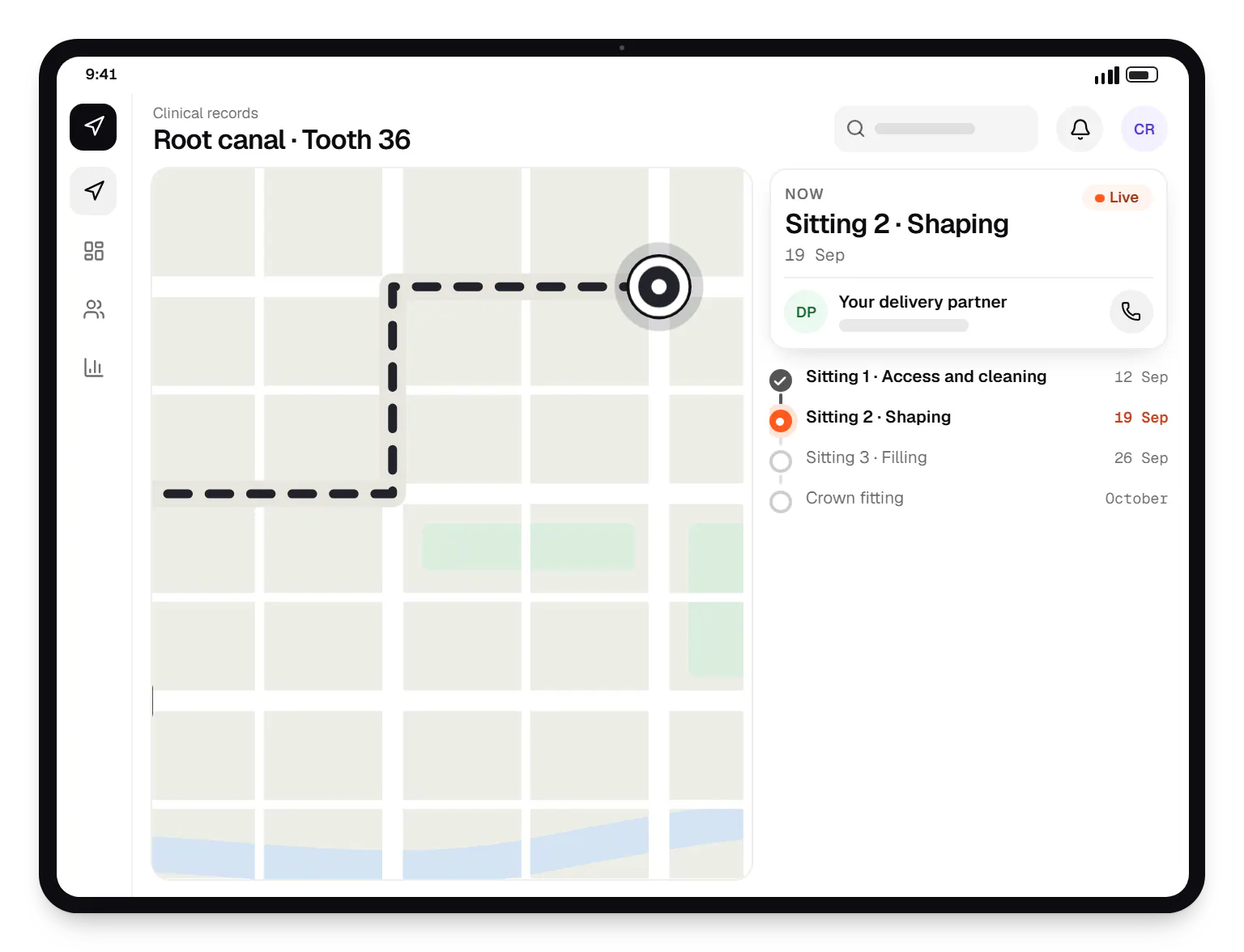
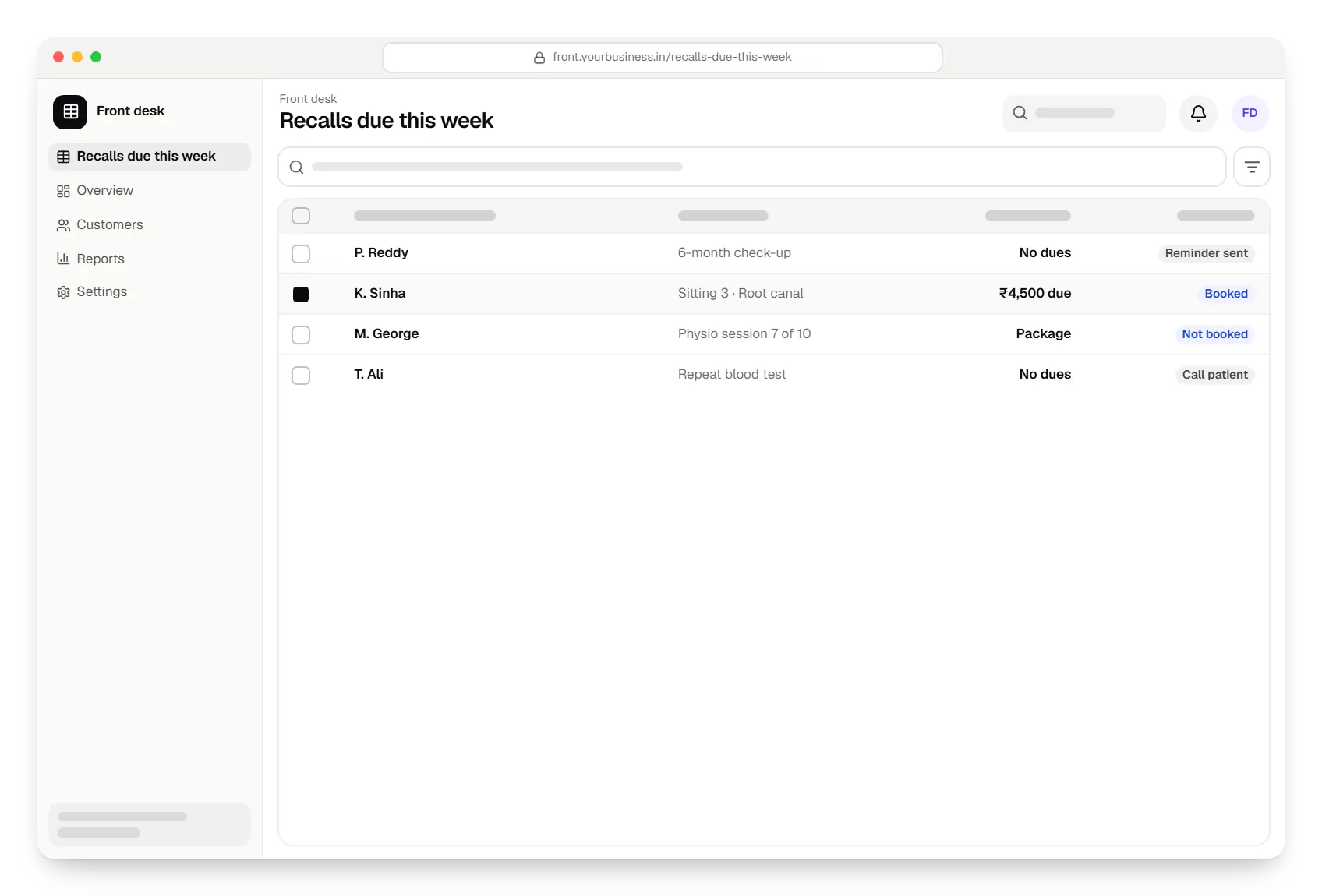
Sample screens: names, prices and figures are examples, not client data.
Industries
Cost drivers
Each speciality template, chart or scoring tool is designed with your clinicians.
Branches need shared records, branch permissions and central reports.
A patient-facing front end is a separate build on the same backend.
History from spreadsheets or older software needs mapping and cleaning.
Estimates are written from your scope, with the effort and assumptions behind each line item.
How pricing worksServices
The disciplines a project like this draws on.

Software shaped around how your business runs, from approvals and inventory to billing and reports, replacing spreadsheets and disconnected tools.

Browser-based products, customer portals, dashboards and internal tools, built on clean data models with secure roles and integrations.
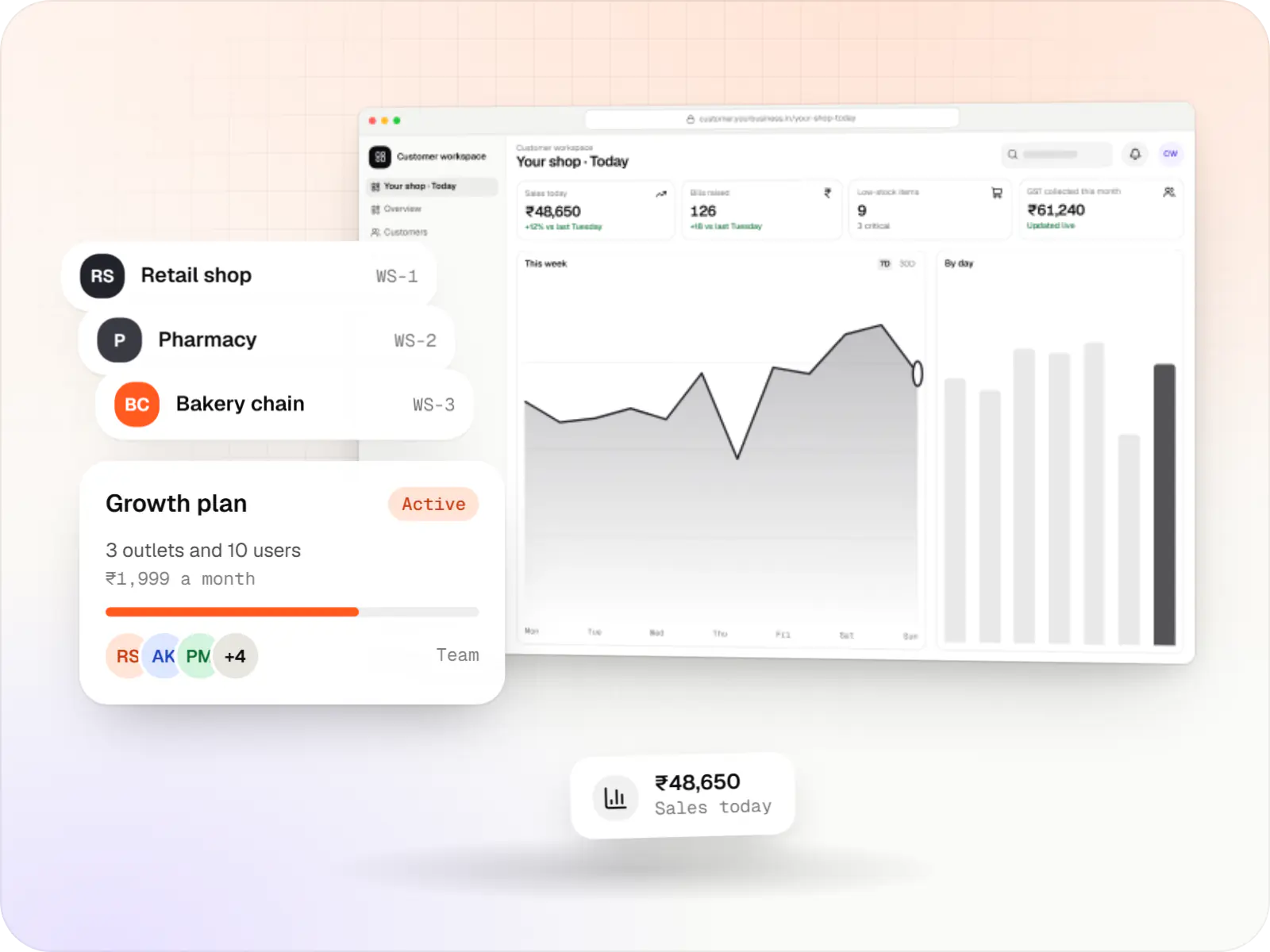
Multi-tenant SaaS products with subscription billing, team roles, onboarding and usage analytics, from first MVP to paying customers.

Back-office dashboards built around your team's daily tasks: order queues, approvals, catalogue management, payouts, reports and audit logs.

Native and cross-platform Android and iOS apps, from first release through regular store updates, built by our in-house designers and engineers.

Product design for web and mobile apps: research, user flows, wireframes, prototypes and design systems that engineers can build from.
Work
Illustrative projects that show how we plan and build this kind of product. They are samples, not client work.
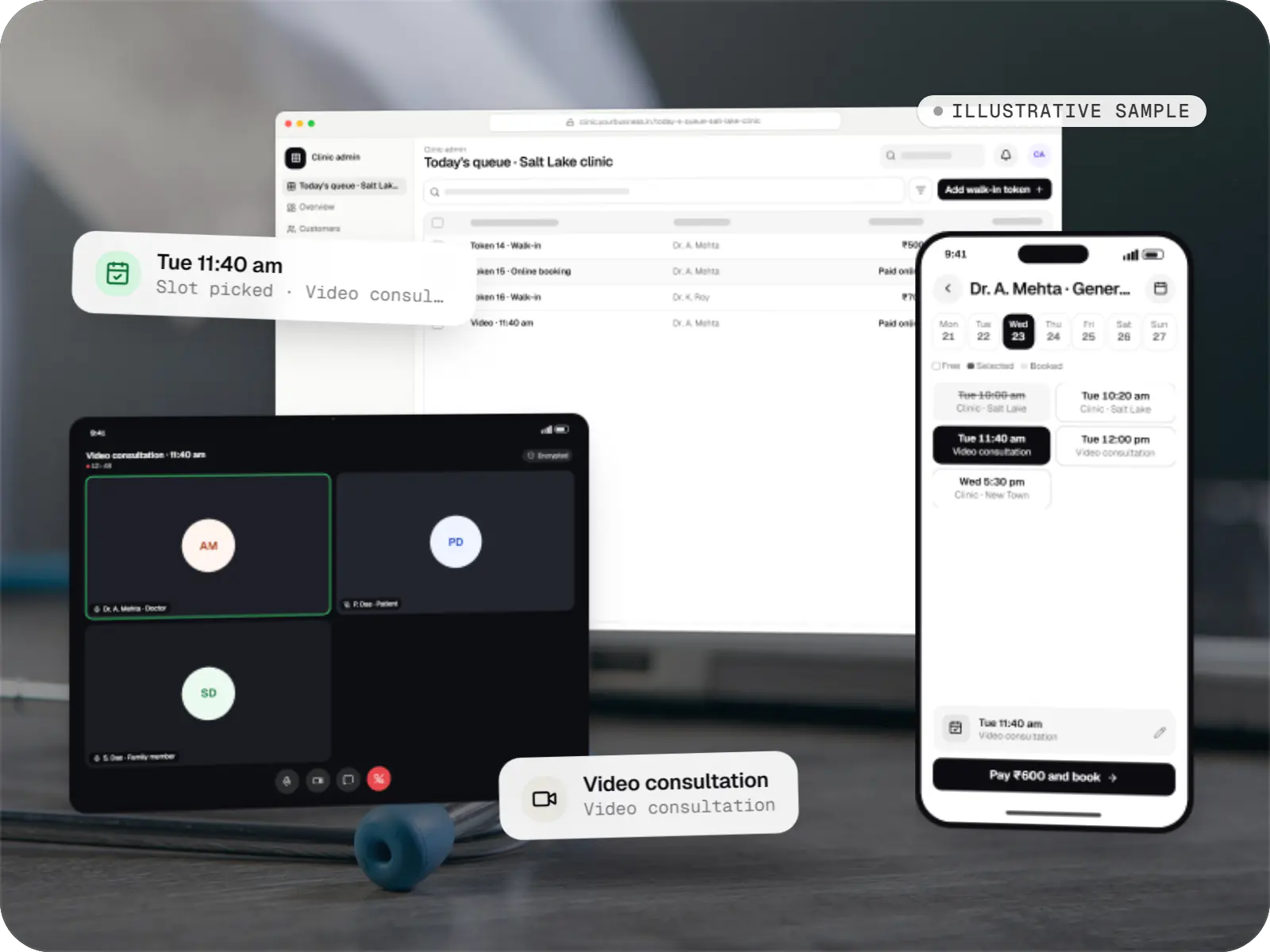
Healthcare software
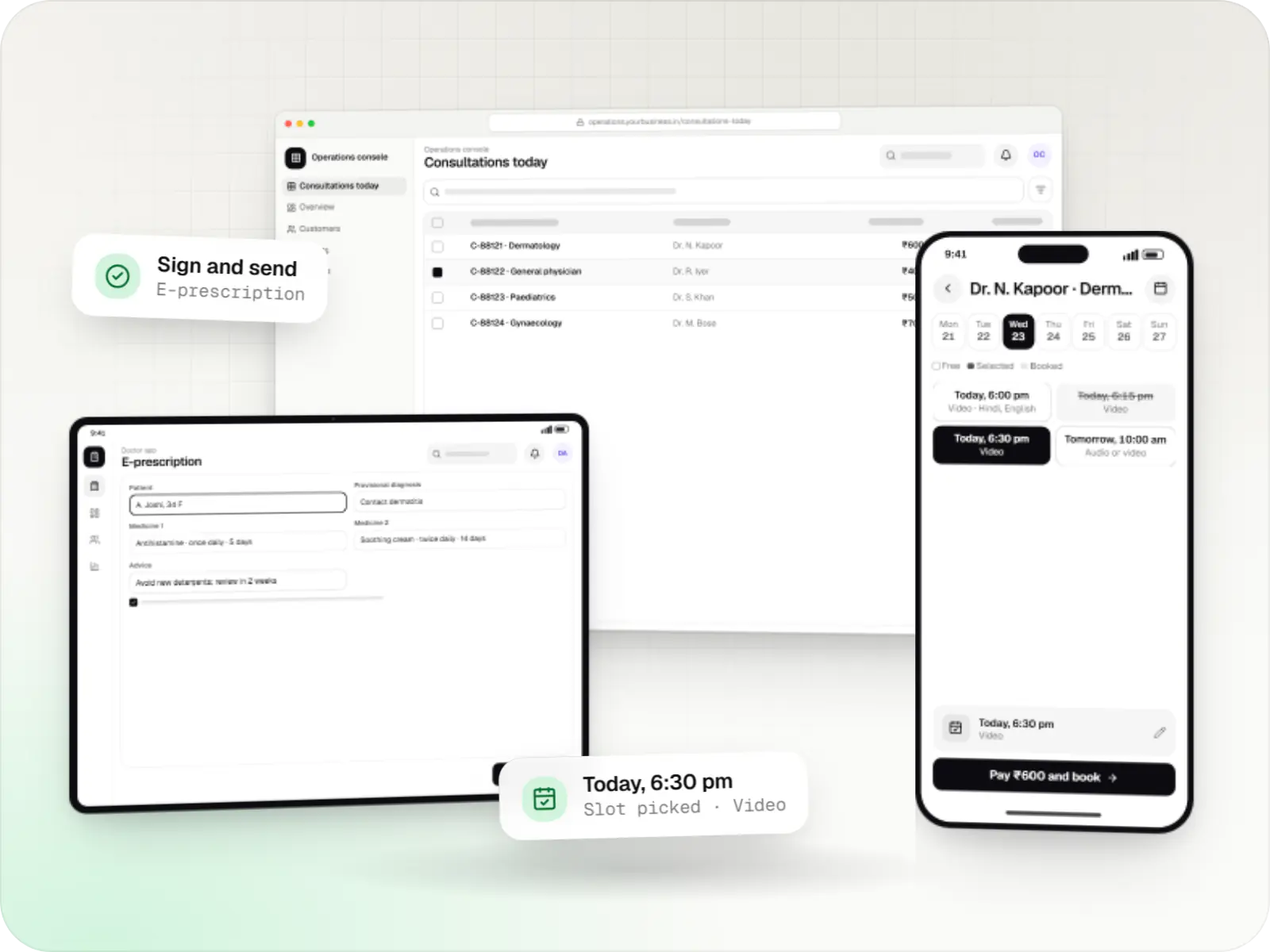
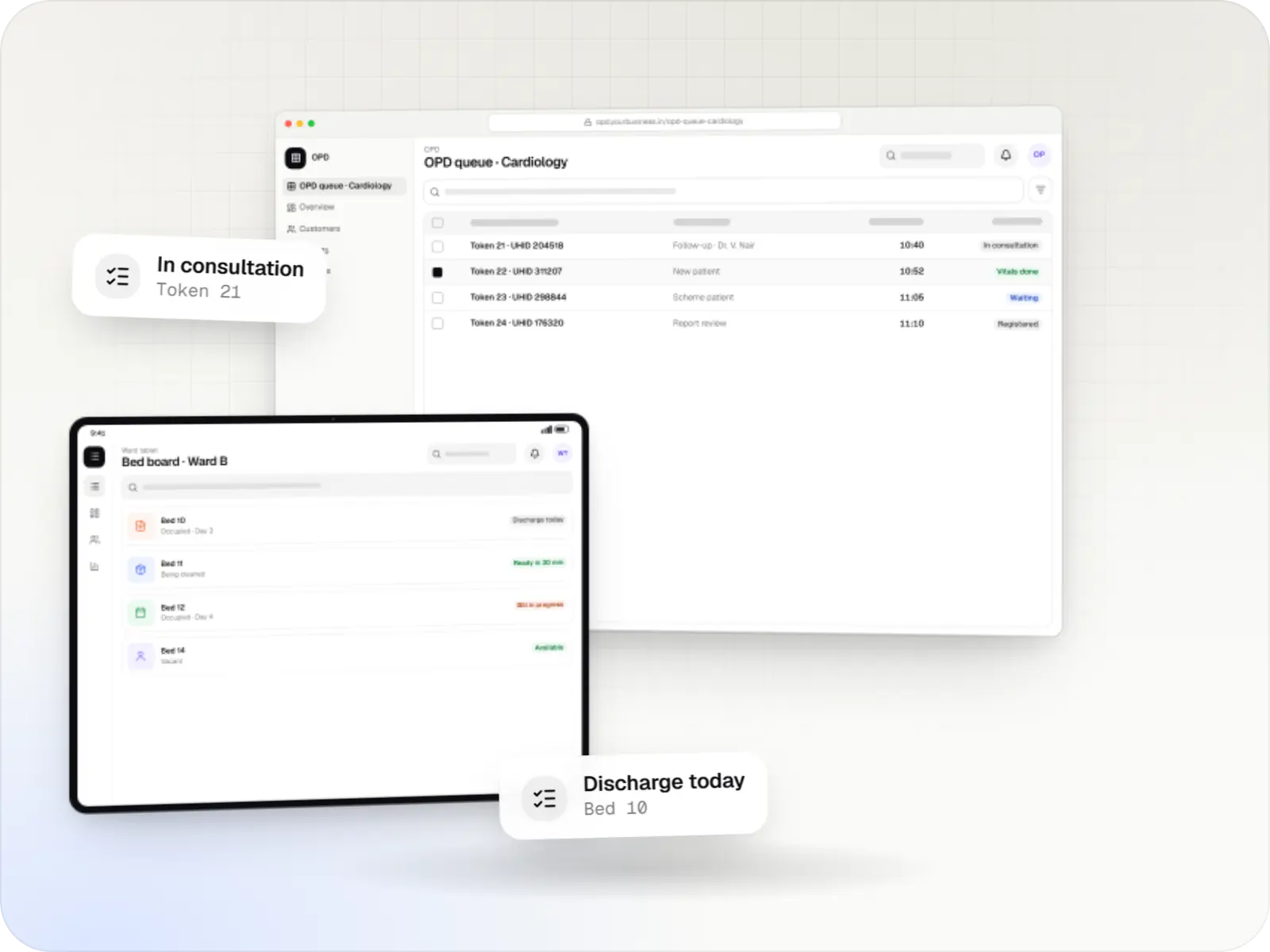
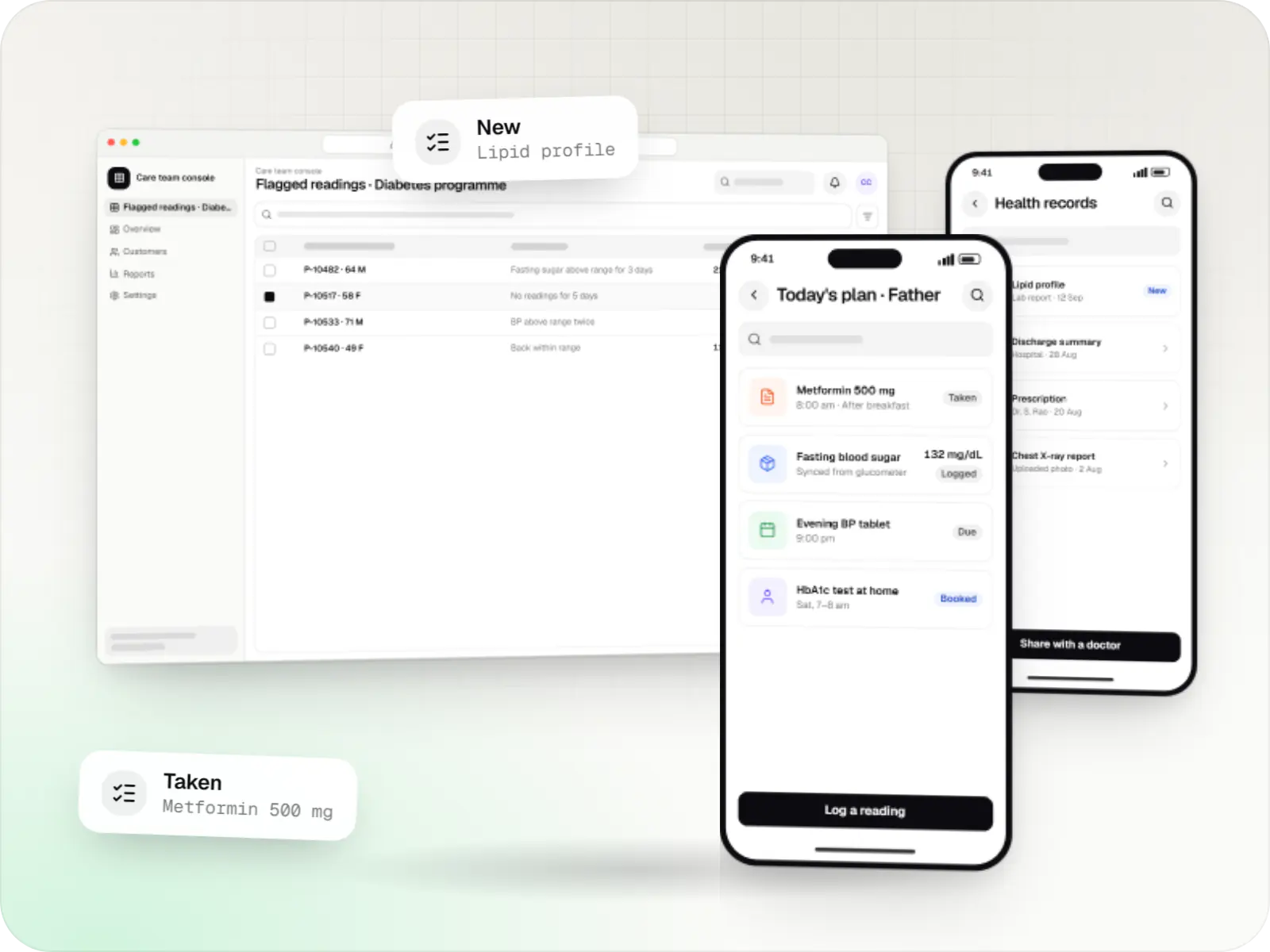
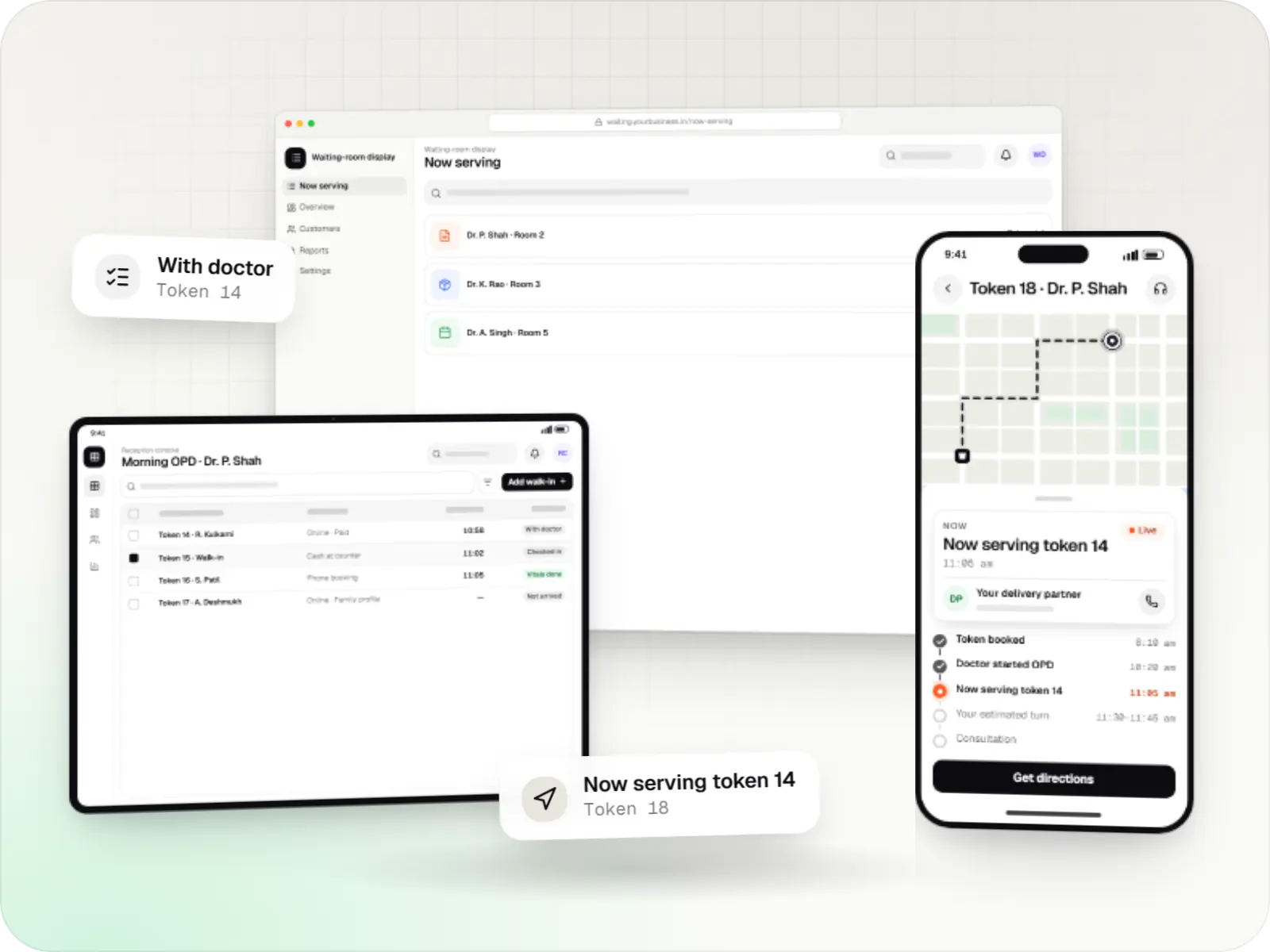
An illustrative patient app, doctor app and clinic admin for in-person and video consultations, with digital prescriptions and consent-based record access.
Runs on
Built with
FAQ
A patient management system serves outpatient and speciality practices: records, treatment plans, appointments, billing and recalls, built around the clinician. Hospital management software adds inpatient operations such as admissions, beds, nursing, theatres, pharmacy, laboratory and insurance processing across departments. Many growing clinics start with a patient management system and add modules later, so we design the data model with that growth in mind.
Yes. The interface works on tablets in portrait mode, with large touch targets, templates and saved favourites so notes need little typing. Stylus input can mark areas on a body or tooth chart. Browser voice dictation is possible, though accuracy varies with accents and medical terms, so we treat it as optional and always editable.
Usually in layers. Files for active patients are scanned and attached to their timeline first. Key details such as allergies, chronic conditions and current medicines are then entered as structured data. Optical character recognition can pre-fill some fields from typed reports, but a person checks every extracted value. Inactive patients can be scanned on demand when they return.
Yes. Print layouts can match your letterhead and include the doctor's registration number and qualifications. Dosage instructions can print in Hindi or a regional language alongside English, which helps patients who do not read English follow their medicines. Doctors keep favourite prescriptions for common conditions and adjust them per patient, and every prescription is saved against the visit.
Next step
Tell us your speciality and how many clinicians and branches you have. We will map your visit workflow and send a line-item estimate.