Web
React
Builds interactive screens in the browser, such as dashboards, admin panels and portals, that respond instantly as your team works.
Used for
- Web apps
- Admin panels
- Dashboards
- Customer portals
Industries · Diagnostics & labs
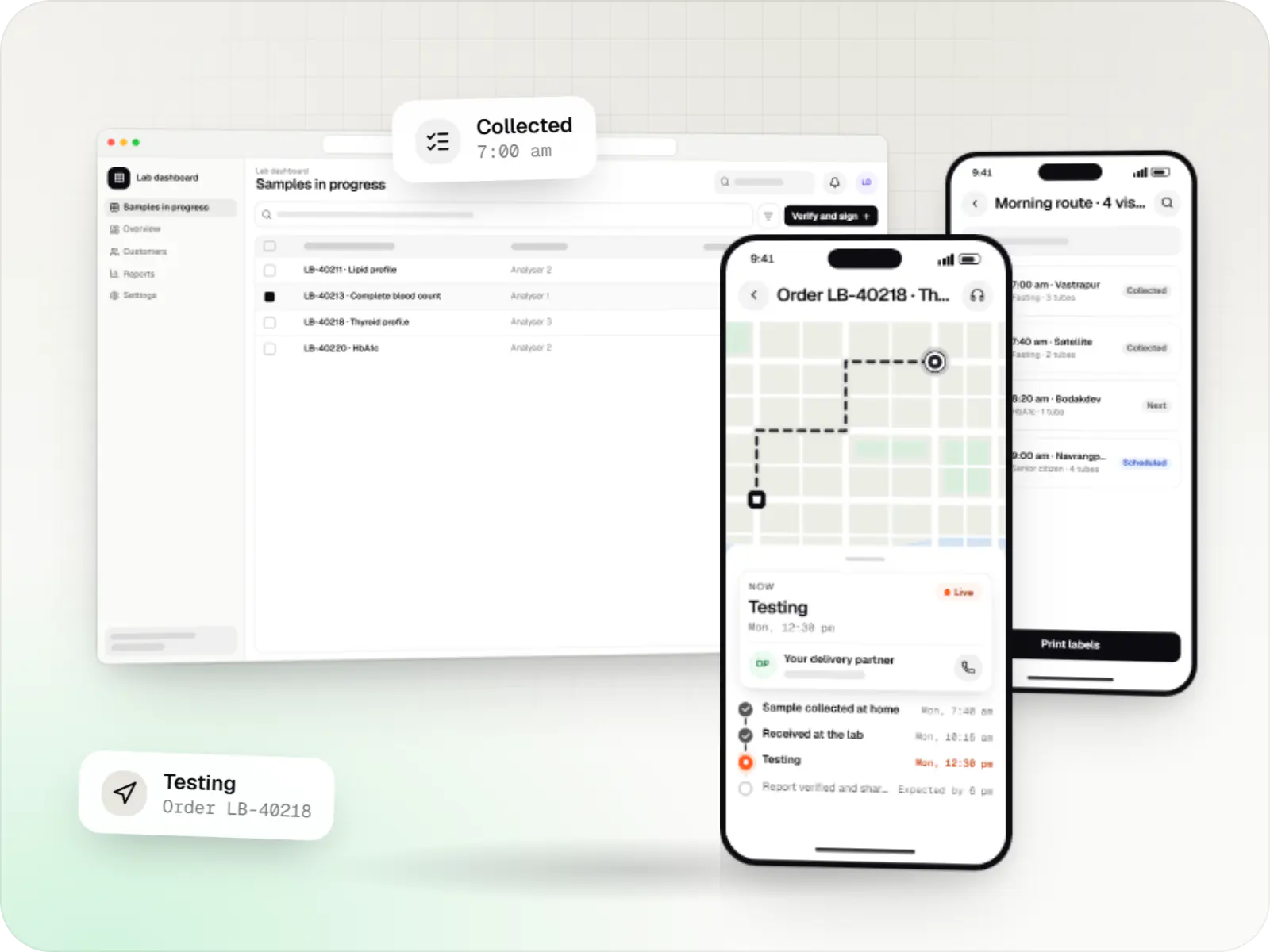
Track every sample from booking to verified report, including those collected at a patient's home.
At a glance
What it is
Software for pathology labs and diagnostic centres: home sample collection, barcode sample tracking, LIS workflows, verified reports and partner portals.
For pathology labs, diagnostic chains, radiology centres and collection-centre franchise networks.
Flutter and the related logo are trademarks of Google LLC. We are not endorsed by or affiliated with Google LLC.
How to start
Tell us what you need in your own words. You talk to the developers who would build it and get a written, line-item estimate.
Get a project estimateA diagnostic business sells accuracy and turnaround. Each test starts with a booking, moves through collection at home, a centre or a partner clinic, travels to the lab, runs on an analyser and ends as a verified report. A break anywhere in that chain, whether a mislabelled tube, a delayed pickup or a lost report, damages trust.
We build diagnostics software that tracks the sample journey end to end: booking and phlebotomist routing, barcode labels, lab workflows connected to analysers, pathologist verification and reports patients and doctors can access securely.
Challenges
Phlebotomist slots, routes and cold transport are planned by hand.
Handwritten labels cause mix-ups and repeat collections.
Patients chase reports by phone when status is not visible.
Collection centres and referring doctors need their own views and settlements.
Solutions
Across 4 areas
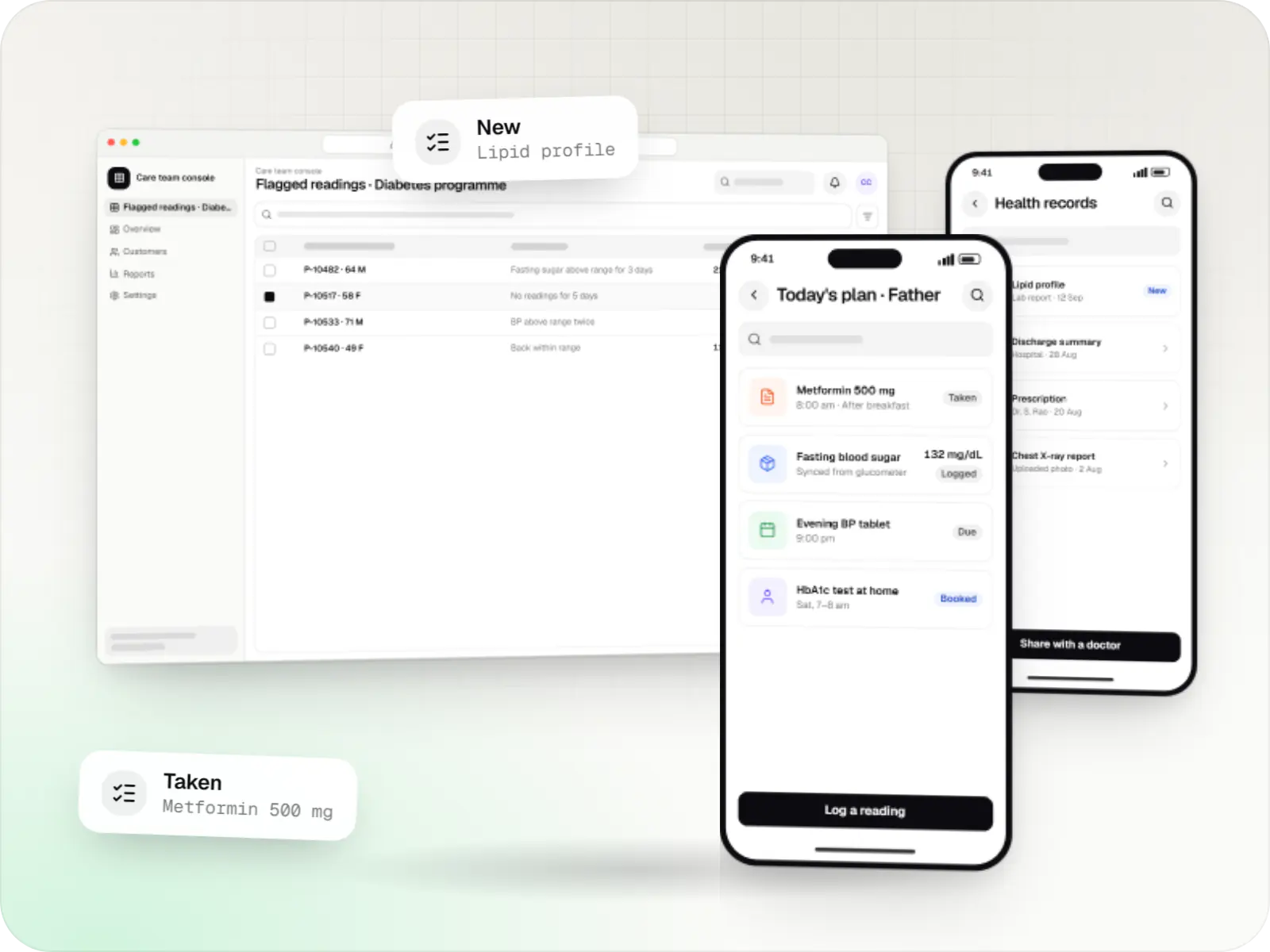
Patient and care-team apps for health records, chronic care programmes, lab bookings, wellness and follow-ups, designed with consent and privacy first.
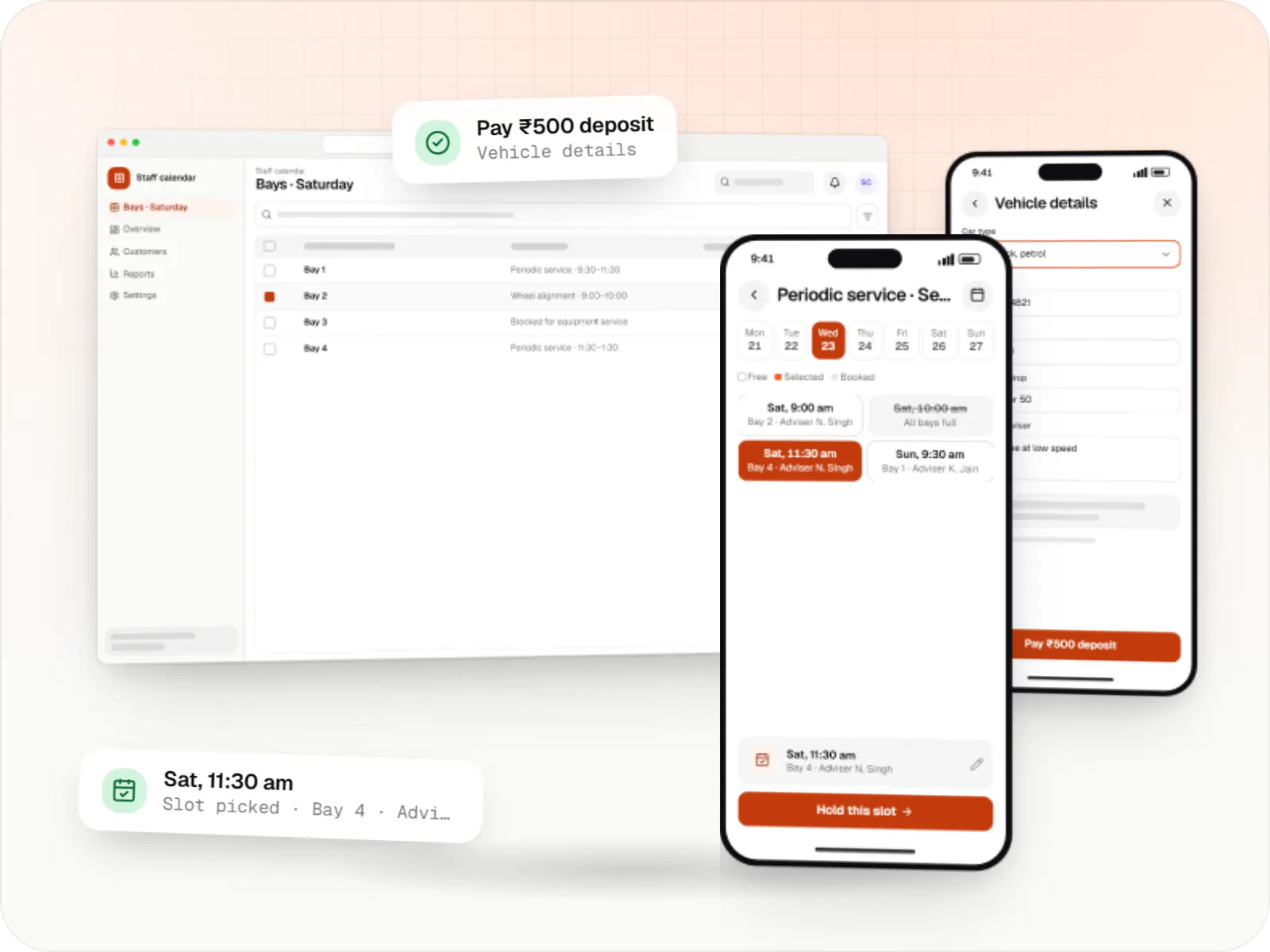
Custom scheduling software for consultants, service centres, labs and multi-location businesses: availability rules, reminders, payments and calendar sync.
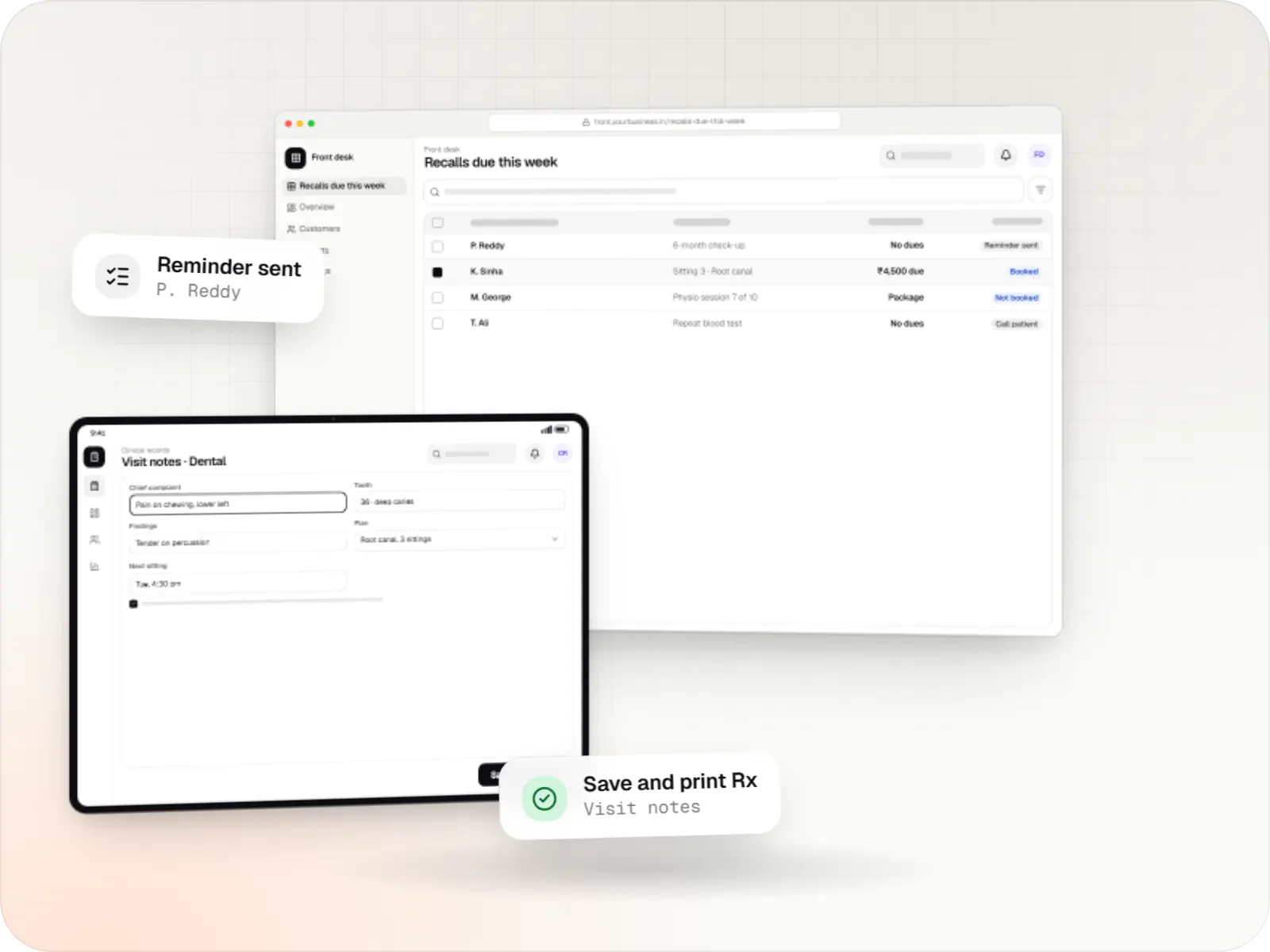
Patient records, visit notes, treatment plans, billing and recalls for clinics, dental and physiotherapy practices, diagnostic centres and speciality care.

Custom CRM software that captures leads from every channel, keeps follow-ups on schedule and shows managers a live pipeline.
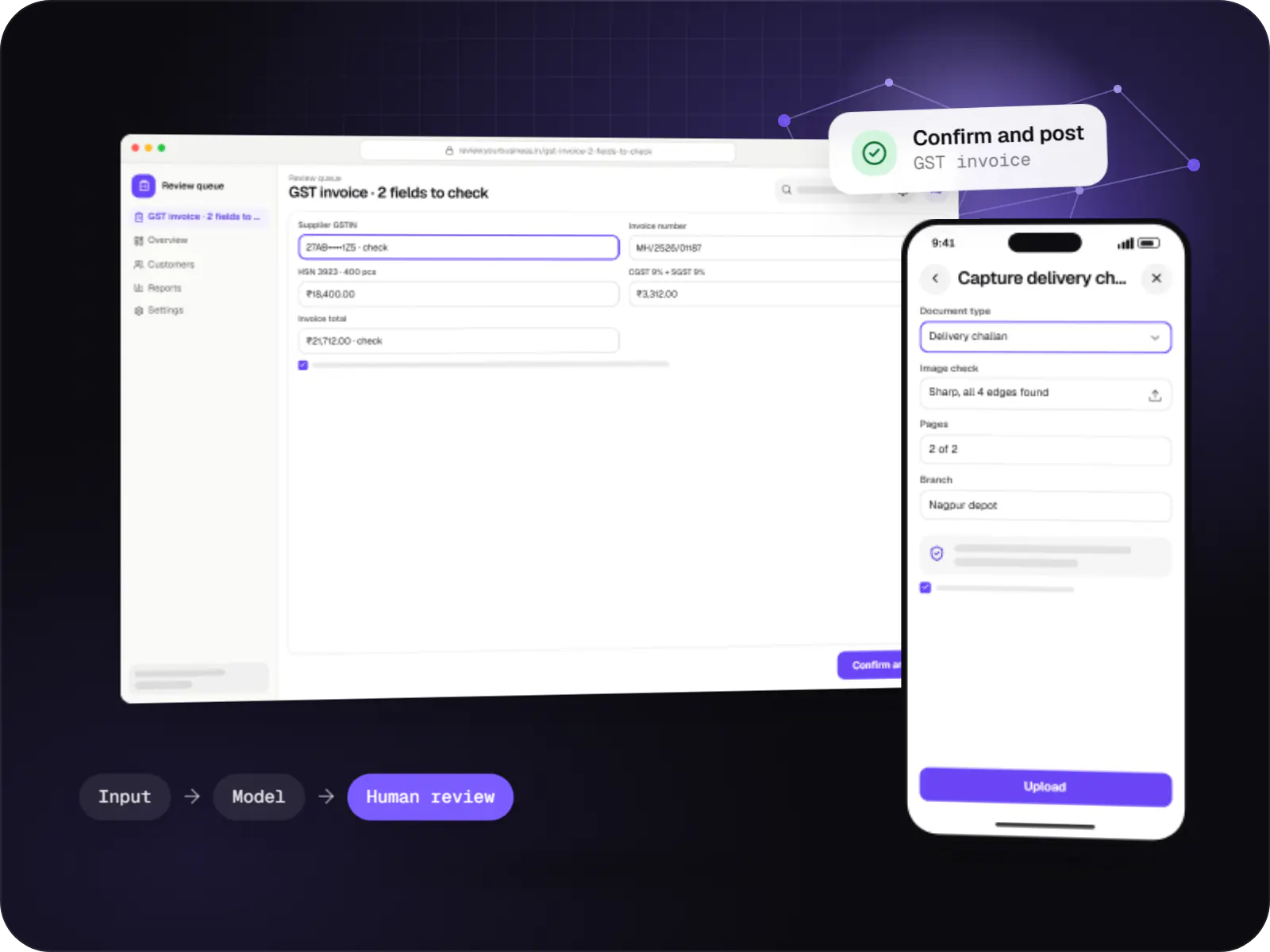
Data extraction from invoices, KYC documents, statements and forms into your systems, with validation rules and human review for uncertain fields.
Slot booking by pincode, phlebotomist assignment and route planning.
Labels printed at collection and scanned at every handover and at the analyser.
Results imported through ASTM or HL7 interfaces to reduce manual entry.
Pathologist sign-off, QR-verifiable PDFs and app or WhatsApp delivery.
Collection centres and clinics book tests, track samples and view settlements.
How it works
A barcode follows the sample through every handover, so its status is always known.
The patient picks tests and a home collection slot available in their area.
The route is planned, samples are drawn and barcode labels are printed at the doorstep.
Each handover is scanned, with cold-box checks where the test requires them.
Results flow in through the analyser interface instead of being typed in by hand.
Results are reviewed, flagged values checked, and the report signed off before release.
A QR-verifiable PDF reaches the app or WhatsApp, and the referring doctor receives a copy with the patient's consent.
Platforms
Apps for Android phones and tablets, tested on budget and mid-range devices and published on Google Play or privately.
Apps for iPhone and iPad, built to Apple's guidelines and released through TestFlight and the App Store.
Browser-based applications with logins, roles and workflows, such as customer portals, SaaS products and internal tools.
Marketing and content websites: fast, search-friendly pages with a CMS your team can update without a developer.
Back-office panels for operations, support and finance teams: orders, users, content, reports and permissions.
Technology
Web
Builds interactive screens in the browser, such as dashboards, admin panels and portals, that respond instantly as your team works.
Used for
Backend
A structured way to build back ends on Node.js, so large business systems stay organised, testable and easy to hand over.
Used for
Data
A reliable database for the records your business runs on: orders, payments, bookings and stock, kept accurate and easy to report on.
Used for
Mobile
Build Android and iOS apps from one shared codebase, so you launch on both platforms faster with a consistent experience.
Used for
Payments & maps
Adds maps, address search, live tracking and travel-time estimates to delivery, ride and field apps, so orders reach the right door.
Used for
Cloud & DevOps
Cloud hosting for your app, website and data, with data centres in India and room to grow when traffic rises.
Used for
Flutter and the related logo are trademarks of Google LLC. We are not endorsed by or affiliated with Google LLC.
Plain-English glossary
Product preview
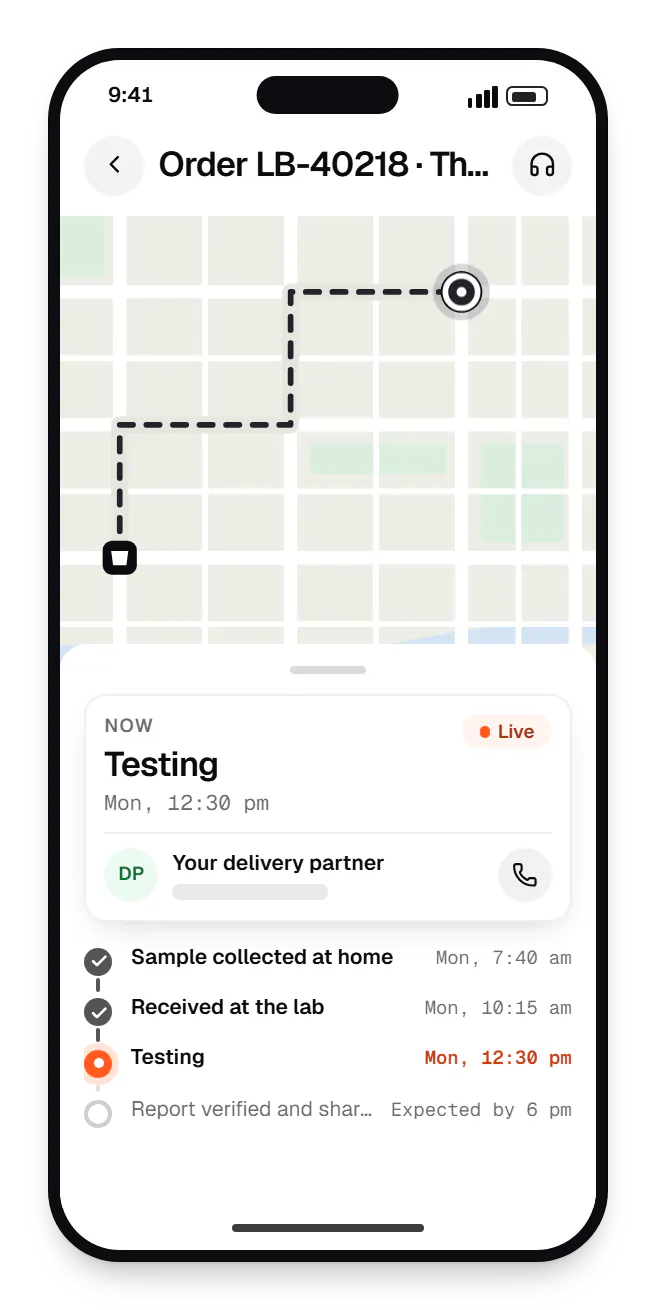
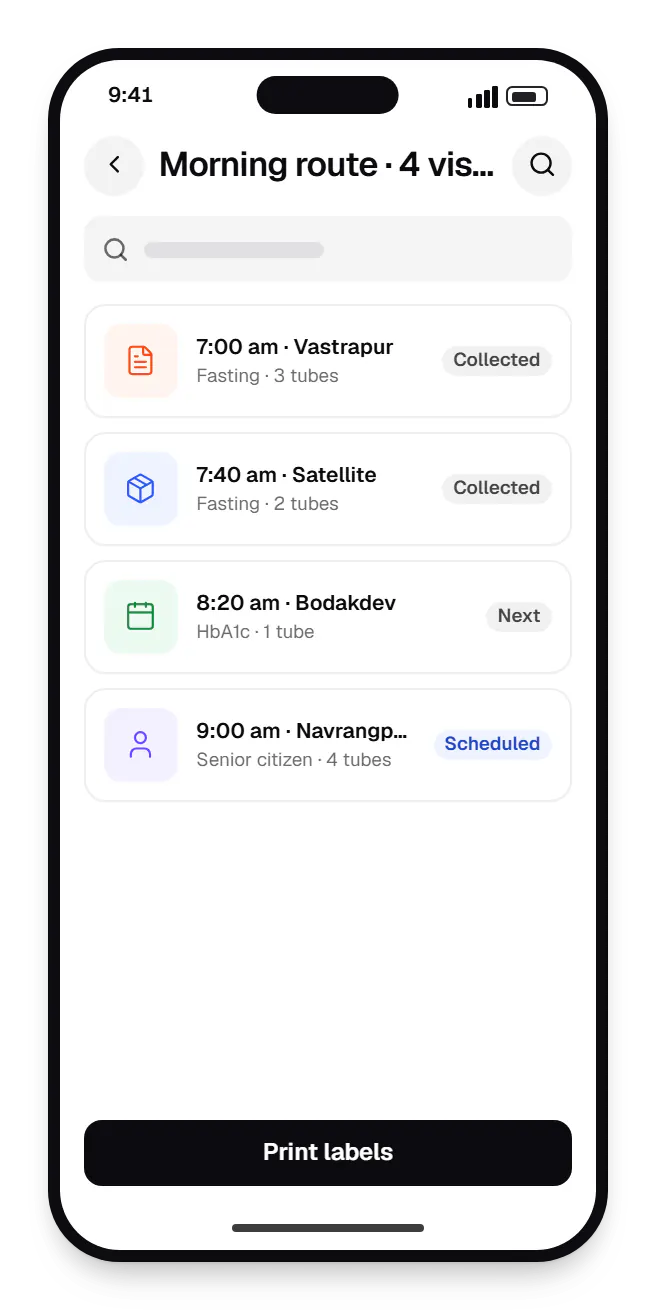
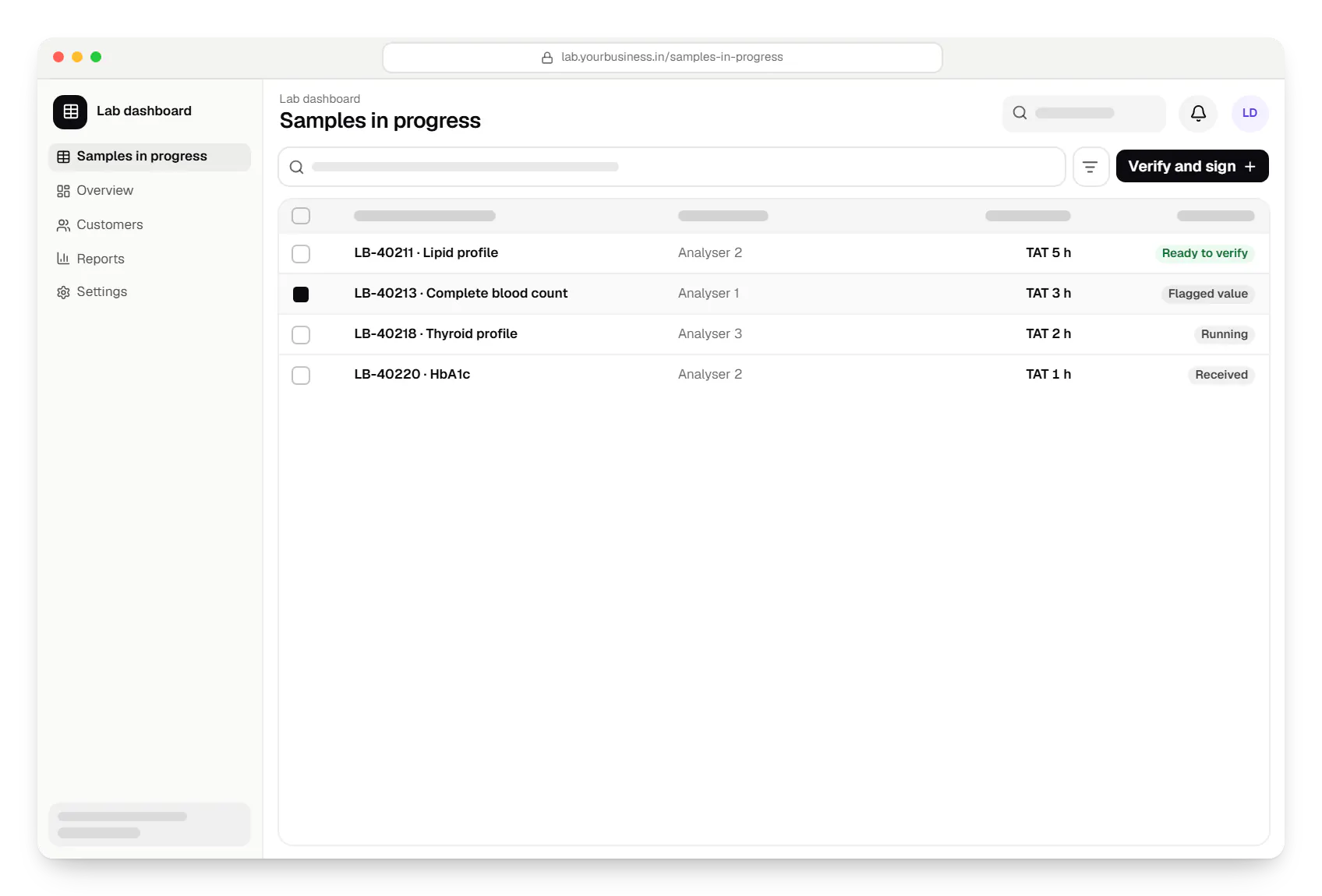
Sample screens: names, prices and figures are examples, not client data.
Cost drivers
Each analyser model and interface type needs configuration and testing.
More phlebotomists and centres need routing, apps and settlements.
Integrating a current LIS costs less than replacing it, provided it exposes data.
Estimates are written from your scope, with the effort and assumptions behind each line item.
How pricing worksServices
The design and engineering services our in-house team combines on projects in this sector.

Software shaped around how your business runs, from approvals and inventory to billing and reports, replacing spreadsheets and disconnected tools.

Native and cross-platform Android and iOS apps, from first release through regular store updates, built by our in-house designers and engineers.

Browser-based products, customer portals, dashboards and internal tools, built on clean data models with secure roles and integrations.

Secure, documented REST and GraphQL APIs, plus integrations that connect your apps to payment, logistics, GST, messaging and business systems.
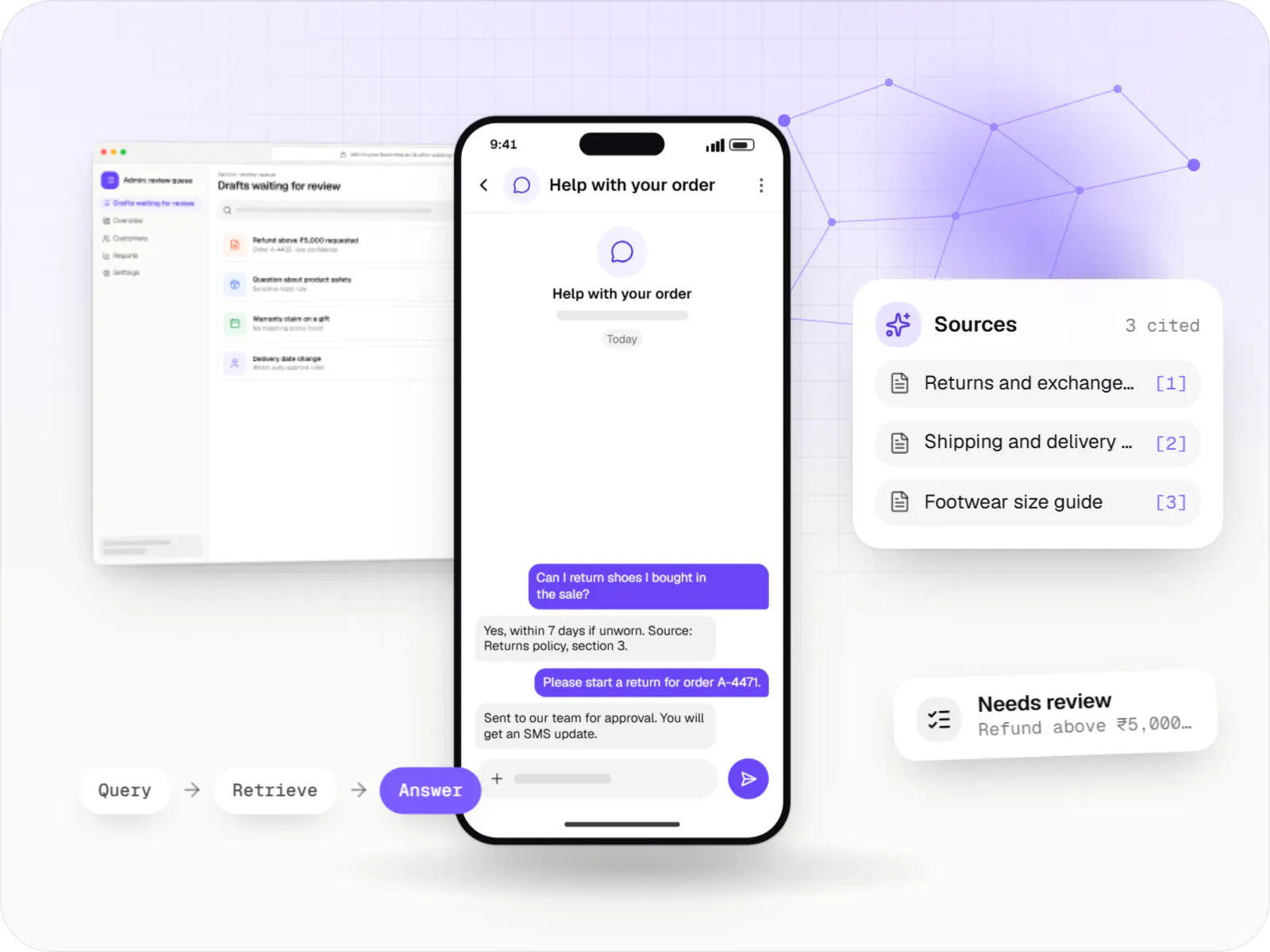
AI features and AI-first apps built on model APIs, retrieval over your own data, workflow automation or custom ML, with evaluation and human review.
Locations
Cities where this sector is a significant part of the local economy. We work remotely with teams across India and meet in person where practical.

Telangana
FAQ
Often, yes. Many LIS products can export results, accept orders or expose an API or database views, and we build the booking, home collection and patient-facing layers on top. If your LIS is closed, file-based exchange can work for some flows. We assess integration options first, because replacing an LIS affects lab staff far more than adding new apps around it.
Once a pathologist signs off, the report is generated as a PDF with a QR code linking to a secure verification page, and delivered through the patient app, email or a WhatsApp message with a secure link. The referring doctor can receive a copy with the patient's consent. Reports can also be shared to ABHA-linked records once ABDM integration is in place.
AI document processing can extract test names from a photographed prescription and suggest matching tests from your catalogue, which speeds up booking for support staff. Handwriting and abbreviations vary widely, so extracted items are always reviewed by a trained staff member before the booking is confirmed. We log corrections so accuracy can be measured and improved over time.
Next step
Tell us your test volumes and current LIS. We'll outline where to start.