


Mobile
Flutter
Build Android and iOS apps from one shared codebase, so you launch on both platforms faster with a consistent experience.
Used for
- Mobile apps
- Delivery apps
- E-commerce apps
- Booking apps
Healthcare · Mobile apps
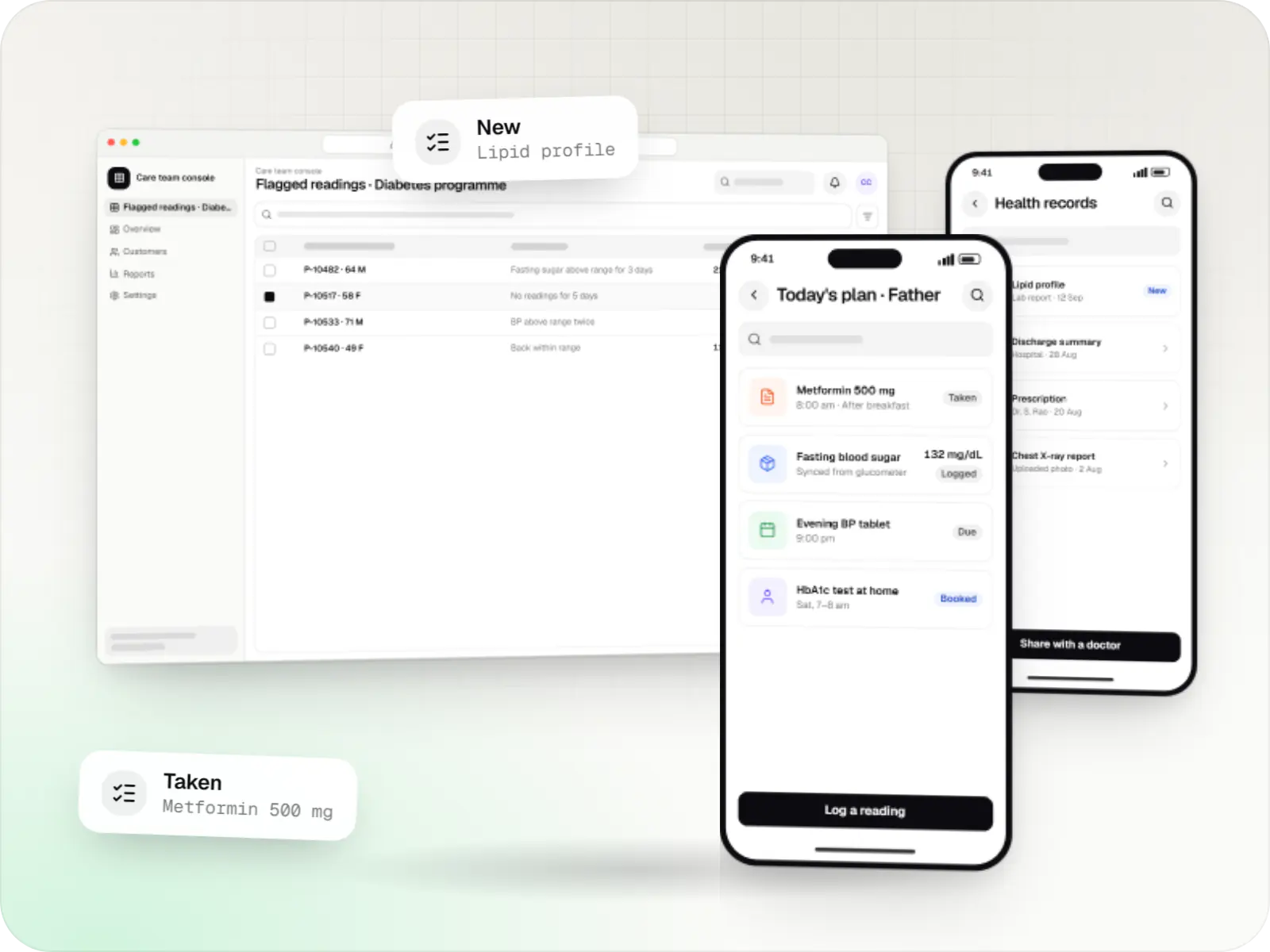
Patient, care-programme and field health apps with consent, audit trails and optional ABDM integration from the first release.
At a glance
What it is
Patient and care-team apps for health records, chronic care programmes, lab bookings, wellness and follow-ups, designed with consent and privacy first.
Flutter and the related logo are trademarks of Google LLC. We are not endorsed by or affiliated with Google LLC.
How to start
Tell us what you need in your own words. You talk to the developers who would build it and get a written, line-item estimate.
Get a project estimateMost of a patient's health journey happens outside the clinic: taking medicines, recording blood sugar, collecting reports, remembering follow-ups. A good healthcare app makes those tasks easier and gives care teams structured information instead of photos of paper reports on WhatsApp.
Our healthcare app development starts with who the app is for. Elderly diabetes patients need large type, regional language support and a family member who can manage the account. A lab's collection staff need offline job lists and barcode scanning. We design each flow around those users.
Challenges
Small text, English-only screens and long sign-ups push away older users.
WhatsApp PDFs, paper files and lab portals belong in one timeline the patient controls.
Logged values matter only if care teams see flagged readings with a clear escalation path.
Patients share more readily when they can see who has access.
What is included
Platform: Android and iOS
Platform: Web and mobile
Platform: Web
How it works
Clinicians set the targets and make the decisions; the app keeps patients, families and care teams in step.
The patient or a family member creates the account, adds profiles for parents or children and gives consent for each purpose.
Past reports are uploaded or pulled in with ABHA consent, forming one timeline instead of photos on WhatsApp.
Glucometer, BP monitor or wearable readings sync to the app, and medicine and follow-up reminders arrive on time.
Readings outside the range set by the clinician appear on a review list; the care team calls the patient or escalates to the doctor.
The patient books a home sample collection slot, and the report lands in the same timeline.
At the next visit, the doctor sees trends since the last consultation instead of relying on memory.
Then it starts again at step 1: Patient signs up with family
Platforms
Patients use apps for Android and iPhone; care teams work from a web console that also runs on tablets.
Apps for Android phones and tablets, tested on budget and mid-range devices and published on Google Play or privately.
Apps for iPhone and iPad, built to Apple's guidelines and released through TestFlight and the App Store.
One Flutter or React Native codebase for Android and iOS, with native modules where a feature needs them.
Browser-based applications with logins, roles and workflows, such as customer portals, SaaS products and internal tools.
Back-office panels for operations, support and finance teams: orders, users, content, reports and permissions.
Technology
Chosen for apps older patients can use, data hosted in India and records that stay secure.
Mobile
Build Android and iOS apps from one shared codebase, so you launch on both platforms faster with a consistent experience.
Used for
Mobile
Build Android and iOS apps in the same language as a React website, so one team can share code and skills across web and mobile.
Used for
Backend
Runs the server side of apps: fast, scalable back ends that power your app, website and integrations.
Used for
Backend
A structured way to build back ends on Node.js, so large business systems stay organised, testable and easy to hand over.
Used for
Data
A reliable database for the records your business runs on: orders, payments, bookings and stock, kept accurate and easy to report on.
Used for
Cloud & DevOps
Cloud hosting for your app, website and data, with data centres in India and room to grow when traffic rises.
Used for
Cloud & DevOps
Ready-made building blocks for mobile apps, such as push notifications, phone OTP login and crash reports, so you launch sooner.
Used for
Flutter and the related logo are trademarks of Google LLC. We are not endorsed by or affiliated with Google LLC.
Integrations
ABHA linking and consented record sharing between providers.
Steps, heart rate, sleep and other data the user chooses to share.
Glucometers and BP monitors with standard health profiles or vendor SDKs.
Structured exchange with hospital, lab and EMR systems.
Reminders and report-ready alerts without clinical detail.
Privacy & security
Captured per purpose with a timestamp, designed with the DPDP Act 2023 in mind, and withdrawable in the app.
Staff see what their role needs, and every view, edit and export of a record is logged.
TLS in transit, encryption at rest and Indian cloud regions unless you decide otherwise.
Rules or AI flag information for a clinician; they do not diagnose or recommend treatment.
Plain-English glossary
Product preview
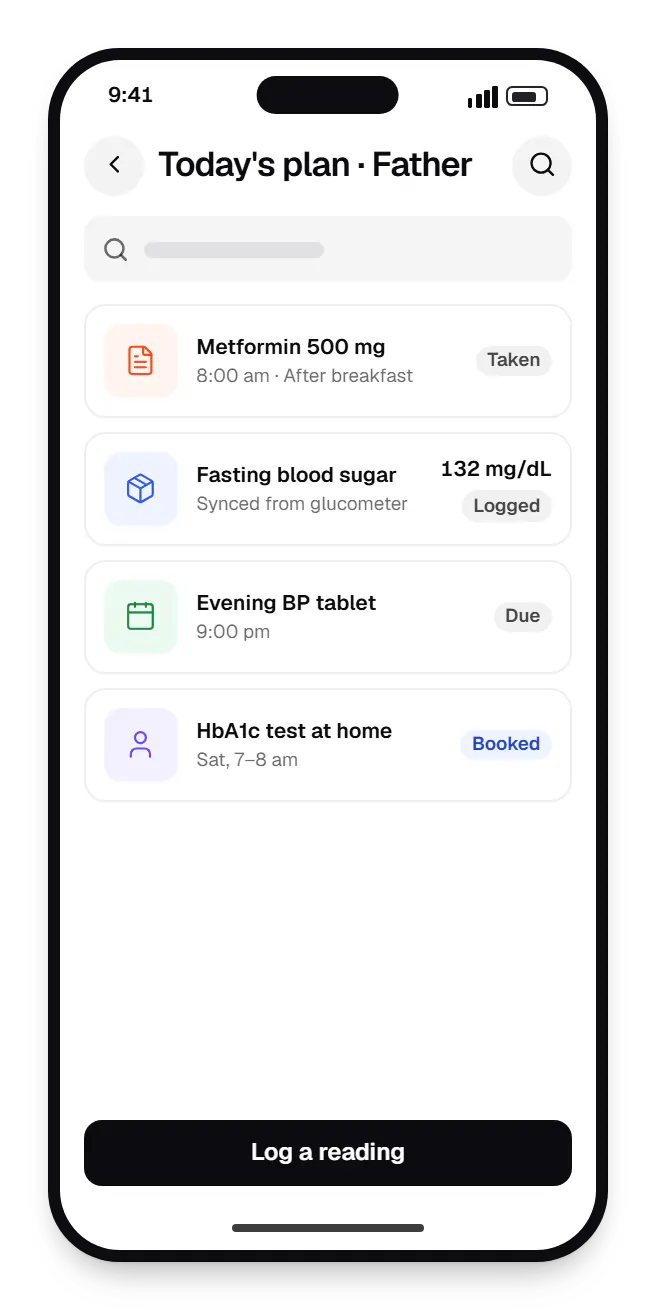
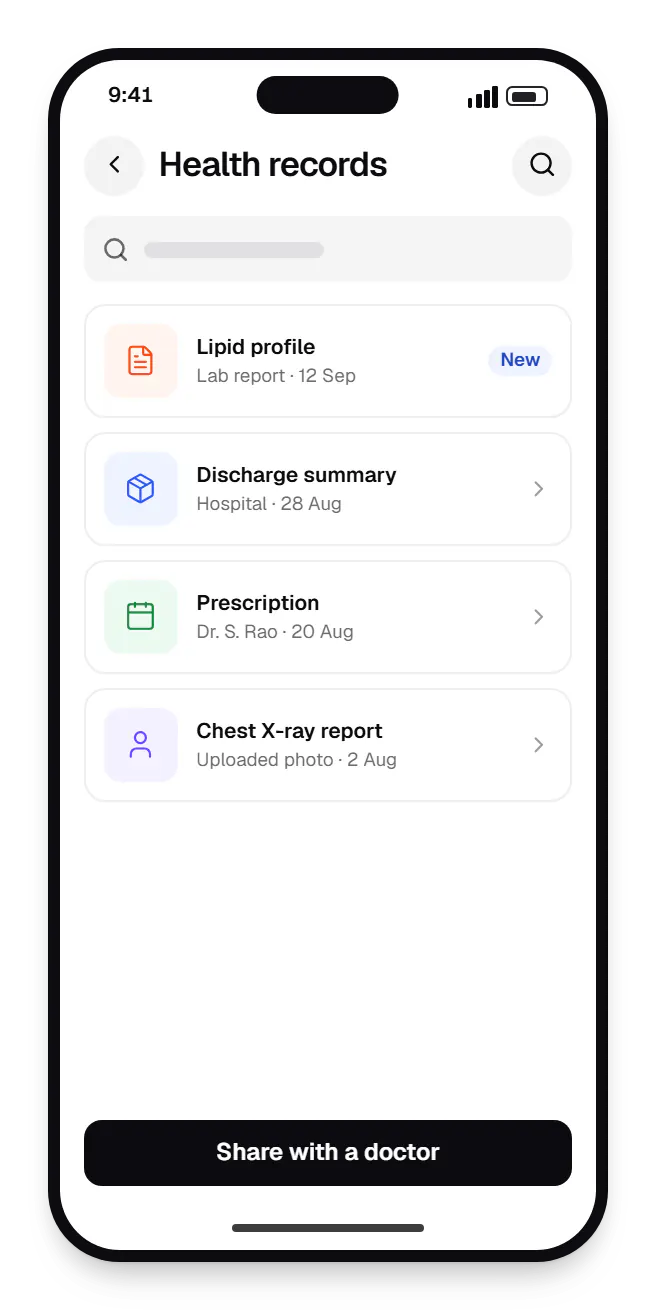
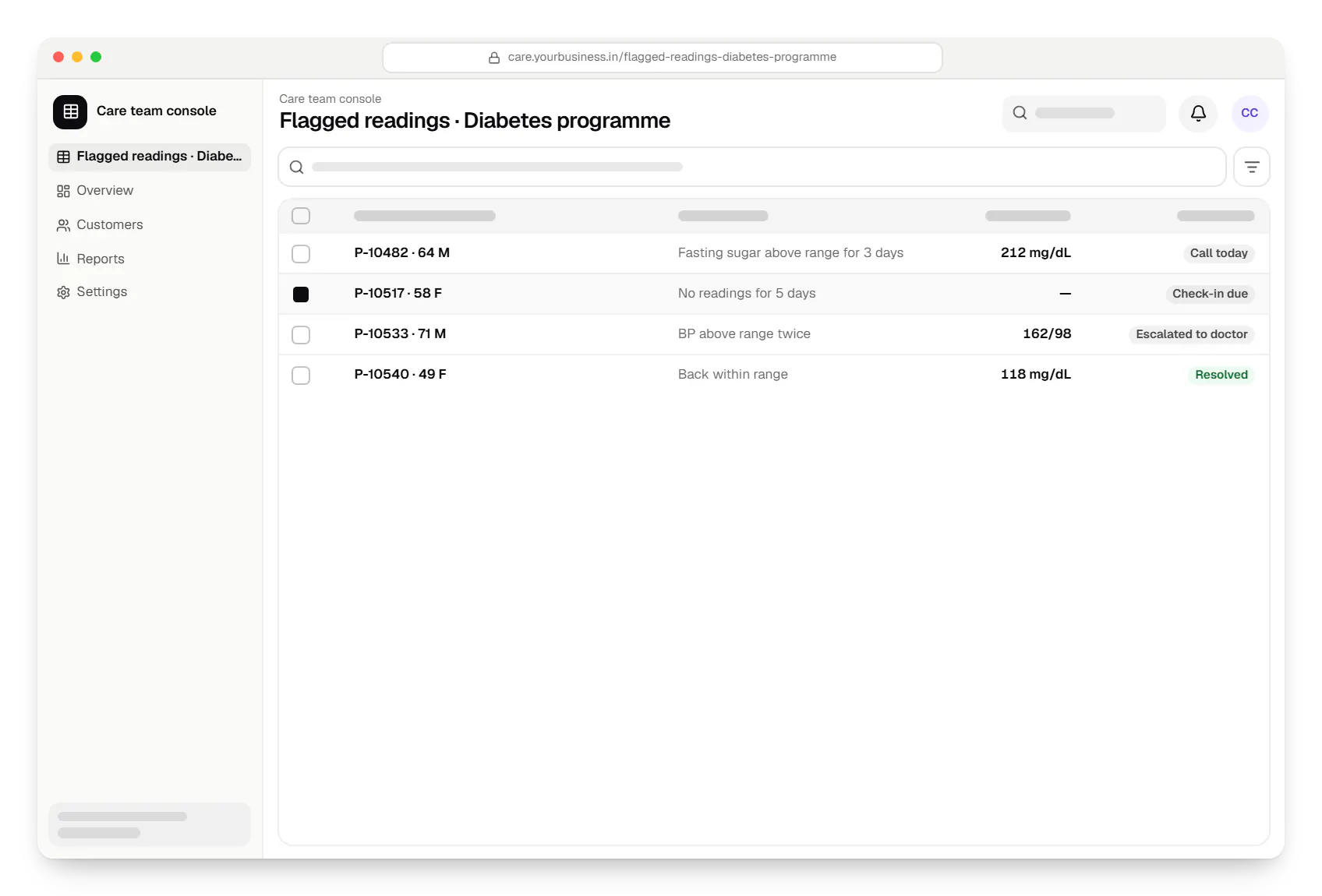
Sample screens: names, prices and figures are examples, not client data.
Work
Healthcare software
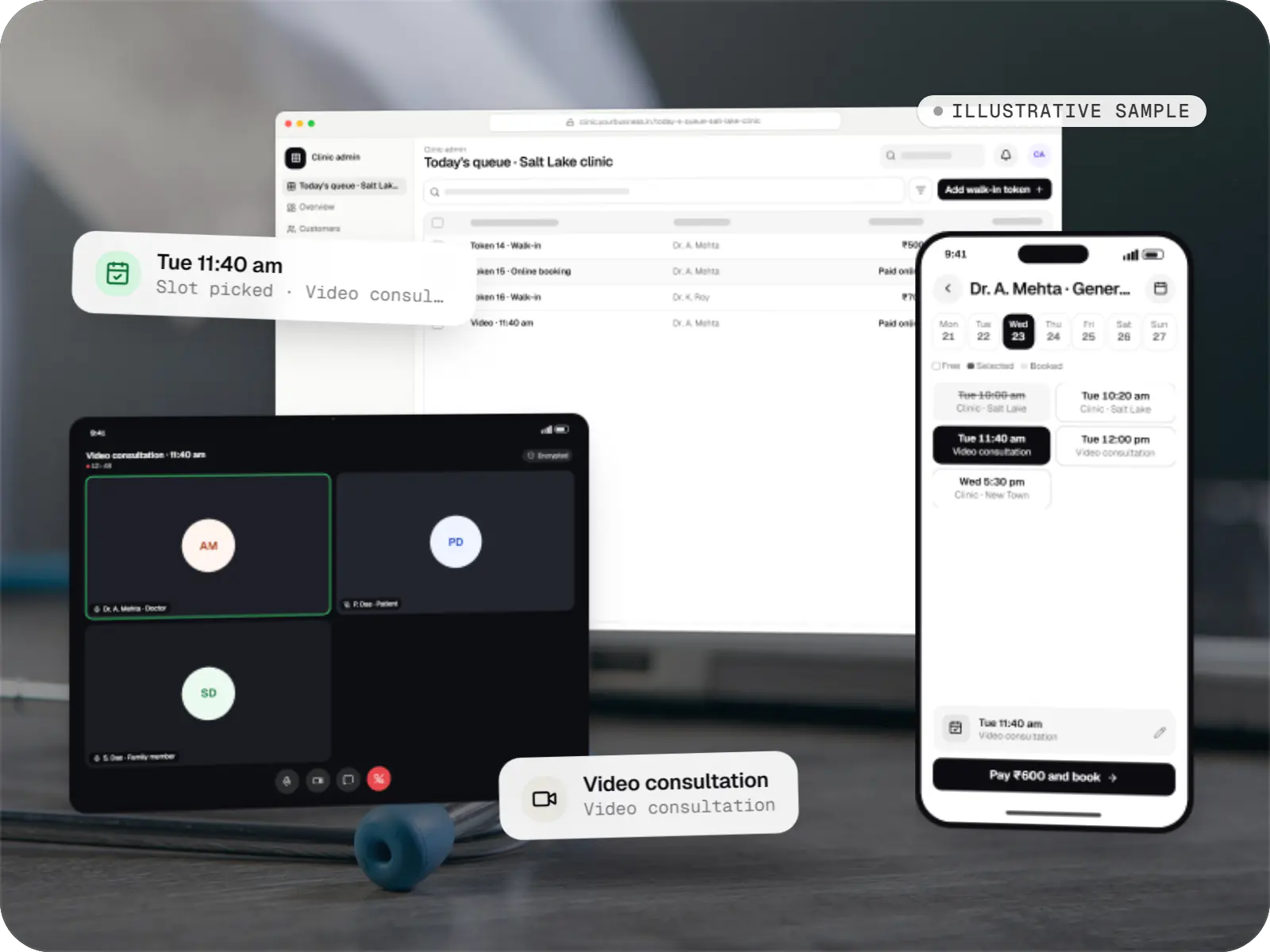
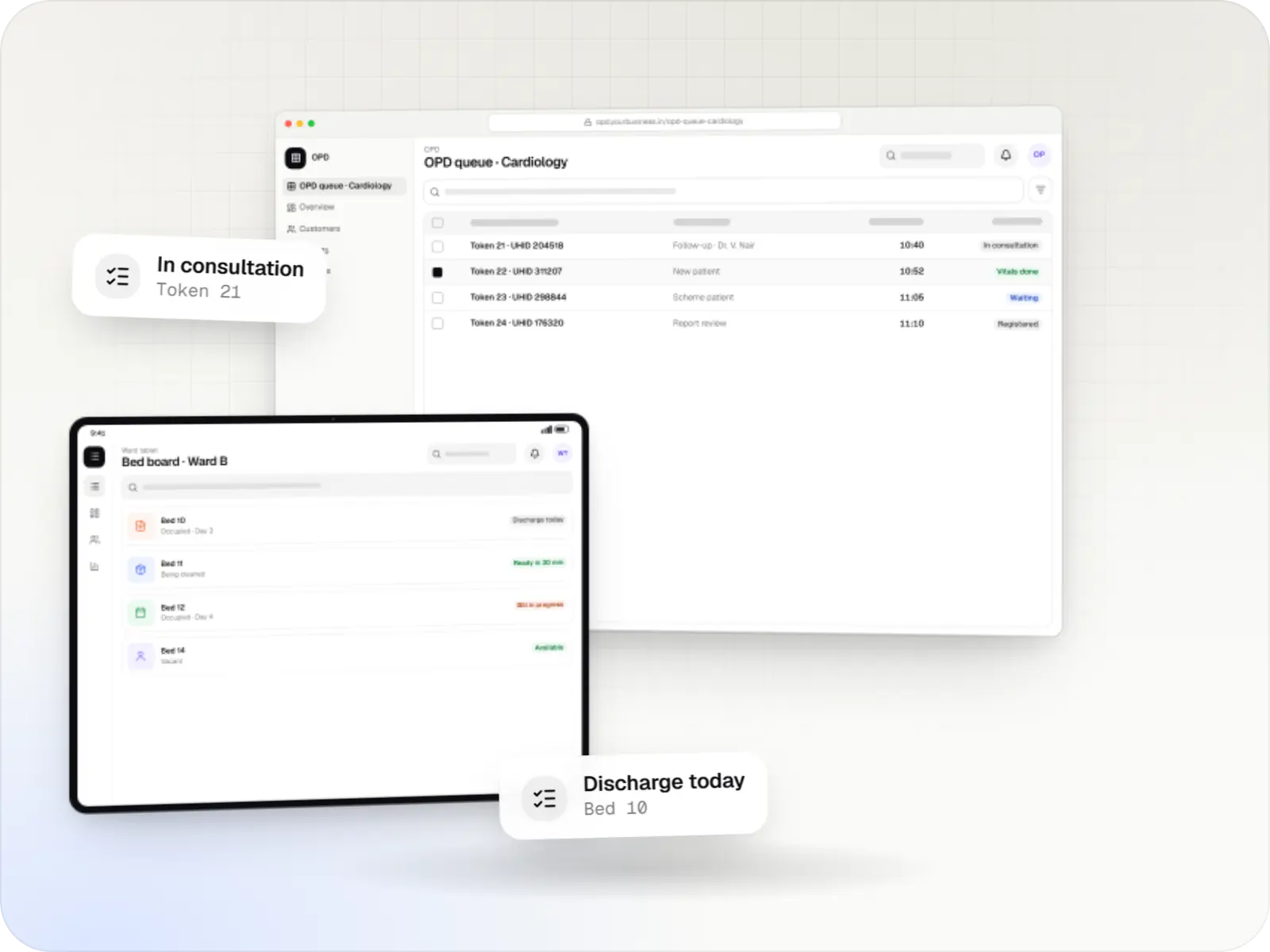
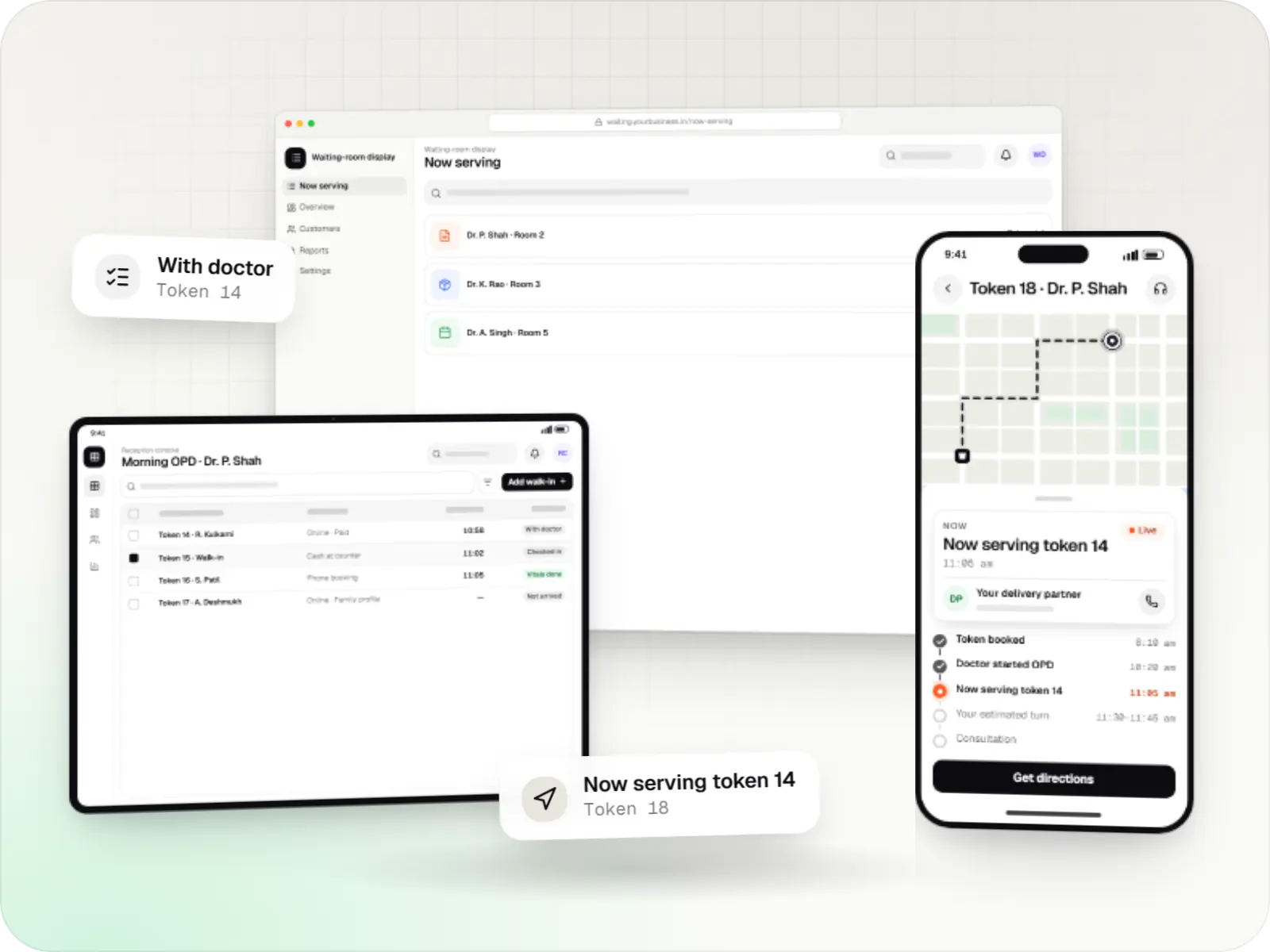
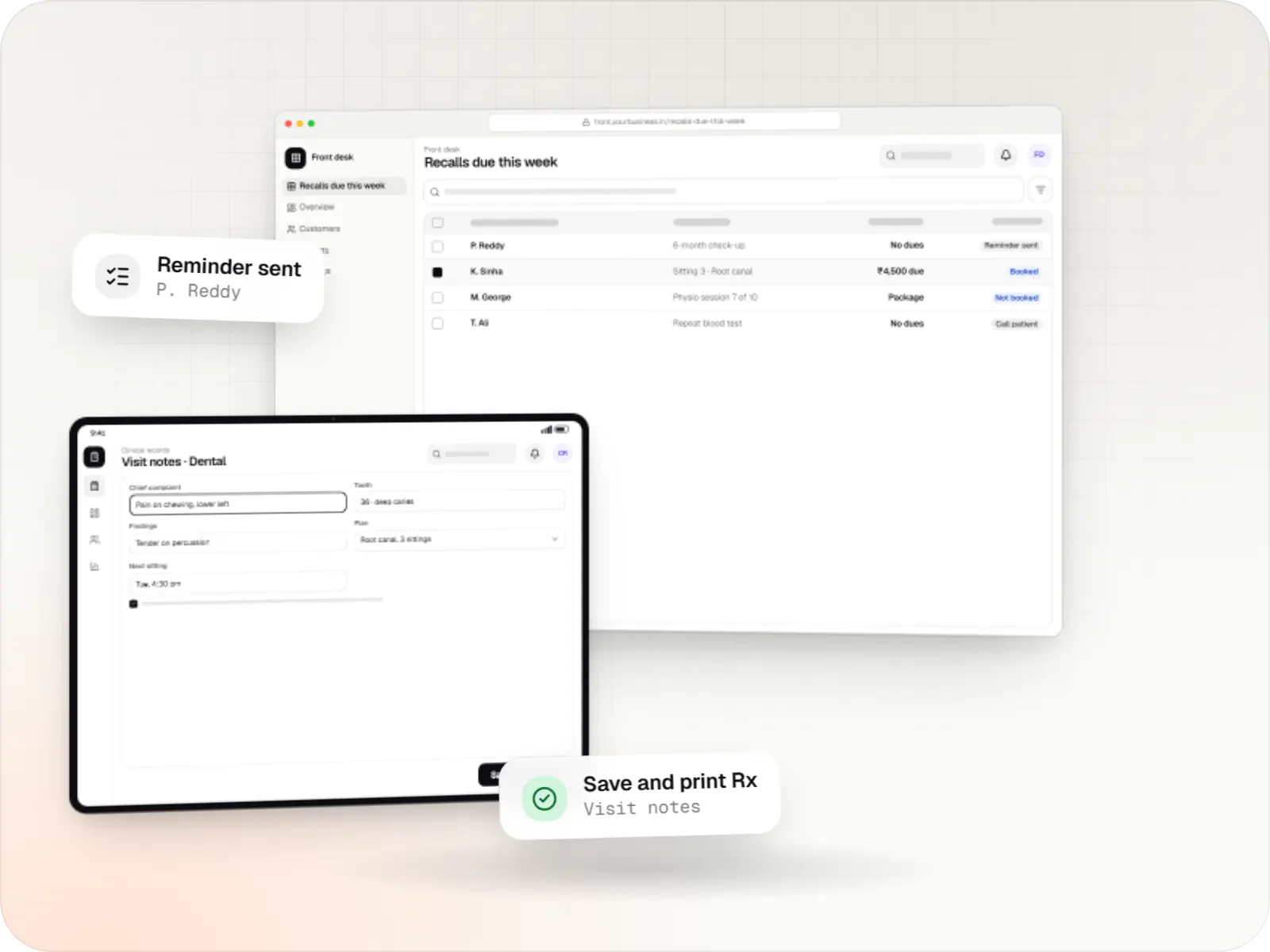
An illustrative patient app, doctor app and clinic admin for in-person and video consultations, with digital prescriptions and consent-based record access.
Runs on
Built with
Industries
Cost drivers
A patient-only app is smaller than one for patients, caregivers, care teams and administrators.
Connecting to an HMS, lab system or devices often takes more effort than the app screens.
Sandbox development, testing and an approval step come before production.
Features that could count as a medical device need advice before build, which affects timelines.
Estimates are written from your scope, with the effort and assumptions behind each line item.
How pricing worksServices
The disciplines a project like this draws on.

Native and cross-platform Android and iOS apps, from first release through regular store updates, built by our in-house designers and engineers.

Android and iOS apps from one Dart codebase, built by engineers who know when Flutter is the right call and when native code is needed.
Android and iOS apps in React Native and TypeScript, suited to teams that already use React on the web and want shared logic across products.

Secure, documented REST and GraphQL APIs, plus integrations that connect your apps to payment, logistics, GST, messaging and business systems.

Product design for web and mobile apps: research, user flows, wireframes, prototypes and design systems that engineers can build from.
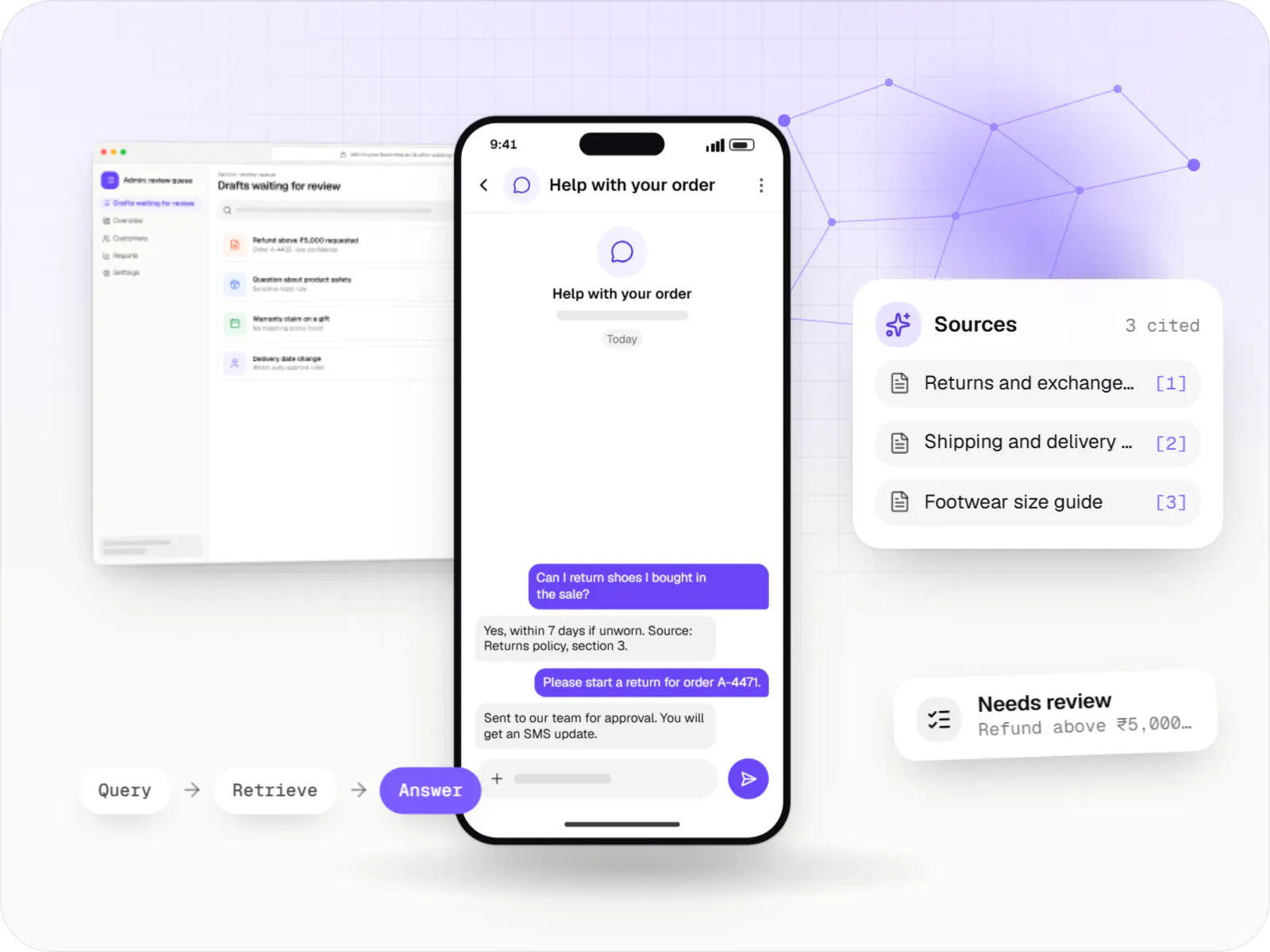
AI features and AI-first apps built on model APIs, retrieval over your own data, workflow automation or custom ML, with evaluation and human review.
FAQ
It depends on the intended purpose. Apps that store records, book appointments or log readings for the patient are generally viewed differently from software that interprets readings to diagnose or guide treatment. Under the Medical Devices Rules, 2017, software with a medical purpose can fall under CDSCO regulation. We flag features that may cross that line early, so you can take regulatory advice before we build them.
The Ayushman Bharat Digital Mission, run by the National Health Authority, lets patients hold an ABHA and share health records between providers with consent. Integration can mean creating or verifying ABHAs, sharing records as a health information provider, or requesting them as a health information user. Not every app needs it. The work goes through ABDM's sandbox and review process before going live.
Yes, with the user's permission for each data type. Android apps use Health Connect and iOS apps use Apple HealthKit, which cover most popular wearables. Glucometers and blood pressure monitors can connect over Bluetooth where they follow standard health profiles or offer an SDK. Some devices only share data through the maker's own app, so we check your target devices before promising an integration.
Carefully. Plain-language summaries of lab reports or discharge notes, clearly labelled and ideally reviewed, can help patients. Tools that suggest diagnoses may bring medical device obligations. We use LLM APIs only under terms that do not retain or train on your data, strip identifiers where possible, and keep a clinician in the loop for anything that affects care.
Related
Next step
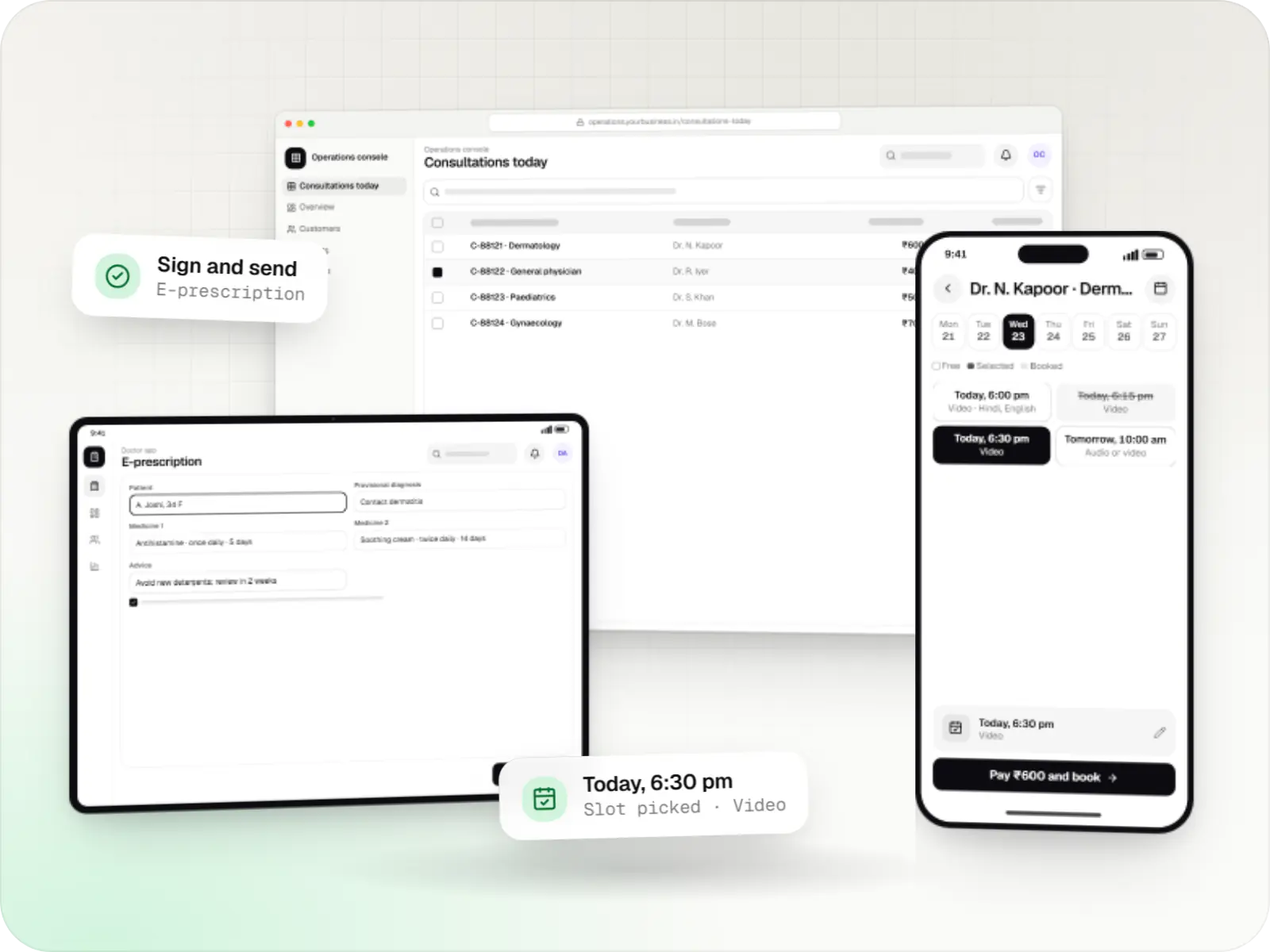
Tell us who will use it and which systems it must connect to. We will outline data flows, privacy controls and a line-item estimate.