


Mobile
Flutter
Build Android and iOS apps from one shared codebase, so you launch on both platforms faster with a consistent experience.
Used for
- Mobile apps
- Delivery apps
- E-commerce apps
- Booking apps
Healthcare · Telemedicine
Patient and doctor apps for video, audio and chat consultations, with e-prescriptions, payments and records built around India's telemedicine rules.
At a glance
What it is
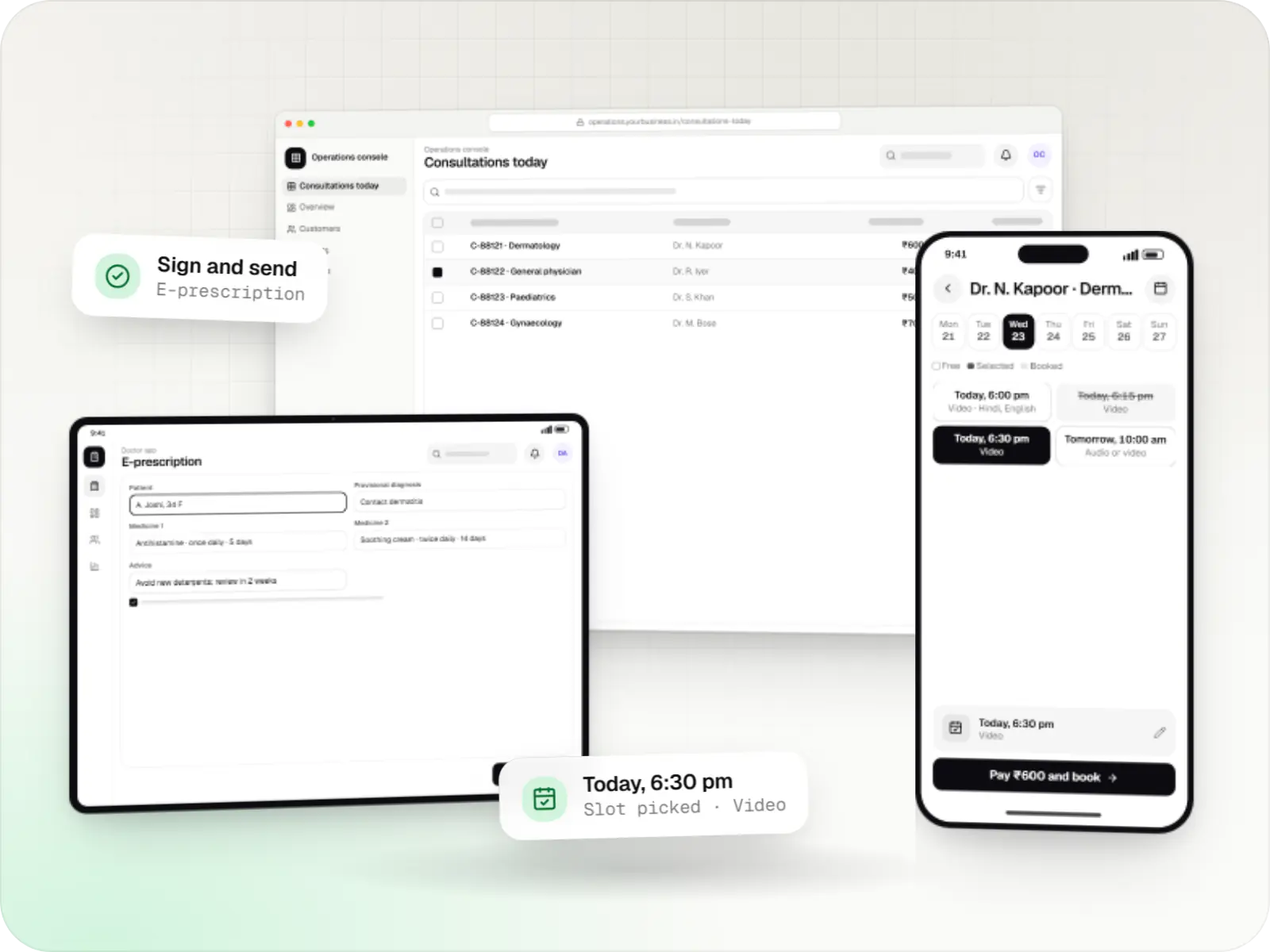
Video, audio and chat consultation platforms with scheduling, e-prescriptions, payments and records, designed around the Telemedicine Practice Guidelines.
Flutter and the related logo are trademarks of Google LLC. We are not endorsed by or affiliated with Google LLC.
How to start
Tell us what you need in your own words. You talk to the developers who would build it and get a written, line-item estimate.
Get a project estimateA consultation that drops halfway is worse than none. Patients join from moving trains, basements and villages with one bar of signal; doctors fit teleconsults between OPD patients. Our telemedicine app development plans for that: adaptive video that falls back to audio, chat with photo sharing, and reconnection to the same session.
Around the call, the platform handles scheduling, prepayment and refunds, consent, doctor verification, prescriptions carrying the doctor's registration details, and a record of each consultation. AI can help with intake forms or draft summaries for the doctor to review, but it never counsels patients or prescribes.
Challenges
Audio fallback, reconnection and chat let the doctor finish when bandwidth drops.
Doctors on phones between OPD patients need a one-tap queue, quick notes and templates.
Identification, consent, prescribing limits and record keeping belong in the flow, not in memory.
Clear rules for delayed doctors and failed calls, with automatic refunds and reconciliation.
What is included
Platform: Android, iOS and web
Platform: Android, iOS and web
Platform: Web
How it works
Each step is built around the Telemedicine Practice Guidelines, so the doctor has what they need to consult responsibly.
The patient chooses a doctor by speciality, language and fee, picks a slot or an instant consult, and pays by UPI or card.
A short questionnaire, consent and past reports are shared before the call, so the doctor starts informed.
The call starts from a waiting room; if the network weakens, it falls back to audio or chat and can rejoin the same session.
The doctor writes notes with templates and issues a signed prescription carrying their registration number.
The prescription, invoice and consult summary are saved to the patient's records, and a follow-up can be booked in one tap.
Doctor fees and revenue share are settled, and failed or delayed consults are refunded under your policy.
Platforms
Patients and doctors use phone apps or a browser; your operations team works in a web console.
Apps for Android phones and tablets, tested on budget and mid-range devices and published on Google Play or privately.
Apps for iPhone and iPad, built to Apple's guidelines and released through TestFlight and the App Store.
One Flutter or React Native codebase for Android and iOS, with native modules where a feature needs them.
Browser-based applications with logins, roles and workflows, such as customer portals, SaaS products and internal tools.
Back-office panels for operations, support and finance teams: orders, users, content, reports and permissions.
Technology
These keep calls working on weak networks, records secure and bookings in sync across apps.
Mobile
Build Android and iOS apps from one shared codebase, so you launch on both platforms faster with a consistent experience.
Used for
Web
Builds interactive screens in the browser, such as dashboards, admin panels and portals, that respond instantly as your team works.
Used for
Web
A modern web technology for fast, search-friendly websites, online stores and web applications that load quickly on mobile.
Used for
Backend
Runs the server side of apps: fast, scalable back ends that power your app, website and integrations.
Used for
Backend
A structured way to build back ends on Node.js, so large business systems stay organised, testable and easy to hand over.
Used for
Data
A reliable database for the records your business runs on: orders, payments, bookings and stock, kept accurate and easy to report on.
Used for
Data
Keeps frequently used data in fast memory, so apps stay quick on busy days and live features like order tracking feel instant.
Used for
Cloud & DevOps
Cloud hosting for your app, website and data, with data centres in India and room to grow when traffic rises.
Used for
Flutter and the related logo are trademarks of Google LLC. We are not endorsed by or affiliated with Google LLC.
Integrations
Chosen on cost, call quality in India and data location.
Prepaid consults by UPI, cards and wallets, with automated refunds.
ABHA verification and consented record sharing.
Aadhaar eSign or DSC-based signing through licensed providers.
Prescriptions and test orders sent with the patient's consent.
Masked phone consults when video is not possible.
Privacy & security
Implied consent is logged for patient-initiated consults; explicit consent is recorded when a doctor or health worker initiates.
Doctors show qualifications and registration number; patient identity is captured before the consult.
Templates reflect the guideline rules on medicine categories per consultation type, for the doctor to confirm.
Calls are recorded only if your policy requires it and both parties are told.
Only the treating doctor and authorised staff open records, access is logged, and records can reach an ABHA with consent.
Plain-English glossary
Product preview
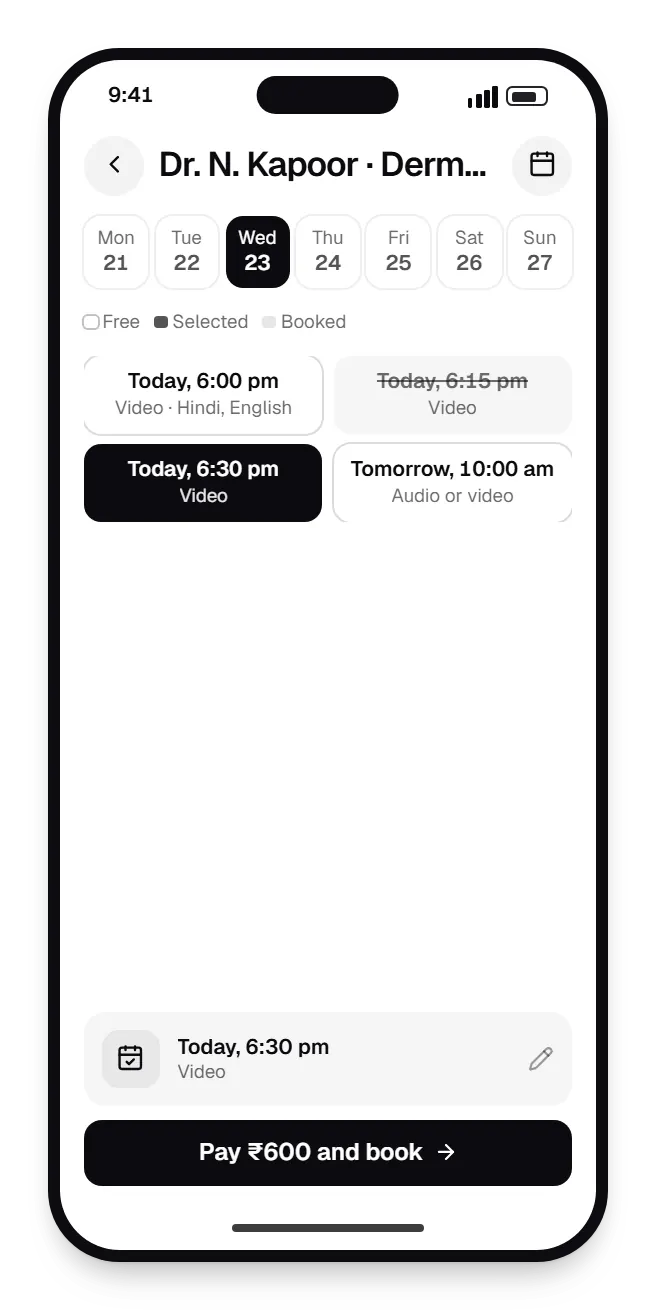
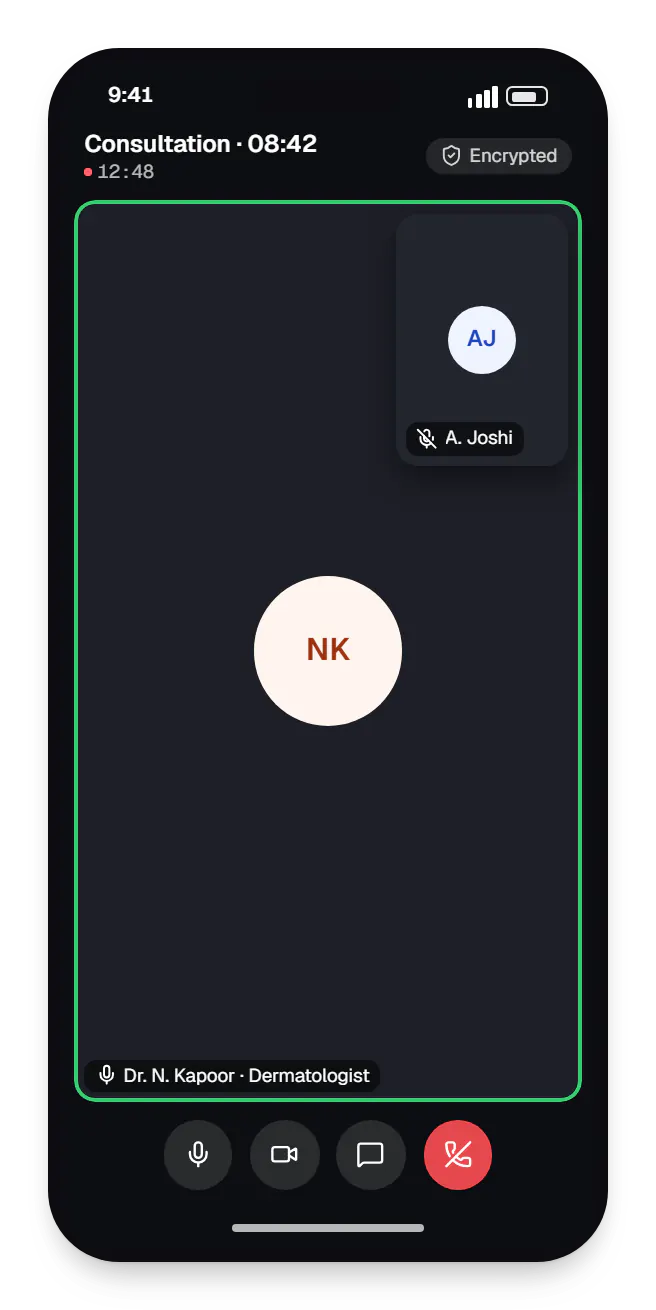
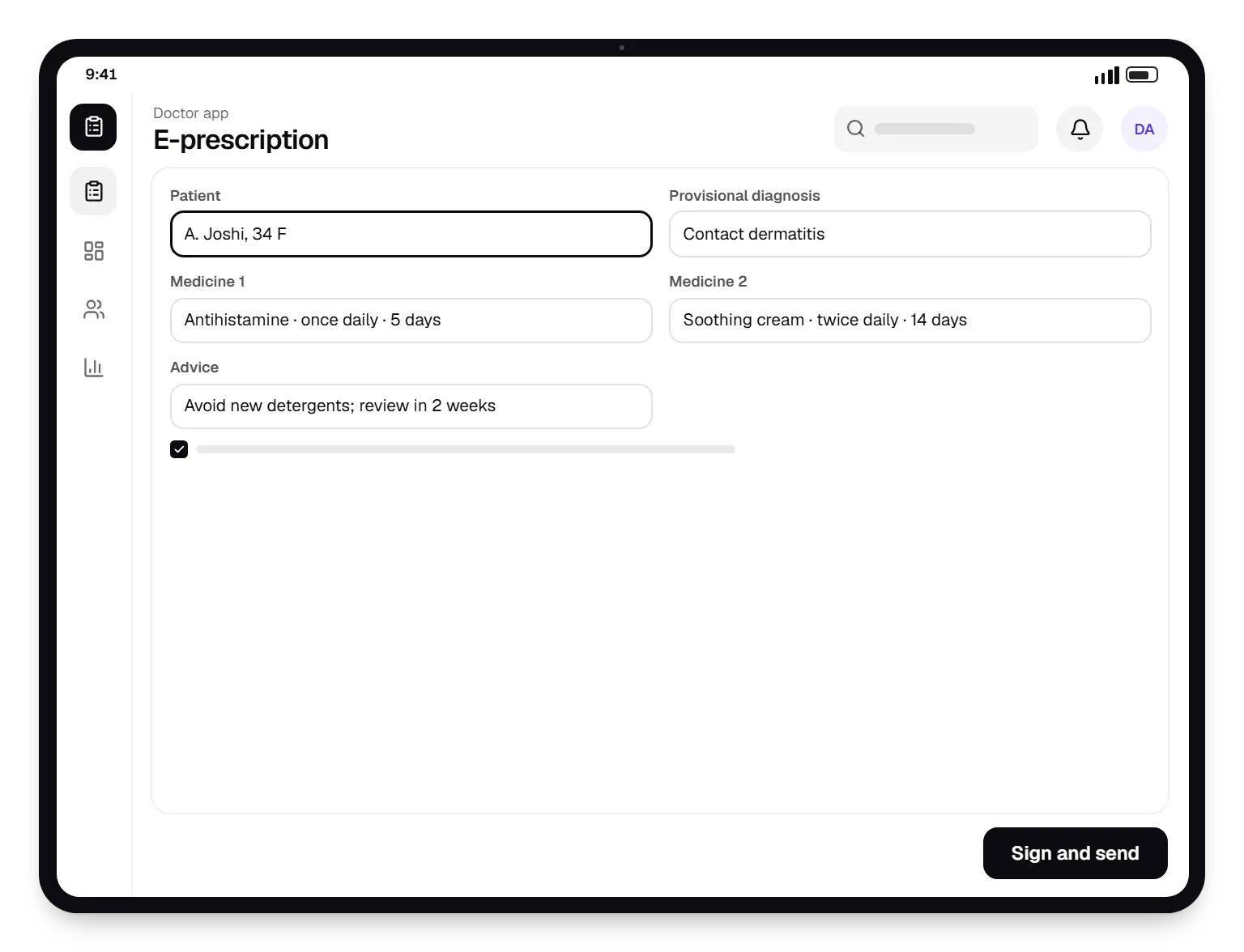
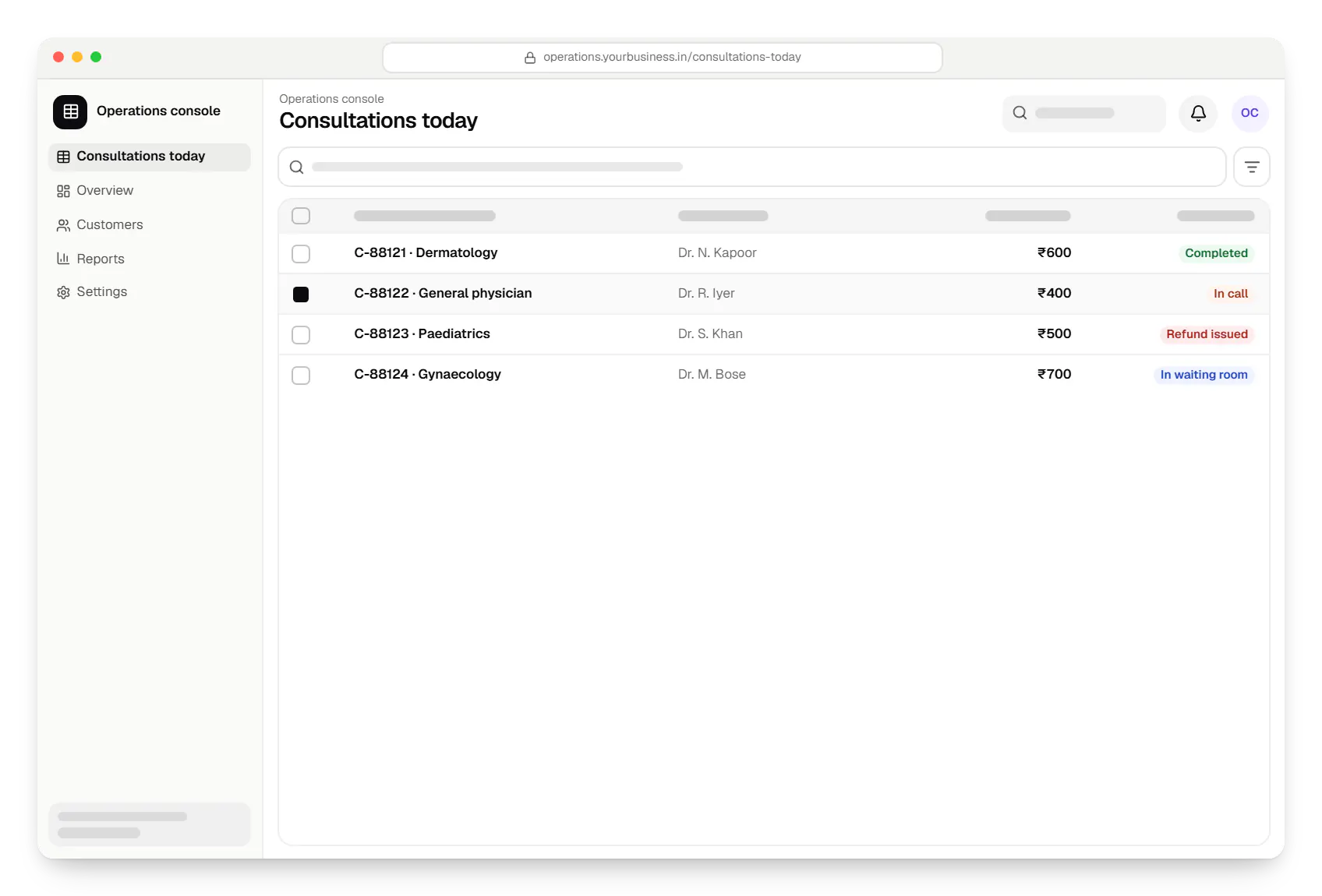
Sample screens: names, prices and figures are examples, not client data.
Work
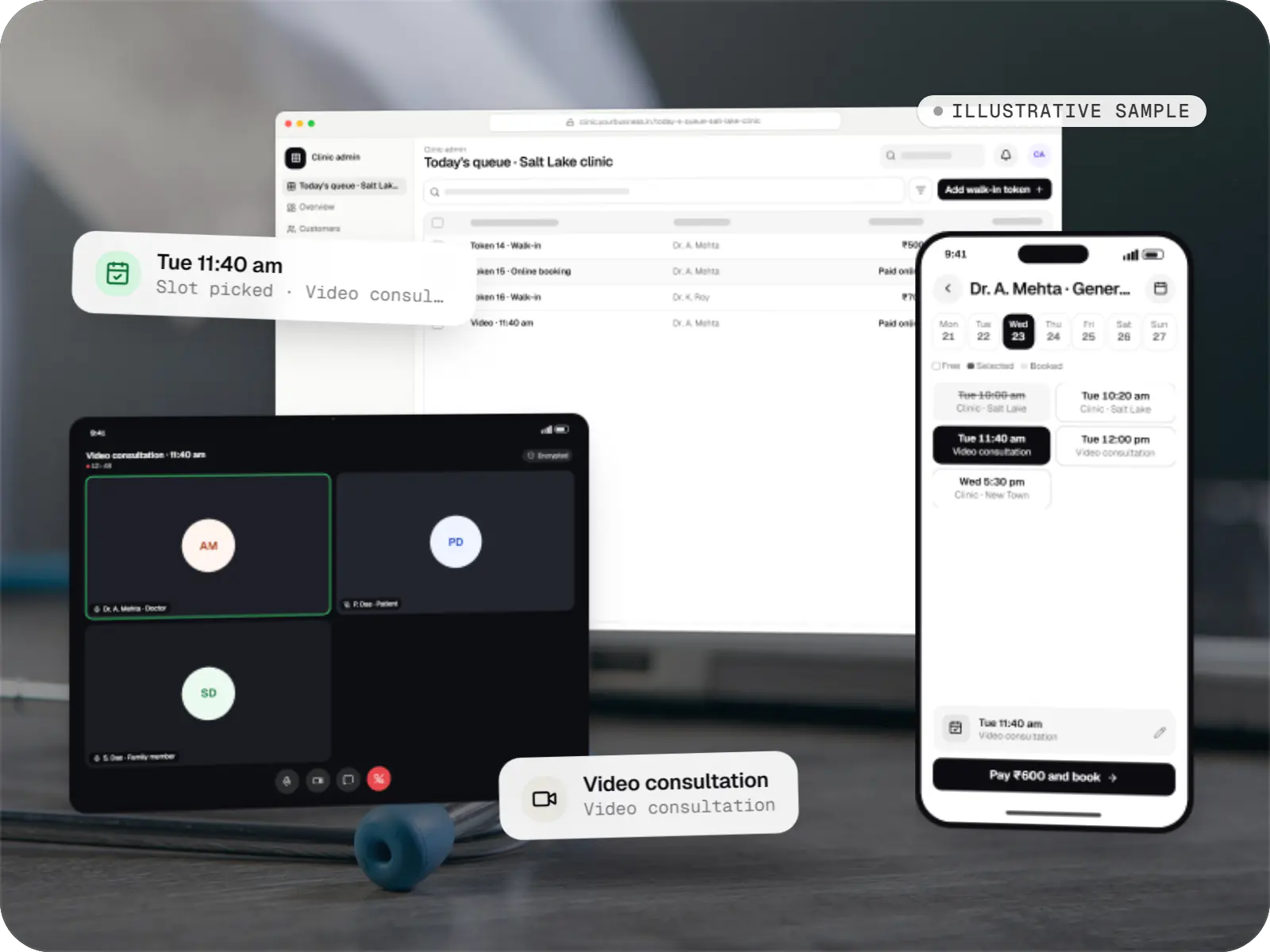
Healthcare software
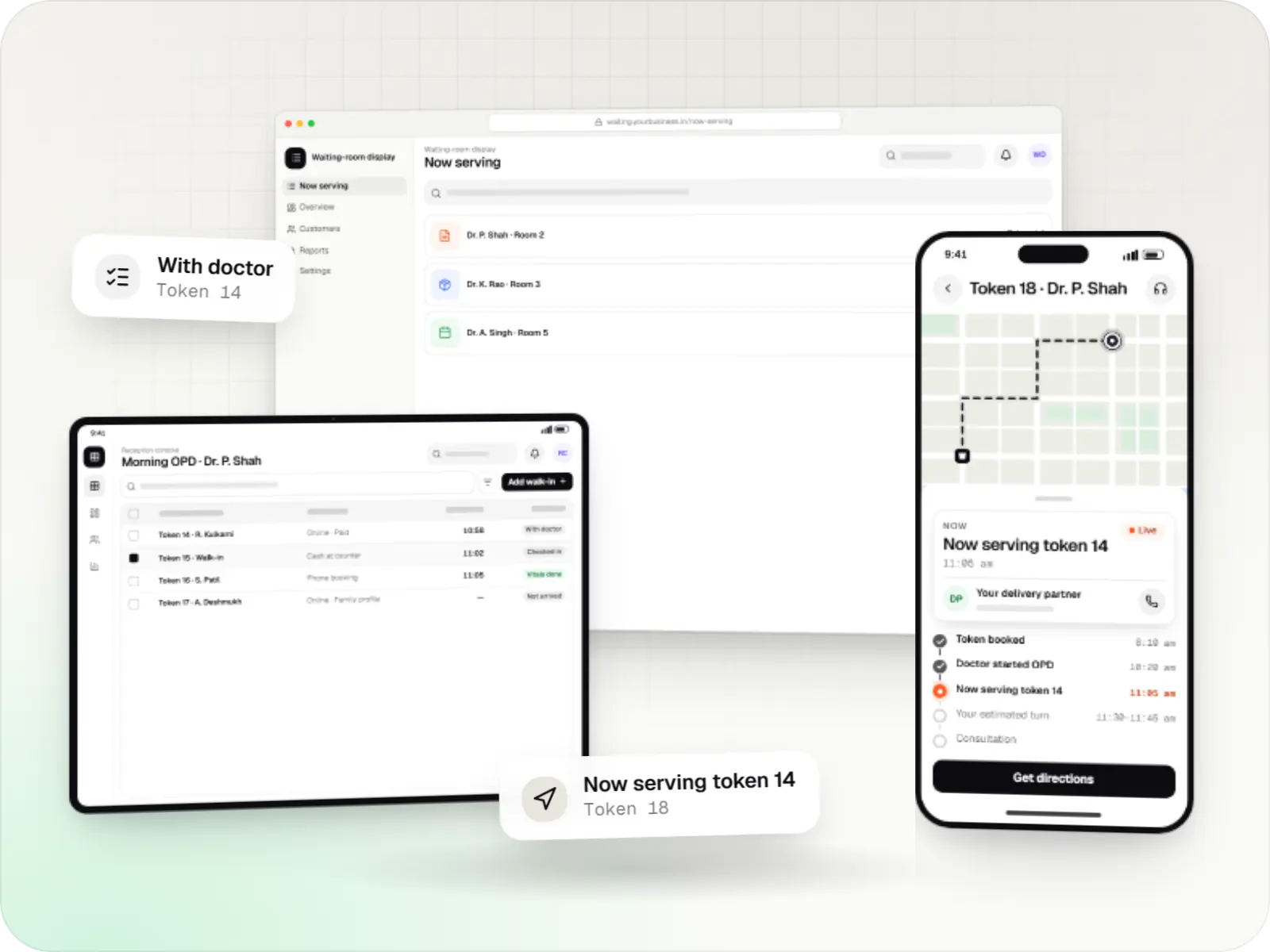
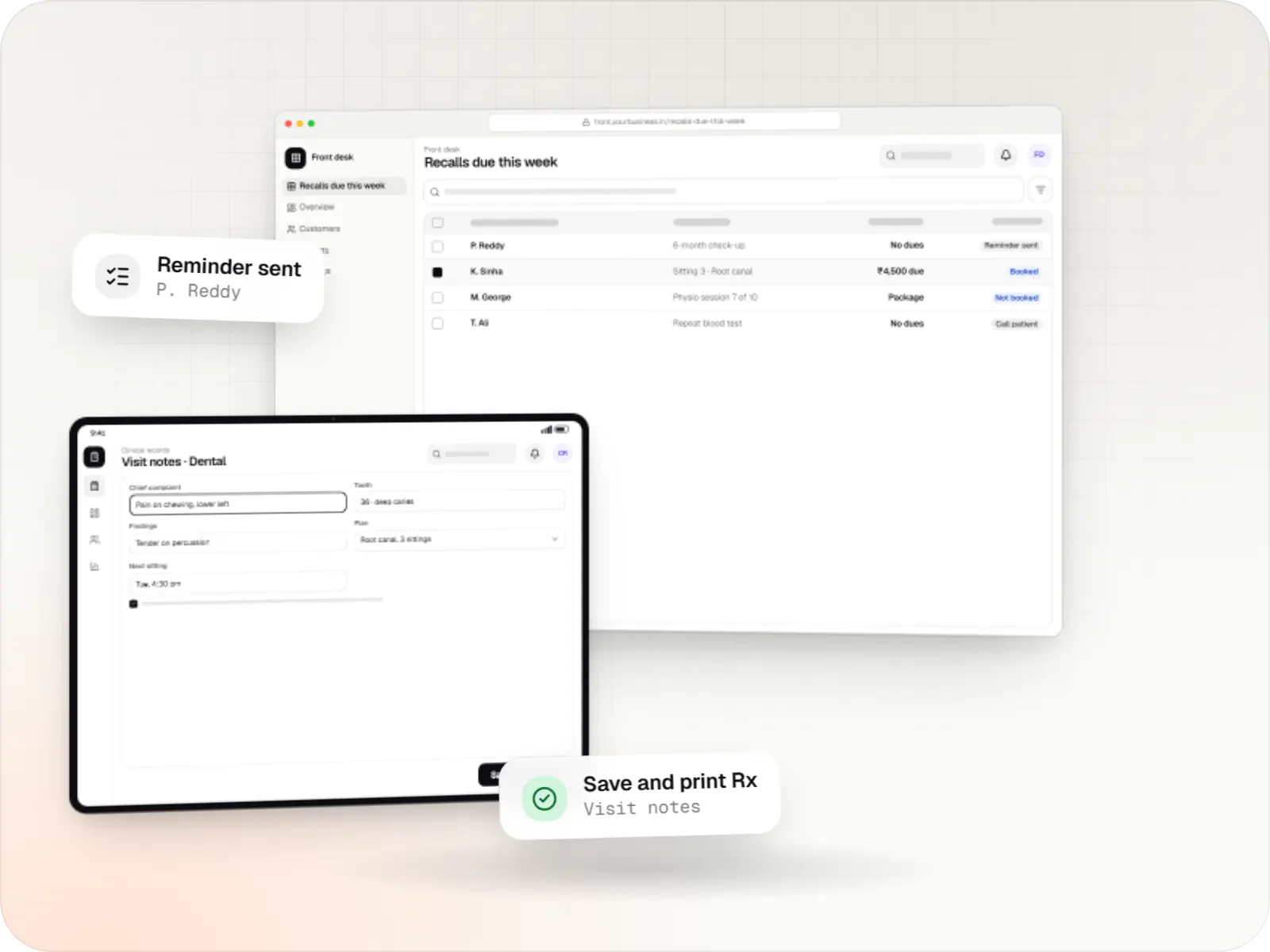
An illustrative patient app, doctor app and clinic admin for in-person and video consultations, with digital prescriptions and consent-based record access.
Runs on
Built with
Services

Native and cross-platform Android and iOS apps, from first release through regular store updates, built by our in-house designers and engineers.

Android and iOS apps from one Dart codebase, built by engineers who know when Flutter is the right call and when native code is needed.

Browser-based products, customer portals, dashboards and internal tools, built on clean data models with secure roles and integrations.

Secure, documented REST and GraphQL APIs, plus integrations that connect your apps to payment, logistics, GST, messaging and business systems.

Product design for web and mobile apps: research, user flows, wireframes, prototypes and design systems that engineers can build from.
Industries
Cost drivers
Managed video APIs are quicker to integrate and billed per minute; self-hosting costs more to build and run but gives more control.
Scheduled, instant, chat-first and follow-up consults each add states to handle and test.
One clinic's doctors are simpler than a marketplace with revenue share and payouts.
Digital signatures, pharmacy and lab routing, ABDM and HMS links each add integration work.
Estimates are written from your scope, with the effort and assumptions behind each line item.
How pricing worksFAQ
The guidelines set duties for registered medical practitioners: identifying the patient, obtaining consent, choosing a suitable mode, limiting which medicines may be prescribed in each type of consult, and keeping records. They also bar AI-based platforms from counselling patients or prescribing. The platform supports these duties through doctor verification, consent logging, prescription templates and records; your advisers should still review the flows.
For most launches, a managed provider such as Agora or 100ms is practical: faster integration, call quality tuned by the provider, and per-minute billing. Self-hosting an open-source stack such as LiveKit on Indian cloud servers gives more control over data and can cost less at high volumes, but you take on TURN servers, scaling and monitoring. Many teams start managed and revisit later.
The app watches connection quality and switches to audio-only before the call fails. If it drops completely, both sides can rejoin the same session within a set window, or continue over chat or a masked phone call. If the consult cannot be completed, the doctor marks it incomplete and the system offers a free reschedule or refund under your policy.
Yes. Prescriptions carry the doctor's name, qualifications and registration number, patient details and the date, and are signed through Aadhaar eSign or a digital signature certificate. Patients receive a PDF they can forward to a pharmacy. We base the layout on the sample format in the guidelines, though whether a pharmacy accepts a digital prescription remains its own decision.
Related
Next step
Tell us about your doctors, patients and current consultations. We will map the flow against the guidelines and send a line-item estimate.
