



Web
Next.js
A modern web technology for fast, search-friendly websites, online stores and web applications that load quickly on mobile.
Used for
- Business websites
- Online stores
- Web apps
- Customer portals
CRM development
Lead capture, pipelines, quotations, field visits and after-sales service in one system your team will keep using.

At a glance
What it is
Custom CRM software that captures leads from every channel, keeps follow-ups on schedule and shows managers a live pipeline.
Flutter and the related logo are trademarks of Google LLC. We are not endorsed by or affiliated with Google LLC.
How to start
Tell us what you need in your own words. You talk to the developers who would build it and get a written, line-item estimate.
Get a project estimateSales data in a growing company scatters: enquiries in an inbox, follow-ups in personal WhatsApp chats, quotations in Word files and customer history with whoever handled the account. When a salesperson leaves, much of it leaves too.
We start with the lead sources and stages you already use, automate assignment, reminders and quotation formatting, and add the reports managers ask for each week. The data model can also hold what generic tools struggle with: dealer hierarchies, pin-code territories or AMC renewals.
Challenges
Website, IndiaMART, Meta ads and WhatsApp enquiries land in different places, so some wait hours for a reply.
Without scheduled tasks, warm leads go cold when a rep is busy or on leave.
Contacts and conversations belong to individuals rather than to a record the business owns.
Stages and deal values are recorded inconsistently, so managers redo the pipeline every week.
What is included
Platform: Web app
Platform: Android app
Platform: Web app
Platform: Admin dashboard
How it works
Every enquiry follows the same stages, so nothing depends on one salesperson remembering it.
Enquiries from every channel land in one inbox, tagged by source, with duplicates caught on mobile number or GSTIN.
The lead goes to the right rep by territory, pin code or product line, with a first-call task due within minutes.
Calls, WhatsApp chats and GPS-verified visits are logged against the lead, and reminders stop warm leads going cold.
A GST-ready quotation is created from the price list; discounts beyond a rep's limit go to a manager for approval.
When the deal is won, the invoice is created in your accounting software and payment status flows back to the CRM.
Tickets, AMC renewals and repeat orders stay on the same customer record, ready for the next sale.
Then it starts again at step 1: Lead arrives
Platforms
Desk teams and managers use a web app and dashboard; field reps use a phone app that works offline.
Browser-based applications with logins, roles and workflows, such as customer portals, SaaS products and internal tools.
Apps for Android phones and tablets, tested on budget and mid-range devices and published on Google Play or privately.
Installable web apps with offline support and notifications, useful when an app-store listing isn't essential or phones have little storage.
Back-office panels for operations, support and finance teams: orders, users, content, reports and permissions.
Technology
Chosen for fast search across thousands of leads, dependable integrations and a field app that works without signal.
Web
A modern web technology for fast, search-friendly websites, online stores and web applications that load quickly on mobile.
Used for
Backend
A structured way to build back ends on Node.js, so large business systems stay organised, testable and easy to hand over.
Used for
Data
A reliable database for the records your business runs on: orders, payments, bookings and stock, kept accurate and easy to report on.
Used for
Data
Keeps frequently used data in fast memory, so apps stay quick on busy days and live features like order tracking feel instant.
Used for
Mobile
Build Android and iOS apps from one shared codebase, so you launch on both platforms faster with a consistent experience.
Used for
Cloud & DevOps
Cloud hosting for your app, website and data, with data centres in India and room to grow when traffic rises.
Used for
Flutter and the related logo are trademarks of Google LLC. We are not endorsed by or affiliated with Google LLC.
Integrations
Pulls buyer enquiries automatically instead of copying them from the seller panel.
Captures ad leads through webhooks moments after submission.
Two-way chat inside the lead record, with approved templates outside the 24-hour window.
Click-to-call, recordings and missed-call leads logged against the contact.
Won quotations become invoices; payment status flows back.
Plain-English glossary
Product preview
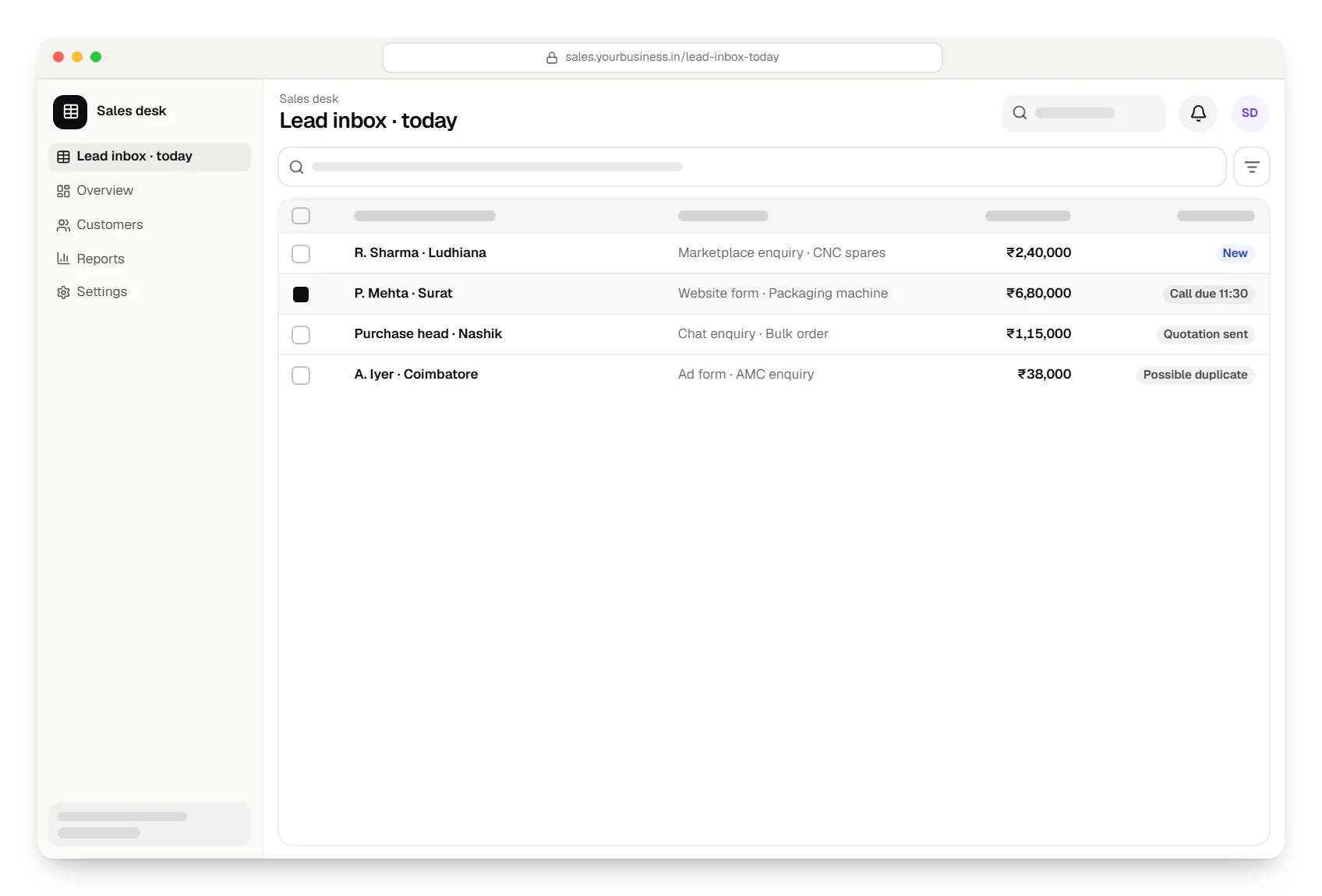
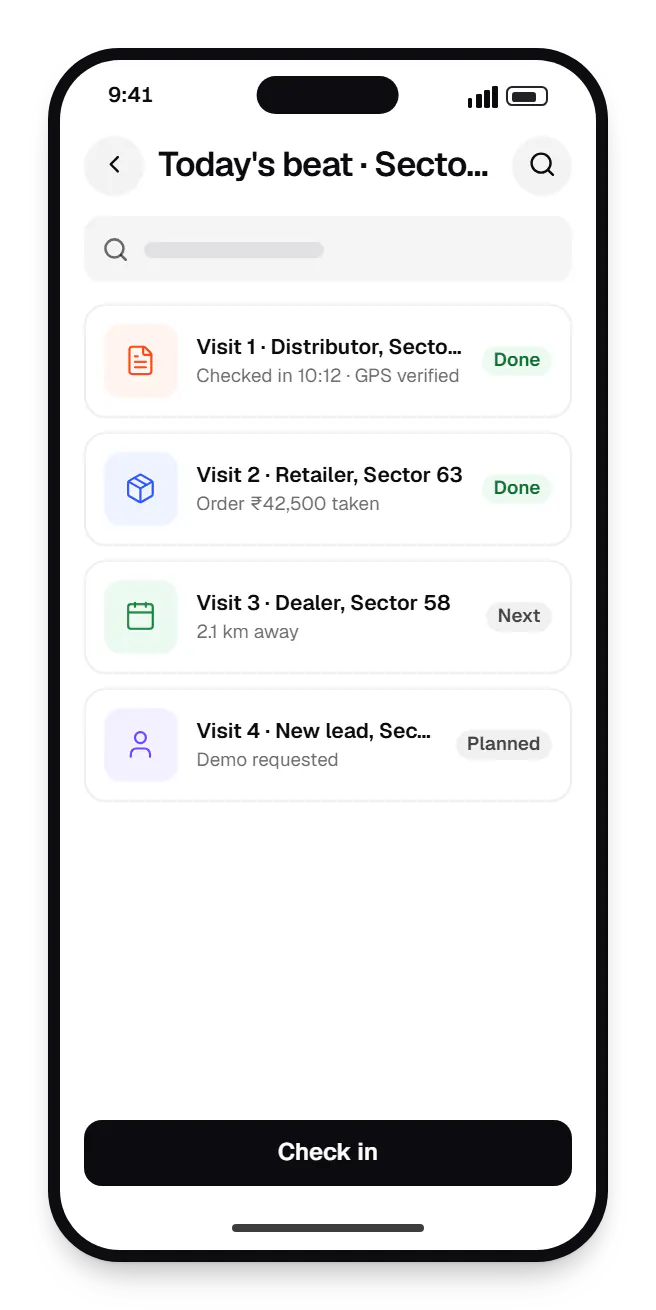
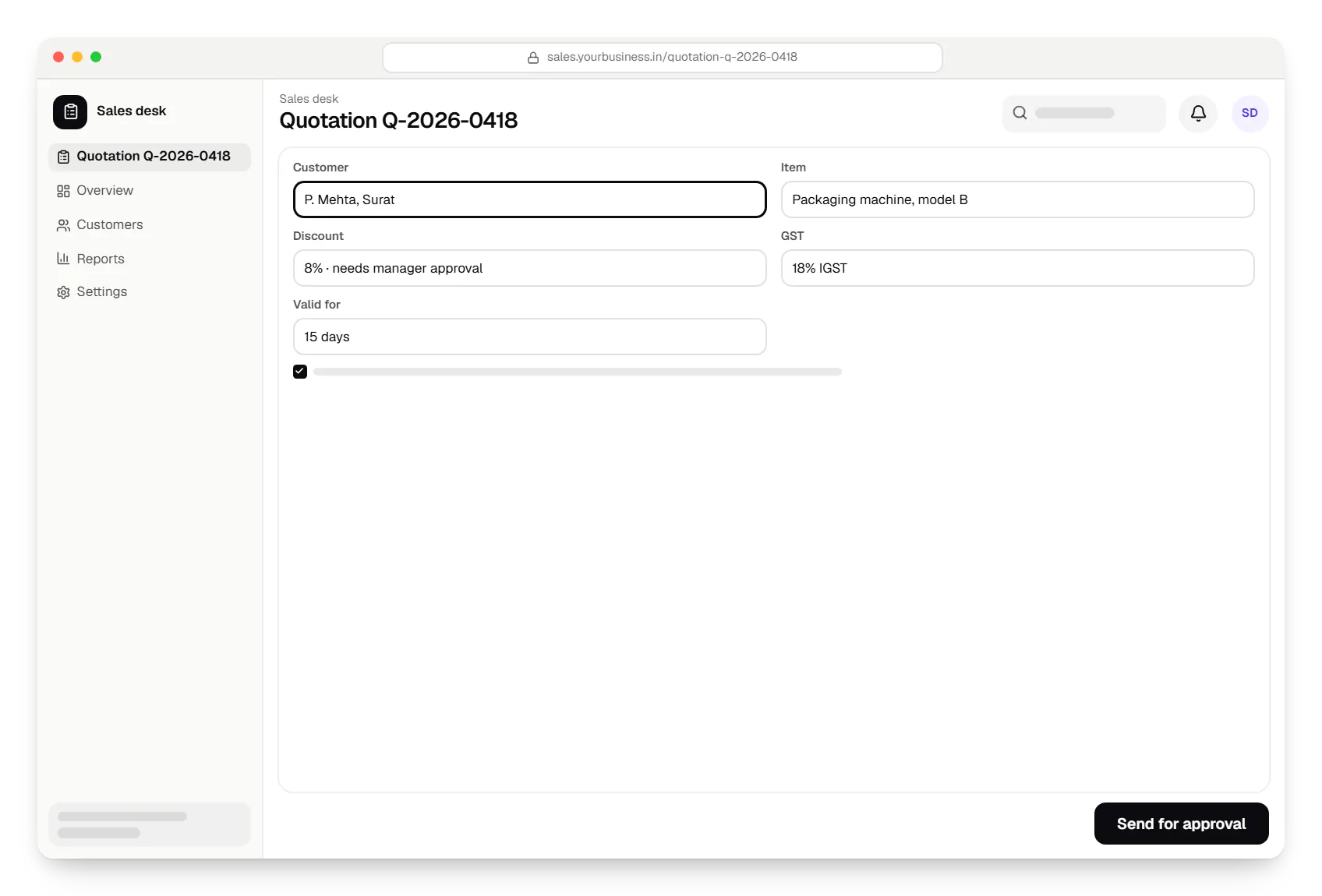
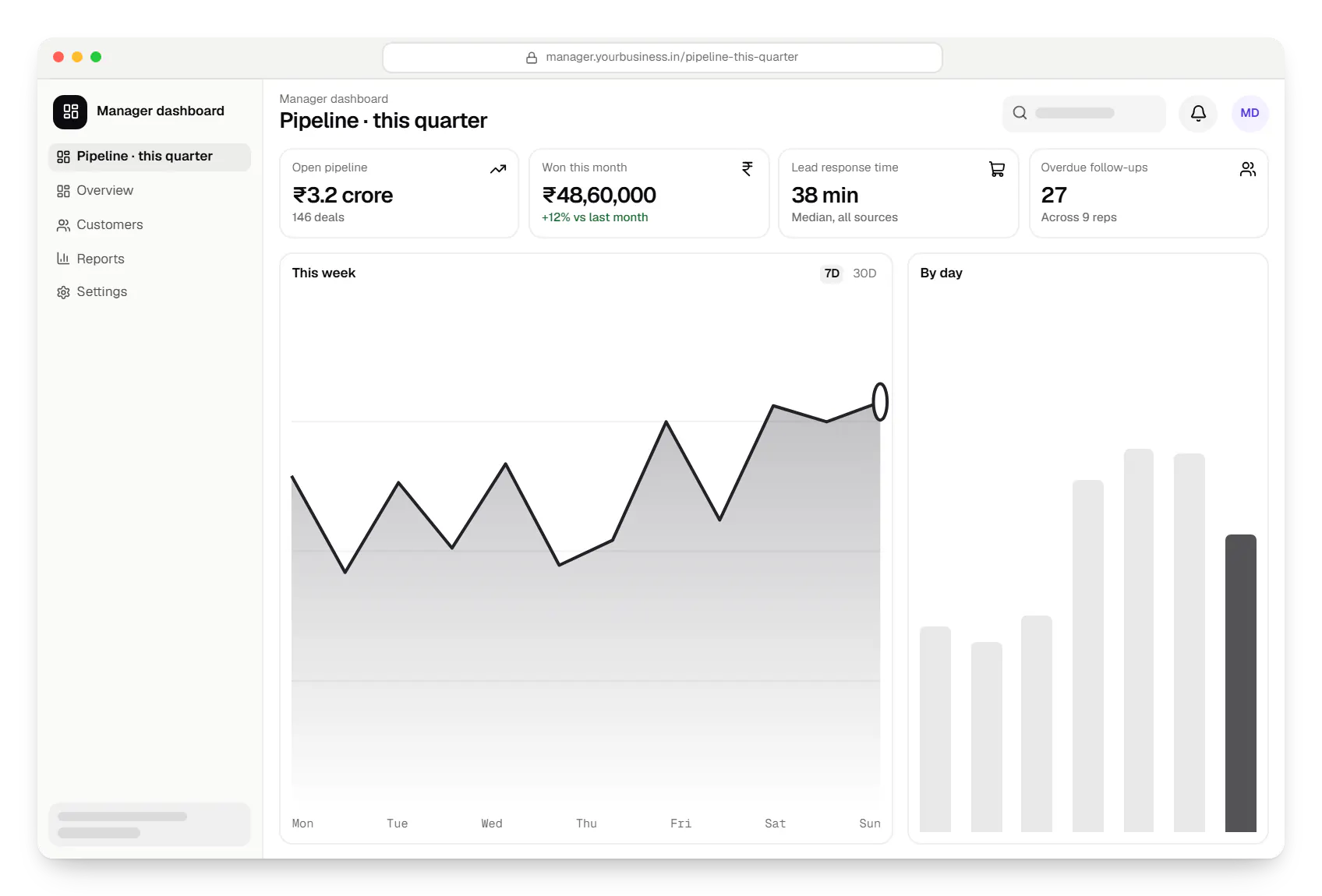
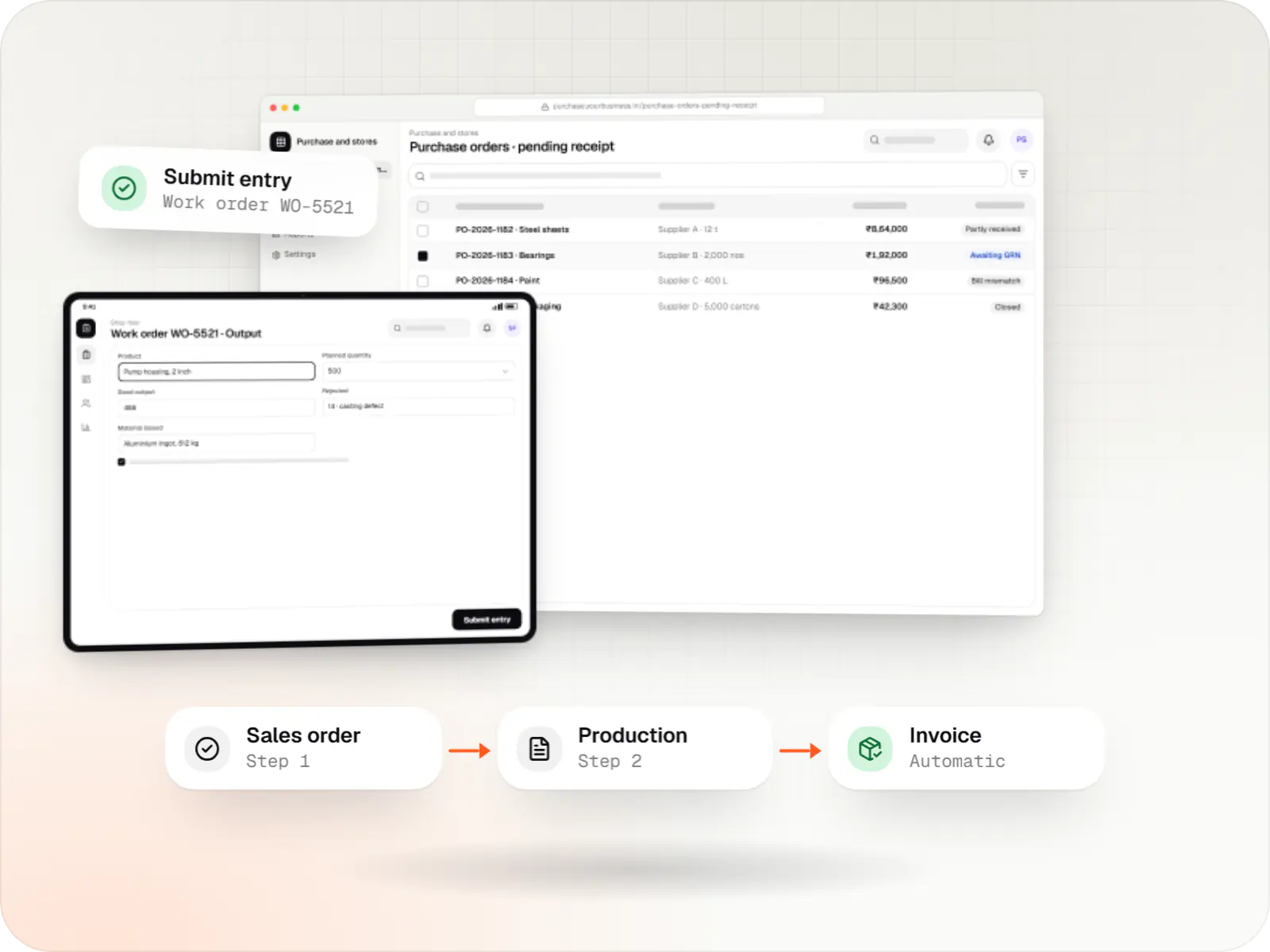
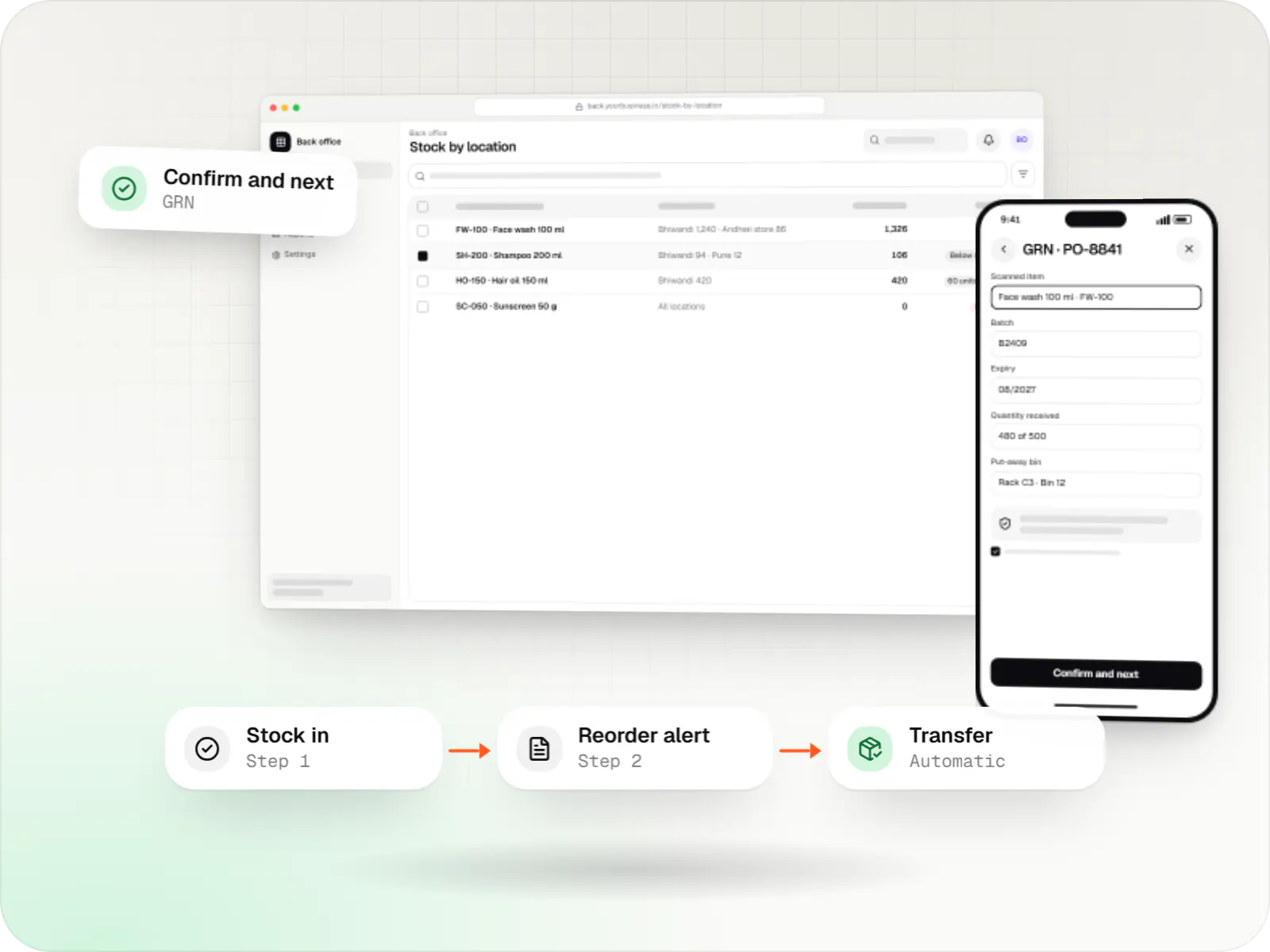
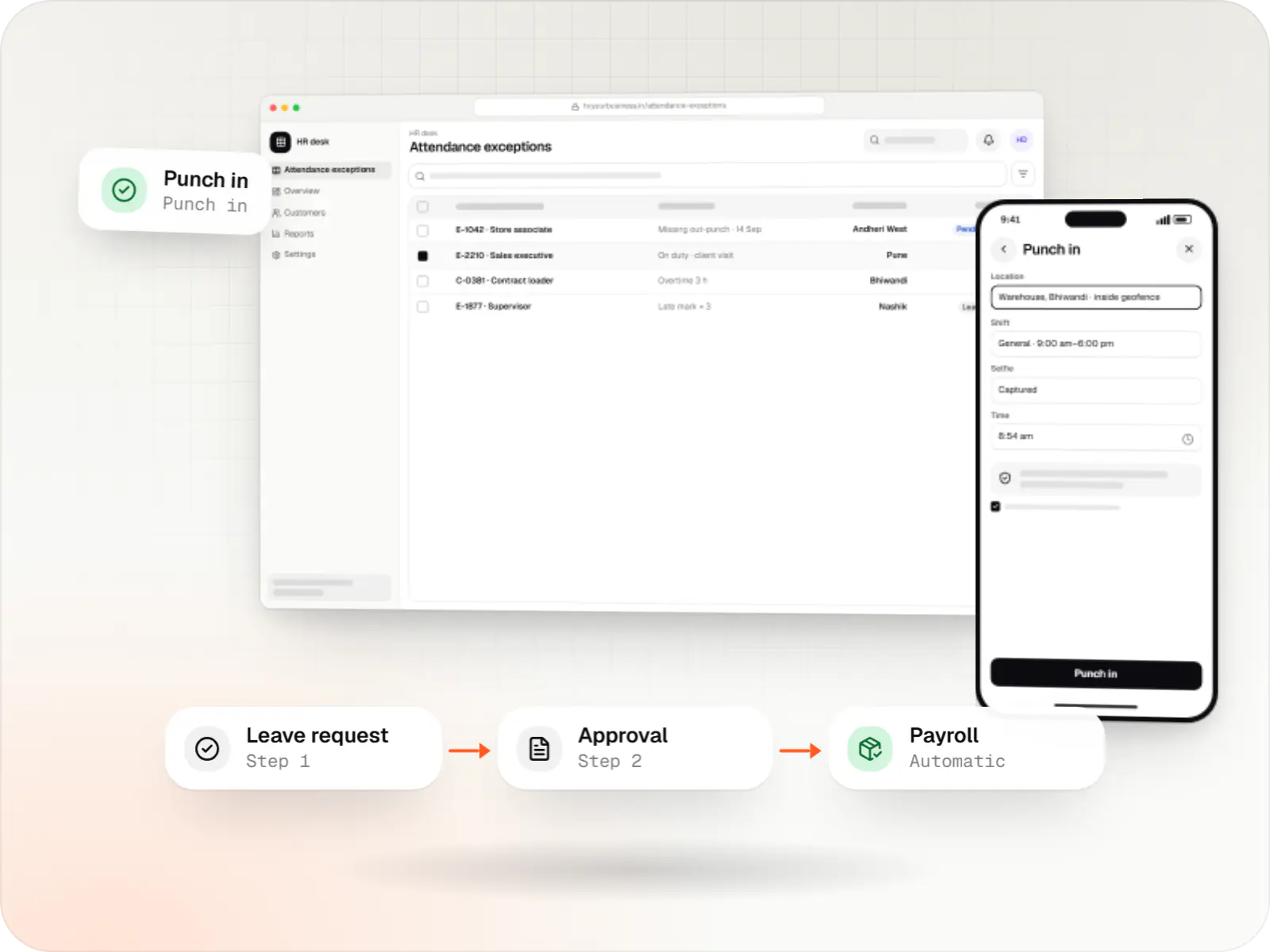
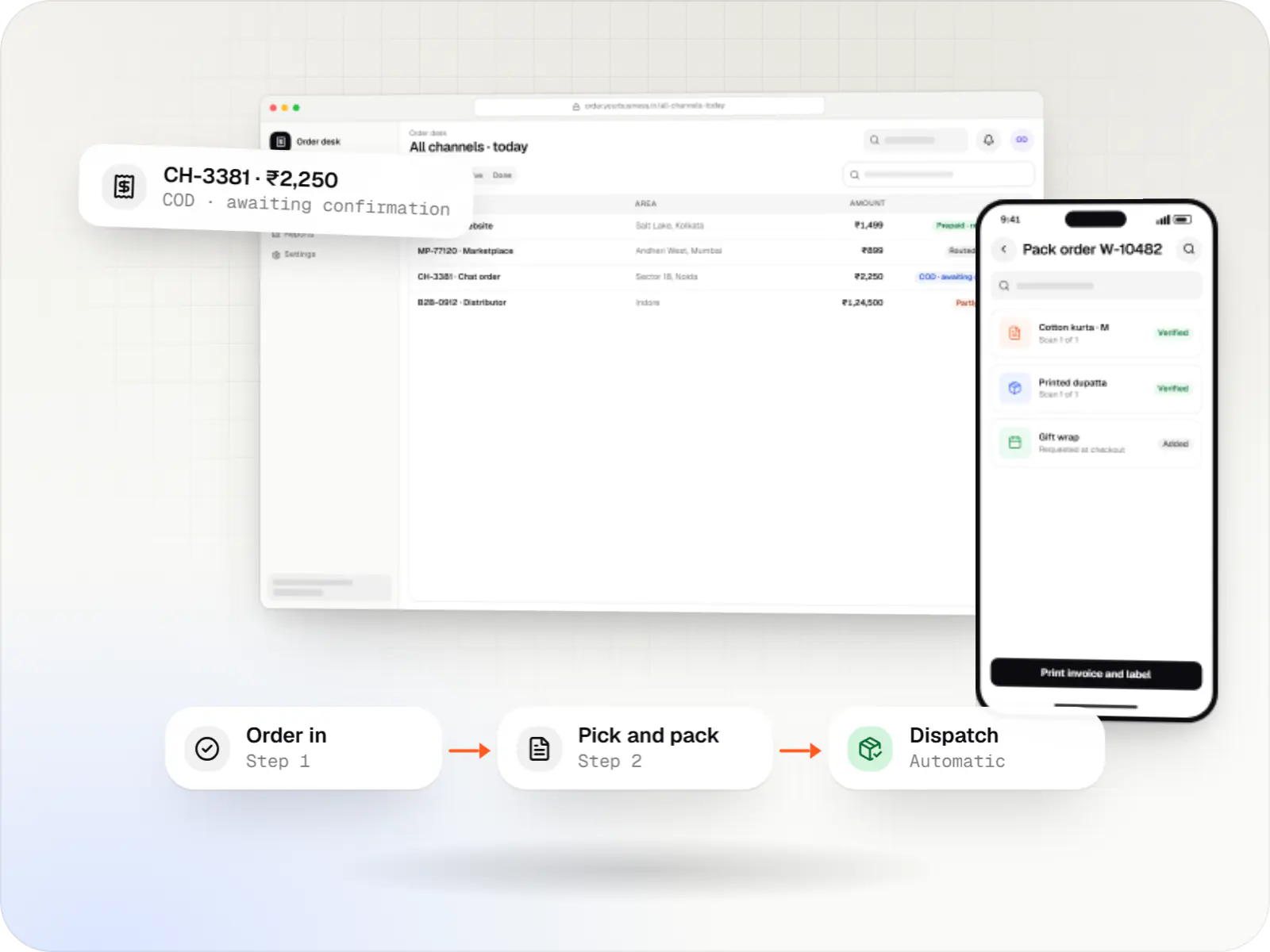
Sample screens: names, prices and figures are examples, not client data.
Services

Browser-based products, customer portals, dashboards and internal tools, built on clean data models with secure roles and integrations.

Native and cross-platform Android and iOS apps, from first release through regular store updates, built by our in-house designers and engineers.

Secure, documented REST and GraphQL APIs, plus integrations that connect your apps to payment, logistics, GST, messaging and business systems.

Product design for web and mobile apps: research, user flows, wireframes, prototypes and design systems that engineers can build from.
Industries
Cost drivers
One sales process is simpler than separate retail, dealer and project pipelines with their own approvals.
Each channel adds integration and testing work, and some need paid provider accounts.
GPS check-ins and offline capture make the mobile app a substantial piece of work.
Cleaning old spreadsheets or CRM exports, especially duplicate contacts, takes real effort.
Standard dashboards are quick; forecasting or incentive calculations add effort.
Estimates are written from your scope, with the effort and assumptions behind each line item.
How pricing worksMore specific pages
CRM development for
FAQ
It depends on fit. If your process follows a standard lead-to-deal flow, configuring an established CRM is quicker and cheaper to start, and we will recommend it. A custom build makes sense when per-user fees add up across a large team, when you need dealer hierarchies, pin-code territories or product-specific quotation logic, or when the CRM must sit inside a wider system such as your ERP.
Yes, through the WhatsApp Business Platform, via a business solution provider or Meta's Cloud API. Incoming messages create or update a lead, the conversation sits in the lead record, and reps reply from the CRM instead of personal phones. Messages you start outside the 24-hour customer service window must use pre-approved templates, and customers must have opted in.
A focused first release, covering two or three lead sources, one pipeline, tasks, quotations and a manager dashboard, typically takes ten to fourteen weeks including testing and data import. A field sales app, telephony, accounting integration or several business units extend that. Releasing in phases gets the core pipeline into use early, and real usage shapes what follows.
We collect Excel sheets, old CRM exports or team contact lists and map them to the new structure. Duplicates are matched on mobile number, email or GSTIN, and uncertain matches go to a review list rather than being merged silently. Open deals keep their owners and due dates. Your team checks a trial import before the final import on go-live day.
Related
Next step
Send your current lead sheet or walk us through a typical deal. We will propose a first CRM release and a line-item estimate.