Skip to content
Softcoderz

Device security

Device security and compliance management for company phones, tablets and laptops

Clear rules for every company device, automatic checks against them, and a record of what was done about each gap.

Device security and compliance screens: compliance console in a browser and work app notice on a phone
Illustrative previewDevices locked to the job they do, set up and updated from one management console.

At a glance

The short version

What it is

Compliance rules for Android, Apple and Windows devices: passcodes, encryption, OS updates, app lists, remote lock and wipe, audit logs and reports.

What you get
  • Compliance rules
  • Graded response
  • Evidence and audit
  • What users see
How it works
  1. Security team
  2. Device
  3. Compliance engine
  4. Notification
  5. 3 more
Runs on
  • Android Enterprise
  • iPhone and iPad
  • Mac
  • Windows
  • Admin
Cost depends on
  • Platforms and ownership types
  • Rule complexity
  • Identity integration
and 2 more factors

How to start

Tell us what you need in your own words. You talk to the developers who would build it and get a written, line-item estimate.

Get a project estimate

Compliance is a loop, not a setting

Setting a passcode rule once does not make a fleet secure. Devices fall behind on updates, users switch off protections where they can, and new apps appear. A compliance system checks every device regularly, compares it with the rules for its role and follows a graded response: tell the user, give them time, restrict access, and only then lock or wipe.

The response has to match the device. On a company-owned phone, a full reset can be fair. On a personal phone enrolled for work, only the work profile or the work data can be removed, and the company should never see or touch the rest. We build that distinction into the rules, the console and the notices employees read.

What is included

What we build for device security

  • Platform: Admin dashboard

    Compliance rules

    • Screen lock and passcode strength per role
    • Encryption required and reported
    • Minimum OS version and maximum security patch age
    • Allowed and blocked apps, and allowed app sources
    • Integrity checks where the platform provides them
  • Platform: Admin dashboard

    Graded response

    • Notice to the user with the exact fix
    • Grace period set per rule
    • Email and business apps paused through your identity provider
    • Lock, work-data removal or reset, depending on ownership
  • Platform: Admin dashboard

    Evidence and audit

    • Audit log of every admin action: who, when and why
    • Compliance history per device and per rule
    • Scheduled reports for audits and management reviews
    • Exports for your risk and audit tools
  • Platform: Work app or notification

    What users see

    • Plain messages: what is wrong and how to fix it
    • One-tap links to the update or setting
    • A clear list of what the company can and cannot see

How it works

How a device moves through the compliance loop

The same loop runs every day for every device; the last step depends on who owns it.

  1. Security team

    Step 1: Rules set per role

    Passcode, encryption, OS version, patch age and app rules are agreed for each group of devices.

  2. Device

    Step 2: Device reports its state

    Android, Apple and Windows devices report settings, versions and apps through their management channel.

  3. Compliance engine

    Step 3: Checked against the rules

    Each report is compared with the rules, and any gap is recorded with the rule it breaks.

  4. Notification

    Step 4: User told what to fix

    The user gets a plain message and a grace period, such as three days to install an update.

  5. Identity provider

    Step 5: Access restricted

    If the gap remains, email and business apps pause on that device until it is fixed.

  6. Admin console

    Step 6: Lock, remove work data or reset

    For serious or lasting gaps, company devices can be locked or reset; personal devices lose only the work profile or work data.

  7. Audit log

    Step 7: Logged and reported

    Every check, message and action is stored for audits and monthly reviews.

Then it starts again at step 1: Rules set per role

Comparison

What remote lock, wipe and location mean on each kind of device

Capabilities depend on the platform and on who owns the device. We never offer an action the platform does not support.

What remote lock, wipe and location mean on each kind of device
Company Android (fully managed or dedicated)Personal Android (work profile)Supervised iPhone or iPadPersonal iPhone (User Enrollment)Company-owned MacWindows PC
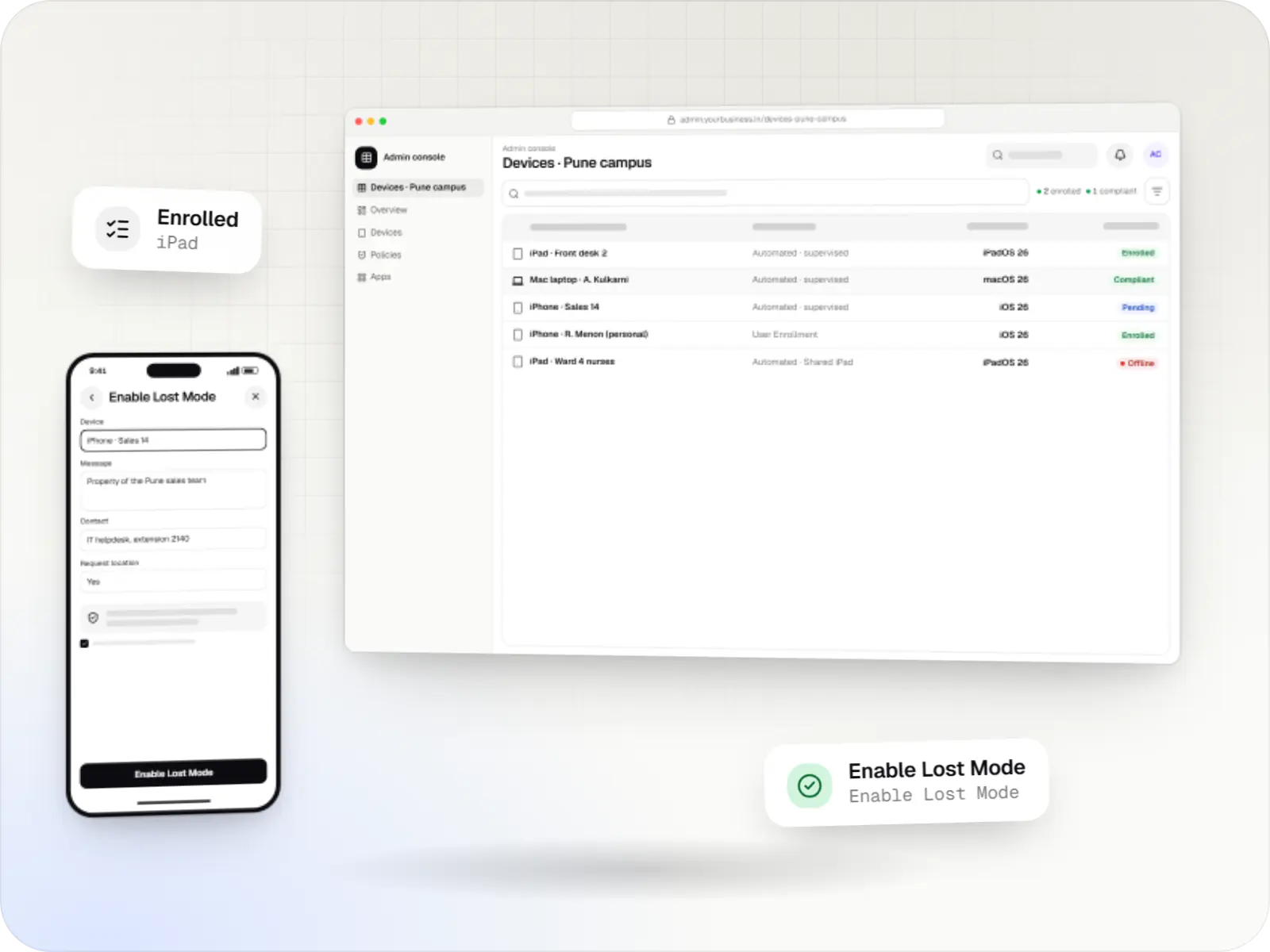
Remote lockYes; it only protects the device if a screen lock is setThe work profile if it has its own lock, otherwise the screen; nothing is deletedYes, plus Lost Mode with a messageYes, the screen onlyYes, with a six-digit PINUsually not offered for Windows PCs; access is blocked through sign-in instead
Remote wipeFull factory resetWork profile and its data onlyFull erase; Return to Service (iOS and iPadOS 17 or later) re-enrols itWork data only, by ending managementFull eraseFull reset through the MDM or your UEM
LocationWhere the management mode and app allow it, for a stated purpose and with notice to staffNot collected by the companyThrough MDM only in Lost Mode, and the user is told afterwardsNot available to the companyNot through the MDM protocolDepends on the UEM and on location settings
Minimum OS versionChecked; available system updates install in a set window (Android 8.0 or later)Required for work accessEnforced by deadline through declarative management (iOS and iPadOS 17 or later)Required for work accessEnforced by deadline through declarative management (macOS 14 or later)Enforced through update policies

Privacy & security

Privacy rules we build in

  • Least data collected

    The console stores only what the rules need: settings, versions and company app lists, never personal content.

  • Personal devices stay personal

    On work profiles and User Enrollment, the company cannot see personal apps, messages, photos or location, and the console does not try.

  • Location with a stated purpose

    Where company devices use location, it is for a lawful, stated purpose such as recovering a lost device, with notice to staff, in line with the Digital Personal Data Protection Act, 2023. No covert tracking.

  • Admin actions controlled

    Wipes and resets can require a second approver, and every admin action is logged.

Platforms

Devices covered by the rules

Company and personal Android devices, iPhone and iPad, Mac and Windows PCs, all reported in one console.

  • Mobile

    Android Enterprise devices

    Android phones, tablets and rugged handhelds with Google Play services, managed through Android Enterprise: company-owned devices as fully managed, dedicated (kiosk) or work-profile devices, and personal phones through a work profile only.

  • Mobile

    iPhone and iPad

    Organisation-owned or shared iPhone and iPad devices enrolled in MDM through Apple Business or Apple School Manager, supervised for Single App Mode and stricter restrictions.

  • Desktop

    Mac

    Mac computers enrolled in MDM for configuration profiles, app and package installs, disk encryption settings and software update rules, set up at first power-on when the purchase is linked to Apple Business.

  • Desktop

    Windows PCs

    Windows laptops and desktops managed through the MDM support built into Windows or an existing UEM, when PCs need to sit in the same console and reports as phones and tablets.

  • Back office

    Admin dashboard

    Back-office panels for operations, support and finance teams: orders, users, content, reports and permissions.

Technology

Platform controls and the stack behind the checks

Each rule is applied through the platform's own management API; our backend evaluates reports, runs the graded response and keeps the audit trail.

  • Device management

    Android Management API

    A Google cloud API for device-management products: your console sets the rules, and a Google app on each Android device applies them.

    Used for

    • Kiosk products for stores
    • EMM and MDM products
    • Policy-based device fleets
    • QR and zero-touch setup
  • Built-in Android APIs that let one trusted app control a company device: kiosk lock, silent app updates and restrictions, even without Google Play.

    Used for

    • Custom kiosk launchers
    • Devices without Google Play
    • POS and signage agents
    • Silent app updates
  • Device management

    Apple MDM protocol

    The management channel built into iPhone, iPad and Mac: an MDM server sends settings, apps and commands, and devices apply them remotely.

    Used for

    • iPad kiosks
    • Company iPhone fleets
    • Mac setup and updates
    • School iPad programmes
  • Backend

    Node.js

    Runs the server side of apps: fast, scalable back ends that power your app, website and integrations.

    Used for

    • App back ends
    • Live order tracking
    • Chat and notifications
    • Payment processing
  • Backend

    NestJS

    A structured way to build back ends on Node.js, so large business systems stay organised, testable and easy to hand over.

    Used for

    • Business app back ends
    • SaaS platforms
    • Marketplaces
    • Admin panel back ends
  • A reliable database for the records your business runs on: orders, payments, bookings and stock, kept accurate and easy to report on.

    Used for

    • Orders and customers
    • Payments and ledgers
    • Stock and inventory
    • Bookings
  • Data

    Redis

    Keeps frequently used data in fast memory, so apps stay quick on busy days and live features like order tracking feel instant.

    Used for

    • Faster apps
    • Live order status
    • Shopping carts
    • Job queues and alerts
  • Builds interactive screens in the browser, such as dashboards, admin panels and portals, that respond instantly as your team works.

    Used for

    • Web apps
    • Admin panels
    • Dashboards
    • Customer portals
  • Cloud & DevOps

    AWS

    Cloud hosting for your app, website and data, with data centres in India and room to grow when traffic rises.

    Used for

    • App hosting
    • File and photo storage
    • Backups
    • Busy sale days
  • Cloud & DevOps

    Docker

    Packages your software so it runs the same way on every laptop and server, which makes releases predictable and moving hosts easier.

    Used for

    • Reliable releases
    • Same setup everywhere
    • Faster onboarding
    • Easy scaling

Plain-English glossary

Security and compliance terms, in plain English

Compliance rule
A condition every device in a group must meet, such as “storage encrypted” or “security patch less than 90 days old”. Devices that fail a rule are flagged with the reason.
Grace period
Time a user gets to fix a problem before access is restricted. It avoids locking someone out mid-shift over an update that was released that morning.
Security patch level
The date of the latest security fixes installed on an Android device. An old patch date is one of the clearest signs that a device is exposed to known attacks.
Selective wipe
Removing only company apps and data from a device, as on a personal phone, instead of erasing everything. The owner keeps their photos, messages and apps.
Integrity check
A signal from the platform, such as the Play Integrity API on Android, that the device and app have not been tampered with. It helps catch rooted or modified devices.
Audit log
An append-only record of who did what and when: every lock, wipe, rule change and exception. Auditors ask for it, and it protects admins as much as the company.

Product preview

What compliance looks like in the console and on the device

Illustrative screens; devices, people and figures are samples.

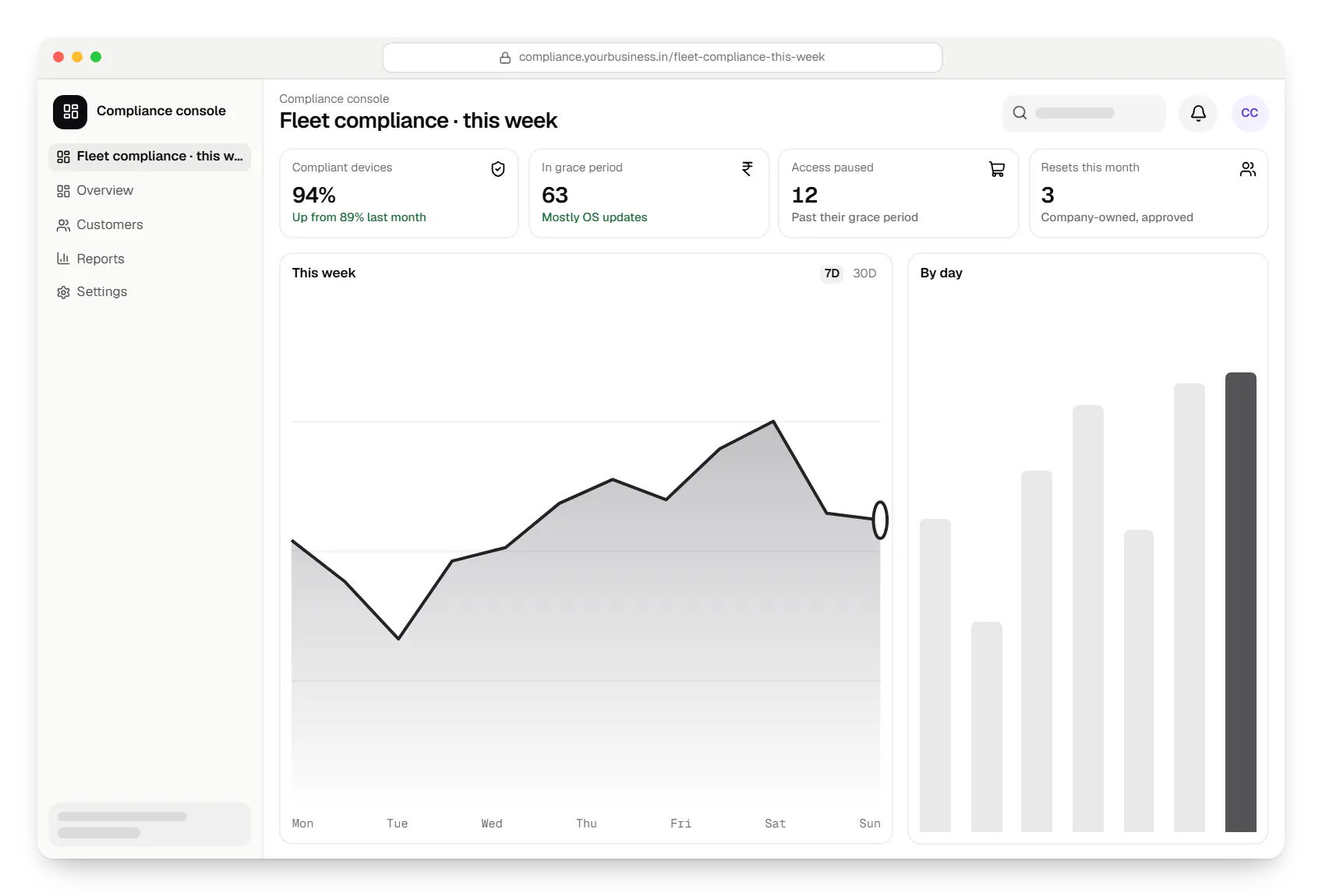
  • Device security and compliance console dashboard in a web browser, with key figures and a chart
    Compliance console. Security leads see how much of the fleet meets the rules, which rules fail most, and how many devices are in a grace period right now.
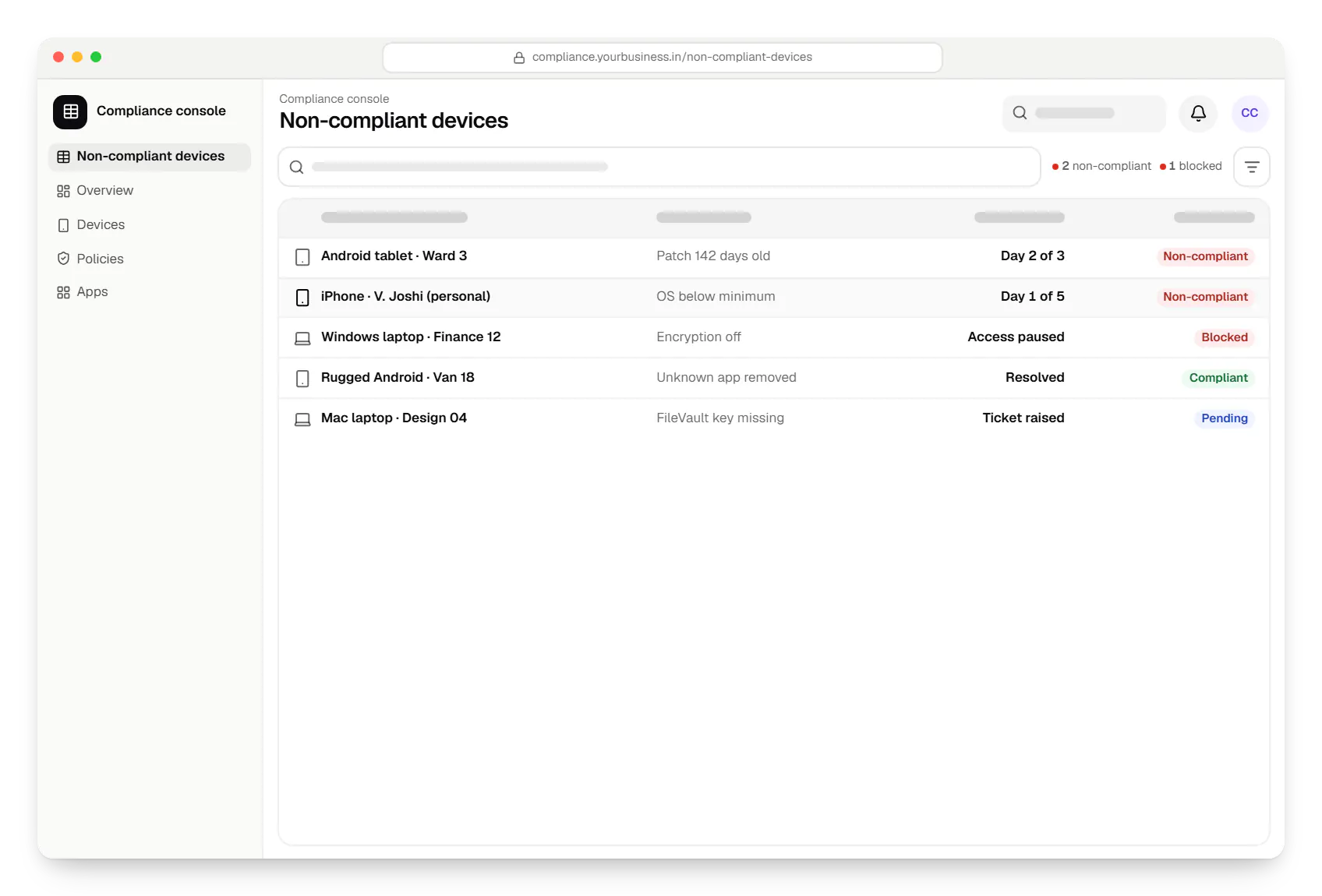
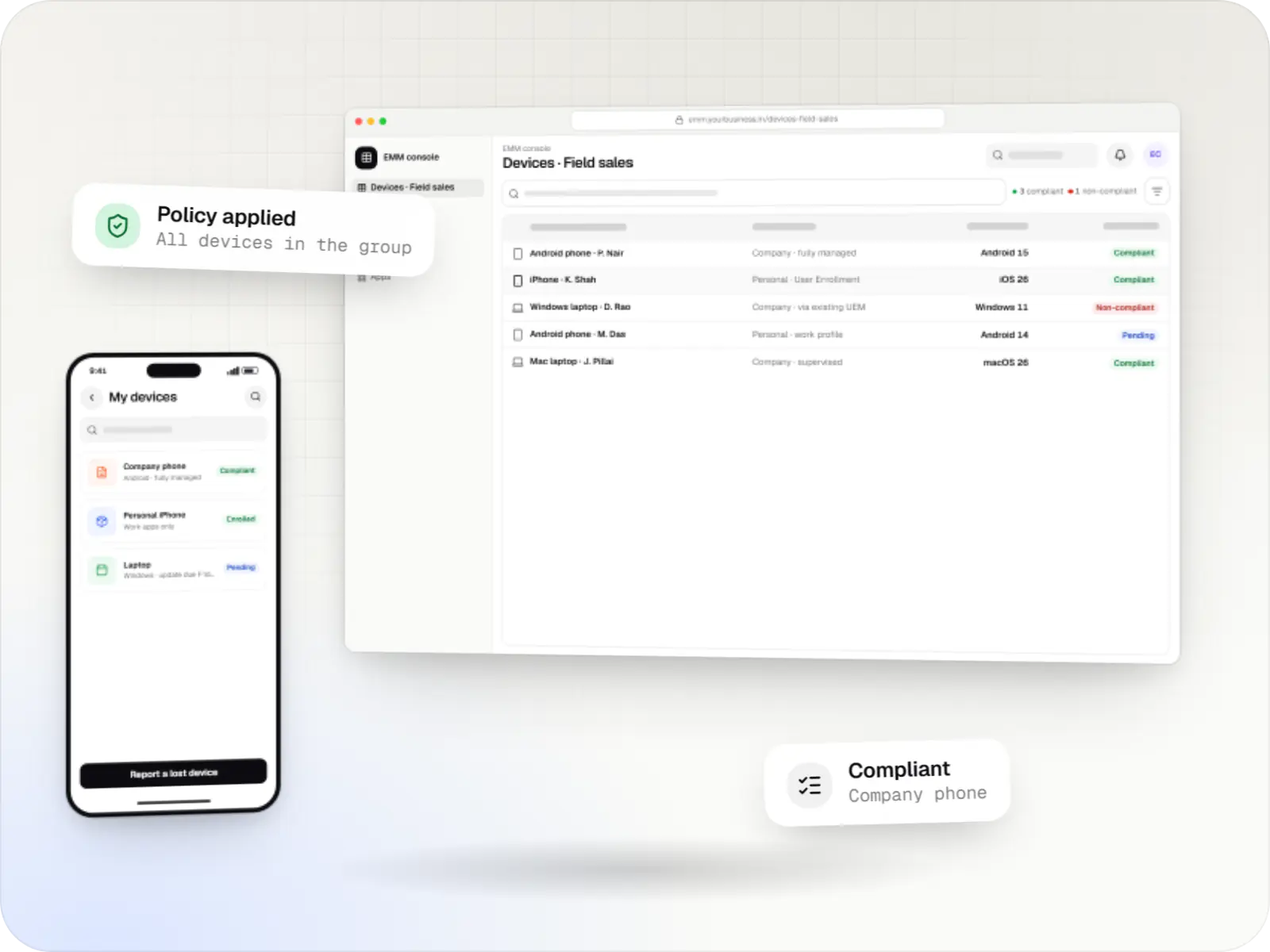
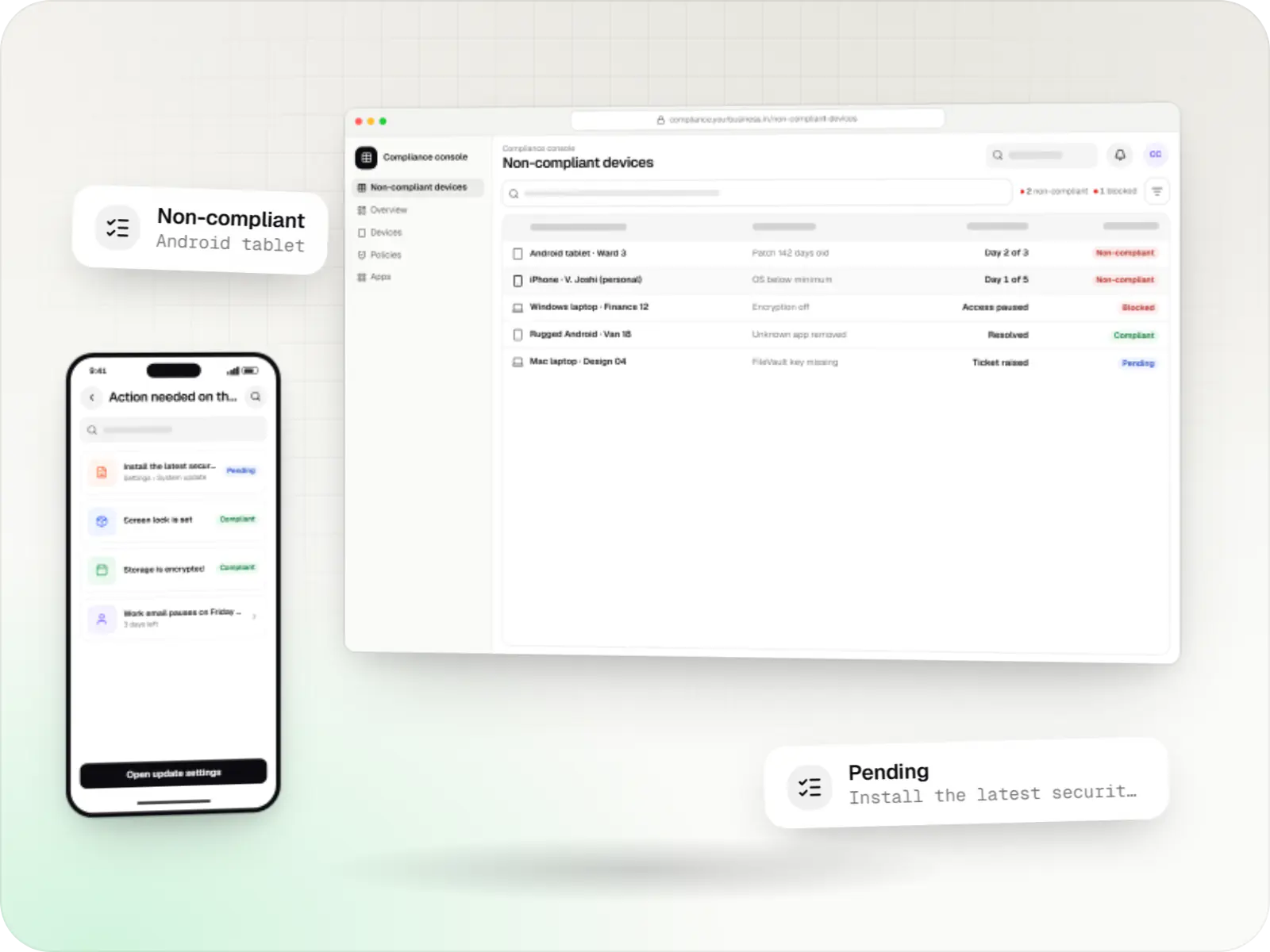
  • Device security and compliance console non-compliant devices table in a web browser, with 5 rows and status labels
    Compliance console. Each failing device shows the rule it breaks, its owner and the next step, so IT fixes causes rather than chasing lists.
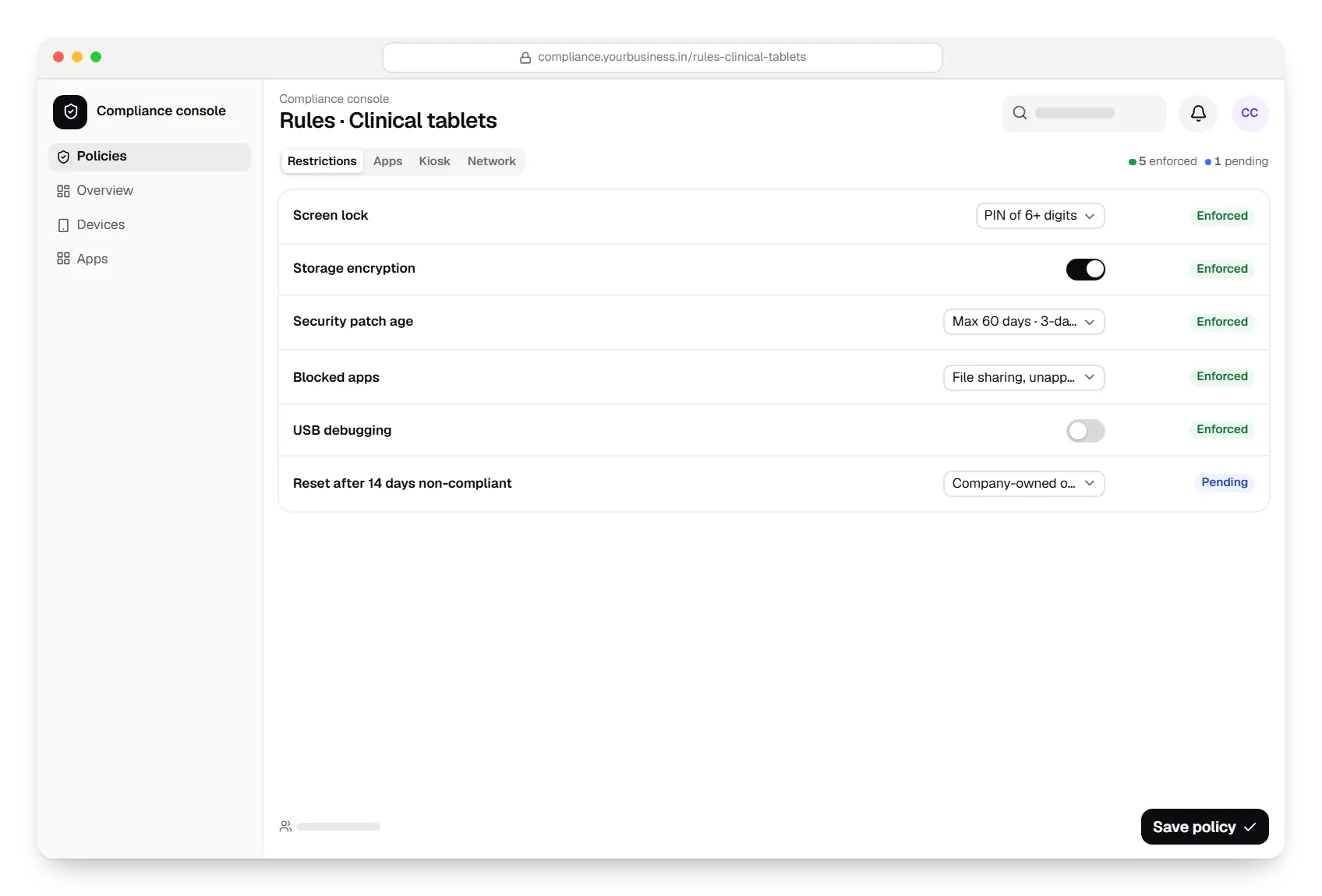
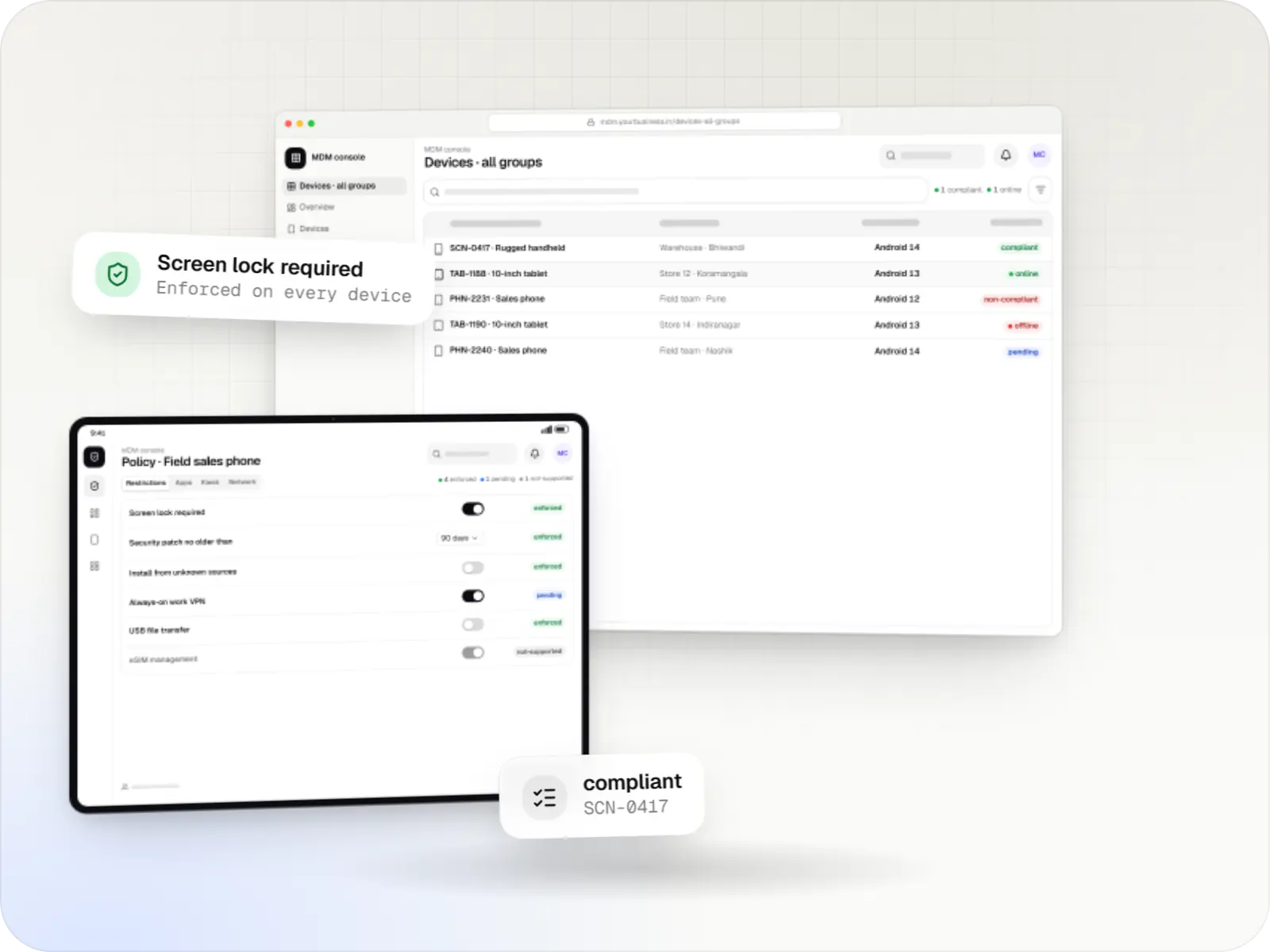
  • Device security and compliance console policy settings in a web browser
    Compliance console. Rules for one device group, each with its grace period and response, and a clear note where a platform cannot enforce a rule.
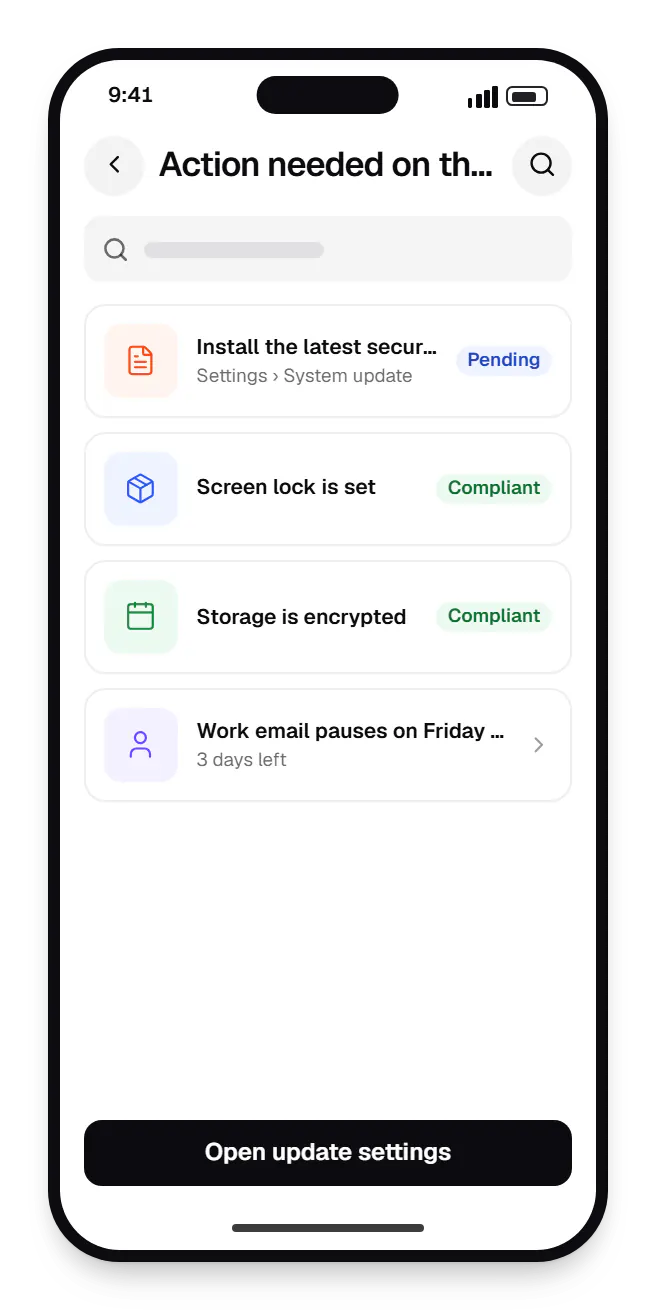
  • Device security and compliance work app notice action needed on this phone on a phone, with 4 entries
    Work app notice. Users get a plain message with the fix and the deadline, instead of an unexplained block.
Illustrative preview

Sample screens: names, prices and figures are examples, not client data.

Work

Illustrative projects with managed devices

  • Device management & kiosk solutions

    Illustrative sample

    Android kiosk and device management platform for retail stores

    An illustrative kiosk product for retail chains: locked Android tablets for catalogues and price checks, a staff launcher, and a console to enrol, update and monitor every device.

    • Retail
    • Device management platform

    Runs on

    • Android Enterprise
    • Admin
    • Web app

    Built with

    • Next.js
    • React
    • Android (Kotlin)
    • NestJS
    • PostgreSQL
    • +1 more
  • Device management & kiosk solutions

    Illustrative sample

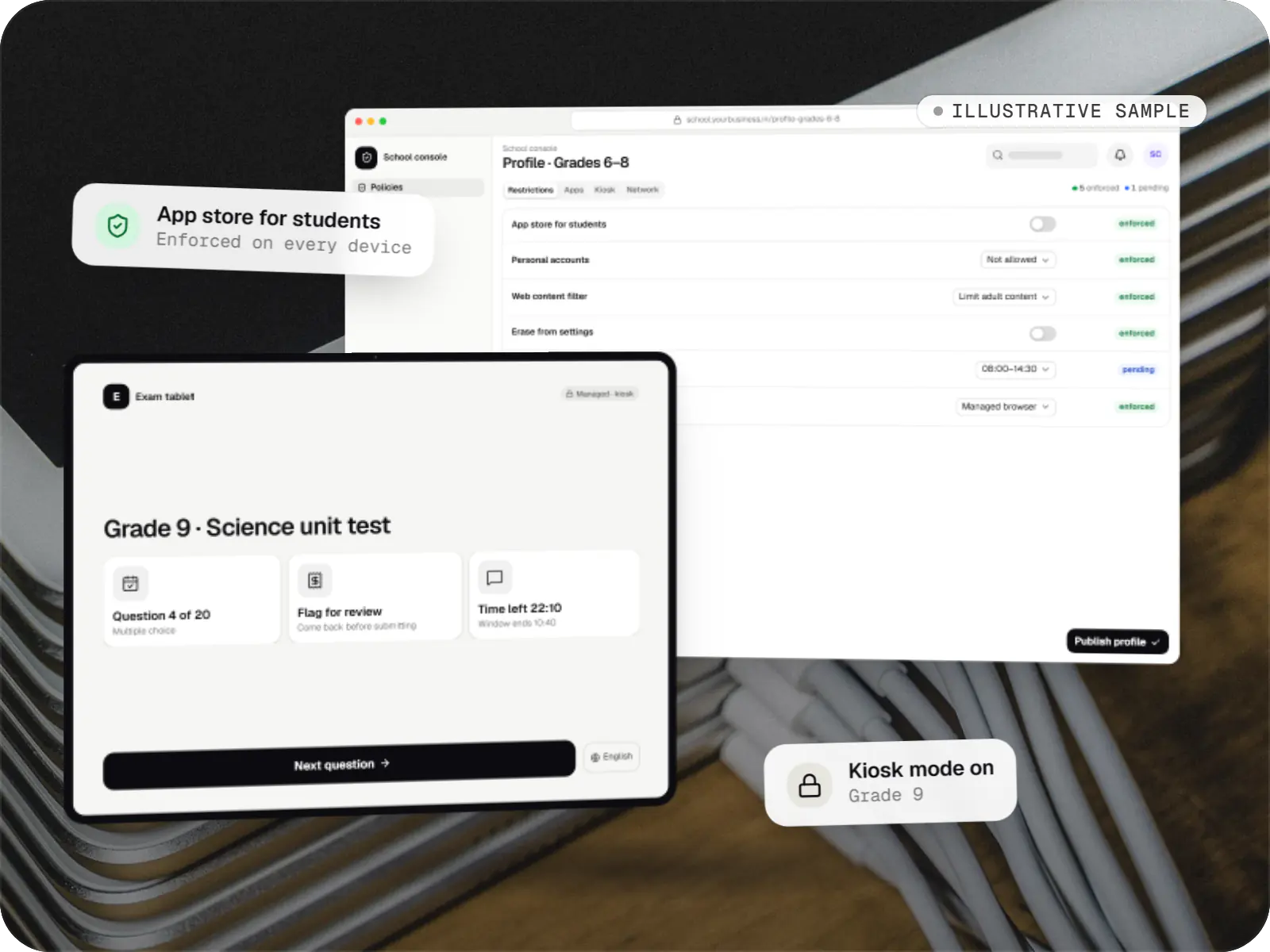
    Tablet management console for schools

    An illustrative console for school tablets: iPad devices through Apple School Manager and MDM, Android™ tablets through Android Enterprise, with class-based rules teachers can follow.

    • Schools
    • Device management SaaS

    Runs on

    • iPhone and iPad
    • Android Enterprise
    • Admin
    • Web app

    Built with

    • Next.js
    • NestJS
    • PostgreSQL
    • Redis
    • AWS
    • +1 more

Cost drivers

What drives the cost of a compliance project

  1. Platforms and ownership types

    Each platform, and each of company-owned and personal, needs its own rule mapping, test devices and notices.

  2. Rule complexity

    Simple pass-or-fail rules are quick; graded responses with grace periods, exceptions and approvals take more design.

  3. Identity integration

    Pausing access through your identity provider depends on its conditional-access features and APIs.

  4. Existing tools

    Reading compliance from an existing EMM or UEM is a smaller job than evaluating it ourselves from device reports.

  5. Audit and reporting needs

    Custom reports, retention periods and exports for auditors add backend and storage work.

Estimates are written from your scope, with the effort and assumptions behind each line item.

How pricing works

Process

How we set up device compliance

  1. Risk and rules workshop

    With your security and HR teams, we list device risks, decide rules per role and agree what happens at each stage.

    You getRule book per role

  2. Platform mapping

    Each rule is mapped to Android, Apple and Windows controls, and the gaps are written down.

    You getPlatform matrix

  3. Build and dry run

    Rules run in report-only mode for two weeks, so nobody is blocked by a rule that is set wrongly.

    You getDry-run report

  4. Switch on in stages

    Notices first, then access restrictions, then locks and resets, one group at a time.

    You getRollout plan

  5. Review and adjust

    Monthly reviews of exceptions and trends keep the rules realistic as platforms and threats change.

    You getMonthly compliance review

Services

Services involved

The disciplines a project like this draws on.

  • Custom software development

    Software shaped around how your business runs, from approvals and inventory to billing and reports, replacing spreadsheets and disconnected tools.

  • Admin panel development

    Back-office dashboards built around your team's daily tasks: order queues, approvals, catalogue management, payouts, reports and audit logs.

  • API development

    Secure, documented REST and GraphQL APIs, plus integrations that connect your apps to payment, logistics, GST, messaging and business systems.

  • SaaS development

    Multi-tenant SaaS products with subscription billing, team roles, onboarding and usage analytics, from first MVP to paying customers.

FAQ

Frequently asked questions

What happens when a device breaks a rule?

It depends on the rule and the device. Most gaps start with a message to the user explaining what to fix, with a grace period. If the gap remains, access to email and business apps is paused through your identity provider. Only serious or lasting gaps lead to a lock, and a reset only on company-owned devices, usually with a second approver. Each step is logged, so there is always a record of what was done and why.

Can you wipe a personal phone if an employee leaves?

Only the work part. On a personal Android phone with a work profile, the company can remove the work profile, which deletes work apps and data. On a personal iPhone enrolled through User Enrollment, ending management removes work apps, accounts and data. Photos, messages and personal apps stay untouched, and the company cannot erase the whole phone. For roles that handle sensitive data, company-owned devices are the safer choice.

How do you check that devices are up to date?

Each platform reports its OS version, and Android also reports its security patch date. The rules set a minimum version or a maximum patch age, and devices that fall behind get a grace period. Updates can also be pushed: Android system updates in a maintenance window on company-owned devices, Apple updates by deadline through declarative device management, and Windows updates through your update policies. Devices that no longer get updates from their maker show up in reports as due for replacement.

Can you detect rooted or jailbroken devices?

On Android, apps can ask Google's Play Integrity API whether the device and app pass integrity checks, and on company-owned devices managed policies can block risky settings such as developer options. On iPhone and iPad, the MDM protocol does not report a jailbreak flag; tools that show one rely on checks inside an app, which can be evaded. We treat these signals as one input among several, not as proof, and combine them with OS version, supervision and app rules.

Do you track where employees are?

No covert tracking, ever. Location is used only where the management mode supports it, for a lawful, stated purpose such as recovering a lost company device or dispatching field staff, and with notice to the people affected, in line with the Digital Personal Data Protection Act, 2023. Personal devices enrolled for work are never located. Through MDM, supervised iPhone and iPad devices share location only in Lost Mode, and the user is told afterwards.

What reports do auditors usually ask for?

Typically: a device inventory with owners, the rules in force and when they changed, compliance status over time, exceptions with their approvals, and a log of admin actions such as locks and resets. We build these as scheduled reports and exports, with retention periods you set. If you follow a standard such as ISO/IEC 27001, we map the reports to the controls your auditor checks; certification itself stays between you and your auditor.

Next step

Put clear rules on your company devices

Tell us which devices you run, who owns them and what worries you most. We will propose the rules, the graded response and a line-item estimate.

Or reach us directly

Mon–Sat, 10:00–19:00 IST