Skip to content
Softcoderz

EMM and UEM

Enterprise mobility management (EMM and UEM) across Android, Apple and Windows devices

Enrol, configure and retire every company device the same way, whatever it runs, and tie device access to the people who should have it.

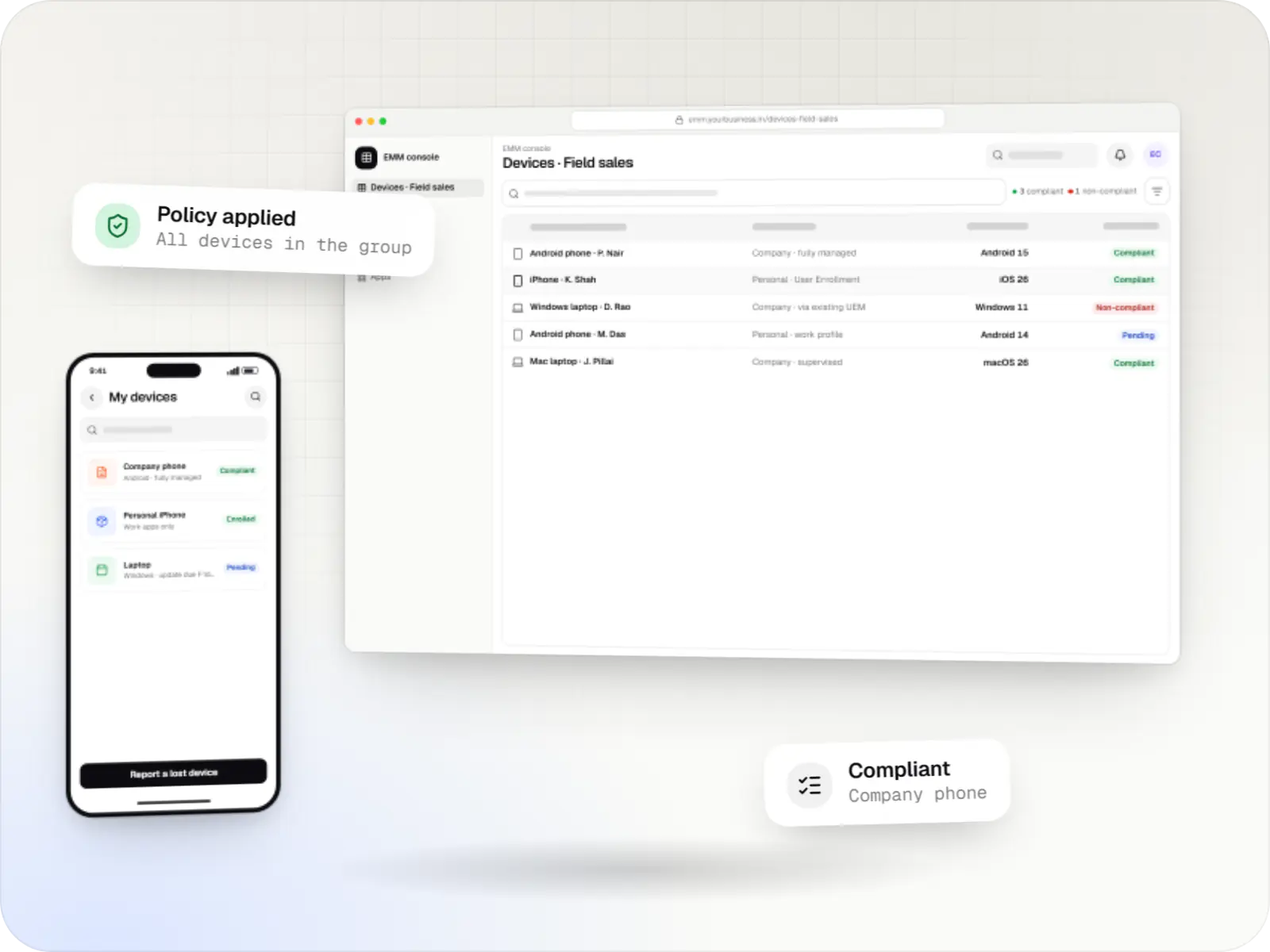
Enterprise mobility management screens: EMM console in a browser and employee portal on a phone
Illustrative previewDevices locked to the job they do, set up and updated from one management console.

At a glance

The short version

What it is

One console for company Android, iPhone, iPad, Mac and Windows devices: enrolment, apps, access and offboarding, on platform APIs or your existing UEM.

What you get
  • Inventory and ownership
  • Enrolment and setup
  • Apps and access
  • Employee self-service
and 1 more part
How it works
  1. HR system
  2. IT or employee
  3. Android, Apple or Windows
  4. EMM console
  5. 1 more
Runs on
  • Android Enterprise
  • iPhone and iPad
  • Mac
  • Windows
  • Admin
  • Web app
Cost depends on
  • Platforms covered
  • Build or extend
  • Integrations
and 3 more factors

How to start

Tell us what you need in your own words. You talk to the developers who would build it and get a written, line-item estimate.

Get a project estimate

One set of rules, several platforms underneath

Android Enterprise, Apple's MDM protocol and the MDM client built into Windows all do the same broad jobs: enrol a device, apply settings, install apps, report status, and lock or wipe it. They do them differently, with different enrolment routes, capabilities and limits. A unified console hides those differences where it can and shows them honestly where it cannot: a setting that exists on Android may have no equivalent on iPhone, and the console should say so rather than pretend.

The bigger value is usually around the devices rather than on them. When HR records a new joiner, the right device and apps can be ready on day one; when someone leaves, work data is removed the same afternoon, not weeks later.

Challenges

Why mixed fleets get hard to run

  1. A console per platform

    IT switches between tools for Android, Apple and Windows, and the rules drift apart between them.

  2. Slow joiners and leavers

    New staff wait days for a configured device, and leavers keep access to work apps longer than they should.

  3. Personal phones with work data

    Email and files sit on personal phones with no clean way to remove them when someone leaves.

  4. No single inventory

    Nobody can quickly say how many devices the company owns, who has them and whether they are up to date.

What is included

What a unified console includes

  • Platform: Admin dashboard

    Inventory and ownership

    • One device list across Android, iPhone, iPad, Mac and Windows
    • Company-owned and personal devices clearly marked
    • User, team, site and cost-centre assignments
    • Device history from purchase to retirement
  • Platform: Admin dashboard

    Enrolment and setup

    • Zero-touch enrolment for Android devices bought from a zero-touch reseller, and Automated Device Enrollment through Apple Business (formerly Apple Business Manager)
    • Windows enrolment through the MDM client built into Windows, or through your existing UEM
    • Work profile for personal Android phones and User Enrollment for personal iPhone devices
    • Role-based bundles of apps, Wi-Fi, email and VPN
  • Platform: Admin dashboard

    Apps and access

    • Managed Google Play, Apple app licences bought in volume and Windows app deployment
    • Work apps kept apart from personal ones on personal devices
    • Email and business apps open only on compliant devices, through your identity provider
    • Certificates for Wi-Fi and VPN issued per device
  • Platform: Web app

    Employee self-service

    • See my devices and their status
    • Report a lost company device and lock it straight away
    • Request a replacement or an extra app
    • Plain instructions for enrolling a personal phone
  • Platform: API

    Integrations

    • HR system for joiners, movers and leavers
    • Identity provider for sign-in and access decisions
    • Helpdesk for tickets and remote-support hand-off
    • Existing UEM tools, such as Microsoft Intune through Microsoft Graph, where you keep them

How it works

A device's life in a unified console, from joiner to leaver

Each step is triggered by an event in HR or identity, not by someone remembering to act.

  1. HR system

    Step 1: Joiner recorded

    A new starter is added with role, site and start date, and the console picks the device kit for that role.

  2. IT or employee

    Step 2: Device assigned or phone registered

    A company device is assigned from stock, or the employee registers a personal phone for work apps only.

  3. Android, Apple or Windows

    Step 3: Enrolled on first start-up

    Company devices enrol through zero-touch (or a QR code where zero-touch is not available), Automated Device Enrollment or Windows enrolment; personal phones through a work profile or User Enrollment.

  4. EMM console

    Step 4: Apps, settings and certificates

    The role bundle installs work apps, Wi-Fi, email and VPN, with the same intent on every platform.

  5. Identity provider

    Step 5: Access checked continuously

    Email and business apps open only while the device meets the rules; a device that falls out of line loses access until it is fixed.

  6. HR system

    Step 6: Mover or leaver

    A role change swaps the app bundle. A leaver's company device is locked or reset; on a personal phone only the work profile or work data is removed.

Comparison

Use, extend or build your EMM

Most organisations do not need a new EMM. The right choice depends on what your current tools cannot do.

Use, extend or build your EMM
Use an existing EMM or UEMExtend it with custom integrationsBuild a custom EMM on the platform APIs
Time to startQuickest: sign up and configureWeeks, on top of the tool you haveLongest: a product to design, build and run
Fits unusual workflowsOnly what the product offersYes, through its APIs and webhooksFully, including your own device apps
Platform changesHandled by the vendorHandled by the vendor; we maintain the integrationsYour team or ours tracks every Android, Apple and Windows release
Licence costsPer device or per user, every monthThe existing licence plus integration workNo per-device fee, but hosting and upkeep
SuitsStandard office and field fleetsCompanies with gaps between HR, identity and IT toolsCompanies that offer device management as part of their own product

Privacy & security

Personal devices, handled fairly

  • Work and personal kept apart

    On personal Android phones the work profile, and on personal iPhone devices User Enrollment, give IT control of work apps and data only.

  • No personal inventory

    The console does not collect personal apps, photos, messages or browsing from personal devices, and the platforms limit what is visible anyway.

  • Location only with a purpose

    Company-owned devices report location only where the management mode allows it, for a stated reason and with notice to staff. Personal devices are never located.

  • Clear notices at enrolment

    Employees see what the company can and cannot see before they enrol, in line with the Digital Personal Data Protection Act, 2023.

Platforms

Devices one console can manage

Company and personal Android devices, iPhone and iPad, Mac and Windows PCs, plus the console and the self-service portal.

  • Mobile

    Android Enterprise devices

    Android phones, tablets and rugged handhelds with Google Play services, managed through Android Enterprise: company-owned devices as fully managed, dedicated (kiosk) or work-profile devices, and personal phones through a work profile only.

  • Mobile

    iPhone and iPad

    Organisation-owned or shared iPhone and iPad devices enrolled in MDM through Apple Business or Apple School Manager, supervised for Single App Mode and stricter restrictions.

  • Desktop

    Mac

    Mac computers enrolled in MDM for configuration profiles, app and package installs, disk encryption settings and software update rules, set up at first power-on when the purchase is linked to Apple Business.

  • Desktop

    Windows PCs

    Windows laptops and desktops managed through the MDM support built into Windows or an existing UEM, when PCs need to sit in the same console and reports as phones and tablets.

  • Back office

    Admin dashboard

    Back-office panels for operations, support and finance teams: orders, users, content, reports and permissions.

  • Web

    Web application

    Browser-based applications with logins, roles and workflows, such as customer portals, SaaS products and internal tools.

Technology

Platform APIs and the stack that unifies them

Each platform keeps its own management API; our backend turns them into one list of devices, one set of rules and one set of reports.

  • Device management

    Android Management API

    A Google cloud API for device-management products: your console sets the rules, and a Google app on each Android device applies them.

    Used for

    • Kiosk products for stores
    • EMM and MDM products
    • Policy-based device fleets
    • QR and zero-touch setup
  • Built-in Android APIs that let one trusted app control a company device: kiosk lock, silent app updates and restrictions, even without Google Play.

    Used for

    • Custom kiosk launchers
    • Devices without Google Play
    • POS and signage agents
    • Silent app updates
  • Device management

    Apple MDM protocol

    The management channel built into iPhone, iPad and Mac: an MDM server sends settings, apps and commands, and devices apply them remotely.

    Used for

    • iPad kiosks
    • Company iPhone fleets
    • Mac setup and updates
    • School iPad programmes
  • The Apple portal for organisations, now called Apple Business: devices bought from Apple or linked resellers are assigned to your MDM and set up at first power-on.

    Used for

    • Zero-touch device setup
    • iPhone, iPad and Mac rollouts
    • Volume app licences
    • Managed Apple Accounts
  • Backend

    Node.js

    Runs the server side of apps: fast, scalable back ends that power your app, website and integrations.

    Used for

    • App back ends
    • Live order tracking
    • Chat and notifications
    • Payment processing
  • Backend

    NestJS

    A structured way to build back ends on Node.js, so large business systems stay organised, testable and easy to hand over.

    Used for

    • Business app back ends
    • SaaS platforms
    • Marketplaces
    • Admin panel back ends
  • A reliable database for the records your business runs on: orders, payments, bookings and stock, kept accurate and easy to report on.

    Used for

    • Orders and customers
    • Payments and ledgers
    • Stock and inventory
    • Bookings
  • Data

    Redis

    Keeps frequently used data in fast memory, so apps stay quick on busy days and live features like order tracking feel instant.

    Used for

    • Faster apps
    • Live order status
    • Shopping carts
    • Job queues and alerts
  • Builds interactive screens in the browser, such as dashboards, admin panels and portals, that respond instantly as your team works.

    Used for

    • Web apps
    • Admin panels
    • Dashboards
    • Customer portals
  • A modern web technology for fast, search-friendly websites, online stores and web applications that load quickly on mobile.

    Used for

    • Business websites
    • Online stores
    • Web apps
    • Customer portals
  • Cloud & DevOps

    AWS

    Cloud hosting for your app, website and data, with data centres in India and room to grow when traffic rises.

    Used for

    • App hosting
    • File and photo storage
    • Backups
    • Busy sale days
  • Cloud & DevOps

    Docker

    Packages your software so it runs the same way on every laptop and server, which makes releases predictable and moving hosts easier.

    Used for

    • Reliable releases
    • Same setup everywhere
    • Faster onboarding
    • Easy scaling

Plain-English glossary

EMM and UEM terms, in plain English

EMM (enterprise mobility management)
Software that manages company phones and tablets: enrolment, apps, settings, security and reports. It grew out of MDM by adding control of apps and company data.
UEM (unified endpoint management)
EMM extended to laptops and desktops, so Windows PCs and Mac computers sit in the same console and follow the same rules as phones and tablets.
BYOD (bring your own device)
Staff use their personal phone for work. Done properly, the company manages only the work apps and data, and removes them when the person leaves.
Work profile
A separate, badged space on an Android phone for work apps and data. On a personal phone, IT manages only this space and can remove it without touching anything personal.
Conditional access
A rule in your sign-in system that allows email or business apps only from devices the EMM reports as compliant, so an out-of-date or unmanaged phone cannot reach company data.
OMA-DM
The device management protocol Windows uses. A Windows PC can be enrolled in only one MDM at a time, which matters if you already run a UEM for your laptops.

Product preview

What a unified device console looks like

Illustrative screens; names, counts and versions are samples.

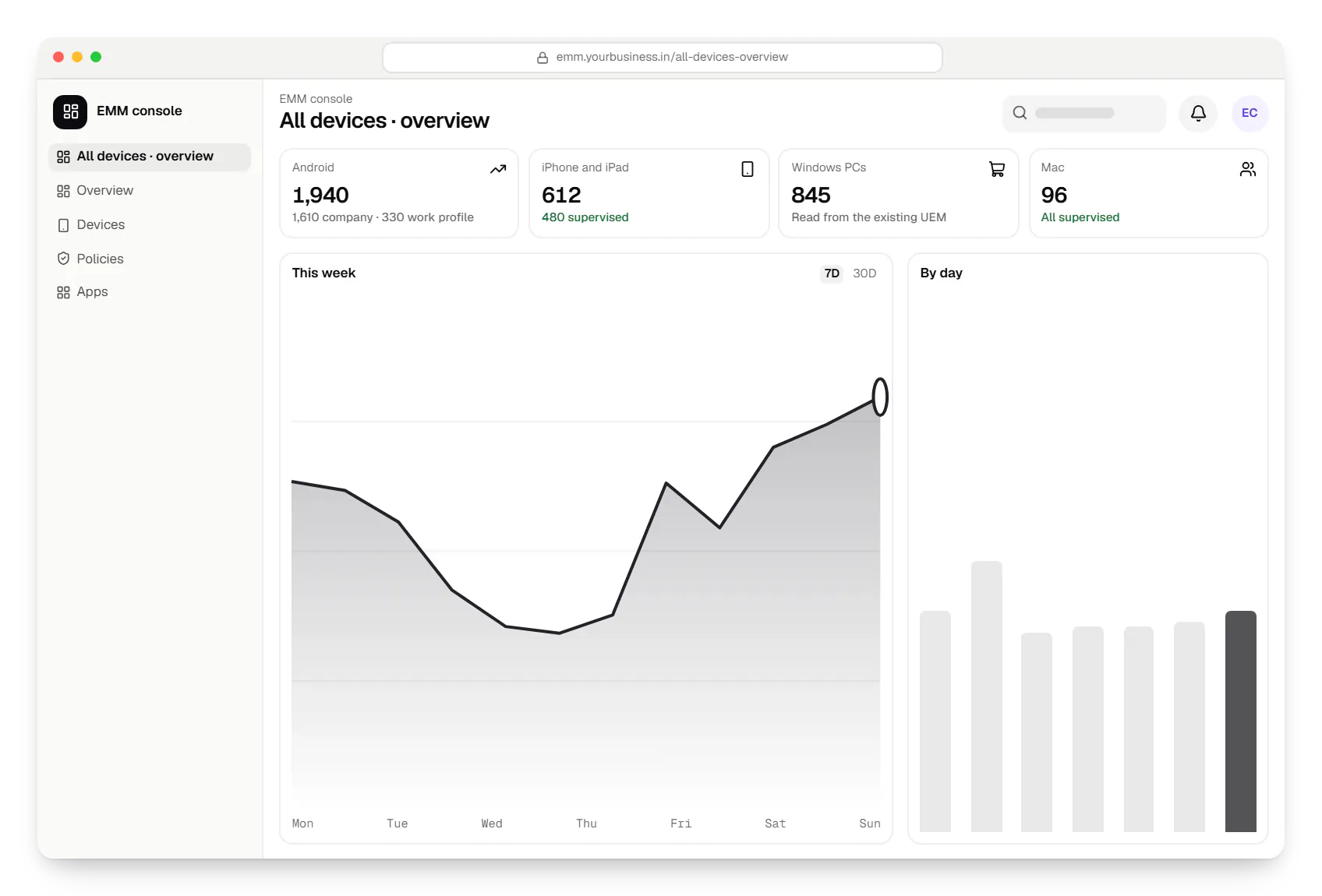
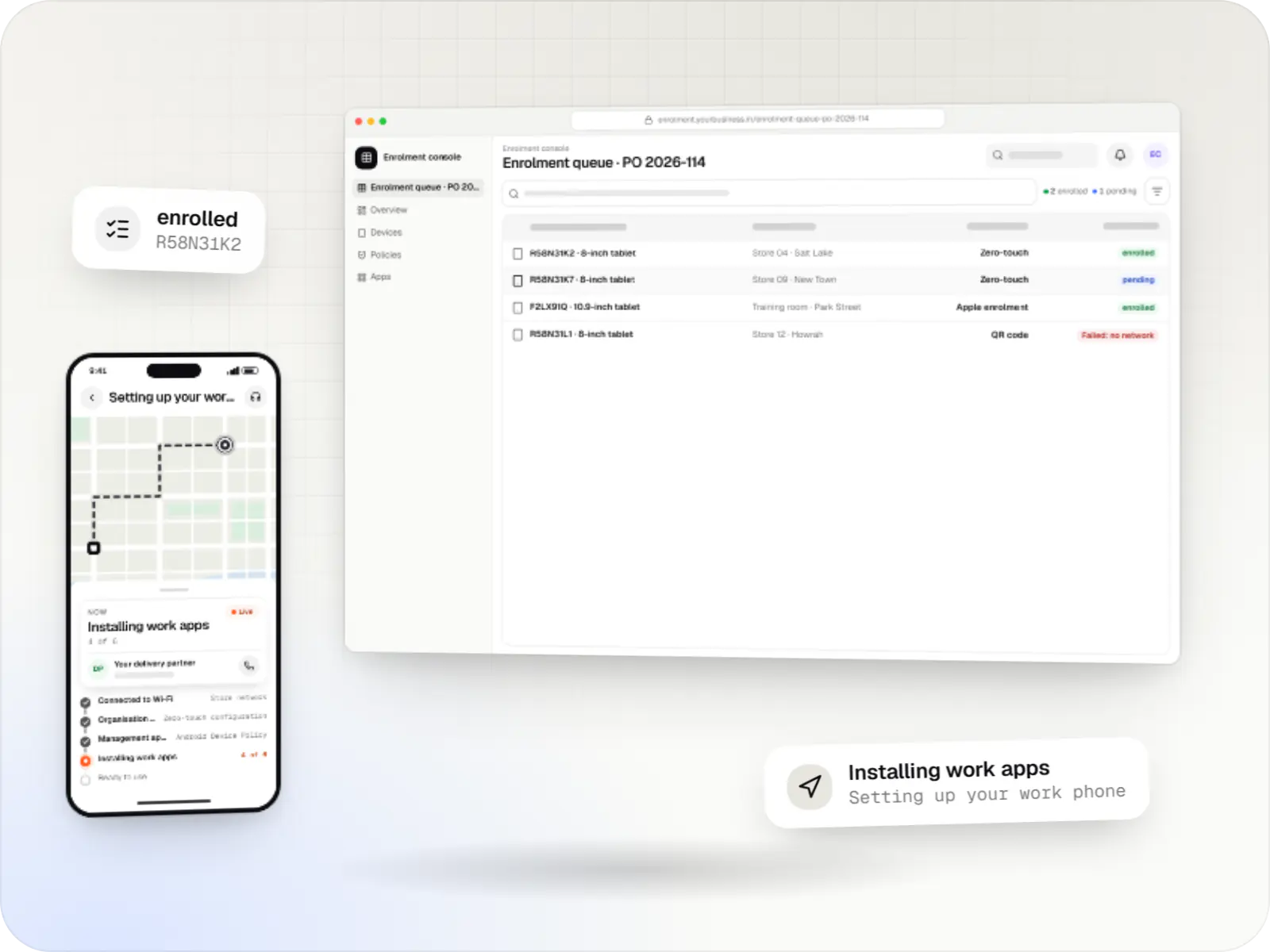
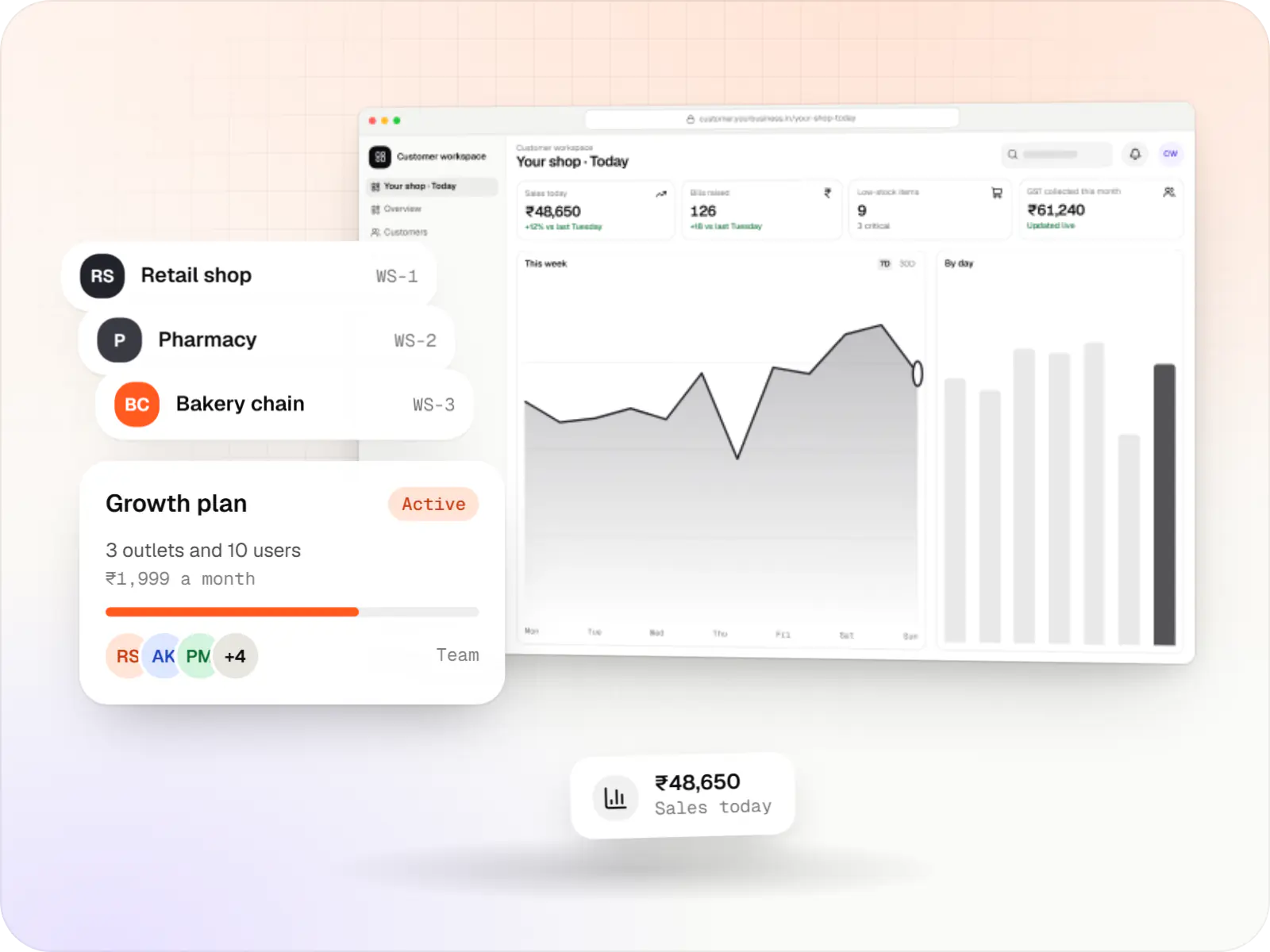
  • Enterprise mobility management EMM console dashboard in a web browser, with key figures and a chart
    EMM console. Management and IT see the whole fleet by platform and ownership, and how many devices currently fail a rule and why.
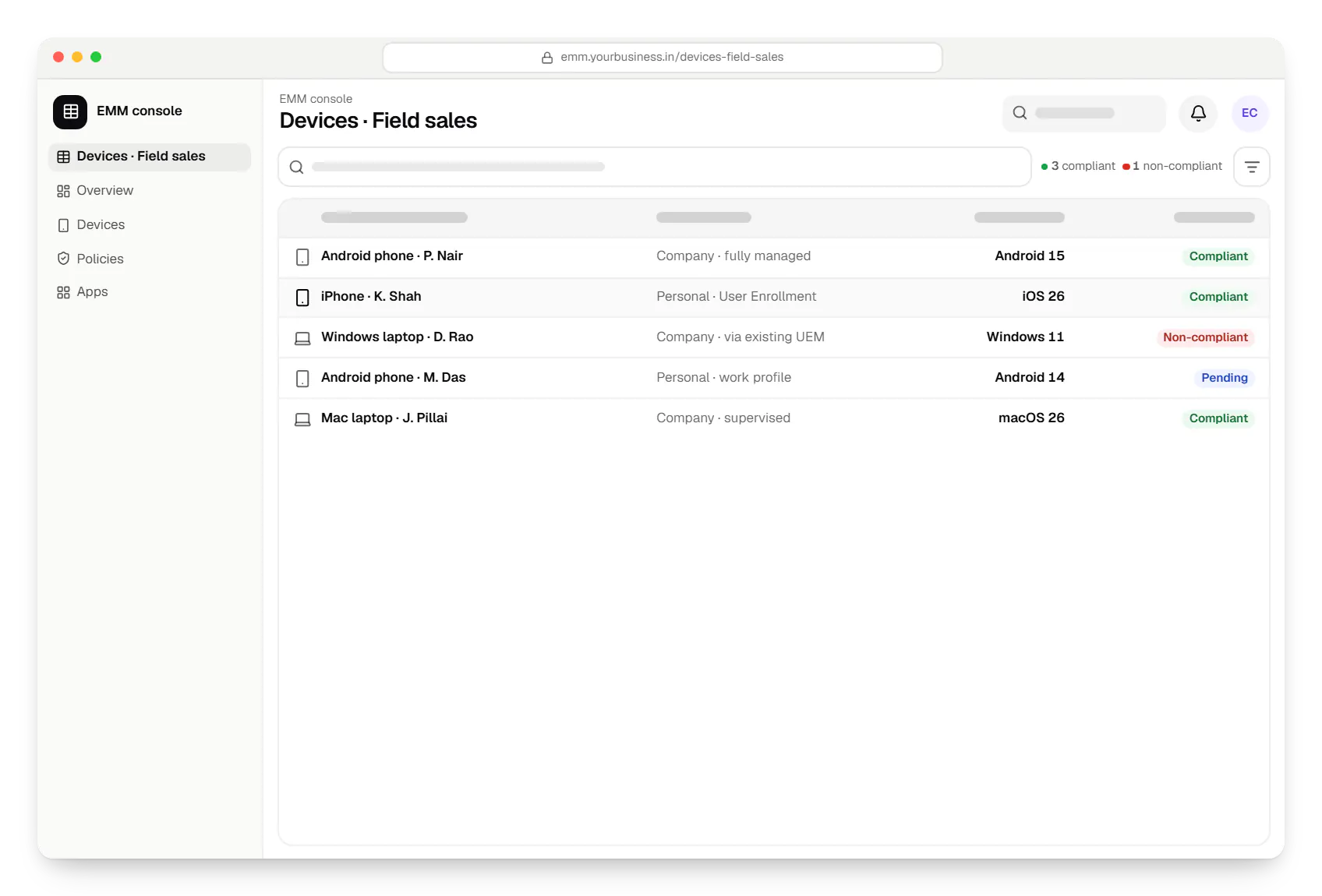
  • Enterprise mobility management EMM console devices table in a web browser, with 5 rows and status labels
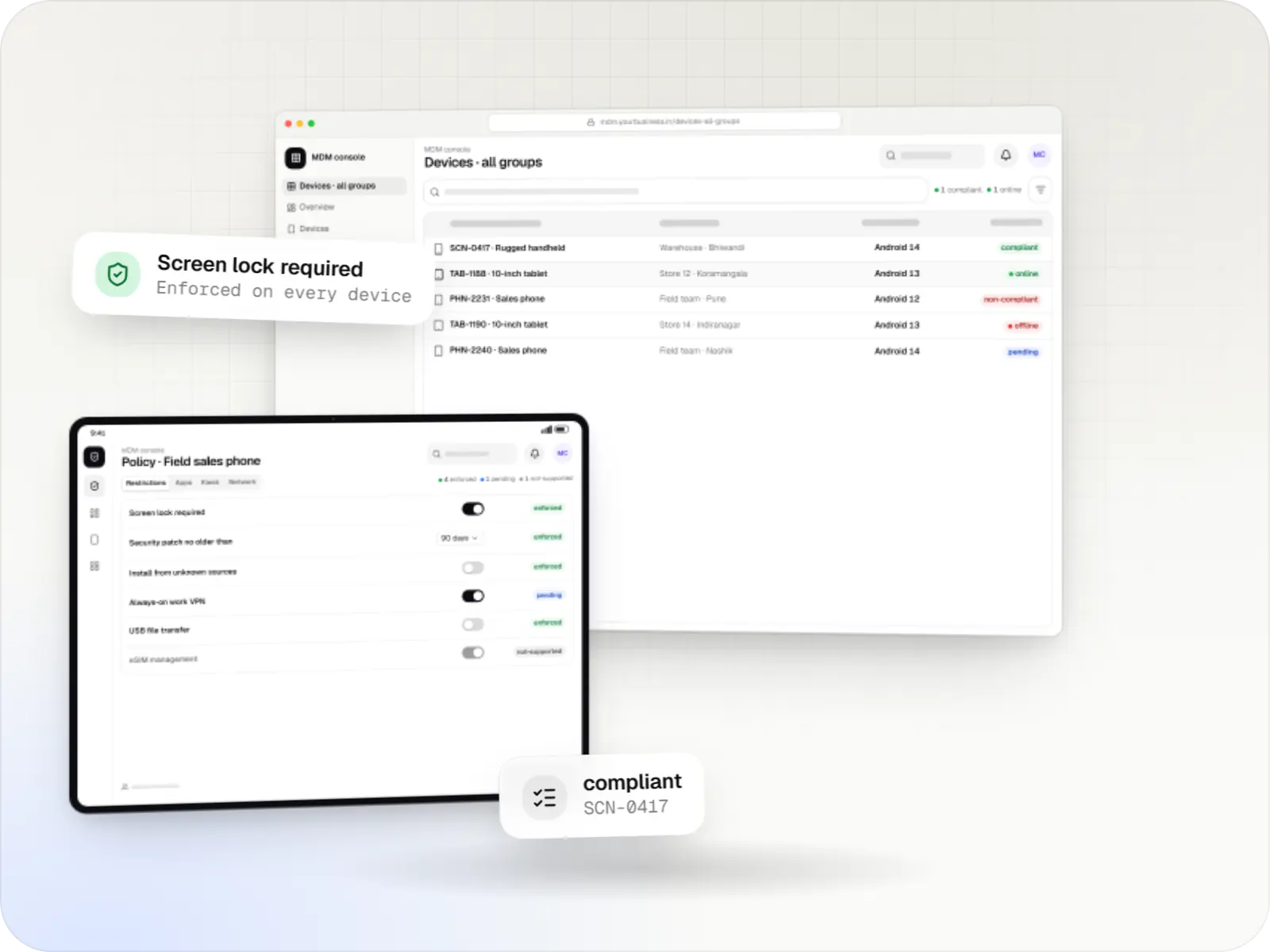
    EMM console. One list for every platform, showing owner, ownership type and compliance, so audits and leaver checks happen in one place.
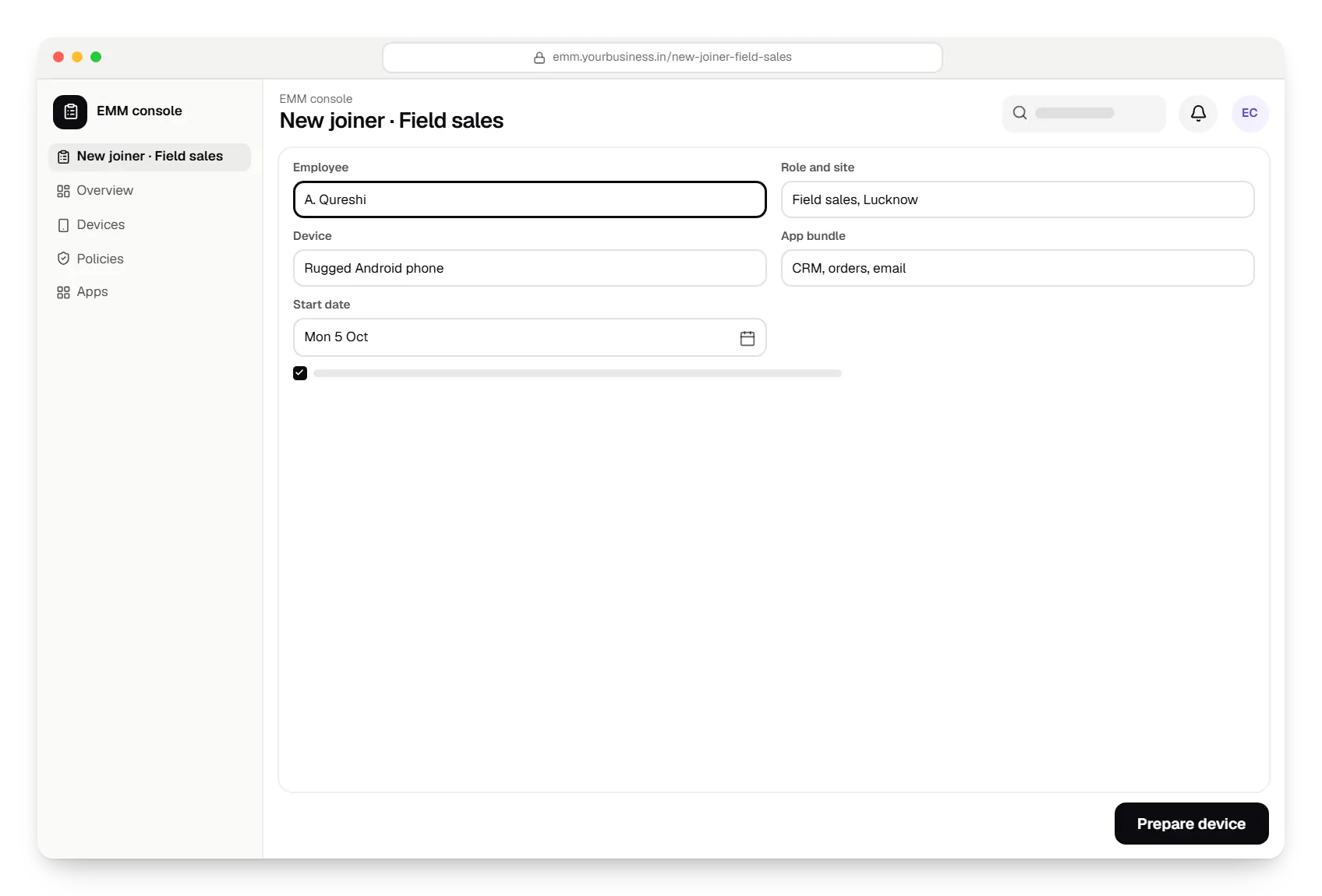
  • Enterprise mobility management EMM console new joiner in a web browser, with input fields and an action button
    EMM console. When HR adds a starter, the console proposes the device kit, apps and access for the role; IT confirms and the device is ready on day one.
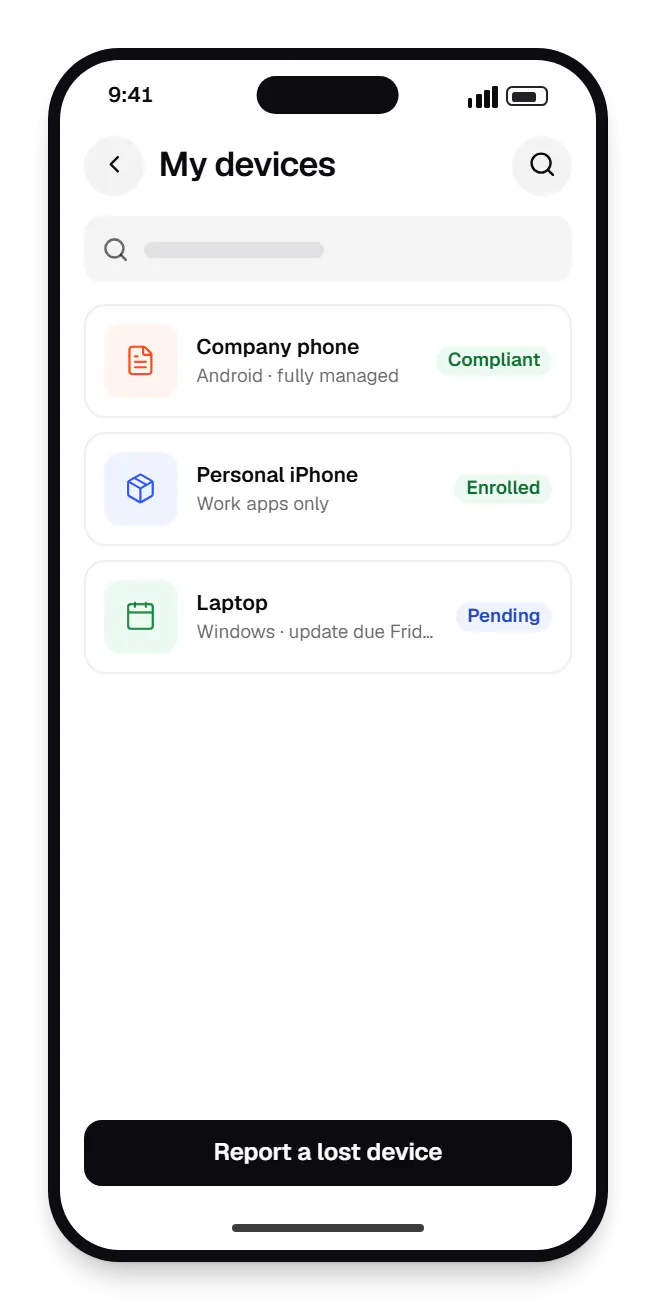
  • Enterprise mobility management employee portal my devices on a phone, with 3 entries
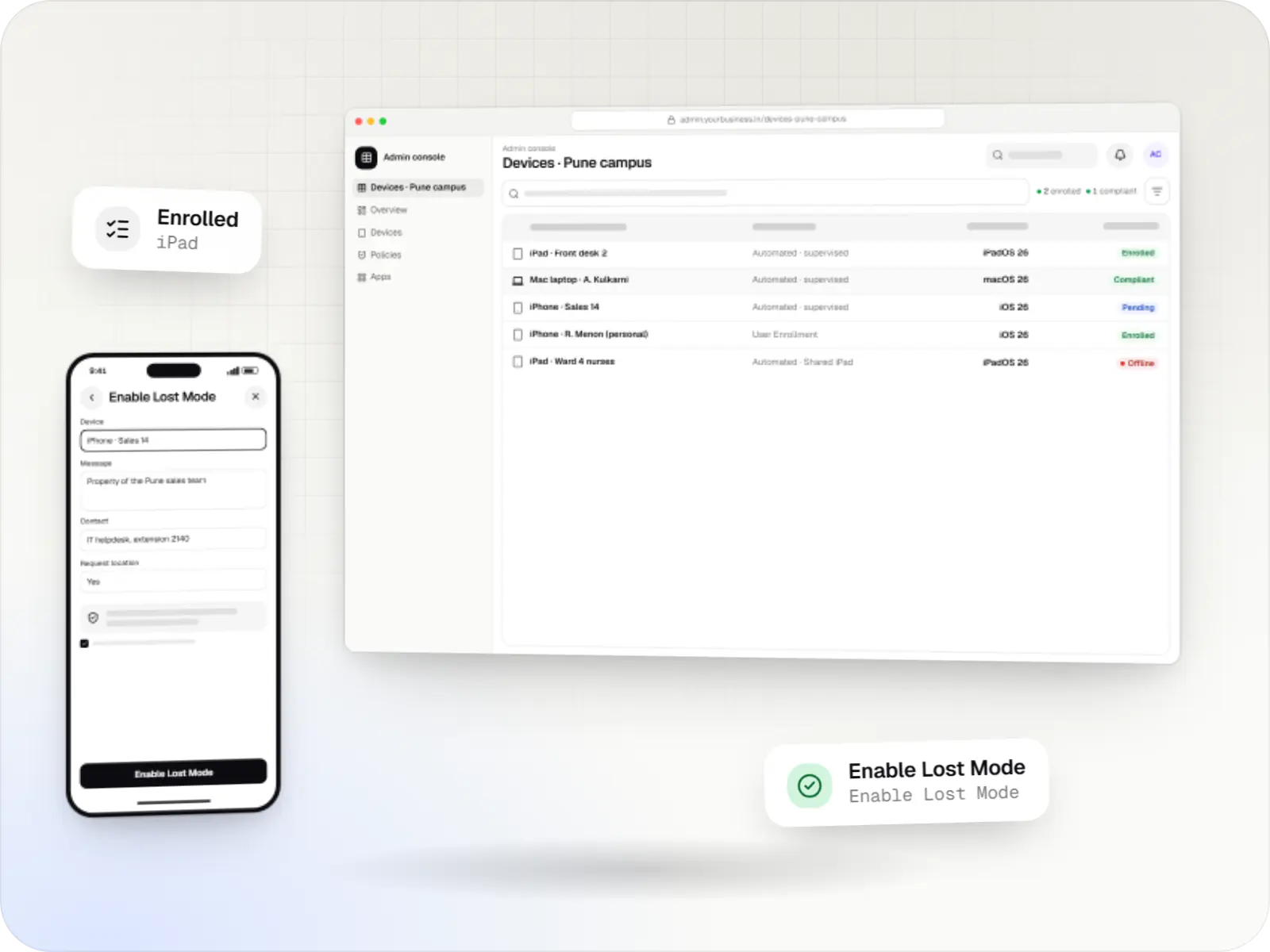
    Employee portal. Employees see their own devices, can report a company device lost and lock it straight away, and can check exactly what the company manages on a personal phone.
Illustrative preview

Sample screens: names, prices and figures are examples, not client data.

Work

Sample device-management builds

  • Device management & kiosk solutions

    Illustrative sample

    Android kiosk and device management platform for retail stores

    An illustrative kiosk product for retail chains: locked Android tablets for catalogues and price checks, a staff launcher, and a console to enrol, update and monitor every device.

    • Retail
    • Device management platform

    Runs on

    • Android Enterprise
    • Admin
    • Web app

    Built with

    • Next.js
    • React
    • Android (Kotlin)
    • NestJS
    • PostgreSQL
    • +1 more
  • Device management & kiosk solutions

    Illustrative sample

    Tablet management console for schools

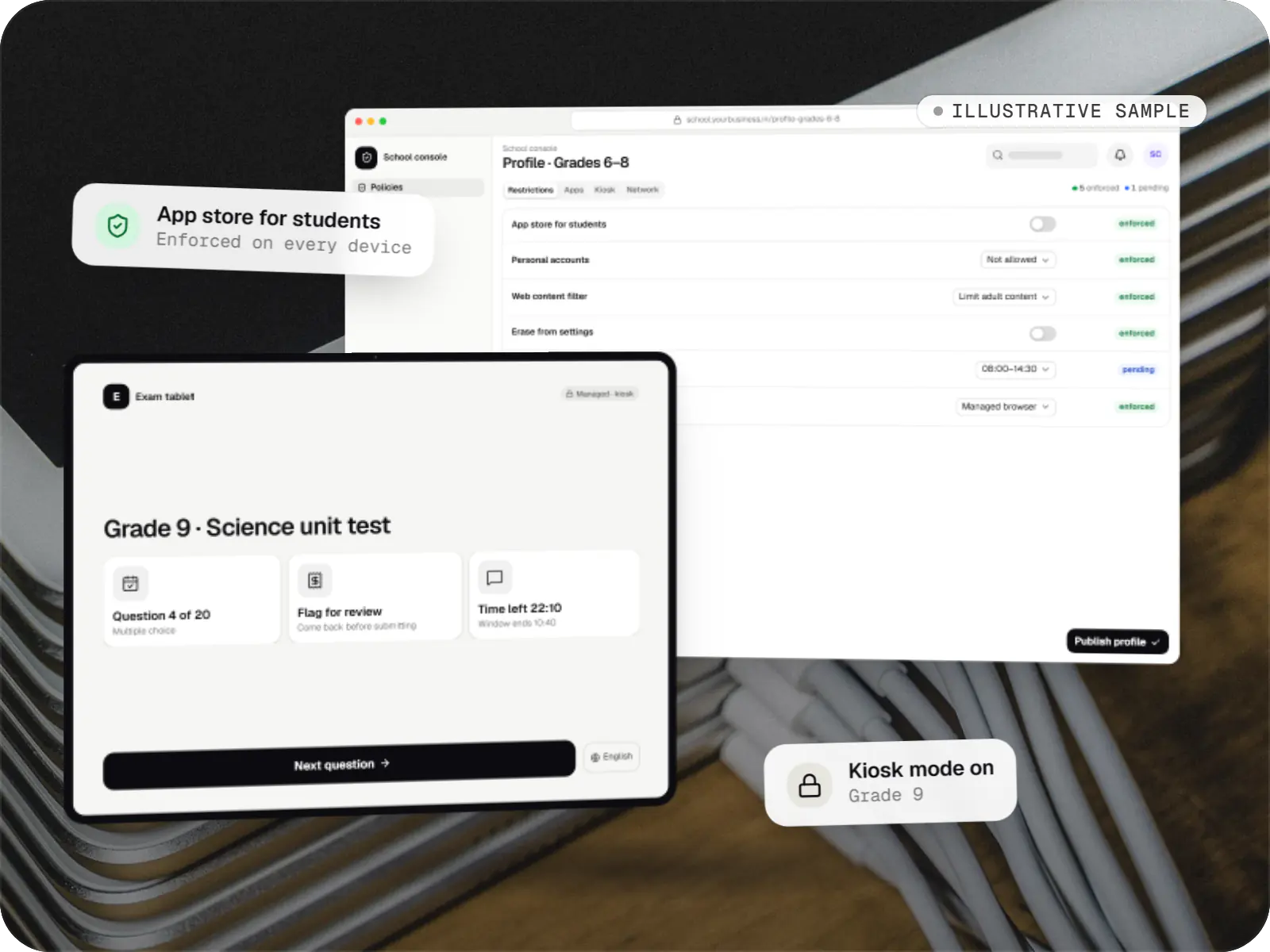
    An illustrative console for school tablets: iPad devices through Apple School Manager and MDM, Android™ tablets through Android Enterprise, with class-based rules teachers can follow.

    • Schools
    • Device management SaaS

    Runs on

    • iPhone and iPad
    • Android Enterprise
    • Admin
    • Web app

    Built with

    • Next.js
    • NestJS
    • PostgreSQL
    • Redis
    • AWS
    • +1 more

Cost drivers

What drives the cost of an EMM or UEM project

  1. Platforms covered

    Each platform has its own protocol, enrolment routes and test devices. Android and Apple together cost more than either alone, and Windows adds another layer.

  2. Build or extend

    Extending an existing UEM through its API is far smaller than building a console on the platform APIs and keeping it current with every OS release.

  3. Integrations

    HR, identity, helpdesk and asset systems are estimated per system, depending on the APIs they offer.

  4. Personal device scope

    Supporting personal phones adds work profile and User Enrollment flows, privacy notices and support guides.

  5. Google and Apple onboarding

    A console on the Android Management API needs Google's approval and a device quota; your own Apple MDM server needs MDM vendor access from Apple.

  6. Migration from an old EMM

    Moving devices between EMMs often means re-enrolling them, which needs planning per site and clear communication with users.

Estimates are written from your scope, with the effort and assumptions behind each line item.

How pricing works

Process

How we approach an EMM programme

  1. Device and tool audit

    We map platforms, ownership, current tools, licences and the HR and identity systems involved.

    You getFleet and systems map

  2. Route decision

    Use, extend or build: we recommend one and put the reasoning and trade-offs in writing.

    You getRecommendation and estimate

  3. Policy design

    We write one set of rules per role and translate it for each platform, noting where a platform cannot match.

    You getCross-platform policy matrix

  4. Pilot department

    One department runs the new setup, including a leaver drill and a lost-device drill.

    You getPilot report

  5. Rollout and support

    Departments move in waves; we then maintain the integrations and adapt rules as the platforms change.

    You getSupport plan

Services

Services involved

The disciplines a project like this draws on.

  • SaaS development

    Multi-tenant SaaS products with subscription billing, team roles, onboarding and usage analytics, from first MVP to paying customers.

  • Custom software development

    Software shaped around how your business runs, from approvals and inventory to billing and reports, replacing spreadsheets and disconnected tools.

  • Admin panel development

    Back-office dashboards built around your team's daily tasks: order queues, approvals, catalogue management, payouts, reports and audit logs.

  • API development

    Secure, documented REST and GraphQL APIs, plus integrations that connect your apps to payment, logistics, GST, messaging and business systems.

  • Android app development

    Native Android apps in Kotlin and Jetpack Compose, designed for entry-level phones, patchy networks and the background limits of popular Android brands.

  • iOS app development

    Native iPhone and iPad apps in Swift and SwiftUI, built to Apple's review guidelines and privacy rules and tested on the devices your customers use.

FAQ

Frequently asked questions

What is the difference between MDM, EMM and UEM?

MDM (mobile device management) controls the device itself: enrolment, settings, restrictions, lock and wipe. EMM adds control of apps and company data on top, which is what makes personal-phone setups workable. UEM extends the same idea to laptops and desktops, so Windows PCs and Mac computers are managed alongside phones and tablets. In practice the labels overlap and vendors use them loosely; what matters is which platforms and ownership types you need to cover.

We already use Microsoft Intune for laptops. Can we keep it?

Yes. A Windows PC can be enrolled in only one MDM at a time, so replacing a working UEM for laptops rarely makes sense. We connect Intune to the rest of your setup through Microsoft Graph, which lets a custom console or report read device and compliance status and trigger actions such as sync or wipe, subject to your Intune licence and the permissions you grant. Phones can stay in Intune too, or sit in another tool if that suits you better.

Can you build our own EMM on the Android Management API?

It depends on who the EMM is for. Google offers the Android Management API to commercial EMM developers that have direct agreements with their end customers, and its usage policy excludes solutions “developed and used exclusively for first party in-house applications”, as well as device-financing locks and monitoring-only tools. If device management is part of a product you sell, the API is usually the right base, subject to Google's approval and device quota. For your own fleet alone, we integrate an established EMM or build on a custom device-owner app.

What can the company see on a personal phone?

Only the work side. On Android, a work profile keeps work apps and data in a separate space; IT manages that profile, not personal apps, messages, photos or location. On iPhone, User Enrollment works in a similar way through a Managed Apple Account. When someone leaves, removing the work profile or ending management deletes work data and leaves the rest of the phone alone. We show employees this in plain words before they enrol.

How hard is it to move from our current EMM?

It depends mostly on re-enrolment. Company-owned Android devices set up as fully managed usually need a reset to move to a new EMM. Apple devices enrolled through Automated Device Enrollment and running iOS, iPadOS or macOS 26 or later can be moved to a new MDM from Apple Business or Apple School Manager with a deadline, usually without being erased, although users are prompted to re-enrol. We plan migrations site by site, keep both systems running during the change and schedule resets around shifts so work does not stop.

Can Android, Apple and Windows devices really follow the same policy?

The same intent, yes; identical settings, no. A rule such as “screen lock of at least six digits, storage encrypted, OS no more than one version behind” maps to each platform in its own way, and some settings exist on one platform only. Our consoles keep one policy per role and show, per platform, how it is applied or where it cannot be, so nobody assumes protection that is not there.

Next step

Bring your devices under one set of rules

Tell us which platforms you run, how many devices you have and which tools you already use. We will recommend use, extend or build, with a line-item estimate.

Or reach us directly

Mon–Sat, 10:00–19:00 IST