Skip to content
Softcoderz

Android MDM development

MDM development for Android™ devices: consoles, policy engines and device agents

Device agents, policy engines and admin consoles for managing Android phones, tablets and rugged devices at scale, built on Google's Android Management API or Android's own device-owner APIs.

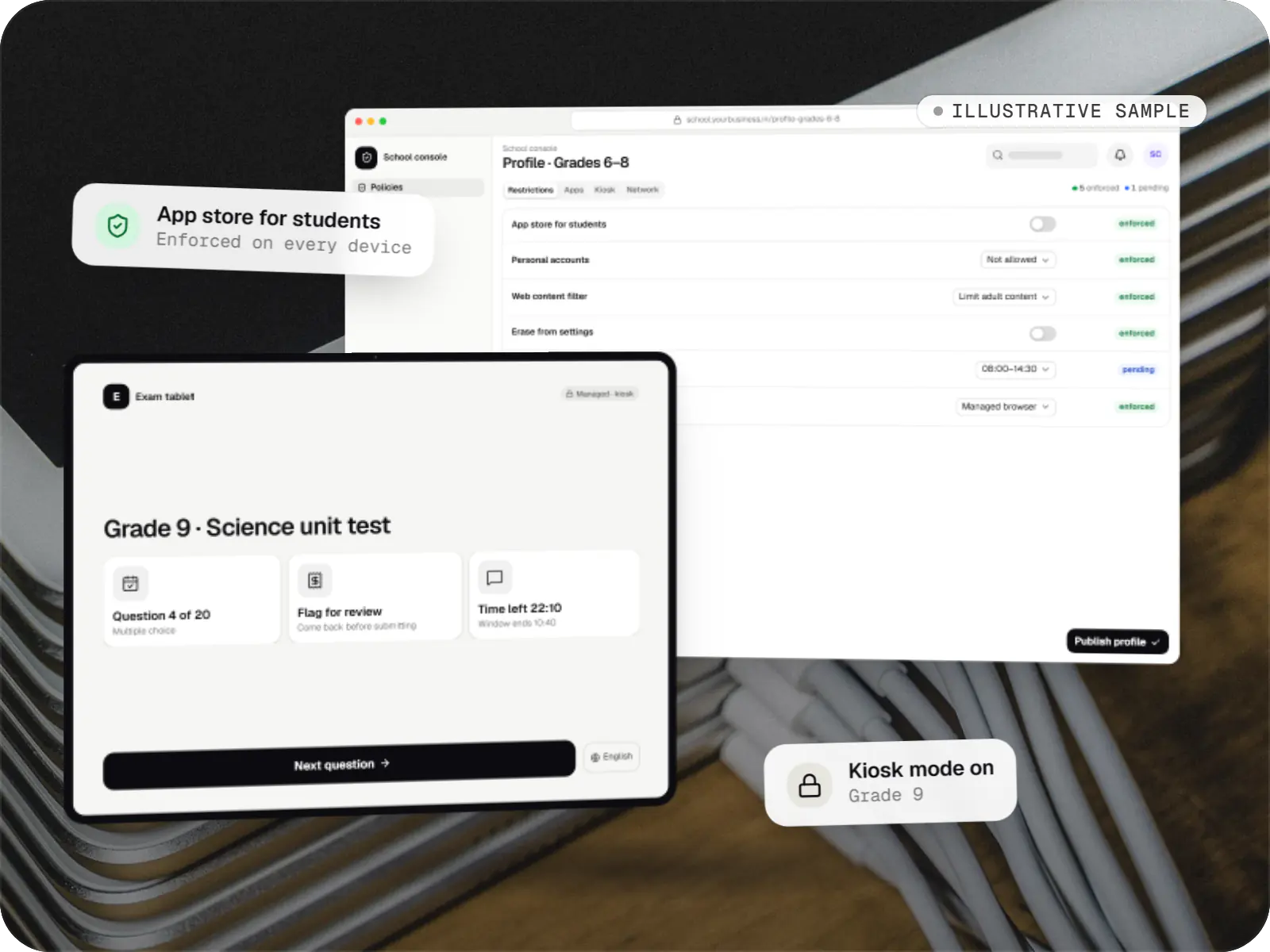
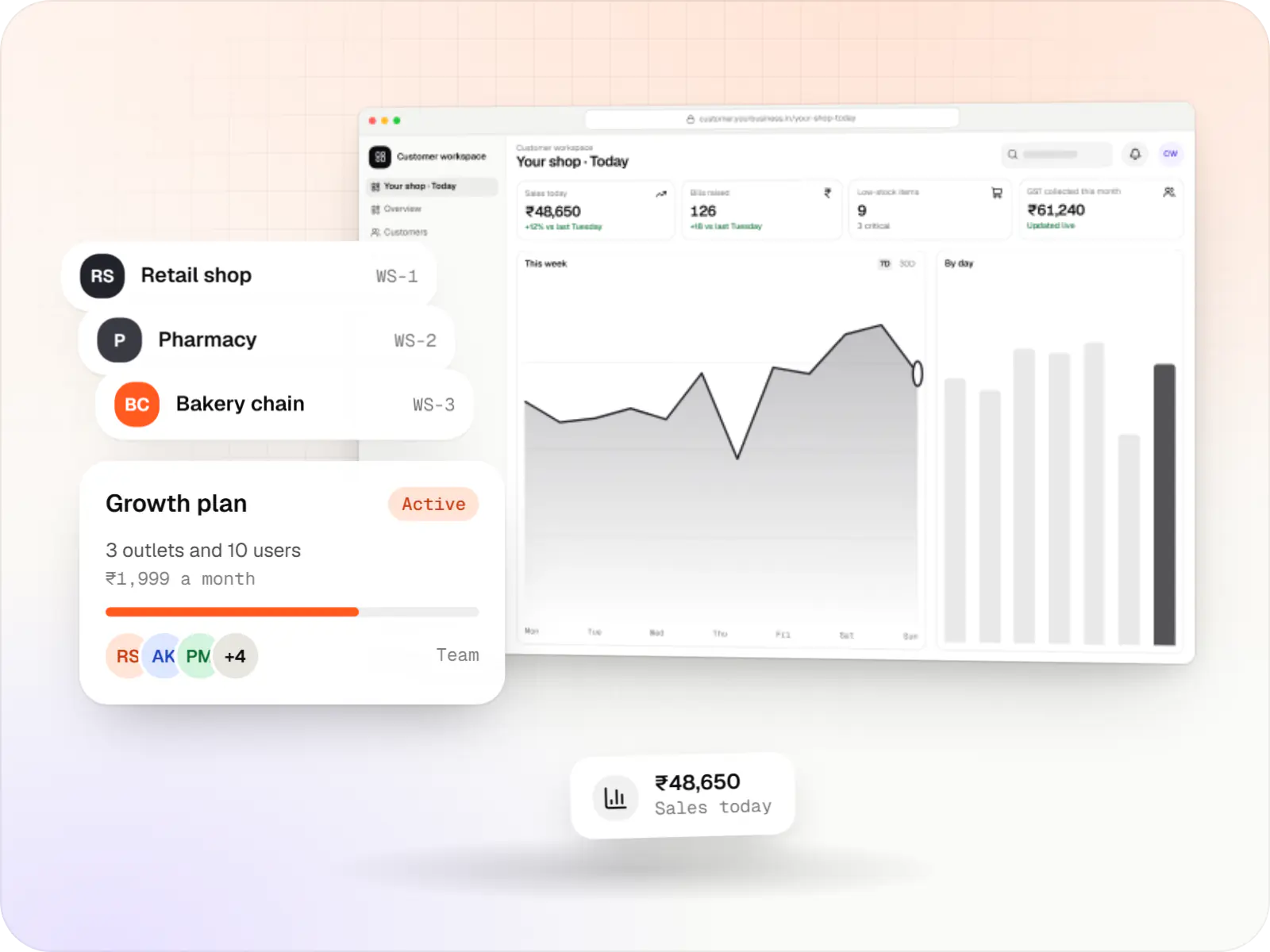
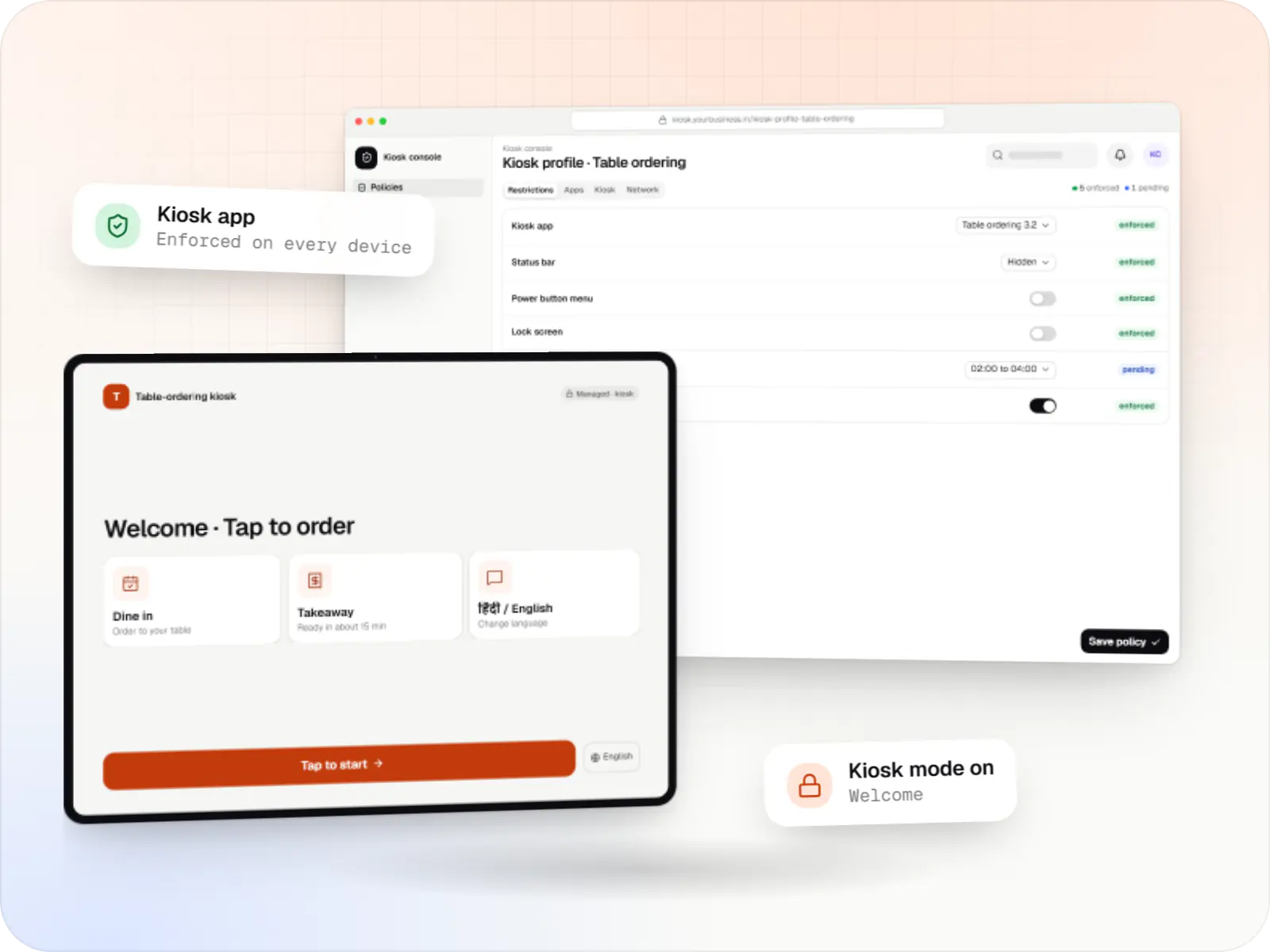
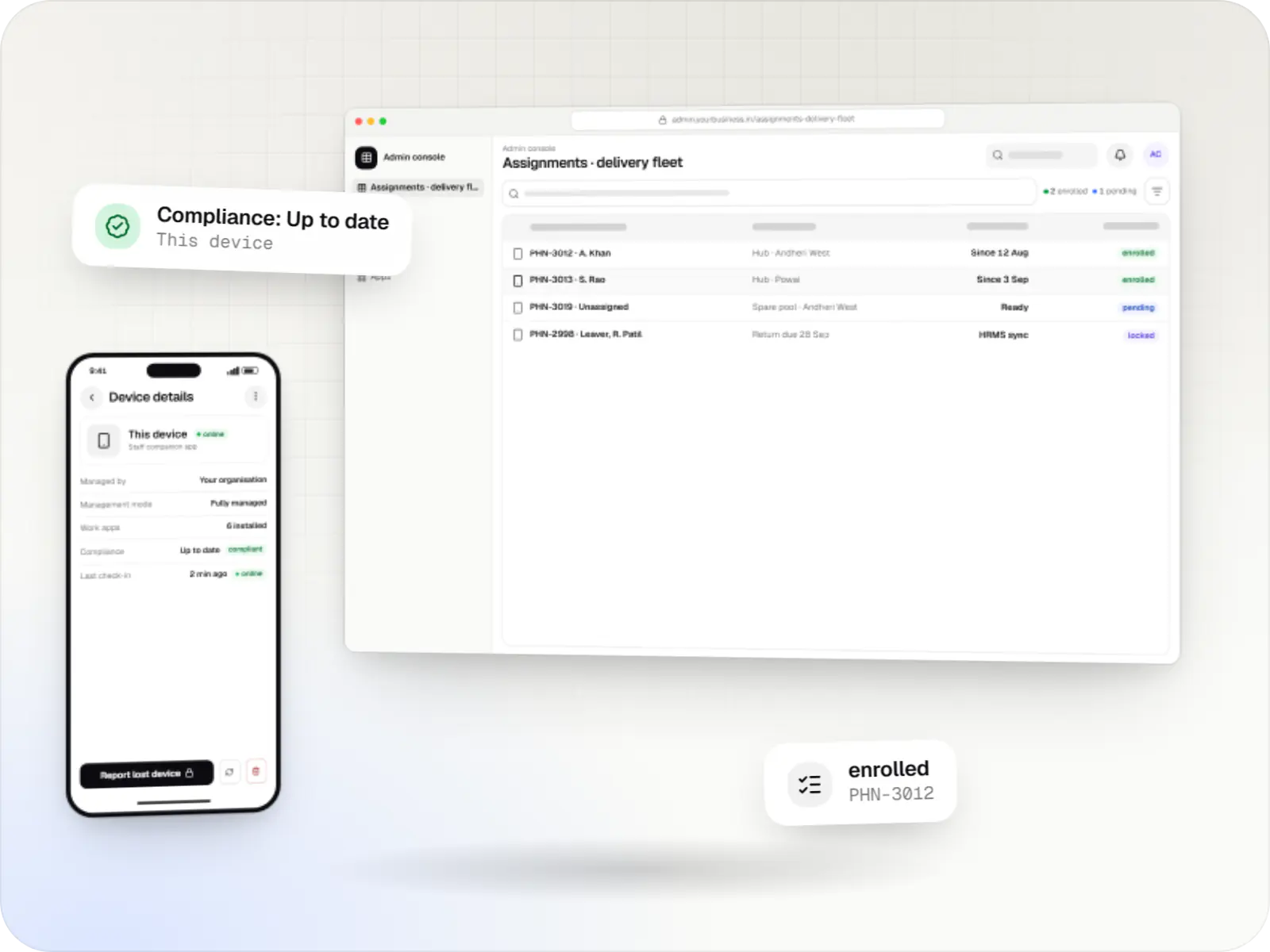
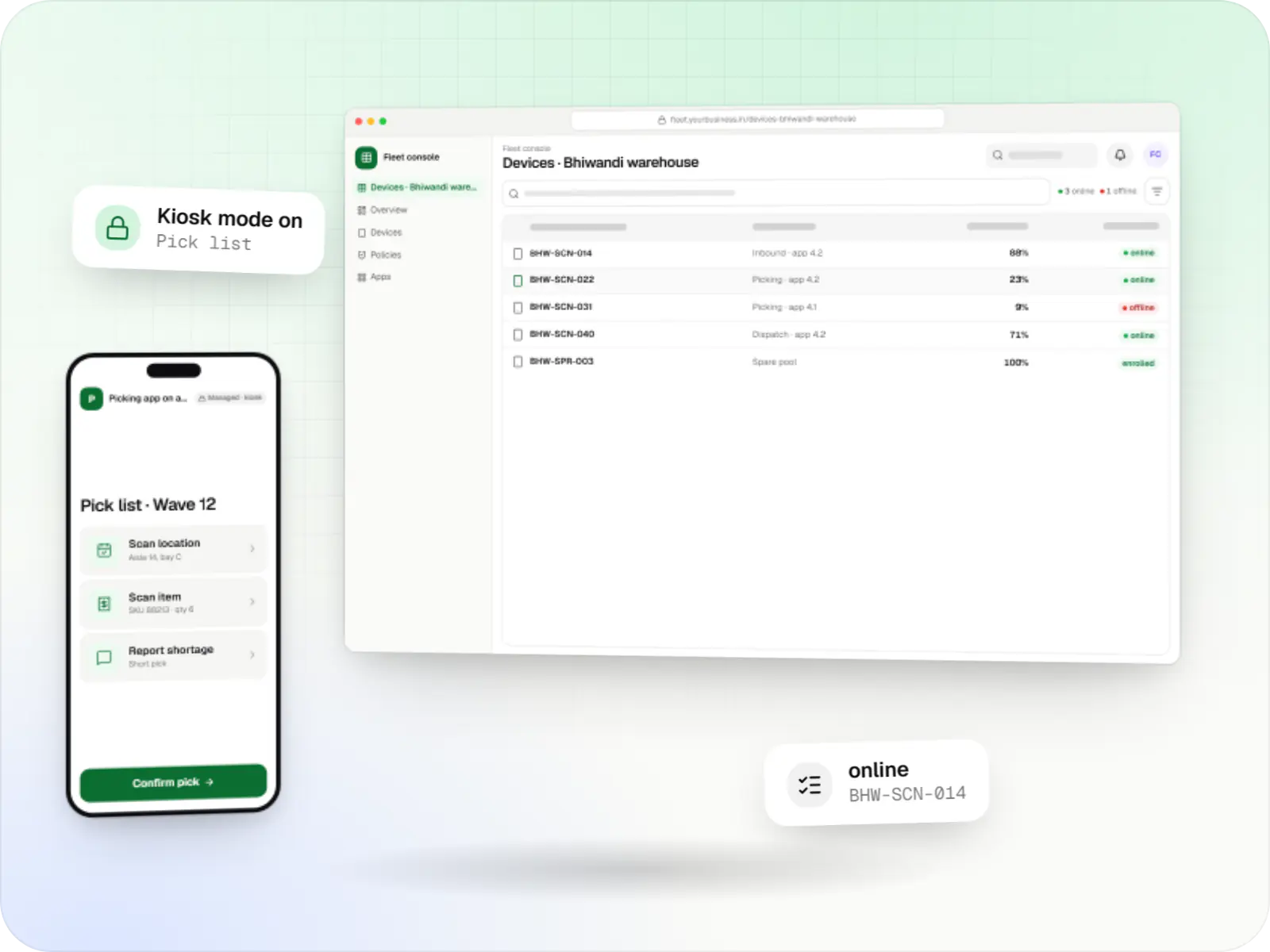
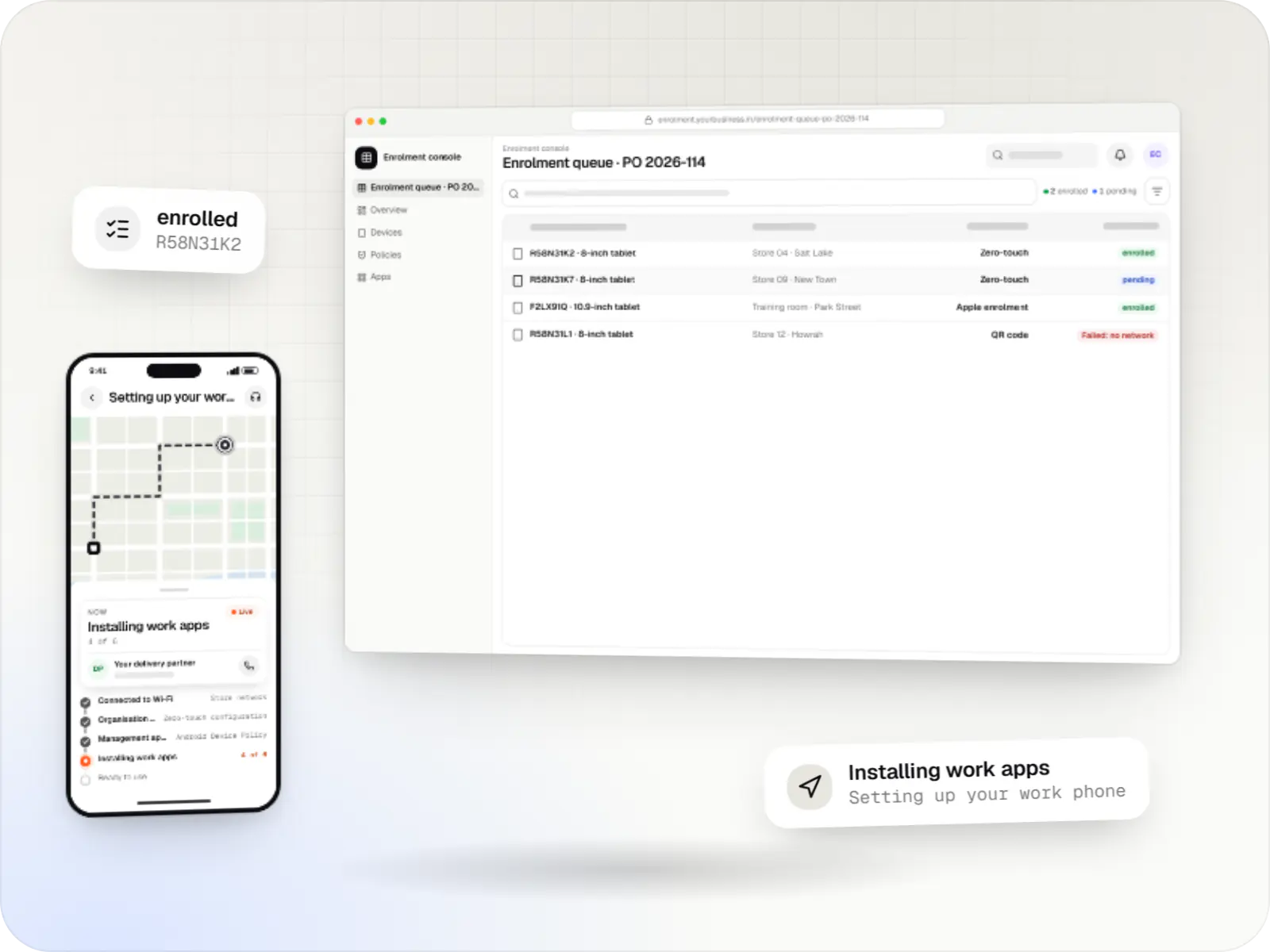
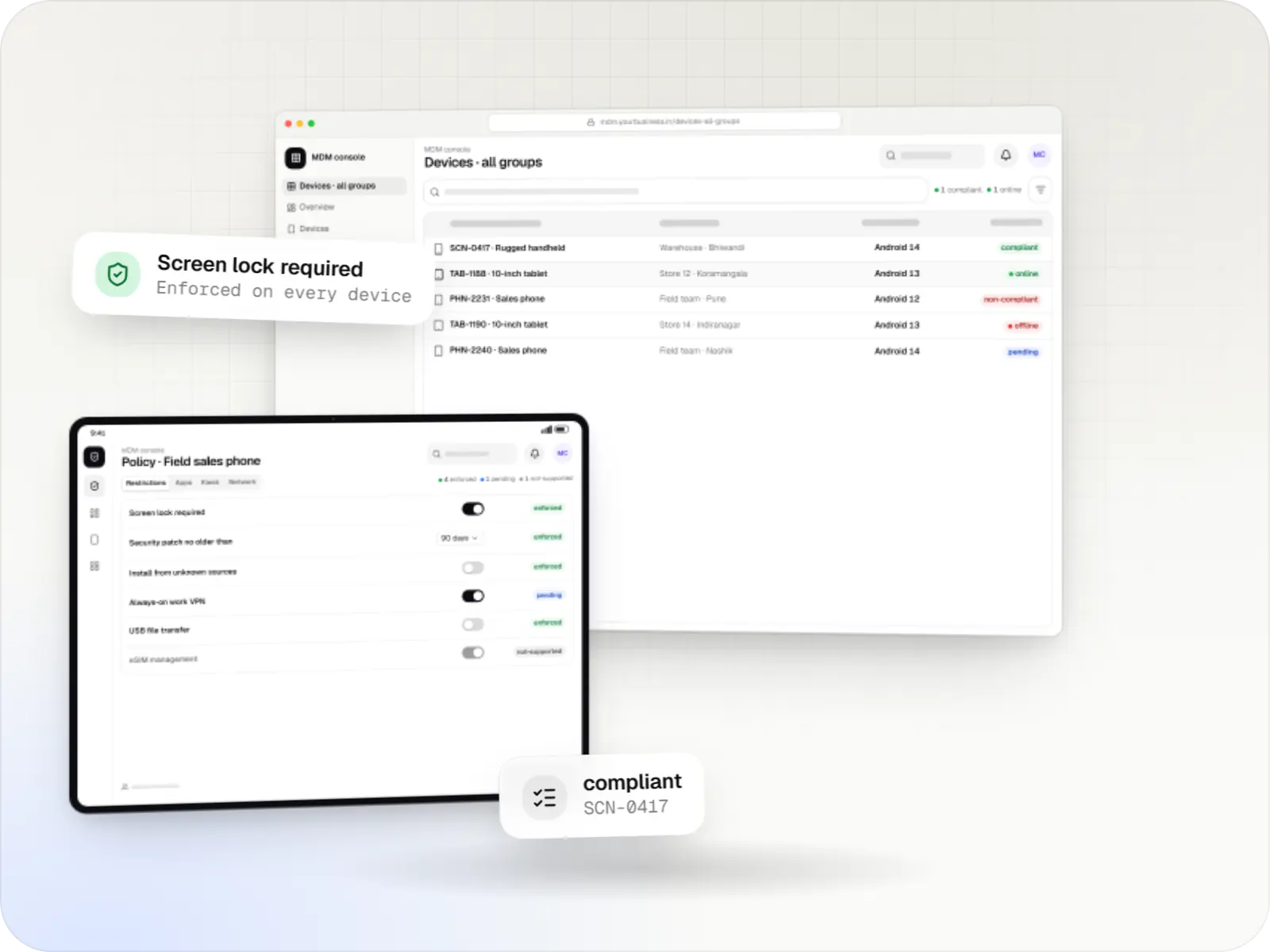
Android MDM screens: MDM console in a browser and MDM console on a tablet
Illustrative preview

At a glance

The short version

What it is

Android MDM consoles, backends and device agents built on the Android Management API or a custom device-owner app, for EMM products and specialised fleets.

What you get
  • Admin console
  • MDM backend
  • Device side
  • Reports and compliance
How it works
  1. Customer admin
  2. Admin console
  3. MDM backend
  4. Android Device Policy
  5. 2 more
Runs on
  • Android Enterprise
  • POS terminals
  • Admin
  • Web app
Cost depends on
  • Route: AMAPI, custom DPC or EMM extension
  • Single organisation or multi-tenant
  • How many policy settings you expose
and 4 more factors

How to start

Tell us what you need in your own words. You talk to the developers who would build it and get a written, line-item estimate.

Get a project estimate

Three routes to an Android MDM, and which one fits

Before building anything, it helps to know that Android offers two technical ways to manage a company device, and on devices with Google Play, Google now reviews who may use each.

  • Android Management API (AMAPI). Google hosts the policy engine and supplies the on-device agent, Android Device Policy. Your console sends policies and commands through Google's API. It is Google's route for new EMM products, and its usage policy limits it to commercial EMM developers, device makers and a few similar providers. Since November 2025, enrolling devices through it needs registration with and approval from Android Enterprise; approved development projects start with a quota of up to 500 devices, and going beyond that needs a further application.
  • A custom device policy controller (DPC). Your own device-owner app calls Android's DevicePolicyManager APIs directly and talks to your server. It gives the most control, including on devices without Google Play, but you maintain it through every Android release, and on devices with Google Play it must now be verified by Android Enterprise before it can be used during enterprise set-up.
  • Extending an EMM you already license. For a company managing its own fleet, this is often the quickest and least expensive route: we configure it and build the missing piece.

We help you choose, then build the console, backend and device side for that route.

Comparison

Android Management API, custom DPC or an existing EMM?

Android Management API, custom DPC or an existing EMM?
Android Management APICustom device-owner app (DPC)Existing EMM plus custom work
Who it suitsSaaS companies and device makers building an MDM or EMM product for other businessesSpecialised fleets: devices without Google Play, controls no EMM exposes, or a product that must ship its own agentOrganisations managing their own devices with mostly standard needs
Google approvalAndroid Enterprise registration and approval before devices can enrol (required since November 2025); up to 500 devices in development, more after a further applicationVerification by Android Enterprise, because Google Play Protect blocks unverified DPCs during enterprise set-up on devices with Google PlayHandled by the EMM vendor
On-device agentAndroid Device Policy, supplied and updated by GoogleYour own app, which must be updated and tested for each Android releaseThe vendor's agent
App distributionManaged Google Play, including private apps visible only to your organisationSilent installs from your own update server (Android 6.0 or later), since new custom DPCs cannot join the Google Play EMM APIThe vendor's app catalogue, usually backed by managed Google Play
Kiosk and lockdownSingle-app and multi-app kiosks through policy settingsFull lock task control, including custom launchers and, on Android 9 or later, the choice of system UI featuresDepends on the product; most support single-app and multi-app kiosks
Engineering effortConsole and backend; no device agent to maintainConsole, backend and an Android app, tested on every model and Android version you supportConfiguration, integrations and the specific apps or reports you need
Main riskOnly settings Google exposes are available, and the usage policy limits who may use itHighest maintenance; approvals and Android changes can move timelinesPer-device licence costs and the limits of the vendor's roadmap

What is included

What an Android MDM build includes

  • Platform: Web app

    Admin console

    • Customer sign-up that completes Google's Android Enterprise sign-up and links each organisation to your product
    • Policy editor with templates for fully managed, work profile and kiosk devices
    • Enrolment tokens shown as QR codes, links or zero-touch configuration values
    • Device inventory filtered by group, OS version, compliance and last check-in
    • Remote lock, reboot, passcode reset, clear app data, lost mode and wipe, each offered only where the device supports it
    • Role-based access for your support staff, customer admins and site managers
  • Platform: API and workers

    MDM backend

    • Multi-tenant data model: organisations, groups, policies, devices and users
    • Policy compiler that turns console settings into Android Management API policies or DPC instructions
    • Status updates received through Google Cloud Pub/Sub notifications and kept as device history
    • Command queue with retries and results, because devices can be offline for hours
    • Public API and webhooks so your other systems can read device state
  • Platform: Android devices

    Device side

    • Android Device Policy, Google's agent, for AMAPI builds: no custom agent to maintain
    • A custom DPC or companion app where you need functions the API does not expose
    • Managed configurations that pre-fill your apps with server addresses or store codes
  • Platform: Admin dashboard

    Reports and compliance

    • Compliance rules, such as passcode set and security patch age, with actions when a device falls out of line
    • Scheduled reports by customer, site or group, exported as CSV or PDF
    • Audit log of every admin action for customer support and security reviews

How it works

How a policy reaches a device through the Android Management API

This is the path for an AMAPI-based build. A custom DPC follows the same shape, with your own agent and push channel in place of Google's.

  1. Customer admin

    Step 1: Organisation signs up

    Your customer signs up in your console and completes Google's sign-up, creating an enterprise record that links their devices to your product.

  2. Admin console

    Step 2: Policy defined

    The admin picks a template, such as a fully managed field phone, and adjusts passcode, apps and restrictions; the backend saves it as a policy.

  3. MDM backend

    Step 3: Enrolment token issued

    The backend requests an enrolment token tied to that policy and shows it as a QR code, a link or a zero-touch setting.

  4. Android Device Policy

    Step 4: Device enrols

    During setup, the device installs Android Device Policy, which fetches and applies the policy, including apps from managed Google Play.

  5. Google Cloud Pub/Sub

    Step 5: Status reported

    Enrolment, status reports and command results arrive as notifications, and the backend updates the device record.

  6. Admin console

    Step 6: Admin acts

    Commands such as lock, reboot or wipe go through the API with a validity period the console sets; the device runs them when it connects within that time, and the console shows them as pending until the result arrives.

  7. Console rules

    Step 7: Compliance checked

    If a device breaks a rule, such as a missing passcode or a security patch older than your limit, the console can move it to a restricted policy that blocks work apps, or alert the admin, until it is fixed.

Platforms

Devices and screens in an Android MDM

Android Enterprise phones, tablets and rugged handhelds, Android-based POS terminals where the maker allows it, and the web console.

  • Mobile

    Android Enterprise devices

    Android phones, tablets and rugged handhelds with Google Play services, managed through Android Enterprise: company-owned devices as fully managed, dedicated (kiosk) or work-profile devices, and personal phones through a work profile only.

  • Point of sale

    POS terminals running Android

    Countertop and handheld billing terminals running Android-based software, locked to approved billing and payment apps where the terminal maker or supplier allows device-owner or SDK control.

  • Back office

    Admin dashboard

    Back-office panels for operations, support and finance teams: orders, users, content, reports and permissions.

  • Web

    Web application

    Browser-based applications with logins, roles and workflows, such as customer portals, SaaS products and internal tools.

Technology

Technology behind an Android MDM, and why it matters

Google's Android Management API or Android's device-owner APIs do the device work; a typed backend, a relational database and a queue keep thousands of device records and commands consistent.

  • Device management

    Android Management API

    A Google cloud API for device-management products: your console sets the rules, and a Google app on each Android device applies them.

    Used for

    • Kiosk products for stores
    • EMM and MDM products
    • Policy-based device fleets
    • QR and zero-touch setup
  • Built-in Android APIs that let one trusted app control a company device: kiosk lock, silent app updates and restrictions, even without Google Play.

    Used for

    • Custom kiosk launchers
    • Devices without Google Play
    • POS and signage agents
    • Silent app updates
  • Apps built specifically for Android, with full access to the phone's hardware, background location and company-managed devices.

    Used for

    • Apps for Android
    • Delivery partner apps
    • Billing and POS apps
    • Field staff apps
  • Backend

    NestJS

    A structured way to build back ends on Node.js, so large business systems stay organised, testable and easy to hand over.

    Used for

    • Business app back ends
    • SaaS platforms
    • Marketplaces
    • Admin panel back ends
  • A reliable database for the records your business runs on: orders, payments, bookings and stock, kept accurate and easy to report on.

    Used for

    • Orders and customers
    • Payments and ledgers
    • Stock and inventory
    • Bookings
  • Data

    Redis

    Keeps frequently used data in fast memory, so apps stay quick on busy days and live features like order tracking feel instant.

    Used for

    • Faster apps
    • Live order status
    • Shopping carts
    • Job queues and alerts
  • Builds interactive screens in the browser, such as dashboards, admin panels and portals, that respond instantly as your team works.

    Used for

    • Web apps
    • Admin panels
    • Dashboards
    • Customer portals
  • Cloud & DevOps

    AWS

    Cloud hosting for your app, website and data, with data centres in India and room to grow when traffic rises.

    Used for

    • App hosting
    • File and photo storage
    • Backups
    • Busy sale days
  • Cloud & DevOps

    Docker

    Packages your software so it runs the same way on every laptop and server, which makes releases predictable and moving hosts easier.

    Used for

    • Reliable releases
    • Same setup everywhere
    • Faster onboarding
    • Easy scaling

Plain-English glossary

Android MDM terms, in plain English

Enterprise (in the Android Management API)
The record in Google's systems that links one customer organisation to your MDM, created when the customer completes sign-up. Each customer gets their own, so their devices, apps and policies never mix with another customer's.
Policy
A named set of rules and apps, such as "warehouse scanner" or "sales phone". Devices follow the policy they are assigned, so one change reaches every device in that group.
Enrolment token
A code, often shown as a QR code, that tells a new or reset device during setup which organisation and policy it belongs to. A token can expire after a set time or work only once.
Managed Google Play
The business version of Google Play. Admins approve public apps, or publish private apps visible only to their organisation, and the policy can install them on managed devices without prompting the user.
Pub/Sub notifications
Messages Google sends to your backend when a device enrols, reports its status or finishes a command, so the console stays current without constantly polling each device.
Multi-tenant
One MDM product serving many customer organisations, each seeing only its own devices and admins. Essential if you plan to sell the MDM as a service.

Product preview

Console screens in an Android MDM product

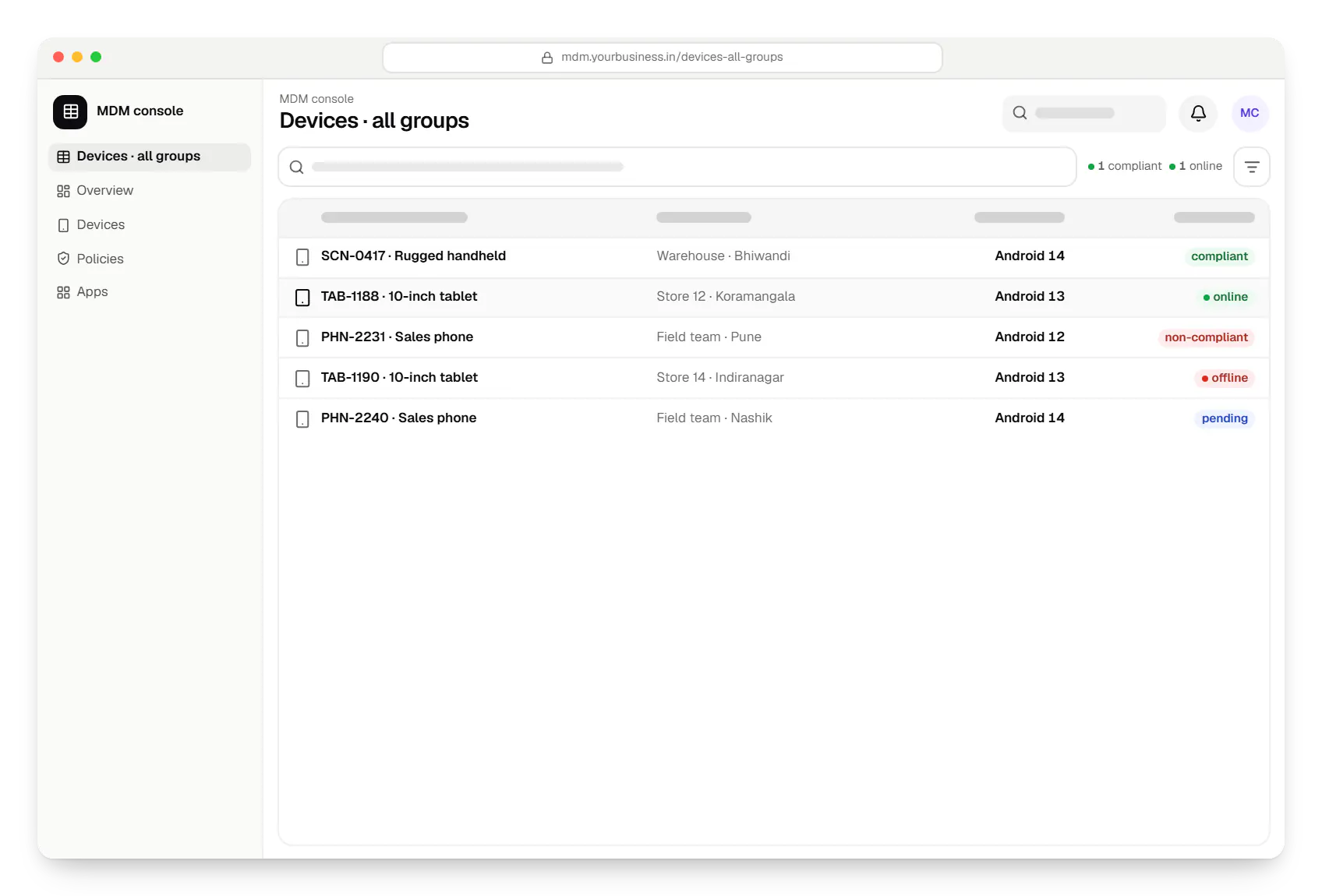
  • Android MDM console devices table in a web browser, with 5 rows and status labels
    MDM console. The device inventory: every enrolled device with its group, OS version, compliance and last check-in, filterable by customer, site or problem.
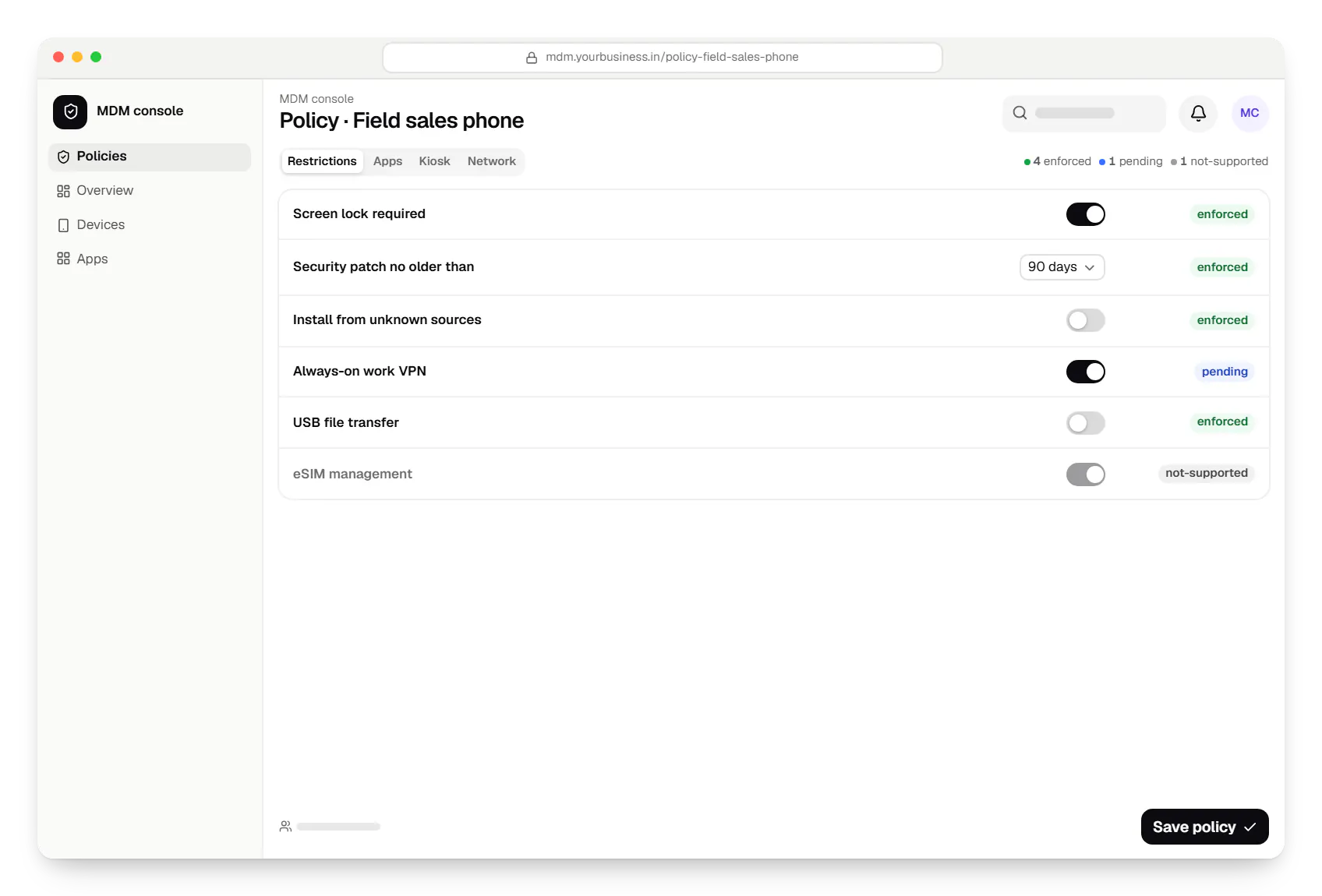
  • Android MDM console policy settings in a web browser
    MDM console. A policy editor that shows which rules are enforced, which are still rolling out, and which a device's Android version cannot apply.
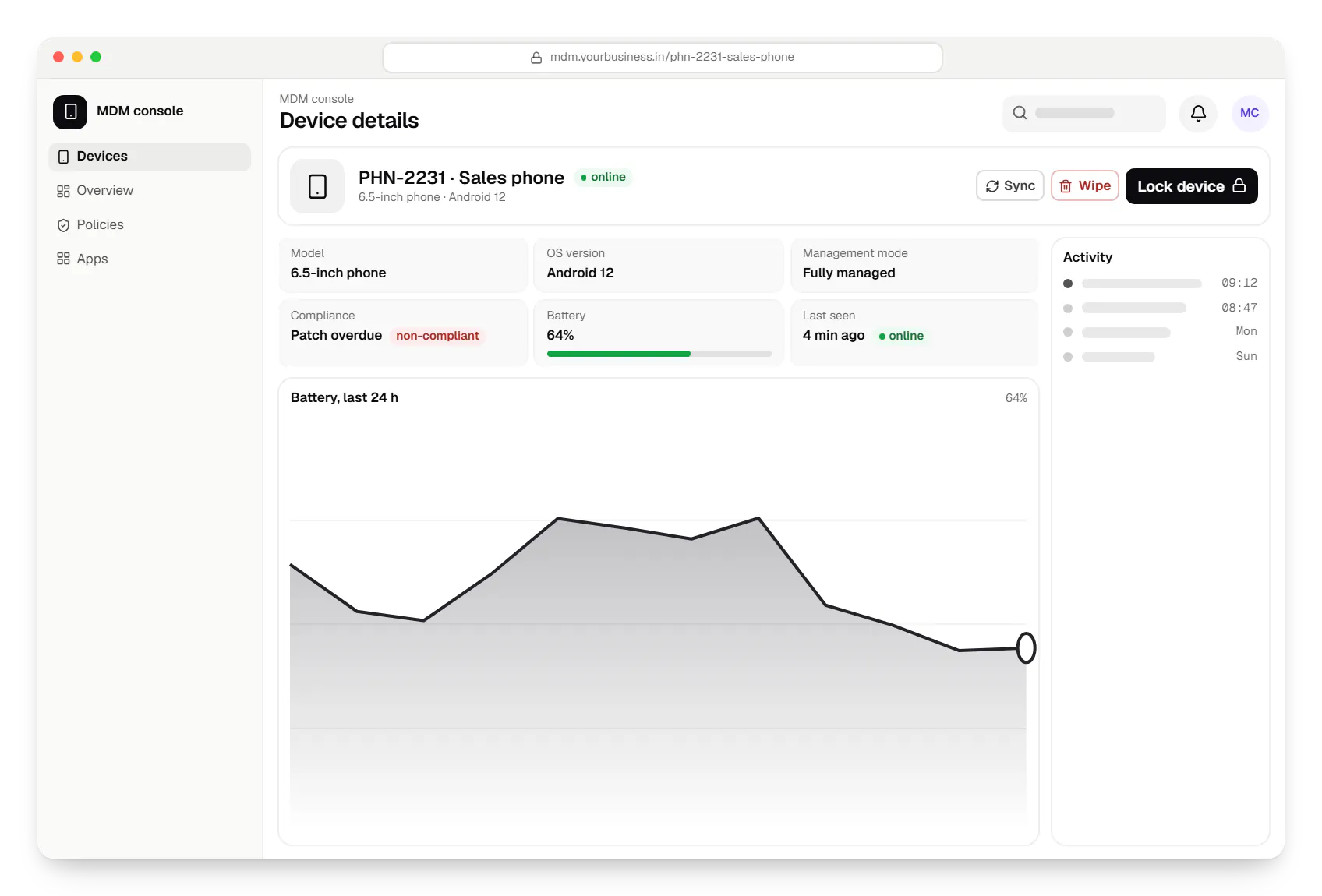
  • Android MDM console device details in a web browser
    MDM console. One device in detail, with only the actions its management mode and Android version allow, so support staff never send a command that cannot work.
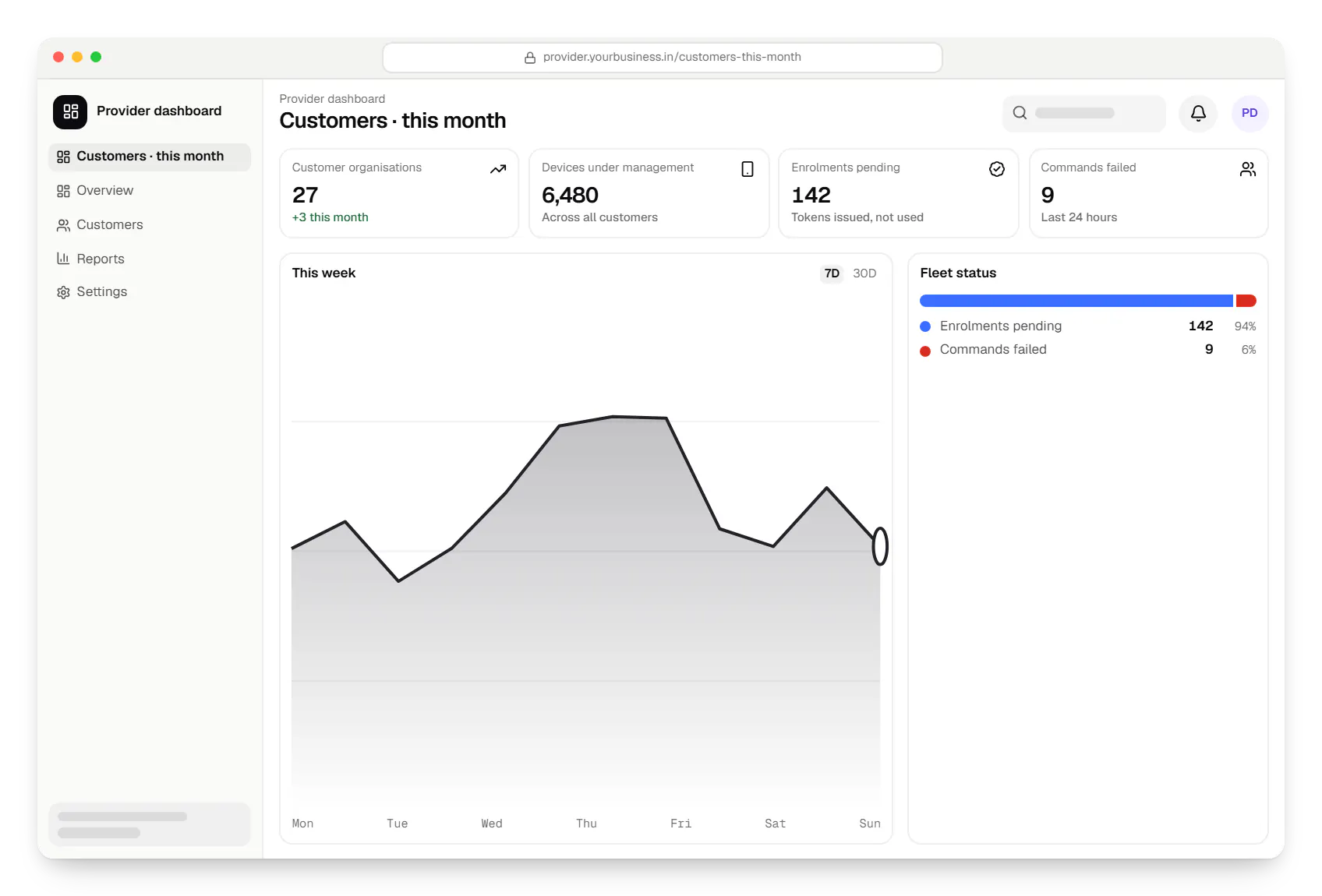
  • Android MDM provider dashboard in a web browser, with key figures and a chart
    Provider dashboard. For MDM products sold as a service, a provider view shows each customer's device count, enrolment progress and failed commands.
Illustrative preview

Sample screens: names, prices and figures are examples, not client data.

Services

Services behind an Android MDM build

  • SaaS development

    Multi-tenant SaaS products with subscription billing, team roles, onboarding and usage analytics, from first MVP to paying customers.

  • Admin panel development

    Back-office dashboards built around your team's daily tasks: order queues, approvals, catalogue management, payouts, reports and audit logs.

  • API development

    Secure, documented REST and GraphQL APIs, plus integrations that connect your apps to payment, logistics, GST, messaging and business systems.

  • Android app development

    Native Android apps in Kotlin and Jetpack Compose, designed for entry-level phones, patchy networks and the background limits of popular Android brands.

Cost drivers

What shapes the cost of an Android MDM build

  1. Route: AMAPI, custom DPC or EMM extension

    An AMAPI console avoids building an agent; a custom DPC adds an Android app that must be tested on every model and release; an EMM extension is usually the smallest scope.

  2. Single organisation or multi-tenant

    Selling the MDM to many organisations adds tenant isolation, customer onboarding, provider dashboards and billing hooks.

  3. How many policy settings you expose

    A curated set of settings with clear help text is far less work than an editor for every Android option, each needing validation and testing.

  4. Management modes supported

    Fully managed, work profile and kiosk devices each need their own templates, testing and support documentation.

  5. Integrations

    Single sign-on, HRMS joiner-leaver sync, ticketing and asset registers each add API work and testing.

  6. Approval and pilot time

    Google's reviews and a pilot on real devices take calendar time even when little code is being written, so we plan for them from the start.

  7. Hosting and security reviews

    Enterprise customers often ask for audit logs, data kept in India and a penetration test before they sign.

Estimates are written from your scope, with the effort and assumptions behind each line item.

How pricing works

Process

How we build an Android MDM

  1. Route and policy check

    We map your use case against Google's usage policy and recommend AMAPI, a custom DPC or an EMM extension, with the reasons written down.

    You getArchitecture note

  2. Google access and test devices

    You apply for API access or DPC verification with our technical input; meanwhile we set up test devices from your target models.

    You getTest lab of real devices

  3. Console and backend MVP

    Organisation sign-up, one or two policy templates, enrolment, inventory and core commands, released fortnightly.

    You getWorking console

  4. Device testing

    Every policy and command is checked on each model and Android version you support, and unsupported combinations are marked in the console.

    You getSupport matrix

  5. Pilot customer or site

    A friendly customer or one site uses the MDM for real work, and we fix what the pilot uncovers.

    You getPilot report

  6. Scale and support

    Production quota, monitoring, on-call runbooks and a test cycle for each new Android release.

    You getRelease and support plan

More specific pages

Tailored by industry

FAQ

Frequently asked questions

Can we build our own MDM on the Android Management API just for our company's devices?

Usually not. Google's permissible-usage policy restricts the Android Management API to commercial EMM developers, device makers and a few similar providers, and it excludes solutions developed and used exclusively for first-party, in-house purposes. Since November 2025, every project also needs Android Enterprise approval before it can enrol devices. A company managing only its own fleet normally licenses an existing EMM and adds custom pieces, or, for specialised needs, uses a custom device-owner app. If your case is borderline, we help you ask Google before any build starts.

What does the 500-device limit mean for development?

Since November 2025, enrolling devices through the Android Management API needs registration with and approval from Android Enterprise, and Google asks for a full business justification. Approved projects start with a quota of up to 500 devices, which is enough for development, testing and a pilot. Managing more devices needs a further application to Android Enterprise, so we prepare that request well before your first large customer is due to go live.

Is building a custom DPC still possible?

Yes. Android's DevicePolicyManager APIs are public, and a device-owner app can manage a fully managed or dedicated device directly. Two things have changed: Google no longer accepts new custom DPCs into the Google Play EMM API, so a new DPC cannot use managed Google Play and installs apps from your own server instead, and on devices with Google Play a DPC must be verified by Android Enterprise, or Google Play Protect blocks it during enterprise set-up. We build both into the plan.

Can the MDM manage staff-owned phones as well as company devices?

Yes, through a work profile. On a personally owned phone the MDM manages only the work profile: work apps, their data and a few profile settings. It cannot see personal apps, messages, photos or location, and a wipe removes only the work profile. Company-owned devices can be fully managed, or given a work profile when some personal use is allowed.

Which remote actions can an Android MDM perform?

Through the Android Management API: lock, passcode reset, reboot (fully managed devices on Android 7.0 or later), clear app data (Android 9 or later), lost mode (company-owned devices: fully managed on Android 11 or later, with a work profile on Android 13 or later), eSIM changes (Android 15 or later) and wipe. A wipe is a factory reset on a company-owned device and removes only the work profile on a personal one. Each command is valid for ten minutes unless the console sets a longer period, and runs if the device connects within it, so the console tracks it as pending and retries when needed.

Where is device data stored?

Your console's data, such as policies, device records and audit logs, lives in your own cloud account, usually in an Indian region. With the Android Management API, Google also processes policy and device status data as part of the service, under its own terms. We document which data sits where, which helps with DPDP Act notices and with the security questionnaires enterprise customers send.

How long does a first release take?

A focused AMAPI console for one type of customer, with sign-up, two or three policy templates, enrolment, inventory and core commands, typically takes ten to fourteen weeks including device testing. Multi-tenant billing, a custom DPC or many integrations extend that. Android Enterprise approval is needed before the API can enrol devices, so we start that application first; its timing can affect when device testing begins and when you reach production.

Next step

Planning an Android MDM?

Tell us whether you are building a product or managing your own devices, and which models you use. We will recommend a route and send a line-item estimate.

Or reach us directly

Mon–Sat, 10:00–19:00 IST