Web
Next.js
A modern web technology for fast, search-friendly websites, online stores and web applications that load quickly on mobile.
Used for
- Business websites
- Online stores
- Web apps
- Customer portals
Business & enterprise
Intranets, employee self-service, approval workflows and internal AI assistants for HR, admin, finance and facilities teams.
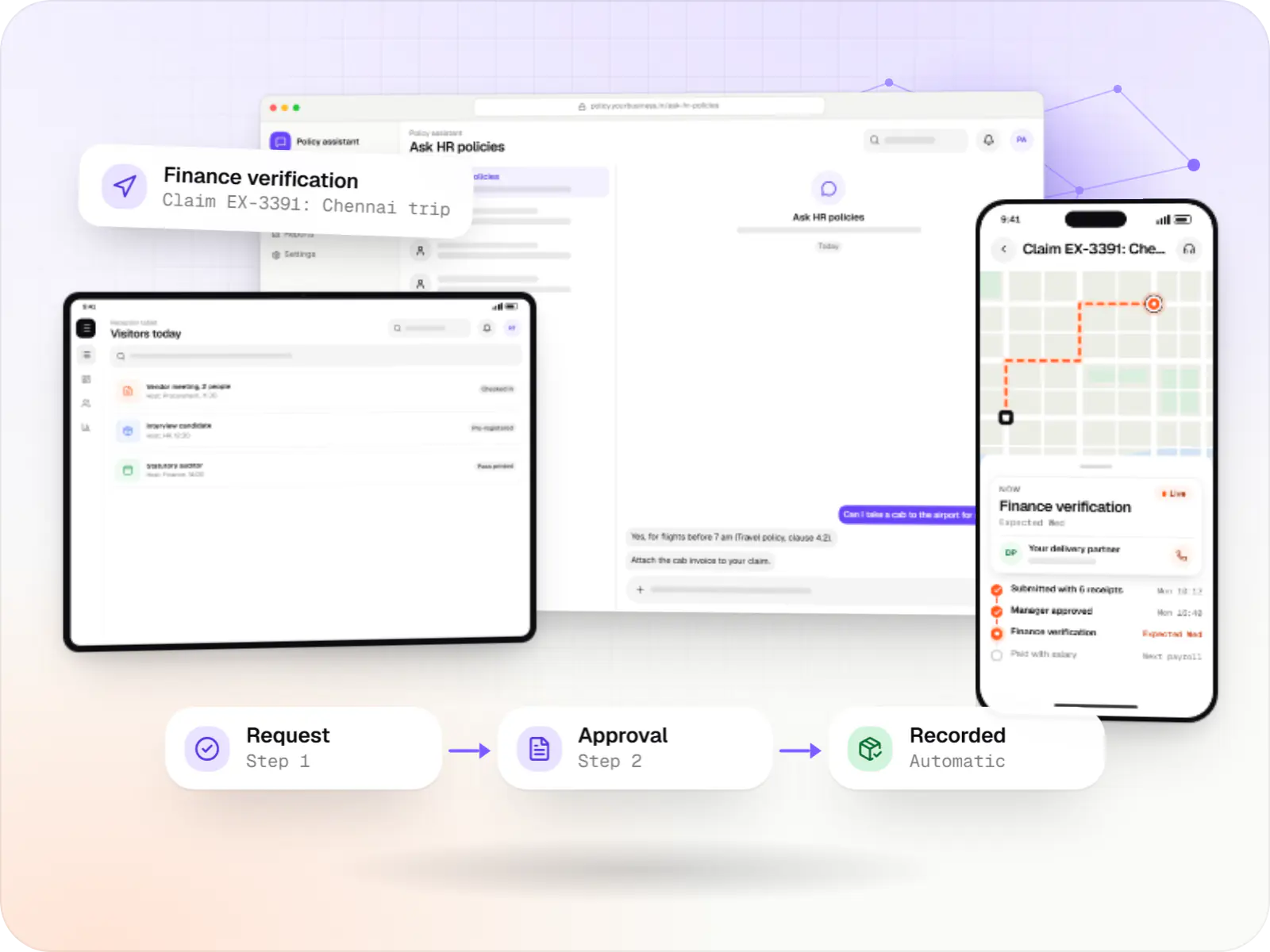
At a glance

Corporate functions run on internal requests that often live in email chains and forms. We build internal tools that make them faster for employees and easier to audit.
How to start
Tell us what you need in your own words. You talk to the developers who would build it and get a written, line-item estimate.
Get a project estimateAdmin, HR, finance and facilities teams in mid-size and large companies handle a steady stream of requests: leave, purchase requisitions, travel claims, meeting rooms, visitor passes, policy questions. Workplace suites cover some of this, but many companies still approve by email and track in spreadsheets. We build internal tools that sit alongside Microsoft 365 or Google Workspace and give employees one place to raise and track requests.
Challenges
Requests stall in inboxes, and nobody can see where a claim is waiting.
HR answers the same leave and reimbursement questions every day.
Rooms, desks and visitors managed on paper registers or shared sheets.
Updates go out by email, and factory or field staff never see them.
Solutions
Across 2 areas
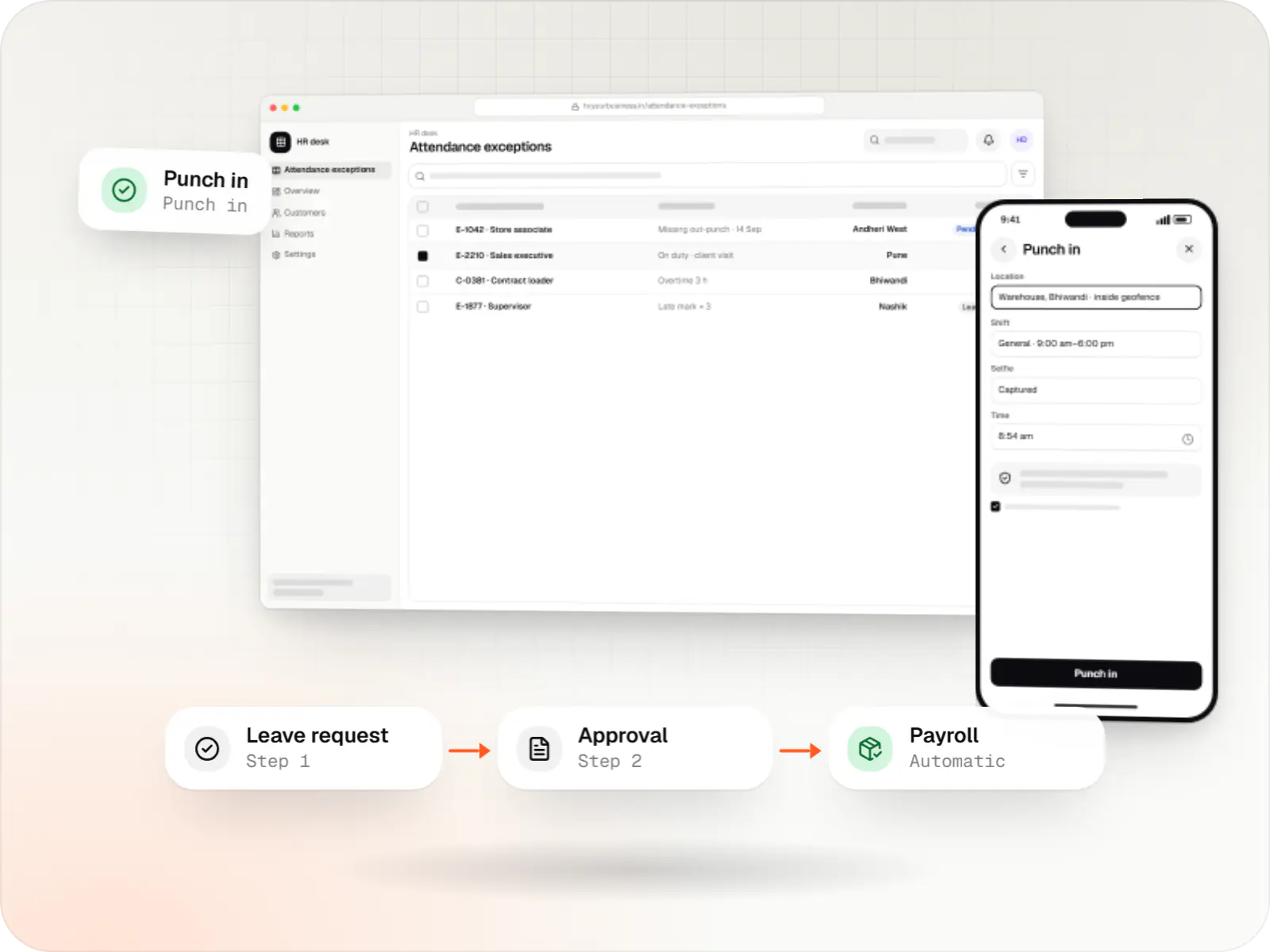
Custom HRMS covering attendance, leave, payroll with Indian statutory deductions, onboarding and an employee self-service app.
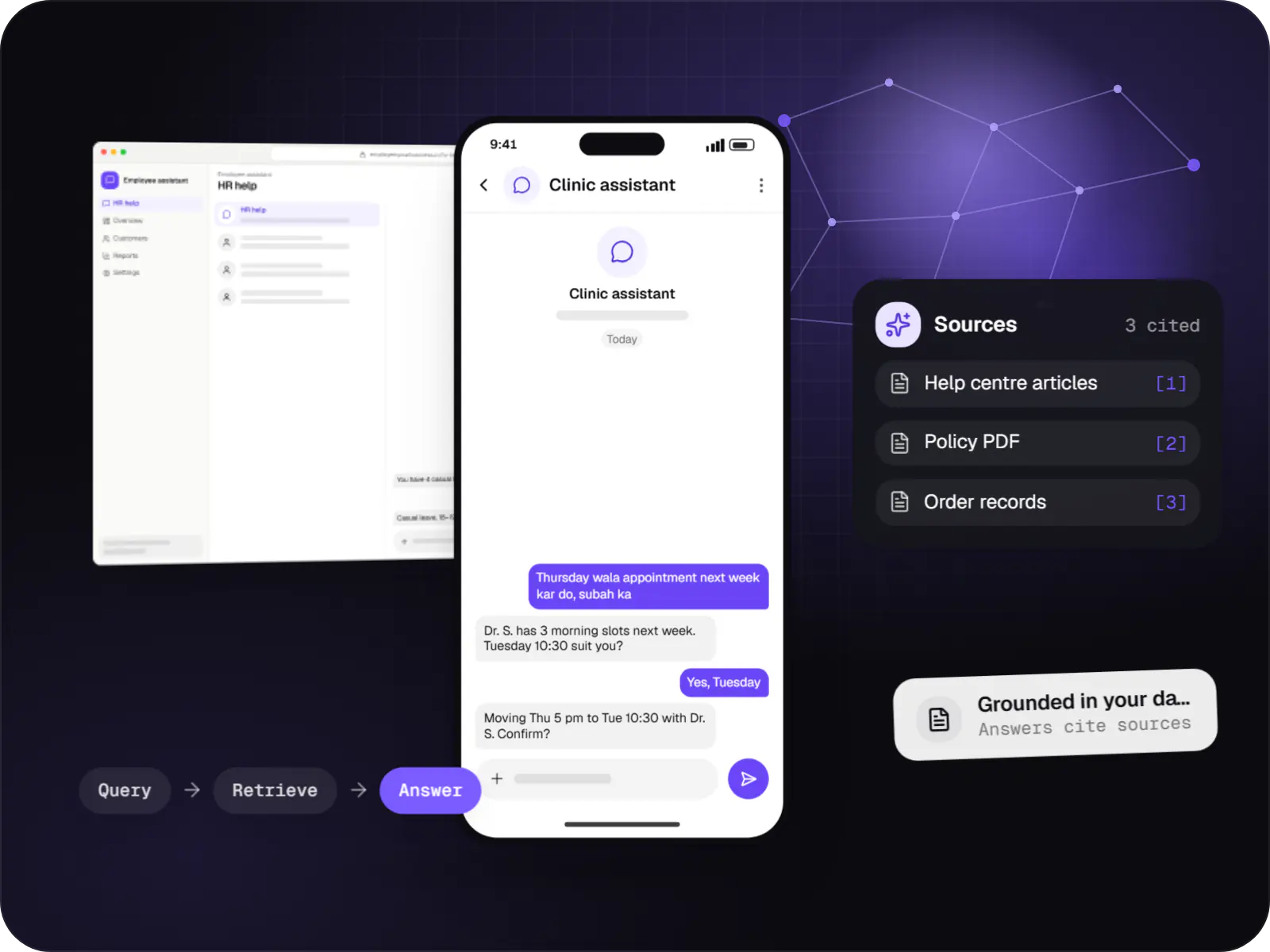
Assistants that book, schedule, look up records and raise requests by voice or text, with confirmation before every action.
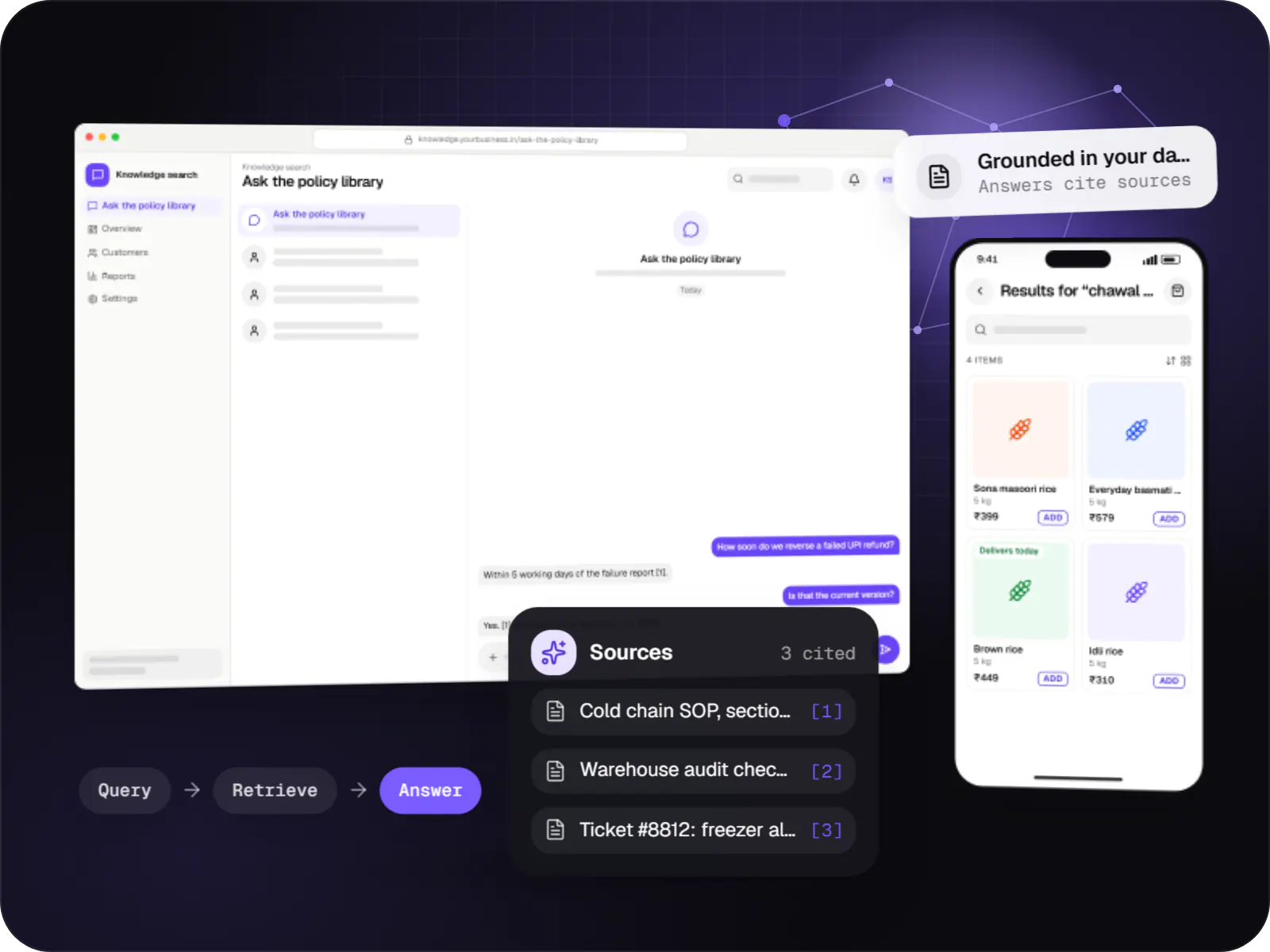
Search and question-answering over your documents, tickets and product data, with hybrid retrieval, citations and permission-aware results.
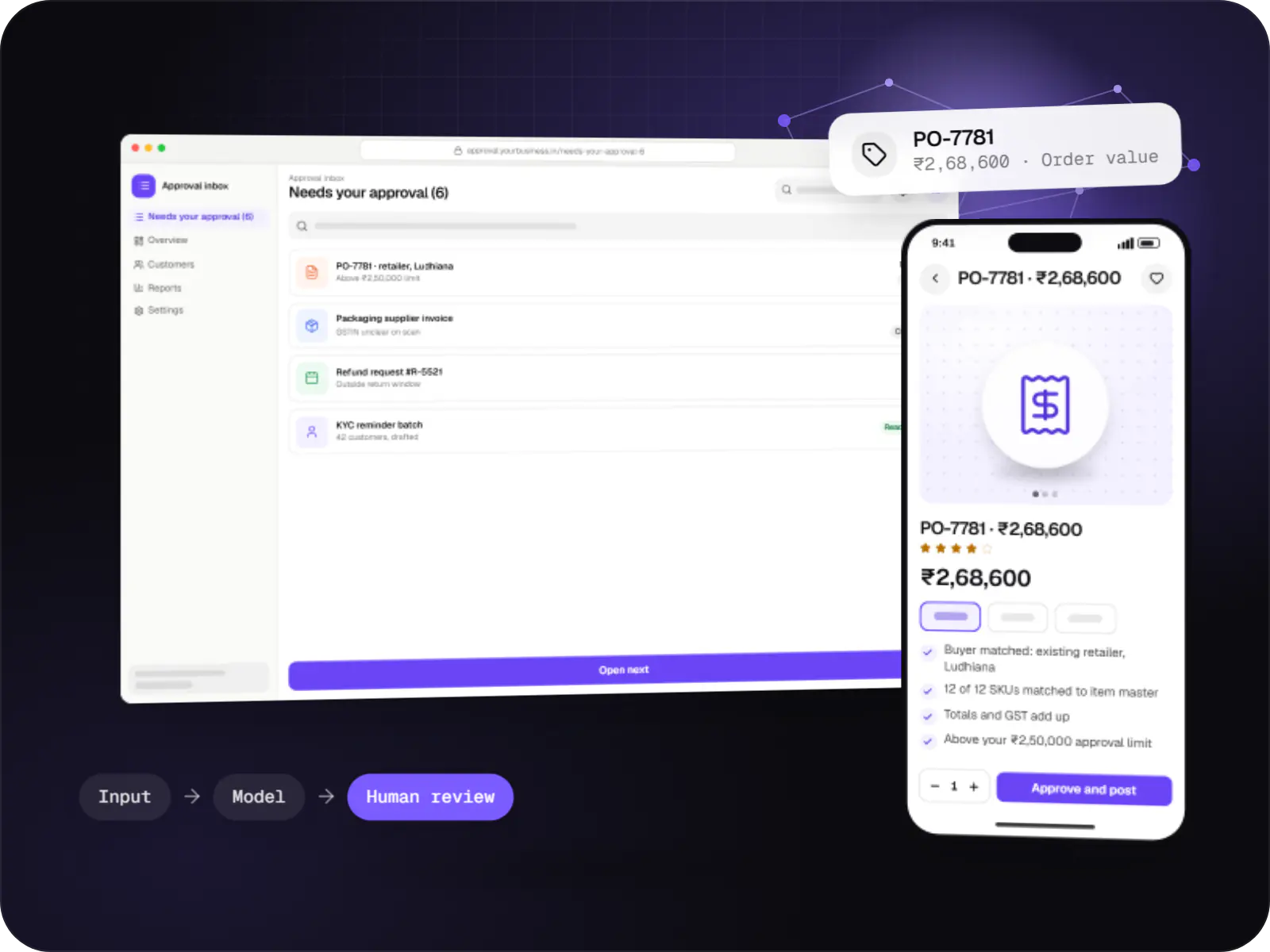
Automations for repetitive back-office work, with AI steps that read, classify and draft, and approvals where decisions matter.
Announcements, directory and policies behind single sign-on.
Multi-level routing by amount, department or location, with delegation during leave.
An AI assistant that answers from your policy documents and cites the clause.
Calendar-synced booking, visitor pre-registration and QR passes at reception.
Receipt capture on phones, policy checks and export to accounting.
How it works
The same pattern works for leave, purchase requests and room or visitor bookings.
After single sign-on, the employee photographs receipts on their phone and submits the claim from the portal in a couple of minutes.
Limits by grade and city are checked straight away, and anything outside policy is flagged before a manager spends time on it.
The manager approves from a notification; if they are away, the claim goes to their named delegate instead of waiting.
Finance works through a queue sorted by amount and age, and approved claims export to the accounting system for payment.
The employee sees exactly where the claim is waiting, and can ask the policy assistant questions that are answered with the relevant clause.
Turnaround times, bottlenecks and spend by department are visible to HR, admin and finance heads without anyone compiling a report.
Platforms
Browser-based applications with logins, roles and workflows, such as customer portals, SaaS products and internal tools.
One Flutter or React Native codebase for Android and iOS, with native modules where a feature needs them.
Back-office panels for operations, support and finance teams: orders, users, content, reports and permissions.
Technology
Web and mobile tools that sign in with your existing work accounts and sit comfortably alongside your office suite.
Web
A modern web technology for fast, search-friendly websites, online stores and web applications that load quickly on mobile.
Used for
Backend
A structured way to build back ends on Node.js, so large business systems stay organised, testable and easy to hand over.
Used for
Data
A reliable database for the records your business runs on: orders, payments, bookings and stock, kept accurate and easy to report on.
Used for
Mobile
Build Android and iOS apps in the same language as a React website, so one team can share code and skills across web and mobile.
Used for
Connects your product to AI language models from several providers, so each task uses a suitable model and you can switch later.
Used for
Plain-English glossary
Product preview
Illustrative screens with sample policies and names shown as roles.
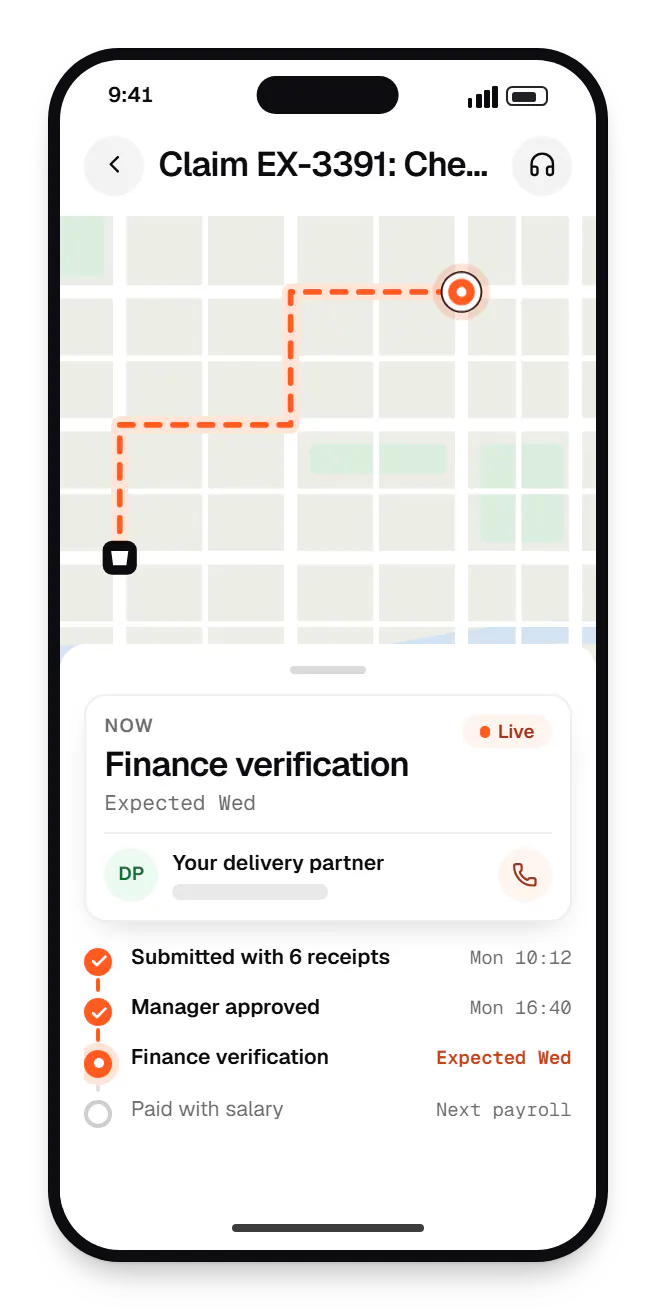
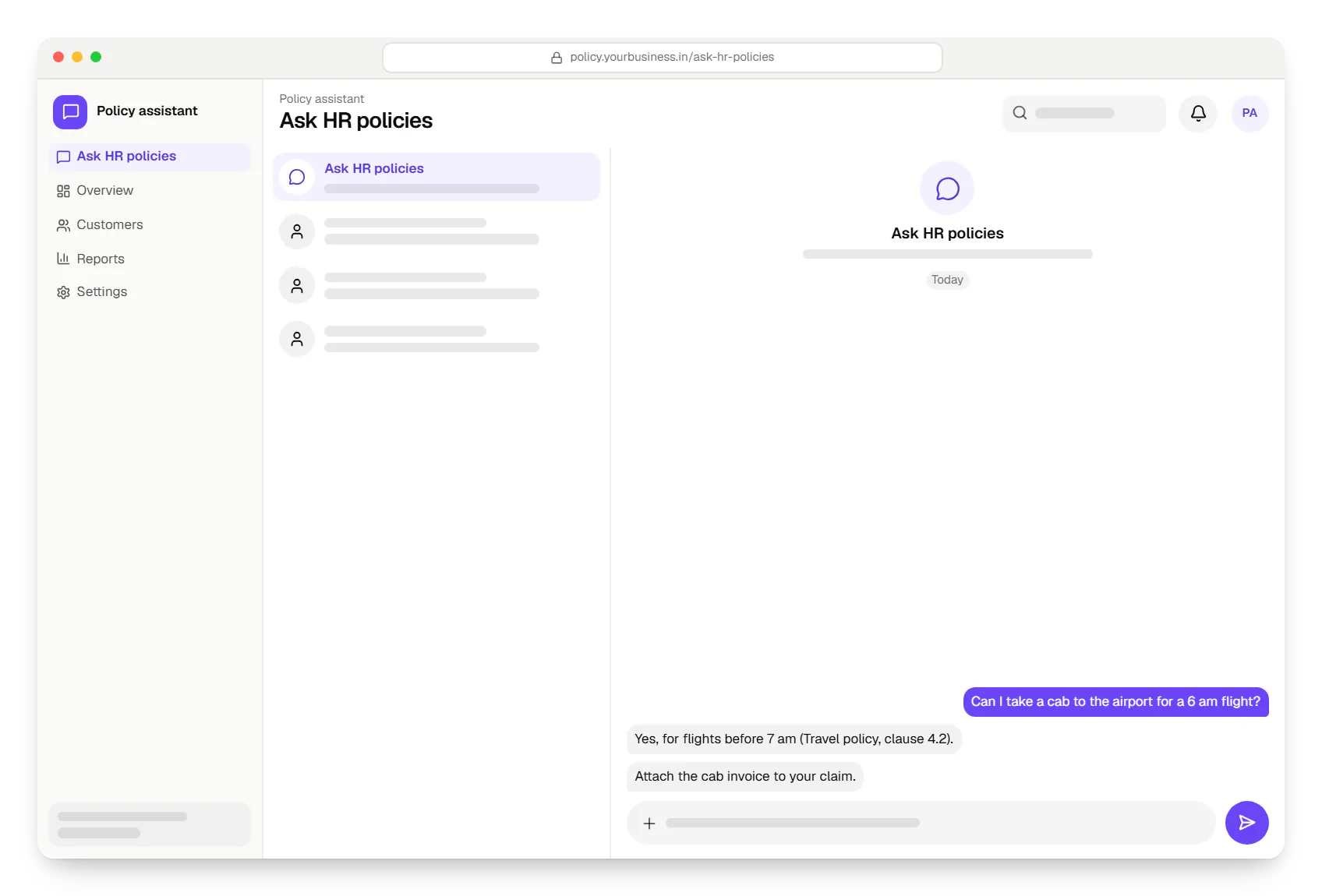
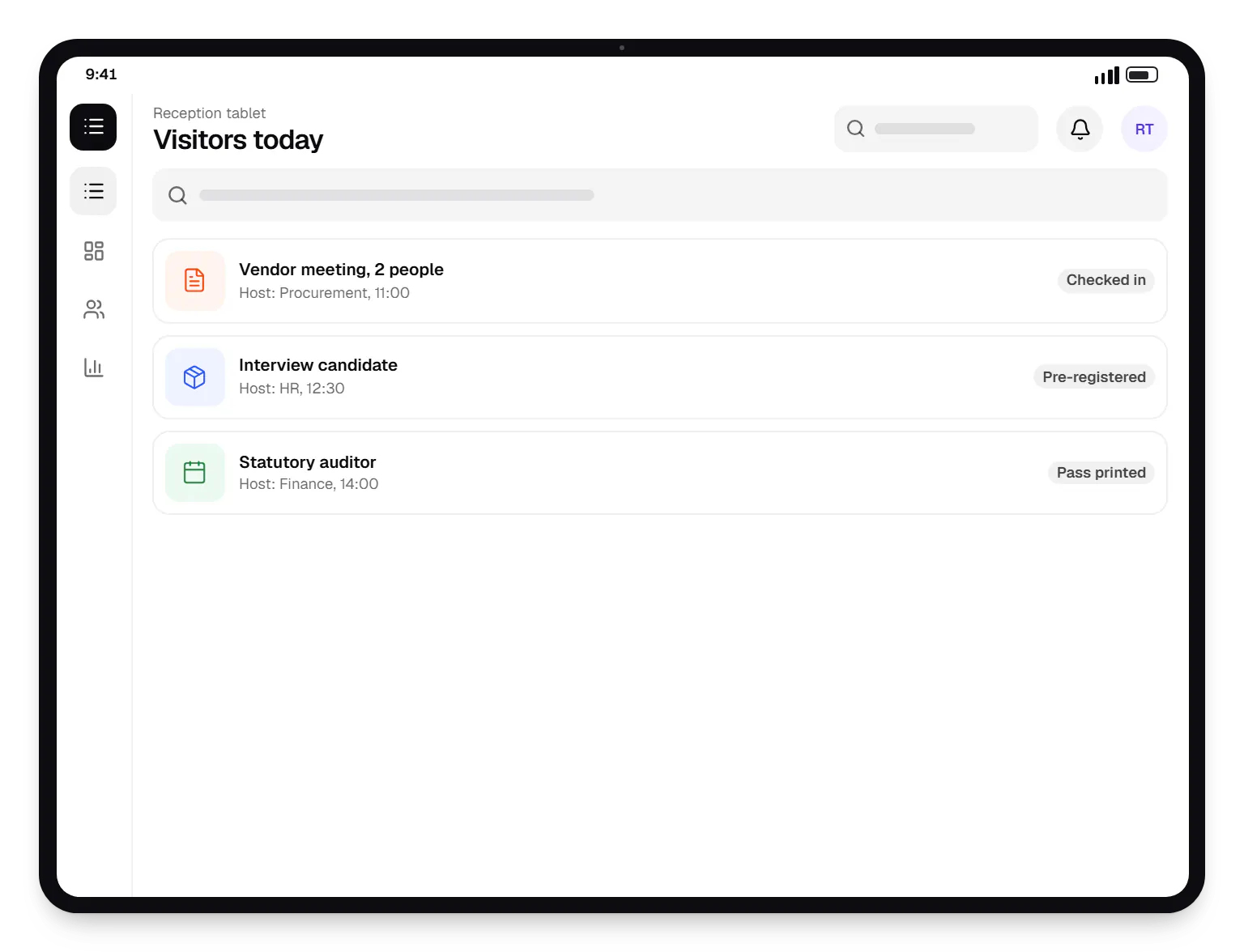
Sample screens: names, prices and figures are examples, not client data.
Cost drivers
Each request type needs its own form, rules and reports.
Syncing employees, managers and departments from your HRMS adds setup.
Staff without laptops need mobile apps or kiosk flows.
Estimates are written from your scope, with the effort and assumptions behind each line item.
How pricing worksServices
The design and engineering services our in-house team combines on projects in this sector.

Software shaped around how your business runs, from approvals and inventory to billing and reports, replacing spreadsheets and disconnected tools.

Browser-based products, customer portals, dashboards and internal tools, built on clean data models with secure roles and integrations.

Native and cross-platform Android and iOS apps, from first release through regular store updates, built by our in-house designers and engineers.

Secure, documented REST and GraphQL APIs, plus integrations that connect your apps to payment, logistics, GST, messaging and business systems.

Back-office dashboards built around your team's daily tasks: order queues, approvals, catalogue management, payouts, reports and audit logs.
Locations
Cities where this sector is a significant part of the local economy. We work remotely with teams across India and meet in person where practical.

Delhi NCR · Haryana
FAQ
Low-code platforms suit simple forms and approvals within one department. Custom tools make more sense when a workflow spans several systems, needs complex rules, serves thousands of employees or must work well on phones for staff without laptops. We often combine them: simple flows stay on your existing platform, and we build custom only where the low-code version has become hard to maintain.
It can, so we design around that. It answers only from documents you approve, shows the source clause with each answer, and says it doesn't know when the documents don't cover a question. Sensitive topics such as disciplinary matters or salary are routed to HR instead. We review real employee questions with your HR team before launch and keep logs for ongoing checks.
No. We connect to your identity provider, such as Microsoft Entra ID or Google Workspace, through single sign-on, so employees use their work account. Reporting lines can sync from your directory or HRMS, keeping approval chains correct as people change teams. When someone leaves and their account is disabled centrally, their access to these tools ends at the same moment.
Next step
List the internal requests your teams handle most, and we will suggest which to move first.