
Backend
Python
A programming language for AI features, data processing and automation: the engine behind document reading, reports and smart search.
Used for
- AI features
- Document reading
- Reports and analytics
- Task automation
AI workflow automation
Automations for repetitive back-office work, with AI steps that read, classify and draft, and approvals where decisions matter.
At a glance
How to start
Tell us what you need in your own words. You talk to the developers who would build it and get a written, line-item estimate.
Get a project estimateThe workflows worth automating first are high-volume, rule-heavy and dull: keying purchase orders into the ERP, triaging a shared inbox, chasing missing KYC documents. We start by writing down today’s process, exceptions included.
Then we split the work. Code handles what is certain: records, totals, API calls. A language model handles reading and writing, such as classifying an email or drafting a reply. Anything above a value threshold or below a confidence threshold stops for a person to approve.
Challenges
Orders from email or WhatsApp are keyed into Tally or an ERP by hand.
Someone spends each morning forwarding enquiries, invoices and complaints.
Document, payment and renewal reminders go out when someone remembers.
Mismatched invoices and failed deliveries sit in sheets nobody owns.
What is included
Platform: Background services
Platform: Workflow engine
Platform: Web app
Platform: Admin dashboard
How it works
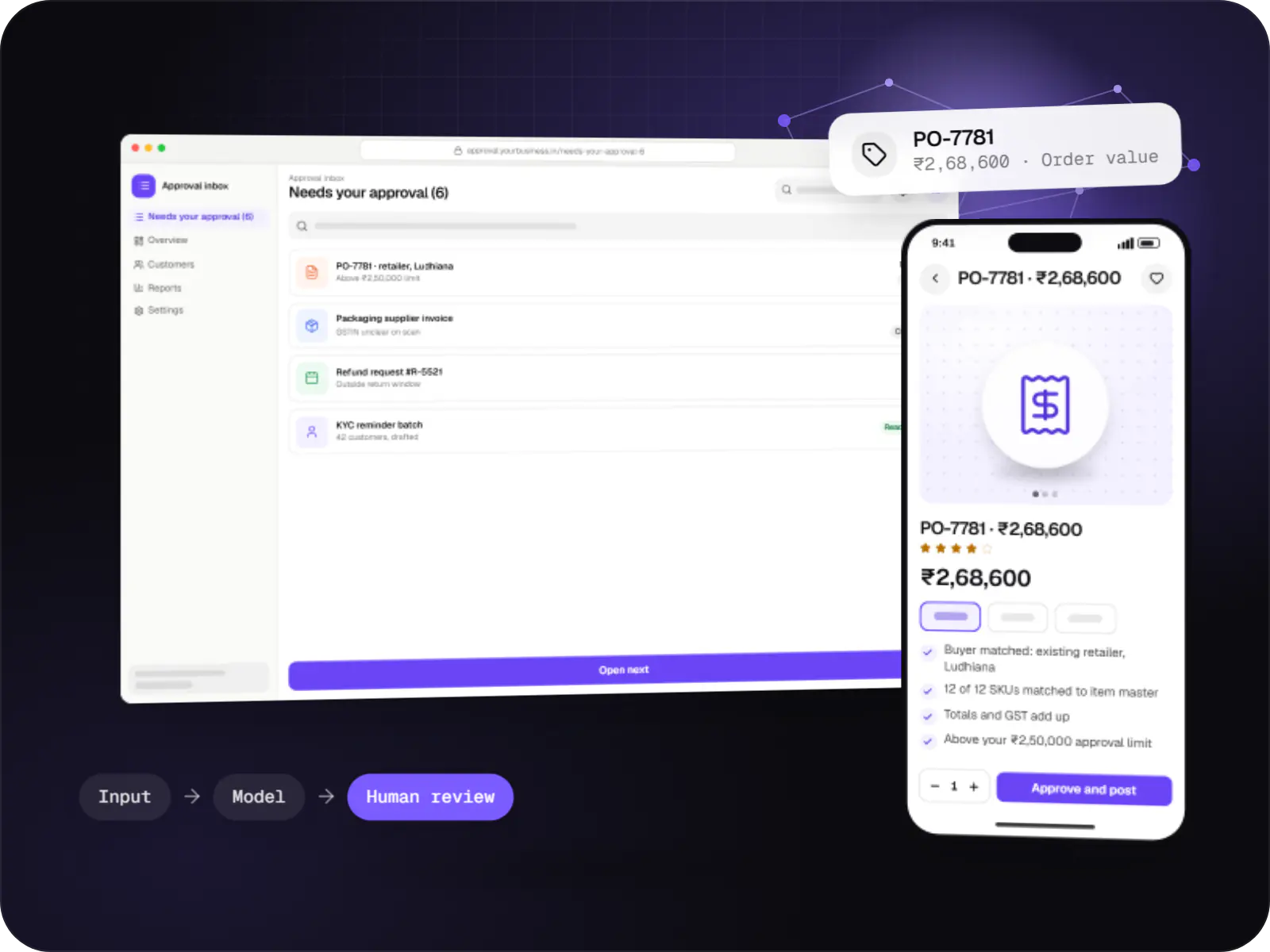
One real example. Invoice capture, lead routing and KYC follow-ups use the same pattern of AI reading, code checking and people approving.
A buyer mails a PDF purchase order to your orders inbox. The workflow picks it up within minutes and checks it has not been processed before.
The model recognises a purchase order and pulls out buyer, items, quantities and rates into a fixed format.
Code confirms the customer exists, SKUs match your item master, totals add up and the GSTIN format is valid.
Orders above your value limit, or with fields the AI was unsure of, appear in an approval inbox beside the original PDF.
Approved data is posted through the system’s own interface, and the run ID is stored so anyone can trace the order back to the email.
An acknowledgement with the order number goes back to the buyer. If any step fails, the team is alerted instead of the email quietly sitting there.
Integrations
Shared inboxes via Gmail API and Microsoft Graph.
Incoming orders and template reminders.
Vouchers and sales orders; Tally via its XML interface.
Lead routing and stage updates.
Buyer enquiries pulled into qualification flows.
Often the interim system while you migrate.
n8n for simple flows; code where testing matters.
Privacy & security
Credentials limited to the mailboxes, folders and API scopes a workflow needs.
Keys live in a secrets manager and are rotated.
Only the fields a step needs reach a model, with PAN or account numbers masked.
Run logs support audits and DPDP Act requests, with retention agreed per workflow.
Platforms
Workflows run quietly as background services; people use a web app for approvals and an admin dashboard to monitor, pause and retry runs.
Browser-based applications with logins, roles and workflows, such as customer portals, SaaS products and internal tools.
Back-office panels for operations, support and finance teams: orders, users, content, reports and permissions.
Technology
Python and Node.js services do the exact work, Redis-backed queues make retries safe, PostgreSQL keeps the run history, and language models are called only where text needs reading or writing.
Backend
A programming language for AI features, data processing and automation: the engine behind document reading, reports and smart search.
Used for
Backend
Runs the server side of apps: fast, scalable back ends that power your app, website and integrations.
Used for
Backend
A structured way to build back ends on Node.js, so large business systems stay organised, testable and easy to hand over.
Used for
Adds AI features such as chat assistants, document summaries and smart search to your product, built on OpenAI models with human review.
Used for
Connects your product to AI language models from several providers, so each task uses a suitable model and you can switch later.
Used for
Data
A reliable database for the records your business runs on: orders, payments, bookings and stock, kept accurate and easy to report on.
Used for
Data
Keeps frequently used data in fast memory, so apps stay quick on busy days and live features like order tracking feel instant.
Used for
Cloud & DevOps
Packages your software so it runs the same way on every laptop and server, which makes releases predictable and moving hosts easier.
Used for
Cloud & DevOps
Cloud hosting for your app, website and data, with data centres in India and room to grow when traffic rises.
Used for
Plain-English glossary
Product preview
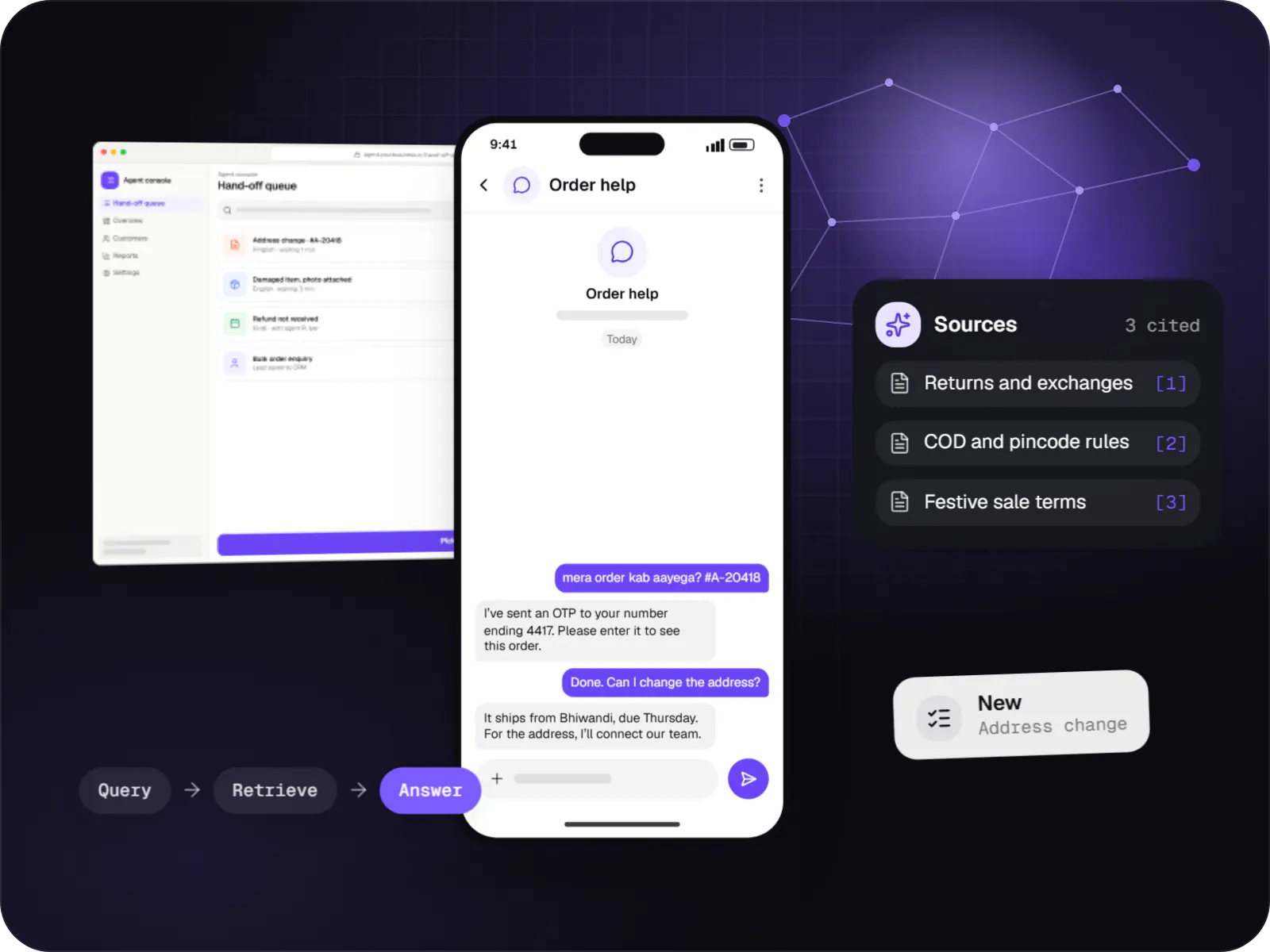
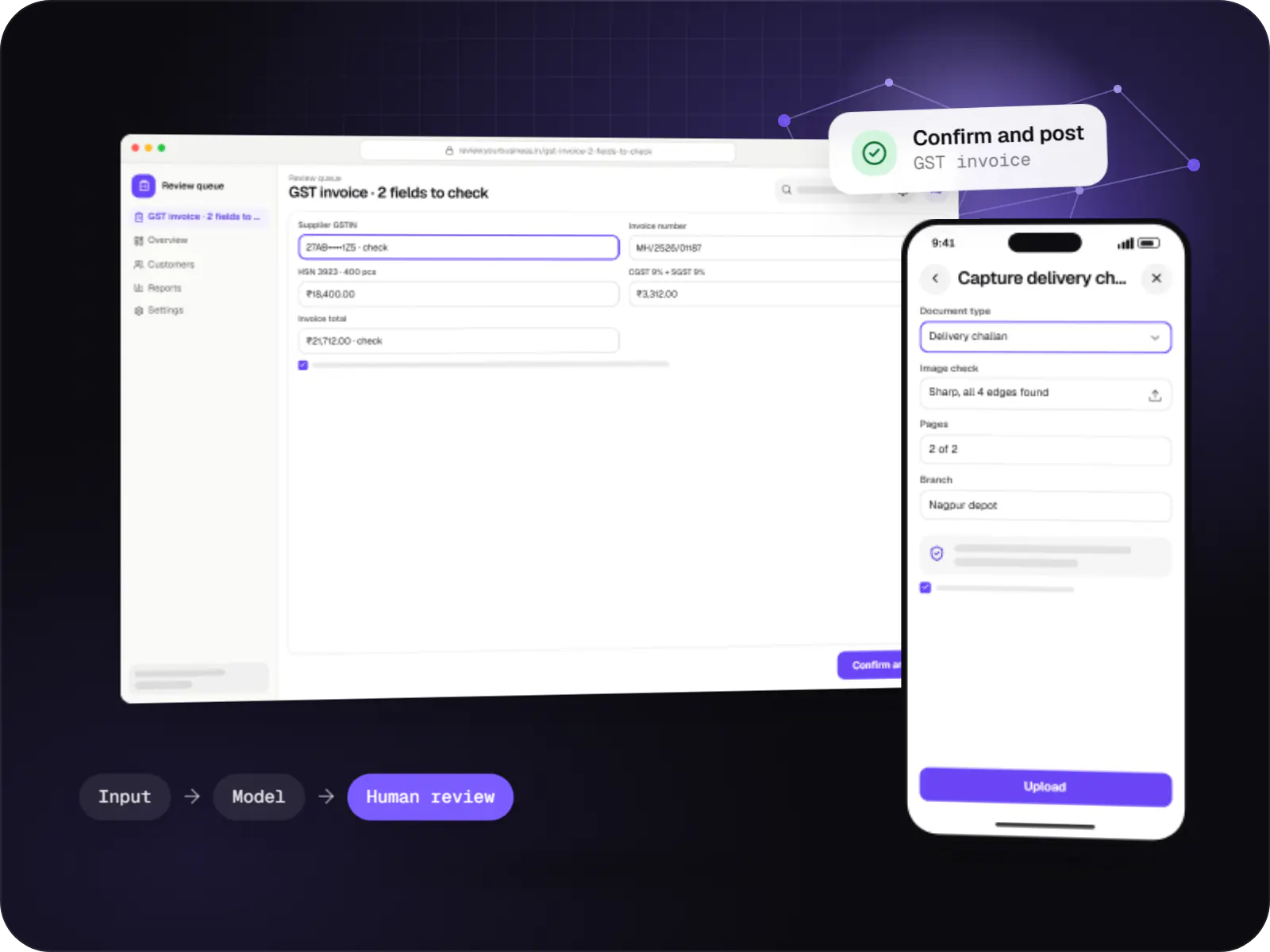
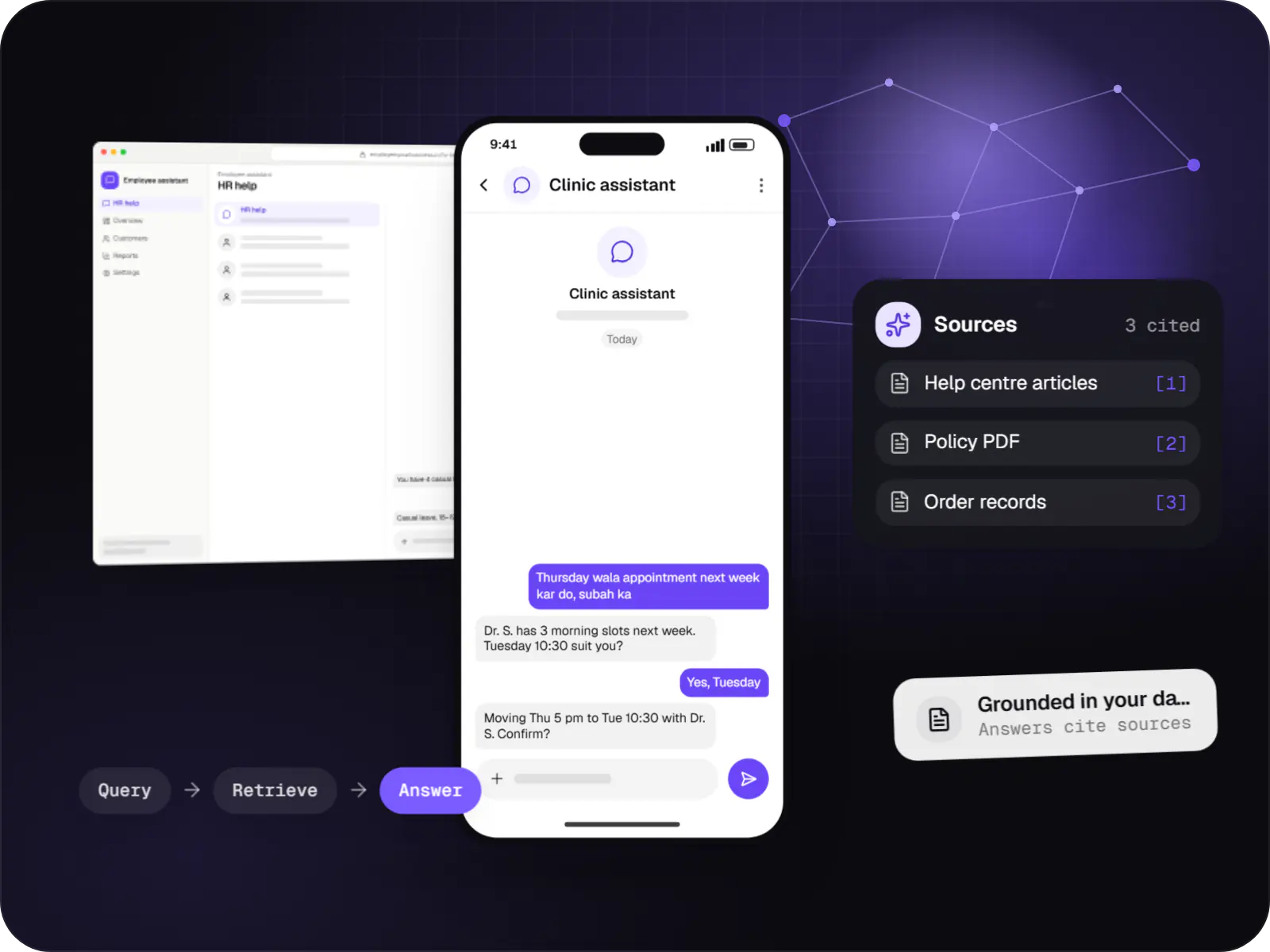
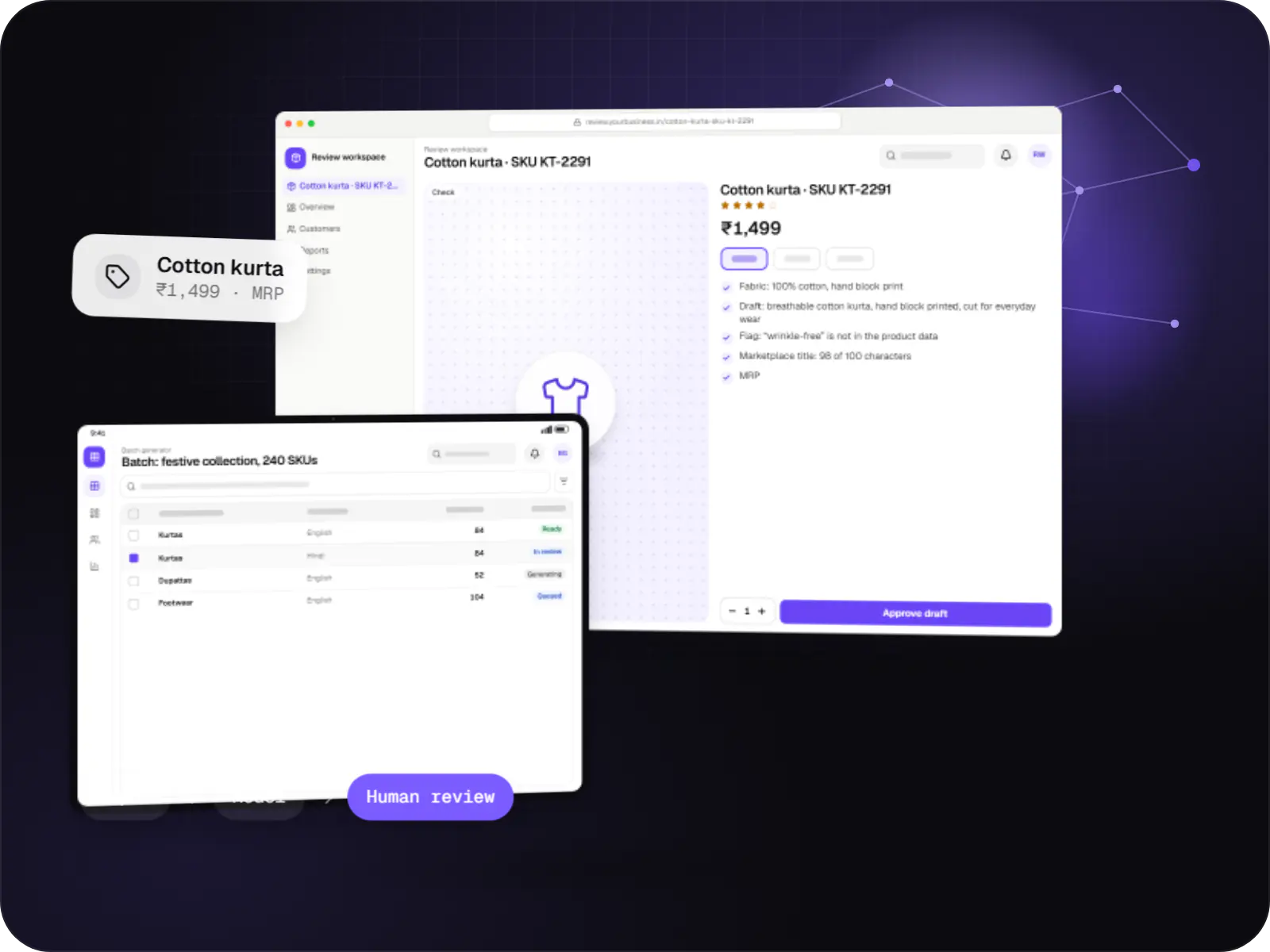
Illustrative screens, using an order-intake and invoice automation for a distributor as the example.
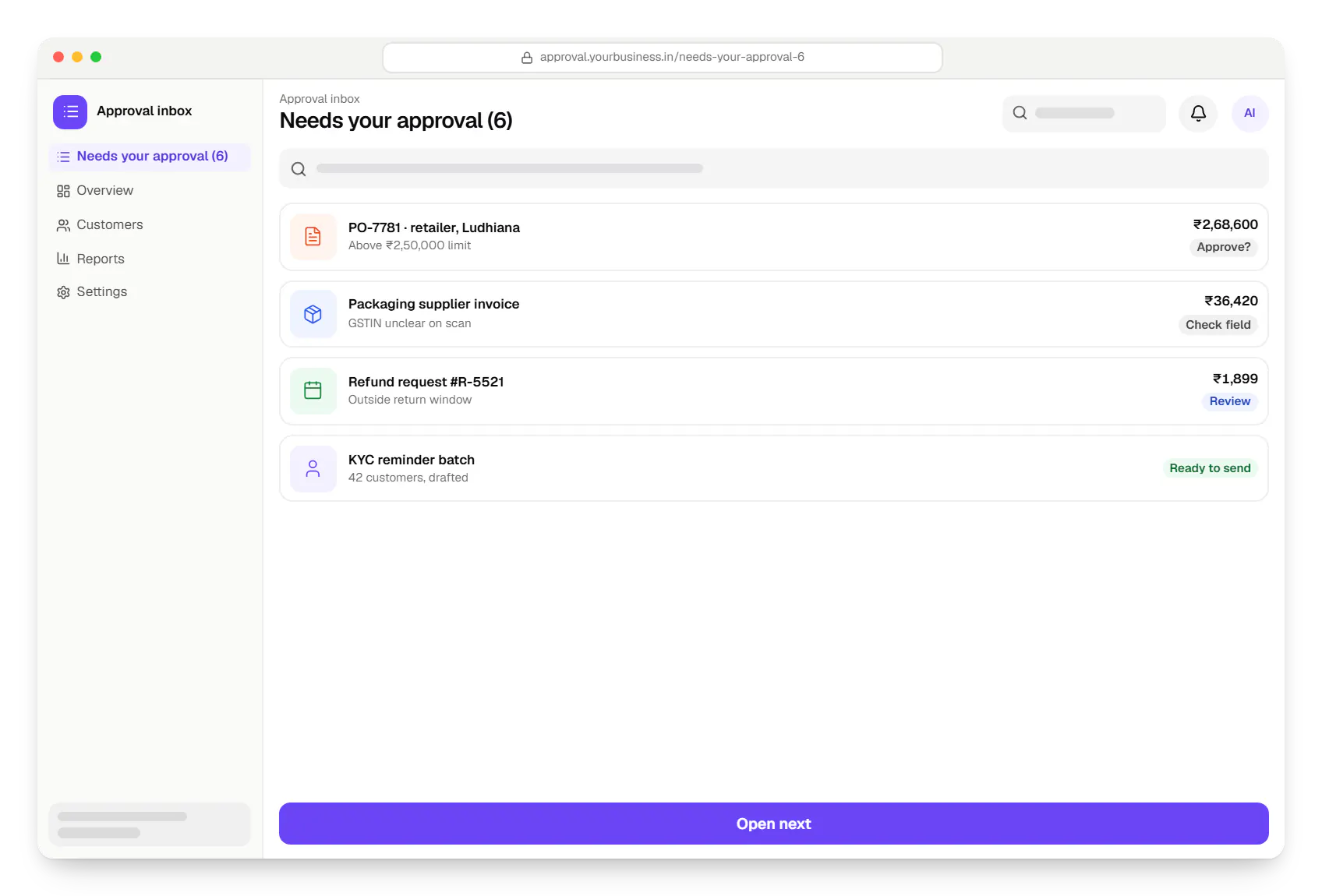
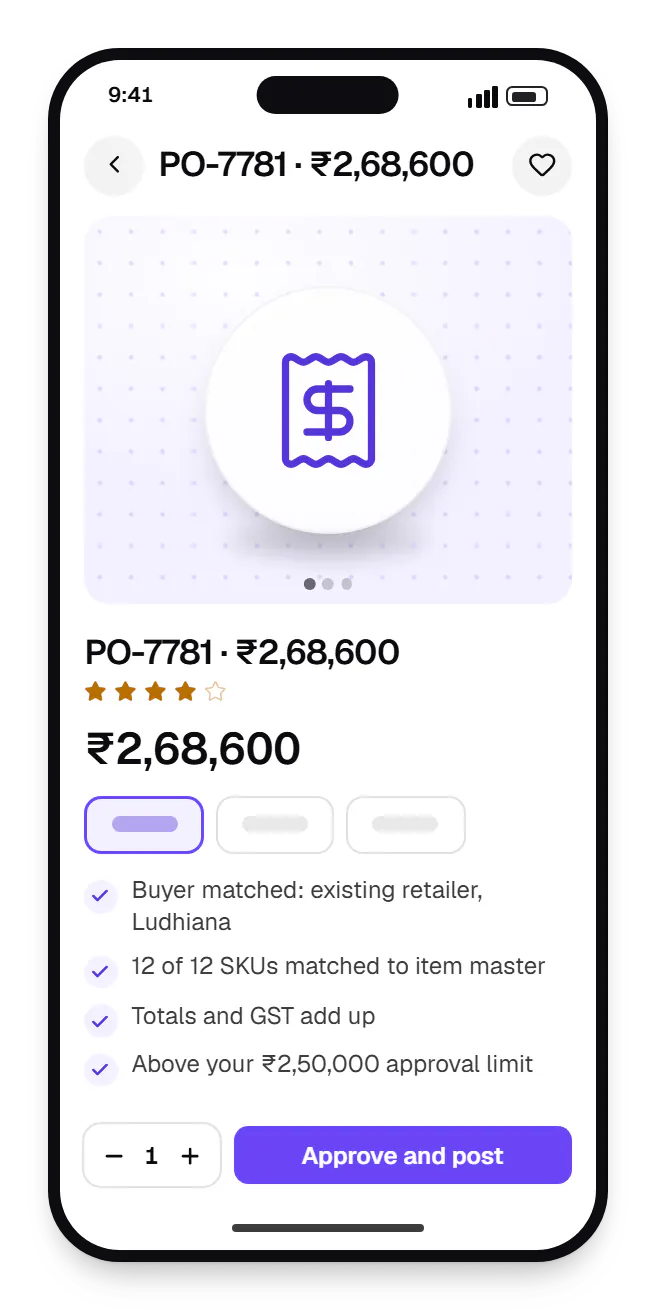
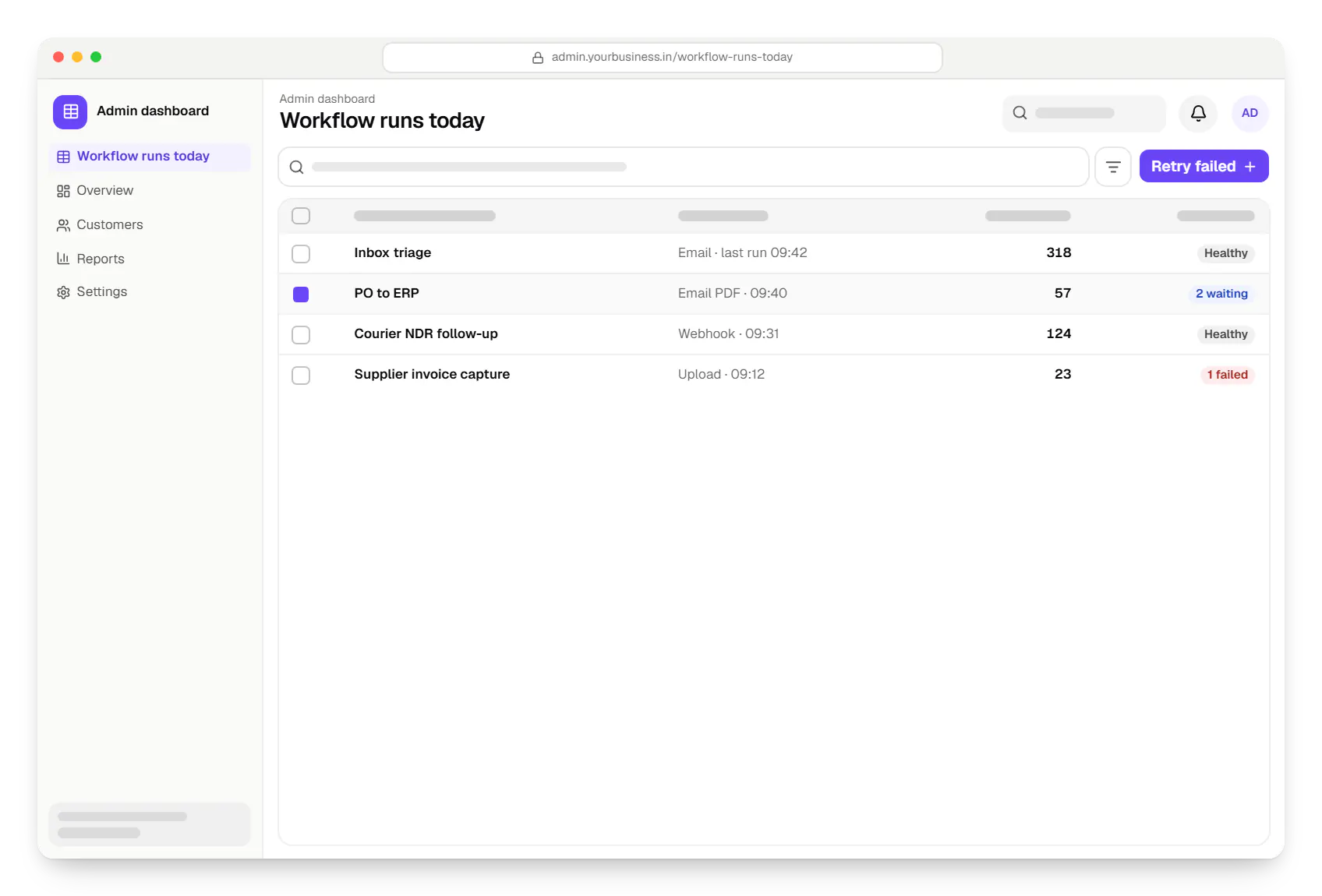
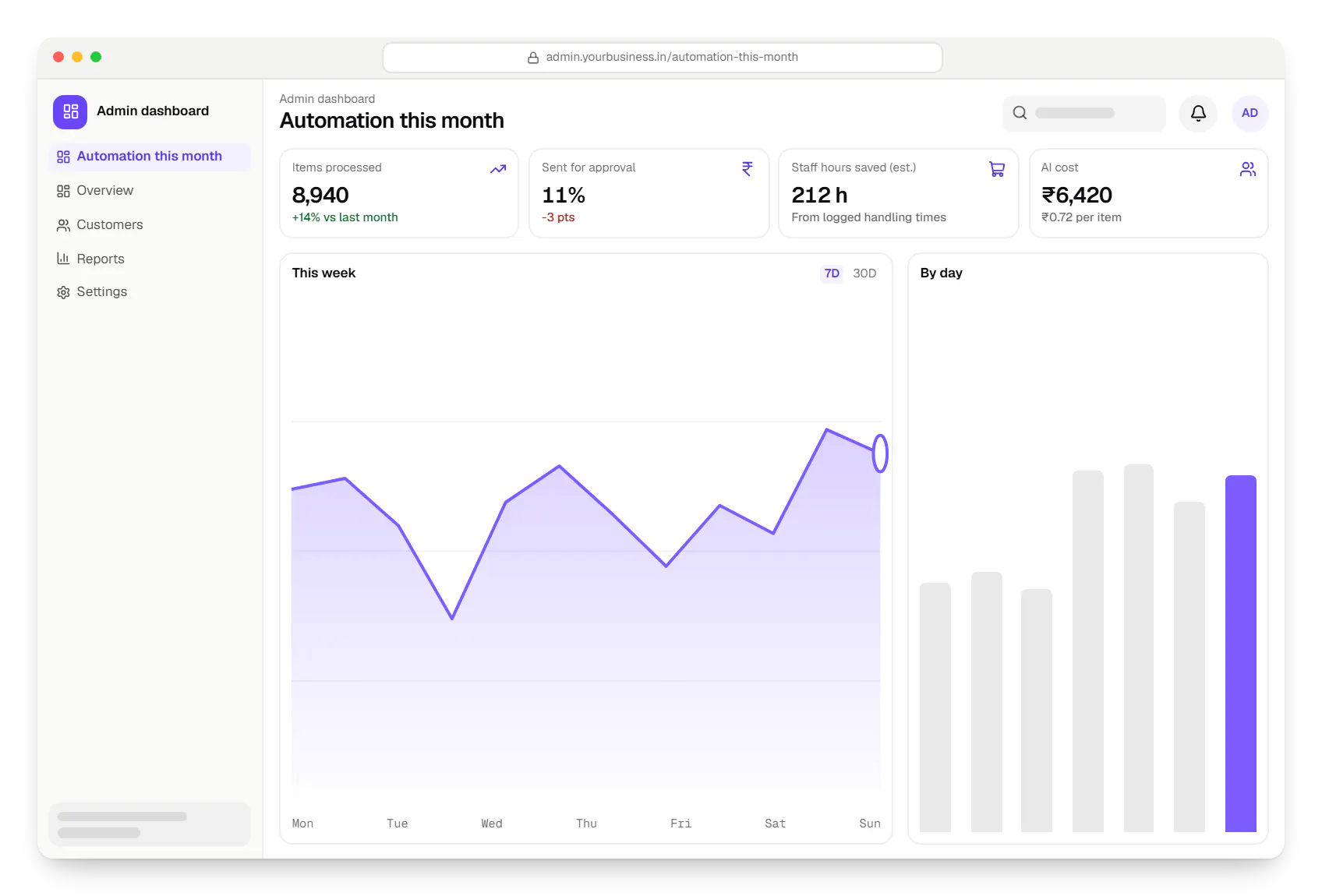
Sample screens: names, prices and figures are examples, not client data.
Industries
Services
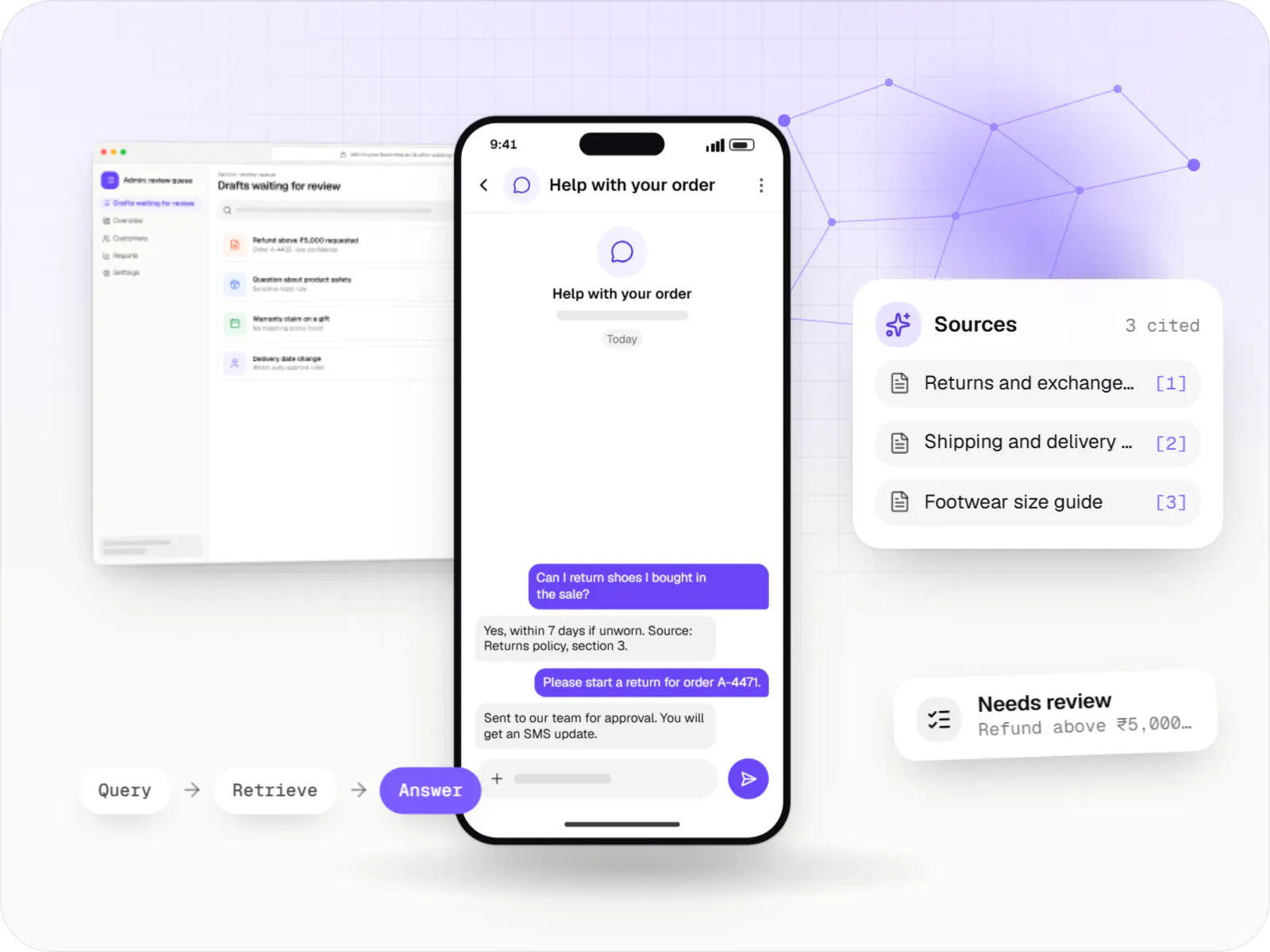
AI features and AI-first apps built on model APIs, retrieval over your own data, workflow automation or custom ML, with evaluation and human review.

Software shaped around how your business runs, from approvals and inventory to billing and reports, replacing spreadsheets and disconnected tools.

Secure, documented REST and GraphQL APIs, plus integrations that connect your apps to payment, logistics, GST, messaging and business systems.

Back-office dashboards built around your team's daily tasks: order queues, approvals, catalogue management, payouts, reports and audit logs.

Browser-based products, customer portals, dashboards and internal tools, built on clean data models with secure roles and integrations.
Cost drivers
Each exception type needs its own rule, test and approval route.
File imports or browser automation are slower to build and more fragile.
Ten supplier formats take longer than one; scans add OCR work.
Near-real-time processing needs queues and monitoring a nightly batch does not.
Multi-level approvals with escalation add interface and rules work.
Estimates are written from your scope, with the effort and assumptions behind each line item.
How pricing worksFAQ
It depends on volume, complexity and testing needs. Zapier or Make suit light flows owned by a business team. Self-hosted n8n handles moderate flows and keeps data on your server. Custom code with a queue or an orchestrator such as Temporal fits complex rules, high volume or strict audit needs, because it can be version-controlled and unit-tested. We often combine them.
Classic RPA replays clicks and keystrokes on screens. It suits stable, structured tasks but breaks when a layout changes, and it cannot read unstructured text. We use API integrations for mechanical steps and language models only where text needs reading or writing, such as classifying an email. Screen automation stays a fallback for systems with no other access.
By limiting what it can do alone. Items above a value, below a confidence score or matching a risk rule stop for approval. Extracted data is checked: totals match, the GSTIN format is valid, the customer exists. New workflows run in shadow mode first, with a person comparing results against their own work before the automation is allowed to act.
One well-understood workflow with two or three integrations typically reaches production in four to eight weeks, including a shadow-mode period. Many document formats, legacy systems without APIs or multi-level approvals take longer. We suggest starting with one process, measuring time saved and error rates for a few weeks, then choosing the next one on that evidence.
Three things: hosting for the workflow engine and database, model usage billed per request, and maintenance when connected systems change their APIs. Model cost depends on how many items pass through AI steps and how long the texts are, so we call models only where needed and use smaller ones for simple classification. The dashboard shows the actual cost per run.
Next step
Show us real examples, awkward ones included, and your weekly volume. We will propose what to automate first.