Backend
Python
A programming language for AI features, data processing and automation: the engine behind document reading, reports and smart search.
Used for
- AI features
- Document reading
- Reports and analytics
- Task automation
AI search and knowledge systems
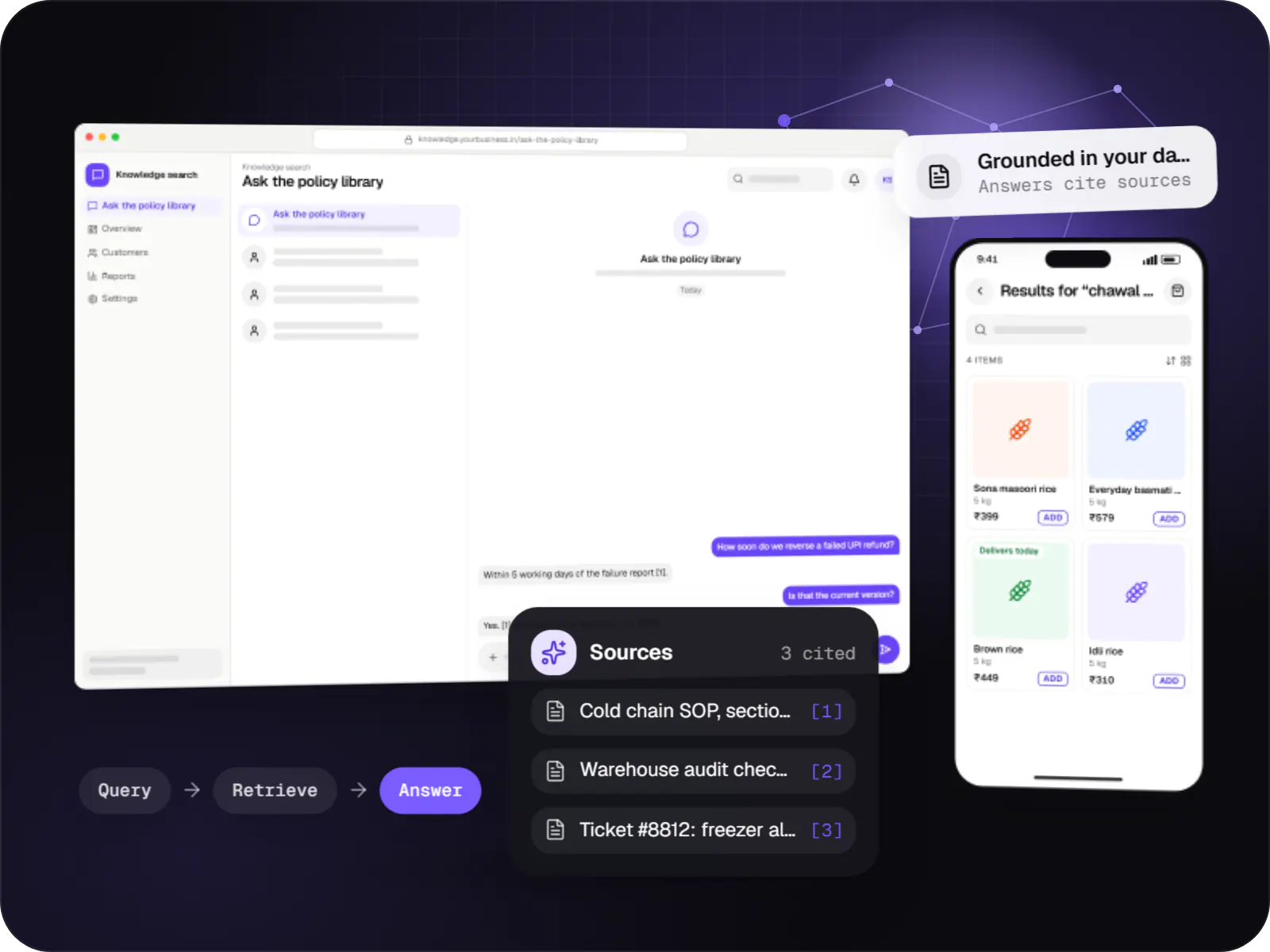
Search and question-answering over your documents, tickets and product data, with hybrid retrieval, citations and permission-aware results.
At a glance
How to start
Tell us what you need in your own words. You talk to the developers who would build it and get a written, line-item estimate.
Get a project estimateMost retrieval-augmented generation projects succeed or fail before the language model sees anything. If search returns the wrong paragraphs, the answer will be wrong however capable the model is.
So most of our effort goes into retrieval: parsing PDFs, scans and slides without losing tables; splitting documents along their real structure; combining BM25 keyword search with vector search so exact codes and paraphrased questions both work; re-ranking the top results; and filtering by product line, region or effective date. A relevance threshold decides when the system should say it found nothing.
Challenges
Policies in SharePoint, SOPs in Google Drive, answers buried in old tickets and email.
Searching “refund delay” does not find the article titled “settlement timelines”.
Old circulars and superseded SOPs rank alongside current ones.
Shoppers type “chawal 5kg”, misspell brands or describe what they want instead of naming it.
What is included
Platform: Web app, Teams or Slack
Platform: Website and app
Platform: Backend services
Platform: Admin dashboard
How it works
Most of the quality comes from the first four steps, long before a language model writes anything.
Connectors copy files, pages and resolved tickets together with their permissions, and pick up changes and deletions on a schedule.
PDFs, scans and slides are parsed with tables intact, cut into sections along headings and stored for both keyword and meaning-based search.
Queries can be exact codes such as “SOP-QA-114”, loose descriptions, or Hindi and Hinglish typed in Roman script.
Keyword and semantic results are merged, filtered by what this person may open and by effective date, then re-ranked.
The model answers only from the top passages and links each point to its page. If search turns up nothing relevant, the answer says so plainly.
Low ratings, zero-result queries and the test set show where documents are missing or ranking needs tuning.
Then it starts again at step 1: Documents are collected
Integrations
Files and folder permissions synced via their APIs.
Pages, attachments and space-level access.
Resolved tickets and help articles as knowledge.
One database for moderate volumes.
Hybrid keyword and vector search with facets at scale.
Fast, typo-tolerant storefront search.
Hosted or open-source, including multilingual models.
Privacy & security
Results are filtered by permissions synced from the source before anything reaches the model.
Deleted files and revoked access leave the index on the next sync, at an interval you choose.
HR, legal and finance content can sit in separate indexes with stricter access.
Search logs can hold personal data, so they are access-controlled and time-limited.
Platforms
A web app or workplace chat tool for staff, the search box on your website, and an admin dashboard for sources, permissions and quality.
Browser-based applications with logins, roles and workflows, such as customer portals, SaaS products and internal tools.
Marketing and content websites: fast, search-friendly pages with a CMS your team can update without a developer.
Back-office panels for operations, support and finance teams: orders, users, content, reports and permissions.
Technology
Python parses and indexes documents, PostgreSQL with pgvector stores meaning-based search data, Next.js powers the search screens, and language models write answers only from what search returns.
Backend
A programming language for AI features, data processing and automation: the engine behind document reading, reports and smart search.
Used for
Adds AI features such as chat assistants, document summaries and smart search to your product, built on OpenAI models with human review.
Used for
Connects your product to AI language models from several providers, so each task uses a suitable model and you can switch later.
Used for
Data
A reliable database for the records your business runs on: orders, payments, bookings and stock, kept accurate and easy to report on.
Used for
Backend
Runs the server side of apps: fast, scalable back ends that power your app, website and integrations.
Used for
Web
A modern web technology for fast, search-friendly websites, online stores and web applications that load quickly on mobile.
Used for
Cloud & DevOps
Packages your software so it runs the same way on every laptop and server, which makes releases predictable and moving hosts easier.
Used for
Cloud & DevOps
Cloud hosting for your app, website and data, with data centres in India and room to grow when traffic rises.
Used for
Plain-English glossary
Product preview
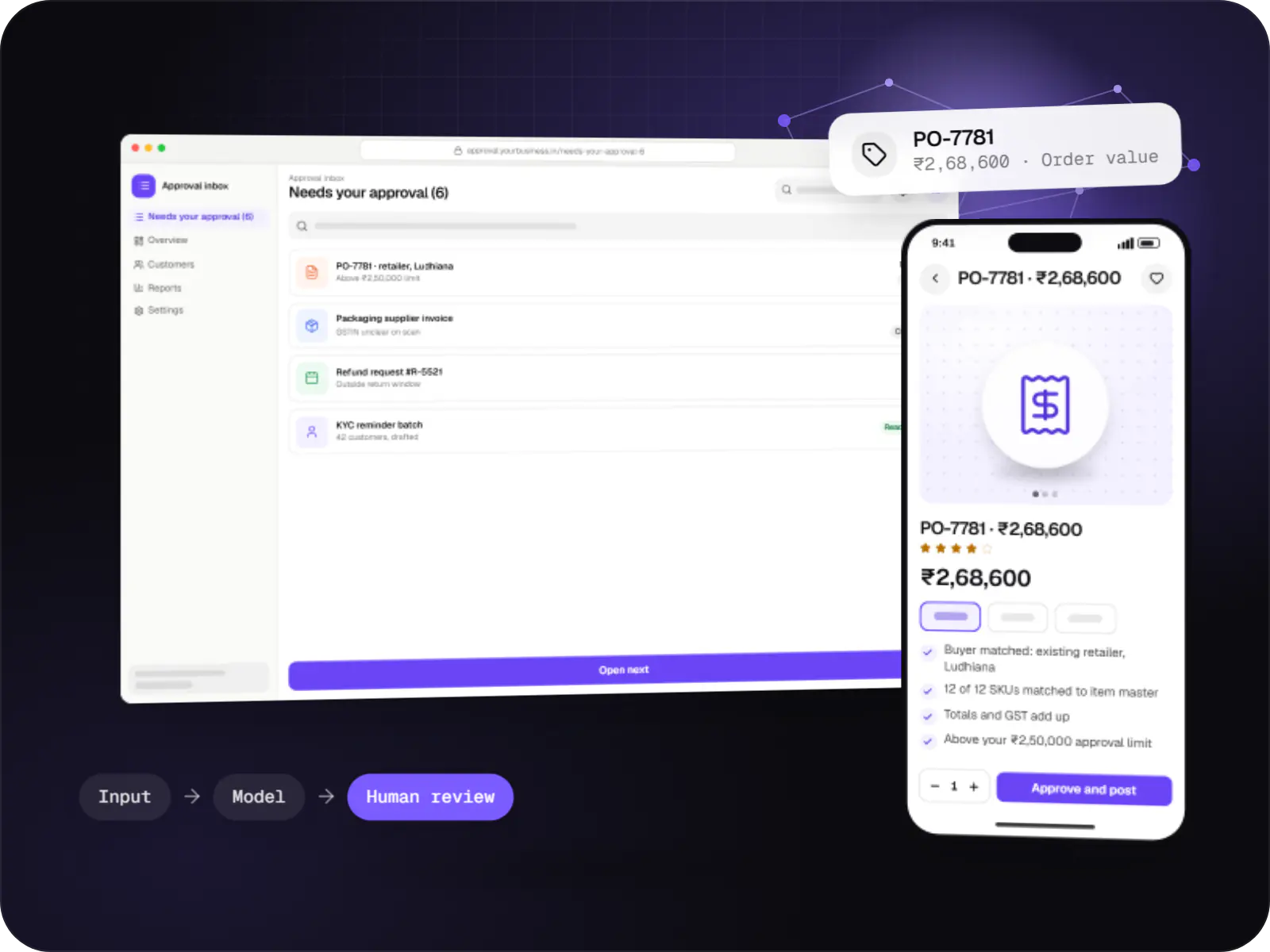
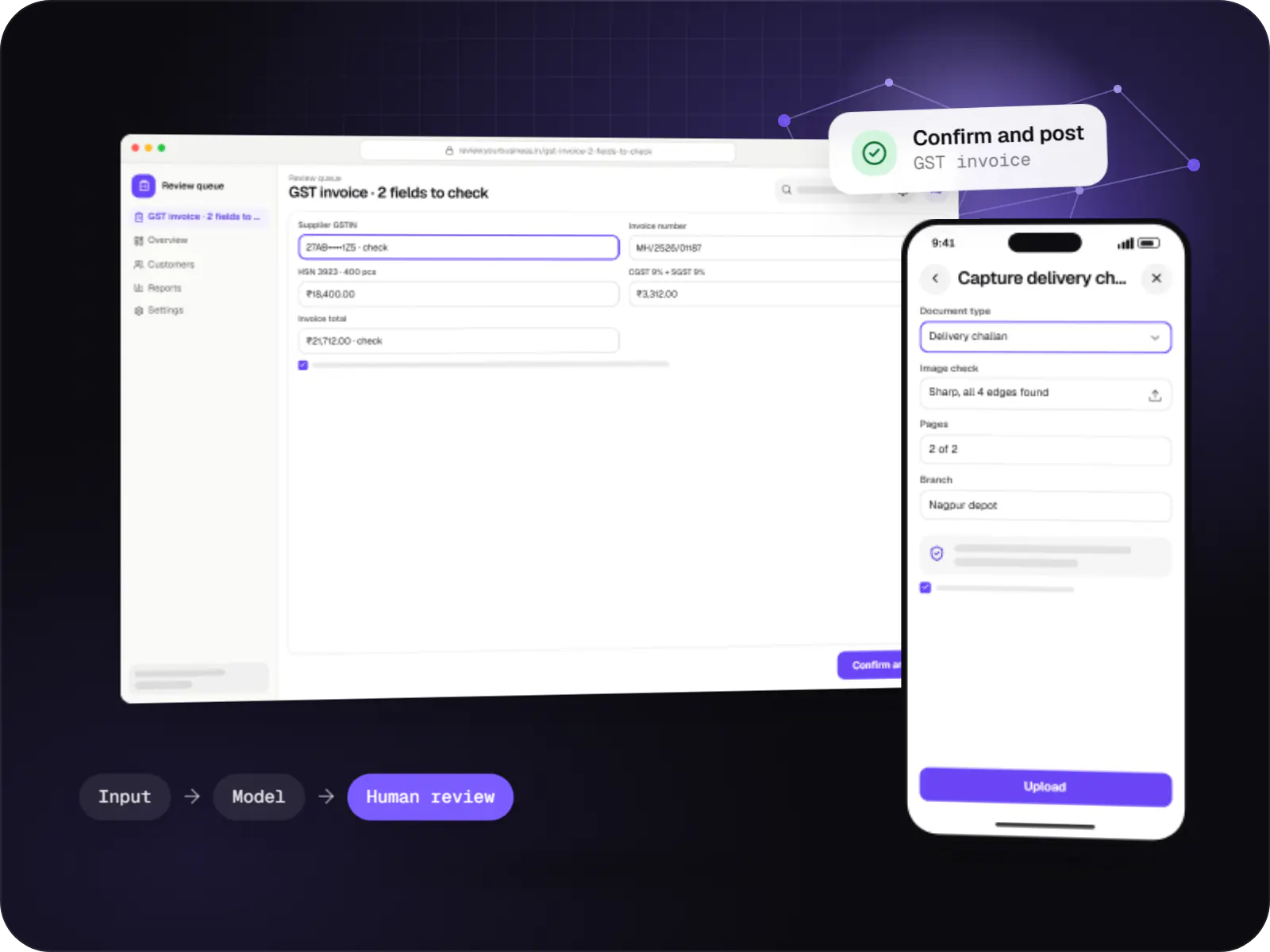
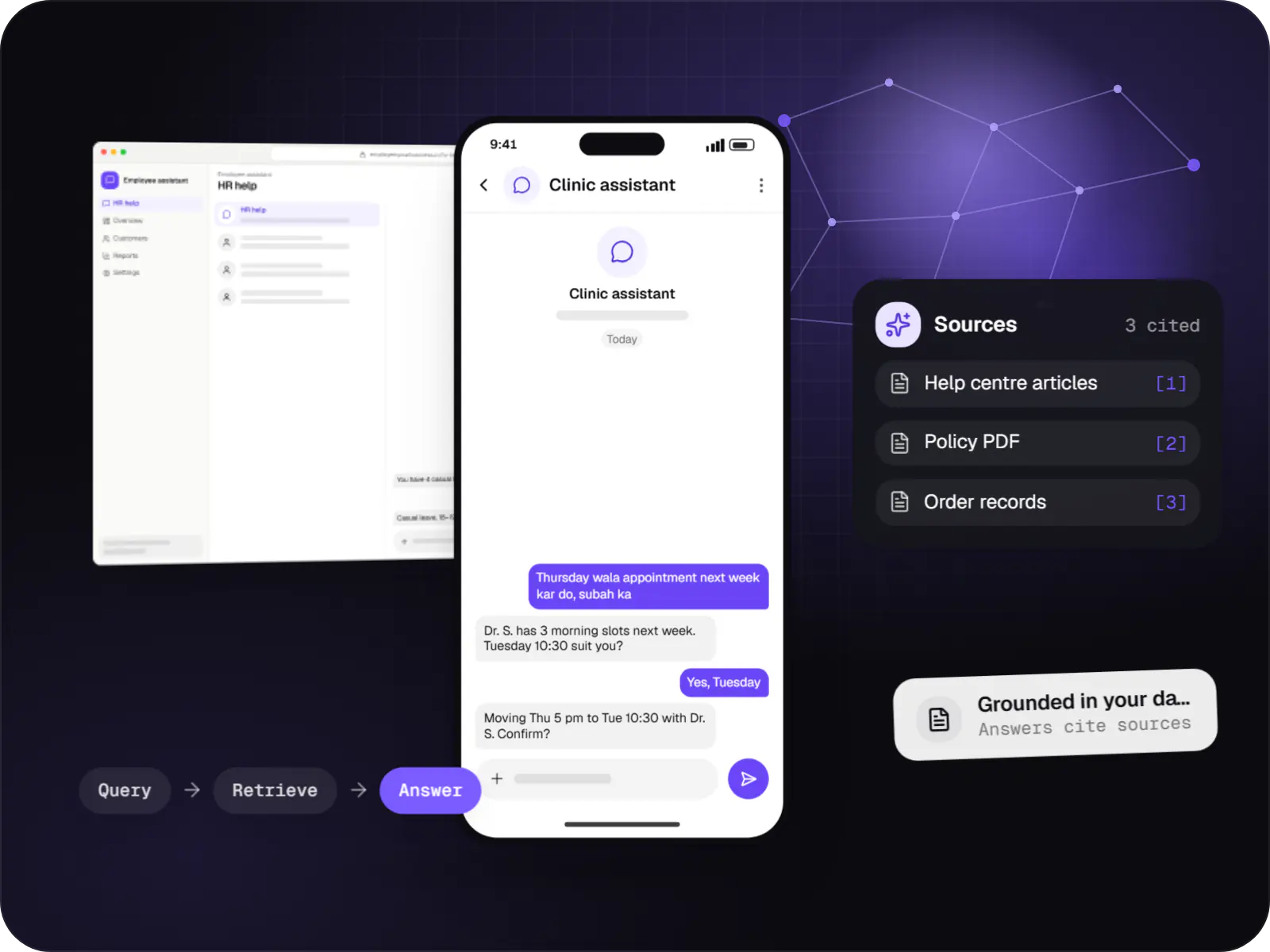
Illustrative screens, using an internal policy search and a storefront search as examples.
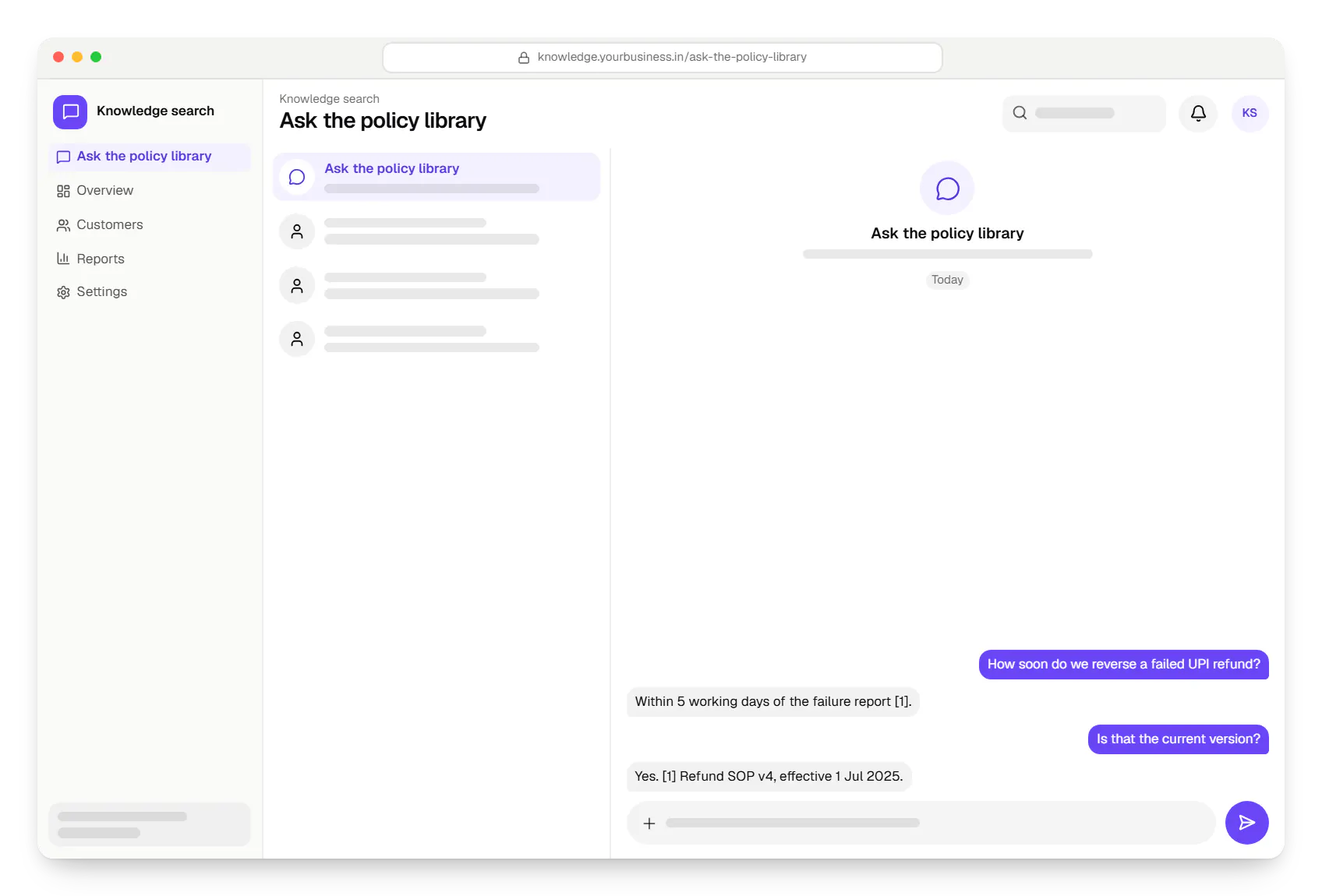
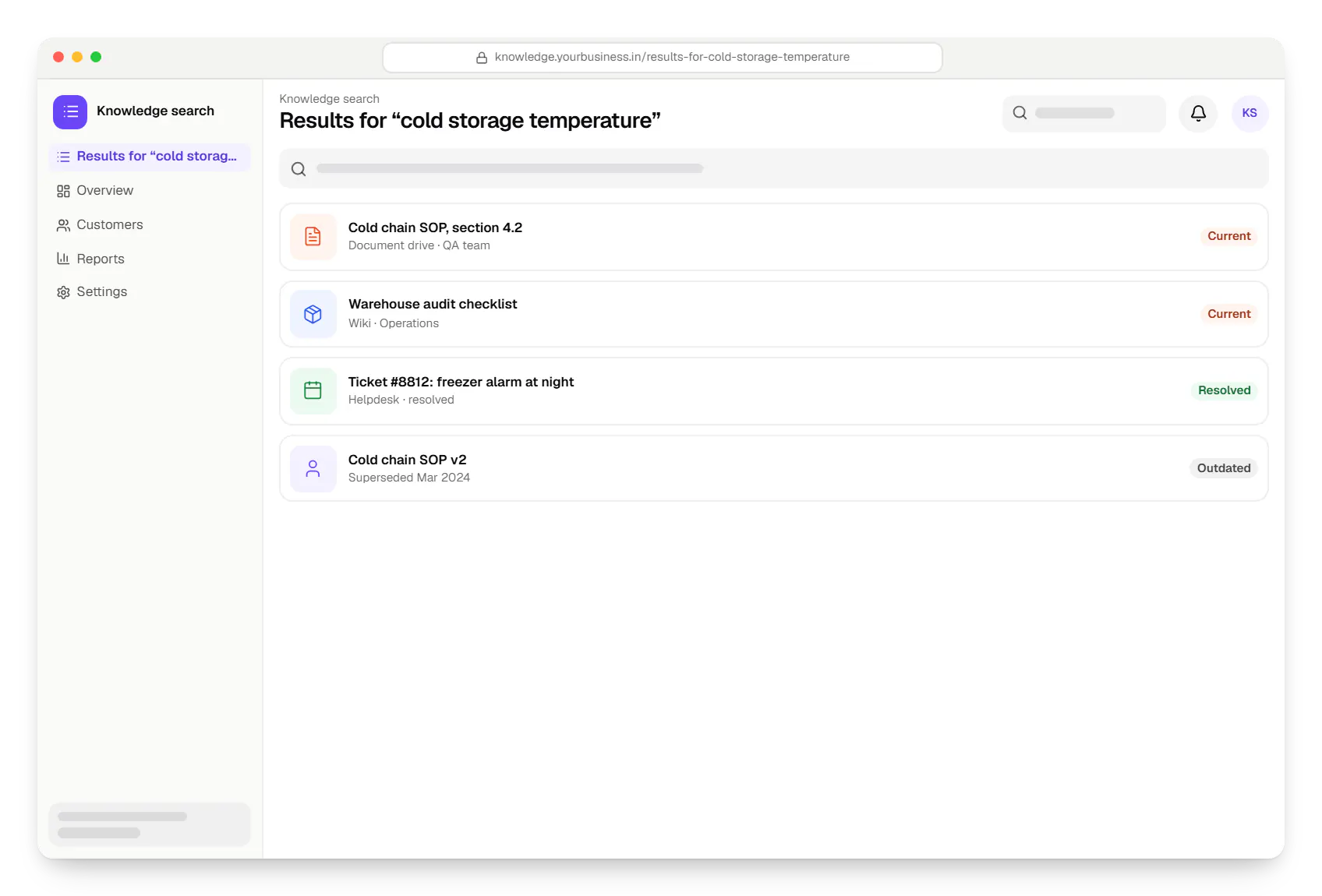
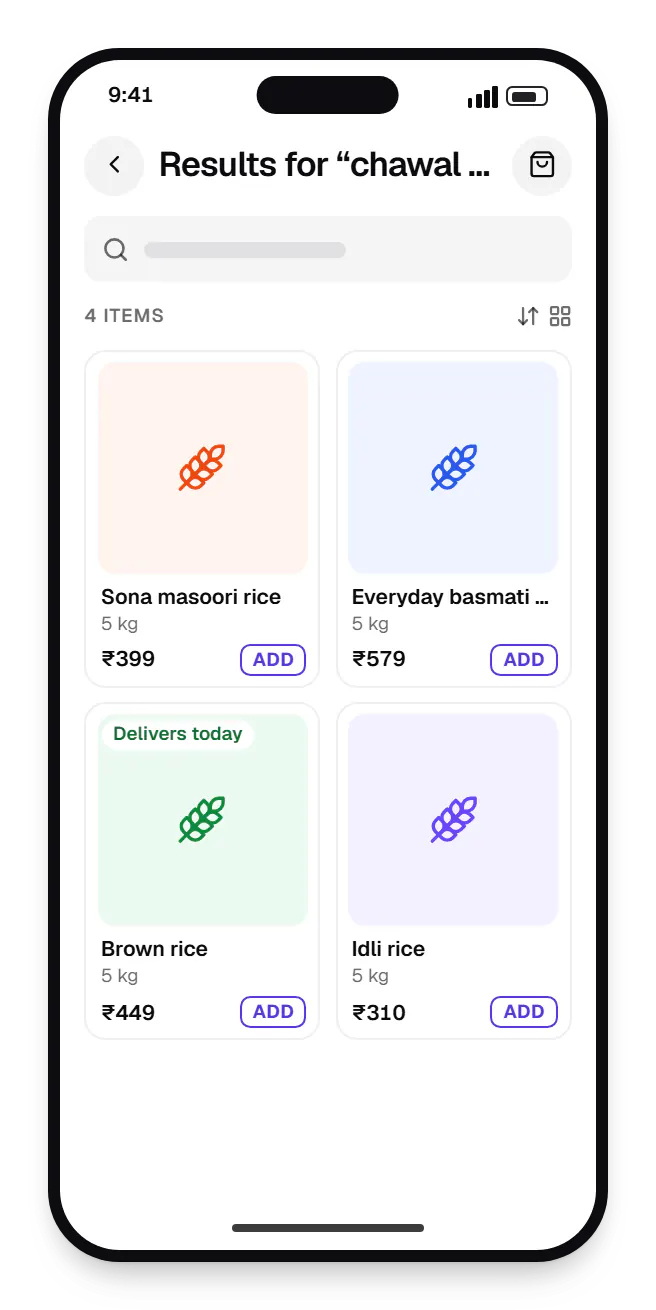
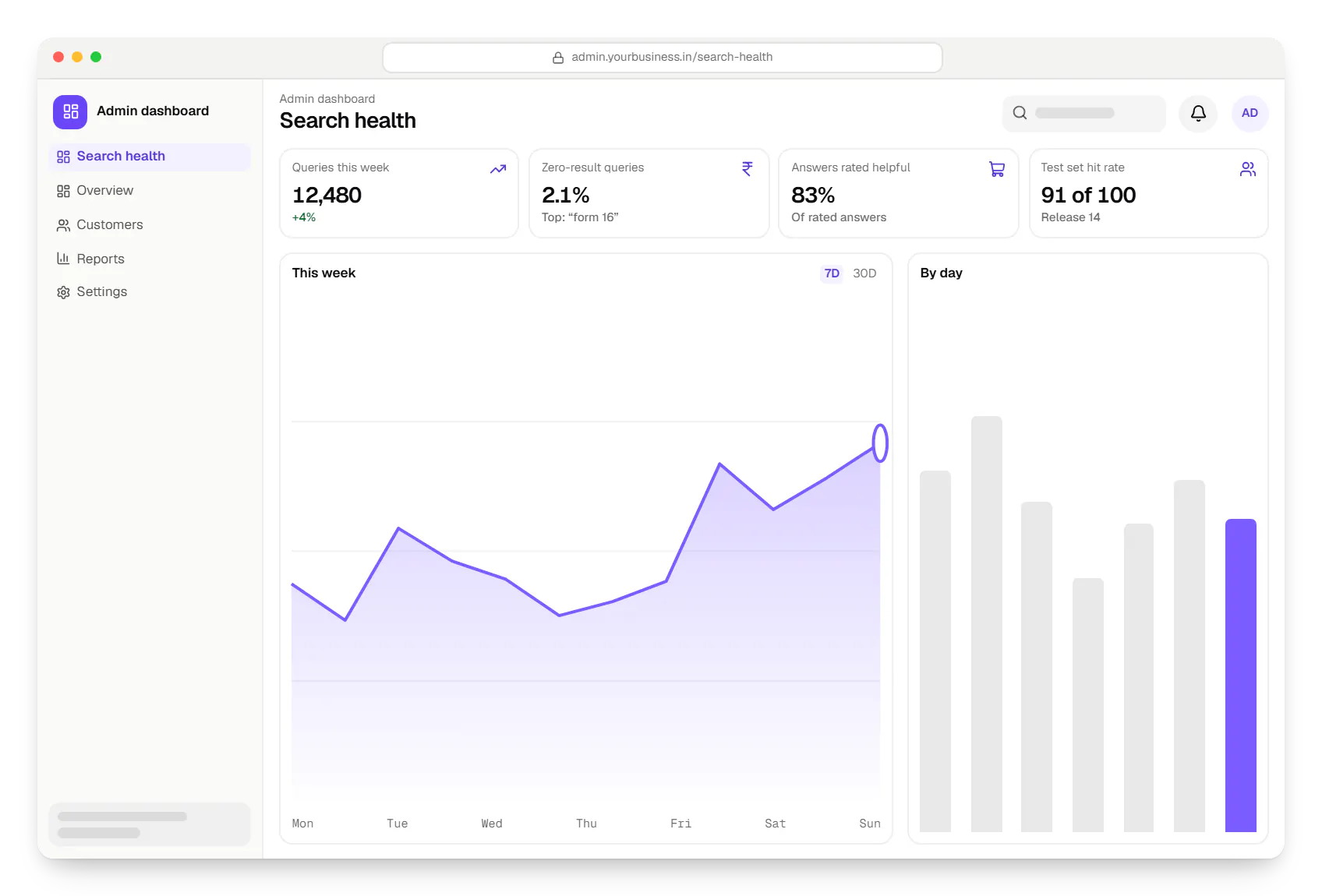
Sample screens: names, prices and figures are examples, not client data.
Industries
Services
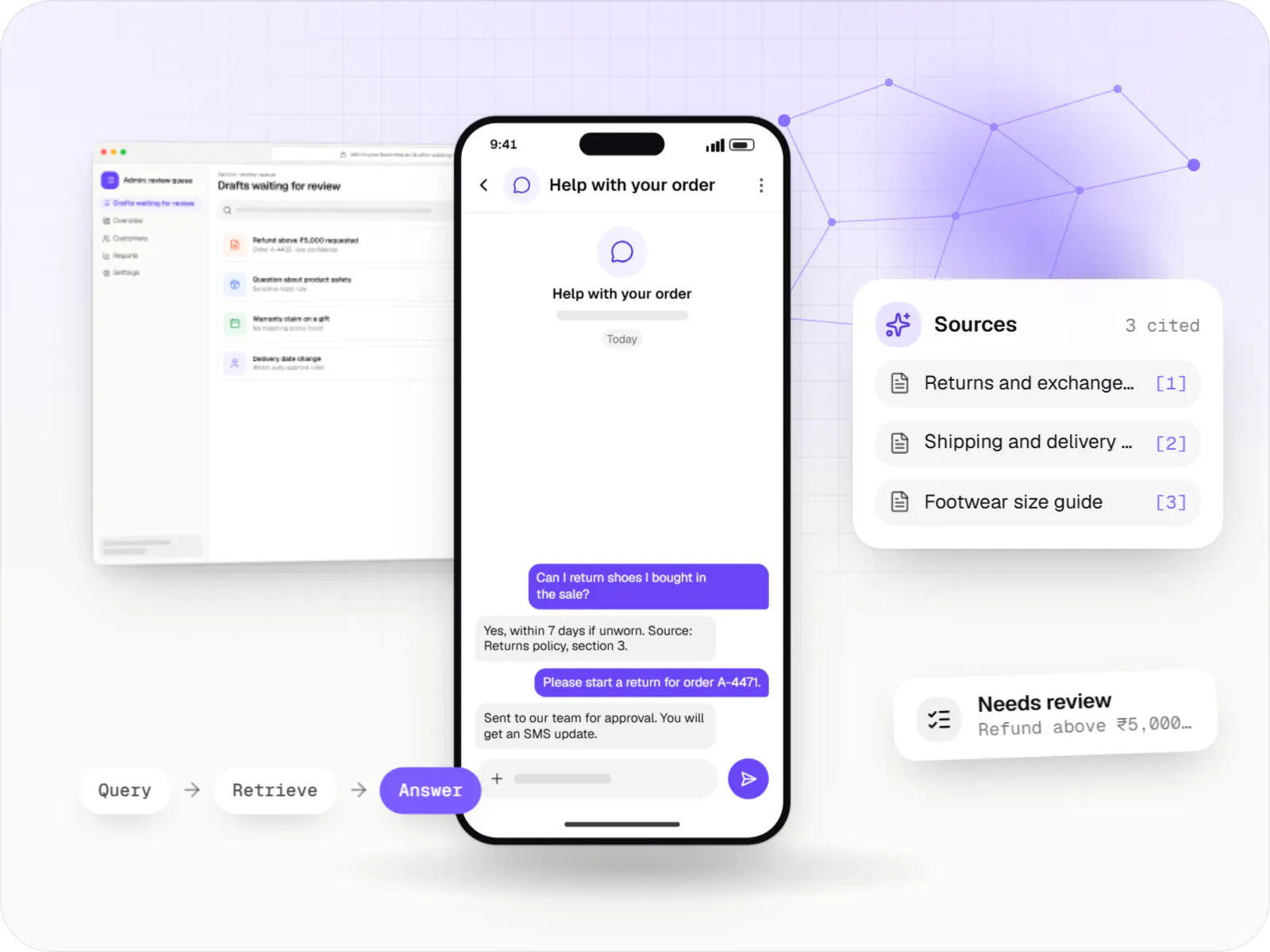
AI features and AI-first apps built on model APIs, retrieval over your own data, workflow automation or custom ML, with evaluation and human review.

Browser-based products, customer portals, dashboards and internal tools, built on clean data models with secure roles and integrations.

Secure, documented REST and GraphQL APIs, plus integrations that connect your apps to payment, logistics, GST, messaging and business systems.

Software shaped around how your business runs, from approvals and inventory to billing and reports, replacing spreadsheets and disconnected tools.
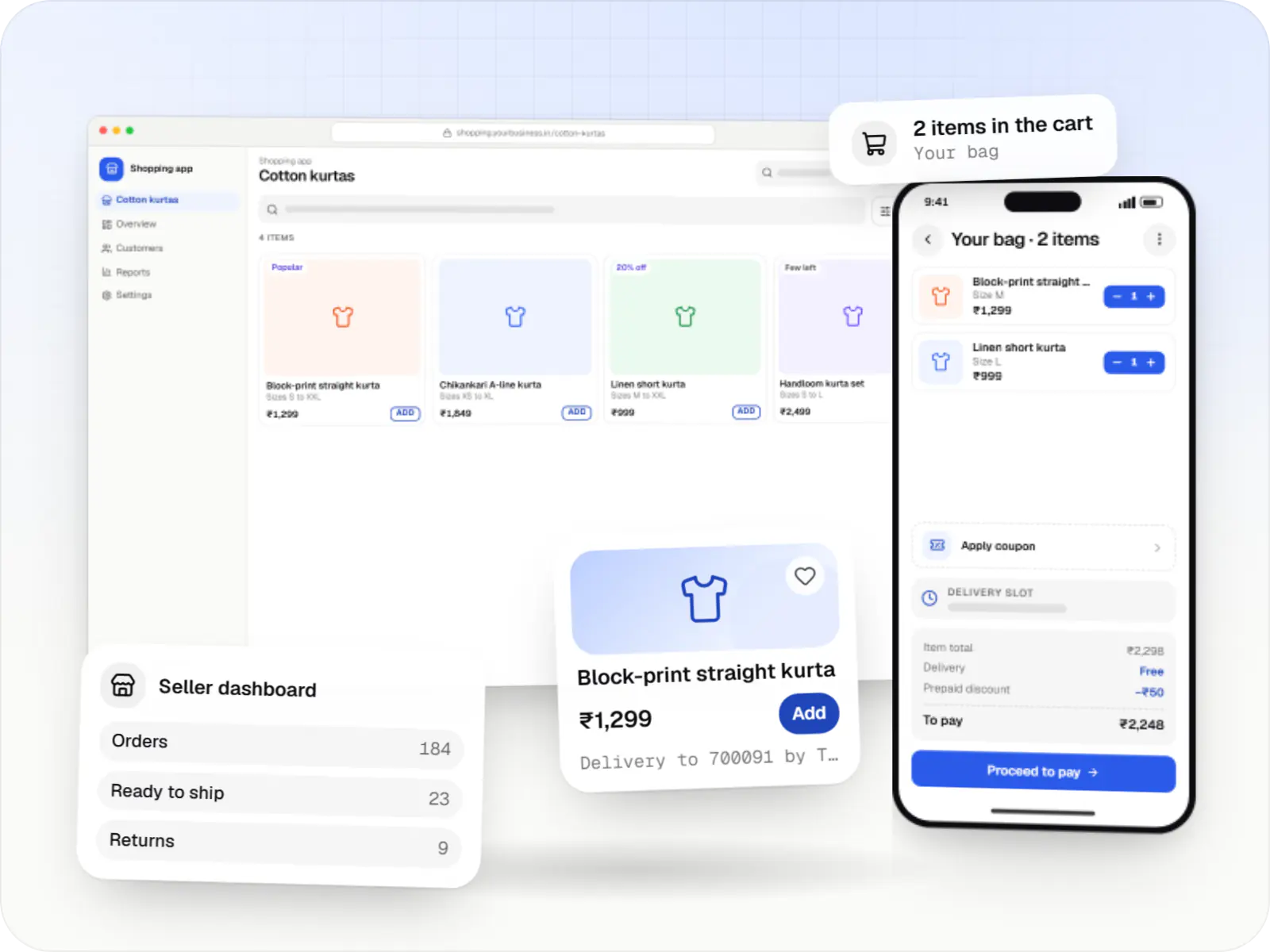
Online stores, shopping apps and B2B ordering portals on Shopify, WooCommerce or custom stacks, wired to Indian payments, couriers and GST invoicing.
Cost drivers
Each system needs authentication, permission mapping and sync logic.
Scanned, handwritten or table-heavy files need OCR and parsing work.
Per-document access rules take more work than one shared knowledge base.
Search alone is lighter than cited answers, which add evaluation and model costs.
Estimates are written from your scope, with the effort and assumptions behind each line item.
How pricing worksWork
Illustrative projects that show how we plan and build this kind of product. They are samples, not client work.
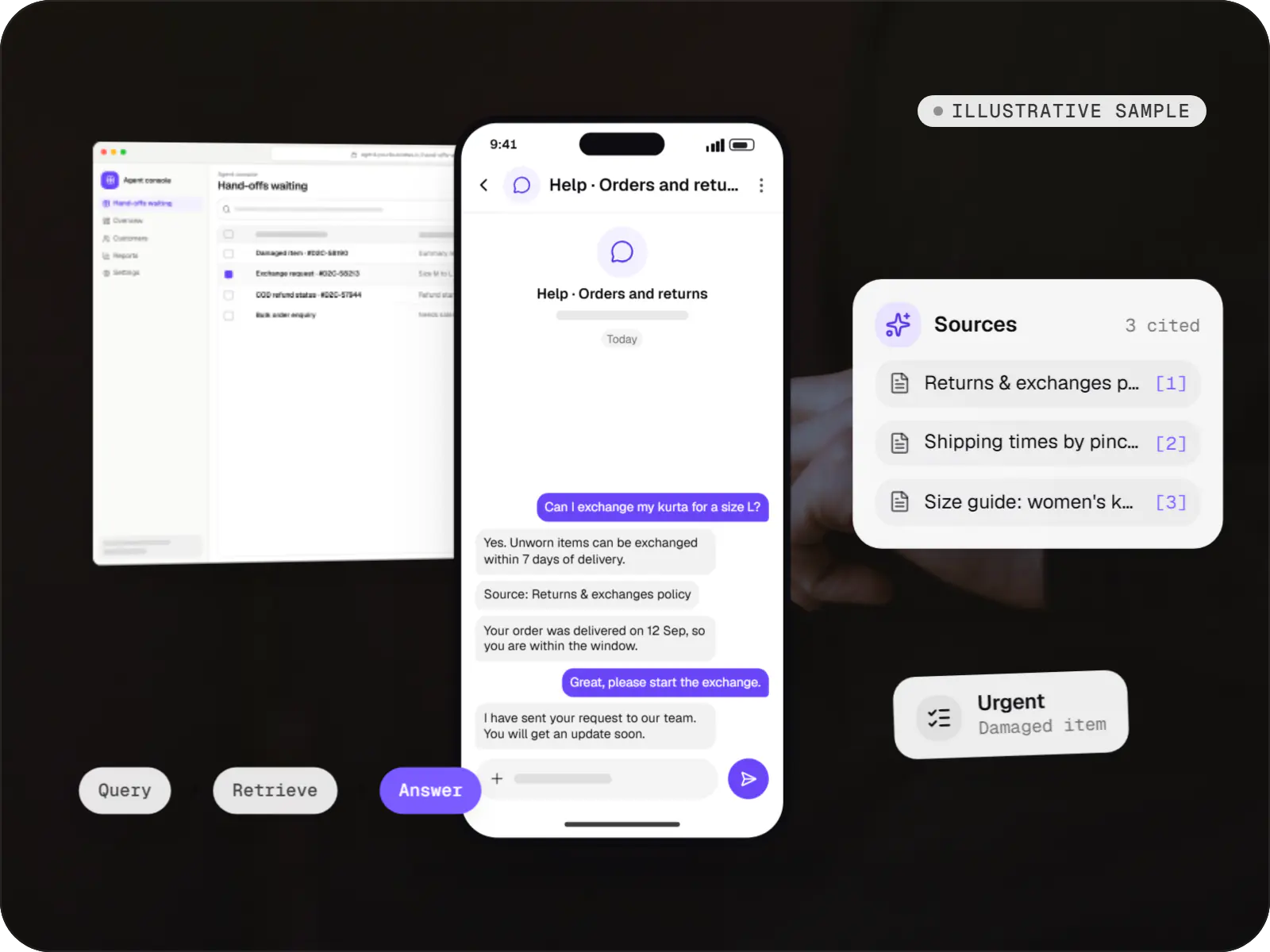
AI solutions
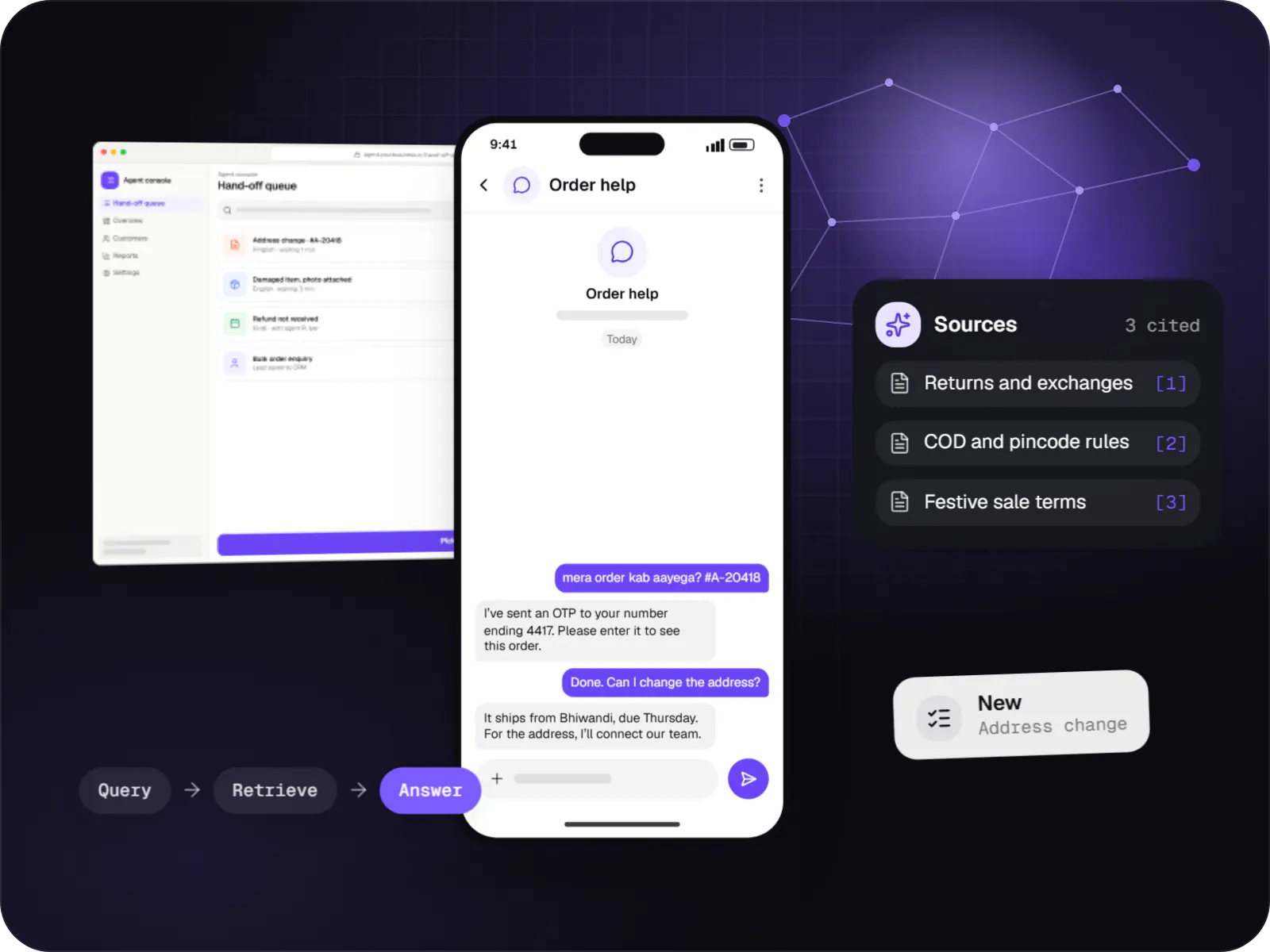
An illustrative AI assistant that answers order, return and product questions from a D2C brand's own policies and order data, with sources and a human hand-off.
Runs on
Built with
FAQ
Not necessarily. PostgreSQL with the pgvector extension handles many knowledge bases comfortably and keeps your stack simple. OpenSearch or Elasticsearch make sense when you need strong keyword search, facets and vectors together at larger scale. Dedicated vector databases such as Qdrant suit very large, vector-heavy workloads. We choose on document volume, query load, filtering needs and what your team can operate.
Yes, with multilingual embedding models, which place questions and passages with similar meaning close together across languages. Quality depends on the language and how technical the vocabulary is, so we test with real questions from your users, including Hinglish in Roman script. Where needed, we translate the query as an extra retrieval step, and the answer can be written back in the user’s language with citations to the originals.
Connectors sync on a schedule or through webhooks, re-index only changed files and remove deleted ones. Each document carries an effective date and version, so superseded circulars or SOPs are excluded or ranked lower, and answers show the date of the source they cite. For fast-changing facts such as prices or stock, we query the live system instead of relying on indexed documents.
A chatbot is a conversational front end, usually customer-facing, handling dialogue, hand-offs and actions. A knowledge system is the retrieval layer underneath: indexing, permissions, ranking and cited answers. Internal teams often use it directly as a search tool. Many chatbots sit on top of one, and getting retrieval right first makes any later chatbot, assistant or workflow more reliable.
Next step
Give us questions people ask and the documents that answer them. We will run a small retrieval test and show the hit rate.