Web
Next.js
A modern web technology for fast, search-friendly websites, online stores and web applications that load quickly on mobile.
Used for
- Business websites
- Online stores
- Web apps
- Customer portals
Business & enterprise
Matter management, hearing diaries, document automation and client portals for law firms, legal-tech startups and in-house legal teams.
At a glance

Legal work depends on dates, documents and confidentiality. We build tools with access controls strict enough for privileged material.
How to start
Tell us what you need in your own words. You talk to the developers who would build it and get a written, line-item estimate.
Get a project estimateLitigation practices track hearing dates across many courts, while corporate practices manage contracts, due diligence and negotiated drafts. In both, the risk is a missed date or the wrong version sent to the other side. In-house teams add contract approvals and compliance registers. We build tools for these workflows, with permissions, audit trails and encryption designed in from the outset.
Challenges
Next dates noted by hand after each hearing and shared in WhatsApp groups.
Drafts emailed back and forth with no clear record of the agreed version.
New matters opened without a reliable search across clients and opposing parties.
Sensitive files shared through personal email and consumer file-sharing apps.
Solutions
Across 2 areas
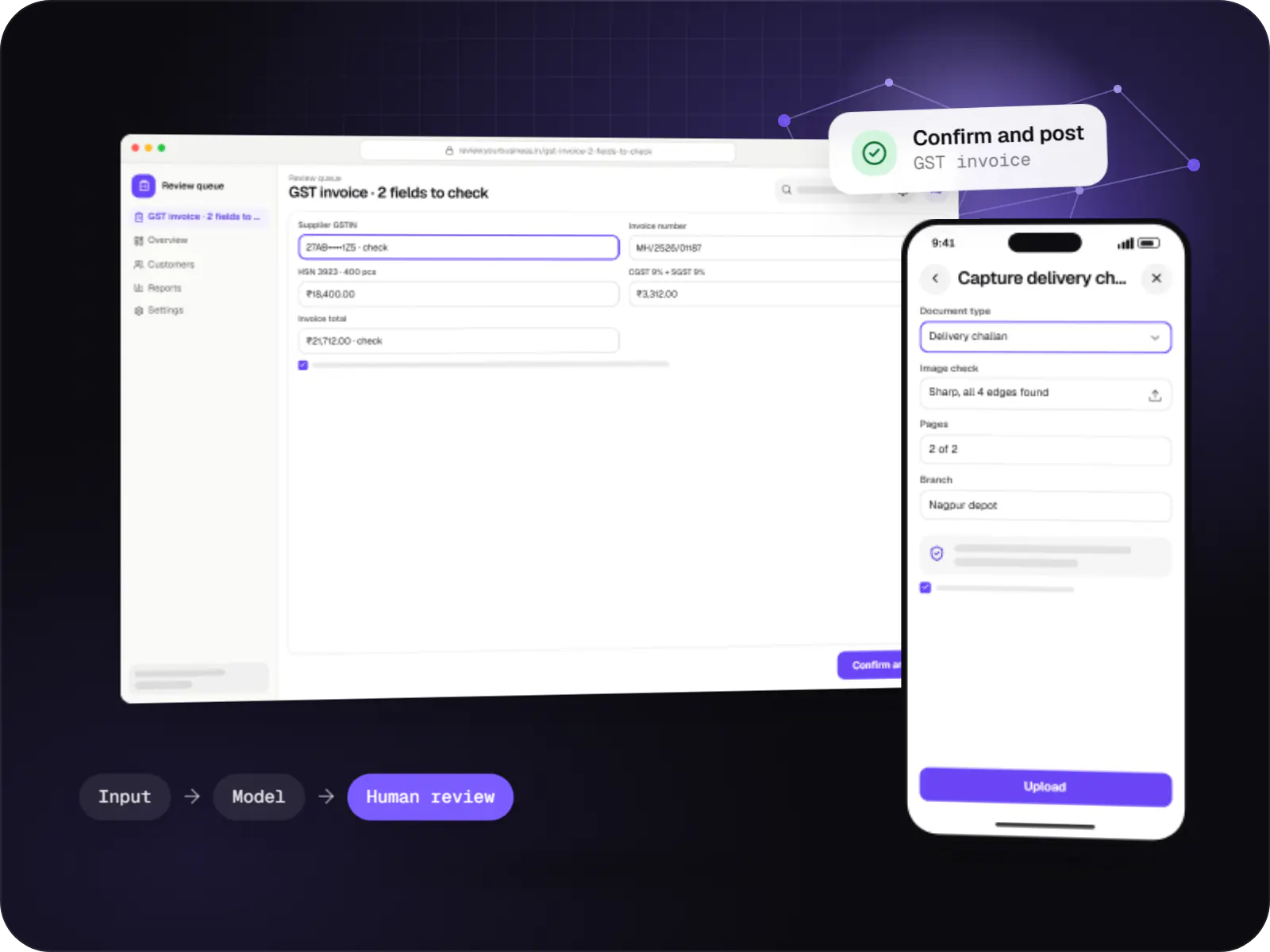
Data extraction from invoices, KYC documents, statements and forms into your systems, with validation rules and human review for uncertain fields.
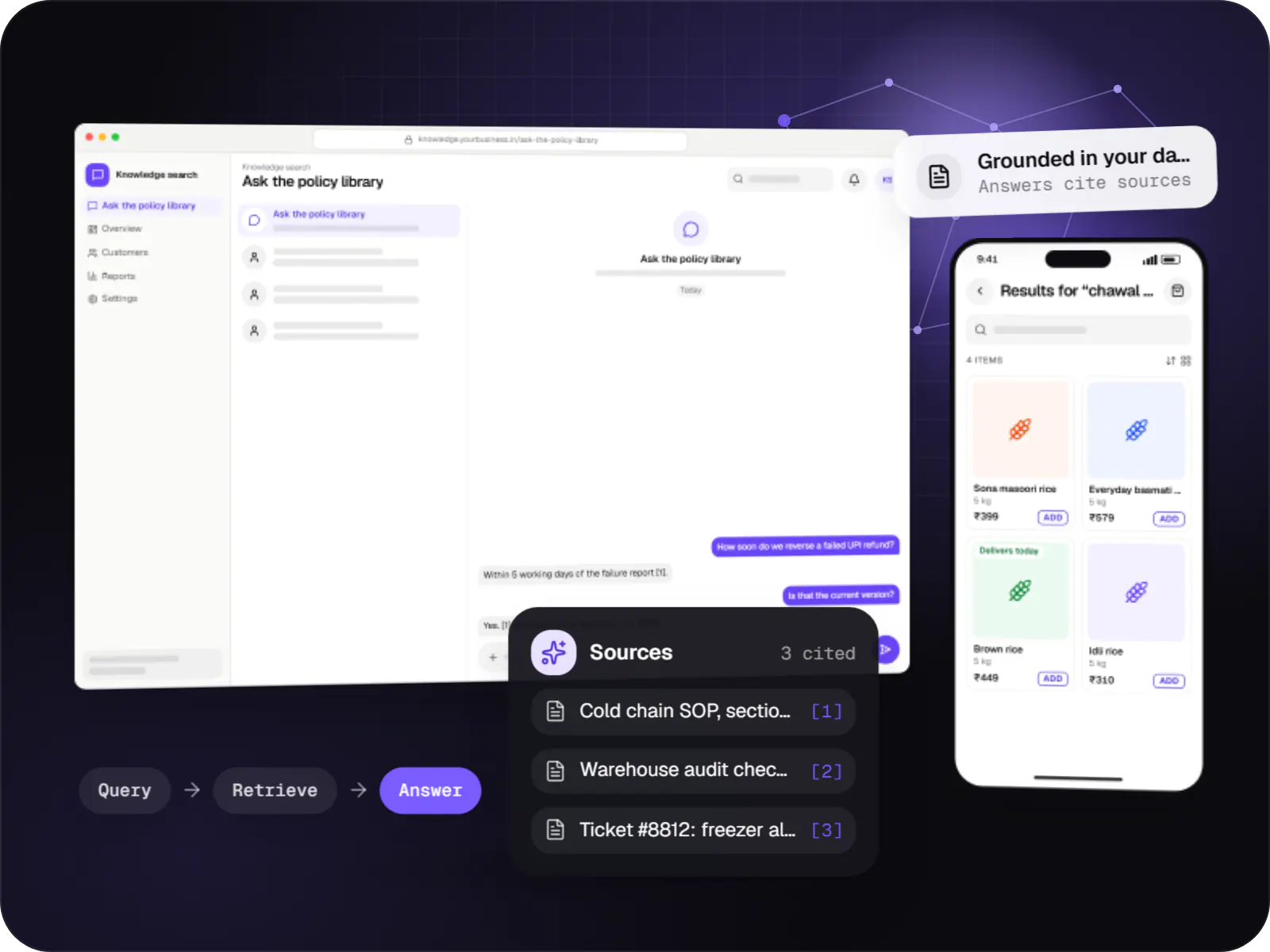
Search and question-answering over your documents, tickets and product data, with hybrid retrieval, citations and permission-aware results.
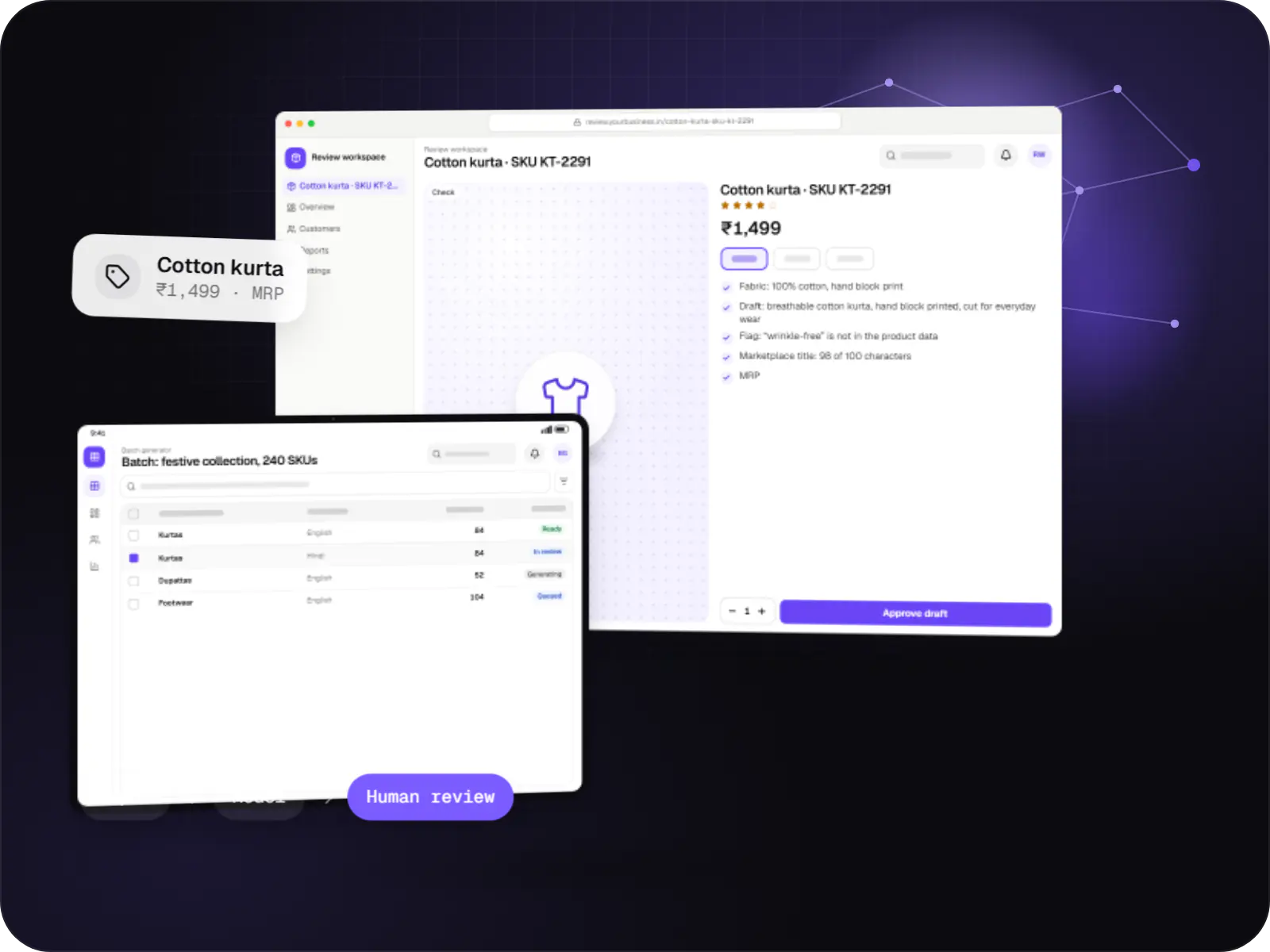
Features that generate catalogue copy, reports, summaries, translations and images, with brand controls and a review step before anything is published.

Custom CRM software that captures leads from every channel, keeps follow-ups on schedule and shows managers a live pipeline.
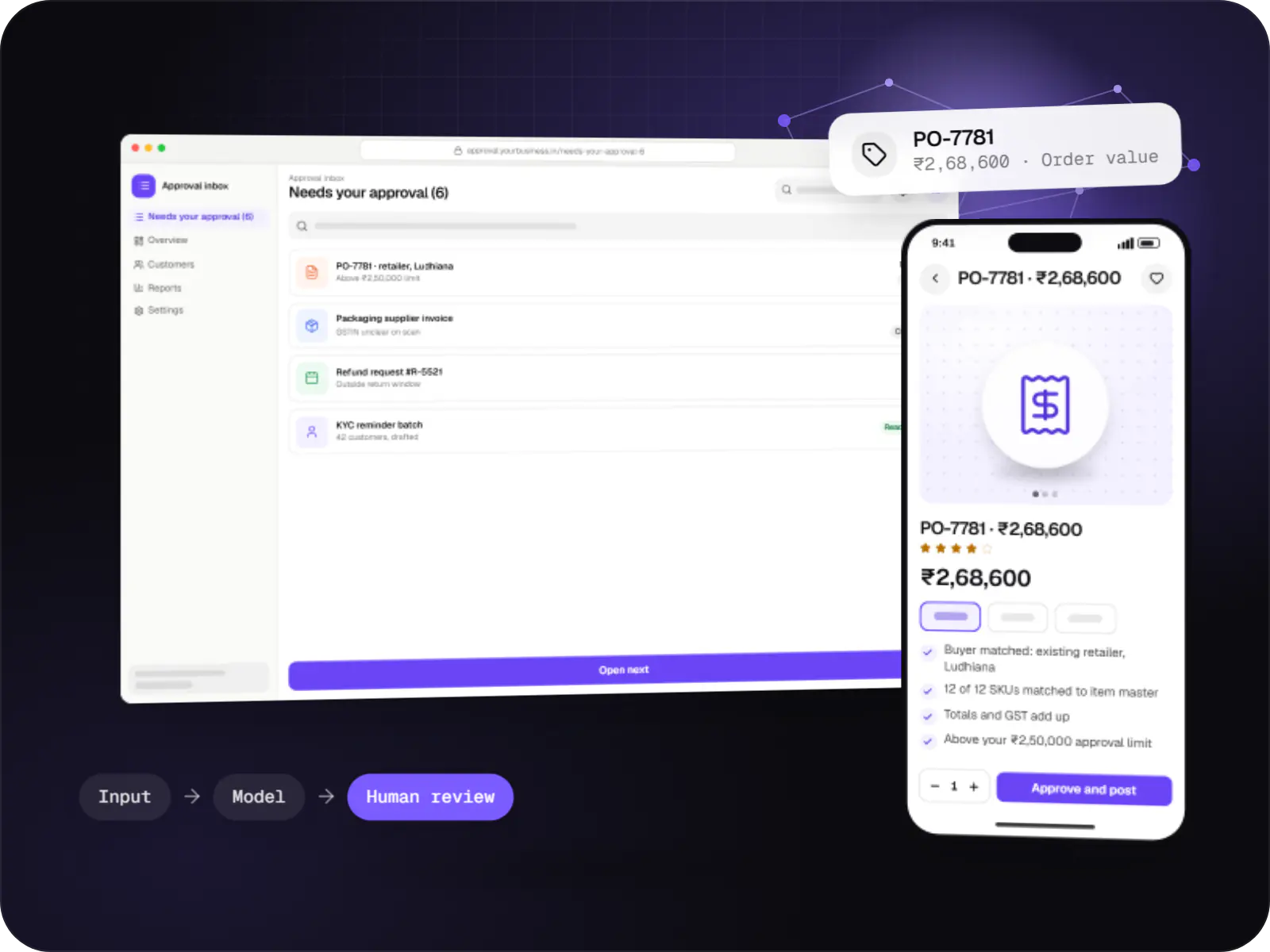
Automations for repetitive back-office work, with AI steps that read, classify and draft, and approvals where decisions matter.
Parties, courts, case numbers such as CNR, stages, deadlines and documents per matter.
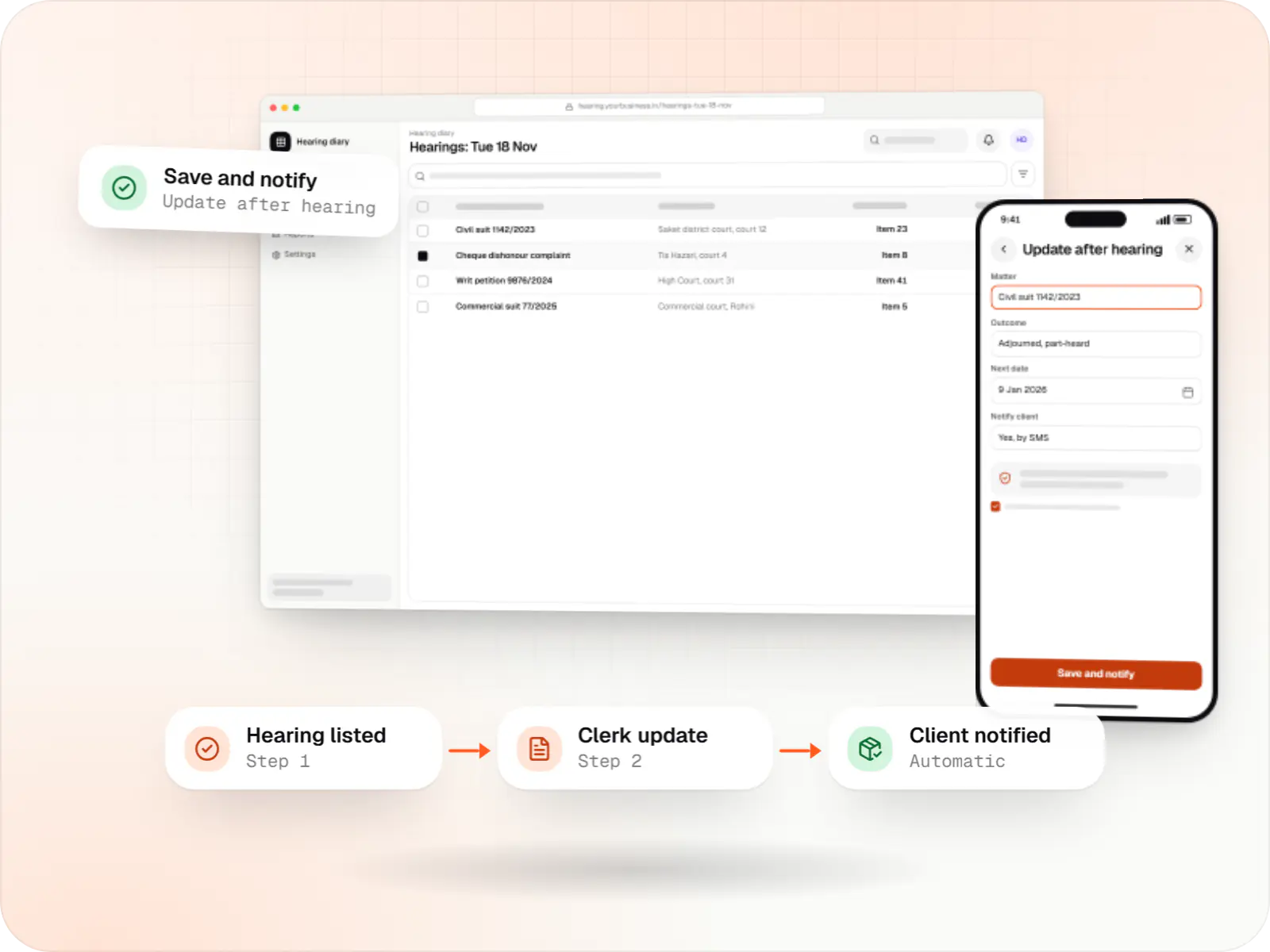
A daily hearing list for the team, next-date updates and client reminders.
Notices, agreements and pleadings generated from templates and matter data.
Clause library, approval routing, e-sign and renewal alerts.
Updates, invoices and shared files behind two-factor login, with download logs.
How it works
The client and opposing parties are searched across past and current matters before the file opens, and the result is recorded.
Court, case number such as the CNR, stage and documents go into one matter file, visible only to the team assigned to it.
Each morning the team sees which matters are listed in which court and item number, and who is appearing.
The outcome and next date are added from court on a phone, and the diary and client reminder update at once.
Notices and applications are generated from templates using matter data, and version history shows who changed what.
The client sees the next date, shared orders and invoices behind two-factor login, and every download is logged.
Platforms
Browser-based applications with logins, roles and workflows, such as customer portals, SaaS products and internal tools.
Back-office panels for operations, support and finance teams: orders, users, content, reports and permissions.
Apps for Android phones and tablets, tested on budget and mid-range devices and published on Google Play or privately.
Marketing and content websites: fast, search-friendly pages with a CMS your team can update without a developer.
Technology
Access-controlled web apps with encrypted storage, and AI features that work only from documents you approve.
Web
A modern web technology for fast, search-friendly websites, online stores and web applications that load quickly on mobile.
Used for
Backend
A structured way to build back ends on Node.js, so large business systems stay organised, testable and easy to hand over.
Used for
Data
A reliable database for the records your business runs on: orders, payments, bookings and stock, kept accurate and easy to report on.
Used for
Backend
A programming language for AI features, data processing and automation: the engine behind document reading, reports and smart search.
Used for
Connects your product to AI language models from several providers, so each task uses a suitable model and you can switch later.
Used for
Plain-English glossary
Product preview
Illustrative screens with sample case numbers and courts in Delhi.
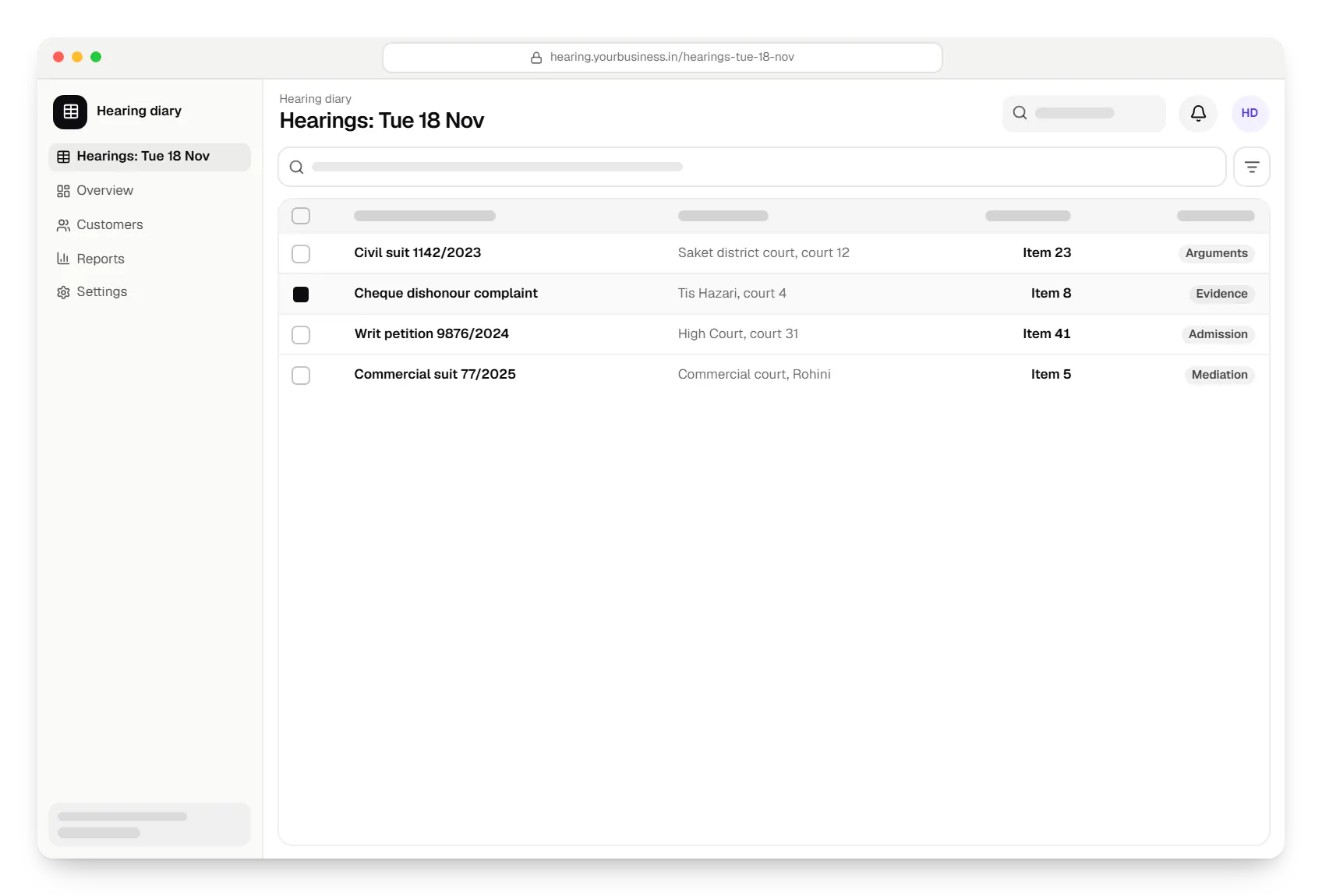
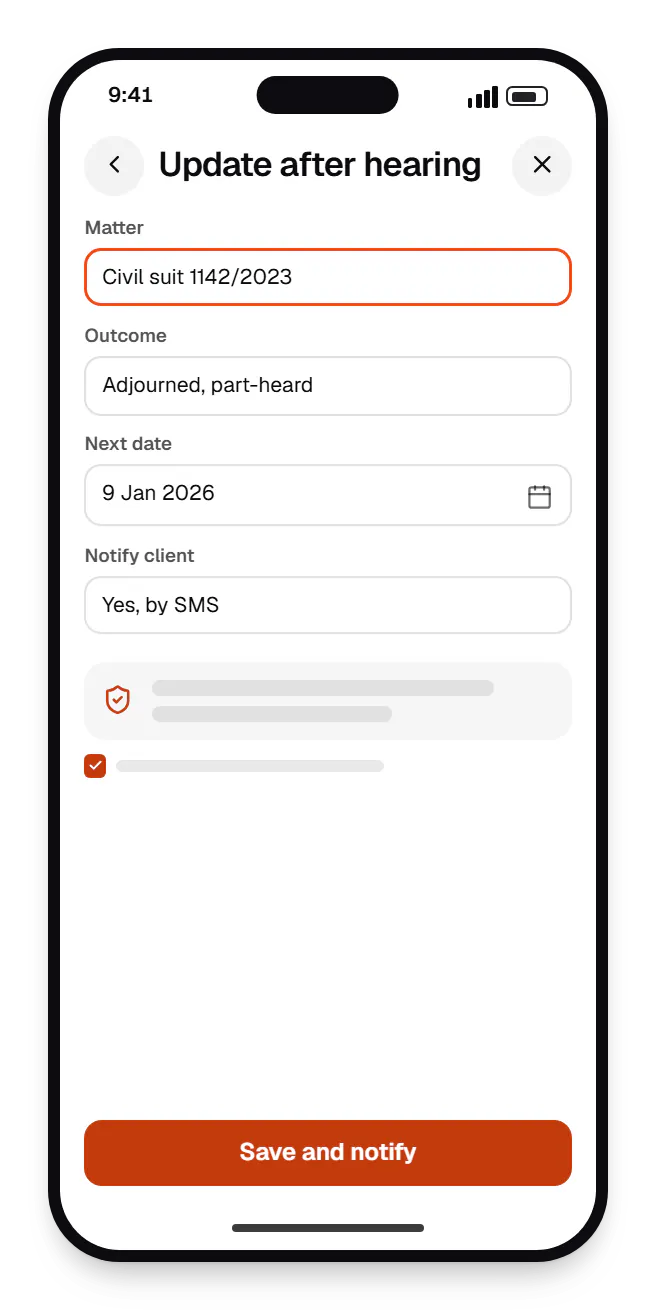
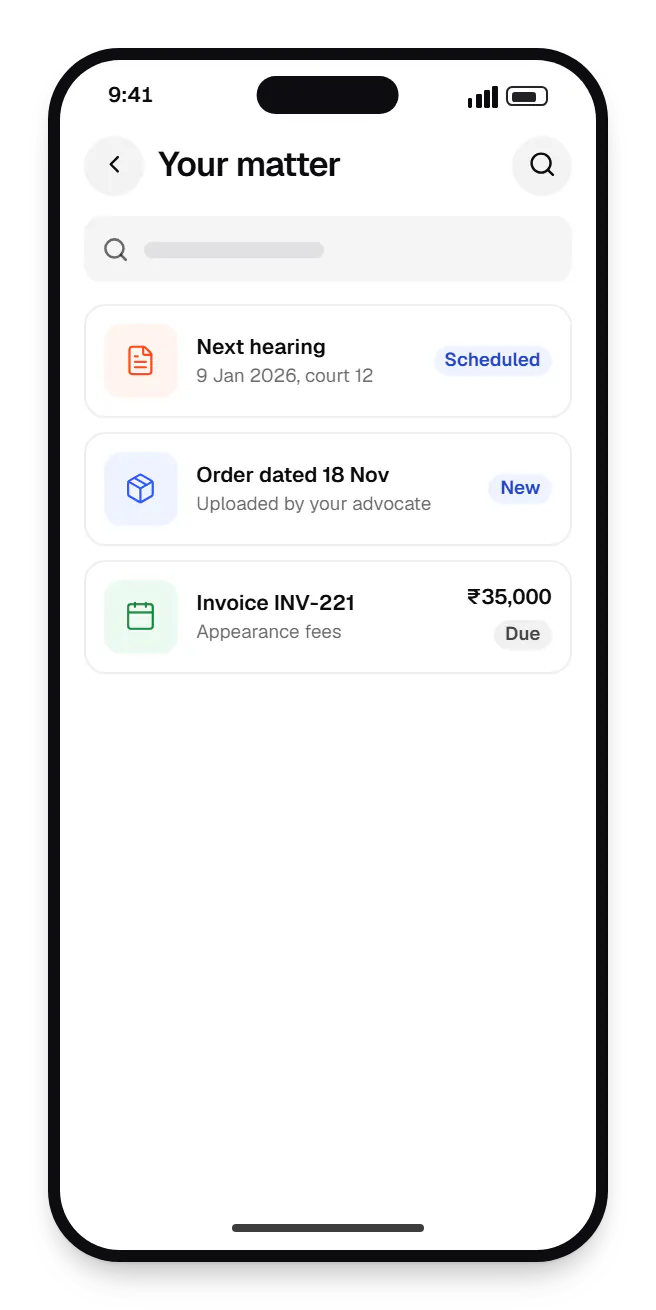
Sample screens: names, prices and figures are examples, not client data.
Cost drivers
Litigation diaries and contract workflows are different products; supporting both adds scope.
Indexing large archives for AI search needs OCR, ingestion and access-control work.
Client-mandated controls, on-premise hosting or audits add effort.
Estimates are written from your scope, with the effort and assumptions behind each line item.
How pricing worksServices
The design and engineering services our in-house team combines on projects in this sector.

Browser-based products, customer portals, dashboards and internal tools, built on clean data models with secure roles and integrations.

Software shaped around how your business runs, from approvals and inventory to billing and reports, replacing spreadsheets and disconnected tools.
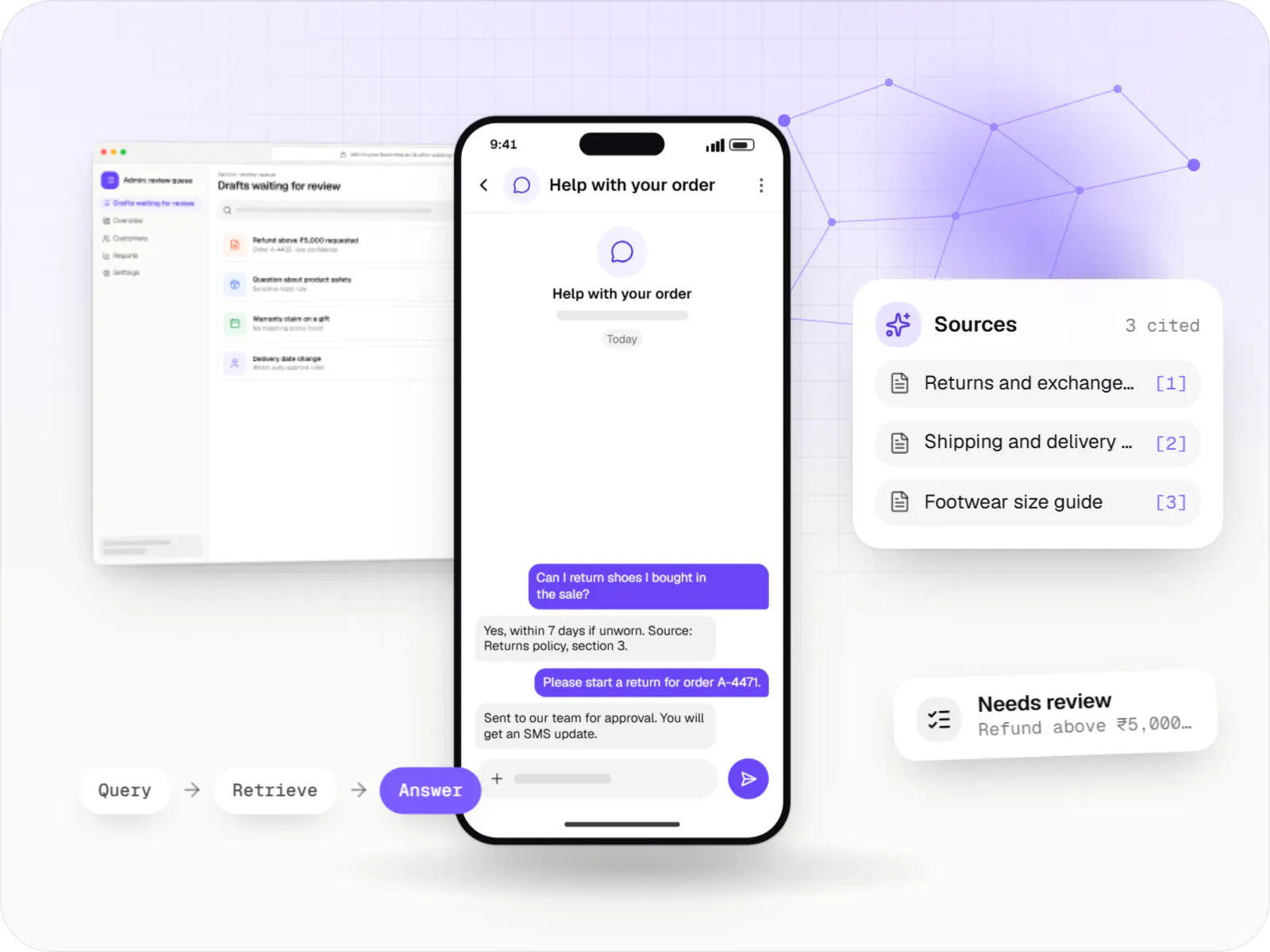
AI features and AI-first apps built on model APIs, retrieval over your own data, workflow automation or custom ML, with evaluation and human review.
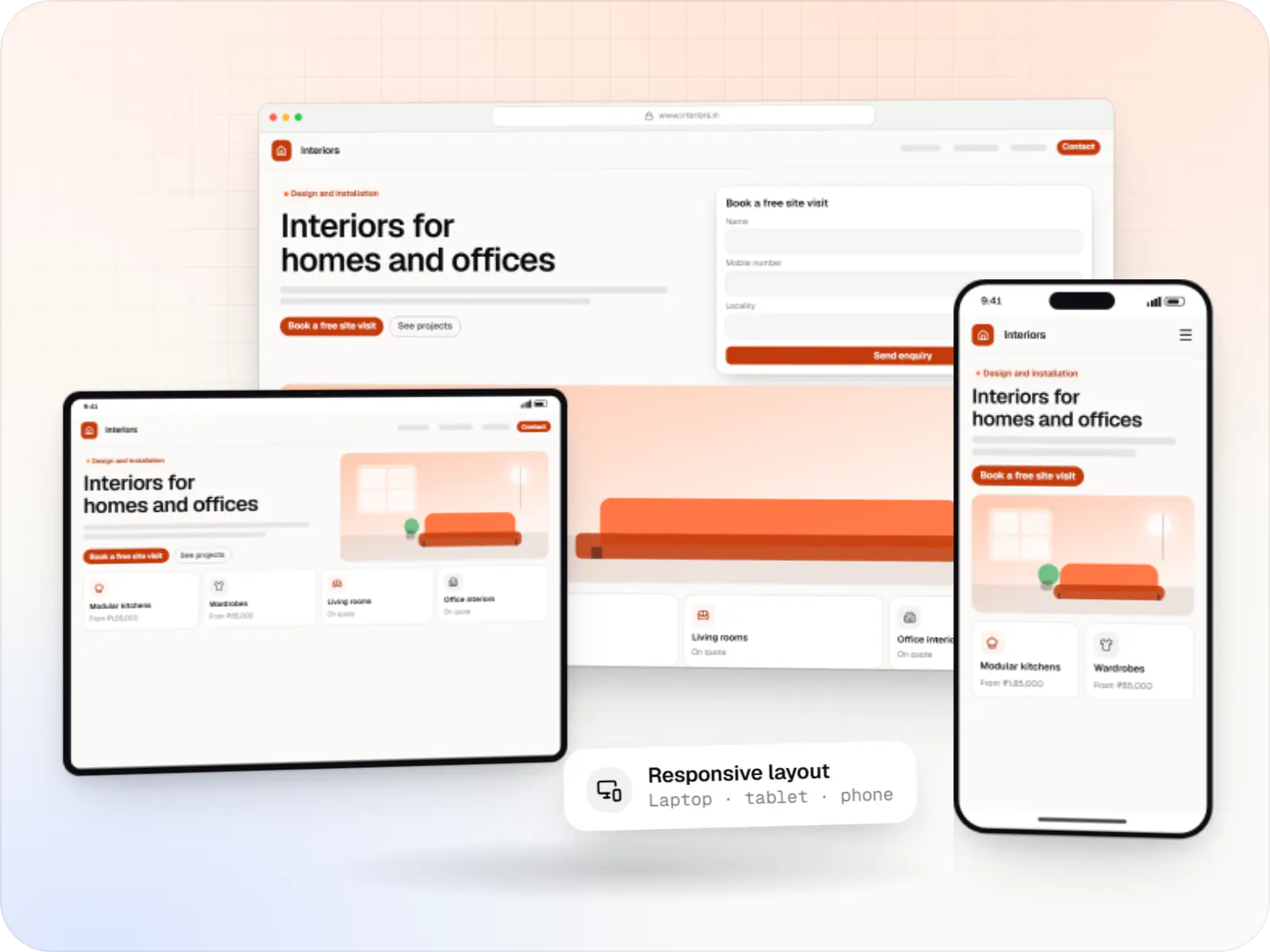
Fast, SEO-ready company and marketing websites with a CMS your team can edit, designed and built by our in-house team.
FAQ
It can produce first drafts from your approved templates and flag clauses that depart from your standard positions, which saves time on routine agreements. It shouldn't be trusted for legal conclusions: models can misread context and sound confident while wrong. In our legal tools every AI output is marked as a draft, shows its sources and needs a lawyer's review before it leaves the firm.
Carefully. Bar Council of India rules restrict advocates from soliciting work or advertising, so firm websites are expected to stay informational: names, contact details, areas of practice and qualifications. We build sites that present this clearly without testimonials, success claims or promotional language, and recommend your partners check the content against current rules before it goes live.
Wherever your policy requires: an Indian cloud region, a client-specified environment or your own servers. Documents are encrypted at rest and in transit, access follows matter-level permissions, and every view and download is logged. Ethical walls can block specific users from specific matters. AI features use providers whose terms exclude training on your content, or models hosted in your environment.
Next step
Tell us whether you focus on litigation, corporate or in-house work, and we will suggest a starting point.