Mobile
Flutter
Build Android and iOS apps from one shared codebase, so you launch on both platforms faster with a consistent experience.
Used for
- Mobile apps
- Delivery apps
- E-commerce apps
- Booking apps
Local & on-demand services
Field service software for repair shops, service centres and maintenance contractors handling AMCs, spares and technician visits.
At a glance
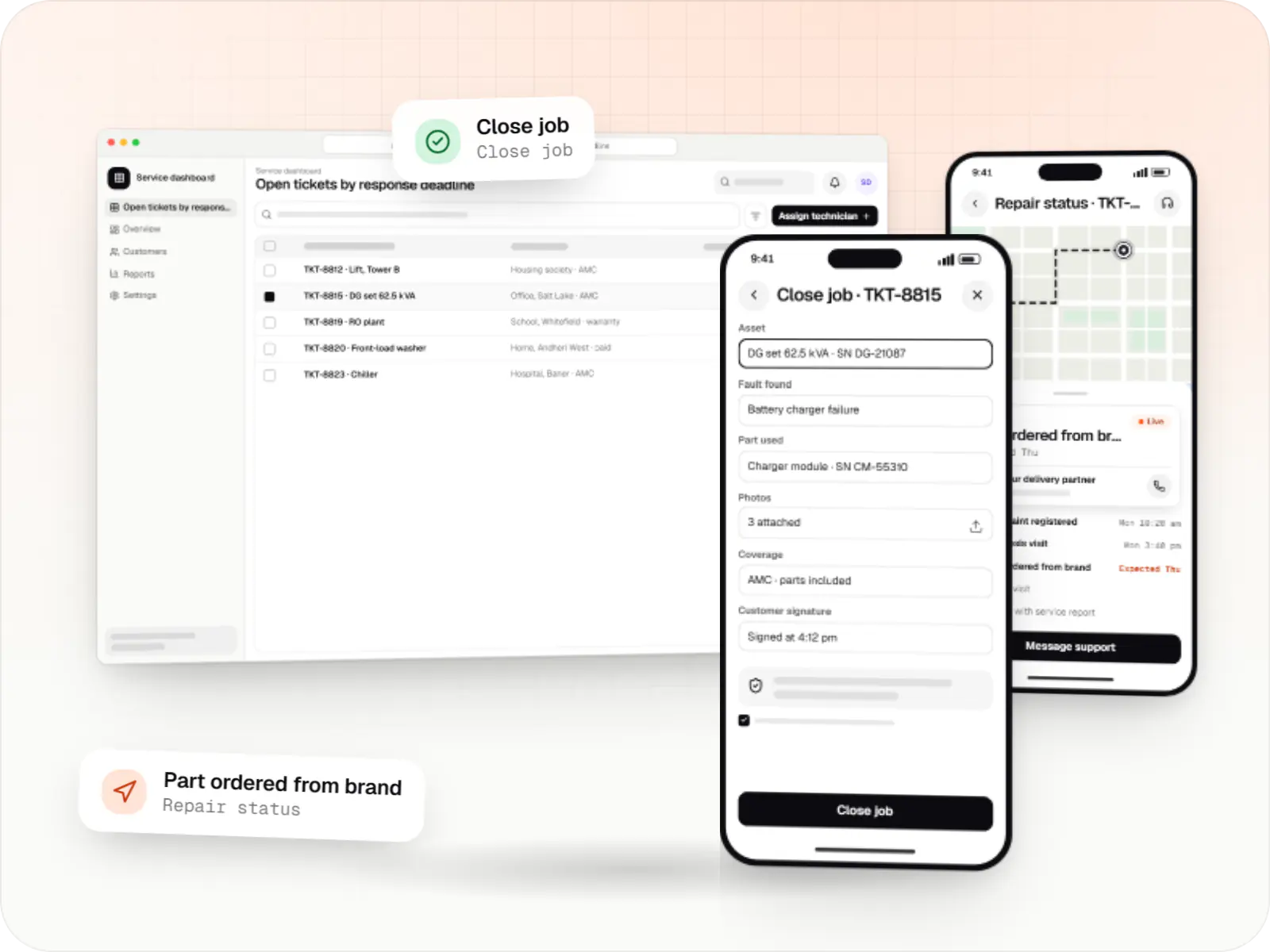
Repair businesses live on tickets, spare parts and service contracts. We build ticketing, technician and AMC software for service centres and maintenance contractors.
Flutter and the related logo are trademarks of Google LLC. We are not endorsed by or affiliated with Google LLC.
How to start
Tell us what you need in your own words. You talk to the developers who would build it and get a written, line-item estimate.
Get a project estimateRepair work runs on details: model and serial number, the fault reported, the part replaced, and whether the unit is under warranty or an AMC. When those details live in a register and on technicians' phones, repeat visits multiply and warranty claims bounce.
Good software records every asset, visit and part, so the next technician knows the history.
Challenges
Without van stock visibility, a second visit follows days later.
Preventive visits get missed when scheduled from memory.
Brands expect job details, photos and part serials in their format.
The front desk fields 'when will it be ready?' all day.
Solutions
Across 3 areas
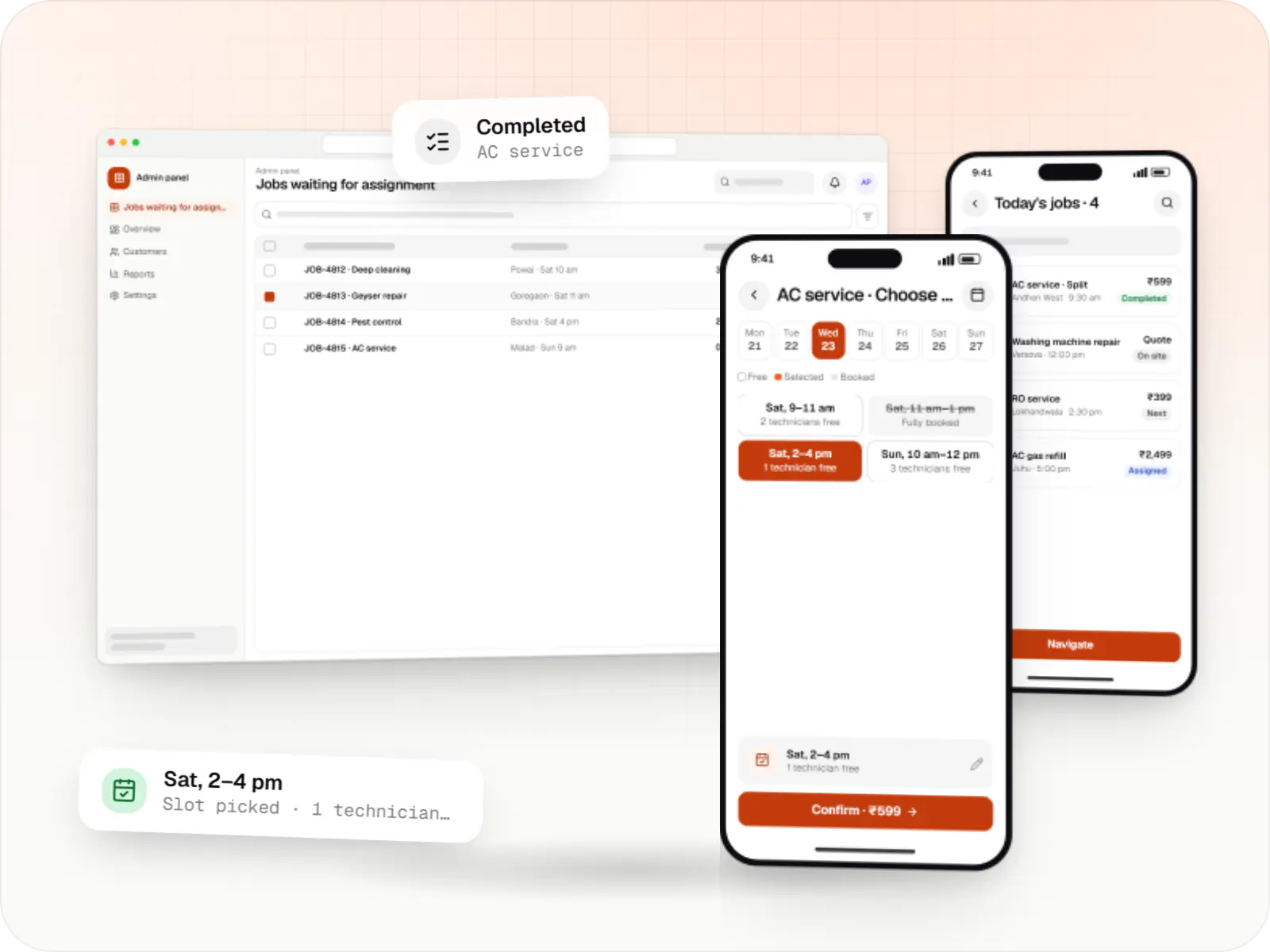
Customer app, professional app and admin panel for repairs, cleaning, appliance servicing and beauty at home, with slot booking, on-site quotes and payouts.
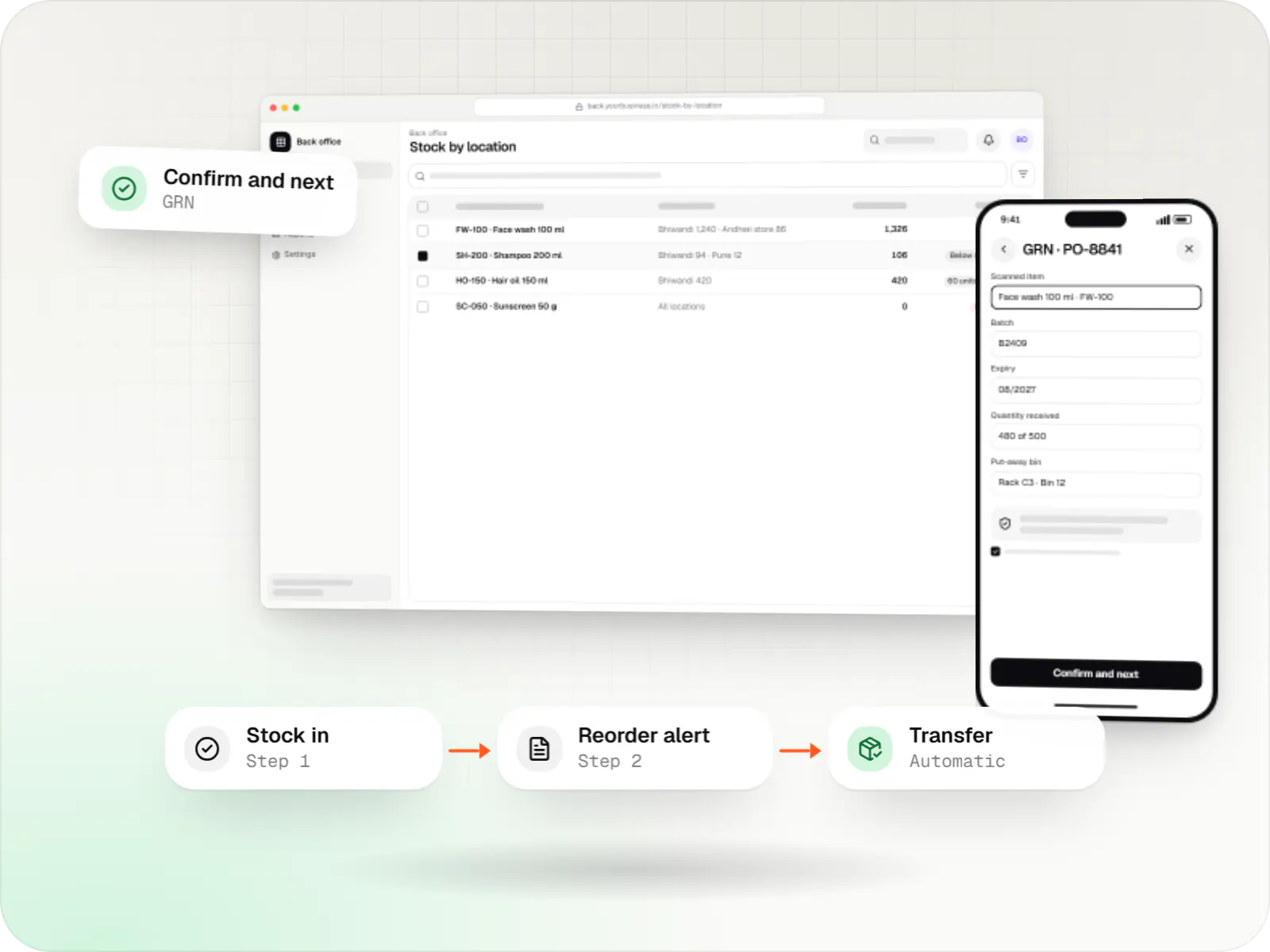
Custom inventory software for multi-location stock, batch and expiry tracking, barcode scanning and marketplace stock sync.

Custom CRM software that captures leads from every channel, keeps follow-ups on schedule and shows managers a live pipeline.
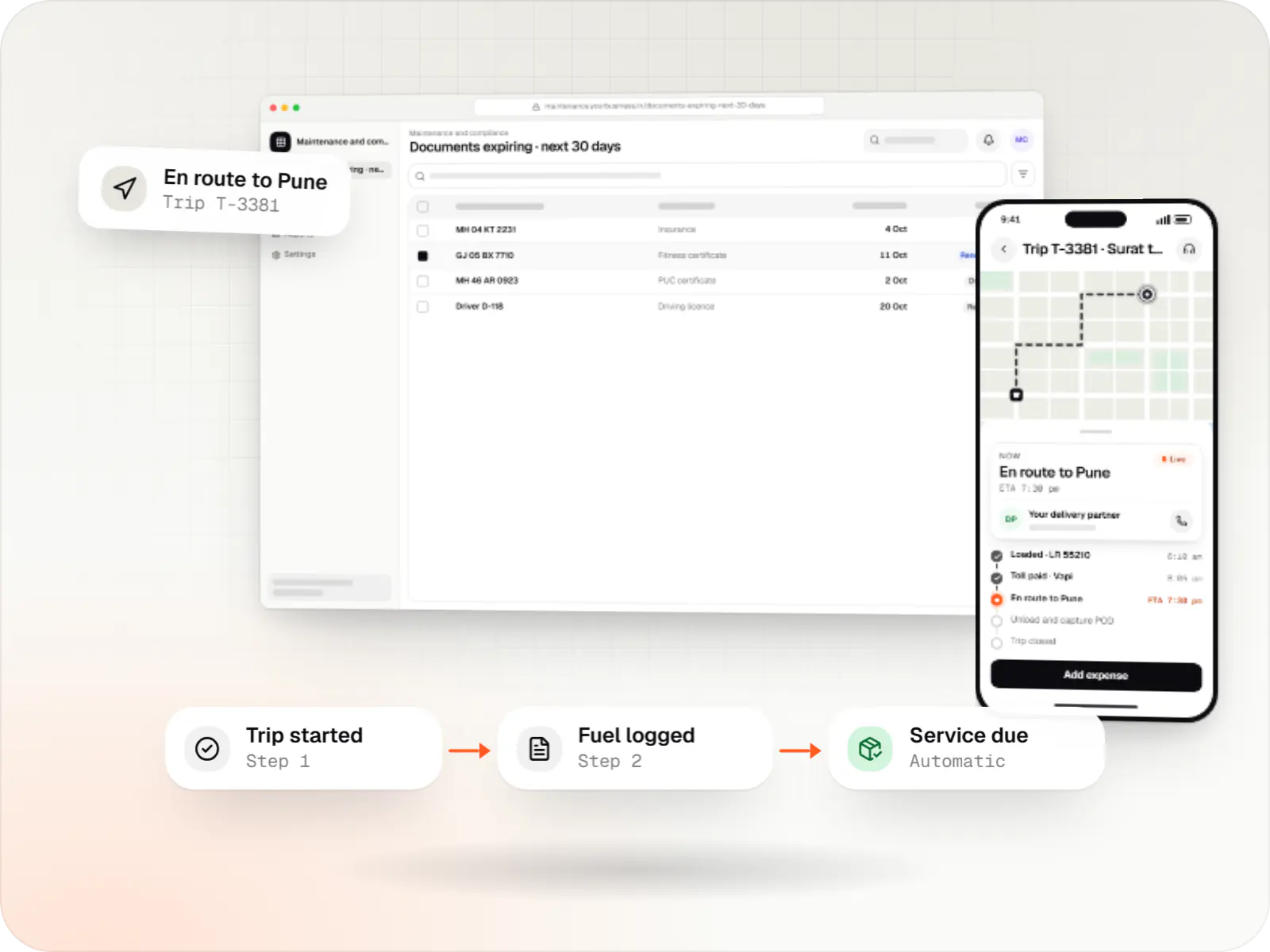
Custom fleet management software for GPS tracking, trips, driver apps, compliance reminders, maintenance and freight billing.
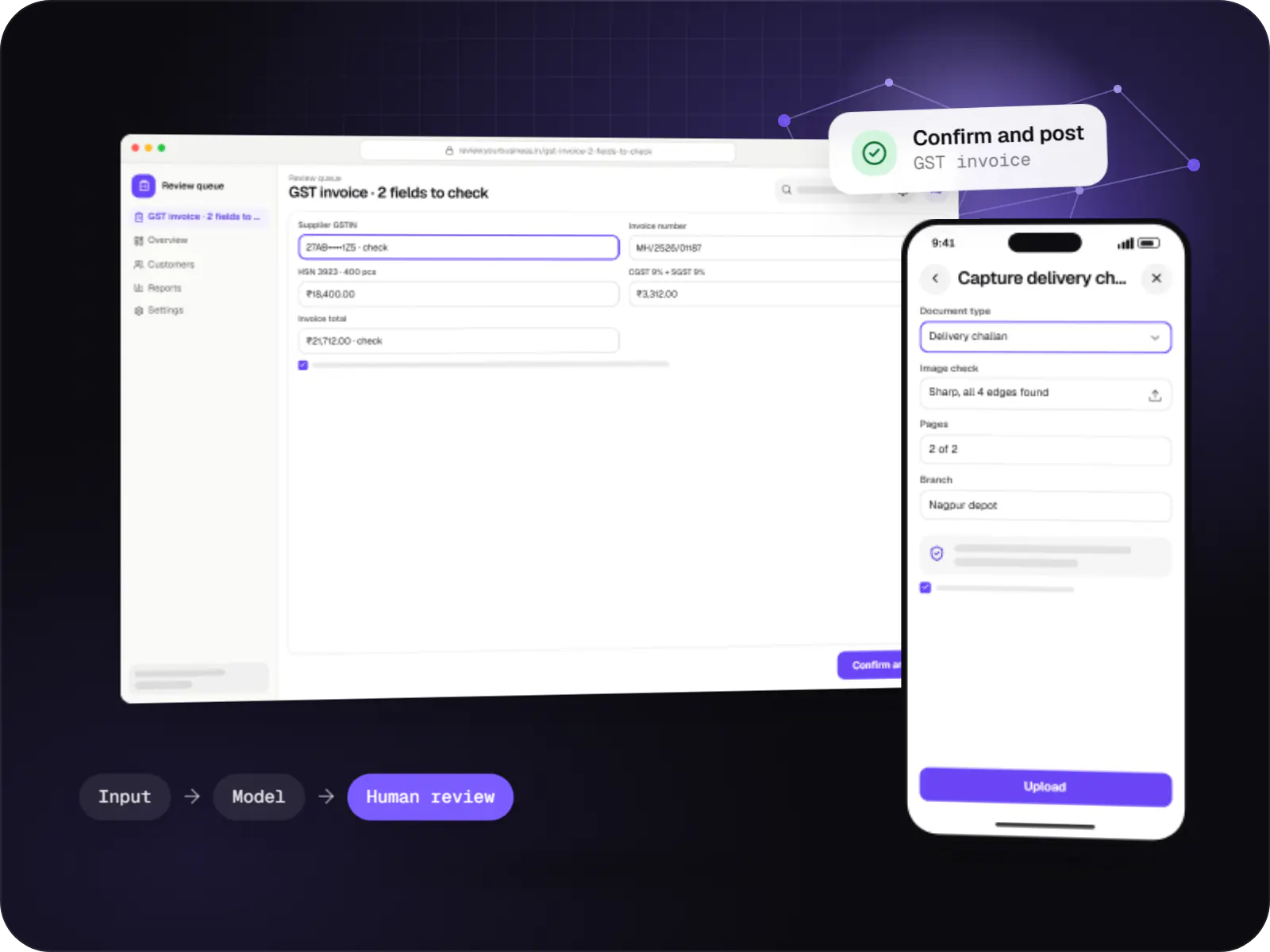
Data extraction from invoices, KYC documents, statements and forms into your systems, with validation rules and human review for uncertain fields.
QR-tagged units linked to service and warranty history.
Phone, web and WhatsApp complaints in one queue.
Checklists, photos, parts and customer sign-off, offline.
Van stock, transfers and consumption per job.
Preventive visits generated from contract terms.
How it works
The unit's history travels with every ticket, so each visit starts from what was done last time.
A fault comes in by phone, web form or WhatsApp. The ticket links to the unit's QR tag or serial number, showing its warranty or AMC status straight away.
The coordinator checks the response-time commitment, picks a technician with the right skills and confirms the likely spare part is in their van stock.
Even without signal, the technician follows the checklist, records readings and photos, and logs the part replaced with its serial number.
The customer signs on the phone screen. Chargeable parts and labour are billed on the spot; covered work is marked against the contract.
For in-warranty units, job details, photos and part serials are packaged in the brand's format, ready for your team to submit.
For contract customers, the next preventive visit is scheduled from the contract terms, and renewals are flagged before expiry.
Then it starts again at step 1: Complaint logged against the unit
Platforms
Apps for Android phones and tablets, tested on budget and mid-range devices and published on Google Play or privately.
Browser-based applications with logins, roles and workflows, such as customer portals, SaaS products and internal tools.
Back-office panels for operations, support and finance teams: orders, users, content, reports and permissions.
Installable web apps with offline support and notifications, useful when an app-store listing isn't essential or phones have little storage.
Technology
Flutter and native Android (Kotlin) keep the technician app working offline, Google Maps Platform plans visit routes, and cloud storage built on AWS keeps job photos and asset history.
Mobile
Build Android and iOS apps from one shared codebase, so you launch on both platforms faster with a consistent experience.
Used for
Mobile
Apps built specifically for Android, with full access to the phone's hardware, background location and company-managed devices.
Used for
Backend
A structured way to build back ends on Node.js, so large business systems stay organised, testable and easy to hand over.
Used for
Data
A reliable database for the records your business runs on: orders, payments, bookings and stock, kept accurate and easy to report on.
Used for
Payments & maps
Adds maps, address search, live tracking and travel-time estimates to delivery, ride and field apps, so orders reach the right door.
Used for
Cloud & DevOps
Cloud hosting for your app, website and data, with data centres in India and room to grow when traffic rises.
Used for
Flutter and the related logo are trademarks of Google LLC. We are not endorsed by or affiliated with Google LLC.
Plain-English glossary
Product preview
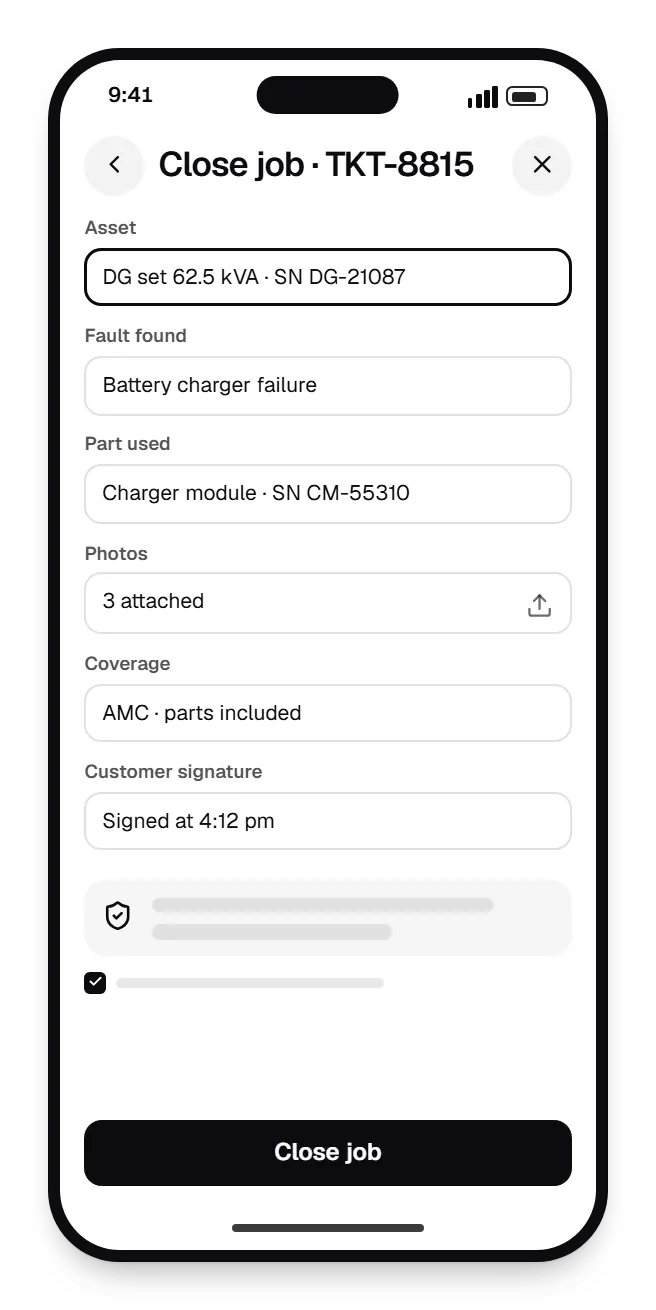
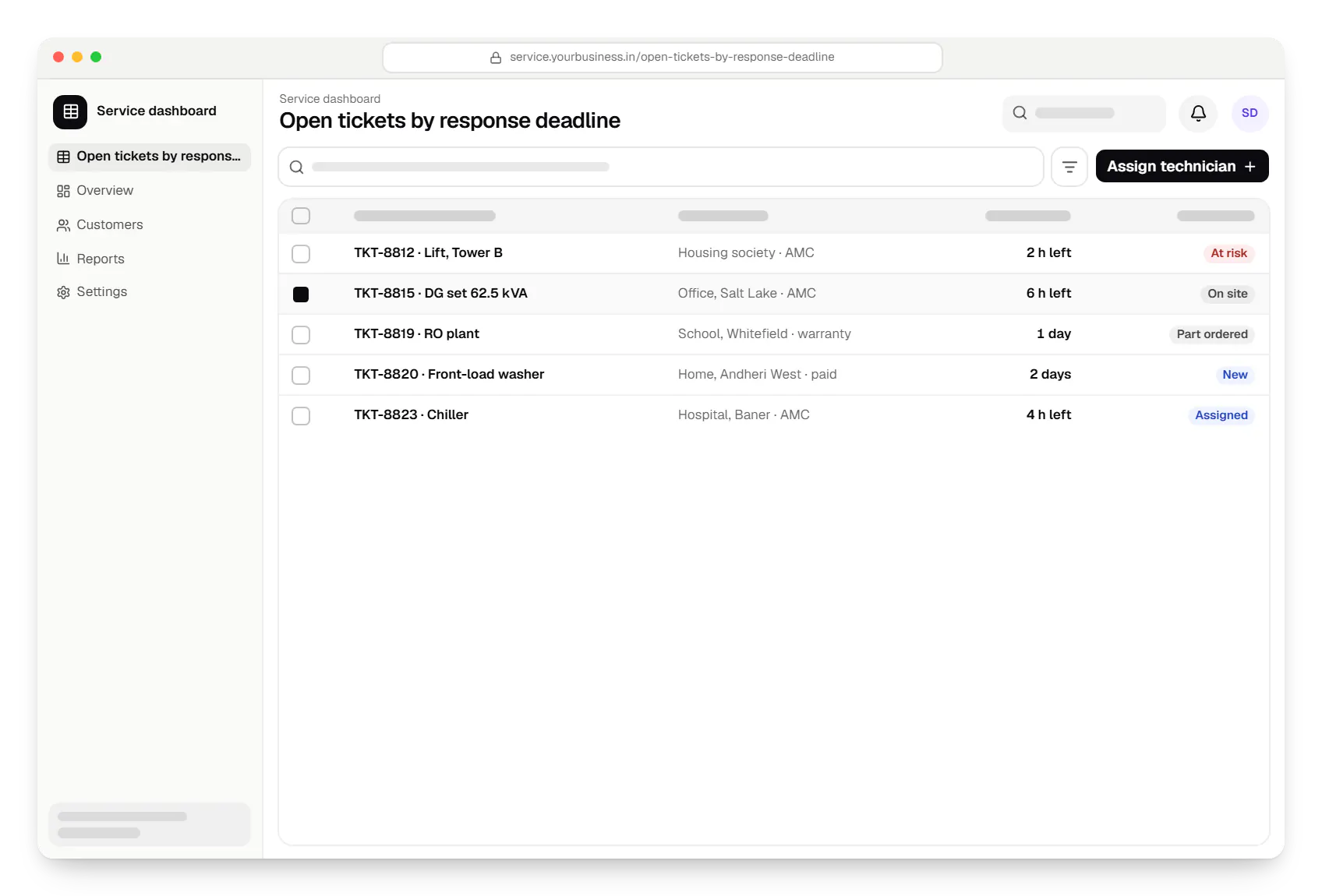
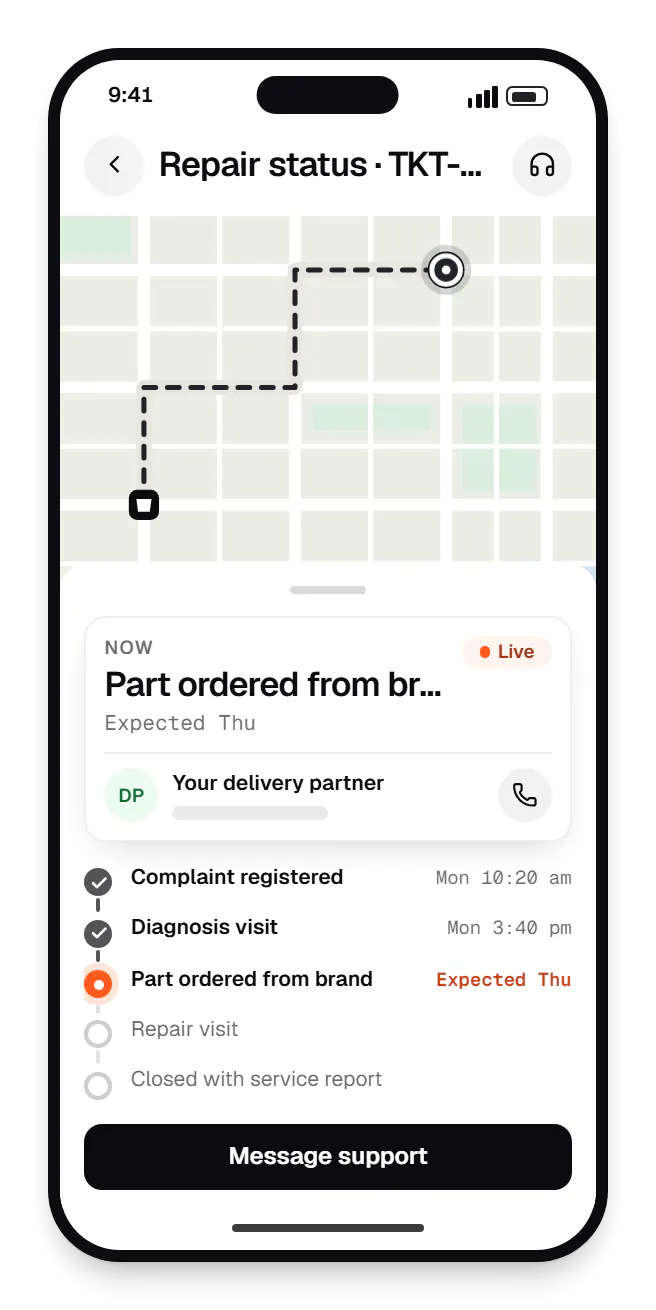
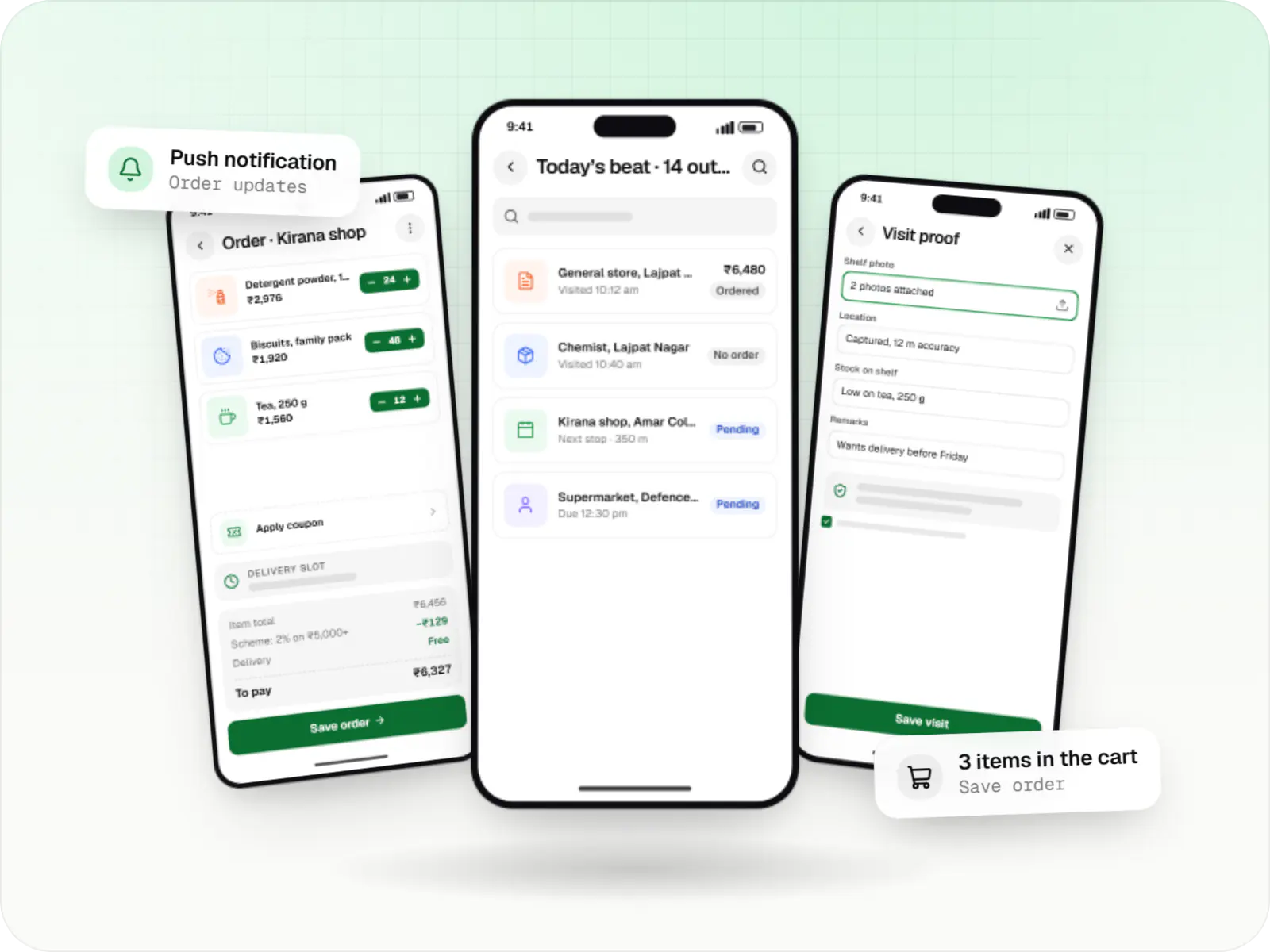
Sample screens: names, prices and figures are examples, not client data.
Cost drivers
AMCs with response times and parts coverage add rules.
Multi-warehouse serial tracking is heavier than van stock.
OEM portal or ERP sync depends on their interfaces.
Estimates are written from your scope, with the effort and assumptions behind each line item.
How pricing worksServices
The design and engineering services our in-house team combines on projects in this sector.
Native Android apps in Kotlin and Jetpack Compose, designed for entry-level phones, patchy networks and the background limits of popular Android brands.

Browser-based products, customer portals, dashboards and internal tools, built on clean data models with secure roles and integrations.

Software shaped around how your business runs, from approvals and inventory to billing and reports, replacing spreadsheets and disconnected tools.

Back-office dashboards built around your team's daily tasks: order queues, approvals, catalogue management, payouts, reports and audit logs.

Secure, documented REST and GraphQL APIs, plus integrations that connect your apps to payment, logistics, GST, messaging and business systems.
FAQ
Yes. The day's jobs download to the phone in advance, and technicians complete checklists, parts, photos and the customer's signature offline; everything syncs on reconnection. If a job is reassigned while a technician is offline, defined rules decide the outcome and the dispatcher is alerted, rather than data being silently overwritten.
Each contract stores coverage (labour only or parts included), visit frequency, response-time commitment and covered assets. The system schedules preventive visits, flags breakdown tickets nearing their response deadline and marks billable parts. Before expiry it drafts a renewal quote, with the full service history attached, for your sales team.
It can help. OCR, and where useful an AI document model, pulls the serial number, model and purchase date from a label or invoice photo, and the technician confirms before saving. Accuracy depends on photo quality and label condition, so the confirmation step stays. It saves typing and reduces errors in warranty claims.
Next step
Show us one job from complaint to closure; we will scope around it.