Skip to content
Softcoderz

Apple device management

Apple device management for iPhone, iPad and Mac, built on the MDM protocol

Company iPhone, iPad and Mac devices that set themselves up, stay configured and can be locked or erased remotely, through a console built on Apple's MDM protocol.

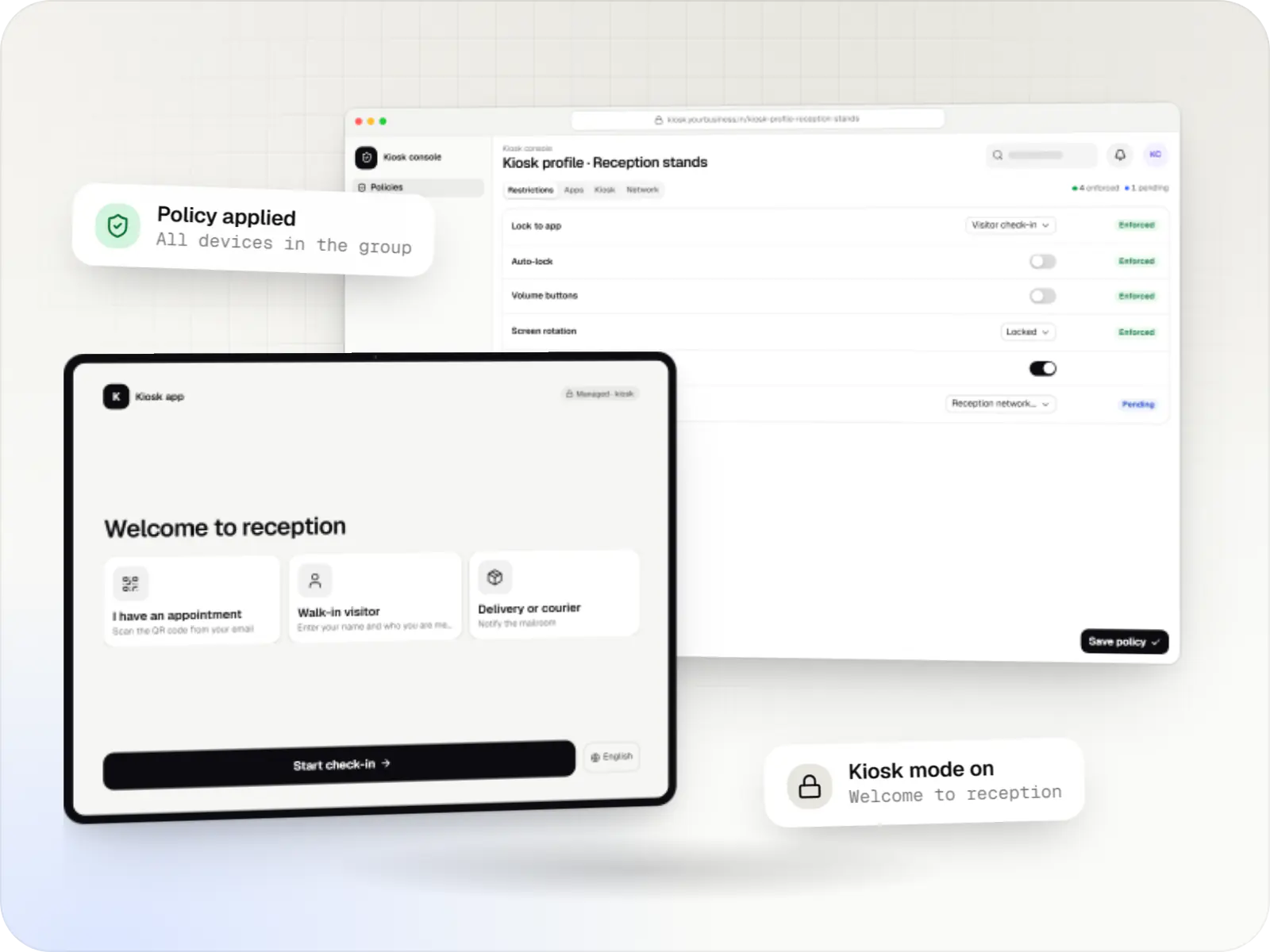
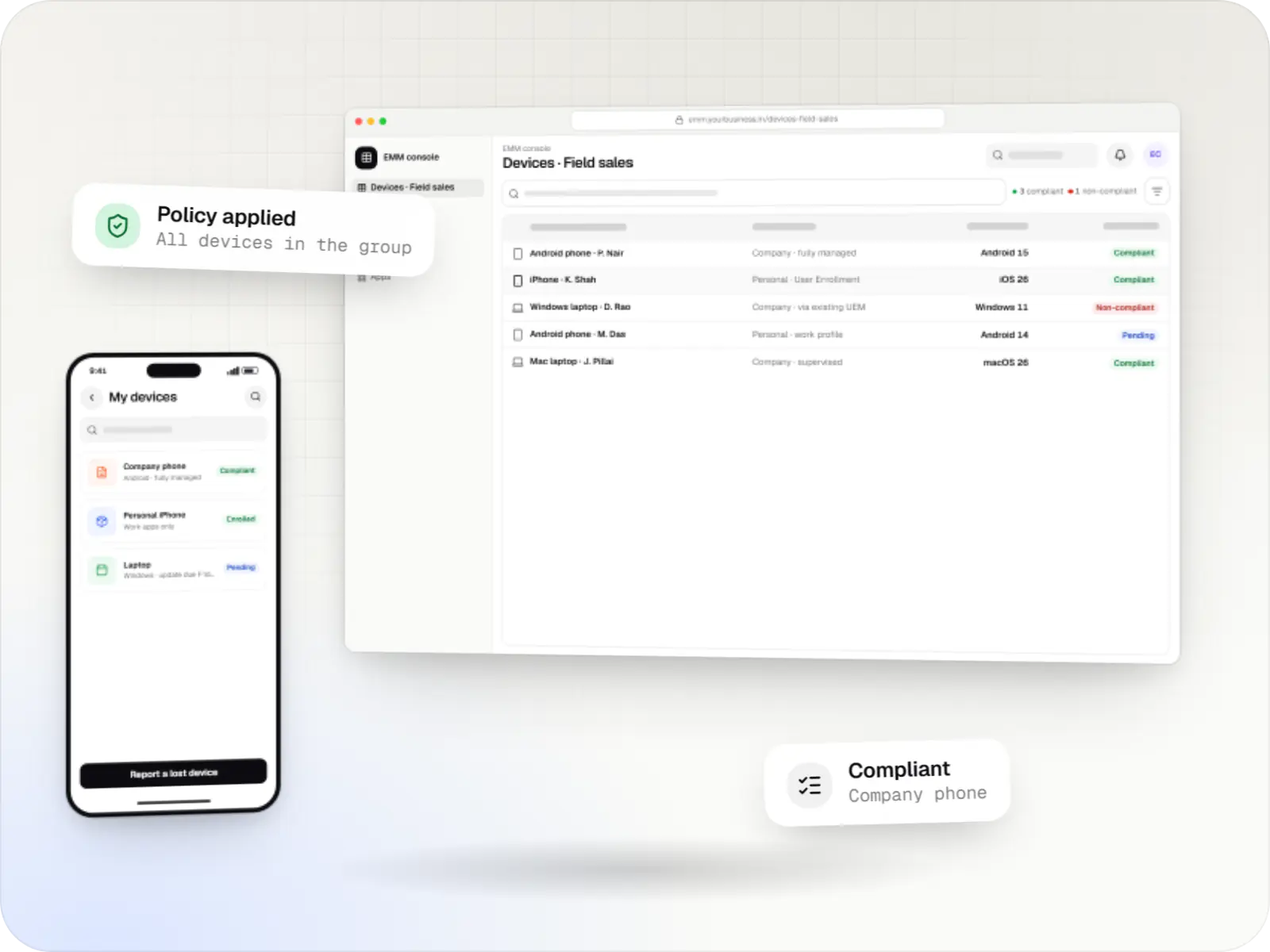
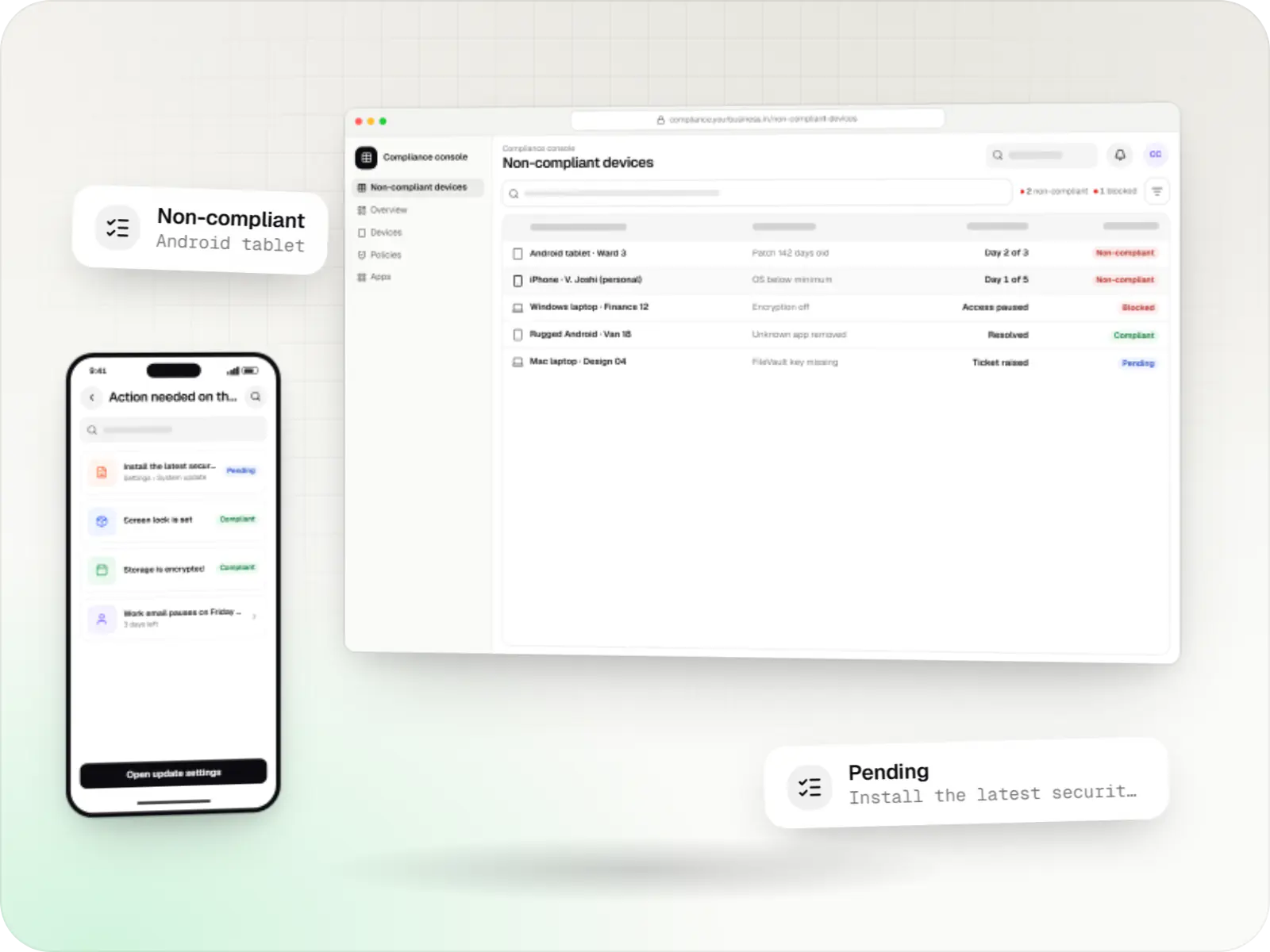
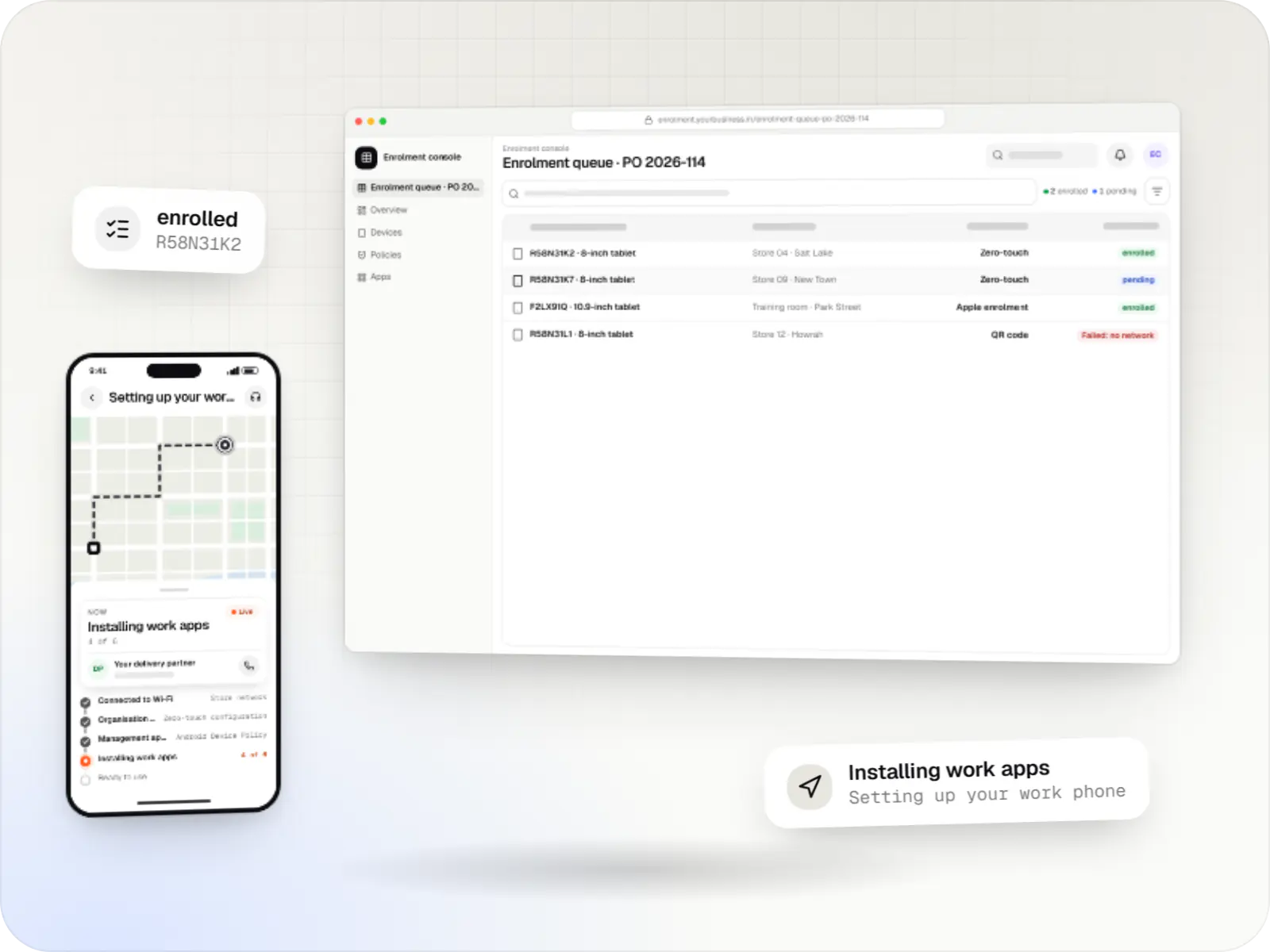
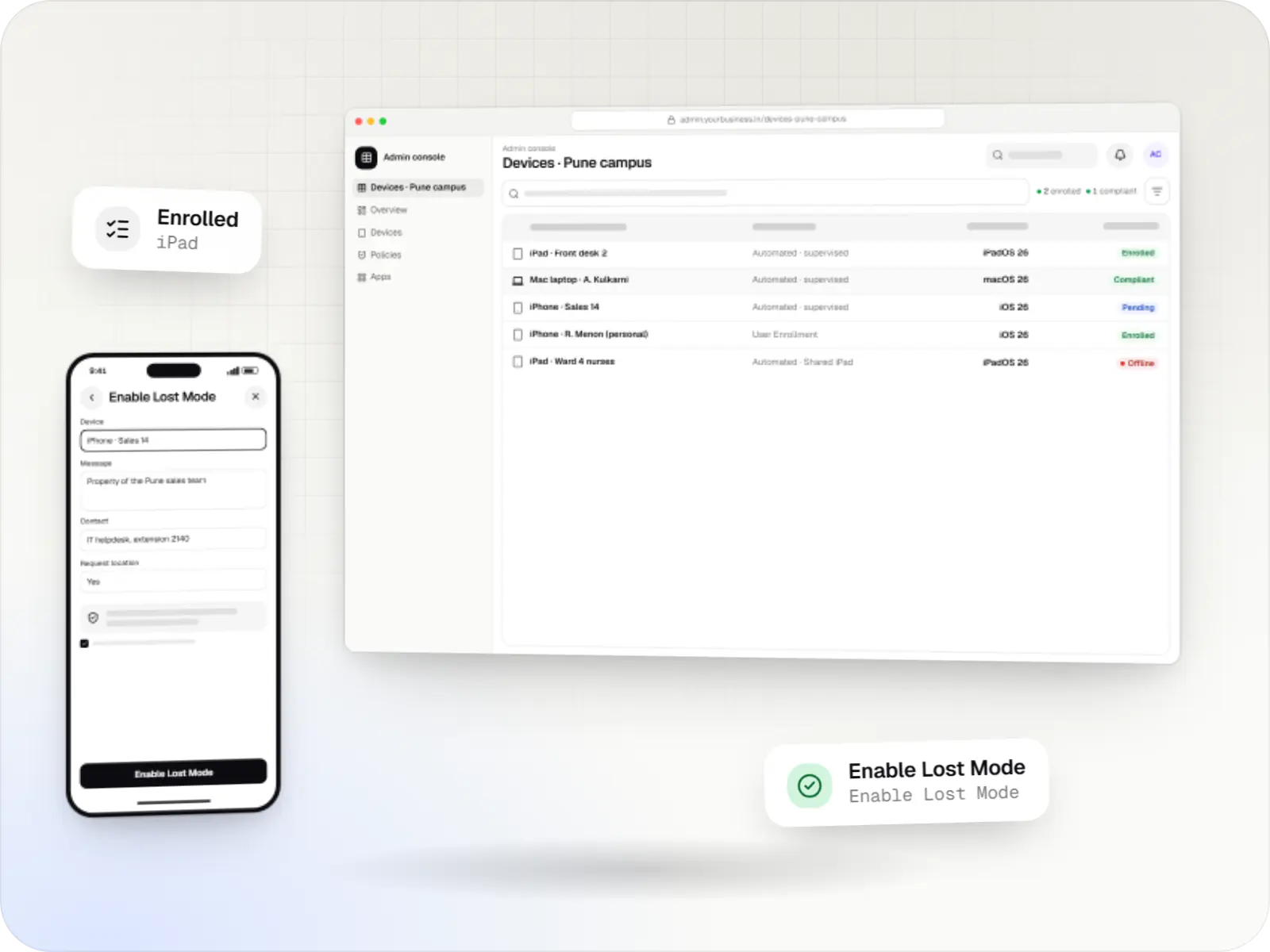
Apple MDM screens: admin console in a browser and admin console on a phone
Illustrative previewDevices locked to the job they do, set up and updated from one management console.

At a glance

The short version

What it is

MDM for company iPhone, iPad and Mac devices: automatic enrolment, supervision, apps, OS updates and remote lock, as a custom build or an integration.

What you get
  • MDM server
  • Admin console
  • Mac management
  • Integrations
How it works
  1. Apple Business or Apple School Manager
  2. Setup Assistant
  3. MDM server
  4. Volume app licences
  5. 2 more
Runs on
  • iPhone and iPad
  • Mac
  • Admin
  • Web app
Cost depends on
  • Build, integrate or both
  • Platforms in scope
  • Enrolment mix
and 3 more factors

How to start

Tell us what you need in your own words. You talk to the developers who would build it and get a written, line-item estimate.

Get a project estimate

How Apple device management works, in plain terms

Apple builds management into iOS, iPadOS and macOS. A device enrolled in an MDM (mobile device management) server accepts settings, apps and commands from it. The server never connects to the device directly: it asks Apple Push Notification service (APNs) to wake the device, and the device then checks in over an encrypted connection to collect its instructions. Newer declarative device management lets devices apply settings on their own and report their status back as it changes.

What IT can do depends on how a device was enrolled. Devices bought by the organisation and registered in Apple Business or Apple School Manager use Automated Device Enrollment and are supervised, which unlocks the full set of restrictions and, on iPhone and iPad, Single App Mode and Lost Mode. Personal devices use User Enrollment, where only work accounts, apps and data are managed.

We build custom MDM servers and consoles, connect existing MDM tools to the rest of your systems, and plan, roll out and support fleets of company devices.

What is included

What we build for Apple fleets

  • Platform: Cloud service

    MDM server

    • Check-in and command endpoints that implement Apple's MDM protocol
    • APNs push for every device, with push certificate renewal reminders
    • Automated Device Enrollment sync with Apple Business and Apple School Manager
    • Declarative device management: configurations, assets and status reports
    • Device identity certificates issued through SCEP or ACME
  • Platform: Admin dashboard

    Admin console

    • Device inventory by site, team and model, with supervision and OS status
    • Settings profiles per role: Wi-Fi, email, VPN, passcode rules and restrictions
    • App assignment from volume app licences and private custom apps
    • Lock, Lost Mode, erase and Return to Service (iPhone and iPad) commands, with approvals
    • Audit log of every command and every change
  • Platform: Mac

    Mac management

    • FileVault turned on during setup (macOS 14 or later), with recovery keys held by IT
    • Managed local administrator account and software update deadlines
    • Package and App Store app deployment
    • Privacy and system extension approvals for security tools
  • Platform: API

    Integrations

    • Joiners and leavers from your HR system
    • Sign-in through your identity provider
    • Helpdesk tickets raised when a device falls out of compliance
    • Asset register and purchase records kept in sync

How it works

From the box to a managed iPhone, iPad or Mac

The same sequence runs whether you manage ten devices or several thousand.

  1. Apple Business or Apple School Manager

    Step 1: Device purchased and registered

    Devices bought from Apple or a participating reseller or carrier appear in your organisation account; others can be added with Apple Configurator, which erases them. Each serial number is assigned to your MDM server.

  2. Setup Assistant

    Step 2: Switched on for the first time

    The device learns it belongs to your organisation, enrols in the MDM server during setup and becomes supervised. Setup screens you do not need are skipped.

  3. MDM server

    Step 3: Settings and restrictions applied

    Wi-Fi, email, VPN, passcode rules and restrictions arrive as configuration profiles and declarations, chosen by the device's group or role.

  4. Volume app licences

    Step 4: Apps installed

    App licences bought in volume are assigned to the device. On a supervised device, apps then install silently, without anyone signing in with a personal Apple Account.

  5. Declarative device management

    Step 5: Status and updates

    Devices report OS version, storage and security state as it changes, and install OS updates by the deadline IT sets (iOS and iPadOS 17 or later, macOS 14 or later).

  6. Admin console

    Step 6: Lost, handed over or retired

    A supervised iPhone or iPad can be put in Lost Mode and located, or erased and, with Return to Service (iOS and iPadOS 17 or later), re-enrolled ready for the next person. Mac computers are erased and set up again.

Then it starts again at step 1: Device purchased and registered

Comparison

Three ways an Apple device can be enrolled

The enrolment method decides how much IT can control, so it is the first decision in any Apple rollout.

Three ways an Apple device can be enrolled
Automated Device EnrollmentDevice EnrollmentUser Enrollment
Who owns the deviceThe organisation, registered in Apple Business or Apple School ManagerThe organisation, set up by hand or with Apple ConfiguratorThe employee (bring your own device)
SupervisionYes, automaticallyiPhone and iPad: only if prepared with Apple Configurator. Mac on macOS 11 or later: yesNo
Can the user remove management?Can be preventedUsually yesYes, which removes work data
What IT managesThe whole device, including supervised-only restrictions and, on iPhone and iPad, Single App Mode and Lost ModeMost settings and apps; supervised-only restrictions need supervisionWork accounts, work apps and their data only
Remote eraseWhole deviceWhole deviceWork data only, by ending management
Good forCompany phones, shared iPad devices, kiosks and Mac laptopsCompany devices that cannot be added to Apple Business, or must not be erased to add themPersonal phones used for work email and apps

Platforms

Devices and consoles we manage

iPhone and iPad devices, Mac computers, and the web console your IT team works in.

  • Mobile

    iPhone and iPad

    Organisation-owned or shared iPhone and iPad devices enrolled in MDM through Apple Business or Apple School Manager, supervised for Single App Mode and stricter restrictions.

  • Desktop

    Mac

    Mac computers enrolled in MDM for configuration profiles, app and package installs, disk encryption settings and software update rules, set up at first power-on when the purchase is linked to Apple Business.

  • Back office

    Admin dashboard

    Back-office panels for operations, support and finance teams: orders, users, content, reports and permissions.

  • Web

    Web application

    Browser-based applications with logins, roles and workflows, such as customer portals, SaaS products and internal tools.

Technology

Apple services and the stack behind the console

Apple's MDM protocol and Apple Business do the device-side work; our server, database and console tie them to your organisation.

  • Device management

    Apple MDM protocol

    The management channel built into iPhone, iPad and Mac: an MDM server sends settings, apps and commands, and devices apply them remotely.

    Used for

    • iPad kiosks
    • Company iPhone fleets
    • Mac setup and updates
    • School iPad programmes
  • The Apple portal for organisations, now called Apple Business: devices bought from Apple or linked resellers are assigned to your MDM and set up at first power-on.

    Used for

    • Zero-touch device setup
    • iPhone, iPad and Mac rollouts
    • Volume app licences
    • Managed Apple Accounts
  • Apps built specifically for iPhone and iPad, for when your product needs Apple features or a polished experience for iPhone users.

    Used for

    • Apps for iPhone
    • Apps for iPad
    • Health and fitness apps
    • Premium shopping apps
  • Backend

    Node.js

    Runs the server side of apps: fast, scalable back ends that power your app, website and integrations.

    Used for

    • App back ends
    • Live order tracking
    • Chat and notifications
    • Payment processing
  • Backend

    NestJS

    A structured way to build back ends on Node.js, so large business systems stay organised, testable and easy to hand over.

    Used for

    • Business app back ends
    • SaaS platforms
    • Marketplaces
    • Admin panel back ends
  • A reliable database for the records your business runs on: orders, payments, bookings and stock, kept accurate and easy to report on.

    Used for

    • Orders and customers
    • Payments and ledgers
    • Stock and inventory
    • Bookings
  • Data

    Redis

    Keeps frequently used data in fast memory, so apps stay quick on busy days and live features like order tracking feel instant.

    Used for

    • Faster apps
    • Live order status
    • Shopping carts
    • Job queues and alerts
  • Builds interactive screens in the browser, such as dashboards, admin panels and portals, that respond instantly as your team works.

    Used for

    • Web apps
    • Admin panels
    • Dashboards
    • Customer portals
  • A modern web technology for fast, search-friendly websites, online stores and web applications that load quickly on mobile.

    Used for

    • Business websites
    • Online stores
    • Web apps
    • Customer portals
  • Cloud & DevOps

    AWS

    Cloud hosting for your app, website and data, with data centres in India and room to grow when traffic rises.

    Used for

    • App hosting
    • File and photo storage
    • Backups
    • Busy sale days
  • Cloud & DevOps

    Docker

    Packages your software so it runs the same way on every laptop and server, which makes releases predictable and moving hosts easier.

    Used for

    • Reliable releases
    • Same setup everywhere
    • Faster onboarding
    • Easy scaling

Plain-English glossary

Apple device management terms, in plain English

MDM (mobile device management)
The server that sends settings, apps and commands to enrolled devices. On Apple devices, MDM is built into the operating system, so most tasks need no extra app on the device.
APNs (Apple Push Notification service)
Apple's service that wakes a device when the MDM server has work for it. The server needs a push certificate that is renewed every year with the same account; if it lapses, devices stop receiving instructions.
Supervision
A mode for company-owned iPhone, iPad and Mac devices that unlocks deeper control, such as hiding apps and, on iPhone and iPad, Single App Mode and Lost Mode. Devices that enrol through Automated Device Enrollment become supervised automatically.
Automated Device Enrollment
Company devices enrol in your MDM during their first setup, without IT touching them. It is what makes a large rollout practical: staff unbox a device and it configures itself.
Configuration profile
A bundle of settings, such as Wi-Fi, email, passcode rules or restrictions, that the MDM installs on a device. Removing the profile removes those settings, which keeps changes clean and reversible.
Declarative device management
The newer way Apple devices are managed: the device receives the desired state, applies it itself and reports changes back. From the 27 releases of iOS, iPadOS and macOS, OS updates can only be enforced this way.

Product preview

What the Apple device console looks like

Illustrative screens from a custom console; device names, people and numbers are samples.

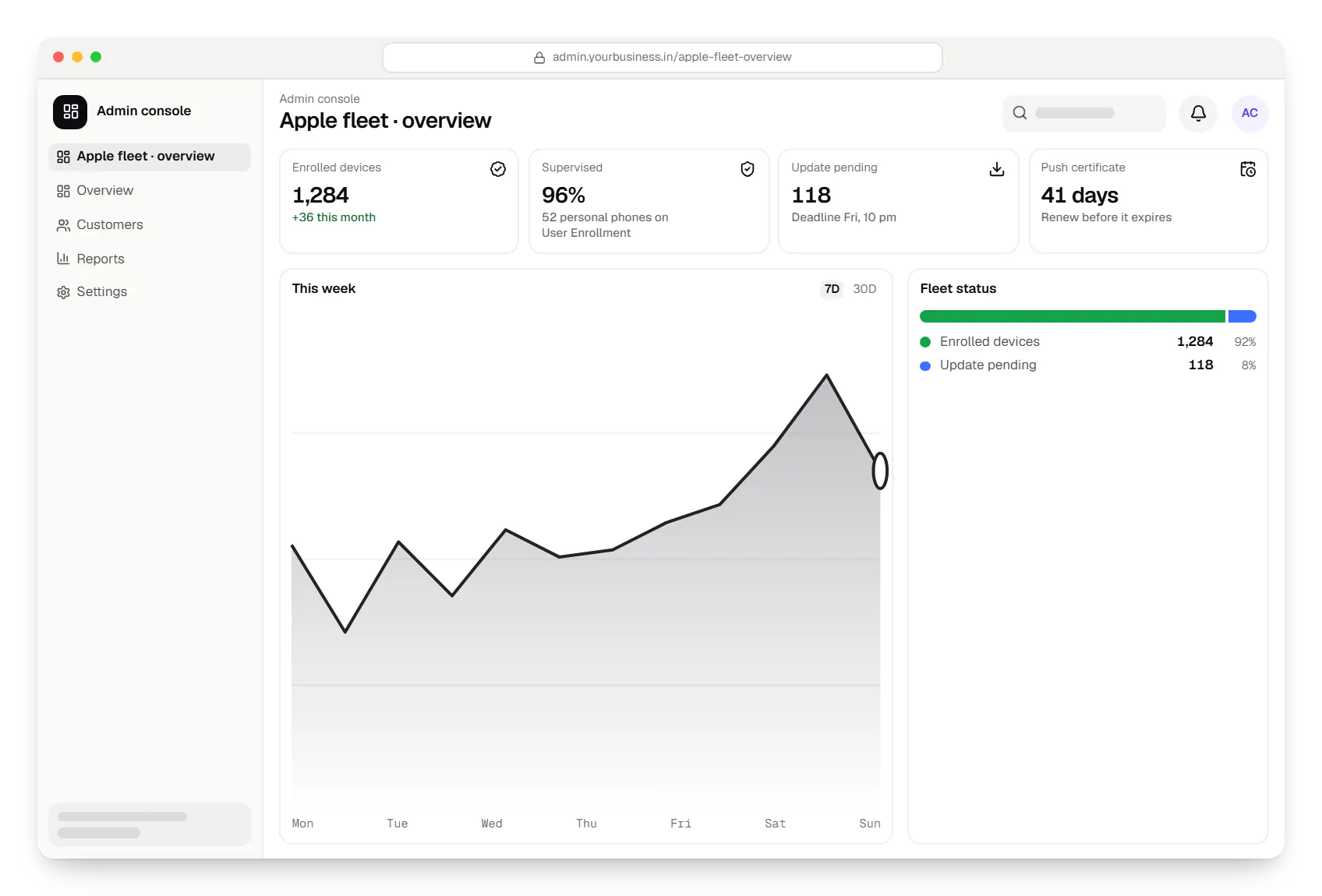
  • Apple MDM admin console dashboard in a web browser, with key figures and a chart
    Admin console. IT sees at a glance how many devices are enrolled and supervised, which need an OS update, and when the push certificate must be renewed.
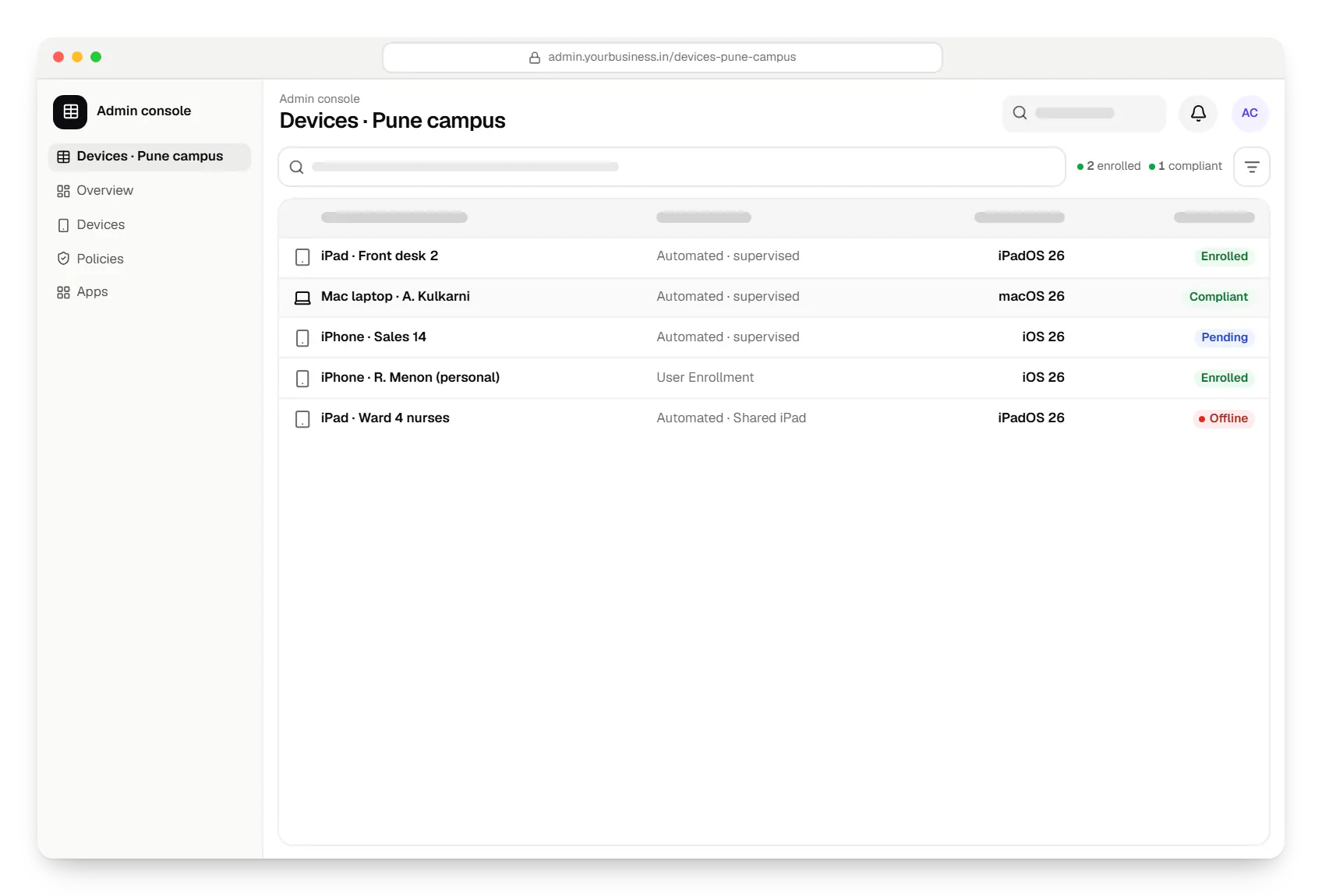
  • Apple MDM admin console devices table in a web browser, with 5 rows and status labels
    Admin console. Every iPhone, iPad and Mac with its owner, enrolment type and status, filtered by site and team, so audits no longer depend on spreadsheets.
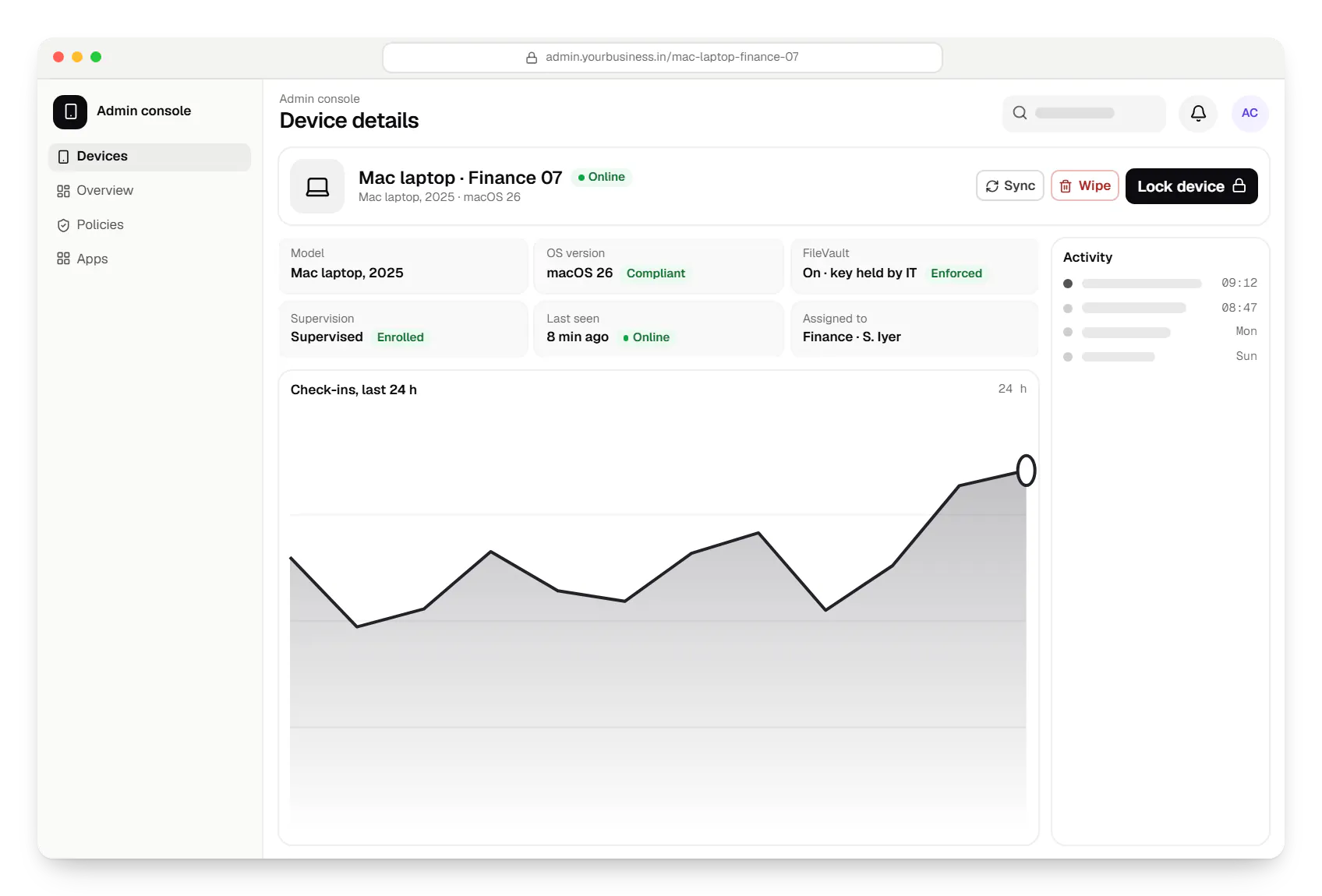
  • Apple MDM admin console device details in a web browser
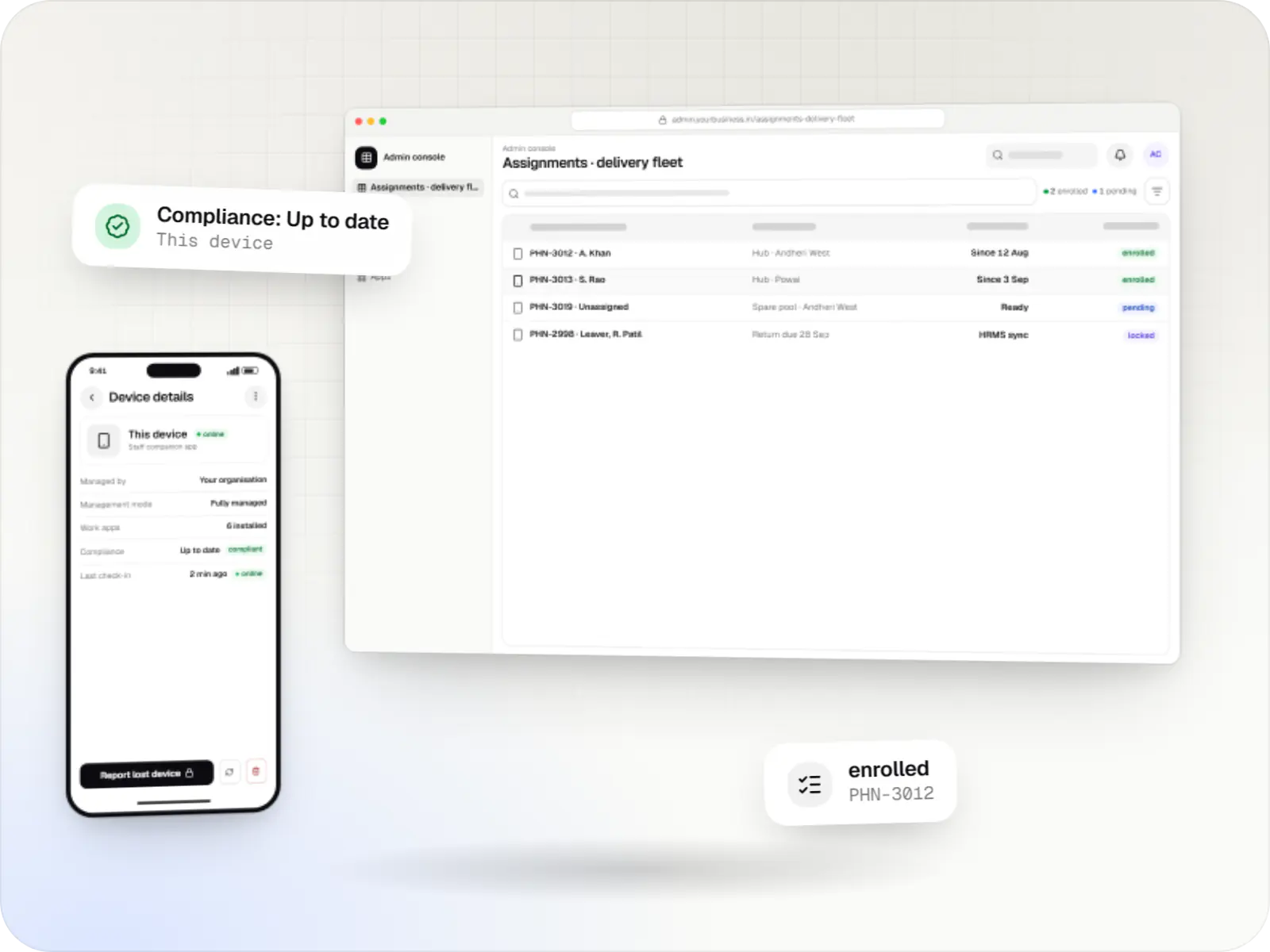
    Admin console. One device's full picture: encryption, OS version, last check-in and owner, with lock and erase commands close at hand and every command logged.
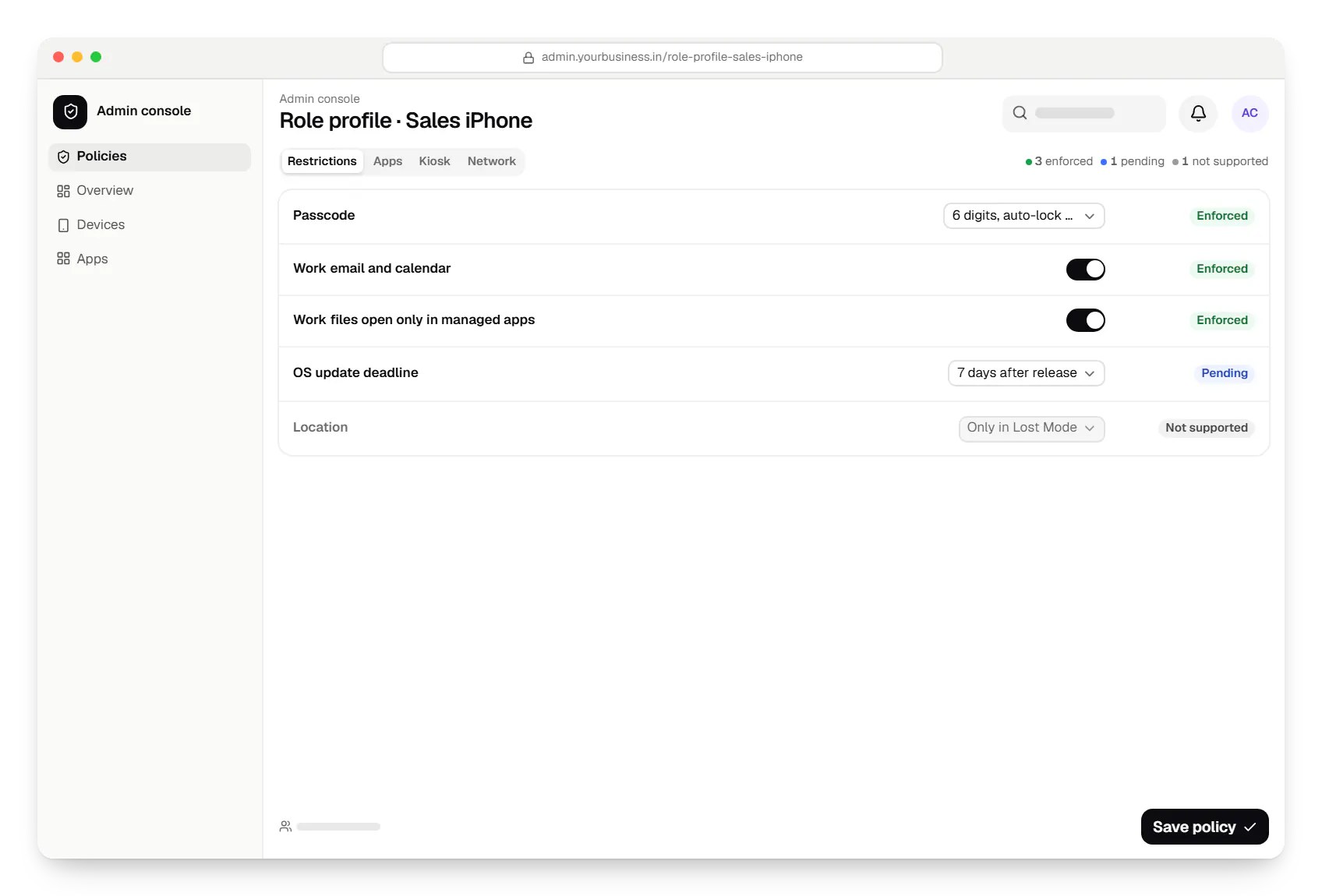
  • Apple MDM admin console policy settings in a web browser
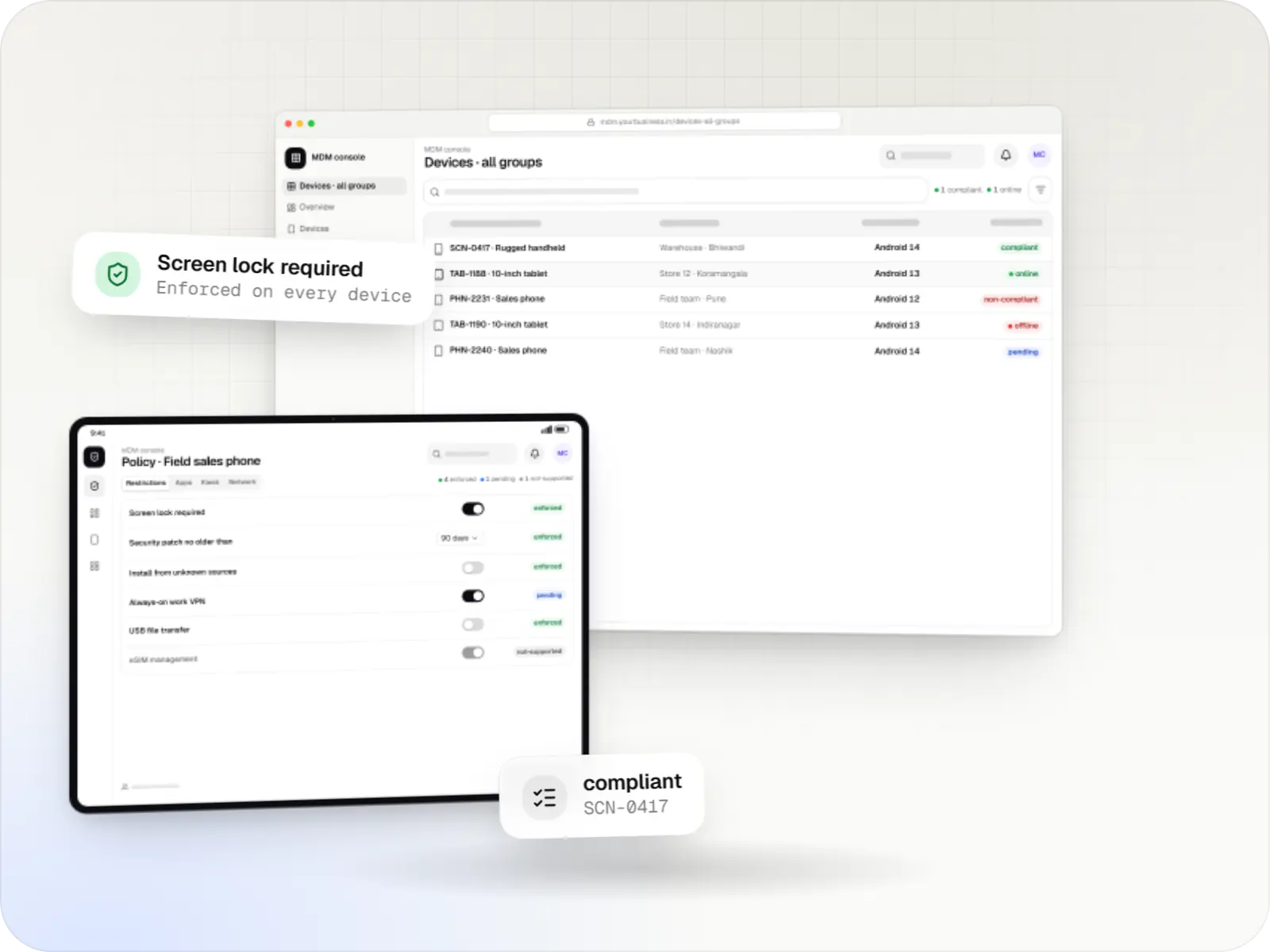
    Admin console. Settings are grouped by role, so a new sales phone gets Wi-Fi, email, passcode rules and apps automatically, and one change reaches every phone in the group.
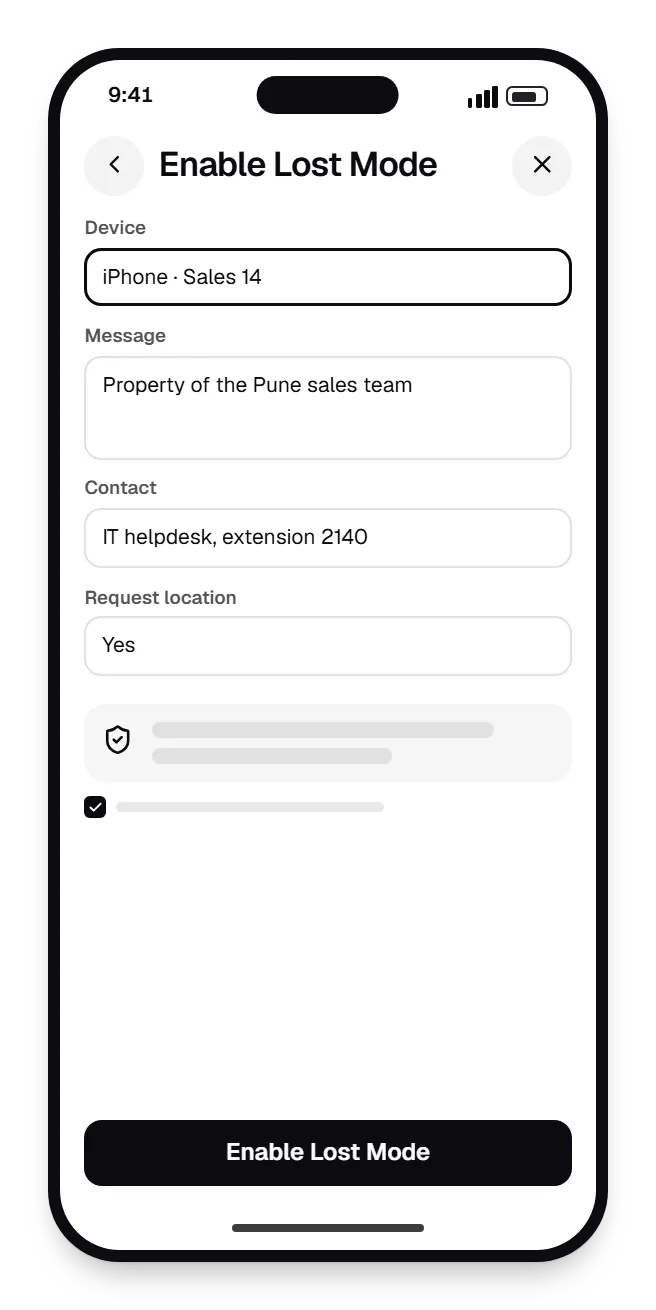
  • Apple MDM admin console enable lost mode on a phone, with input fields and an action button
    Admin console (phone). When a supervised iPhone or iPad goes missing, an admin locks it with a return message; the device can then report its location, and the user is told afterwards.
Illustrative preview

Sample screens: names, prices and figures are examples, not client data.

Work

A sample tablet-management build

  • Device management & kiosk solutions

    Illustrative sample

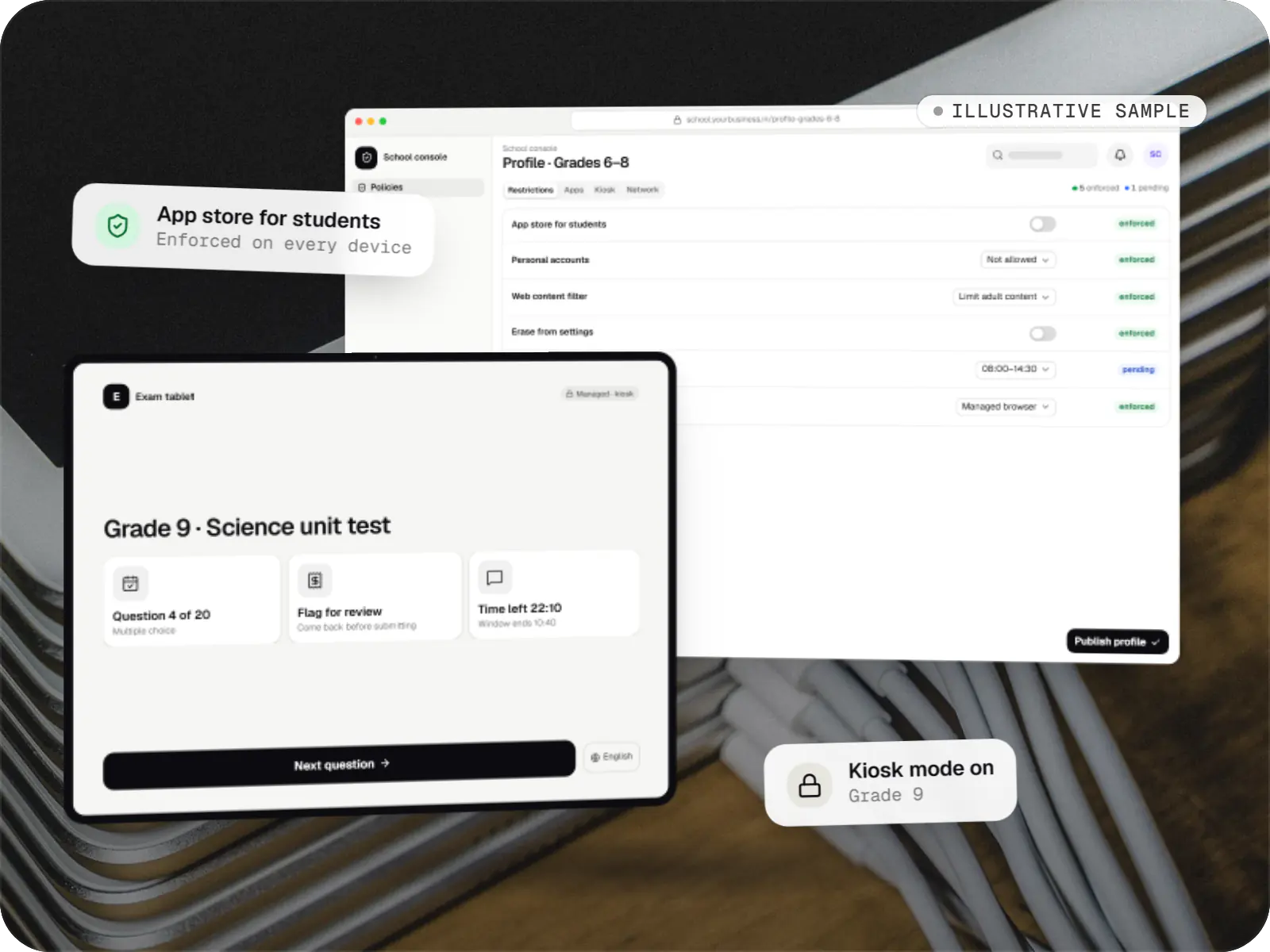
    Tablet management console for schools

    An illustrative console for school tablets: iPad devices through Apple School Manager and MDM, Android™ tablets through Android Enterprise, with class-based rules teachers can follow.

    • Schools
    • Device management SaaS

    Runs on

    • iPhone and iPad
    • Android Enterprise
    • Admin
    • Web app

    Built with

    • Next.js
    • NestJS
    • PostgreSQL
    • Redis
    • AWS
    • +1 more

Cost drivers

What drives the cost of an Apple MDM project

  1. Build, integrate or both

    Connecting an MDM you already use to HR, identity and helpdesk systems is a smaller job than building and running your own MDM server.

  2. Platforms in scope

    iPhone and iPad share most of the protocol. Adding Mac management brings FileVault, software packages, privacy approvals and a separate test cycle.

  3. Enrolment mix

    Supervised company devices, Shared iPad and personal devices on User Enrollment each need their own flows, role profiles and testing.

  4. Declarative management depth

    From the 27 releases, OS updates can only be enforced through declarative device management, and its status reports replace much of the old polling. Both add server work.

  5. Apple developer and certificate setup

    Running your own MDM server means requesting MDM vendor access from Apple, issuing push certificates and renewing them every year.

  6. Fleet size and rollout support

    Staged rollout plans, setup days on site and training for site admins scale with the number of devices and locations.

Estimates are written from your scope, with the effort and assumptions behind each line item.

How pricing works

Process

How an Apple device project runs

  1. Fleet and account review

    We list your devices, how they were bought, which Apple Business or Apple School Manager account holds them and what each group of users needs.

    You getDevice inventory and enrolment plan

  2. Build or integrate decision

    We compare the device management built into Apple Business, your current MDM and a custom server for your case, and recommend one with reasons.

    You getWritten recommendation and estimate

  3. Pilot group

    A small group of devices across your main roles runs the new role profiles for two weeks, and we adjust settings from real feedback.

    You getPilot report

  4. Staged rollout

    Sites or departments move in waves, with setup guides for staff and a rollback plan for each wave.

    You getRollout schedule and guides

  5. Run and support

    We renew certificates, test each major OS release on pilot devices before it reaches your fleet and handle requests from your IT team.

    You getSupport plan

Services

Services involved

The disciplines a project like this draws on.

  • iOS app development

    Native iPhone and iPad apps in Swift and SwiftUI, built to Apple's review guidelines and privacy rules and tested on the devices your customers use.

  • Custom software development

    Software shaped around how your business runs, from approvals and inventory to billing and reports, replacing spreadsheets and disconnected tools.

  • Admin panel development

    Back-office dashboards built around your team's daily tasks: order queues, approvals, catalogue management, payouts, reports and audit logs.

  • API development

    Secure, documented REST and GraphQL APIs, plus integrations that connect your apps to payment, logistics, GST, messaging and business systems.

  • SaaS development

    Multi-tenant SaaS products with subscription billing, team roles, onboarding and usage analytics, from first MVP to paying customers.

Industries

Who it is for

Industries where this kind of product fits well.

More specific pages

Tailored by industry

  • MDM solutions for iPhone, iPad and Mac for

FAQ

Frequently asked questions

Do we need our own MDM server, or can we use an existing one?

Often you do not need your own. Apple Business includes built-in device management that suits many small fleets, and established MDM products cover most company needs. A custom MDM server makes sense when device management is part of your own product, such as a school platform or a retail system that must control iPad devices, or when you need workflows no product offers. We can also connect an existing MDM to your HR, identity and helpdesk systems through its API, which is usually the quickest route.

What does Apple require before we can run our own MDM server?

The organisation behind the server needs an Apple Developer Program or Apple Developer Enterprise Program membership, and its Account Holder asks Apple Developer Support for an MDM vendor CSR signing certificate. With it, you sign certificate requests so that each customer can create an MDM push certificate at the Apple Push Certificates Portal. Push certificates expire after a year and must be renewed with the same Apple Account rather than replaced, otherwise every device has to enrol again. We set up and document this process with you.

Can we see where our iPhone and iPad devices are?

Only in a limited and visible way. MDM does not track location day to day. On a supervised iPhone or iPad, IT can switch on Managed Lost Mode, which locks the device with a message and lets the MDM request its current location. When Lost Mode is turned off, the user is told that the location was collected. If staff need location for their work, such as field visits, that belongs in a work app that asks permission and explains why, in line with the Digital Personal Data Protection Act, 2023.

What can the company control on an employee’s personal iPhone?

With User Enrollment, the company manages only the work side: a Managed Apple Account, work apps, their data and settings such as VPN for those apps. It can lock the screen, but it cannot see personal apps, photos or messages, cannot locate the phone and cannot erase it. When the employee leaves, ending management deletes the work apps and data and leaves personal content untouched. That trade-off is why personal phones suit email and business apps, while kiosks and shared devices should be company-owned.

How are OS updates handled across the fleet?

Through declarative device management. The console sets a target version and a deadline; devices download the update, remind the user and install it by the deadline, reporting progress as they go. The older MDM update commands no longer work from the 27 releases of iOS, iPadOS and macOS, so any MDM we build or integrate uses the declarative method. We usually test each major release on a pilot group before setting a deadline for everyone else.

Can we manage Mac computers from the same console?

Yes. Mac computers enrol the same way, through Automated Device Enrollment for company-owned machines, and use the same MDM protocol. Mac management adds its own tasks: FileVault encryption with the recovery key held by IT, software packages, privacy approvals for security tools and a managed local administrator account. Windows PCs and Android devices use different management protocols; if you want everything in one console, that is enterprise mobility management, which we also build.

Next step

Plan your Apple device rollout

Tell us how many iPhone, iPad and Mac devices you run, how they were bought and what IT needs to control. We will recommend building, integrating or Apple's built-in option, with a line-item estimate.

Or reach us directly

Mon–Sat, 10:00–19:00 IST