Web
Next.js
A modern web technology for fast, search-friendly websites, online stores and web applications that load quickly on mobile.
Used for
- Business websites
- Online stores
- Web apps
- Customer portals
Industry · SaaS
Tenancy, billing, enterprise features and roadmap capacity.
At a glance
What it is
Engineering for SaaS companies: multi-tenant architecture, subscription billing, enterprise features and roadmap capacity after early traction.

SaaS products must serve many customers from one codebase, bill them correctly every cycle and earn renewals. We help Indian SaaS teams from their first tenancy model to enterprise readiness.
How to start
Tell us what you need in your own words. You talk to the developers who would build it and get a written, line-item estimate.
Get a project estimateA SaaS product is judged on things a demo never shows: whether tenant data stays isolated, whether mid-cycle upgrades prorate correctly, whether an admin can revoke a leaver's access in one click. Fixing them early is far cheaper than after the first large deal.
Early-stage founders want an MVP with tenancy, sign-up and billing done properly. Established companies want capacity for a module, mobile app, public API or enterprise push while their core team stays on the roadmap.
Challenges
Scoping bolted on later leaves gaps; enforce it in the data layer.
Seats, usage meters, proration, dunning and GST invoices need a real billing model.
SSO, SCIM provisioning, audit logs and granular roles arrive with security questionnaires.
Queues and rate limits stop one heavy tenant slowing everyone.
Solutions
Across 3 areas
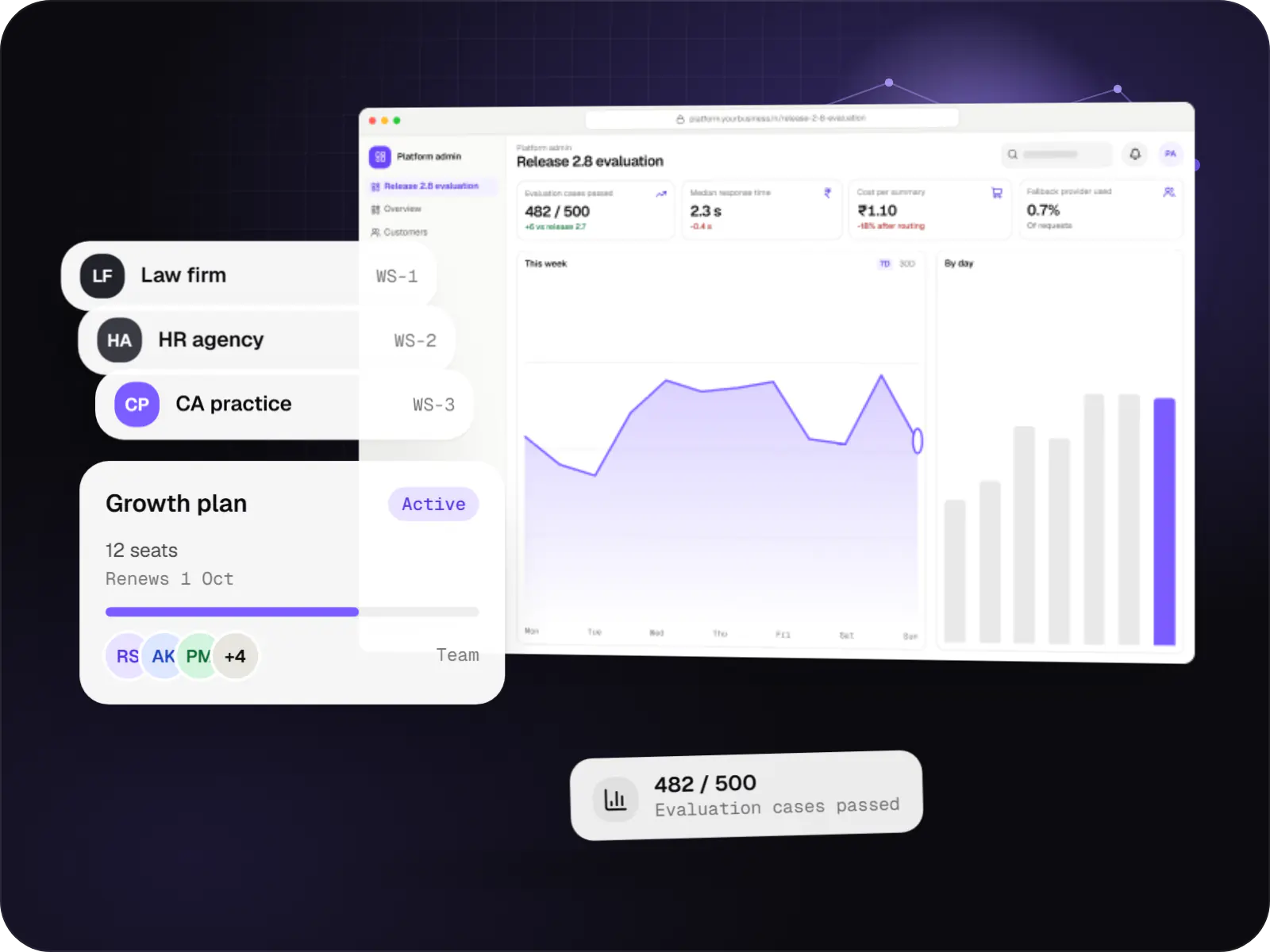
Multi-tenant SaaS products with AI at their core, built with tenant isolation, usage metering, model routing, evaluation and subscription billing.

Custom CRM software that captures leads from every channel, keeps follow-ups on schedule and shows managers a live pipeline.
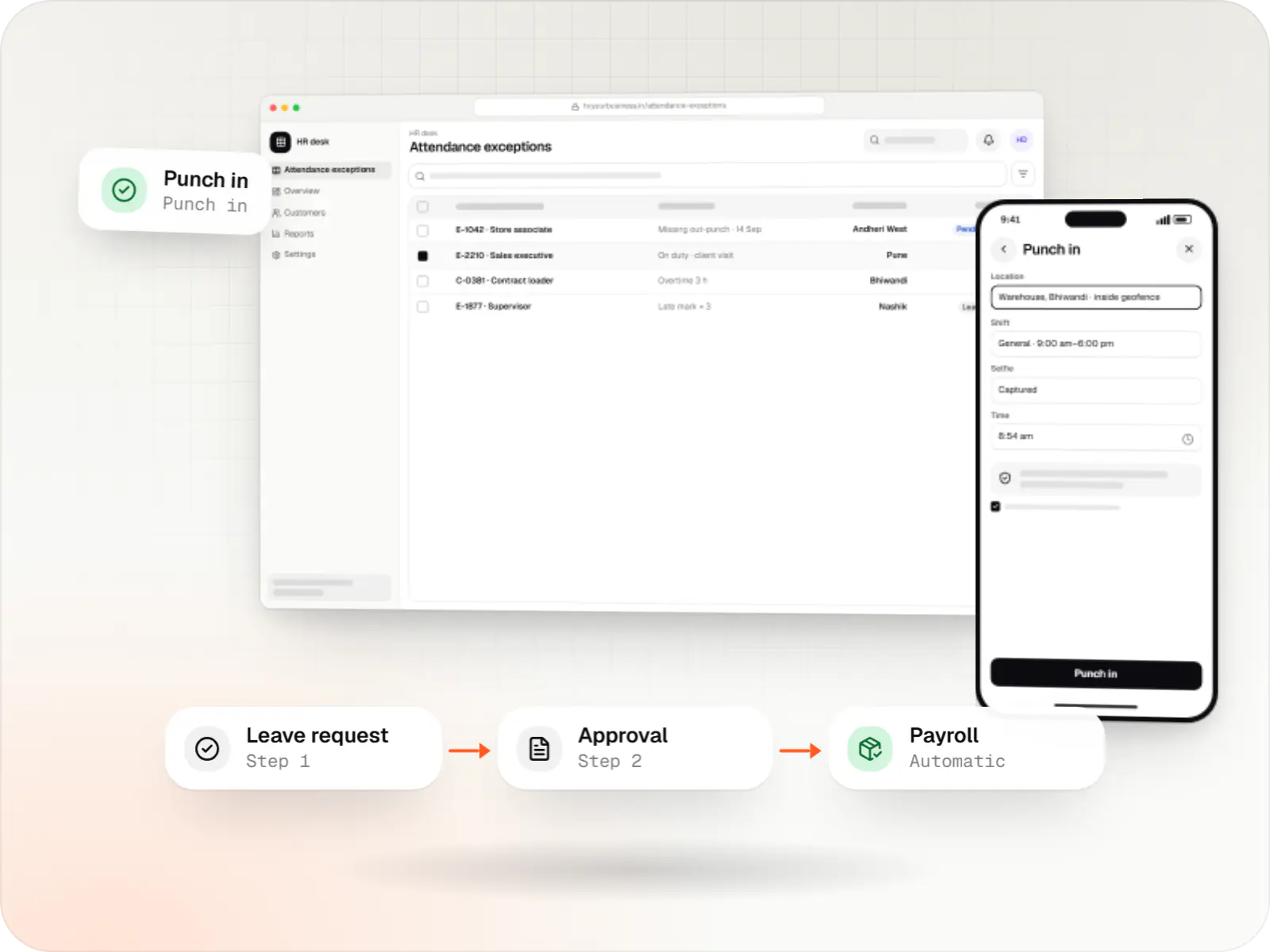
Custom HRMS covering attendance, leave, payroll with Indian statutory deductions, onboarding and an employee self-service app.
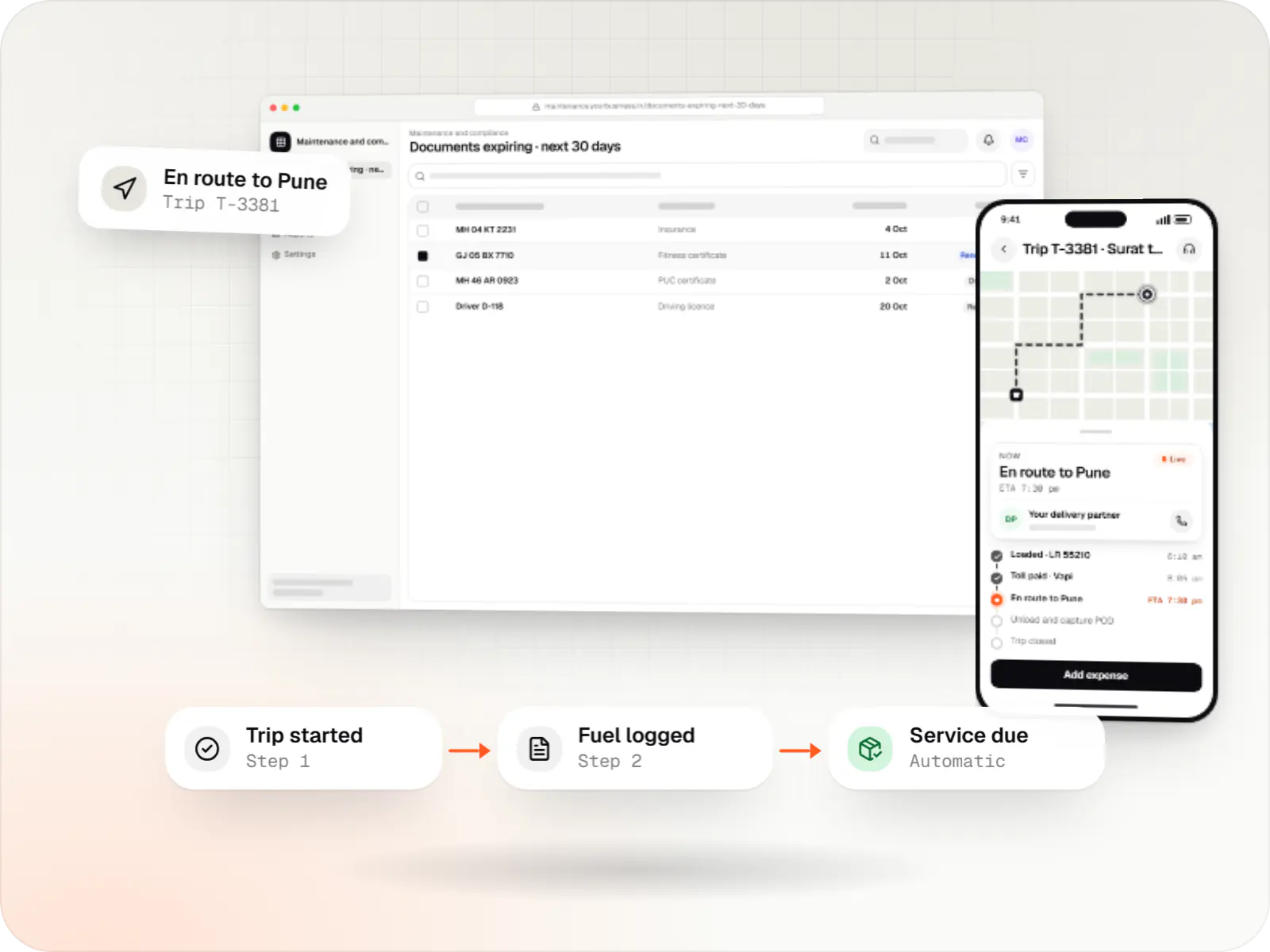
Custom fleet management software for GPS tracking, trips, driver apps, compliance reminders, maintenance and freight billing.
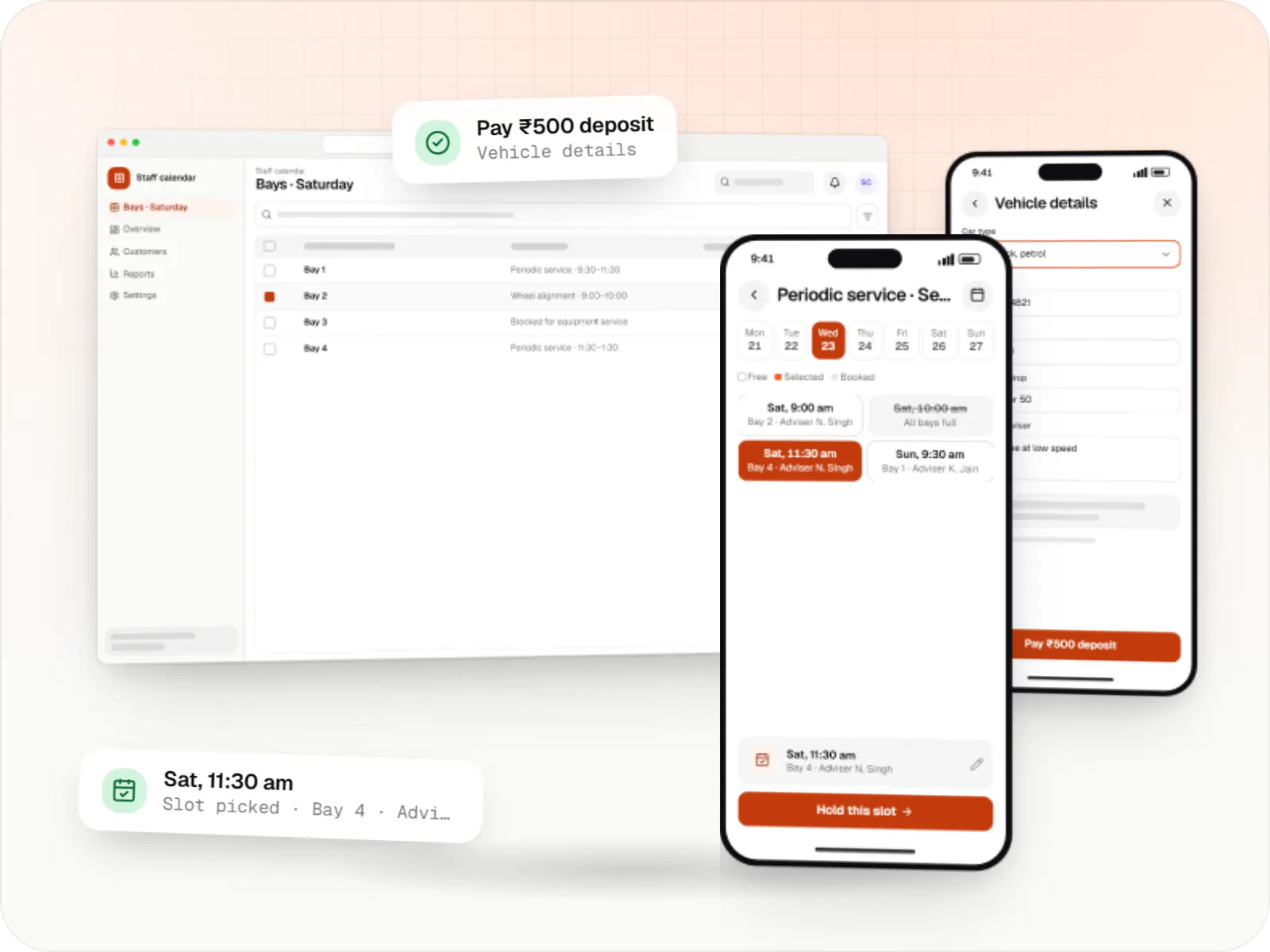
Custom scheduling software for consultants, service centres, labs and multi-location businesses: availability rules, reminders, payments and calendar sync.
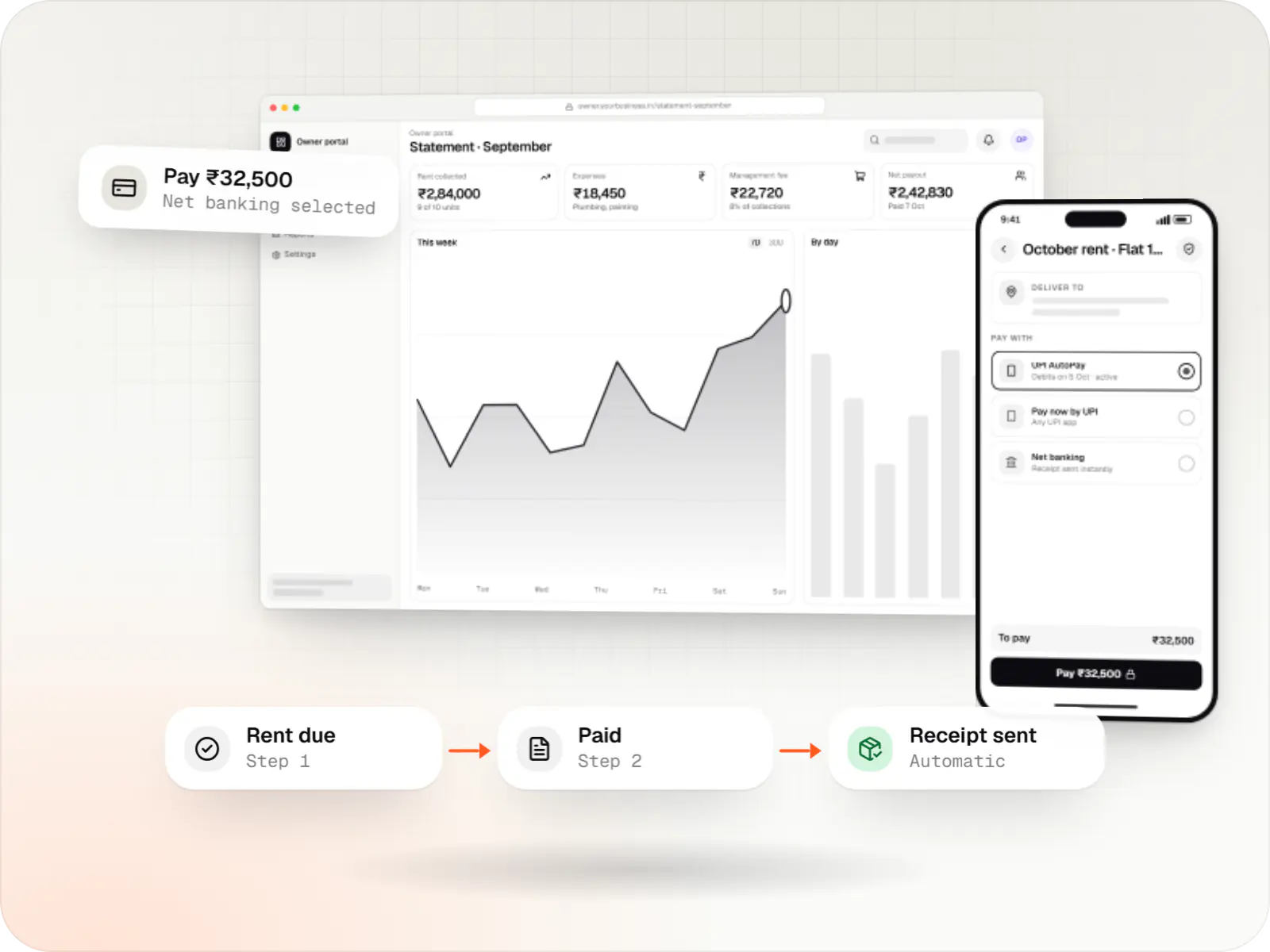
Custom property management software for leases, rent collection with UPI AutoPay, maintenance requests, owner statements and society operations.
Sign-up, invites and a first-run flow to the first useful action.
Limits in code; Stripe abroad, Razorpay with UPI AutoPay in India.
SAML or OIDC via Google Workspace, Entra ID or Okta, plus audit trails.
Versioned endpoints, scoped keys and signed webhooks with retries.
Support staff adjust plans and view usage safely.
How it works
Each step is something your product must handle on its own, for every tenant and every billing cycle.
An admin creates an account and the system sets up a new tenant with its own data boundary, default roles and a trial plan, with no one on your team involved.
The admin invites colleagues or connects Google Workspace or Entra ID for single sign-on, and a first-run checklist leads everyone to the first useful result.
Seats, projects or API calls are counted against plan limits, and customers see their usage well before they reach a limit.
At the end of each cycle a GST invoice is raised and the card or UPI AutoPay mandate is charged; a failed payment starts a polite retry sequence.
Customers connect their own tools with scoped API keys and receive signed webhooks when records change, so your product fits into their workflow.
Your support team sees the account's plan, usage and audit log to help safely, and customer success spots accounts at risk before renewal.
Then it starts again at step 1: A company signs up
Platforms
Browser-based applications with logins, roles and workflows, such as customer portals, SaaS products and internal tools.
Back-office panels for operations, support and finance teams: orders, users, content, reports and permissions.
One Flutter or React Native codebase for Android and iOS, with native modules where a feature needs them.
Installable web apps with offline support and notifications, useful when an app-store listing isn't essential or phones have little storage.
Technology
Next.js and NestJS form the product and its API, PostgreSQL enforces the boundary between tenants, Docker keeps every environment identical on hosting built on AWS, and Stripe or Razorpay handle international and Indian billing.
Web
A modern web technology for fast, search-friendly websites, online stores and web applications that load quickly on mobile.
Used for
Web
Builds interactive screens in the browser, such as dashboards, admin panels and portals, that respond instantly as your team works.
Used for
Backend
A structured way to build back ends on Node.js, so large business systems stay organised, testable and easy to hand over.
Used for
Backend
Runs the server side of apps: fast, scalable back ends that power your app, website and integrations.
Used for
Data
A reliable database for the records your business runs on: orders, payments, bookings and stock, kept accurate and easy to report on.
Used for
Data
Keeps frequently used data in fast memory, so apps stay quick on busy days and live features like order tracking feel instant.
Used for
Cloud & DevOps
Packages your software so it runs the same way on every laptop and server, which makes releases predictable and moving hosts easier.
Used for
Cloud & DevOps
Cloud hosting for your app, website and data, with data centres in India and room to grow when traffic rises.
Used for
Payments & maps
Accepts card payments and subscriptions from customers outside India, in many currencies, with automatic invoices and renewals.
Used for
Payments & maps
Lets customers in India pay by UPI, cards, netbanking or wallets, and handles subscriptions, refunds and payouts to sellers or partners.
Used for
Plain-English glossary
Comparison
| Shared tables with tenant ID | Schema per tenant | Database per tenant | |
|---|---|---|---|
| Isolation | Logical, via code and row-level security | Separate schemas in one database | Fully separate databases |
| Cost per tenant | Lowest | Moderate | Highest |
| Migrations | One run for everyone | Per schema; needs tooling | Per database; needs orchestration |
| Good fit for | SMB products with many small tenants | Mid-market, moderate tenant counts | Enterprise or regulated customers |
Product preview
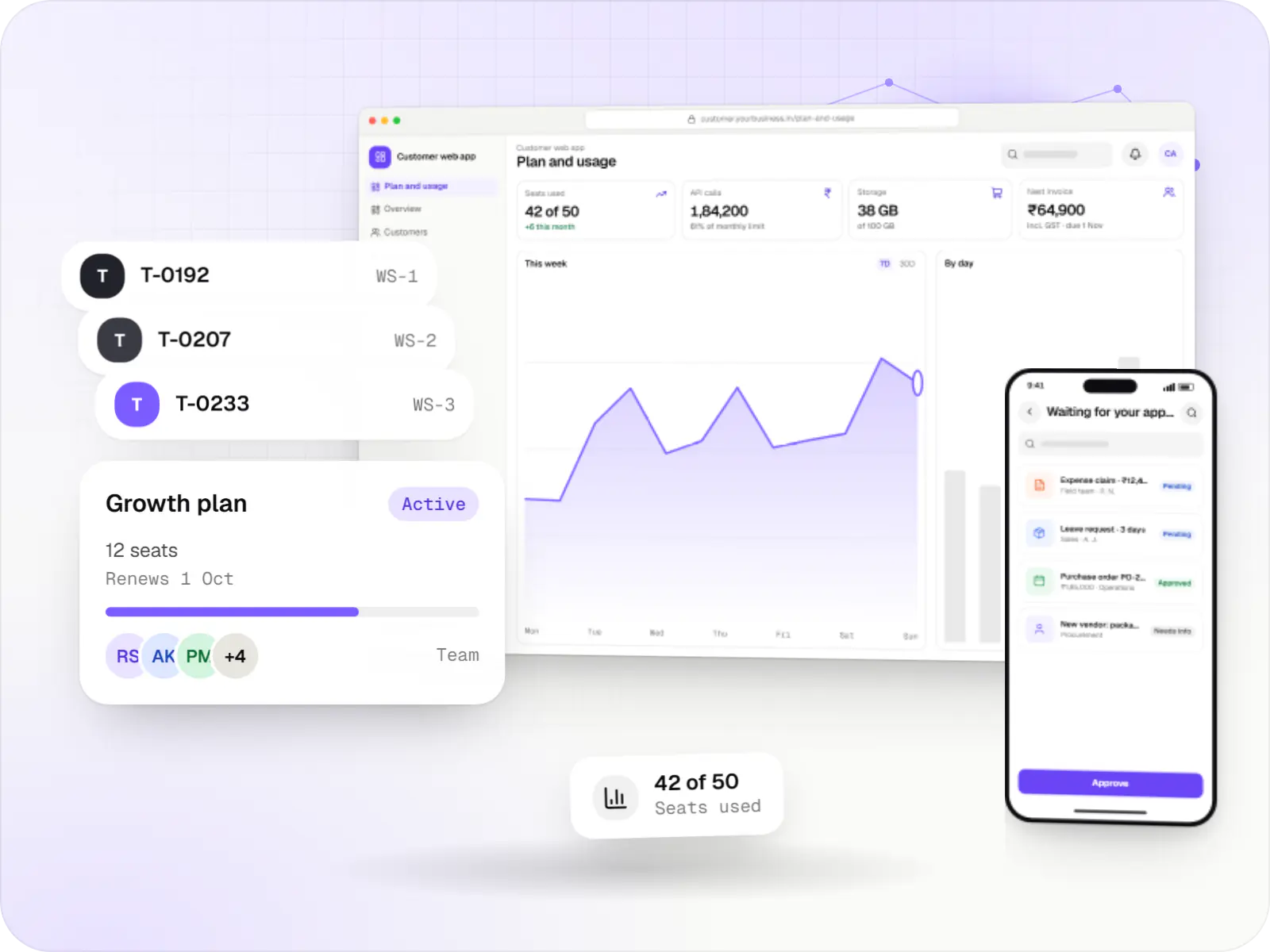
Illustrative screens for a typical B2B SaaS product; the modules and plan names follow your roadmap.
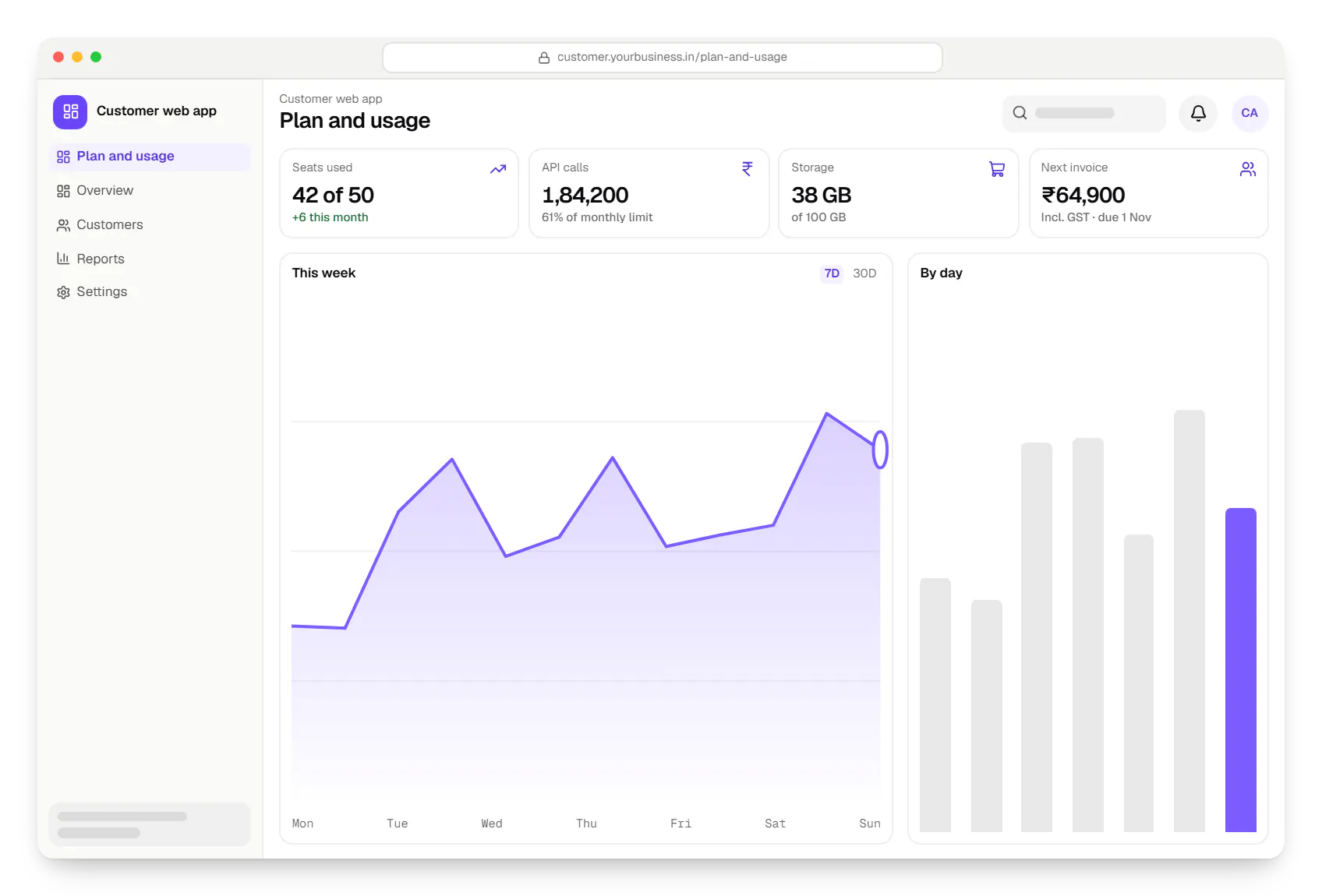
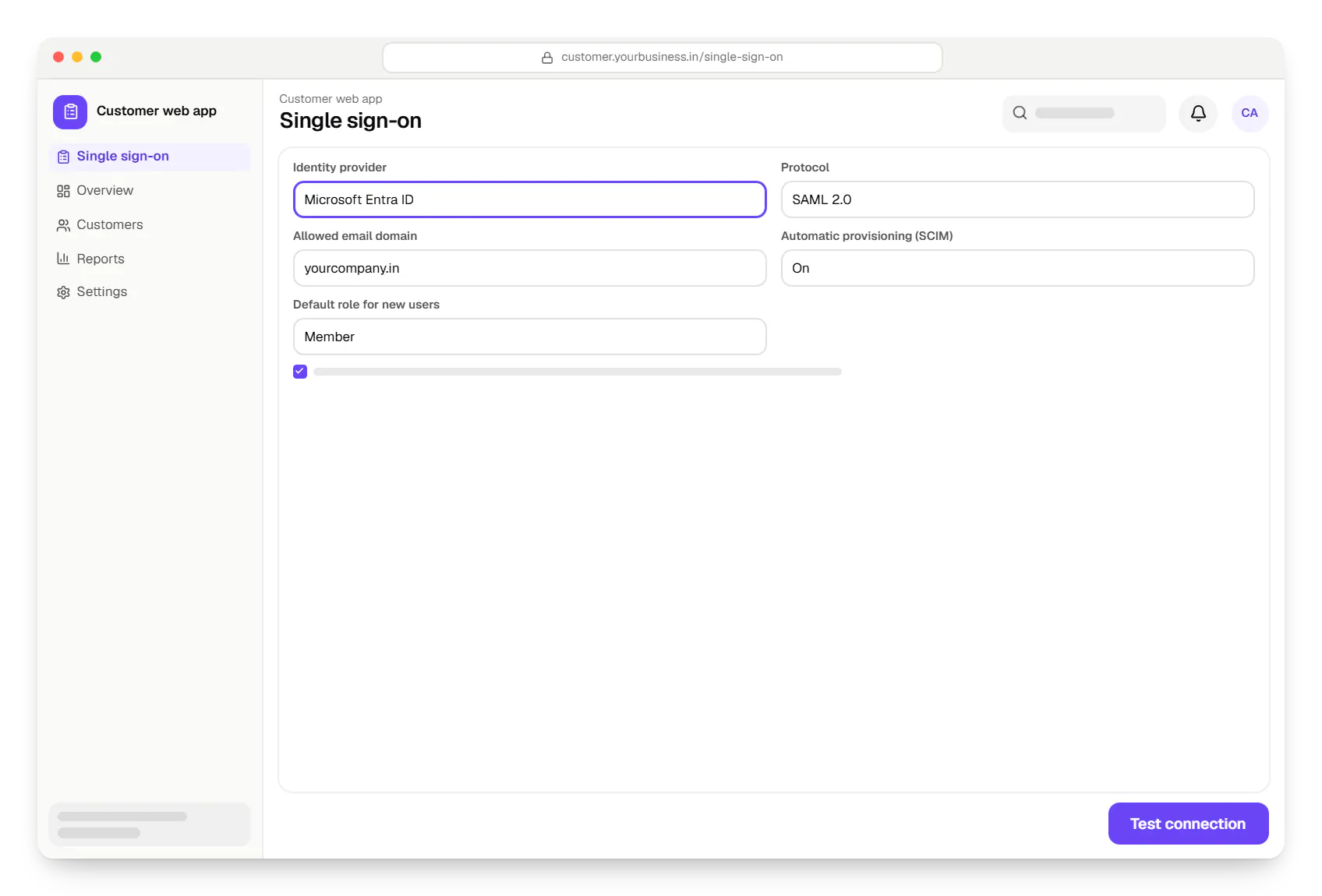
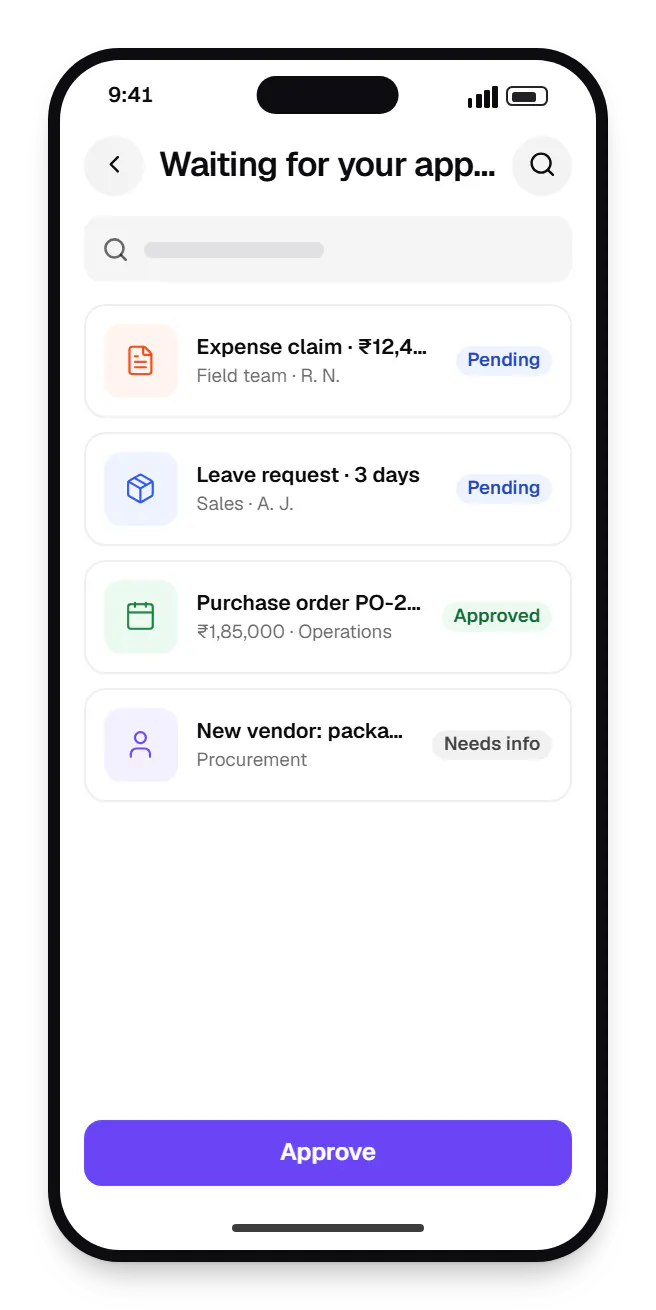
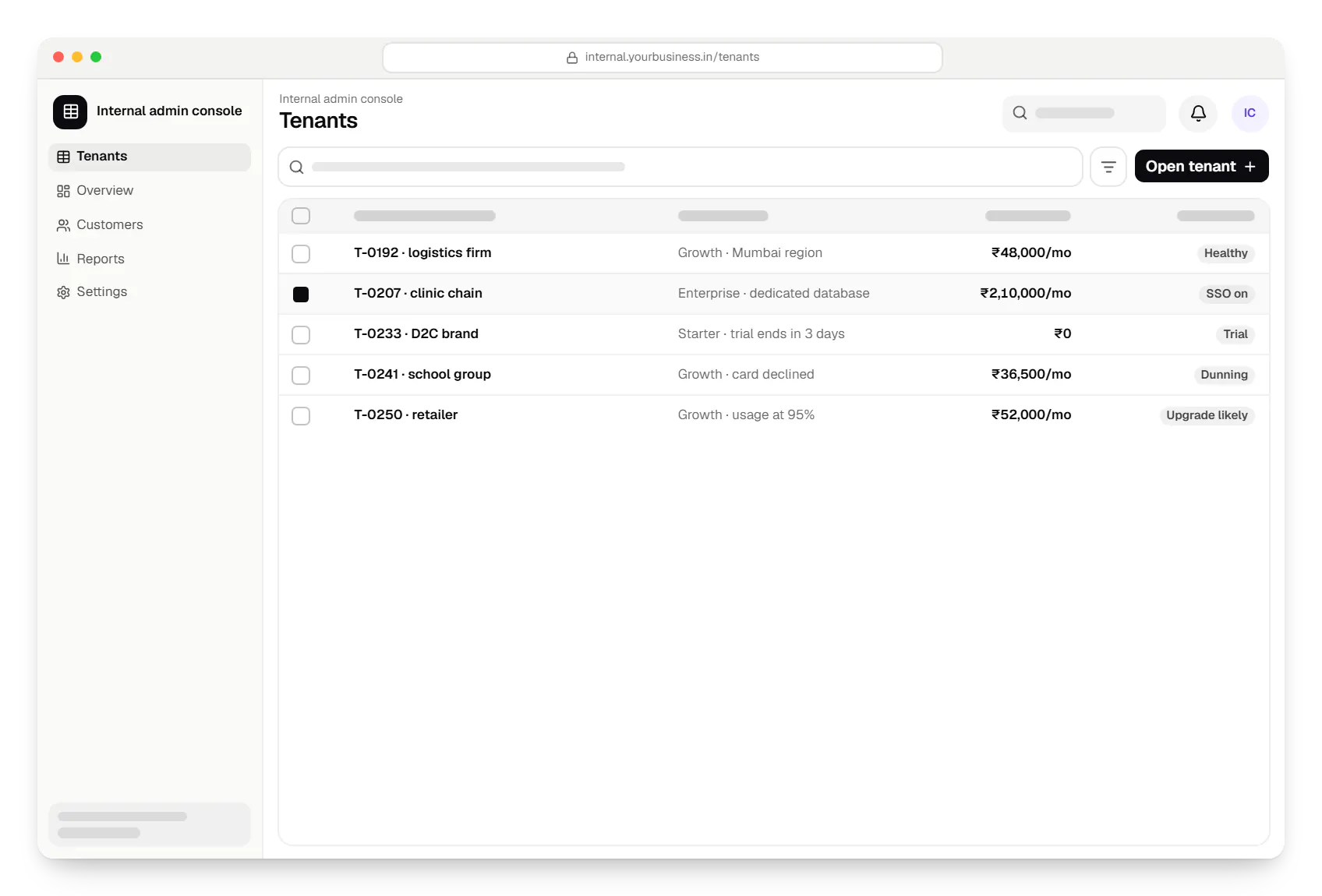
Sample screens: names, prices and figures are examples, not client data.
Work
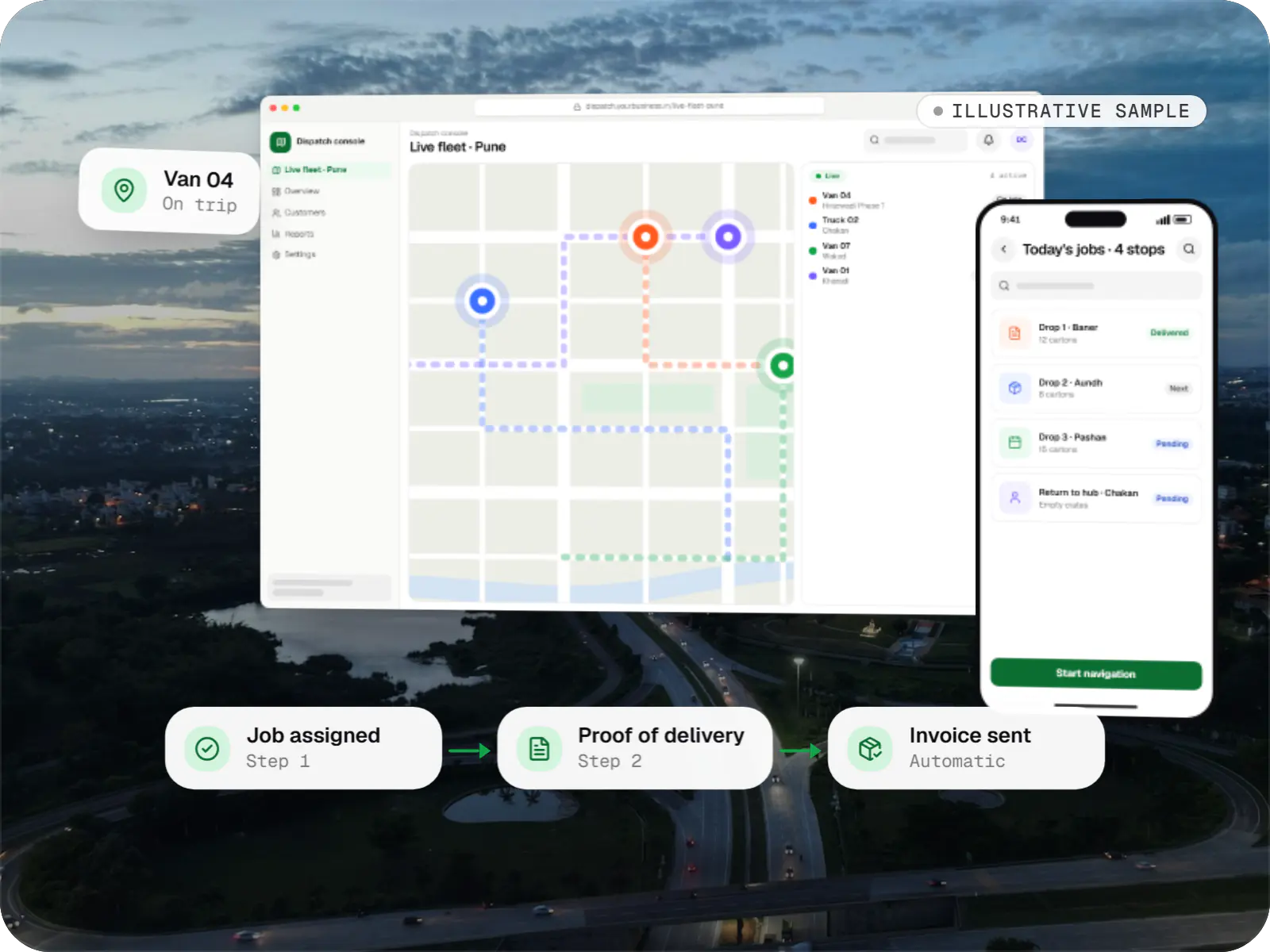
Business software
An illustrative SaaS for businesses running their own vehicles: live dispatch on a map, driver proof of delivery and per-trip billing for each customer.
Runs on
Built with
Cost drivers
Per-tenant schemas or databases add provisioning, migration tooling and infrastructure.
Metering, mid-cycle seat changes, multi-currency pricing and GST invoicing add work.
SSO, SCIM, audit logs and data export often form a separate phase.
Each native integration has its own auth, limits and sync edge cases.
Estimates are written from your scope, with the effort and assumptions behind each line item.
How pricing worksServices
The design and engineering services our in-house team combines on projects in this sector.
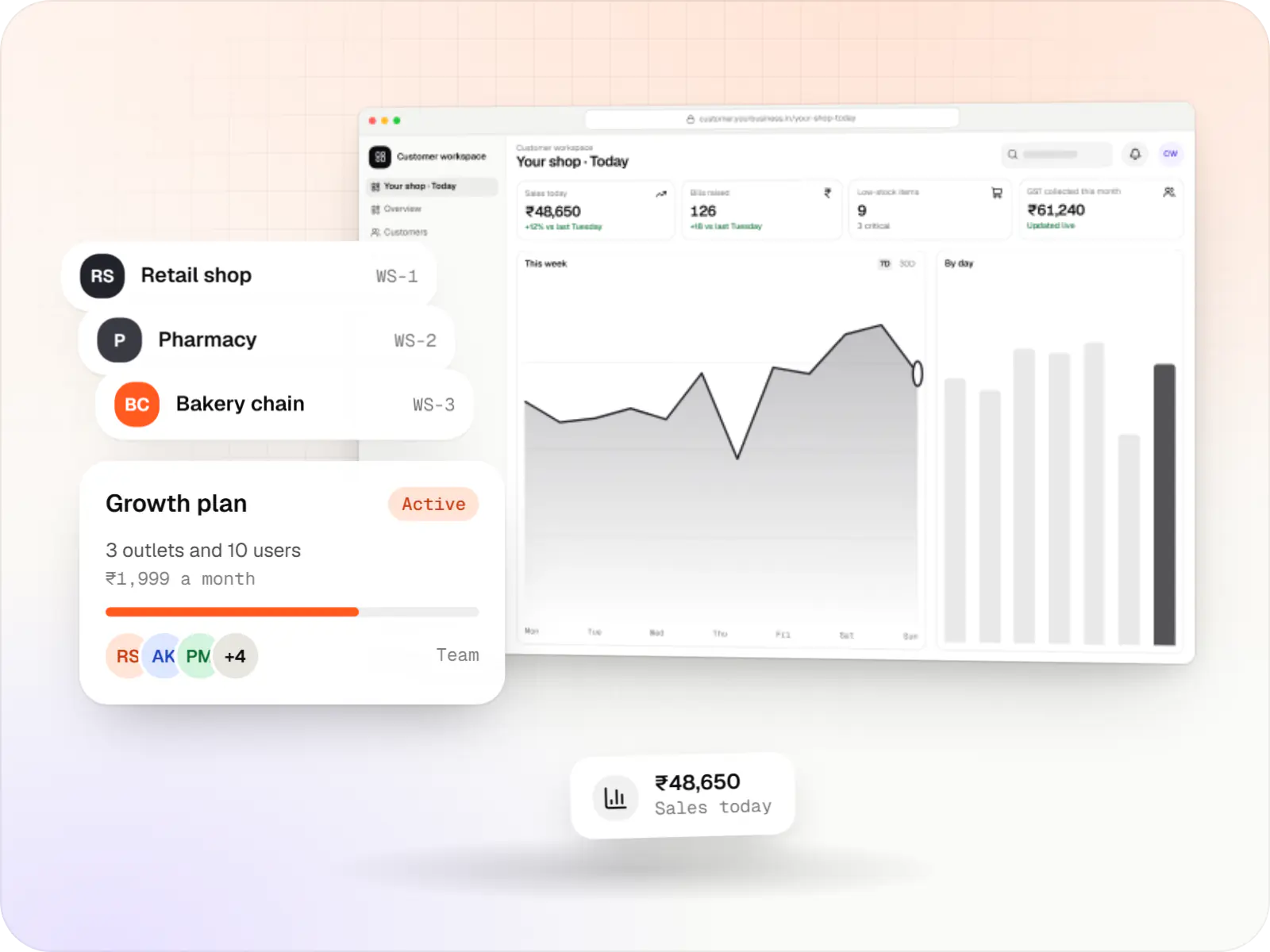
Multi-tenant SaaS products with subscription billing, team roles, onboarding and usage analytics, from first MVP to paying customers.

Browser-based products, customer portals, dashboards and internal tools, built on clean data models with secure roles and integrations.

Secure, documented REST and GraphQL APIs, plus integrations that connect your apps to payment, logistics, GST, messaging and business systems.

Product design for web and mobile apps: research, user flows, wireframes, prototypes and design systems that engineers can build from.

Back-office dashboards built around your team's daily tasks: order queues, approvals, catalogue management, payouts, reports and audit logs.
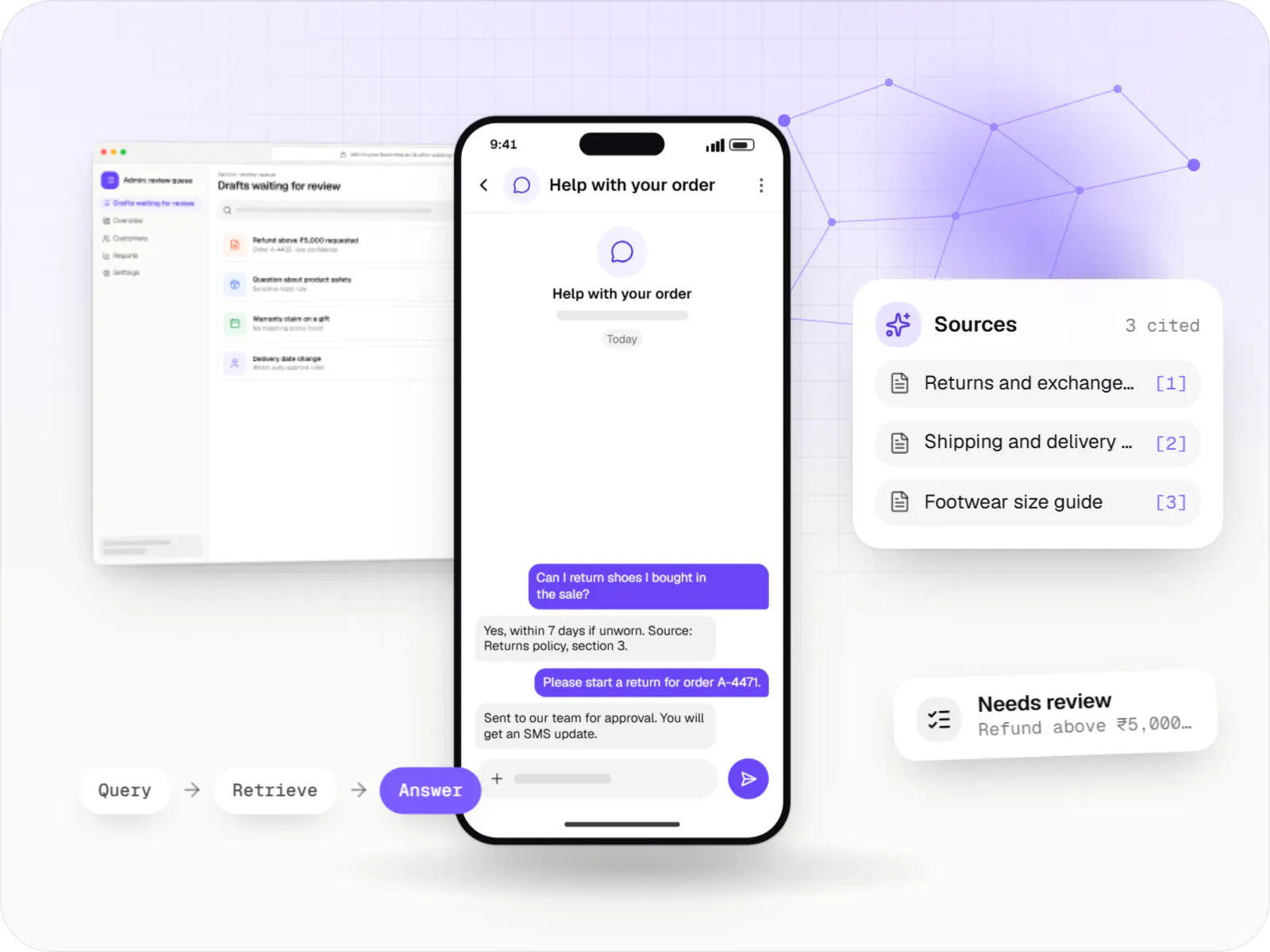
AI features and AI-first apps built on model APIs, retrieval over your own data, workflow automation or custom ML, with evaluation and human review.

Native and cross-platform Android and iOS apps, from first release through regular store updates, built by our in-house designers and engineers.
FAQ
Usually, yes. We start with a review, typically one to two weeks, of architecture, tests, dependencies, security gaps and tenant isolation. You get a written report with ranked risks and a recommendation: extend, refactor specific modules or rebuild parts. We avoid full rewrites unless the code blocks the roadmap, because rewrites stall feature work.
It depends on where customers pay. Razorpay suits Indian customers, with UPI AutoPay, card e-mandates and rupee settlement. For overseas customers, teams use Stripe (subject to its onboarding for Indian entities) or a merchant-of-record service, and many run both behind one billing layer. Your CA should confirm GST and export paperwork.
Yes. We usually deploy to AWS regions in India (Mumbai or Hyderabad), with separate regional deployments for other markets. Banks, insurers or healthcare customers may want a dedicated instance. Residency covers backups, logs, email and analytics tools too, so we map every copy of customer data, not just the database.
Typically at your first mid-market or enterprise deal, when a security questionnaire asks for SAML or OIDC sign-on, user provisioning, audit trails and role controls. Designing the audit and role data model early is cheap; SSO setup screens can wait for a customer who needs them. We scope this as a separate phase.
Yes. Most B2B SaaS lives in the browser, but field teams and approvers often need a mobile companion for approvals, alerts or offline work. We usually build it in Flutter or React Native on the web app's API, so business rules live in one place. A progressive web app suffices when mobile use is light.
Next step
Tell us what customers ask for; we will estimate the next phase line by line.