



Mobile
React Native
Build Android and iOS apps in the same language as a React website, so one team can share code and skills across web and mobile.
Used for
- Mobile apps
- Shopping apps
- Staff and field apps
- Mobile apps for SaaS
Multi-vendor delivery
Aggregator platforms for your city: many vendors, one customer app, one fleet, with commissions and settlements your finance team can trust.
At a glance
What it is
Aggregator delivery platforms where many local vendors sell through one app, with vendor onboarding, commissions, settlements and shared dispatch.
Flutter and the related logo are trademarks of Google LLC. We are not endorsed by or affiliated with Google LLC.
How to start
Tell us what you need in your own words. You talk to the developers who would build it and get a written, line-item estimate.
Get a project estimateOn a multi-vendor platform you answer for orders you did not cook or pack. When a vendor is slow, an item is missing or a payout looks wrong, both the customer and the vendor come to you.
So our multi-vendor delivery app development puts as much effort into vendor tools and money flows as into the customer app: onboarding without back-and-forth, vendor controls for timings and stock, settlement statements that explain every deduction, and clear refund-liability rules for when things go wrong.
Challenges
Some vendors run a POS, others a single phone; the vendor app must suit both.
Listing order affects vendor sales, so it needs clear rules on distance, ratings and sponsored slots.
Commissions, discounts, refunds and tax deductions must reconcile per order, or vendor trust erodes.
Dispatch must juggle a bakery that packs instantly and a restaurant that needs twenty minutes.
What is included
Platform: Android and iOS
Platform: Android and web
Platform: Android
Platform: Web
How it works
You answer for orders you did not cook or pack, so every hand-off is timed, recorded and settled per order.
Nearby restaurants, bakeries and shops are listed by distance, rating and opening hours, with sponsored places clearly labelled.
The vendor confirms the order, says how long it needs and marks it ready once packed.
A delivery partner is offered the job to arrive at the ready time; orders from two vendors get a multi-pickup route.
The partner collects from each vendor, calls stay masked, and the customer tracks the delivery live.
Item value, discounts, commission, delivery fee and tax deductions are recorded against the vendor for this order.
Each cycle, payouts go out with an order-level statement, and disputes follow a written refund-liability workflow.
Integrations
Vendor shares transferred automatically after commission.
Automated checks during vendor sign-up.
Orders pushed into the POS where a vendor uses one.
Vendor radius, ETAs and partner tracking.
Private calls between customers, vendors and partners.
Joining as a buyer or seller app is a separate compliance and technical project.
Platforms
Customer apps for Android and iOS, a vendor app and web panel, a delivery partner app for Android and a web dashboard for operations and finance.
Apps for Android phones and tablets, tested on budget and mid-range devices and published on Google Play or privately.
Apps for iPhone and iPad, built to Apple's guidelines and released through TestFlight and the App Store.
One Flutter or React Native codebase for Android and iOS, with native modules where a feature needs them.
Browser-based applications with logins, roles and workflows, such as customer portals, SaaS products and internal tools.
Back-office panels for operations, support and finance teams: orders, users, content, reports and permissions.
Technology
React Native or Flutter for the four apps, NestJS and PostgreSQL for vendor ledgers and settlements, Redis for live order state, Google Maps Platform for radius and tracking, and Razorpay for split payments.
Mobile
Build Android and iOS apps in the same language as a React website, so one team can share code and skills across web and mobile.
Used for
Mobile
Build Android and iOS apps from one shared codebase, so you launch on both platforms faster with a consistent experience.
Used for
Backend
A structured way to build back ends on Node.js, so large business systems stay organised, testable and easy to hand over.
Used for
Backend
Runs the server side of apps: fast, scalable back ends that power your app, website and integrations.
Used for
Data
A reliable database for the records your business runs on: orders, payments, bookings and stock, kept accurate and easy to report on.
Used for
Data
Keeps frequently used data in fast memory, so apps stay quick on busy days and live features like order tracking feel instant.
Used for
Payments & maps
Adds maps, address search, live tracking and travel-time estimates to delivery, ride and field apps, so orders reach the right door.
Used for
Payments & maps
Lets customers in India pay by UPI, cards, netbanking or wallets, and handles subscriptions, refunds and payouts to sellers or partners.
Used for
Cloud & DevOps
Cloud hosting for your app, website and data, with data centres in India and room to grow when traffic rises.
Used for
Flutter and the related logo are trademarks of Google LLC. We are not endorsed by or affiliated with Google LLC.
Plain-English glossary
Product preview
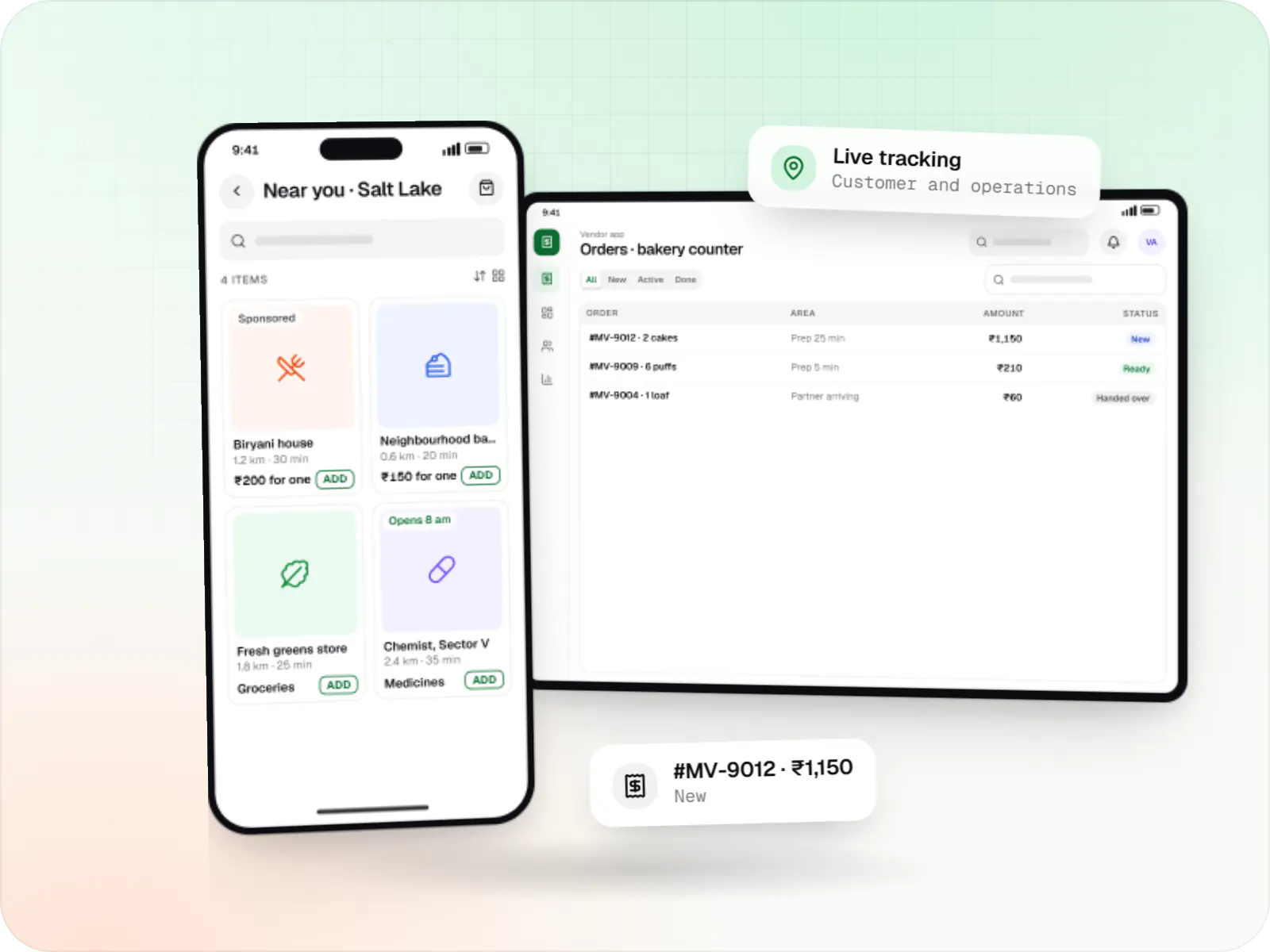
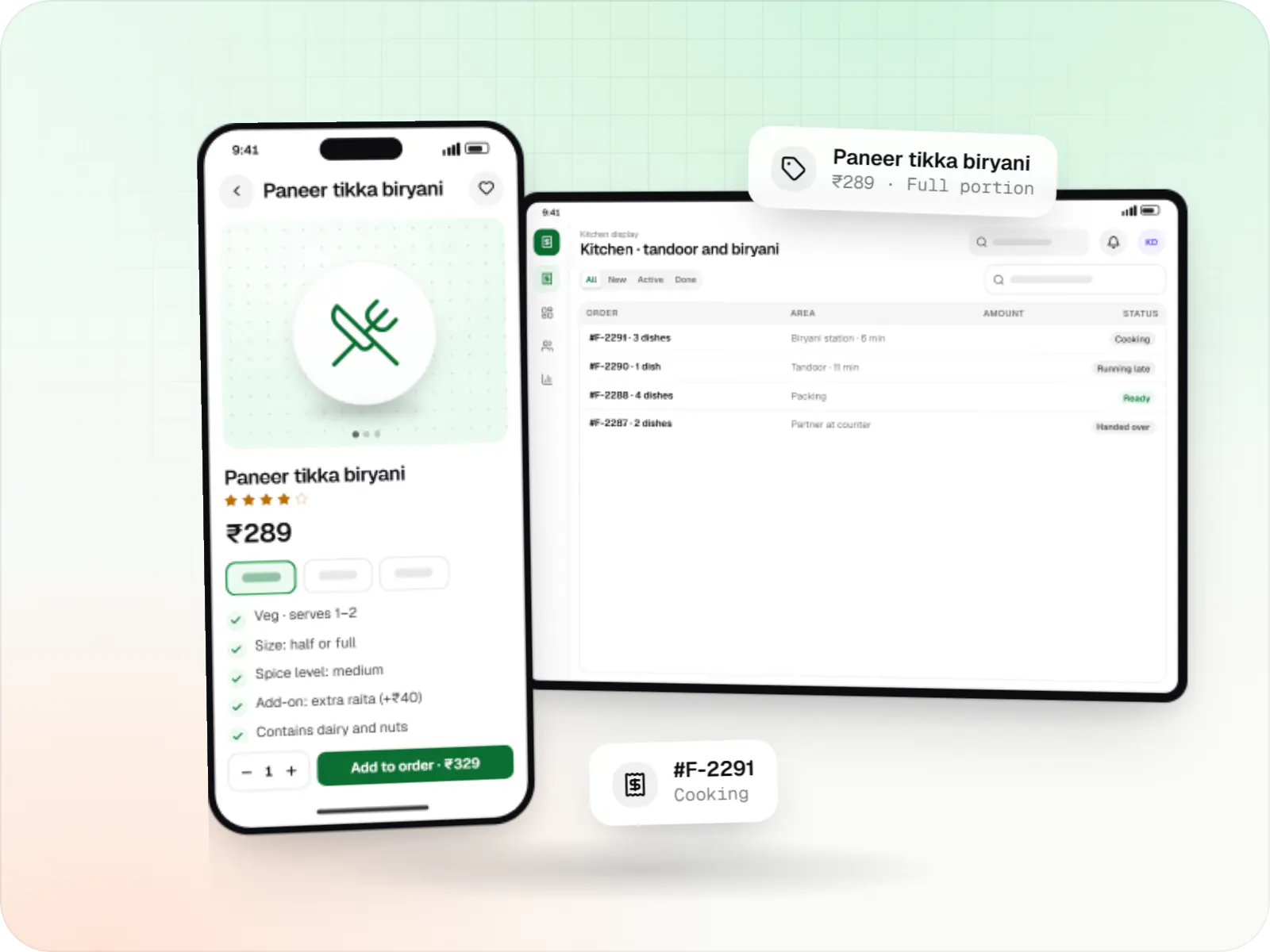
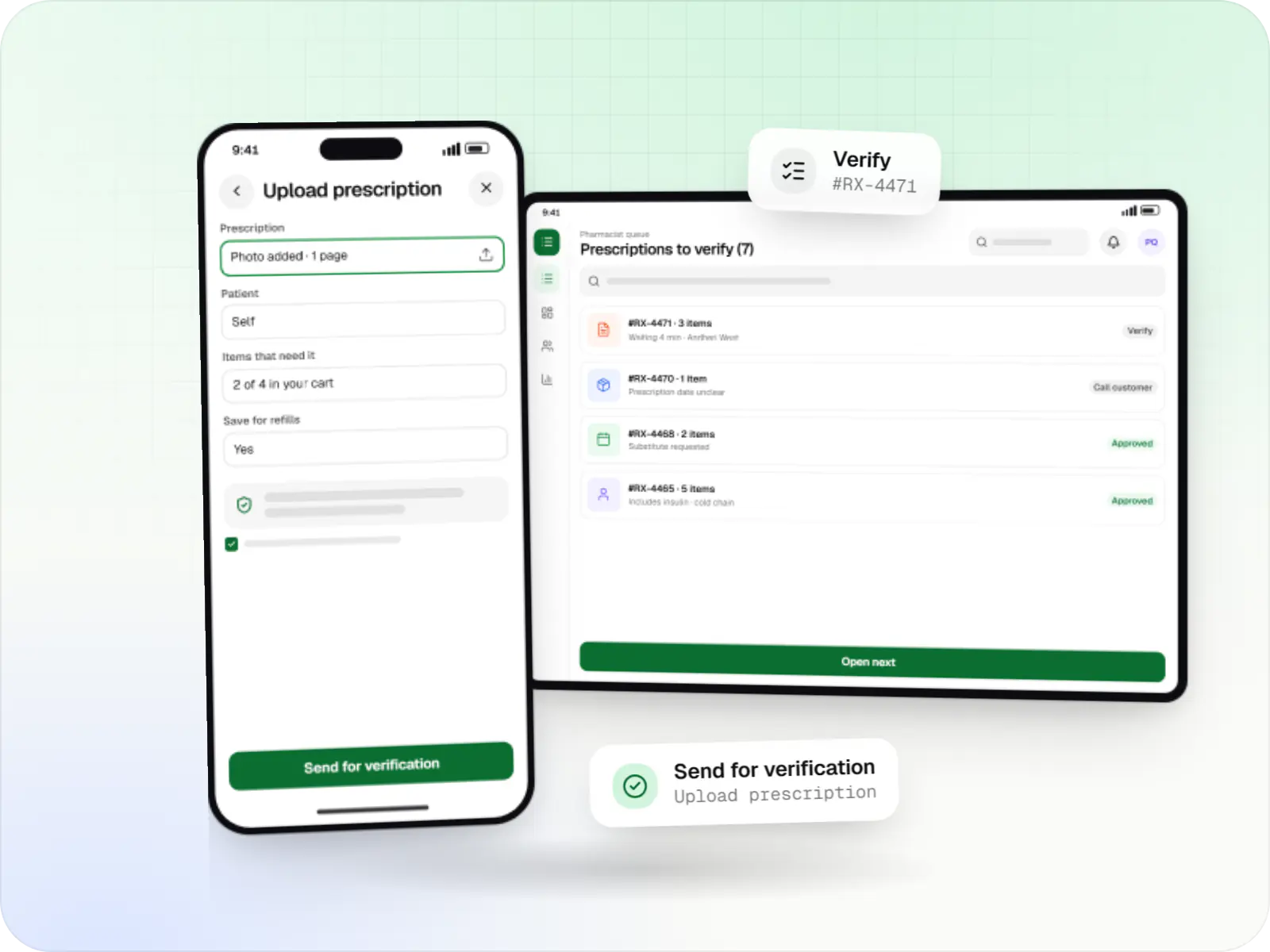
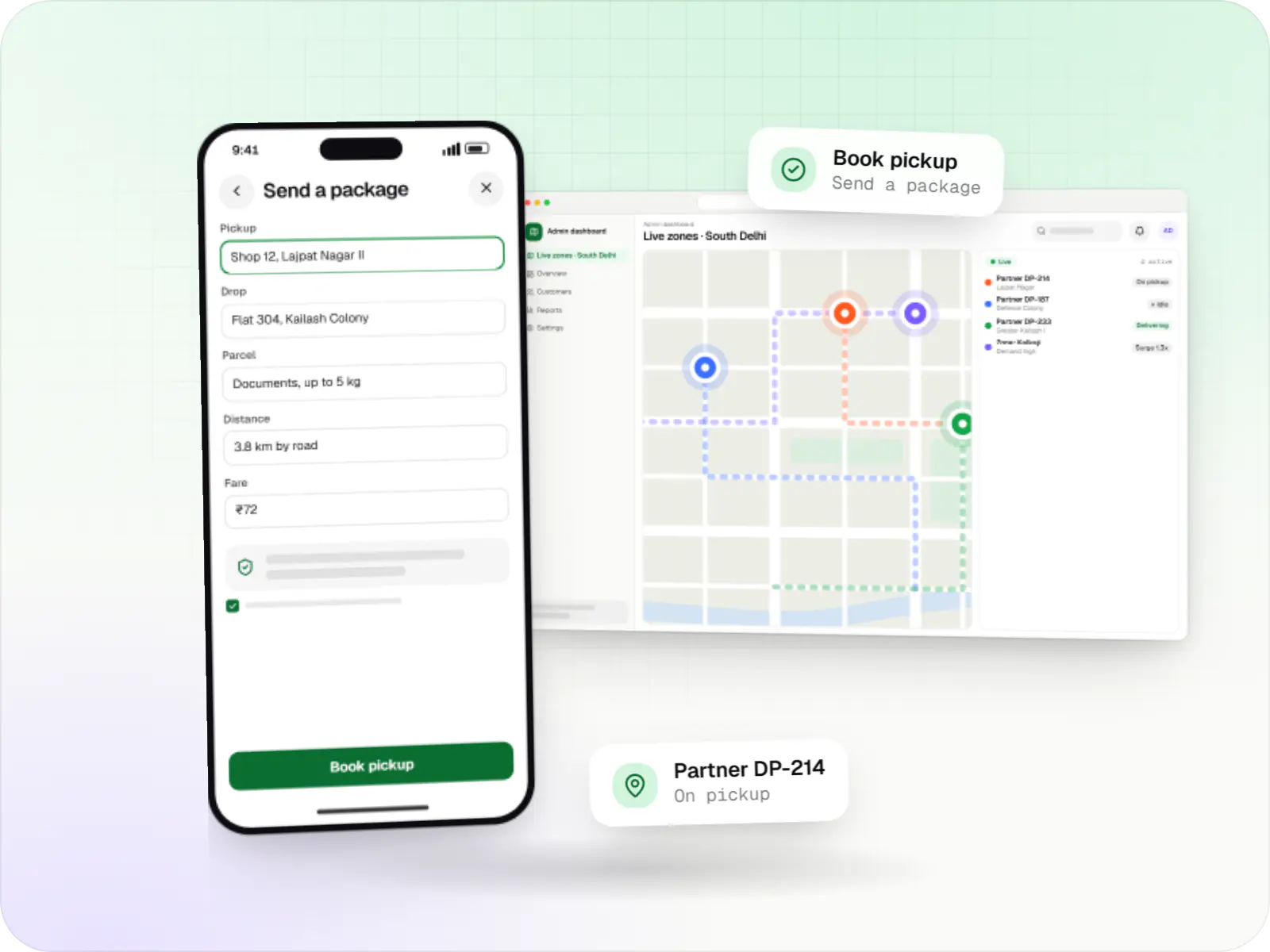
Illustrative screens, using a local food, grocery and pharmacy aggregator in Kolkata as the example.
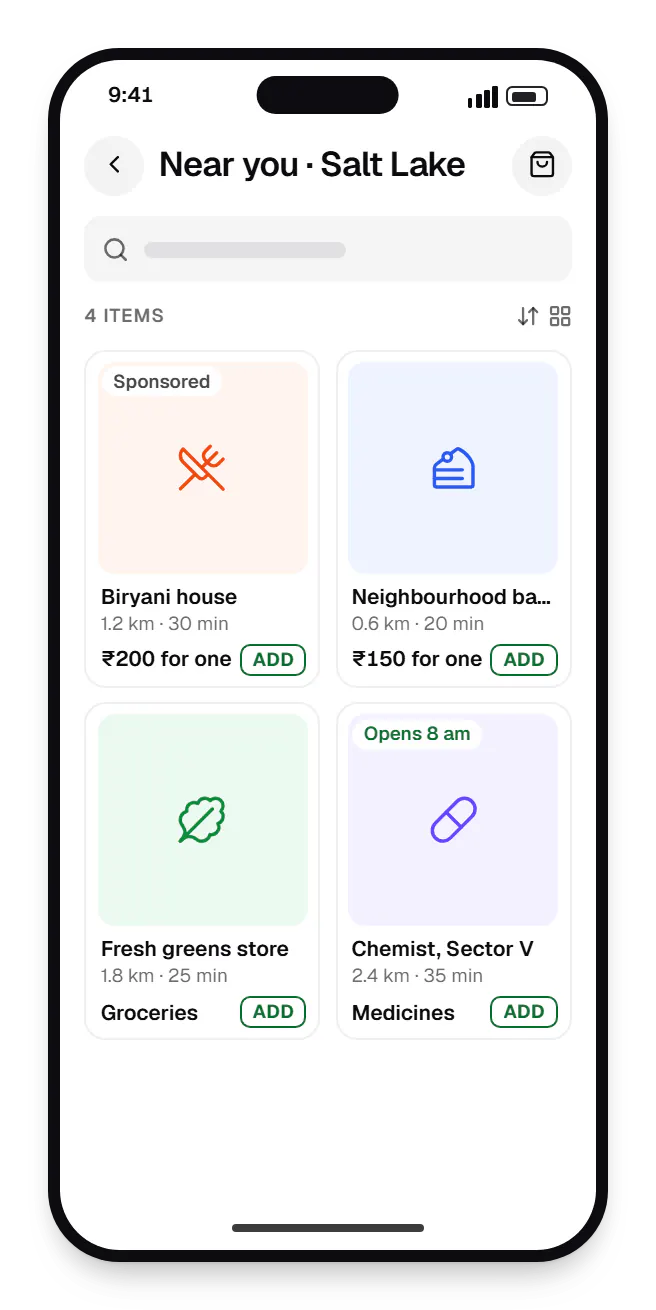
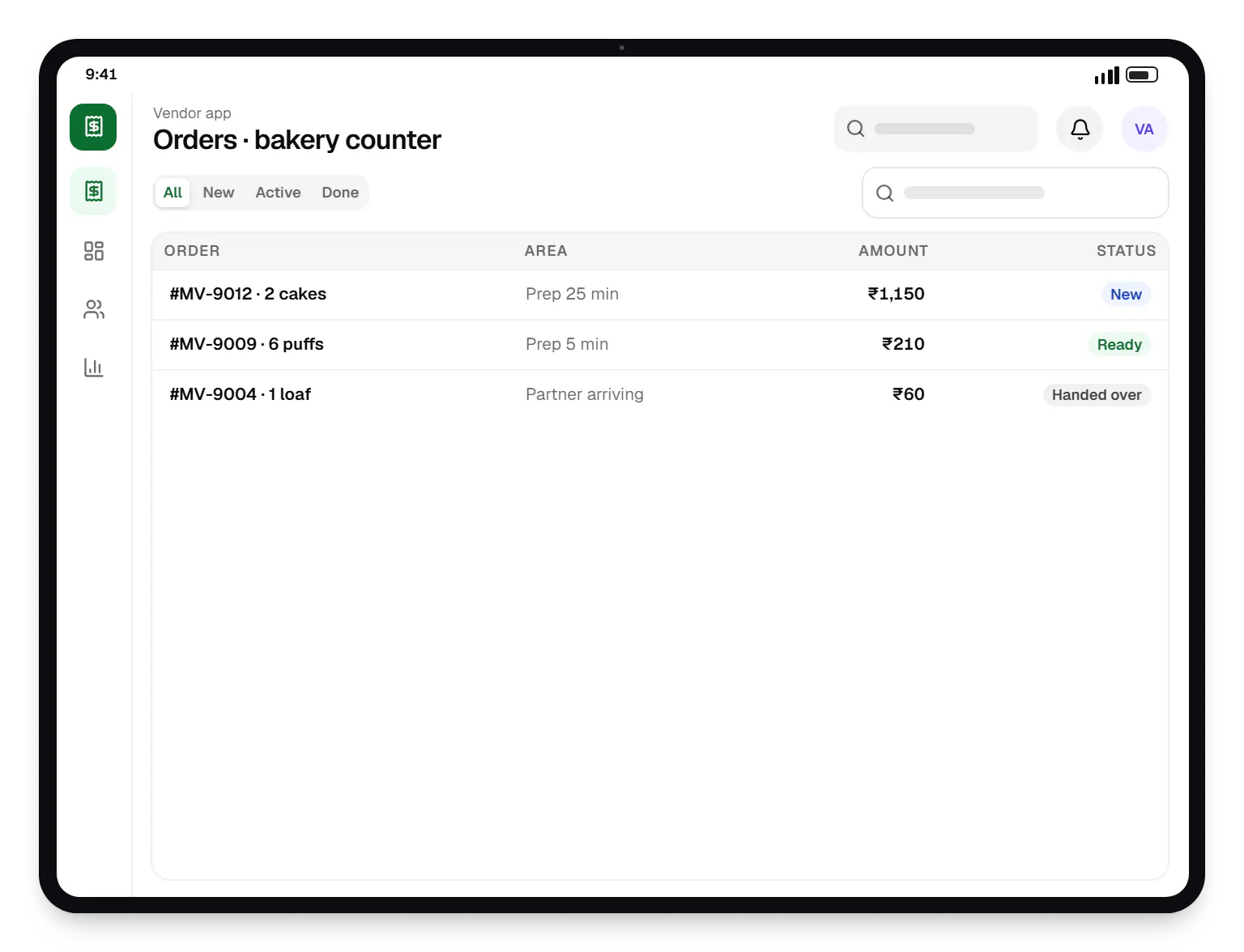
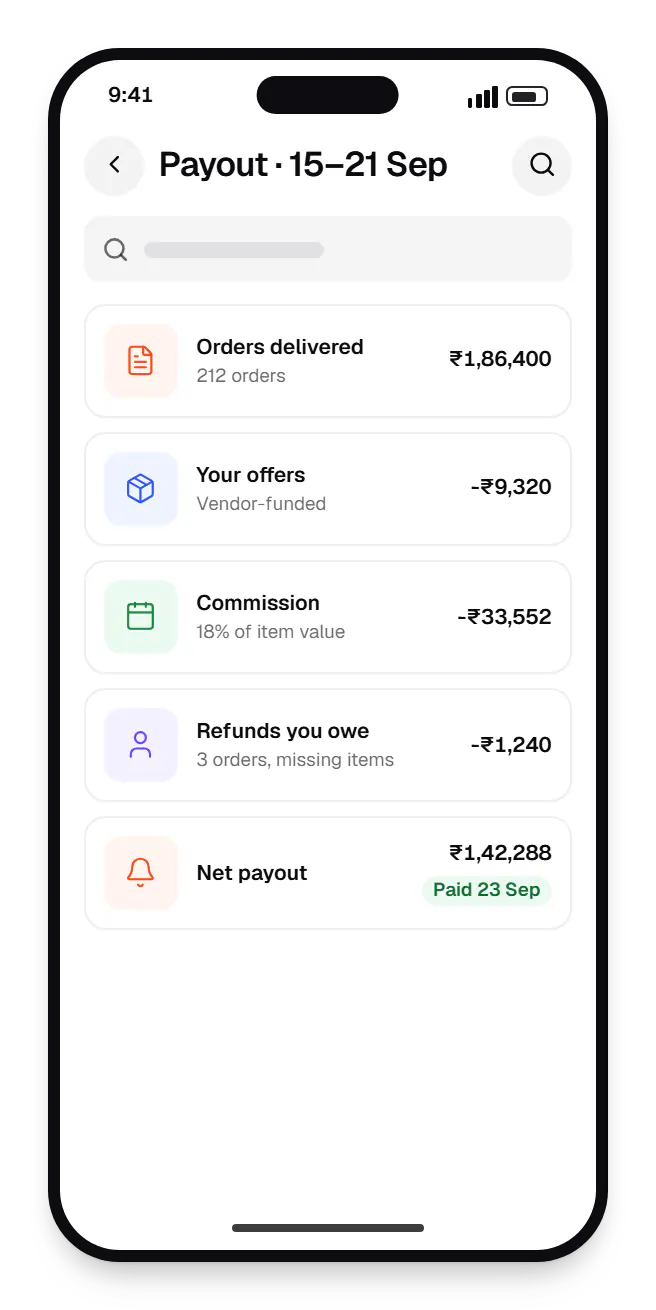
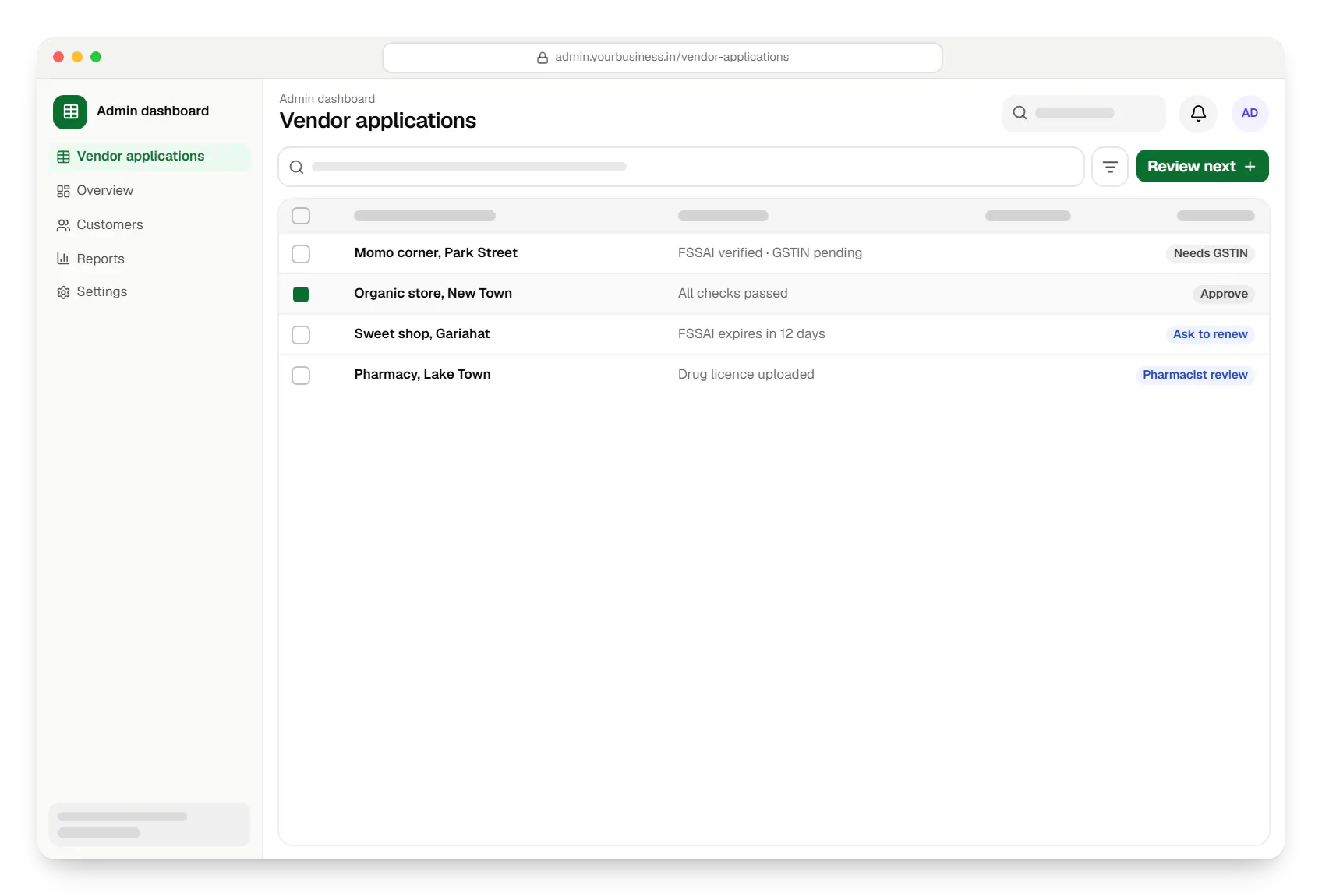
Sample screens: names, prices and figures are examples, not client data.
Industries
Services

Native and cross-platform Android and iOS apps, from first release through regular store updates, built by our in-house designers and engineers.

Browser-based products, customer portals, dashboards and internal tools, built on clean data models with secure roles and integrations.

Back-office dashboards built around your team's daily tasks: order queues, approvals, catalogue management, payouts, reports and audit logs.

Secure, documented REST and GraphQL APIs, plus integrations that connect your apps to payment, logistics, GST, messaging and business systems.
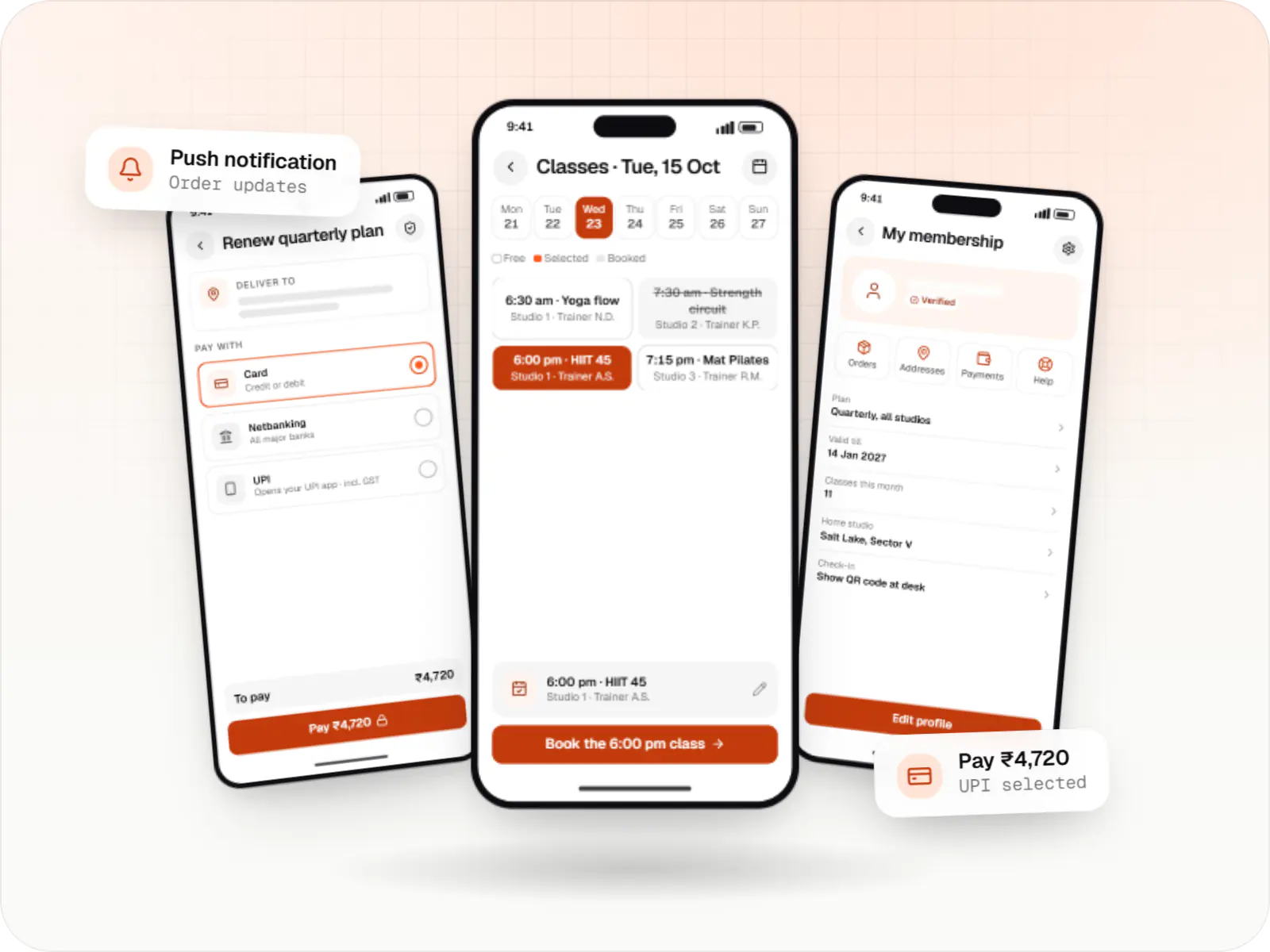
Android and iOS apps in React Native and TypeScript, suited to teams that already use React on the web and want shared logic across products.

Product design for web and mobile apps: research, user flows, wireframes, prototypes and design systems that engineers can build from.
Cost drivers
Food, grocery and pharmacy each bring their own catalogue model and checks.
Multi-vendor carts need split orders, multi-pickup dispatch and partial cancellations.
Category rates, vendor-funded offers, penalties and tax deductions add ledger logic.
Sponsored listings and ranking controls add a small ads system to build and govern.
One city and zone is a far smaller build than multi-city operations from day one.
Estimates are written from your scope, with the effort and assumptions behind each line item.
How pricing worksWork
Illustrative projects that show how we plan and build this kind of product. They are samples, not client work.
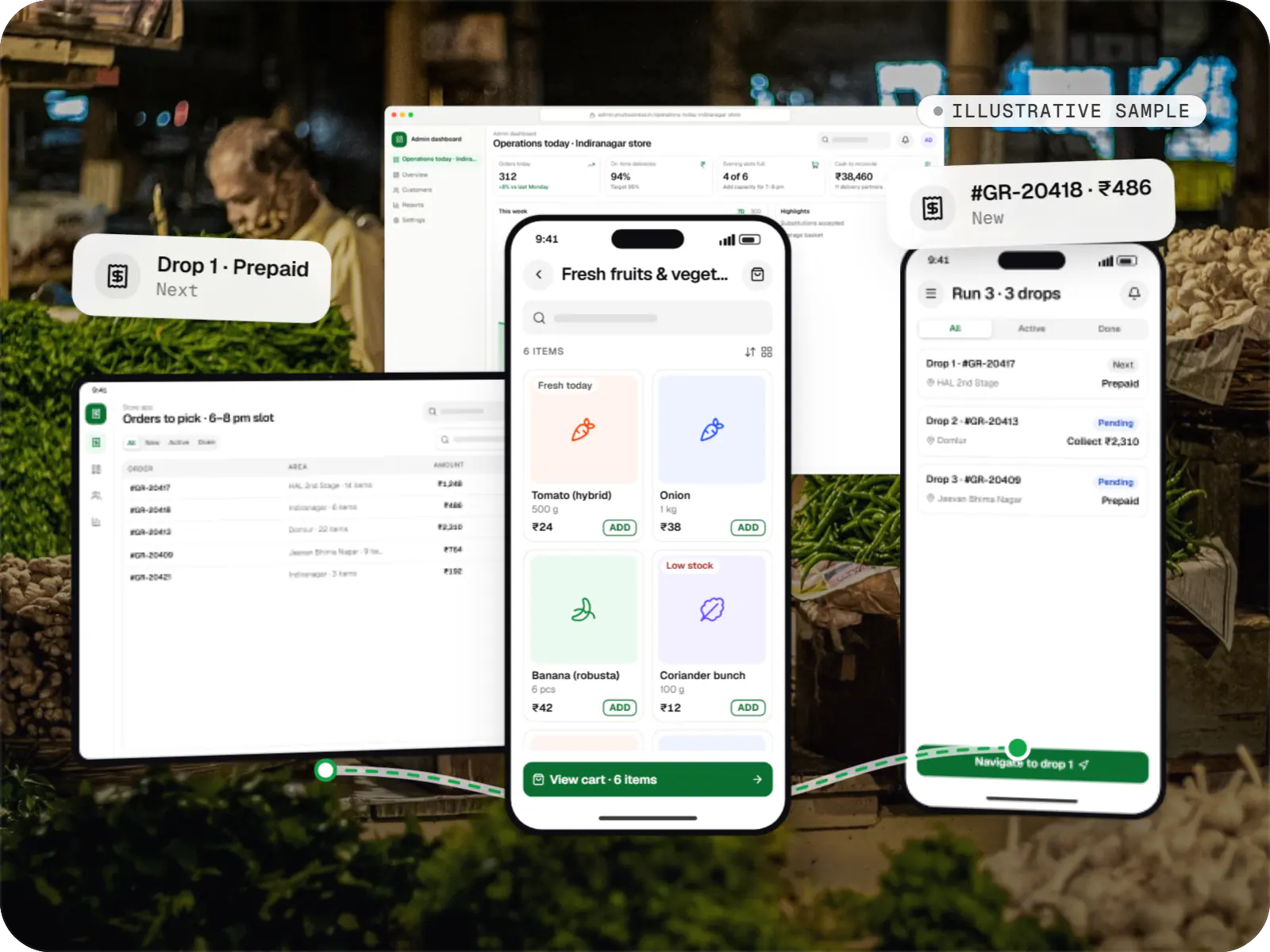
Delivery app development
An illustrative platform for neighbourhood grocery stores: slot or express delivery, store picking, batched delivery runs, and payment by UPI or cash on delivery.
Runs on
Built with
FAQ
It is convenient but adds real complexity: one payment split across vendors, separate prep times, a partner collecting from two or more places, and partial cancellations when one vendor declines. We usually recommend launching with single-vendor carts and adding multi-vendor carts later for categories where it clearly helps, such as grocery plus bakery in the same area.
Each order records item value, vendor-funded and platform-funded discounts, your commission, the delivery fee and applicable tax deductions. Each settlement cycle, the platform totals these per vendor, adjusts for refunds and penalties, and pays out through split settlements or a payouts API. Vendors see an order-level statement, which heads off many disputes before they start.
Yes, if the data model is designed for it. We keep vendor, catalogue and order models general enough for menus with add-ons, weighed grocery items and prescription-gated products, and switch features on per category. Adding pharmacy later still needs its own verification workflow and regulatory review, but not a rebuild of the platform.
Rank by what helps customers first: availability, distance or delivery time, ratings and recent reliability such as acceptance and cancellation rates. Sponsored placements can sit on top, but they should be labelled and limited so organic results stay useful. We make the weights configurable and log ranking changes, so you can explain listing decisions to vendors.
Related
Next step
Tell us your city, the vendor categories you will start with and your revenue model. We will plan a launch scope and a line-item estimate.