



Mobile
Flutter
Build Android and iOS apps from one shared codebase, so you launch on both platforms faster with a consistent experience.
Used for
- Mobile apps
- Delivery apps
- E-commerce apps
- Booking apps
Grocery delivery apps
Customer, store, delivery partner and admin apps for supermarkets, kirana chains and dark stores.
At a glance
What it is
Grocery delivery apps for supermarkets, kirana chains and dark stores, with slots or express delivery, substitutions, picking and live tracking.
Flutter and the related logo are trademarks of Google LLC. We are not endorsed by or affiliated with Google LLC.
How to start
Tell us what you need in your own words. You talk to the developers who would build it and get a written, line-item estimate.
Get a project estimateA customer adds forty items, pays by UPI and picks a slot. Then the store finds the paneer is out, the tomatoes weigh more than ordered and the slot is oversold. Whether the order arrives complete and on time depends on software the customer never sees.
Our grocery delivery app development starts with that back-of-store flow: aisle-sorted pick lists, barcode checks, the substitution rules the customer chose, weight-based price adjustment, and slot capacity tied to real picking and delivery staff.
Challenges
Walk-in sales drain shelves the app still shows as available.
Produce and loose staples rarely match the ordered weight, so billing adjusts after picking.
Slots sold without regard to picker and partner capacity become late orders.
Pickers walking aisles with paper lists become the peak-hour bottleneck.
What is included
Platform: Android and iOS
Platform: Android handheld
Platform: Android
Platform: Web
How it works
Most of the work happens inside the store, where picking, weighing and substitutions decide whether the order arrives complete.
They fill the basket, choose express or a delivery slot, set substitution preferences and pay by UPI, card or on delivery.
An aisle-sorted pick list appears on the handheld; each item is scanned, loose items are weighed and the bill adjusts.
An out-of-stock item gets a suggested replacement, added directly or approved by the customer by push or WhatsApp.
Bags are counted at handover, and nearby orders can be batched on one suggested route.
The customer sees the partner approaching on a map, with calls masked on both sides.
OTP or photo proof closes the order, UPI or cash is recorded, and ratings and substitution data reach the dashboard.
Integrations
Stock and price sync from store billing software.
Online payment and refunds for short picks.
Order-specific QR on the partner app, matched automatically.
Geocoding, distances and batching routes.
Order updates and substitution approvals.
Sign-in and delivery OTPs on registered templates.
Store inventory on ONDC buyer apps.
Platforms
Customer apps for Android and iOS, picker and delivery partner apps for Android, and web panels for store managers and your operations team.
Apps for Android phones and tablets, tested on budget and mid-range devices and published on Google Play or privately.
Apps for iPhone and iPad, built to Apple's guidelines and released through TestFlight and the App Store.
One Flutter or React Native codebase for Android and iOS, with native modules where a feature needs them.
Browser-based applications with logins, roles and workflows, such as customer portals, SaaS products and internal tools.
Back-office panels for operations, support and finance teams: orders, users, content, reports and permissions.
Technology
Flutter or React Native for the phone apps, Node.js with PostgreSQL for orders and stock, Redis for live slot counts, Google Maps Platform for routes, and Razorpay for payments and short-pick refunds.
Mobile
Build Android and iOS apps from one shared codebase, so you launch on both platforms faster with a consistent experience.
Used for
Mobile
Build Android and iOS apps in the same language as a React website, so one team can share code and skills across web and mobile.
Used for
Backend
Runs the server side of apps: fast, scalable back ends that power your app, website and integrations.
Used for
Backend
A structured way to build back ends on Node.js, so large business systems stay organised, testable and easy to hand over.
Used for
Data
A reliable database for the records your business runs on: orders, payments, bookings and stock, kept accurate and easy to report on.
Used for
Data
Keeps frequently used data in fast memory, so apps stay quick on busy days and live features like order tracking feel instant.
Used for
Payments & maps
Adds maps, address search, live tracking and travel-time estimates to delivery, ride and field apps, so orders reach the right door.
Used for
Payments & maps
Lets customers in India pay by UPI, cards, netbanking or wallets, and handles subscriptions, refunds and payouts to sellers or partners.
Used for
Cloud & DevOps
Ready-made building blocks for mobile apps, such as push notifications, phone OTP login and crash reports, so you launch sooner.
Used for
Flutter and the related logo are trademarks of Google LLC. We are not endorsed by or affiliated with Google LLC.
Plain-English glossary
Product preview
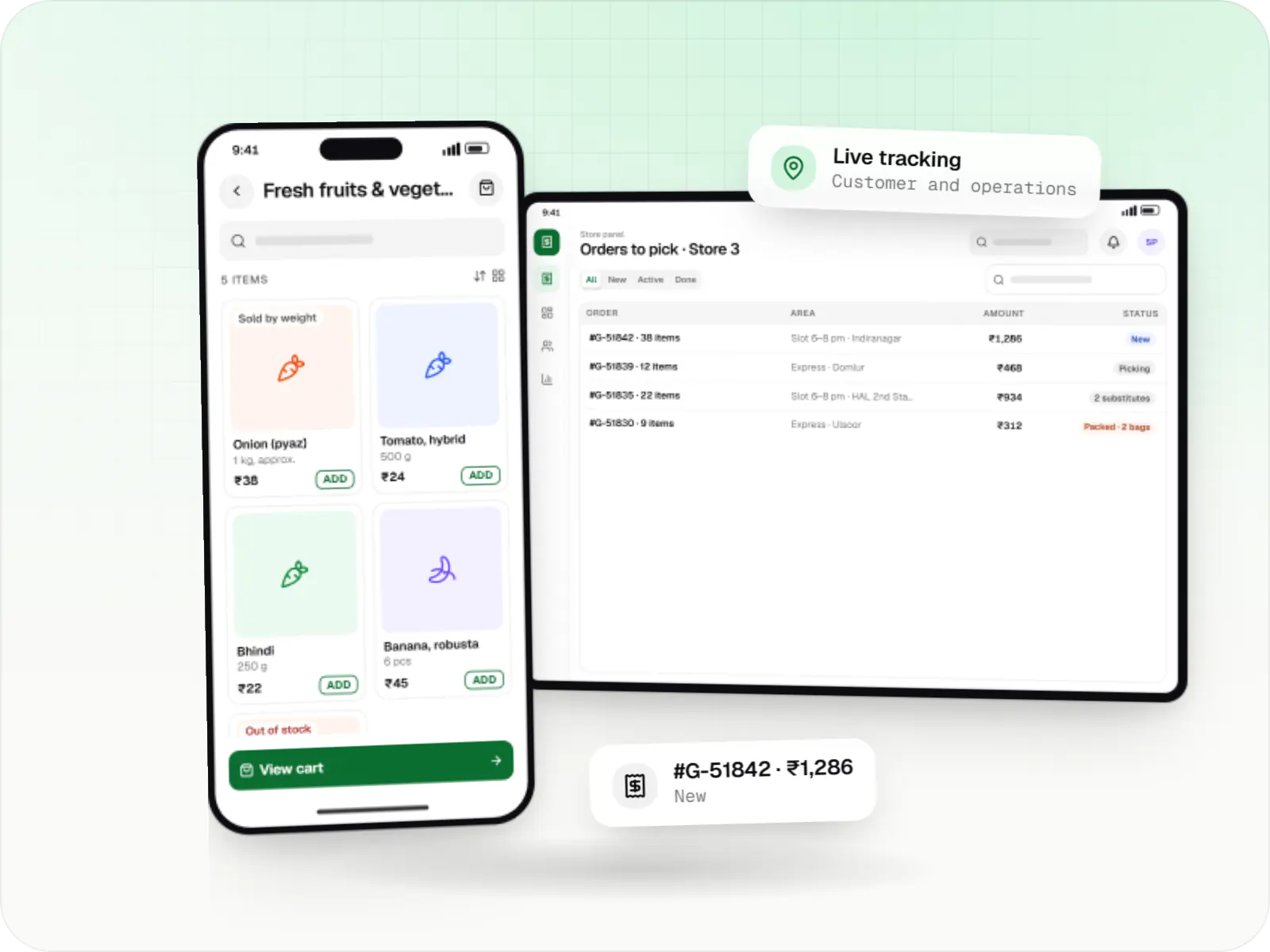
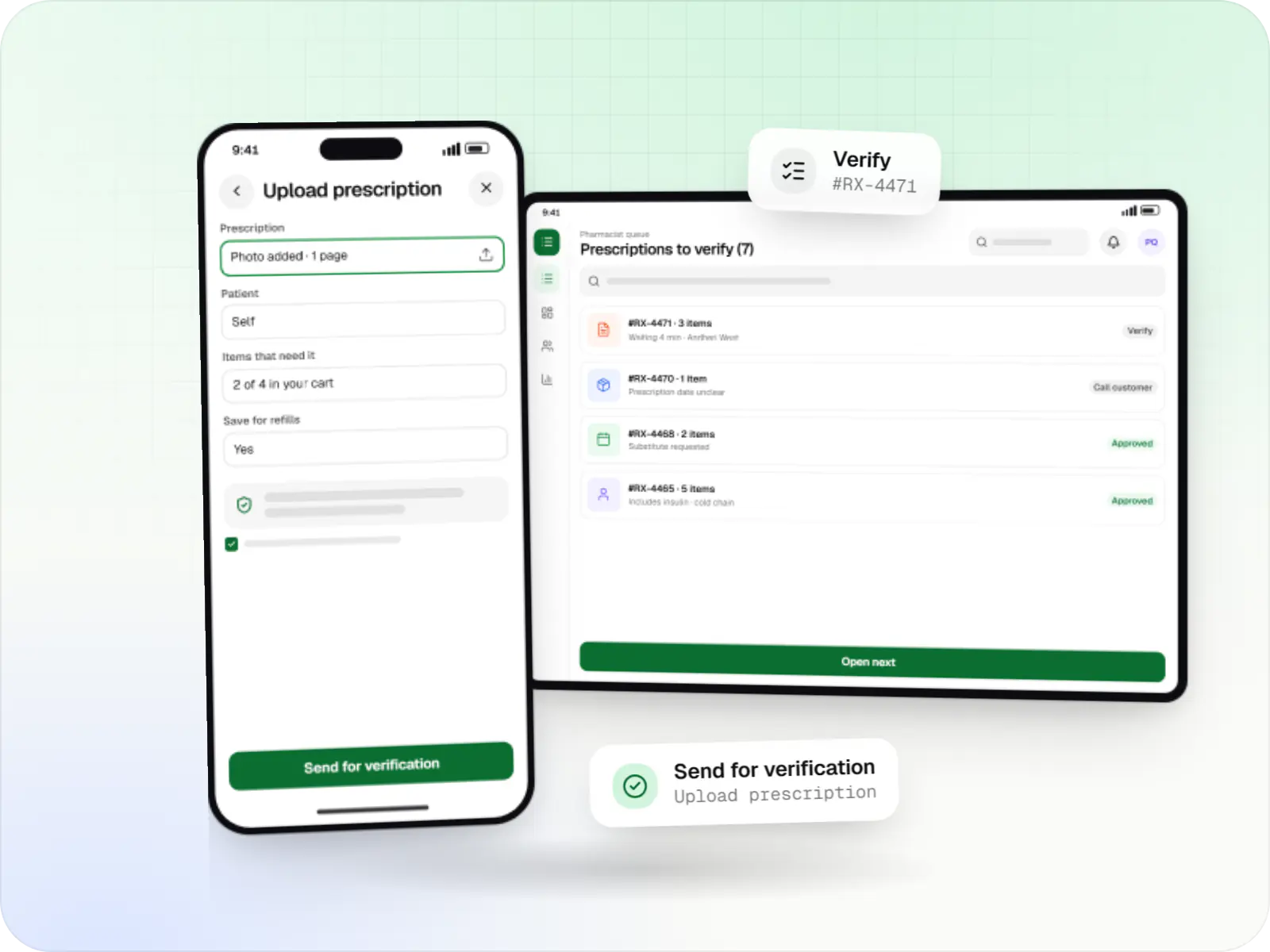
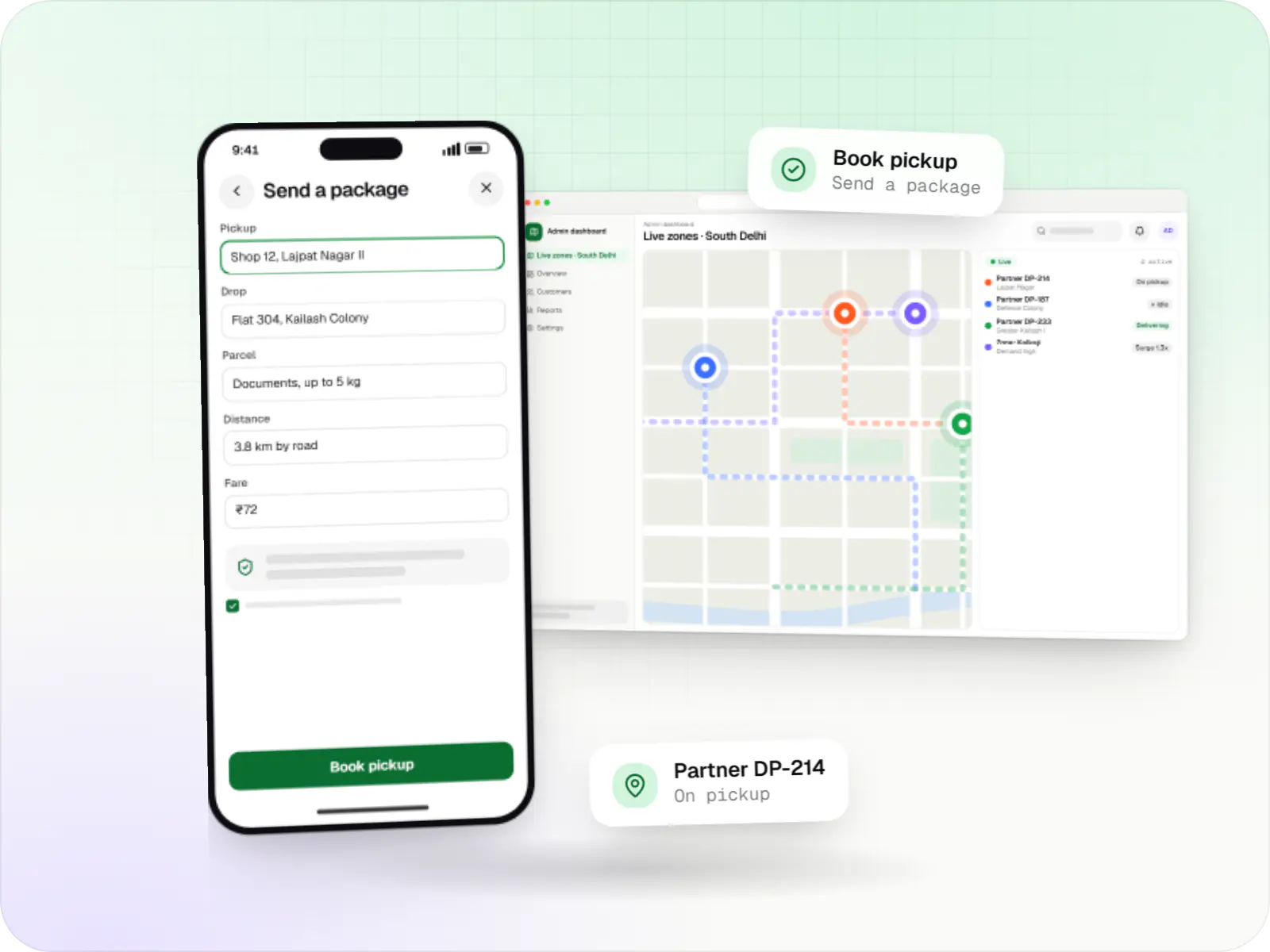
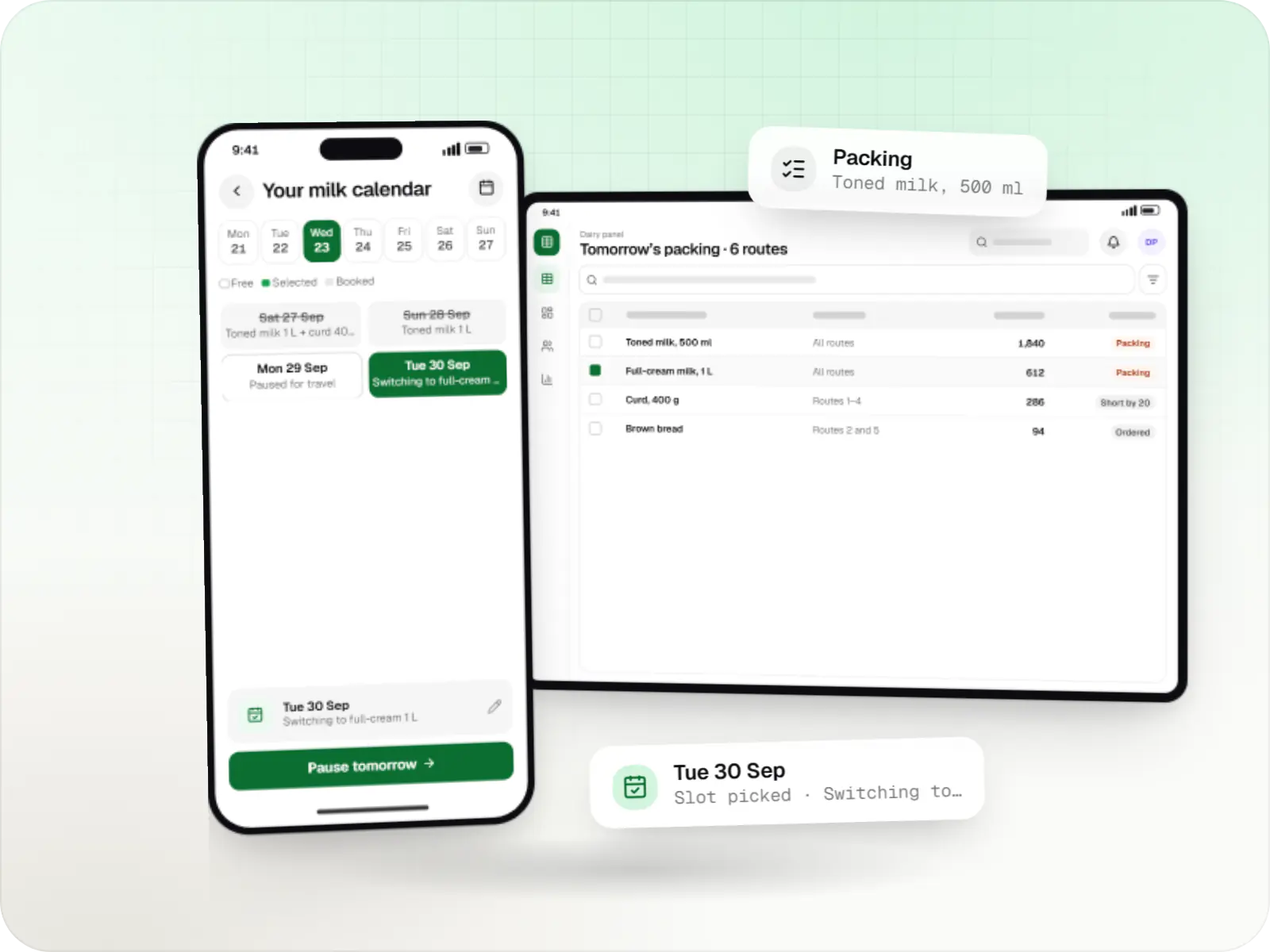
Illustrative screens, using a four-store supermarket chain in Bengaluru as the example.
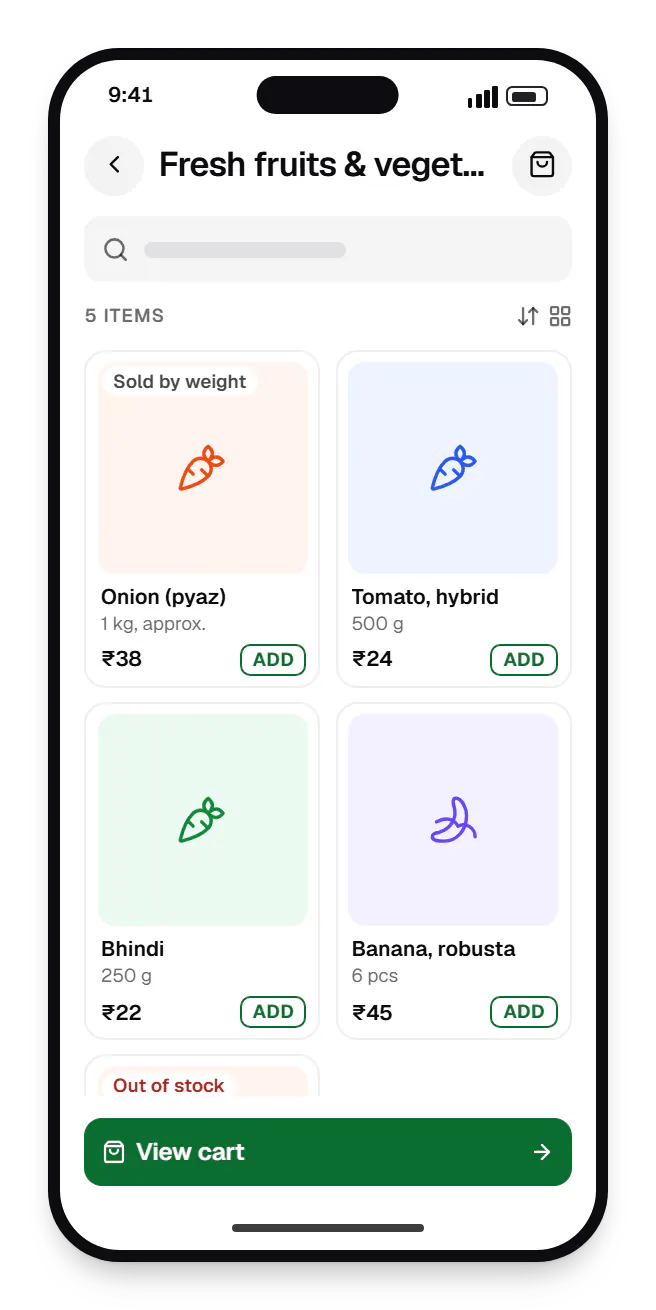
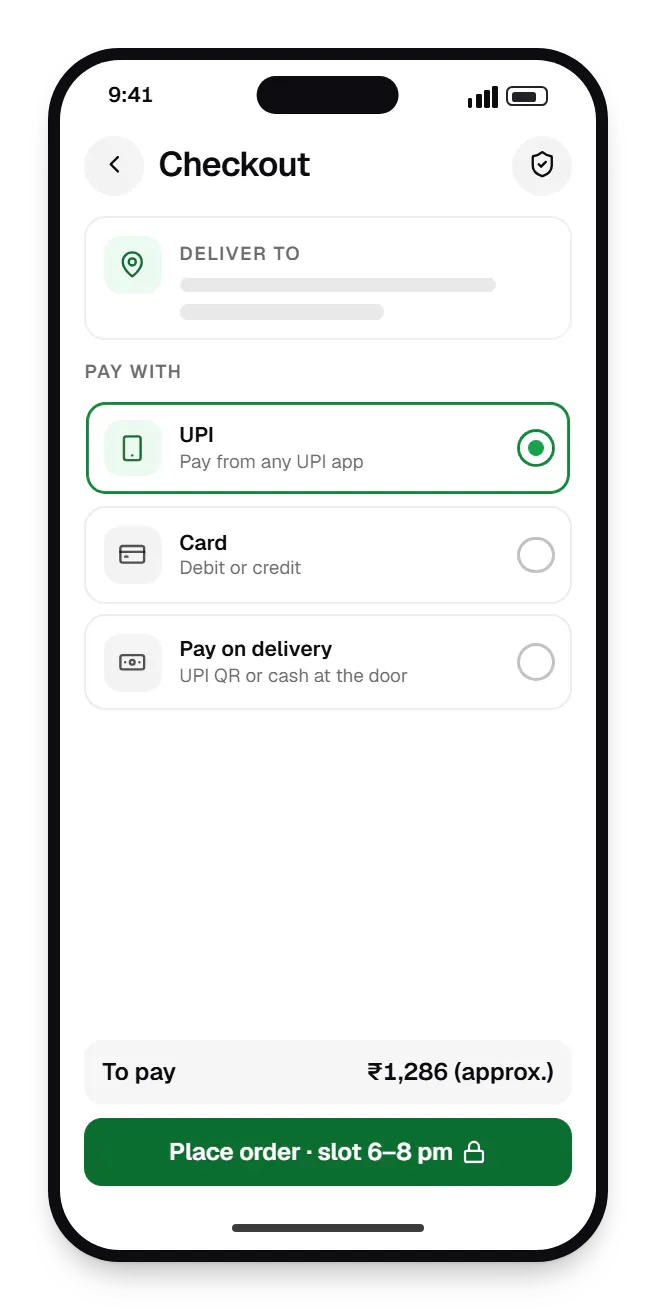
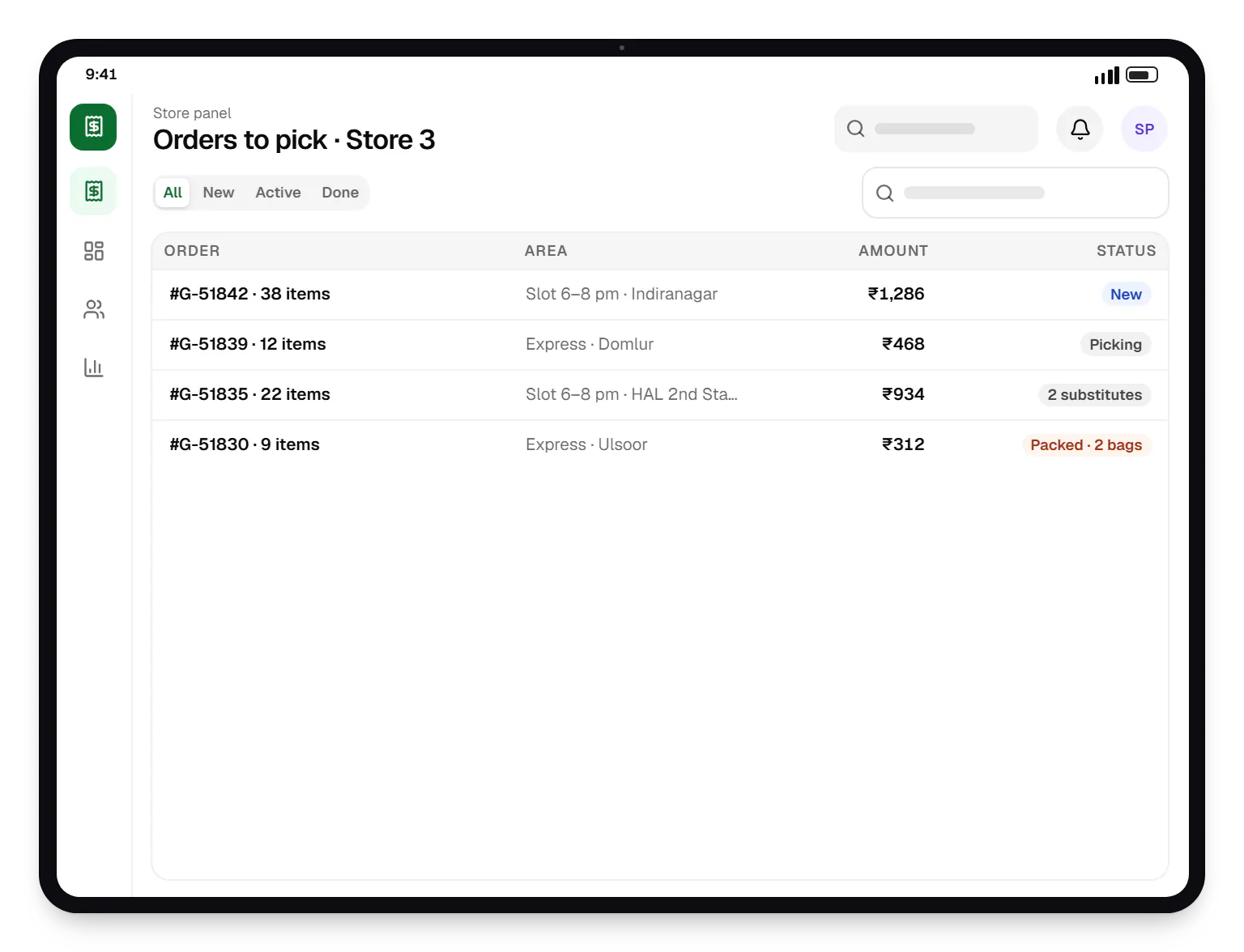
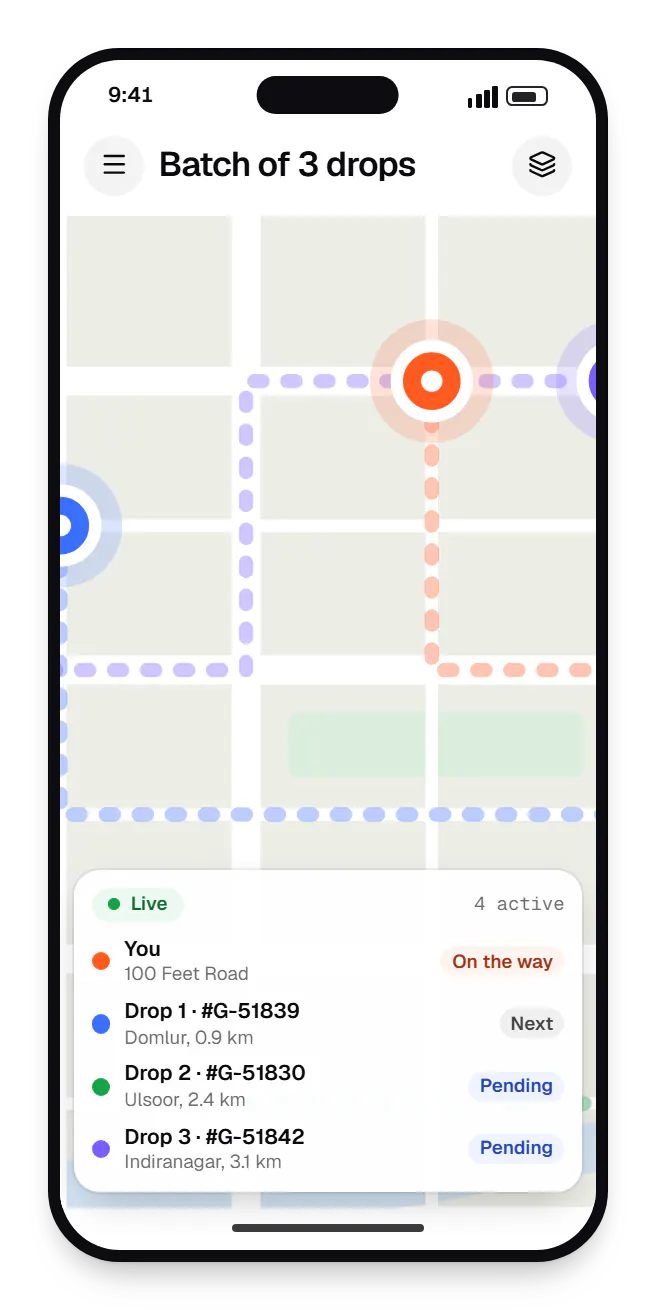
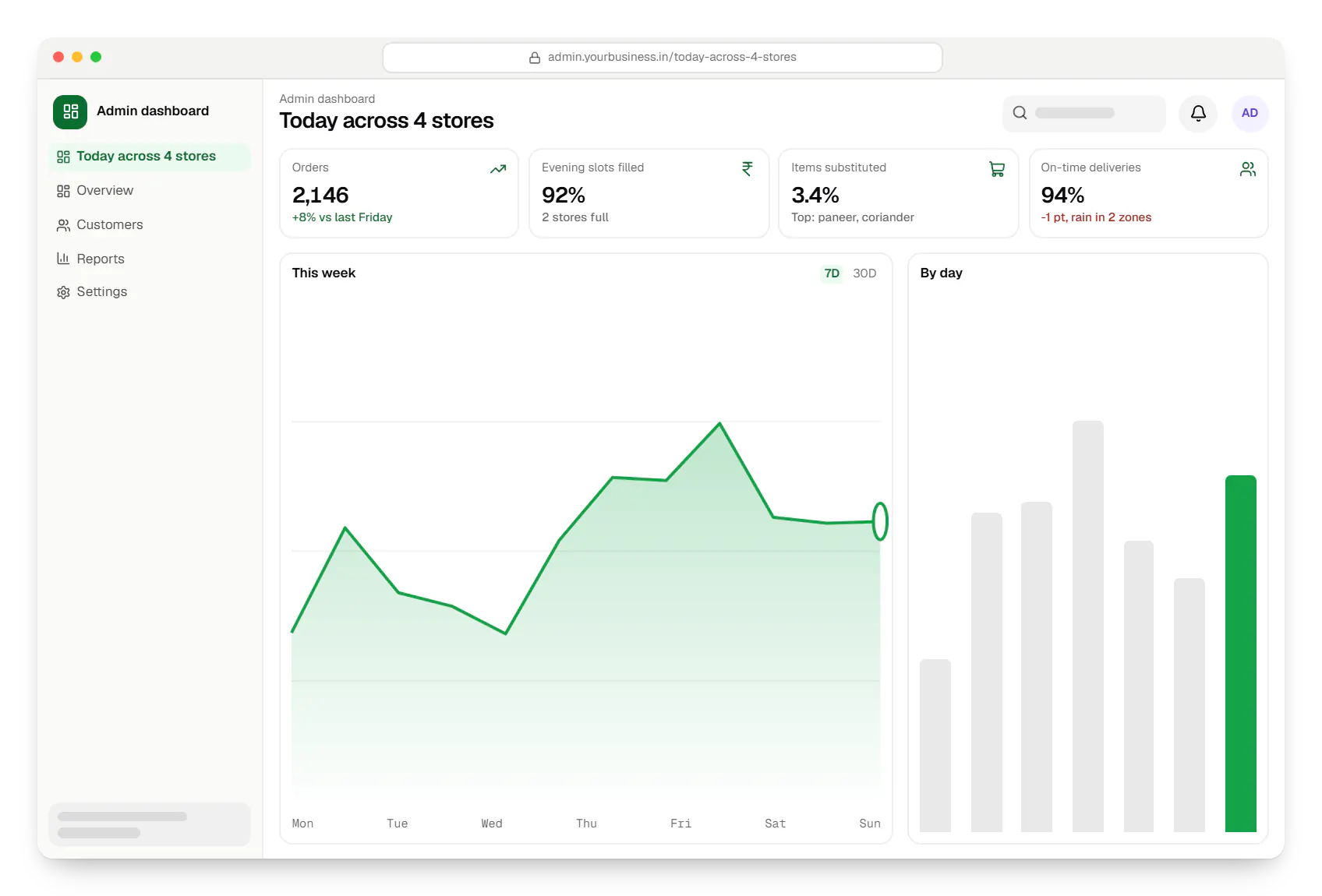
Sample screens: names, prices and figures are examples, not client data.
Industries
Services

Native and cross-platform Android and iOS apps, from first release through regular store updates, built by our in-house designers and engineers.

Android and iOS apps from one Dart codebase, built by engineers who know when Flutter is the right call and when native code is needed.

Browser-based products, customer portals, dashboards and internal tools, built on clean data models with secure roles and integrations.

Back-office dashboards built around your team's daily tasks: order queues, approvals, catalogue management, payouts, reports and audit logs.

Secure, documented REST and GraphQL APIs, plus integrations that connect your apps to payment, logistics, GST, messaging and business systems.

Product design for web and mobile apps: research, user flows, wireframes, prototypes and design systems that engineers can build from.
Work
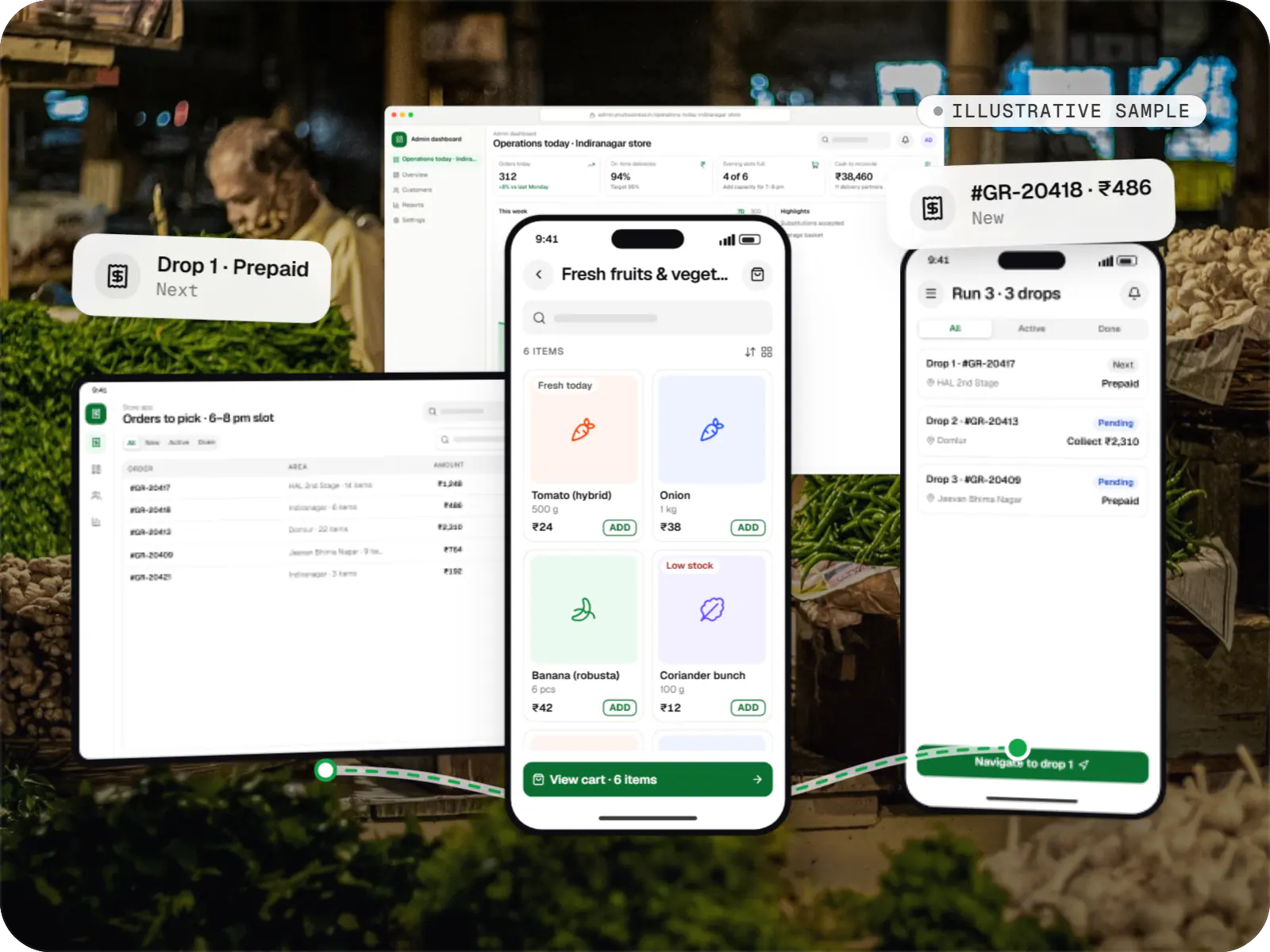
Delivery app development
An illustrative platform for neighbourhood grocery stores: slot or express delivery, store picking, batched delivery runs, and payment by UPI or cash on delivery.
Runs on
Built with
Cost drivers
One store is simpler than a chain or dark-store network with stock and slots per location.
Express needs real-time assignment; slots need capacity planning.
Live stock sync depends on how open your billing software is.
Barcode, weighing and substitution flows add screens and testing.
Estimates are written from your scope, with the effort and assumptions behind each line item.
How pricing worksMore specific pages
Grocery delivery app development in
FAQ
Weighted items are ordered by approximate quantity with an estimated price. At picking, the store app records the actual weight and updates the order total. For prepaid orders, pickers work within a tolerance you set and any shortfall is refunded automatically; pay-on-delivery orders collect the final amount at the door. Every adjustment appears on the invoice.
Usually. Many retail POS and ERP systems used in India, such as GoFrugal, Marg or Tally-based setups, share stock and prices through an API, a database connector or scheduled files. We sync at an interval that matches how fast stock moves, keep a buffer on fast sellers, and let staff mark items out of stock instantly.
At checkout, customers choose per item or per order: replace with a similar product, call me, or refund. When a picker marks an item unavailable, the store app suggests substitutes by brand, size and price. The substitute is then added directly or sent for approval by push or WhatsApp with a short timeout, and price differences settle automatically.
Yes. A single-store launch can use a customer app, a tablet-friendly store panel, a basic delivery partner app and the admin dashboard, with slots instead of express. Multi-store routing, dark-store features and loyalty can follow, on a data model planned for growth, so adding stores later does not mean a rebuild.
The delivery partner app shows a dynamic UPI QR code tied to that order, so payment is matched automatically, and records cash where you accept it. At shift end, the dashboard shows each partner's cash in hand against orders delivered, and deposits are logged on handover, removing much of the manual reconciliation that makes COD painful.
Related
Next step
Tell us how many stores you run, your billing software and your delivery promise. We will map the apps and a phased estimate.