



Mobile
React Native
Build Android and iOS apps in the same language as a React website, so one team can share code and skills across web and mobile.
Used for
- Mobile apps
- Shopping apps
- Staff and field apps
- Mobile apps for SaaS
Food delivery apps
Direct ordering and delivery for restaurants, chains and cloud kitchens, with kitchen workflows and ETAs built around real prep times.
At a glance
What it is
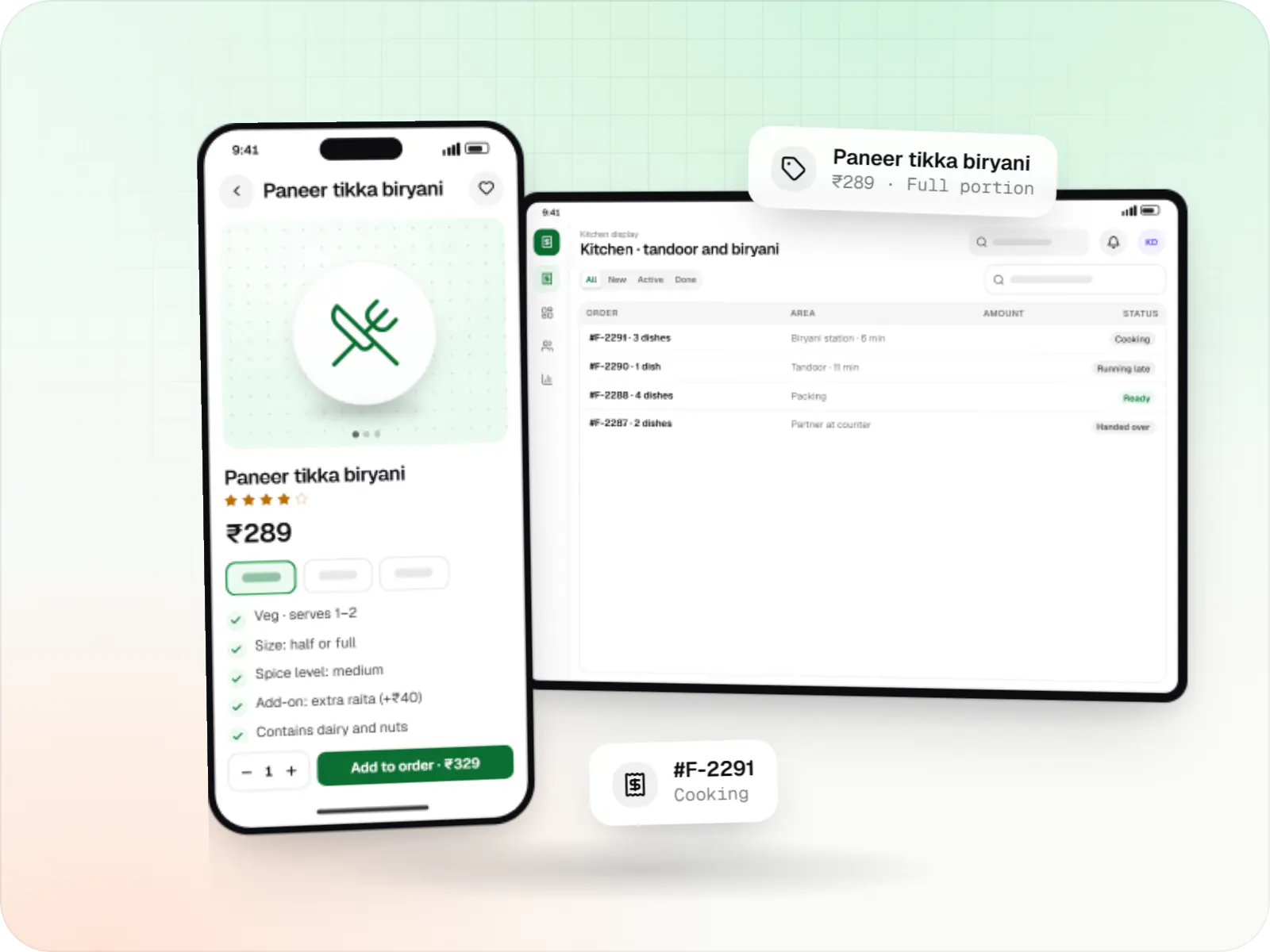
Food ordering and delivery apps for restaurants, chains and cloud kitchens, with menus and add-ons, kitchen displays, prep-time ETAs and delivery tracking.
Flutter and the related logo are trademarks of Google LLC. We are not endorsed by or affiliated with Google LLC.
How to start
Tell us what you need in your own words. You talk to the developers who would build it and get a written, line-item estimate.
Get a project estimateAggregator apps bring discovery, but the customer relationship and much of each order's value stay with the platform. Many restaurant brands and cloud kitchens now want a direct channel for regulars, with their own offers and customer data.
Food delivery app development for that channel differs from building an aggregator. The menu must mirror what the kitchen can make right now, orders must reach the kitchen display instantly, and the delivery partner should arrive as the food is packed.
Challenges
Regulars keep ordering through aggregators because there is no convenient direct option.
Sold-out items and price changes updated in one channel but not others cause cancellations.
Too many simultaneous orders stretch prep times, and food arrives late or cold.
Assigning at order time rather than readiness wastes partner time and delivery cost.
What is included
Platform: Android, iOS and web
Platform: Tablet or kitchen display
Platform: Android
Platform: Web
Integrations
Orders into the POS, menus out of it.
Menu and order sync across your app and aggregators.
Partners booked by API when your fleet is busy.
UPI, cards and wallets, with refunds for cancellations.
Delivery radius, ETAs and tracking.
Network or Bluetooth printing of kitchen order tickets.
Platforms
Ordering for diners on Android, iOS and the web, a tablet or kitchen screen for staff, a delivery partner app for Android and a web dashboard for managers.
Apps for Android phones and tablets, tested on budget and mid-range devices and published on Google Play or privately.
Apps for iPhone and iPad, built to Apple's guidelines and released through TestFlight and the App Store.
One Flutter or React Native codebase for Android and iOS, with native modules where a feature needs them.
Marketing and content websites: fast, search-friendly pages with a CMS your team can update without a developer.
Back-office panels for operations, support and finance teams: orders, users, content, reports and permissions.
Technology
React Native or Flutter for the ordering and partner apps, Node.js and Redis for instant kitchen alerts, Google Maps Platform for delivery radius and ETAs, and Firebase for order notifications.
Mobile
Build Android and iOS apps in the same language as a React website, so one team can share code and skills across web and mobile.
Used for
Mobile
Build Android and iOS apps from one shared codebase, so you launch on both platforms faster with a consistent experience.
Used for
Backend
Runs the server side of apps: fast, scalable back ends that power your app, website and integrations.
Used for
Backend
A structured way to build back ends on Node.js, so large business systems stay organised, testable and easy to hand over.
Used for
Data
A reliable database for the records your business runs on: orders, payments, bookings and stock, kept accurate and easy to report on.
Used for
Data
Keeps frequently used data in fast memory, so apps stay quick on busy days and live features like order tracking feel instant.
Used for
Payments & maps
Adds maps, address search, live tracking and travel-time estimates to delivery, ride and field apps, so orders reach the right door.
Used for
Payments & maps
Lets customers in India pay by UPI, cards, netbanking or wallets, and handles subscriptions, refunds and payouts to sellers or partners.
Used for
Cloud & DevOps
Ready-made building blocks for mobile apps, such as push notifications, phone OTP login and crash reports, so you launch sooner.
Used for
Flutter and the related logo are trademarks of Google LLC. We are not endorsed by or affiliated with Google LLC.
Plain-English glossary
Product preview
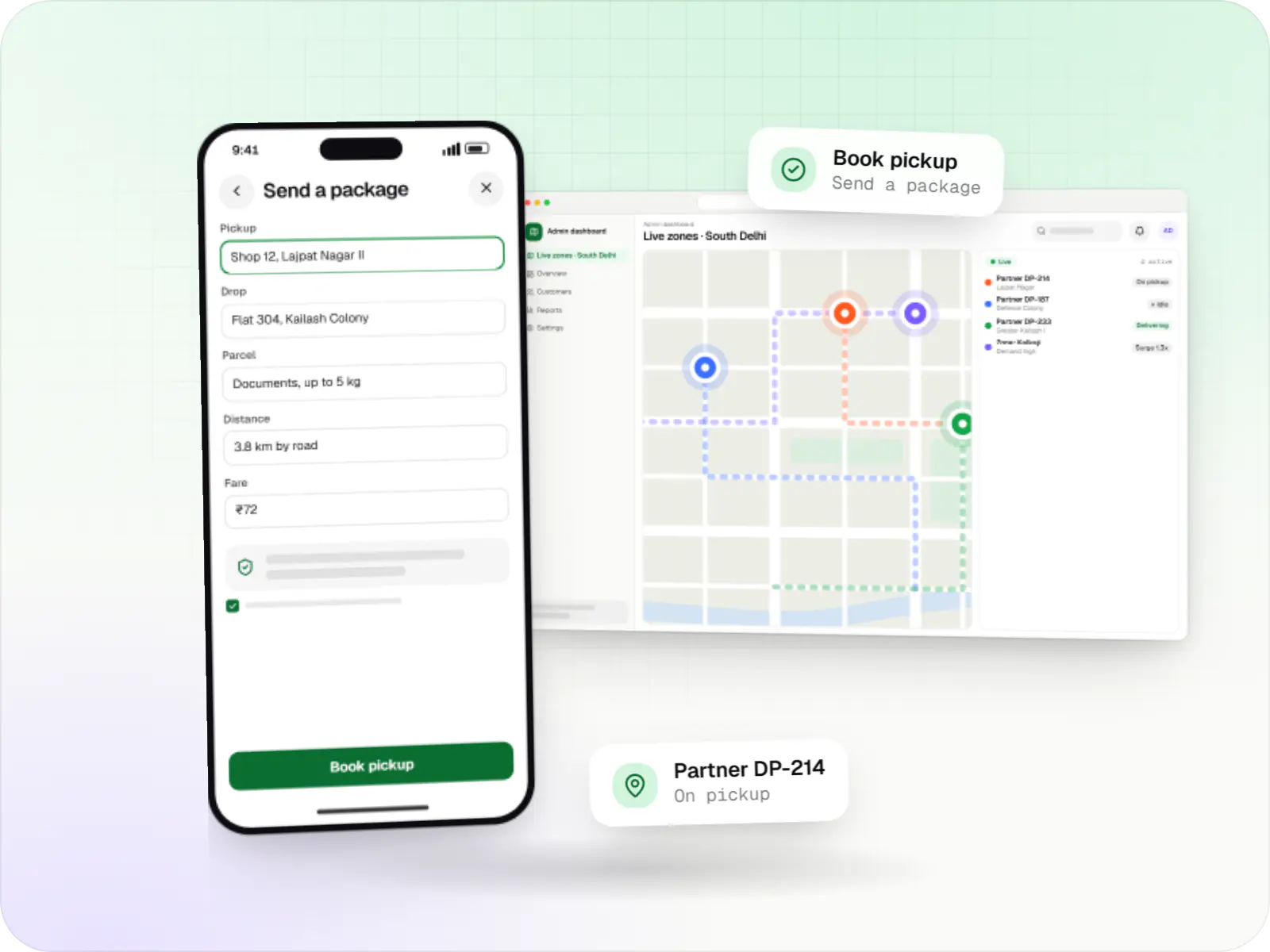
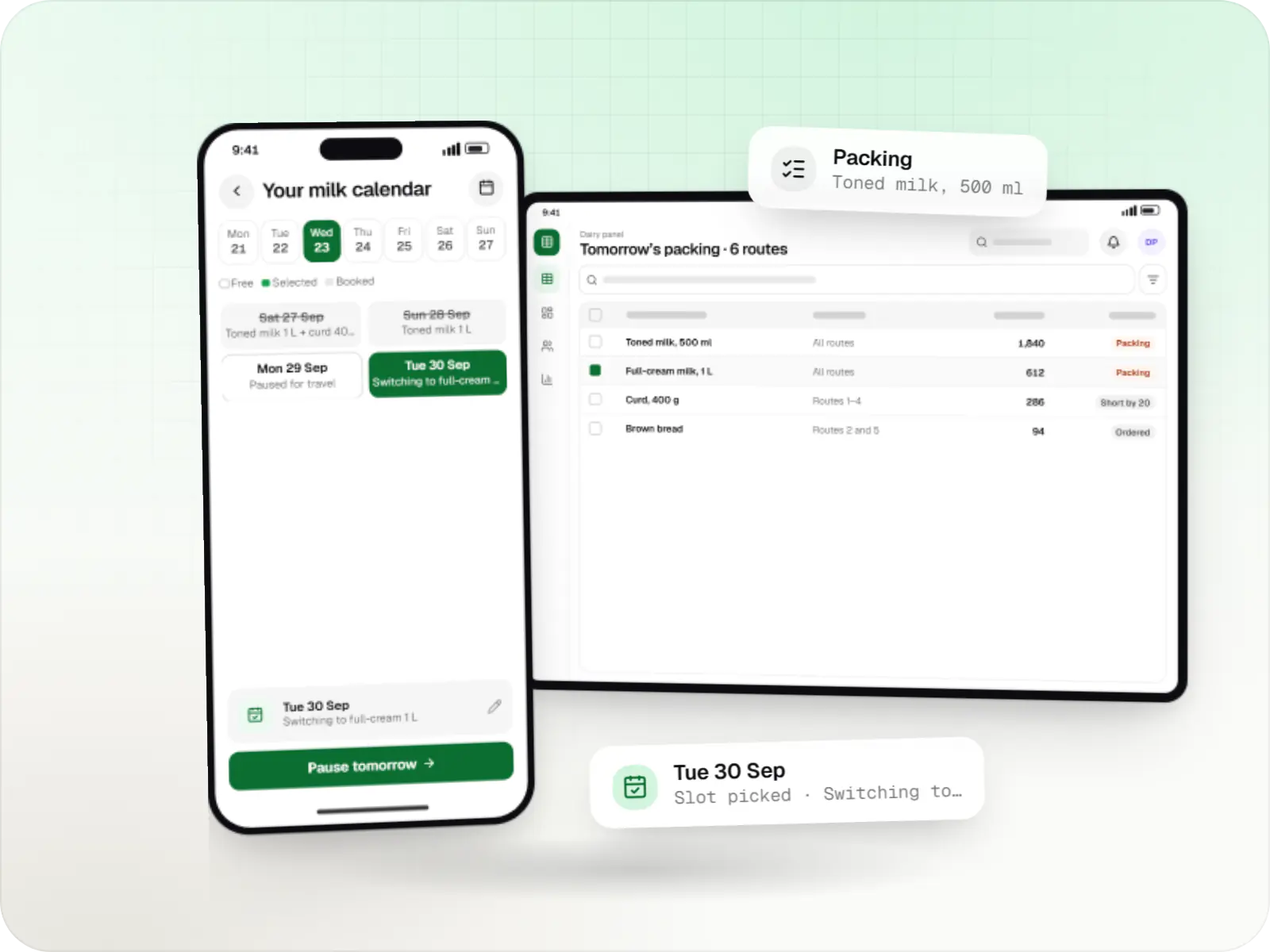
Illustrative screens, using a three-outlet biryani and kebab brand in Delhi NCR as the example.
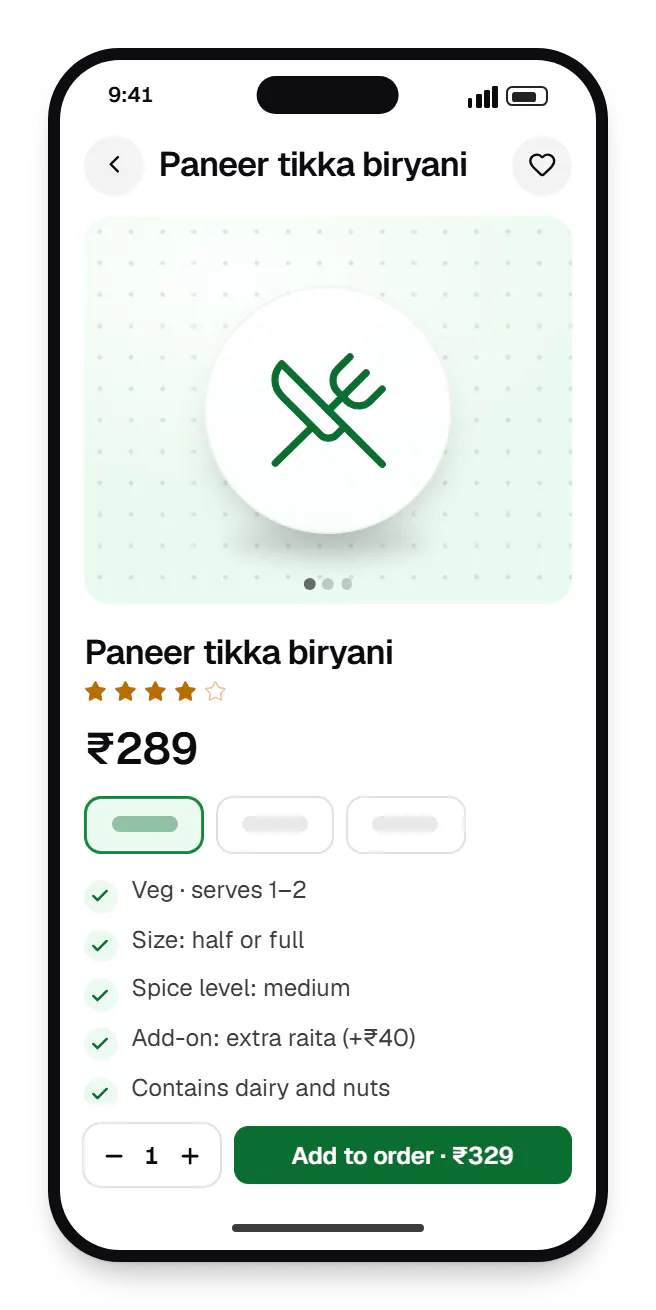
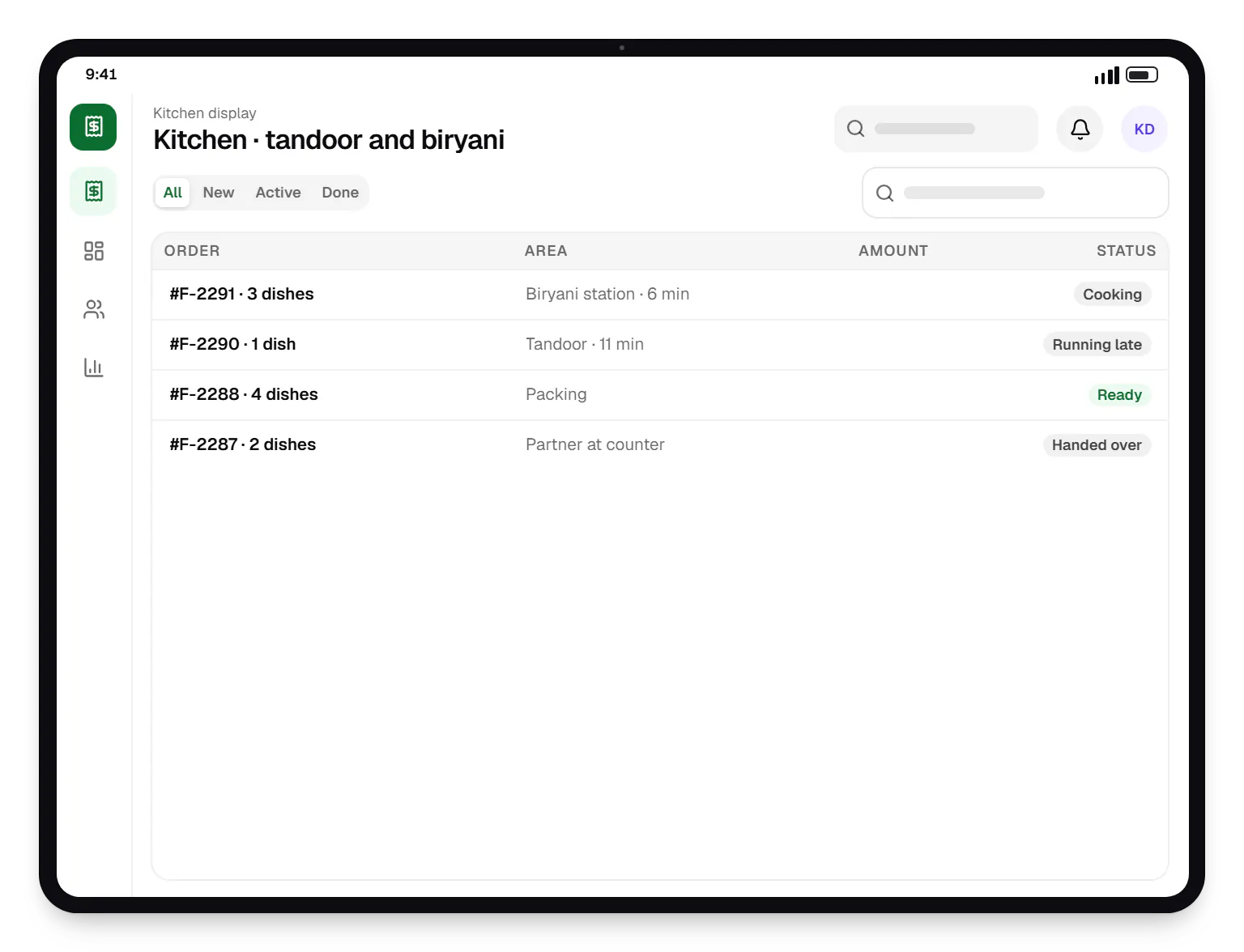
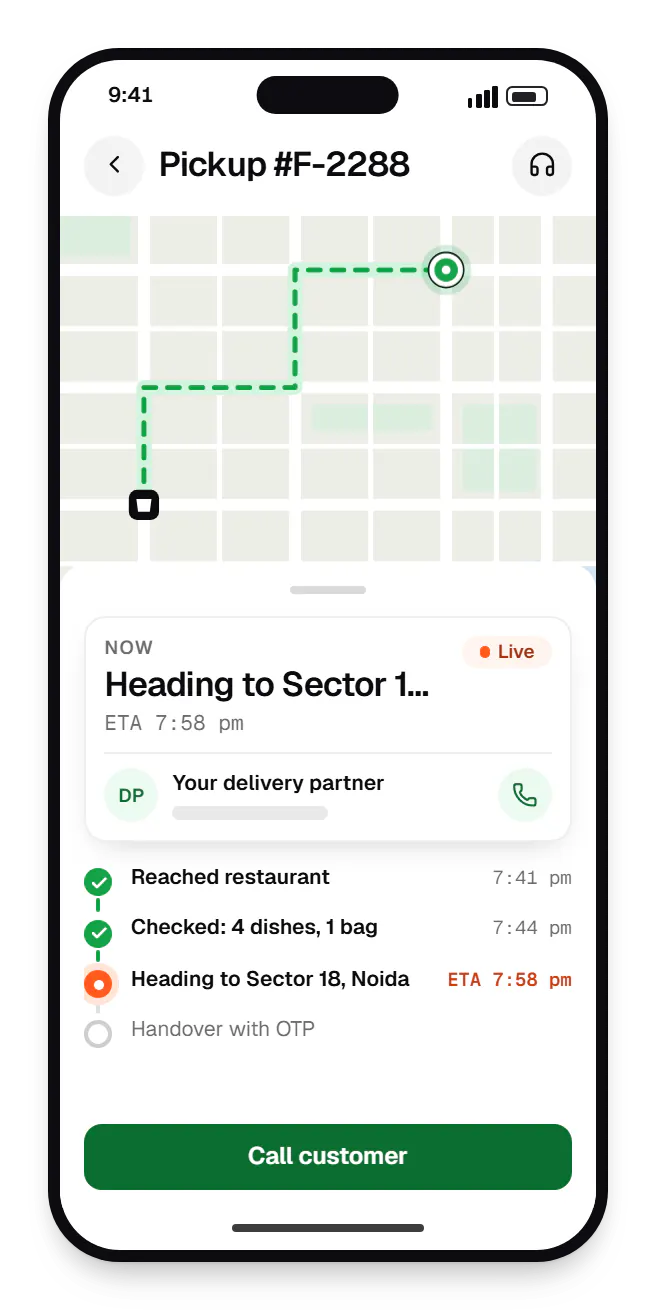
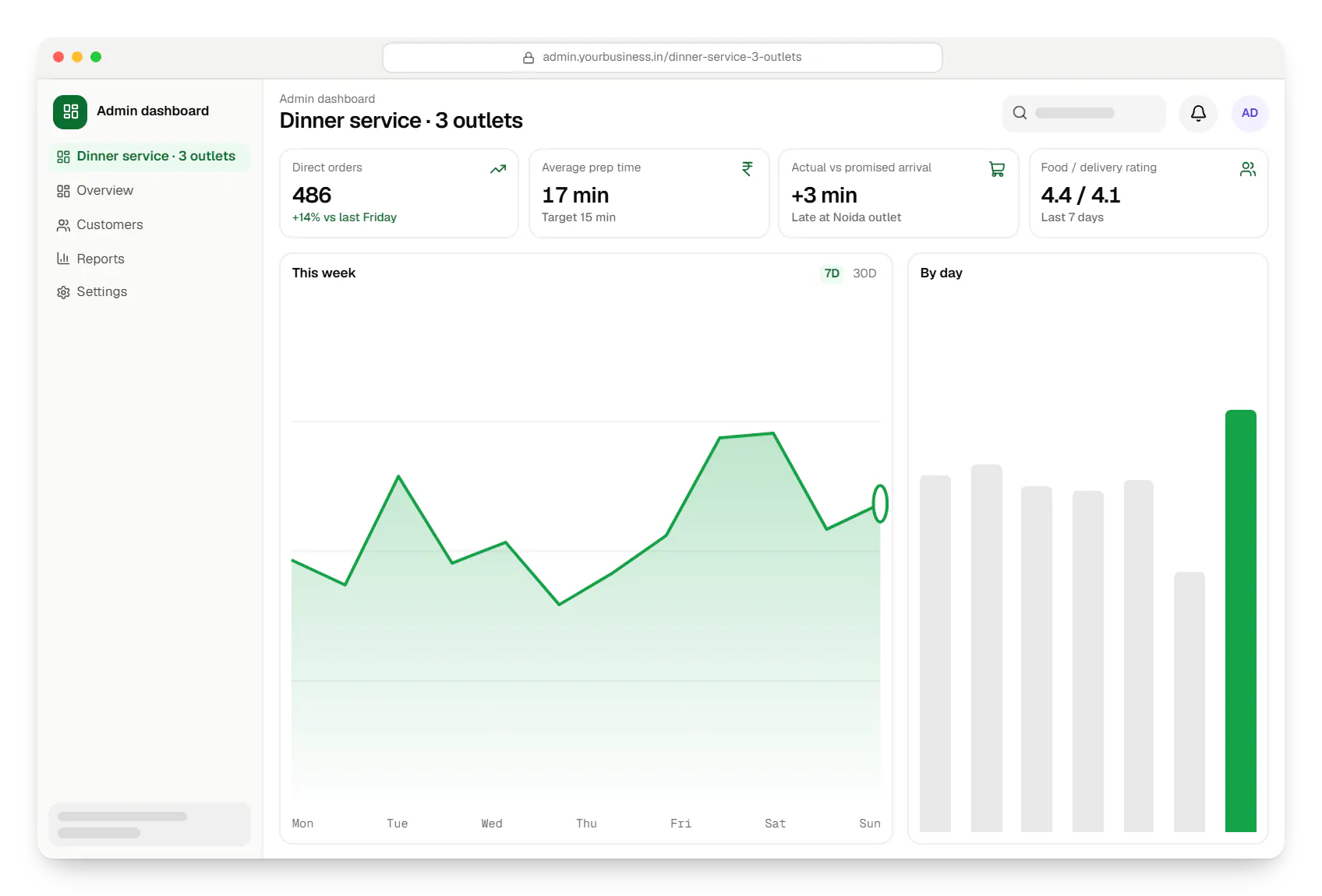
Sample screens: names, prices and figures are examples, not client data.
Industries
Services

Native and cross-platform Android and iOS apps, from first release through regular store updates, built by our in-house designers and engineers.
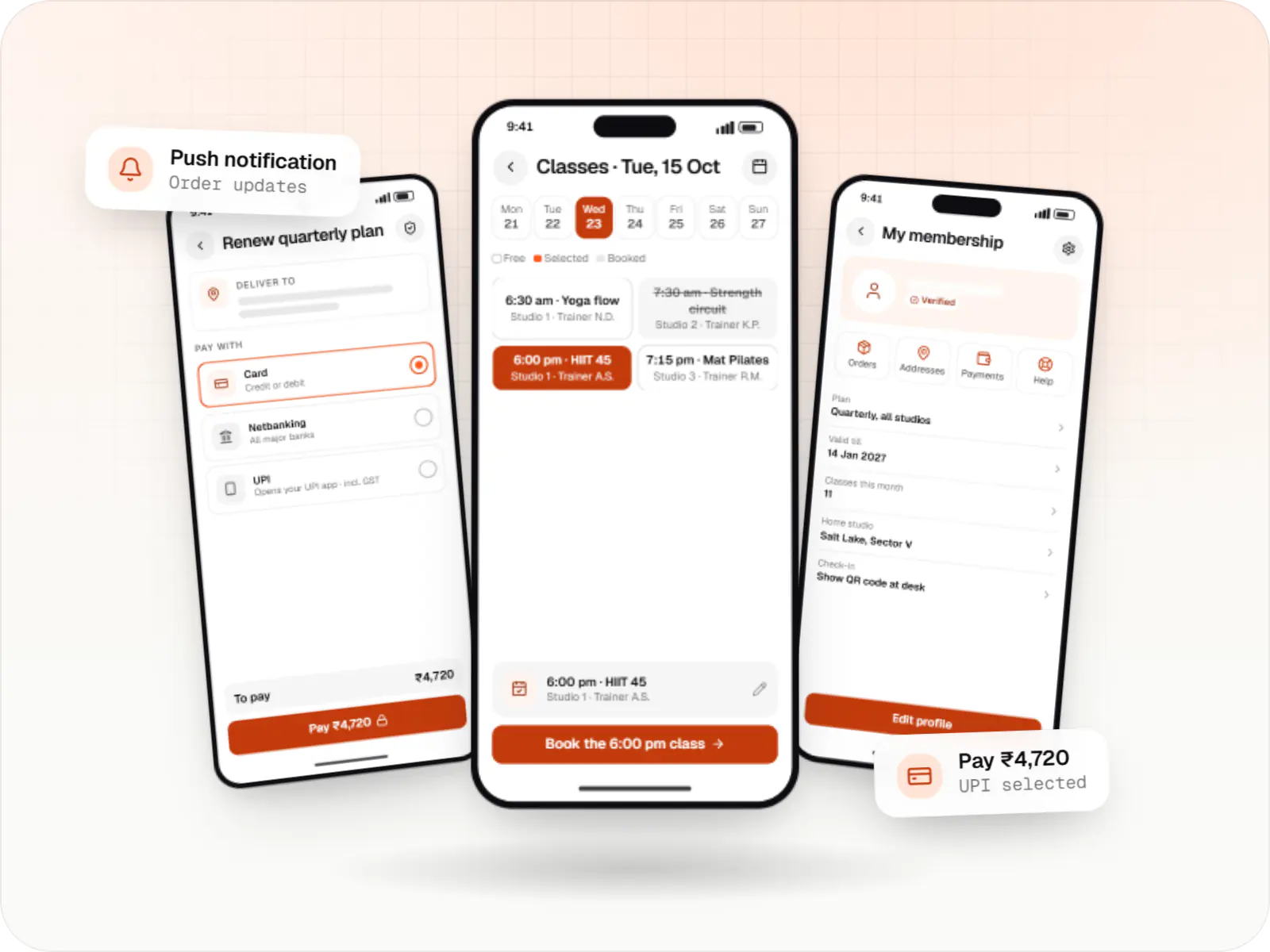
Android and iOS apps in React Native and TypeScript, suited to teams that already use React on the web and want shared logic across products.

Android and iOS apps from one Dart codebase, built by engineers who know when Flutter is the right call and when native code is needed.

Browser-based products, customer portals, dashboards and internal tools, built on clean data models with secure roles and integrations.

Back-office dashboards built around your team's daily tasks: order queues, approvals, catalogue management, payouts, reports and audit logs.

Product design for web and mobile apps: research, user flows, wireframes, prototypes and design systems that engineers can build from.
Cost drivers
A single restaurant is simpler than multi-brand kitchens or franchises with outlet-level menus.
An in-house partner app and dispatch cost more than booking delivery by API.
Connecting your POS and aggregator middleware adds mapping and testing per outlet.
Nested add-ons, combos and time-based menus need careful modelling.
Estimates are written from your scope, with the effort and assumptions behind each line item.
How pricing worksMore specific pages
Food delivery app development in
Food delivery app development for
FAQ
Yes, and many brands run both. Aggregators help with discovery; your own app serves regulars with better offers and gives you the customer data. The practical issue is keeping menus, prices and stock consistent: a channel manager such as UrbanPiper, or your POS, can sync them. Check your aggregator agreements for any pricing terms.
We combine the kitchen's prep time for that order, which staff can adjust on acceptance, with travel time from the outlet and current load. Partners are assigned so they reach the counter as the food is packed. The customer's estimate updates as each stage completes, and the dashboard compares promised and actual times so you can tune the defaults.
Yes. Each brand can have its own storefront, menu and branding while sharing one kitchen, one display and one fleet. When a customer orders from two of your brands, the orders can go out in a single delivery. Reporting stays separate per brand, so you can see which ones earn their place.
The kitchen app can throttle automatically when open orders cross a limit you set: extending quoted times, pausing slow-to-prepare items or switching to pickup only. Staff can also snooze the outlet for a few minutes with one tap. These rules protect food quality and delivery times without switching off the whole channel.
They can. Accepted orders print kitchen order tickets on network or Bluetooth thermal printers, split by station if needed, or appear on a kitchen display with timers. If you already use a POS for dine-in, we usually push online orders into it so the kitchen works from one queue rather than two.
Related
Next step
Tell us about your outlets, POS and delivery set-up. We will recommend what to build first and share a line-item estimate.