Skip to content
Softcoderz

Food delivery ยท Restaurants

Food delivery app development for restaurants

A direct ordering channel your restaurant owns: app, website and kitchen tools that sit alongside the aggregators you already use.

This page brings together

Runs on
  • Android
  • iOS
  • Cross-platform
  • Website
  • Admin

Flutter and the related logo are trademarks of Google LLC. We are not endorsed by or affiliated with Google LLC.

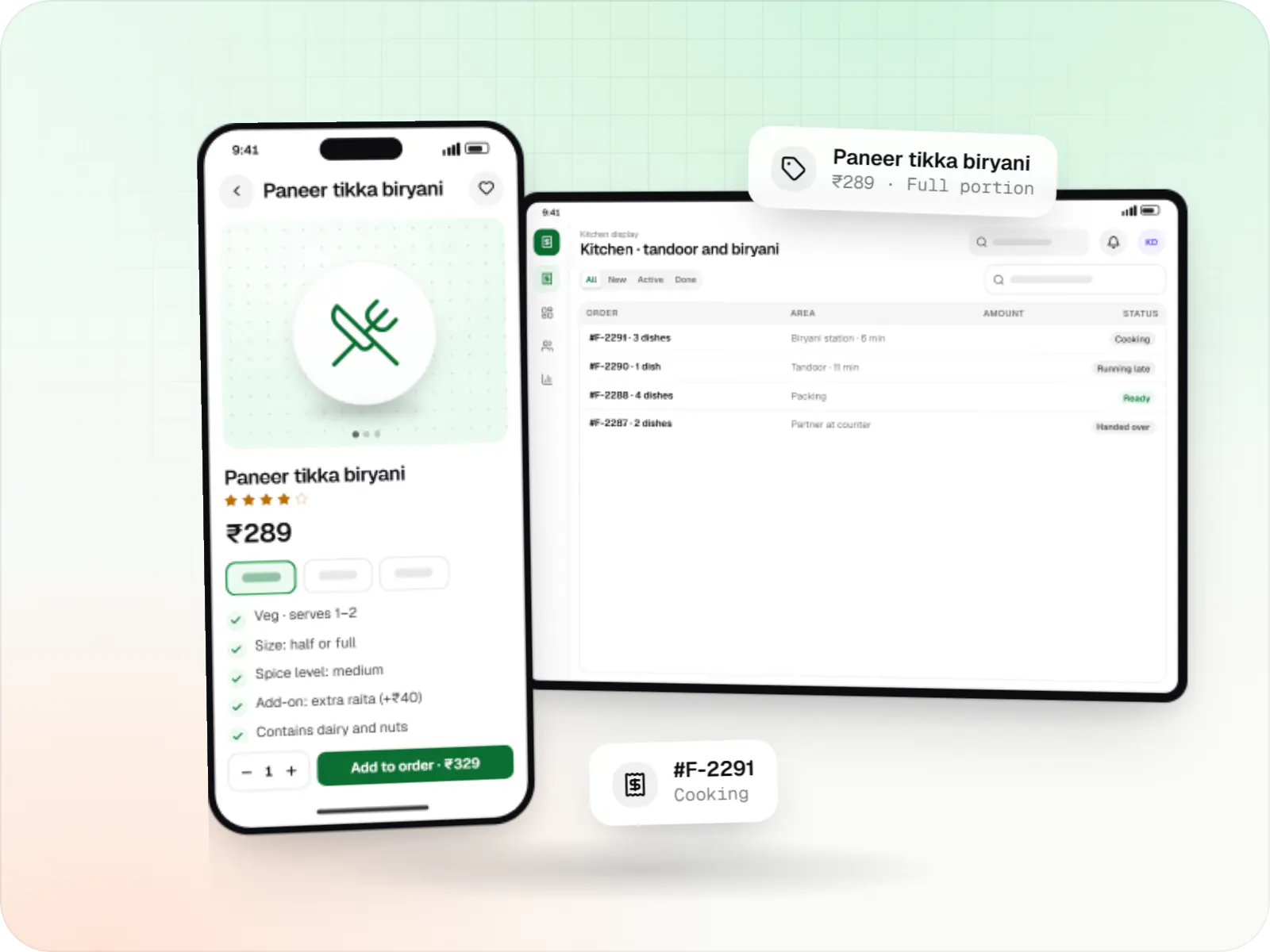
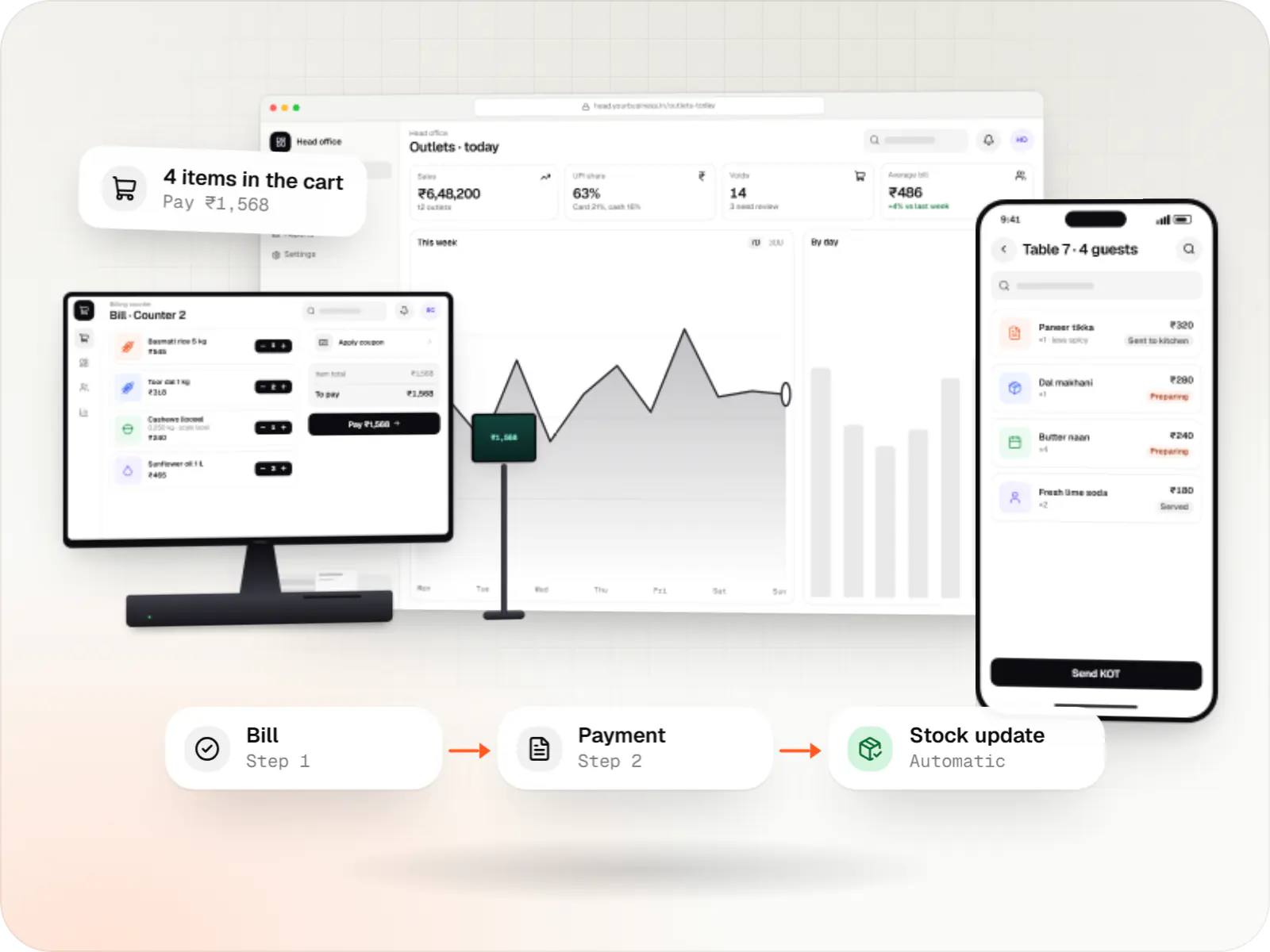
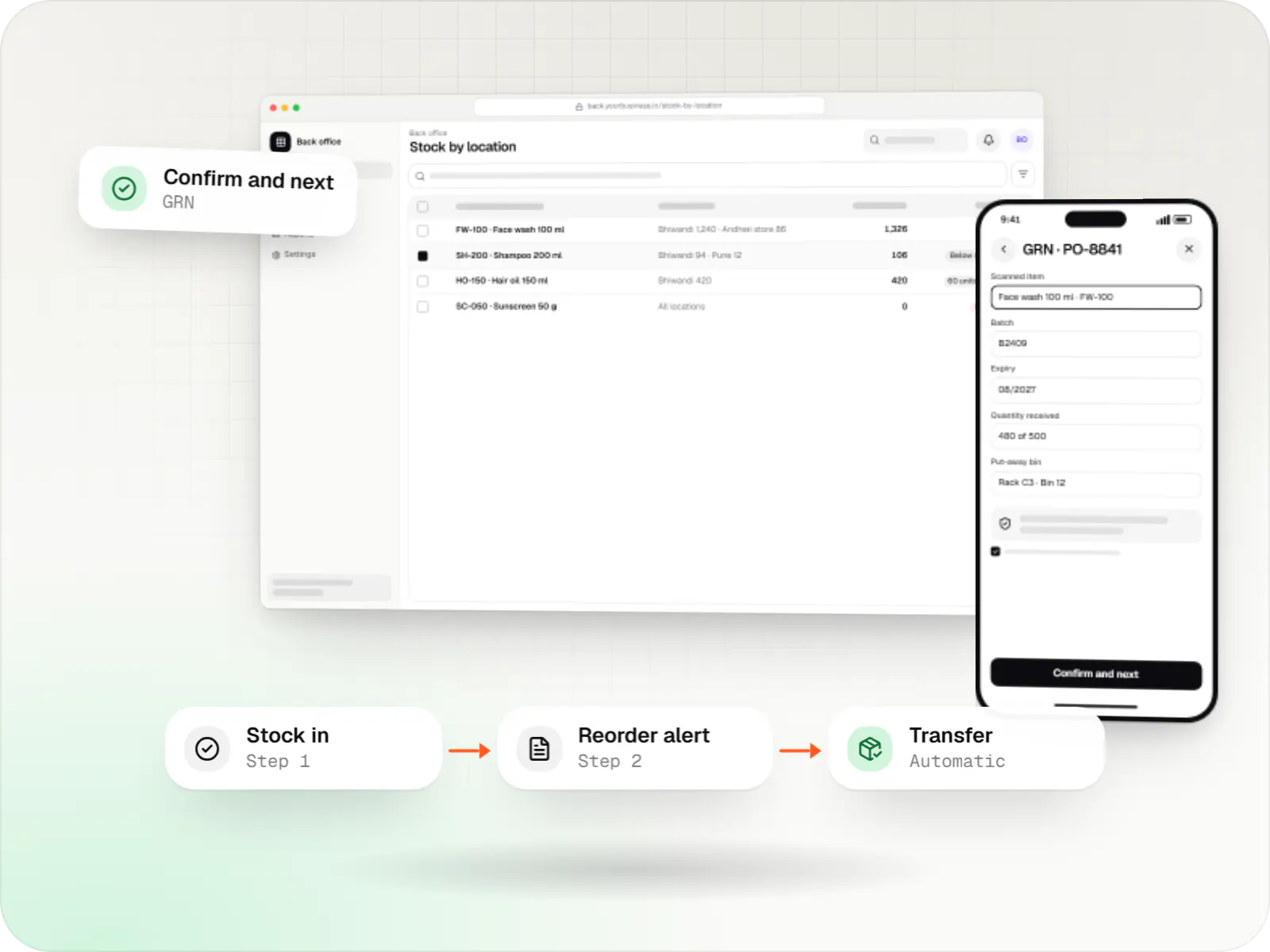
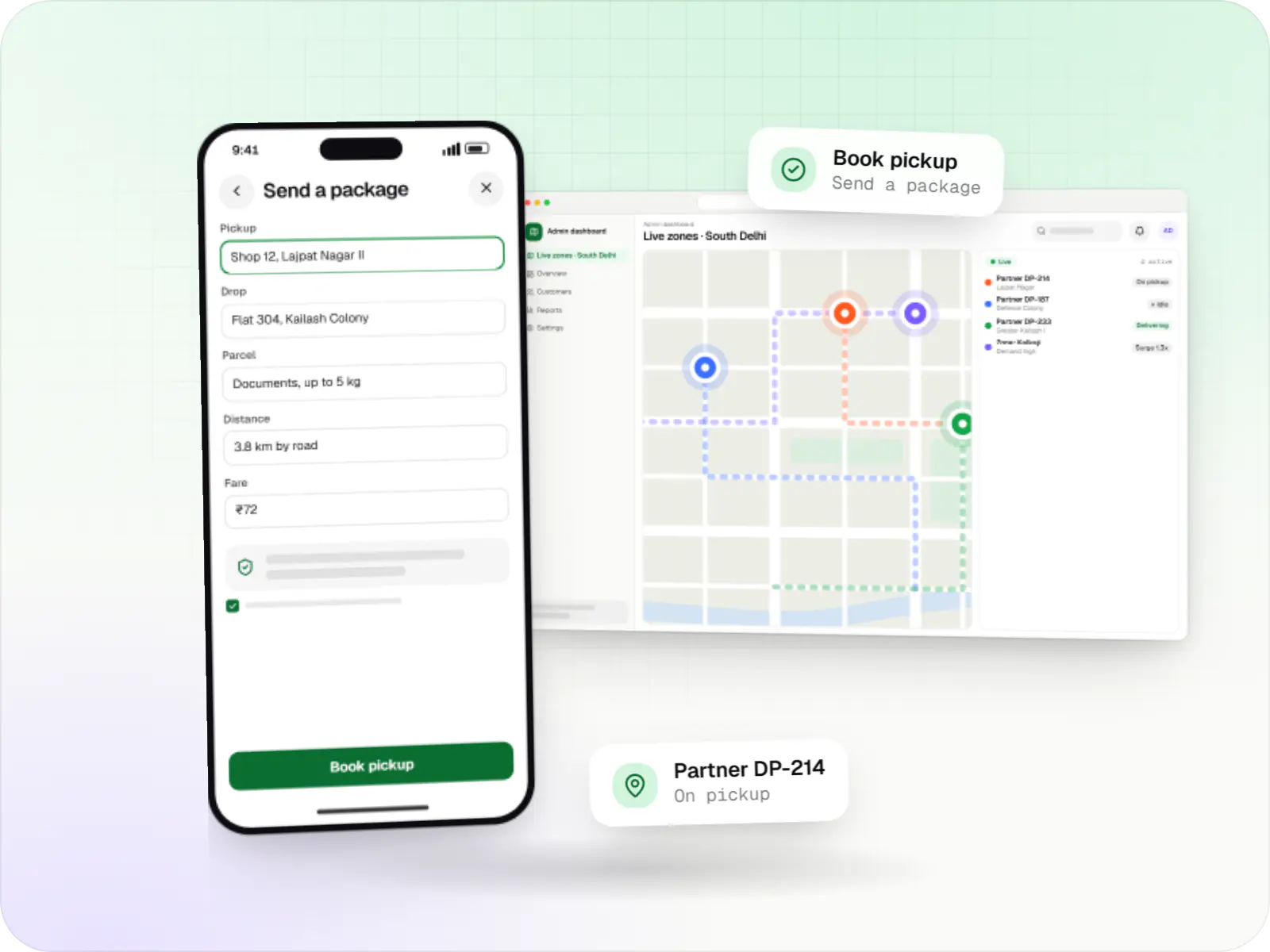
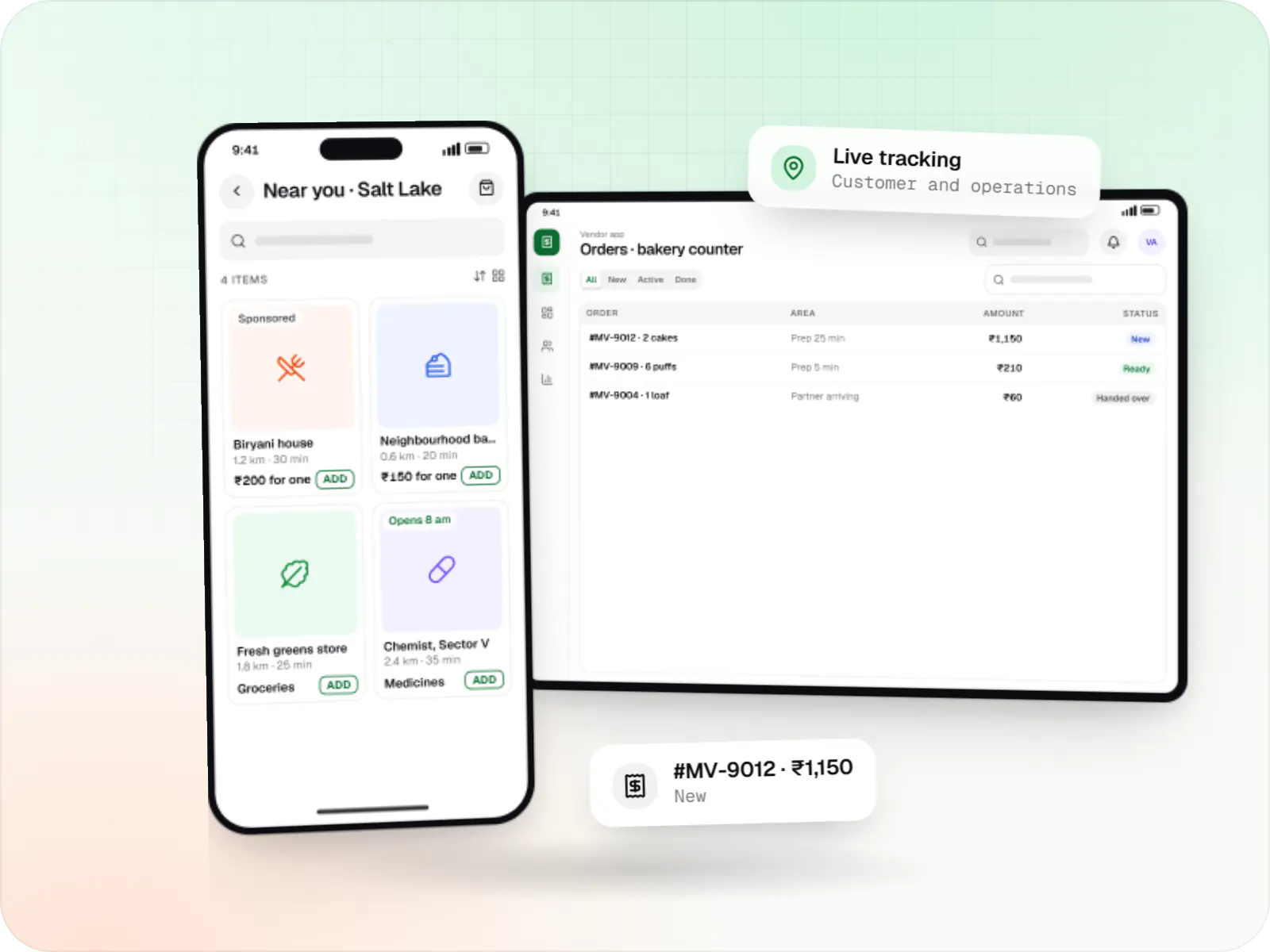
Food delivery app screens: customer app on a phone and kitchen display
Illustrative preview

Your own ordering channel, planned around your kitchen

Most restaurants that come to us already take orders through Swiggy and Zomato. What they lack is a channel where the customer relationship, the pricing and the order data are theirs. A restaurant's own app is not a smaller aggregator; it is a repeat-order tool for people who already know the food.

So menu accuracy and kitchen flow come first, because direct orders land in the same kitchen as aggregator and dine-in tickets. Delivery can use your own delivery partners, a hyperlocal fleet partner or both, and re-ordering matters more than discovery. We scope food delivery app development for restaurants around this, often starting with a web ordering page and adding native apps once repeat orders justify them.

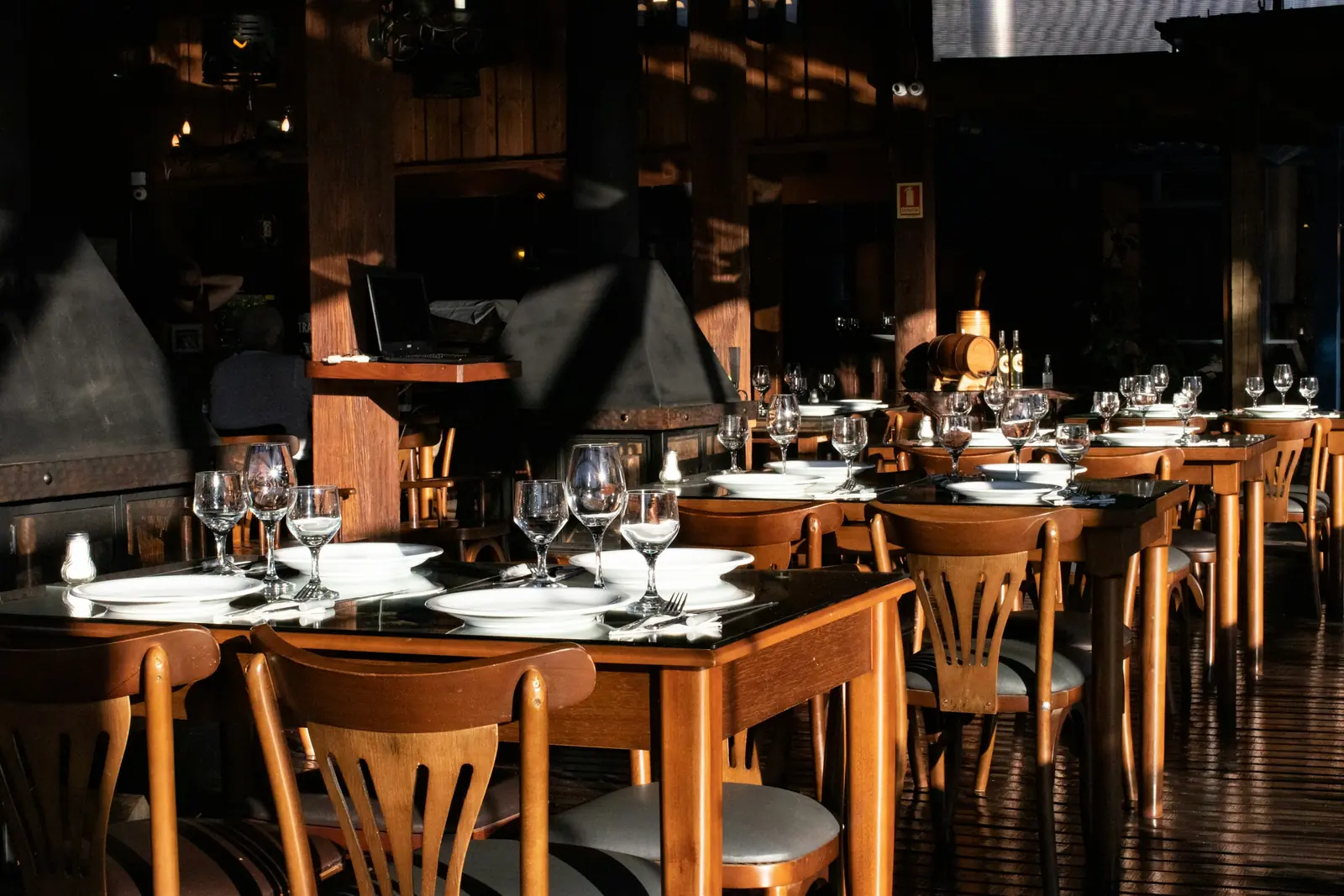
Restaurant dining room with wooden chairs and tables set with plates and wine glasses in late afternoon sun

Challenges

Problems a restaurant-owned app has to solve

  1. No direct line to regulars

    Aggregators hold the relationship. A direct channel collects consented contacts for re-order reminders and offers.

  2. Menus drifting out of sync

    Items sold out in the POS still show online, and prices differ by channel.

  3. Peak-hour overload

    Throttling, busy mode and realistic prep times protect food quality at peak.

  4. Delivery without a big fleet

    Delivery partners waiting between orders are costly, and outside fleets reduce control, so most restaurants need a mix.

  5. Correct bills on every channel

    GST invoices with packaging charges and your FSSAI licence number, for every order.

What is included

Four pieces of a restaurant ordering system

  • Platform: Customer app / PWA

    Ordering app and website

    • Menu with variants, add-ons and veg/non-veg markers
    • Nearest outlet picked from the delivery address
    • Scheduled orders, takeaway and dine-in QR ordering
    • One-tap re-order
    • UPI, cards, wallets and COD with limits
    • Loyalty points and coupons
  • Platform: Tablet / kitchen display

    Kitchen and outlet tools

    • Order acceptance with prep-time estimates
    • Station-wise kitchen display with timers
    • KOT printing on existing thermal printers
    • Out-of-stock toggle across all channels
  • Platform: Android app

    Delivery partner app

    • Pickup-ready alerts and navigation
    • OTP-confirmed delivery
    • COD cash reconciliation per shift
  • Platform: Admin dashboard

    Owner dashboard

    • Outlet-wise sales and prep times
    • Delivery zones and charges per outlet
    • WhatsApp re-order campaigns
    • Settlement reports

How it works

How a direct order moves from your app to the customer's door

Direct orders share the kitchen with aggregator and dine-in tickets, so every step is timed around the kitchen.

  1. Customer app / PWA

    Step 1: Customer orders from your app or website

    The nearest outlet is picked from the delivery address, and the customer pays by UPI, card, wallet or cash on delivery.

  2. Outlet tablet

    Step 2: Outlet accepts with a prep time

    Staff accept the order with a realistic preparation time; in busy mode, new orders are throttled to protect food quality.

  3. Kitchen

    Step 3: KOT prints, kitchen display updates

    The order prints on the existing thermal printer or appears on the station-wise kitchen display with timers.

  4. Dispatch rules

    Step 4: A delivery partner is assigned

    Your own delivery partners take nearby orders; a hyperlocal fleet partner is booked automatically when your team is busy or the address is further away.

  5. Delivery partner app

    Step 5: OTP handover, cash recorded

    The customer shares an OTP at the door, and cash on delivery is recorded for reconciliation at the end of the shift.

  6. Owner dashboard

    Step 6: Re-order reminders

    Customers who opted in get WhatsApp re-order messages and offers, so regulars have a reason to order direct next time.

Then it starts again at step 1: Customer orders from your app or website

Integrations

Services a restaurant app plugs into

  • POS

    • Restaurant POS

      Menu and order sync with POS systems such as Petpooja, where an API or partner integration exists.

  • Payments

    • Razorpay, PhonePe or Paytm

      UPI, cards and wallets with gateway refunds.

  • Messaging

    • WhatsApp Business Platform

      Order updates and opt-in re-order messages.

  • Maps

    • Google Maps Platform

      Address search, distance-based charges and tracking.

  • Delivery

    • Hyperlocal fleet partners

      Automatic delivery bookings through fleets that offer booking APIs.

  • Network

    • ONDC

      Optional listing through a seller-side network participant.

Cost drivers

What changes the estimate for a restaurant

  1. Outlets and brands

    Several outlets need zone mapping and outlet menus; several brands from one kitchen need separate storefronts.

  2. Own delivery partners or a fleet

    A delivery partner app is a separate build; fleet-only delivery swaps it for API integration.

  3. POS integration depth

    A one-way menu import is modest; two-way order and stock sync depends on your POS.

  4. Web or native

    A PWA suits most single outlets; native apps add store releases and push notifications.

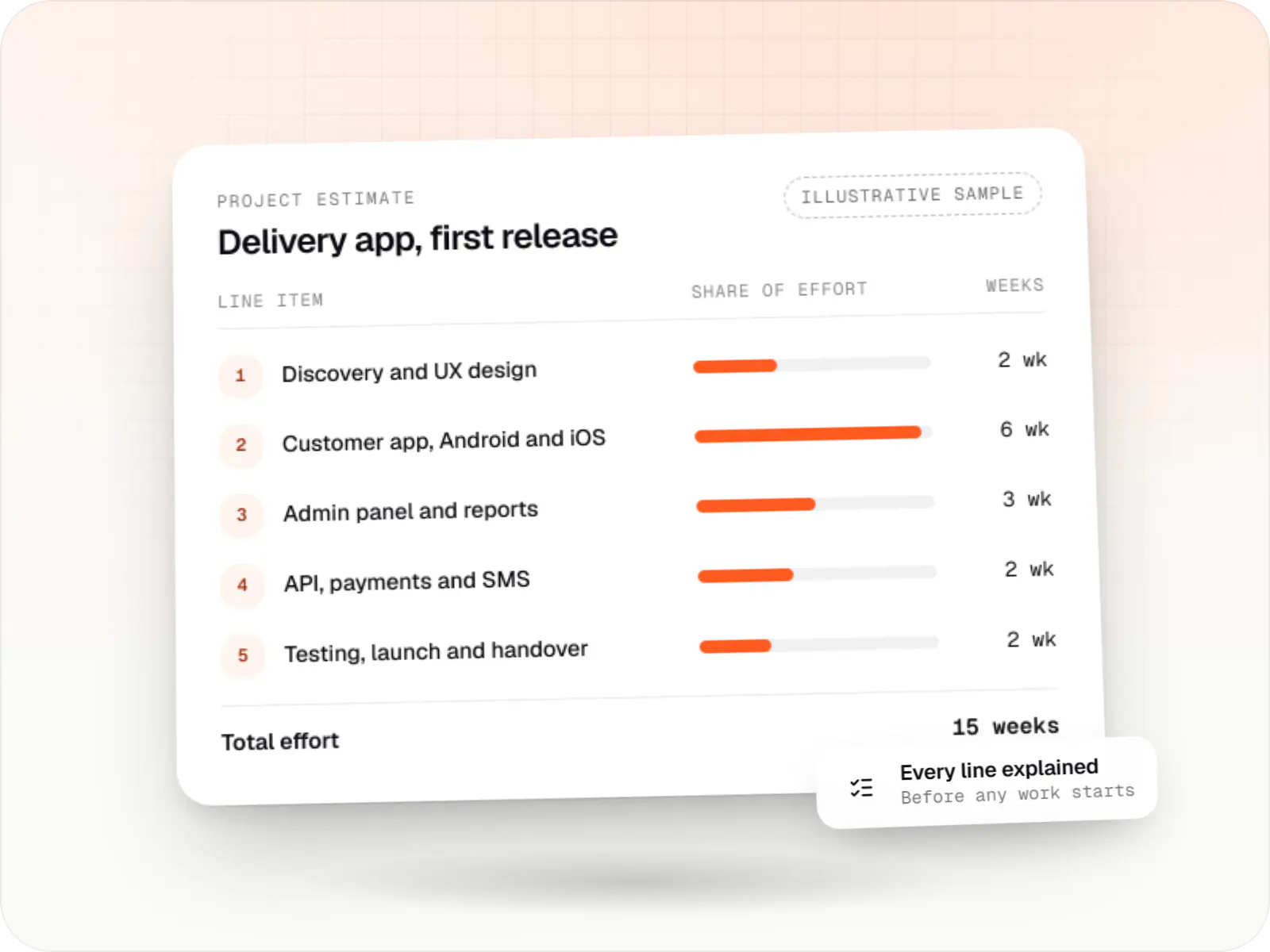
Estimates are written from your scope, with the effort and assumptions behind each line item.

How pricing works

Process

From first menu to first delivered order

  1. Menu and outlet audit

    We clean up menus, add-ons, delivery zones and POS details.

    You getClean menu data

  2. Kitchen testing

    Dummy orders during a quiet service let staff try the display and printers.

    You getKitchen-tested release

  3. Soft launch

    Launch to regulars through in-store QR codes and WhatsApp before any paid promotion.

    You getLaunch checklist

Work

Delivery platform sample

  • Delivery app development

    Illustrative sample

    Hyperlocal grocery delivery platform

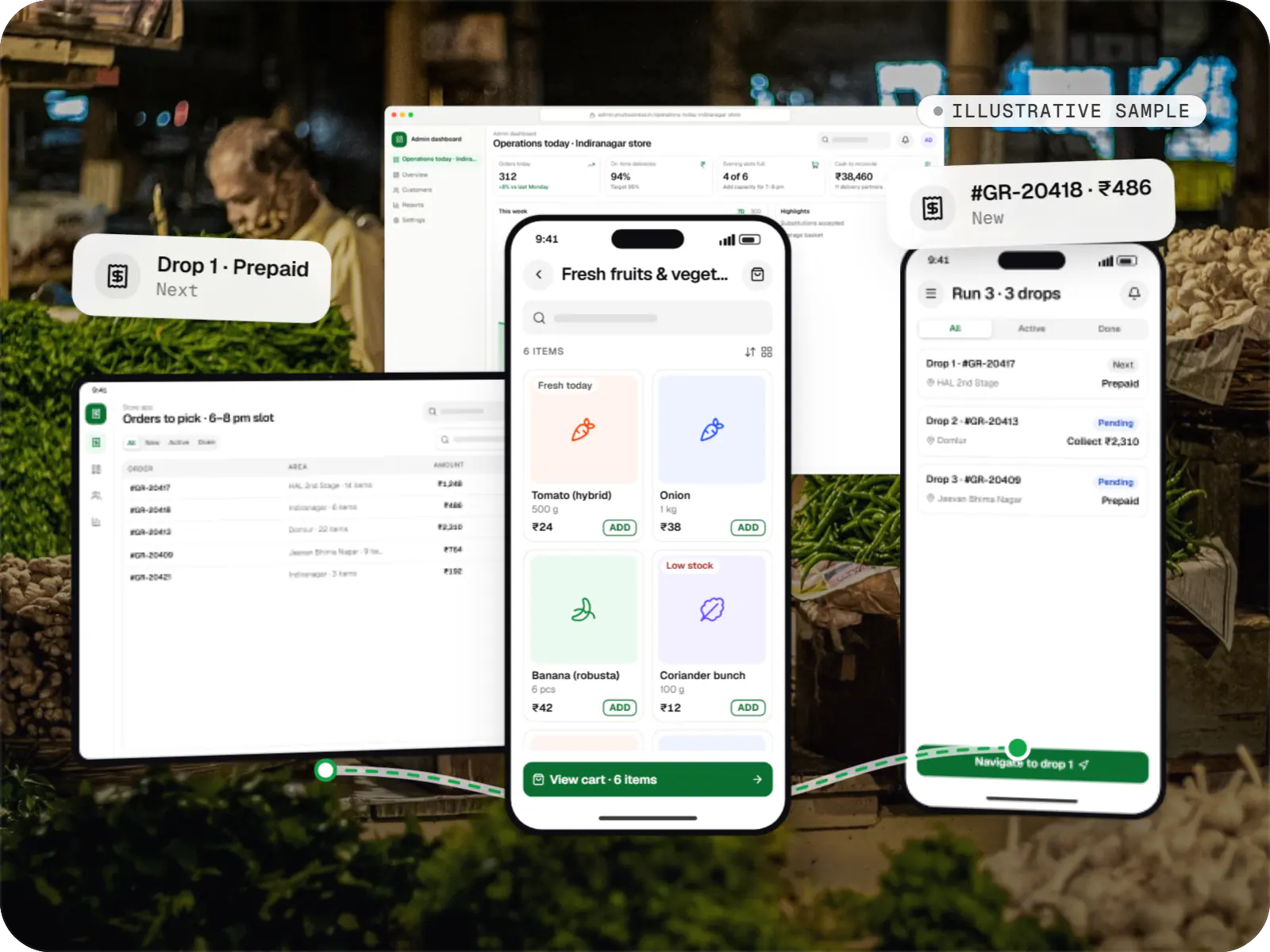
    An illustrative platform for neighbourhood grocery stores: slot or express delivery, store picking, batched delivery runs, and payment by UPI or cash on delivery.

    • Retail
    • Mobile + web platform

    Runs on

    • Android
    • iOS
    • Cross-platform
    • Admin

    Built with

    • Flutter
    • NestJS
    • PostgreSQL
    • Redis
    • AWS
    • +1 more

More pages

Also available

More pages for food delivery app development and restaurants.

FAQ

Frequently asked questions

Should a restaurant build its own ordering app if it already sells on Swiggy and Zomato?

It depends on repeat demand. With many regulars or several outlets, a direct channel lets you keep order data, run your own offers and reach customers again. With one outlet and mostly first-time orders, start with a web ordering page and WhatsApp. Most restaurants keep aggregators for discovery and their own channel for regulars.

Can online orders print on the same kitchen printer as our POS?

Usually, yes. If your POS accepts external orders through an API or partner integration, app orders appear in the POS and print through its existing KOT setup, keeping billing in one place. If not, a small kitchen app prints to your thermal printers over the network or Bluetooth. We check your POS and printer models during scoping to pick the route.

Who delivers orders if we do not have our own delivery partners?

Hyperlocal fleet partners can be booked automatically when an order is ready, with the delivery partner's status shown in your app. Many restaurants use their own delivery partners for nearby peak-time orders and hand off to a fleet partner when their own team is busy or the address is further away. Dispatch rules are set per outlet.

How long does a restaurant ordering app typically take to build?

A web ordering site with a kitchen display and owner dashboard typically takes six to ten weeks. Native apps, a delivery partner app and two-way POS integration usually extend that to three or four months. The biggest variables are how clean your menu data is and how quickly your POS provider grants integration access.

Next step

Ready to take orders on your own channel?

Send your menu and outlet list, and we will suggest where to start with an itemised estimate.

Or reach us directly

Monโ€“Sat, 10:00โ€“19:00 IST