Mobile
Flutter
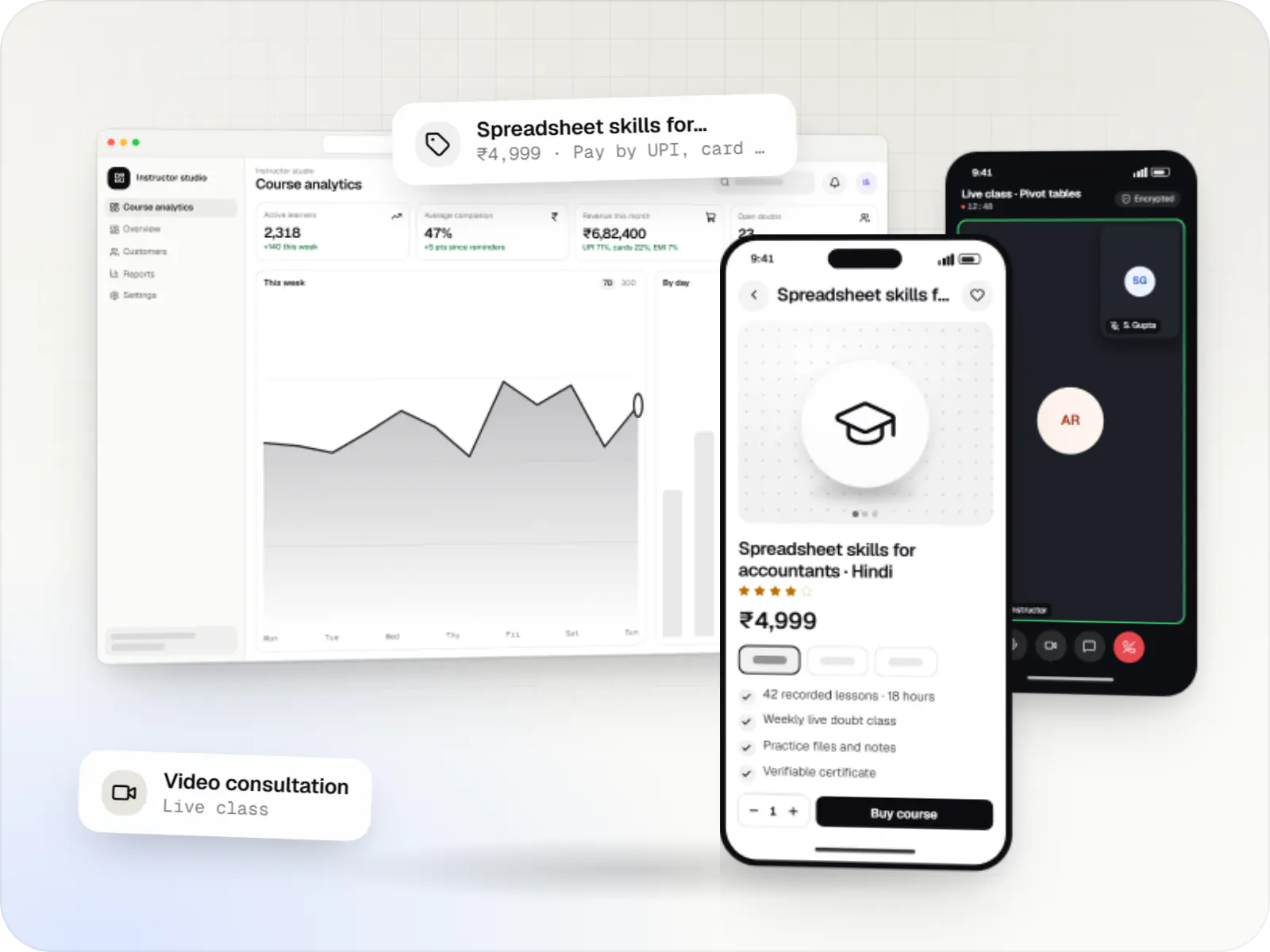
Build Android and iOS apps from one shared codebase, so you launch on both platforms faster with a consistent experience.
Used for
- Mobile apps
- Delivery apps
- E-commerce apps
- Booking apps
Education · Schools
One system for the office, teachers and parents, with apps that run on a basic Android phone.
At a glance
What it is
School ERP and parent apps for admissions, fees, attendance, timetables, homework, exams, transport and communication between teachers, parents and admin.
Flutter and the related logo are trademarks of Google LLC. We are not endorsed by or affiliated with Google LLC.
How to start
Tell us what you need in your own words. You talk to the developers who would build it and get a written, line-item estimate.
Get a project estimateIn many schools the fee register lives in the accounts office, attendance in paper registers, homework in class WhatsApp groups and report cards in spreadsheets. Parents chase information across all of them.
School management software connects these records. An admission creates the student's fee schedule, class allocation and parent login. Teachers mark attendance on a phone, and parents of absent students hear within minutes. UPI fee payments land against the right instalment without re-entry, and report cards are generated in your board's format from marks teachers have already entered.
Parent apps are built for low-end Android phones, with Hindi or regional language interfaces, so every family gets the same information.
Challenges
Instalments, concessions, sibling discounts and late fees make manual tracking error-prone.
Targeted notices by class, section or bus route reach the right parents.
Teacher absences need quick cover that respects workload and subject.
Consolidating marks and co-scholastic remarks takes weeks in spreadsheets.
What is included
Platform: Web
Platform: Android and iOS
Platform: Android and iOS
How it works
Office staff, teachers and parents work from the same student records.
An admission creates the student record, class and section, fee schedule and parent login in one step.
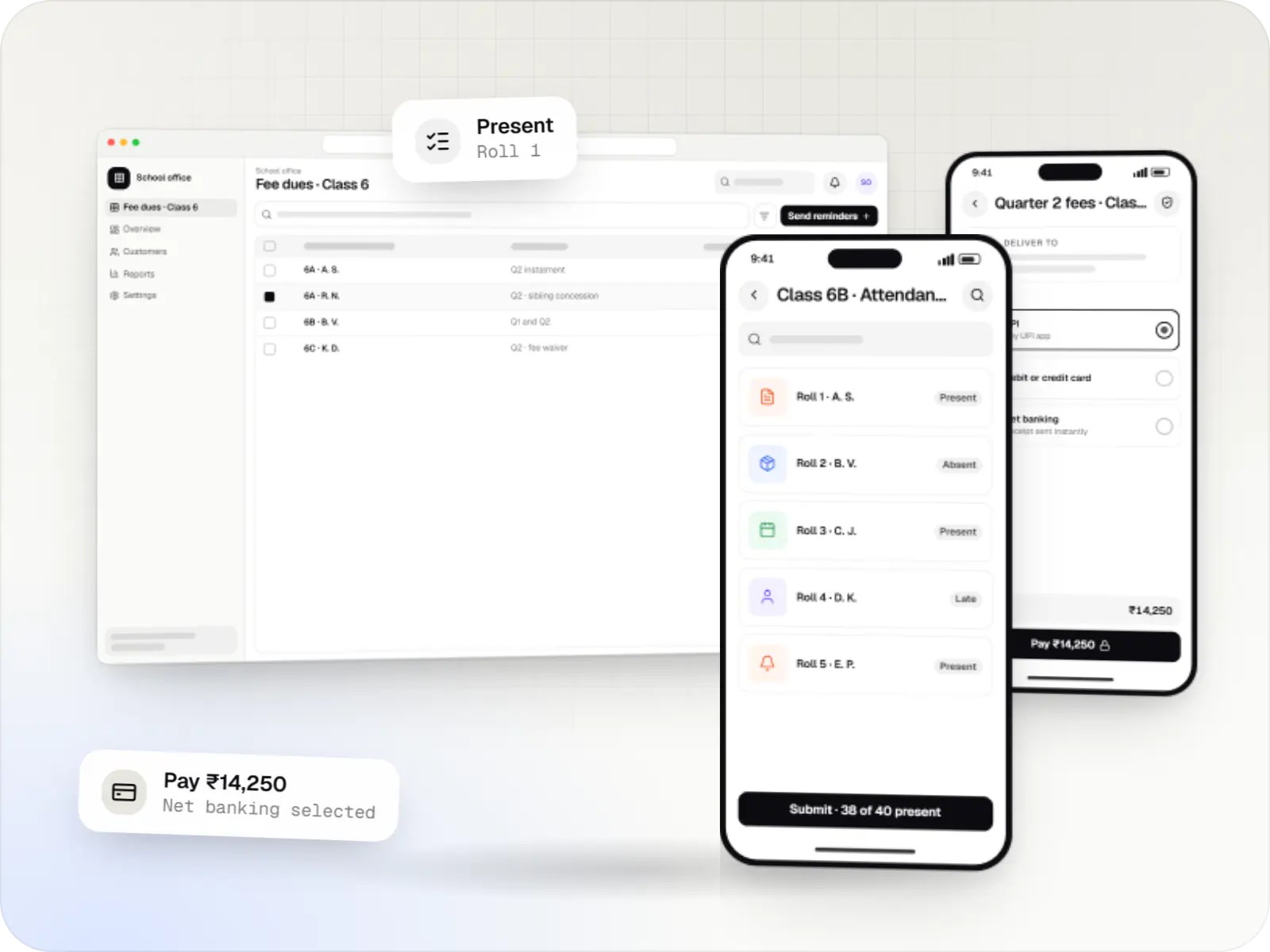
Teachers mark attendance on a phone at the start of the day or period, and the office sees totals straight away.
Parents of absent students are told within minutes, and notices go only to the classes or bus routes concerned.
Timetables, homework and class notes appear in the app with due dates, instead of in WhatsApp groups.
Parents pay instalments by UPI, card or net banking, and each payment is matched to the right student and receipt.
Marks entered by teachers produce report cards in your board's format, ready to share with parents.
Platforms
Teachers and parents use phone apps designed for basic Android phones; the office works in a web dashboard.
Apps for Android phones and tablets, tested on budget and mid-range devices and published on Google Play or privately.
Apps for iPhone and iPad, built to Apple's guidelines and released through TestFlight and the App Store.
One Flutter or React Native codebase for Android and iOS, with native modules where a feature needs them.
Browser-based applications with logins, roles and workflows, such as customer portals, SaaS products and internal tools.
Back-office panels for operations, support and finance teams: orders, users, content, reports and permissions.
Technology
Chosen for light parent apps, dependable fee payments, bus tracking and student records that stay private.
Mobile
Build Android and iOS apps from one shared codebase, so you launch on both platforms faster with a consistent experience.
Used for
Web
Builds interactive screens in the browser, such as dashboards, admin panels and portals, that respond instantly as your team works.
Used for
Web
A modern web technology for fast, search-friendly websites, online stores and web applications that load quickly on mobile.
Used for
Backend
Runs the server side of apps: fast, scalable back ends that power your app, website and integrations.
Used for
Backend
A structured way to build back ends on Node.js, so large business systems stay organised, testable and easy to hand over.
Used for
Data
A reliable database for the records your business runs on: orders, payments, bookings and stock, kept accurate and easy to report on.
Used for
Cloud & DevOps
Ready-made building blocks for mobile apps, such as push notifications, phone OTP login and crash reports, so you launch sooner.
Used for
Payments & maps
Adds maps, address search, live tracking and travel-time estimates to delivery, ride and field apps, so orders reach the right door.
Used for
Flutter and the related logo are trademarks of Google LLC. We are not endorsed by or affiliated with Google LLC.
Integrations
UPI, card and net banking payments with automatic reconciliation.
Recurring mandates for monthly or quarterly instalments.
Live location from fitted trackers or a driver app.
Attendance imported from gate or classroom devices.
Alerts for parents without the app, using DLT-registered SMS templates.
Privacy & security
Student data is processed with parental consent, reflecting the DPDP Act 2023's provisions for children.
The apps carry no ads and no behavioural tracking of students.
Teachers see their classes; only authorised staff see fees and health notes.
Changes to marks, concessions and past attendance are logged against the staff member.
Plain-English glossary
Product preview
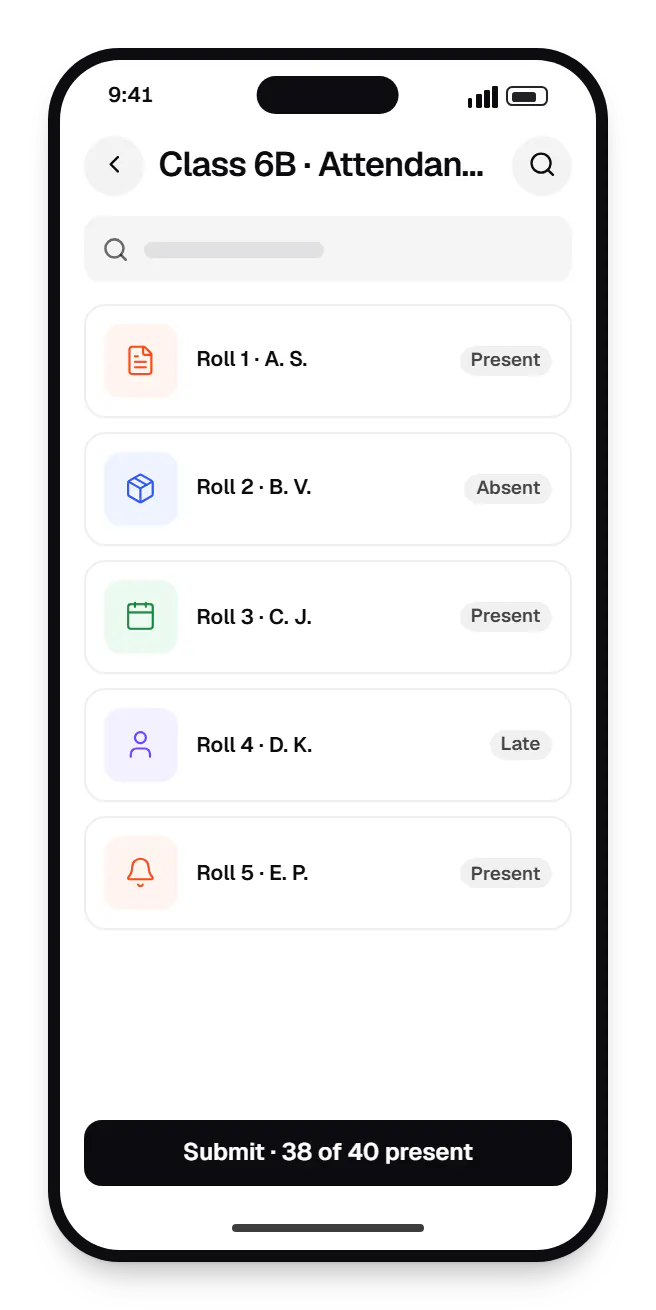
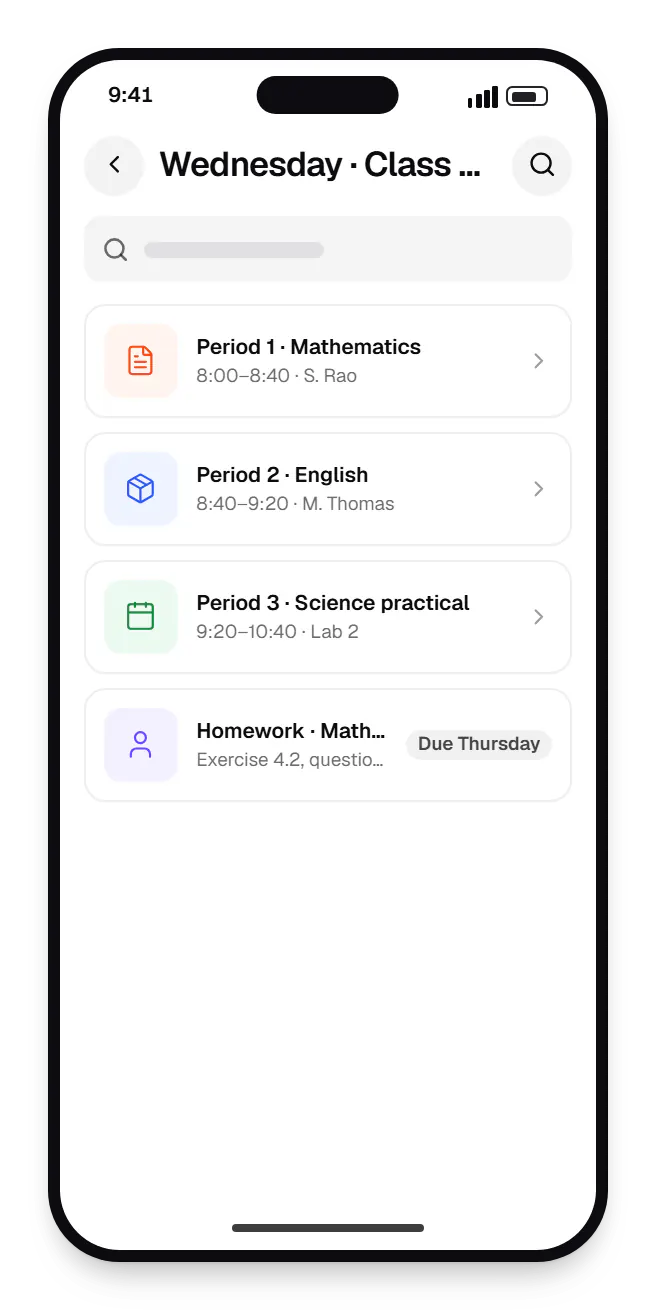
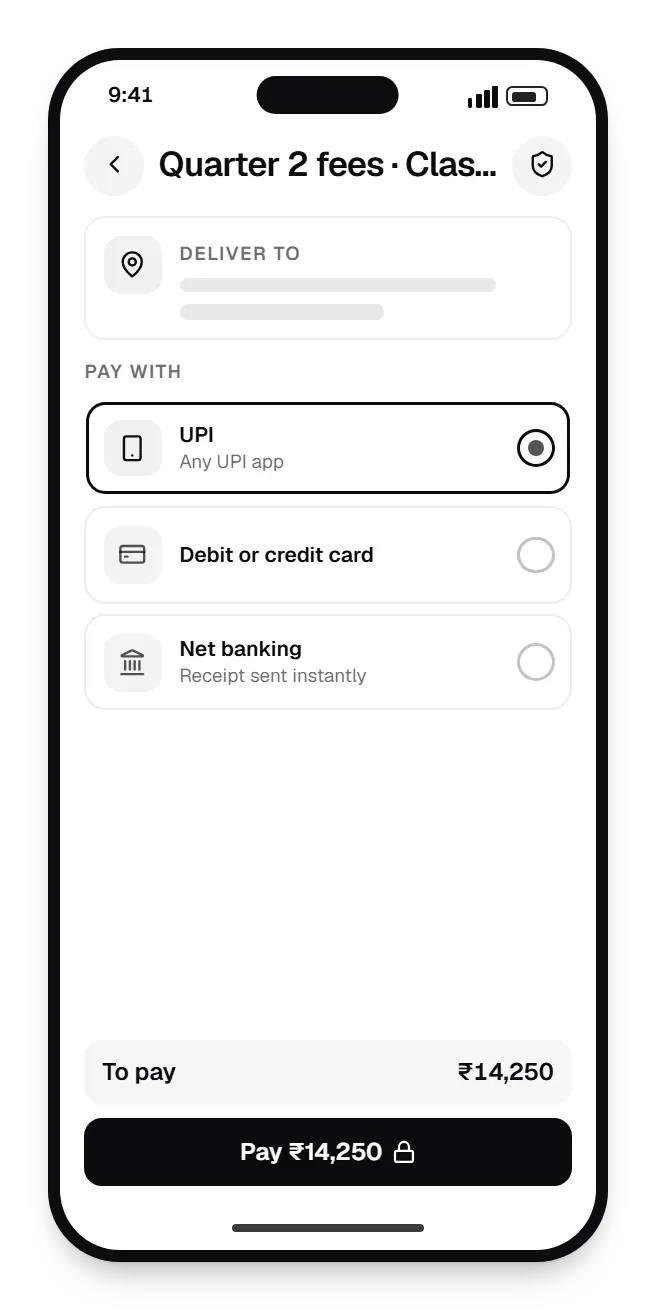
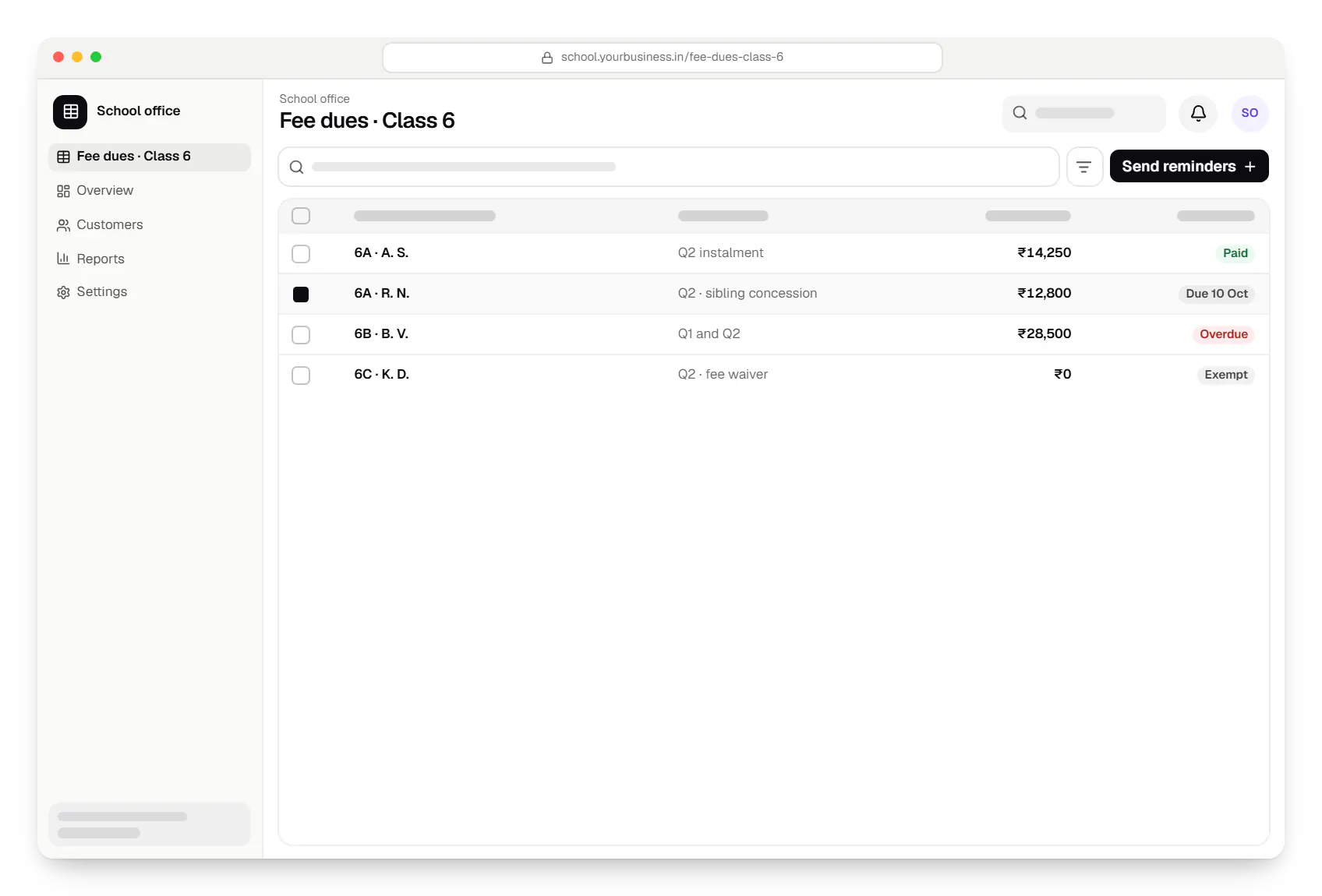
Sample screens: names, prices and figures are examples, not client data.
Industries
School software and parent apps for CBSE, ICSE and state-board schools: admissions, fees, attendance, report cards, bus tracking and parent communication.
Campus software for colleges and universities: admissions and counselling rounds, credit-based academic records, examinations, accreditation data and placements.
Software for coaching institutes and training centres: enquiry-to-admission CRM, batches, fee instalments, test series with rank lists and parent updates.
Cost drivers
Fees, attendance and communication are a common start; exams, transport and payroll can follow.
Report cards for CBSE, ICSE, state boards or international curricula each need configuration and testing.
School groups need central fee policies and reports; biometric devices and bus trackers need on-site testing.
Student records and fee histories from old systems need cleaning and validation.
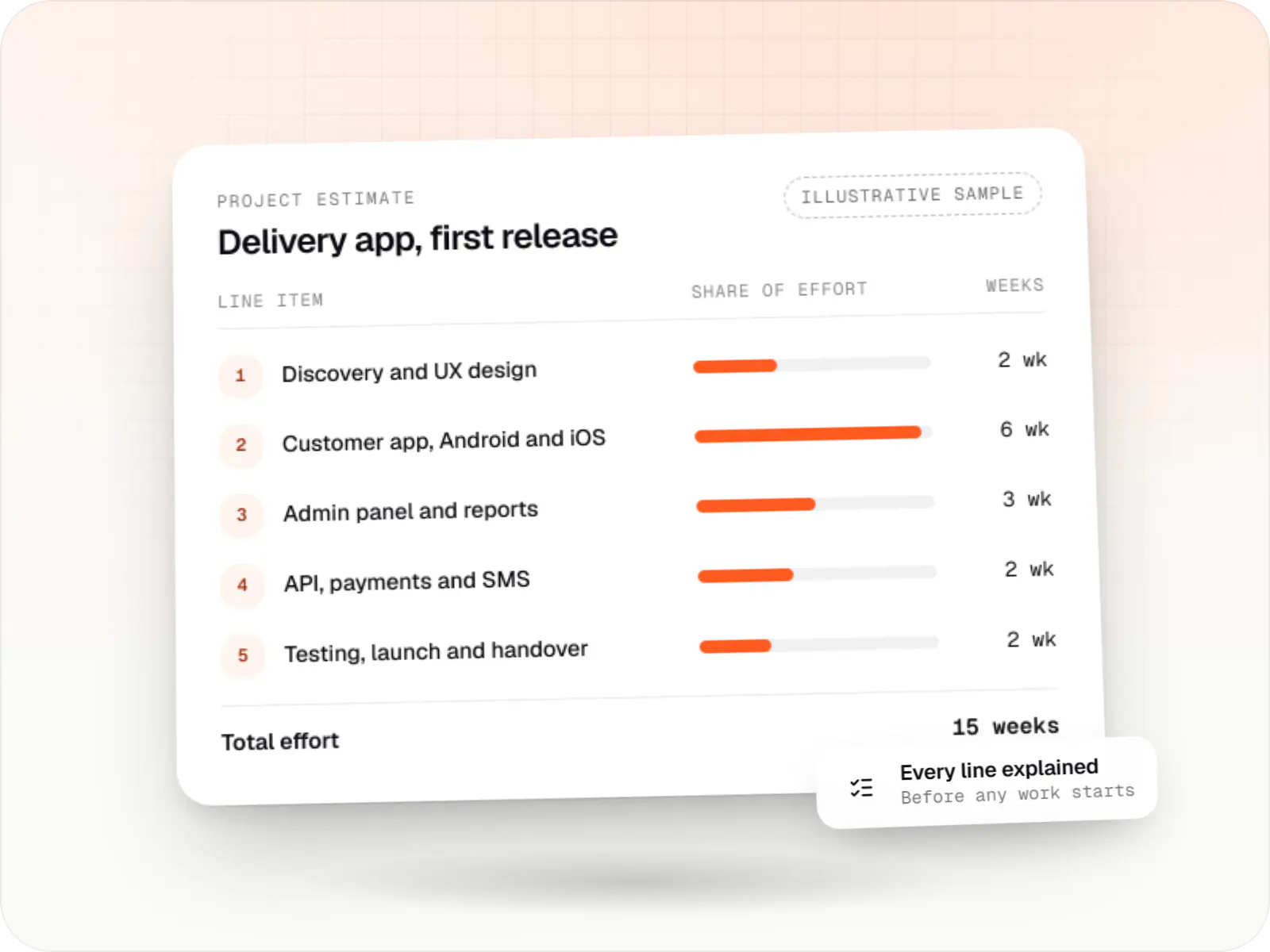
Estimates are written from your scope, with the effort and assumptions behind each line item.
How pricing worksServices
The disciplines a project like this draws on.

Browser-based products, customer portals, dashboards and internal tools, built on clean data models with secure roles and integrations.

Native and cross-platform Android and iOS apps, from first release through regular store updates, built by our in-house designers and engineers.

Software shaped around how your business runs, from approvals and inventory to billing and reports, replacing spreadsheets and disconnected tools.

Android and iOS apps from one Dart codebase, built by engineers who know when Flutter is the right call and when native code is needed.

Back-office dashboards built around your team's daily tasks: order queues, approvals, catalogue management, payouts, reports and audit logs.

Product design for web and mobile apps: research, user flows, wireframes, prototypes and design systems that engineers can build from.
FAQ
Yes. Parents see dues per instalment in the app and pay by UPI, card or net banking; the receipt is sent immediately and the payment is matched to the right student and instalment. Counter payments go into the same ledger, so accounts sees one picture. Gateway settlement reports are reconciled automatically, which removes most end-of-month manual matching.
We keep the app small, test it on low-memory Android phones and load images and documents only when opened to save data. One login covers several children at the school. Parents can switch the interface to Hindi or a regional language, and important alerts also go out on WhatsApp or SMS, so families who rarely open the app still receive them.
It can generate a draft that respects teacher availability, periods per subject each week, lab and room allocation and other constraints you set. Most schools prefer a semi-automatic approach: generate a draft, then adjust by hand where local knowledge matters. For daily substitutions, the system suggests free teachers with the lightest load that day, and a coordinator confirms.
Student records can store the APAAR ID and other government identifiers, and the system can export student, teacher and infrastructure data in formats that speed up UDISE+ data entry. Direct submission to government portals is possible only where they offer an integration route, so staff will usually still upload or enter the data. We confirm current requirements with you during discovery.
Next step
Tell us your approximate student strength, board and the modules you need first. We will propose a phased plan and line-item estimate.