Mobile
Flutter
Build Android and iOS apps from one shared codebase, so you launch on both platforms faster with a consistent experience.
Used for
- Mobile apps
- Delivery apps
- E-commerce apps
- Booking apps
Agriculture
Farmer apps, input dealer ordering, procurement and FPO software designed for vernacular users and rural connectivity.
At a glance
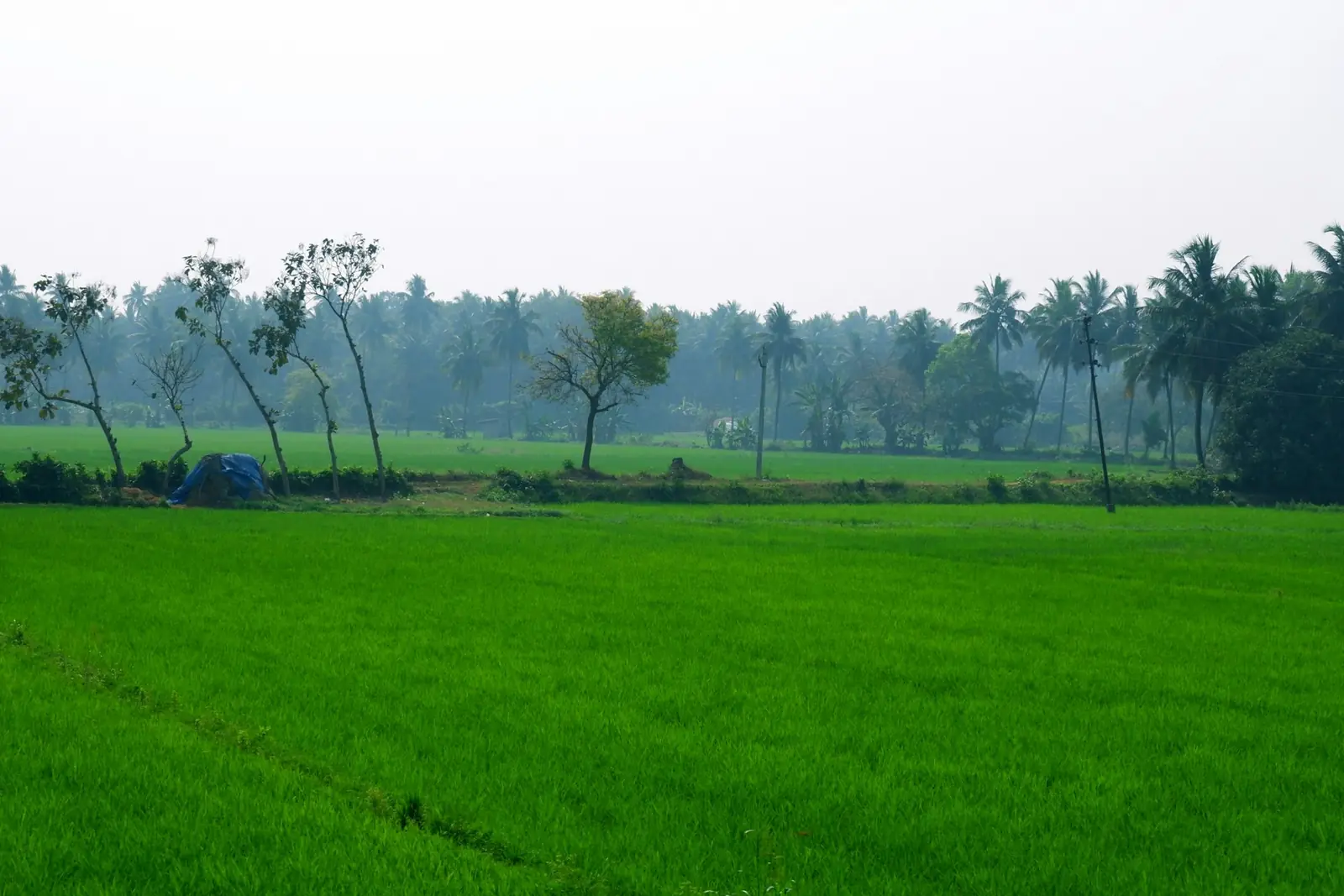
Agri businesses work with farmers who use basic Android phones, speak many languages and often lack signal. We build farmer-facing apps and back-office tools for those conditions.
Flutter and the related logo are trademarks of Google LLC. We are not endorsed by or affiliated with Google LLC.
How to start
Tell us what you need in your own words. You talk to the developers who would build it and get a written, line-item estimate.
Get a project estimateSeed, fertiliser and crop protection companies sell through dealer networks; procurement companies buy produce from thousands of farmers; farmer producer organisations (FPOs) pool members' harvests and supply inputs. All of them need to reach people using basic phones, preferring their own language and with signal only near the village centre. We design for that: vernacular screens, voice and pictures, offline capture and bank payouts.
Challenges
Text-heavy English apps exclude many farmers and field staff.
Data entry in fields fails on weak or no signal.
Weights, grades and payments kept in registers, causing delays and disputes.
Companies can't see dealer stock or secondary sales during the season.
Solutions
Across 4 areas
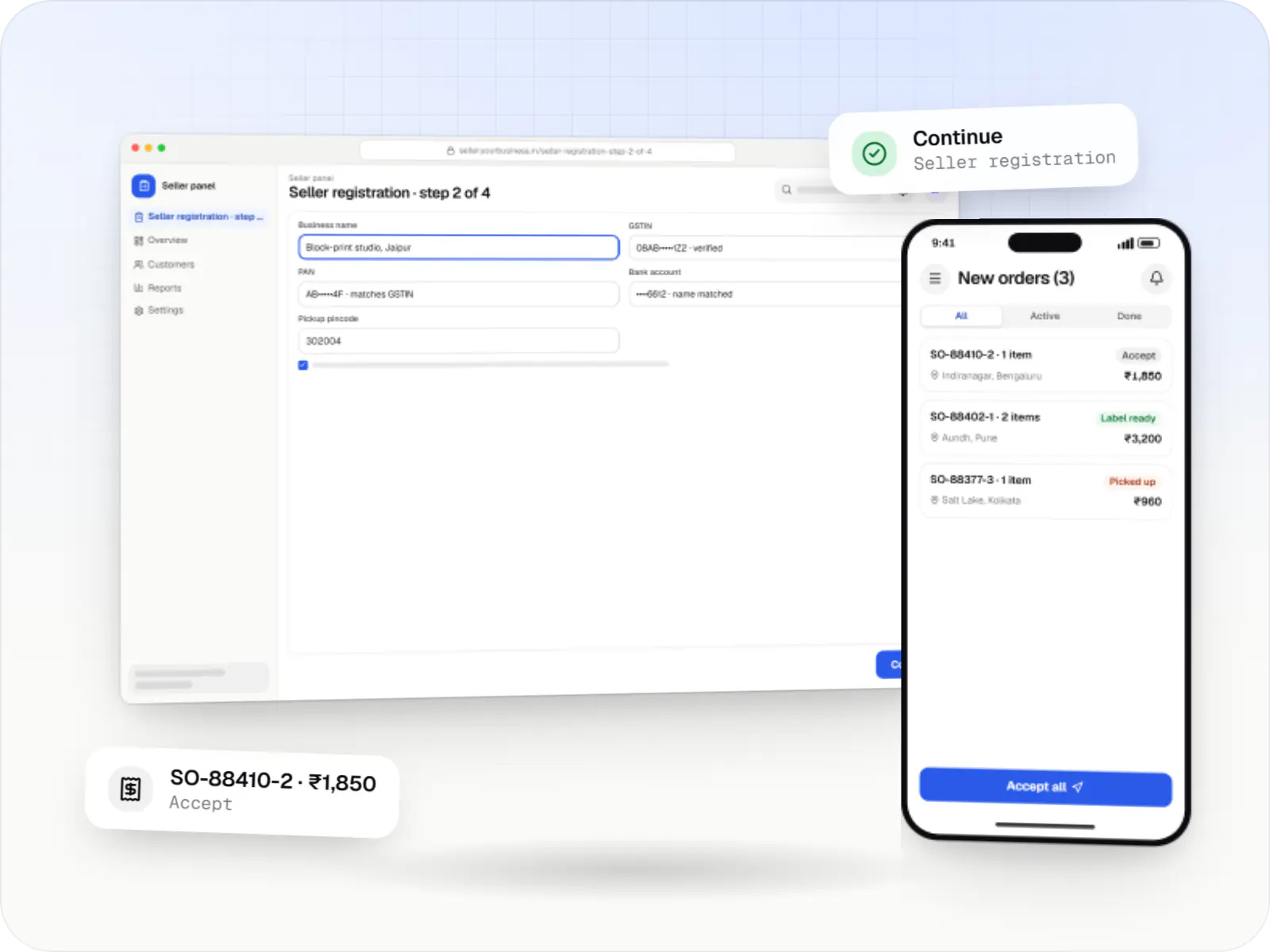
Multi-vendor marketplaces with seller onboarding, commission rules, split payouts, per-seller invoicing and catalogue moderation.
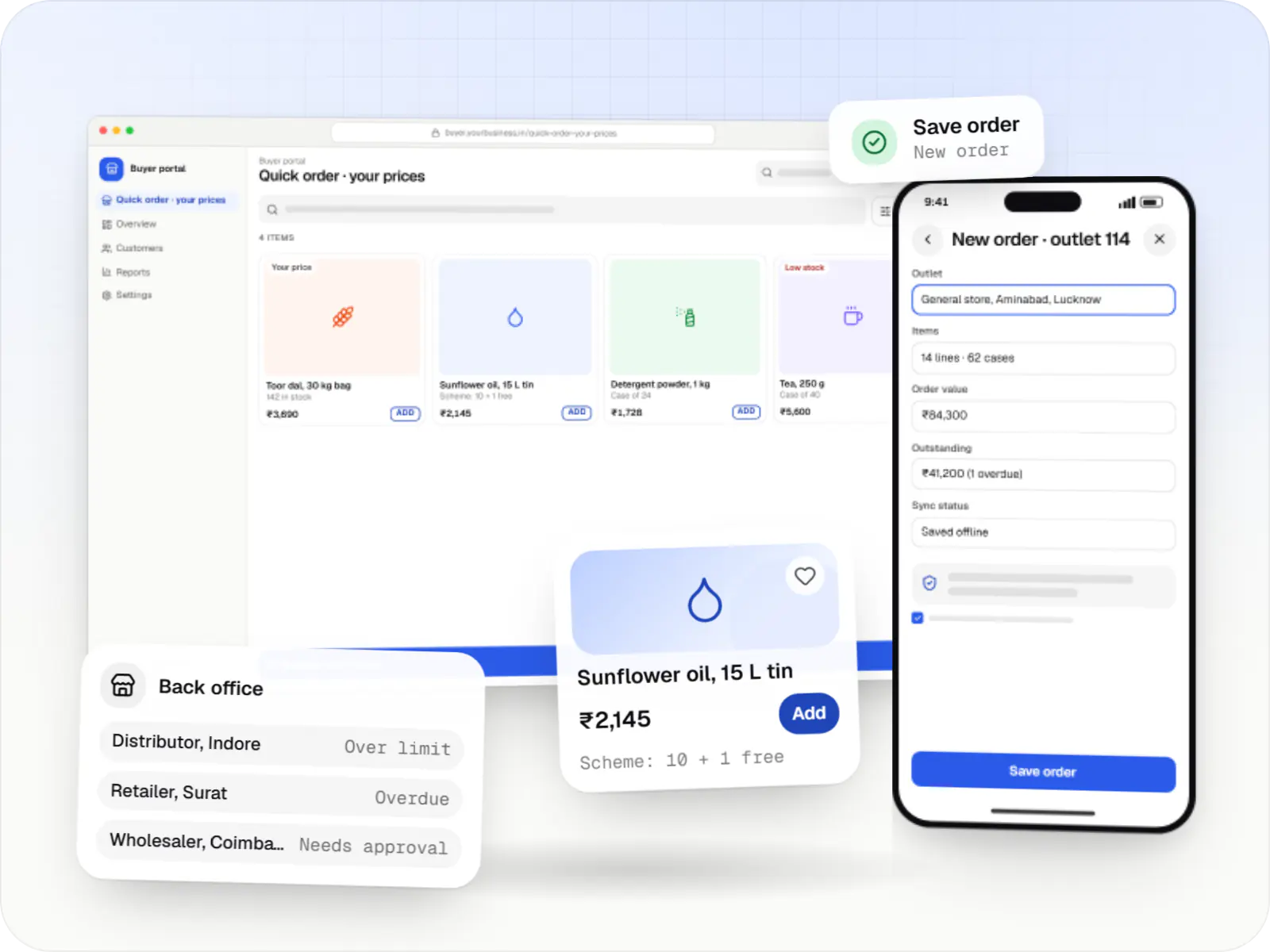
Ordering portals and apps for manufacturers, distributors and wholesalers, with buyer-specific pricing, credit limits, bulk ordering and ERP sync.
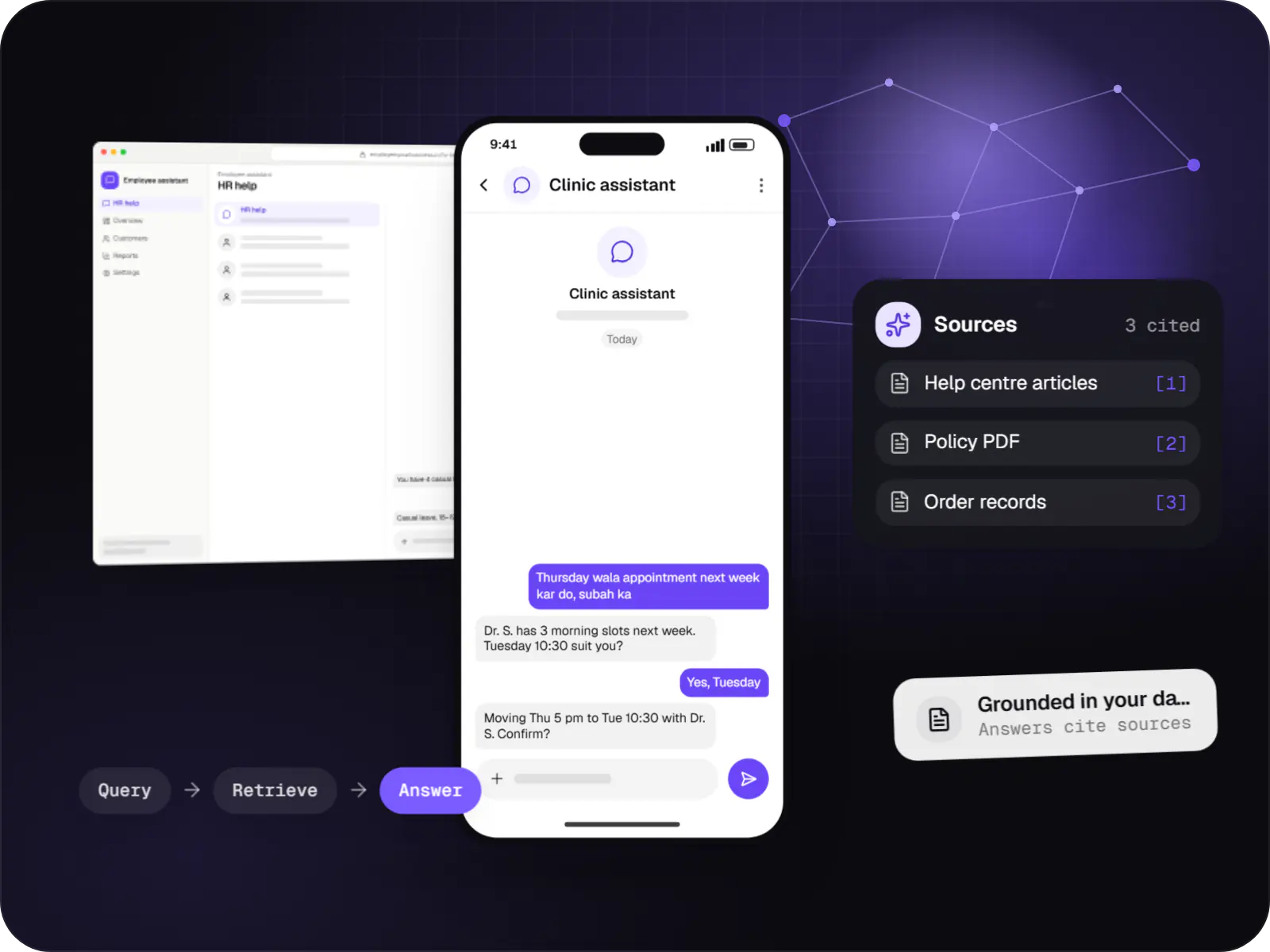
Assistants that book, schedule, look up records and raise requests by voice or text, with confirmation before every action.
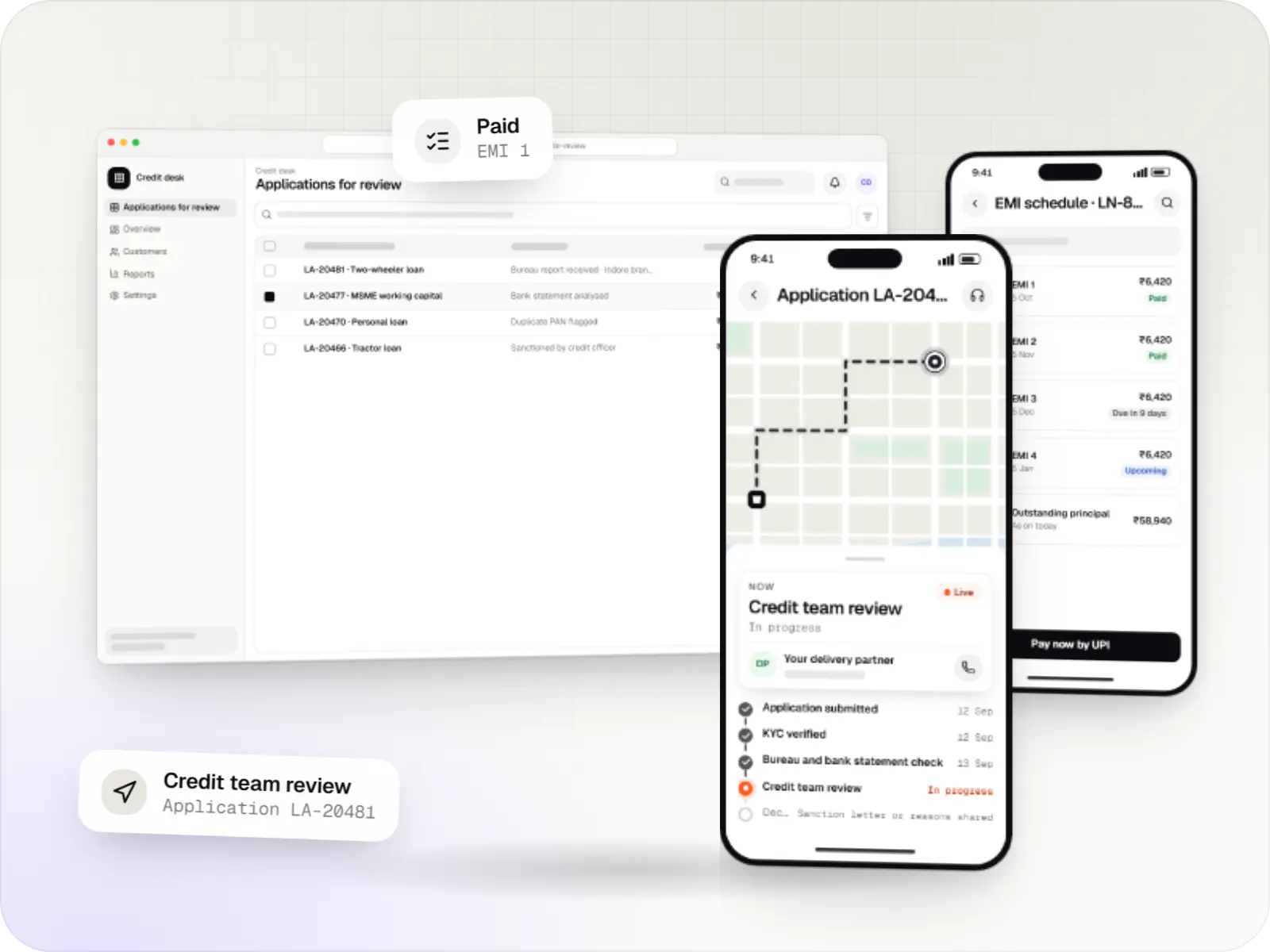
Custom loan origination and loan management software covering applications, underwriting, disbursal, EMIs, collections and reporting.
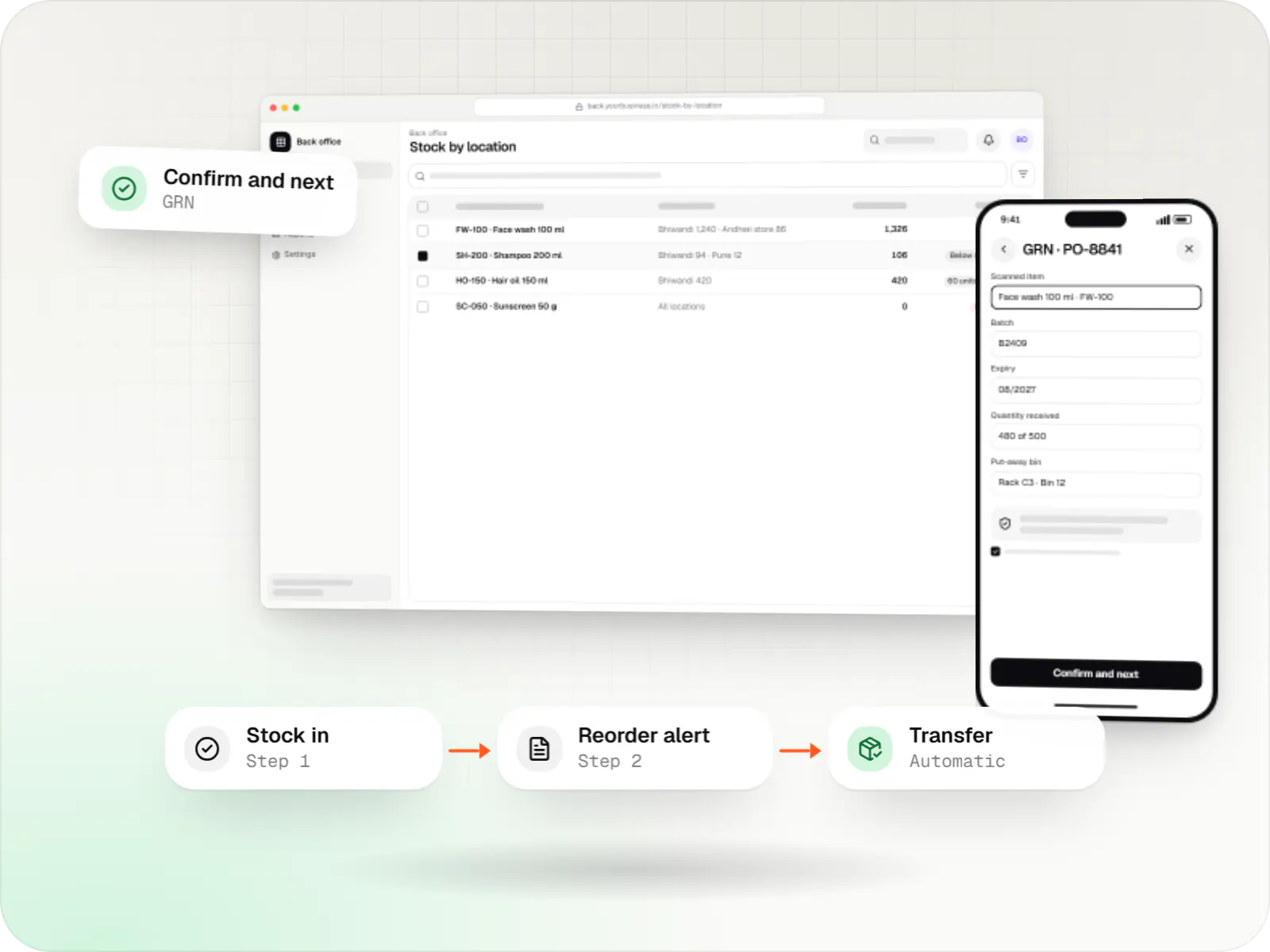
Custom inventory software for multi-location stock, batch and expiry tracking, barcode scanning and marketplace stock sync.
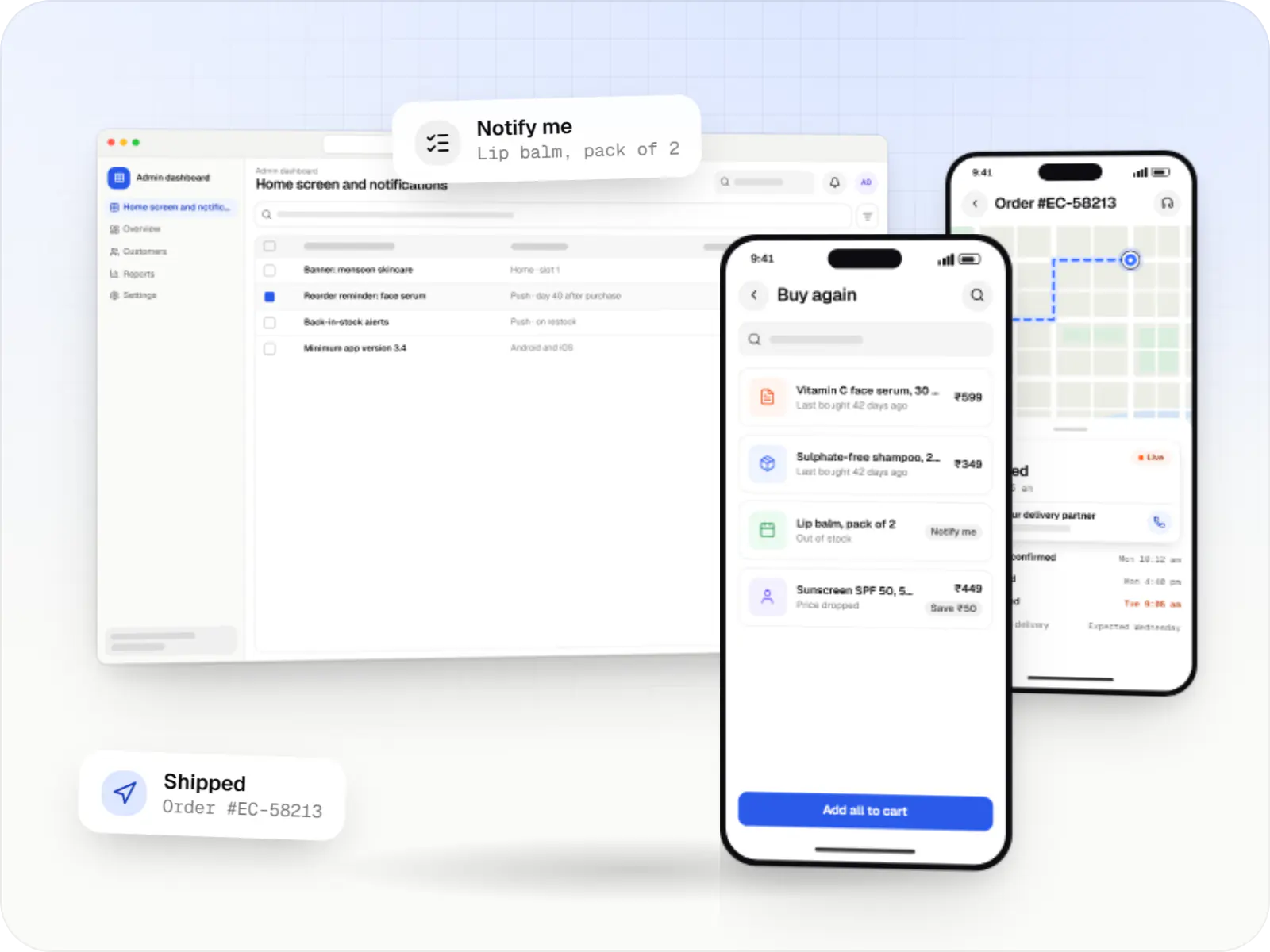
Android and iOS shopping apps with quick browsing, UPI checkout and push notifications, sharing one backend with your website.
Regional-language screens, voice notes and image-led navigation for low-end phones.
Scale readings, quality grades and instant receipts, synced when online.
Season-wise schemes, credit limits and order tracking for input dealers.
Members, share capital, input purchases and produce contributions in one ledger.
Prices from public sources such as Agmarknet alongside your buying rates.
How it works
The farmer is found by mobile number or member ID; a first-time seller is registered with bank or UPI details so later payouts go to the right account.
Scale readings and quality checks go into the app, which works without signal, and the day’s buying rate is applied.
The farmer leaves with a printed slip or an SMS in their own language showing weight, grade, rate and amount due.
Entries upload to head office once the phone finds a network, with checks that stop the same purchase being counted twice.
Payments are approved in batches and sent to verified bank accounts or UPI IDs, and each farmer gets an SMS or WhatsApp confirmation.
Collected lots travel to the warehouse or processing unit and remain traceable to the collection point they came from.
Platforms
Apps for Android phones and tablets, tested on budget and mid-range devices and published on Google Play or privately.
Installable web apps with offline support and notifications, useful when an app-store listing isn't essential or phones have little storage.
Browser-based applications with logins, roles and workflows, such as customer portals, SaaS products and internal tools.
Back-office panels for operations, support and finance teams: orders, users, content, reports and permissions.
Technology
Lightweight apps for basic Android phones with offline storage, maps of collection points and sync that survives weak networks.
Mobile
Build Android and iOS apps from one shared codebase, so you launch on both platforms faster with a consistent experience.
Used for
Mobile
Apps built specifically for Android, with full access to the phone's hardware, background location and company-managed devices.
Used for
Backend
Runs the server side of apps: fast, scalable back ends that power your app, website and integrations.
Used for
Data
A reliable database for the records your business runs on: orders, payments, bookings and stock, kept accurate and easy to report on.
Used for
Cloud & DevOps
Ready-made building blocks for mobile apps, such as push notifications, phone OTP login and crash reports, so you launch sooner.
Used for
Payments & maps
Adds maps, address search, live tracking and travel-time estimates to delivery, ride and field apps, so orders reach the right door.
Used for
Flutter and the related logo are trademarks of Google LLC. We are not endorsed by or affiliated with Google LLC.
Plain-English glossary
Product preview
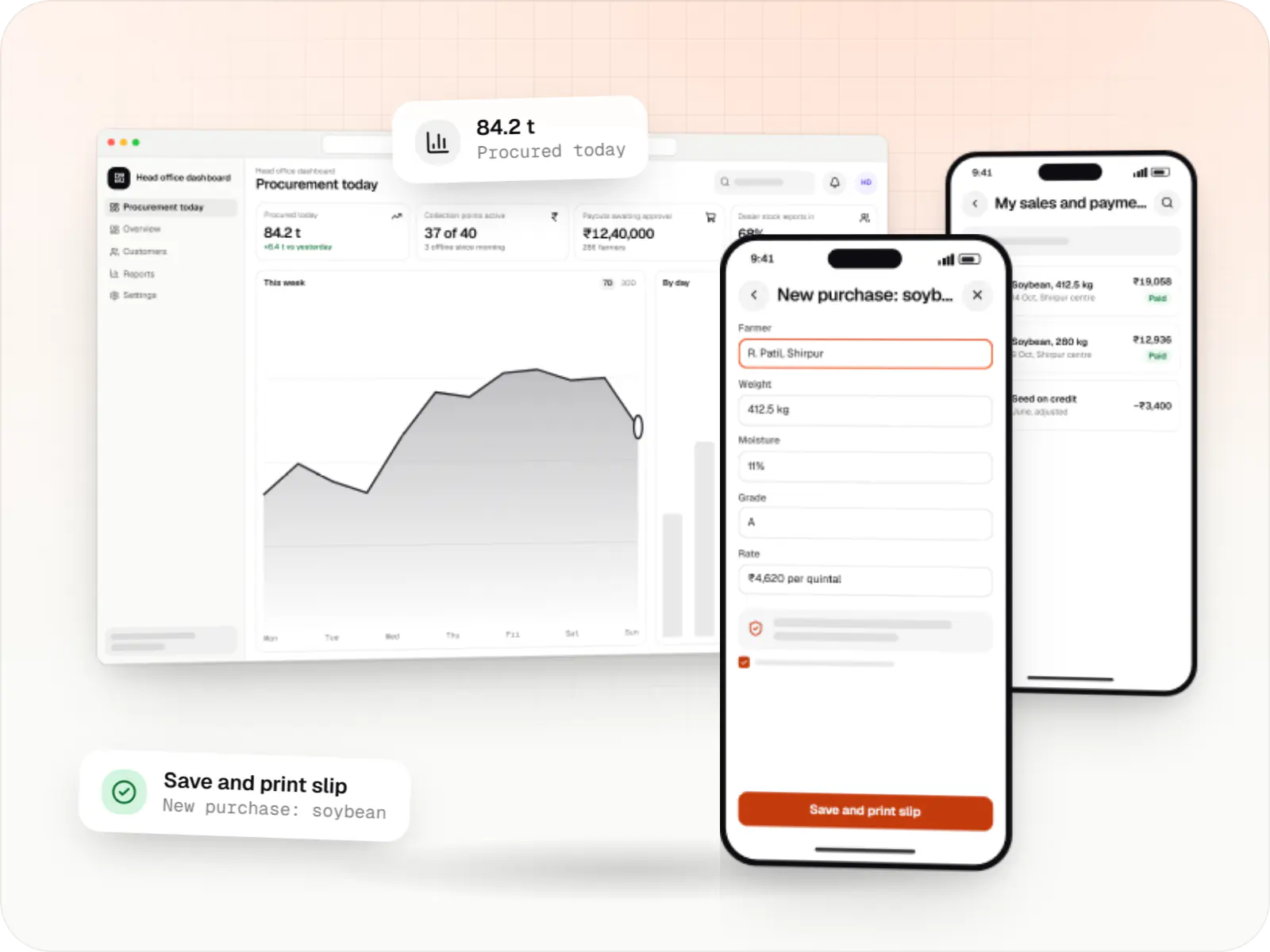
Sample screens for a soybean procurement network in north Maharashtra; figures are illustrative.
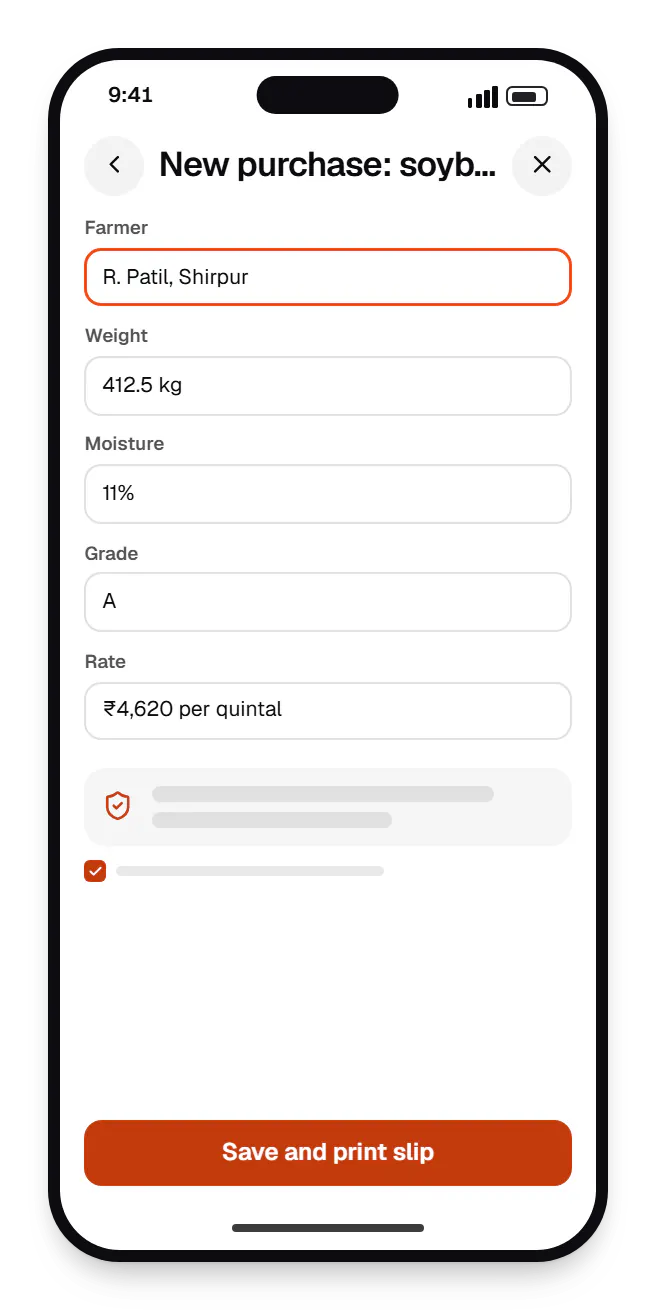
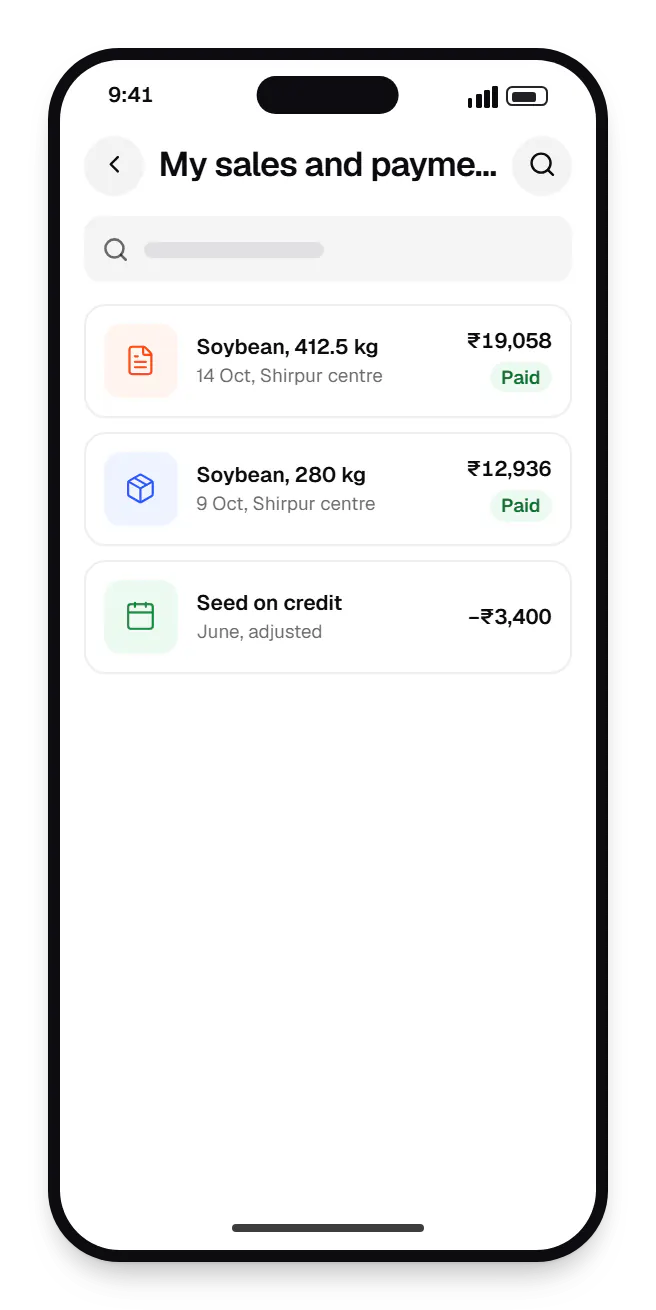
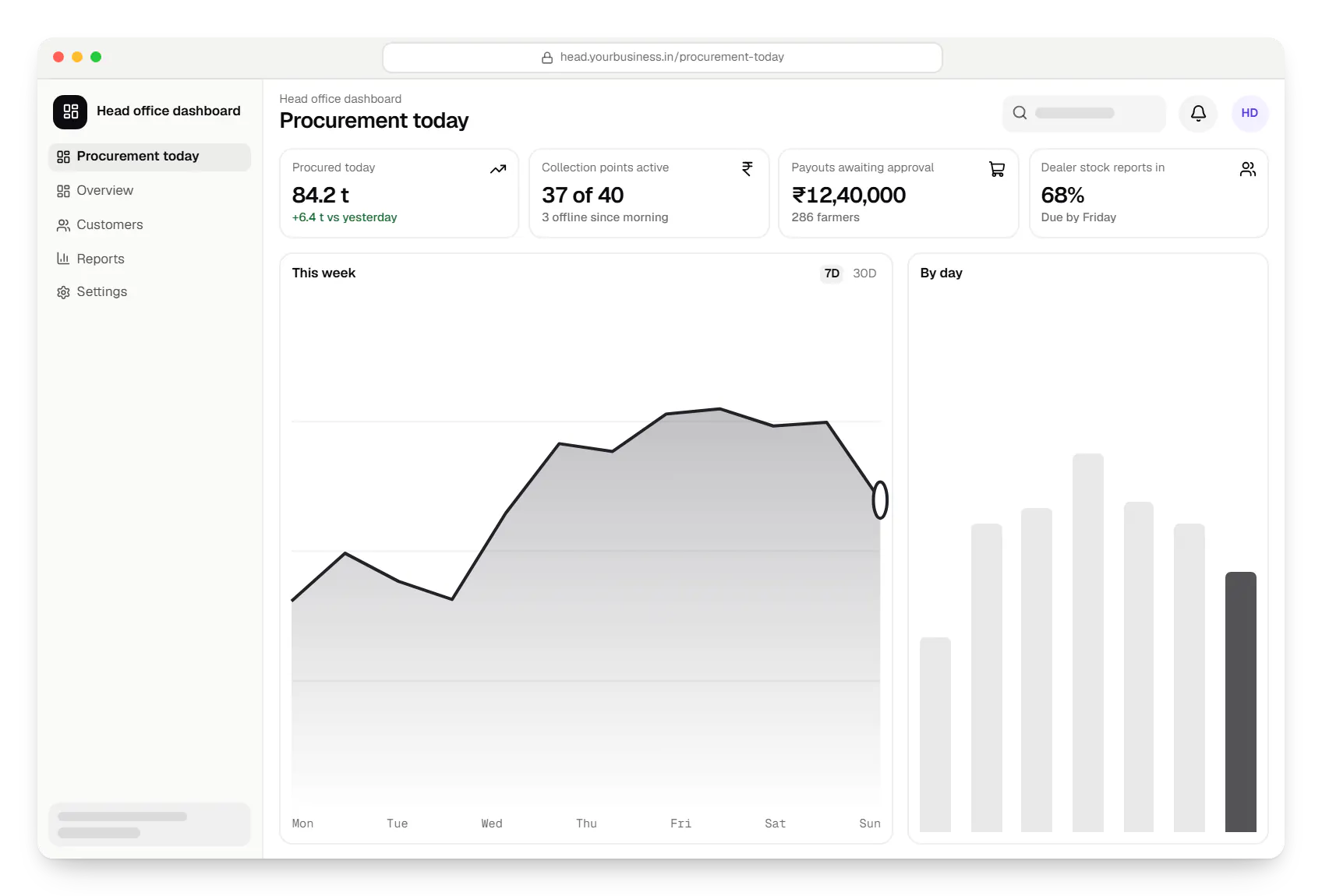
Sample screens: names, prices and figures are examples, not client data.
Cost drivers
Each language needs translation, native-speaker review and testing.
Offline capture with later sync and conflict handling adds effort.
Farmer payouts, input credit or lender integrations add compliance work.
Estimates are written from your scope, with the effort and assumptions behind each line item.
How pricing worksServices
The design and engineering services our in-house team combines on projects in this sector.

Native and cross-platform Android and iOS apps, from first release through regular store updates, built by our in-house designers and engineers.
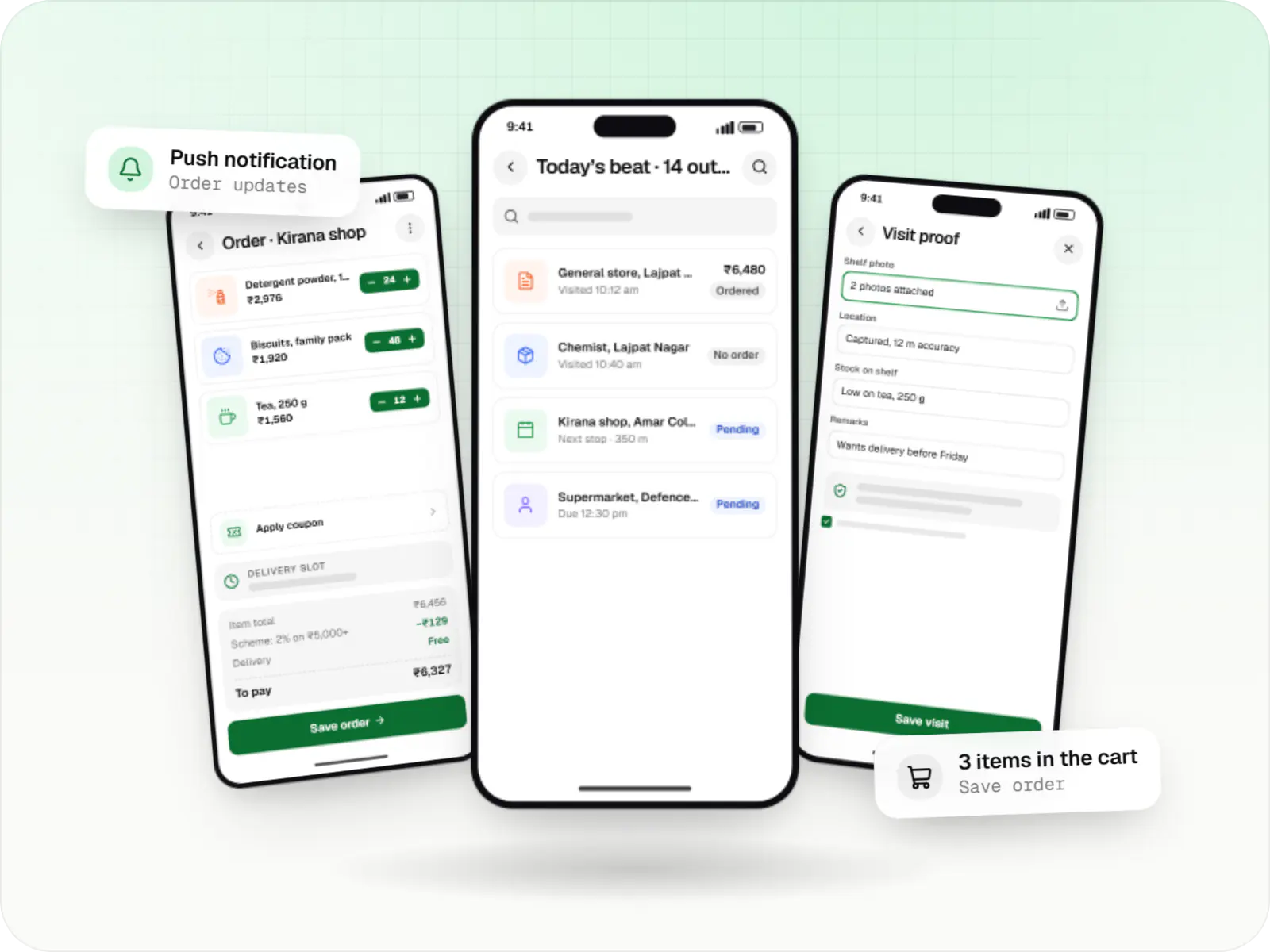
Native Android apps in Kotlin and Jetpack Compose, designed for entry-level phones, patchy networks and the background limits of popular Android brands.

Android and iOS apps from one Dart codebase, built by engineers who know when Flutter is the right call and when native code is needed.

Browser-based products, customer portals, dashboards and internal tools, built on clean data models with secure roles and integrations.
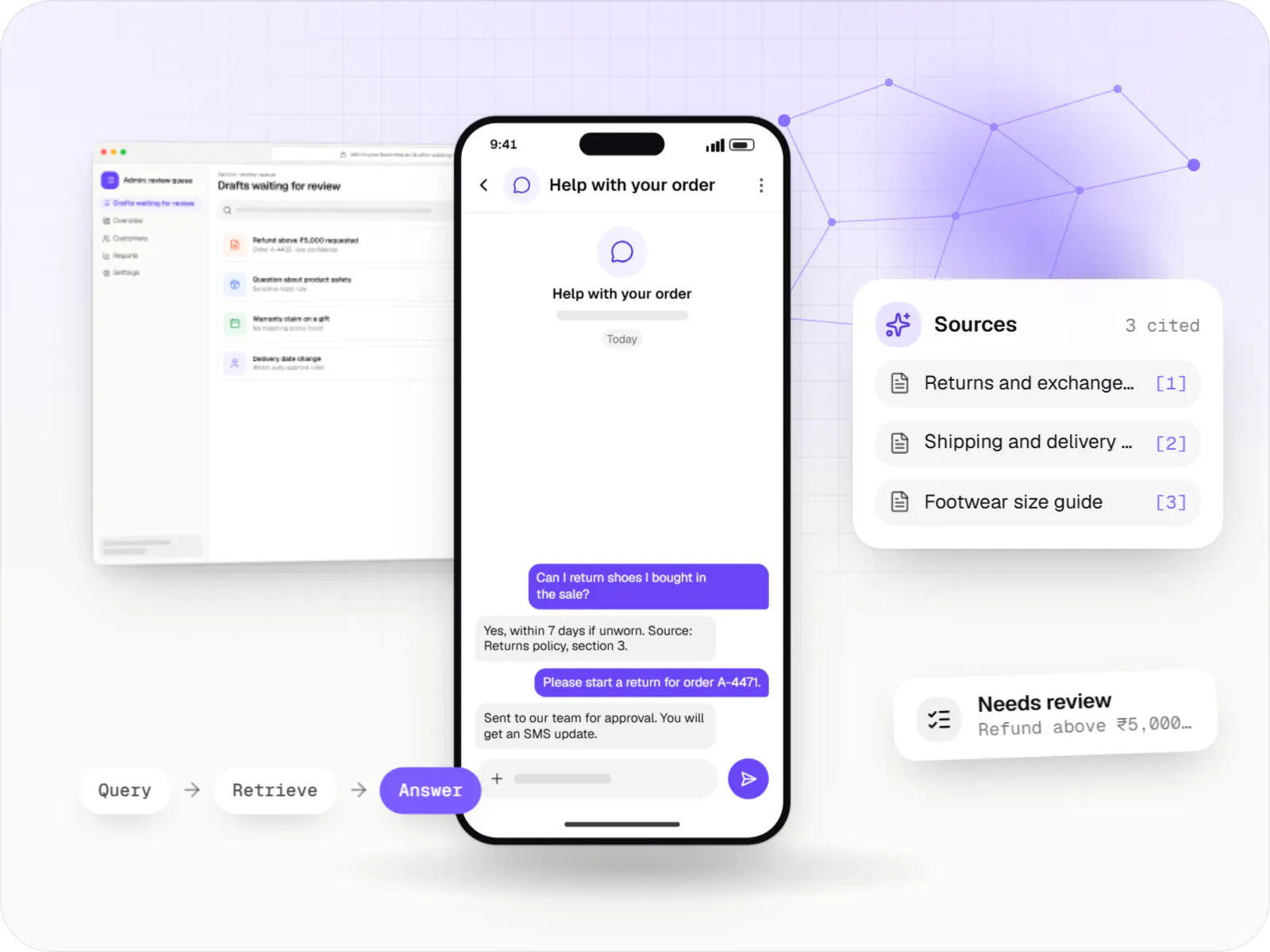
AI features and AI-first apps built on model APIs, retrieval over your own data, workflow automation or custom ML, with evaluation and human review.
Locations
Cities where this sector is a significant part of the local economy. We work remotely with teams across India and meet in person where practical.

Chandigarh Tricity
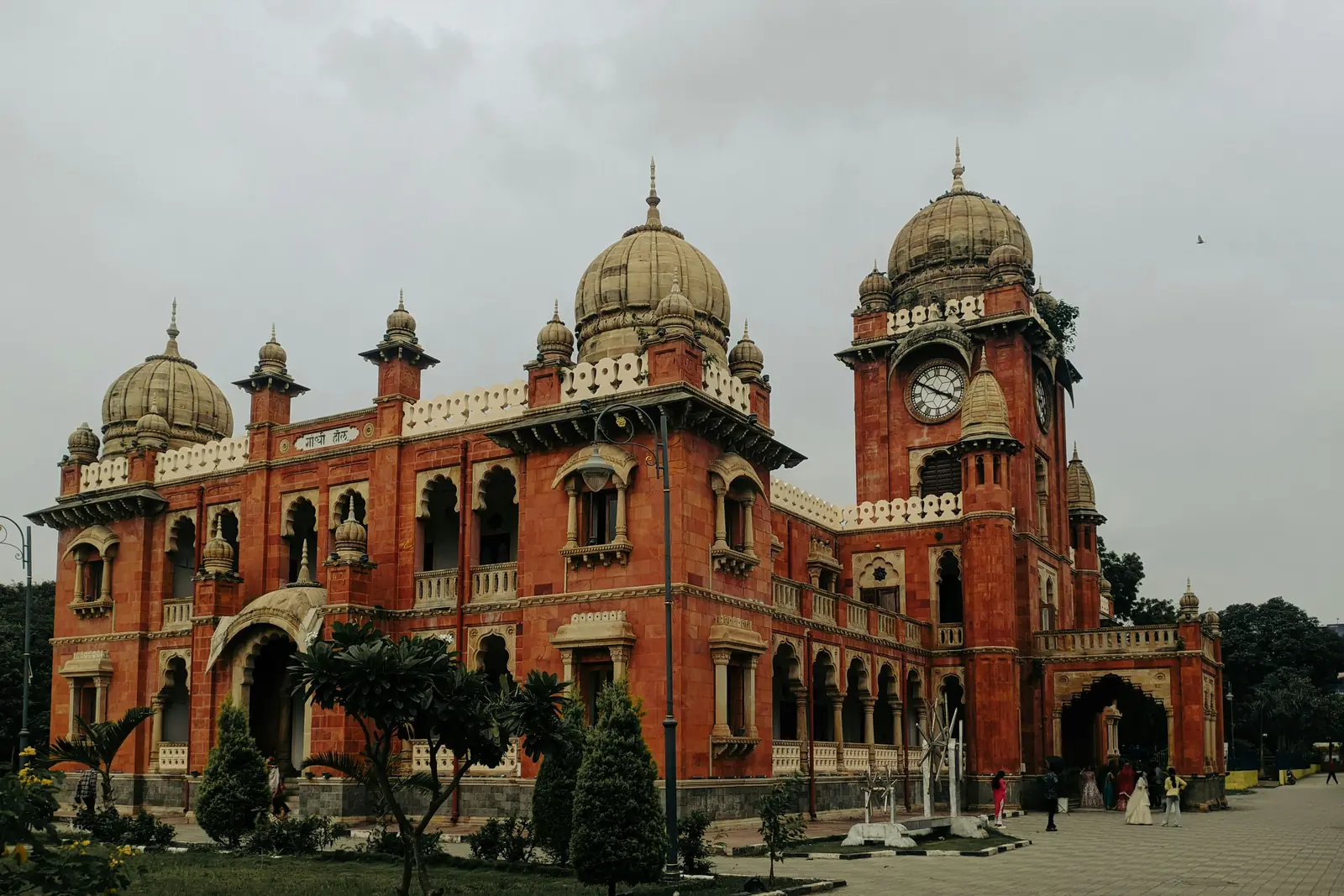
Madhya Pradesh
FAQ
We start from your users' language and habits, not a translated English app. Screens use the regional language, large icons and photos of crops and products, and key actions work through voice notes or a call-back request. We test early prototypes with farmers in the field, because office assumptions often fail there. WhatsApp-based flows help too, since many users already know WhatsApp.
The app records weight, grade and agreed rate, then creates a payout to the farmer's verified bank account or UPI ID through your bank's or payment provider's payout API. An authorised person approves each batch before release, and farmers get an SMS or WhatsApp receipt. Bank details are verified before the first payment to reduce failed or misdirected transfers.
It can deliver advice your agronomists prepare, such as crop calendars, pest alerts and fertiliser schedules by crop and region, in the farmer's language. AI can answer common questions from that approved content and suggest likely pest or disease issues from photos, but uncertain cases should go to a human agronomist. We don't automate chemical dosage advice without expert review.
Next step
Tell us who your users are and where they farm, and we will recommend an app approach.