

Web
Next.js
A modern web technology for fast, search-friendly websites, online stores and web applications that load quickly on mobile.
Used for
- Business websites
- Online stores
- Web apps
- Customer portals
Headless commerce
Custom Next.js storefronts on the commerce engine of your choice, for brands whose front end has outgrown a theme.
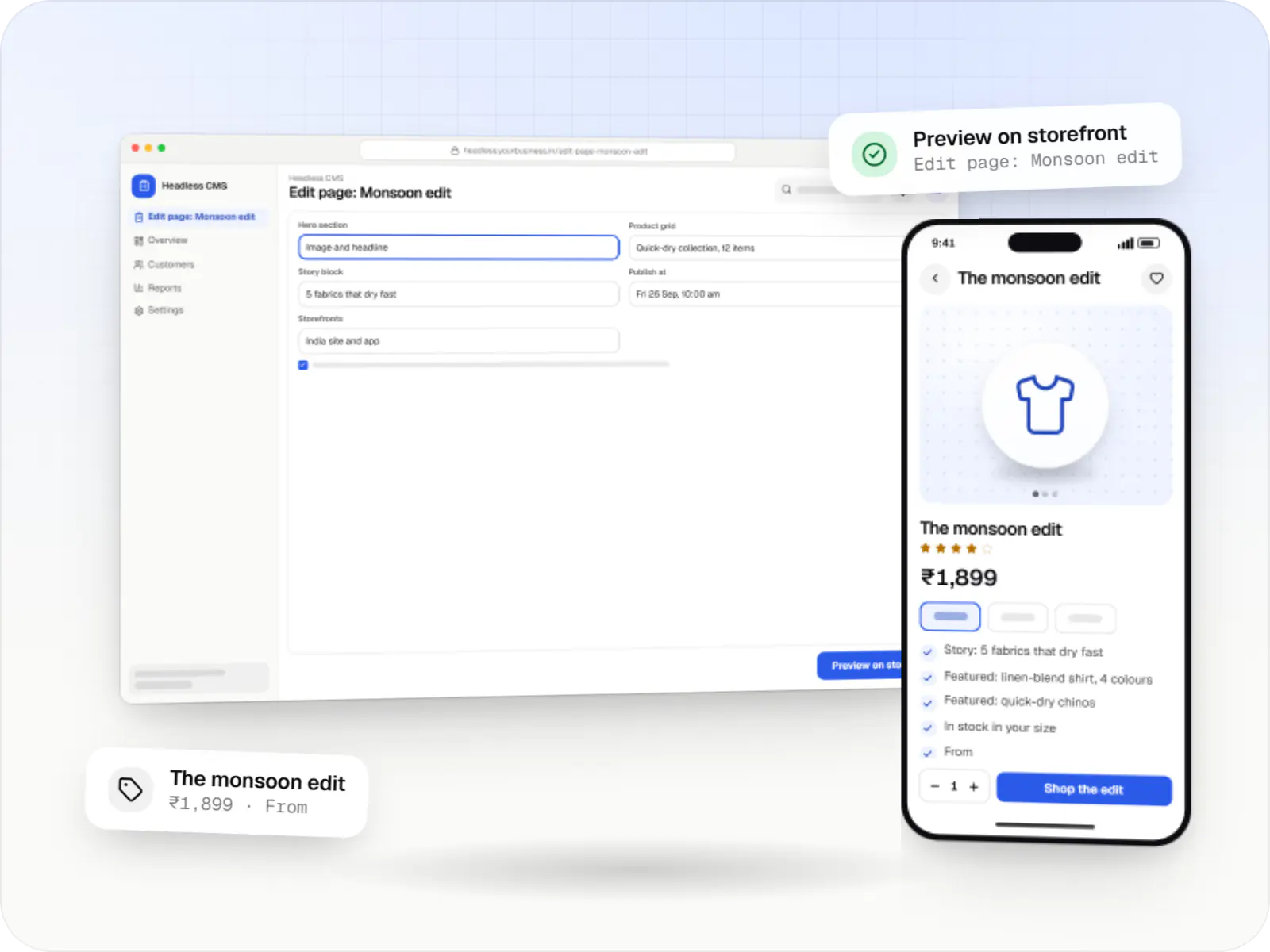
At a glance
What it is
Next.js storefronts on a headless commerce engine and CMS, for brands that need speed, several storefronts or content-led shopping.
How to start
Tell us what you need in your own words. You talk to the developers who would build it and get a written, line-item estimate.
Get a project estimateHeadless is an architecture, not an upgrade. It earns its extra complexity when a brand needs what a theme cannot deliver cleanly: editorial pages mixing stories and products, several storefronts sharing one catalogue, fast pages under heavy campaign traffic, or a website and app that must behave identically.
If none of that applies, a well-built theme is cheaper to run. When it does, our headless commerce development covers the storefront, the CMS model, caching and revalidation, and the integration layer between them.
Challenges
Campaign pages and product storytelling need workarounds wedged into templates.
Content teams cannot build or preview rich pages without a release.
Each brand or region runs its own store, and updates drift apart.
Every new feature adds client-side JavaScript to listing and product pages.
What is included
Platform: Next.js website
Platform: APIs
Platform: Headless CMS
Platform: Backend services
How it works
Content, commerce and back-office systems stay separate, and APIs and webhooks keep them in step.
A campaign page is built from typed sections, previewed on the real storefront with live products, then published or scheduled.
The CMS and commerce engine notify the storefront, which rebuilds just those pages and updates the edge cache.
Server-rendered HTML arrives from a nearby edge location, so pages stay quick even during a sale.
Products, prices, carts and orders come from the engine; checkout is the engine’s own or a custom one with Indian payment methods.
A webhook queue passes the order to your ERP, OMS and courier, retrying if any of them is briefly down.
Your app and other storefronts read the same catalogue and promotions, so prices and offers match everywhere.
Integrations
Keep Shopify admin and checkout, replace the storefront.
Open-source Node.js engine you host and extend.
API-first commerce for large catalogues.
Structured content with previews and editorial roles.
Hosted or self-hosted search.
Indian payment methods in custom checkout flows.
Comparison
| Theme-based store | Headless storefront | |
|---|---|---|
| Front-end freedom | Within theme and app limits | Any design or page type |
| Moving parts | One platform | Storefront, engine, CMS and hosting |
| Edits without developers | Theme editor | CMS page builder, once modelled |
| Suits | One store, standard catalogue | Several storefronts or content-led brands |
Platforms
A Next.js website that shoppers can install as a web app, web apps for editors and integrations, and an admin dashboard for orders and content.
Marketing and content websites: fast, search-friendly pages with a CMS your team can update without a developer.
Installable web apps with offline support and notifications, useful when an app-store listing isn't essential or phones have little storage.
Browser-based applications with logins, roles and workflows, such as customer portals, SaaS products and internal tools.
Back-office panels for operations, support and finance teams: orders, users, content, reports and permissions.
Technology
Next.js renders fast, crawlable pages, Node.js and NestJS run the integration layer, PostgreSQL and Redis back custom services and caching, and Docker keeps deployments repeatable.
Web
A modern web technology for fast, search-friendly websites, online stores and web applications that load quickly on mobile.
Used for
Web
Builds interactive screens in the browser, such as dashboards, admin panels and portals, that respond instantly as your team works.
Used for
Backend
Runs the server side of apps: fast, scalable back ends that power your app, website and integrations.
Used for
Backend
A structured way to build back ends on Node.js, so large business systems stay organised, testable and easy to hand over.
Used for
Data
A reliable database for the records your business runs on: orders, payments, bookings and stock, kept accurate and easy to report on.
Used for
Data
Keeps frequently used data in fast memory, so apps stay quick on busy days and live features like order tracking feel instant.
Used for
Cloud & DevOps
Cloud hosting for your app, website and data, with data centres in India and room to grow when traffic rises.
Used for
Cloud & DevOps
Packages your software so it runs the same way on every laptop and server, which makes releases predictable and moving hosts easier.
Used for
Plain-English glossary
Product preview
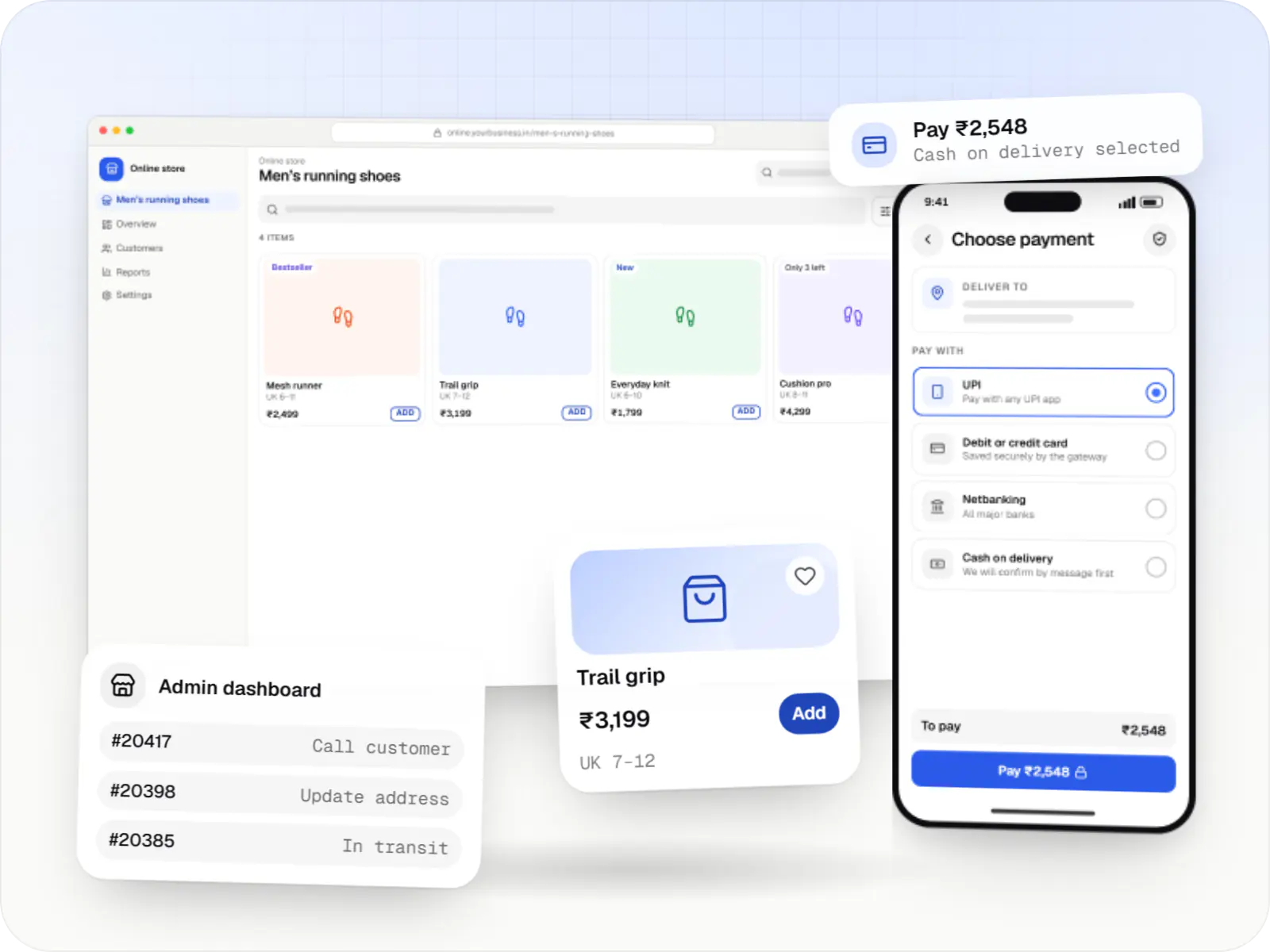
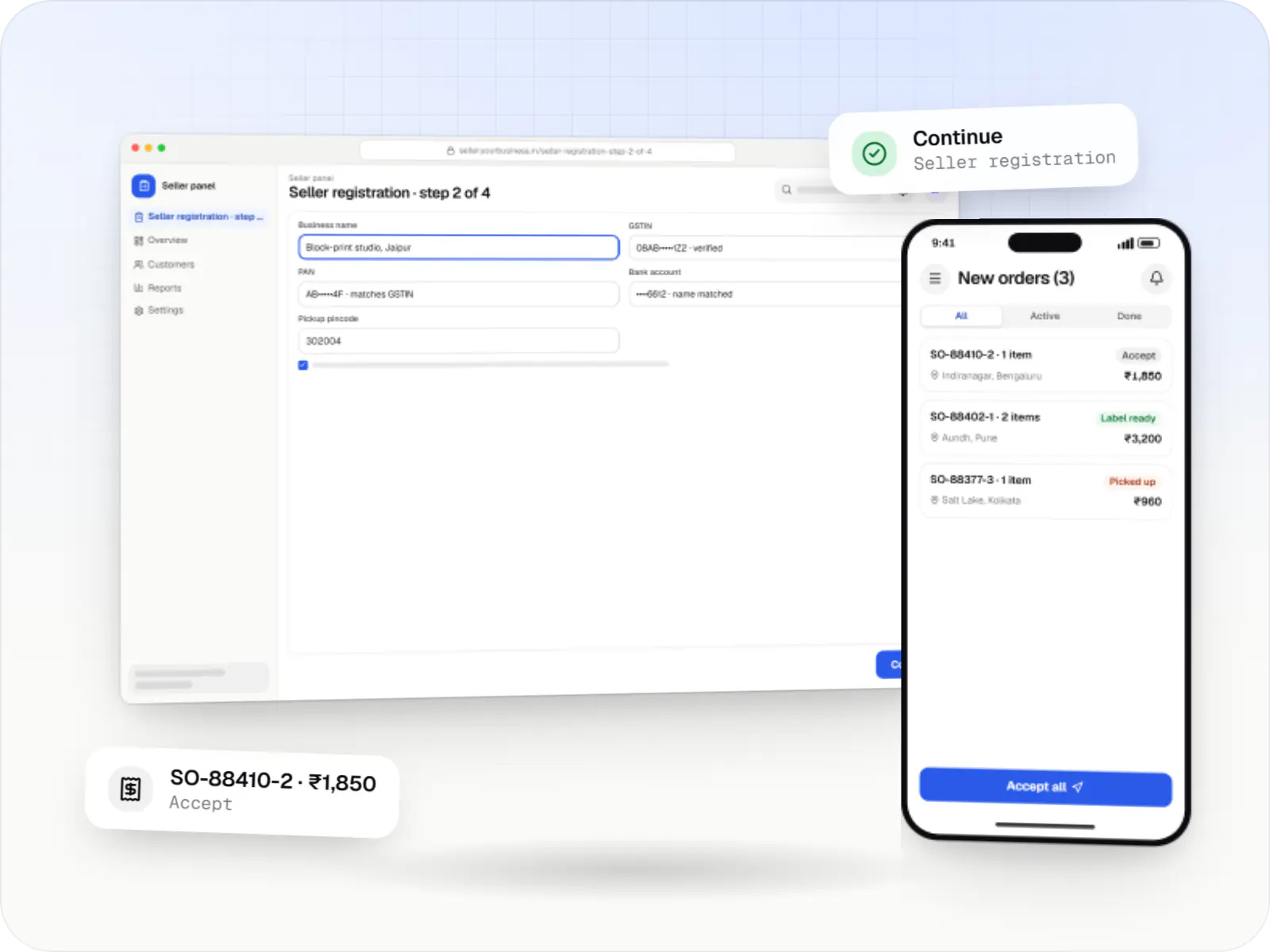
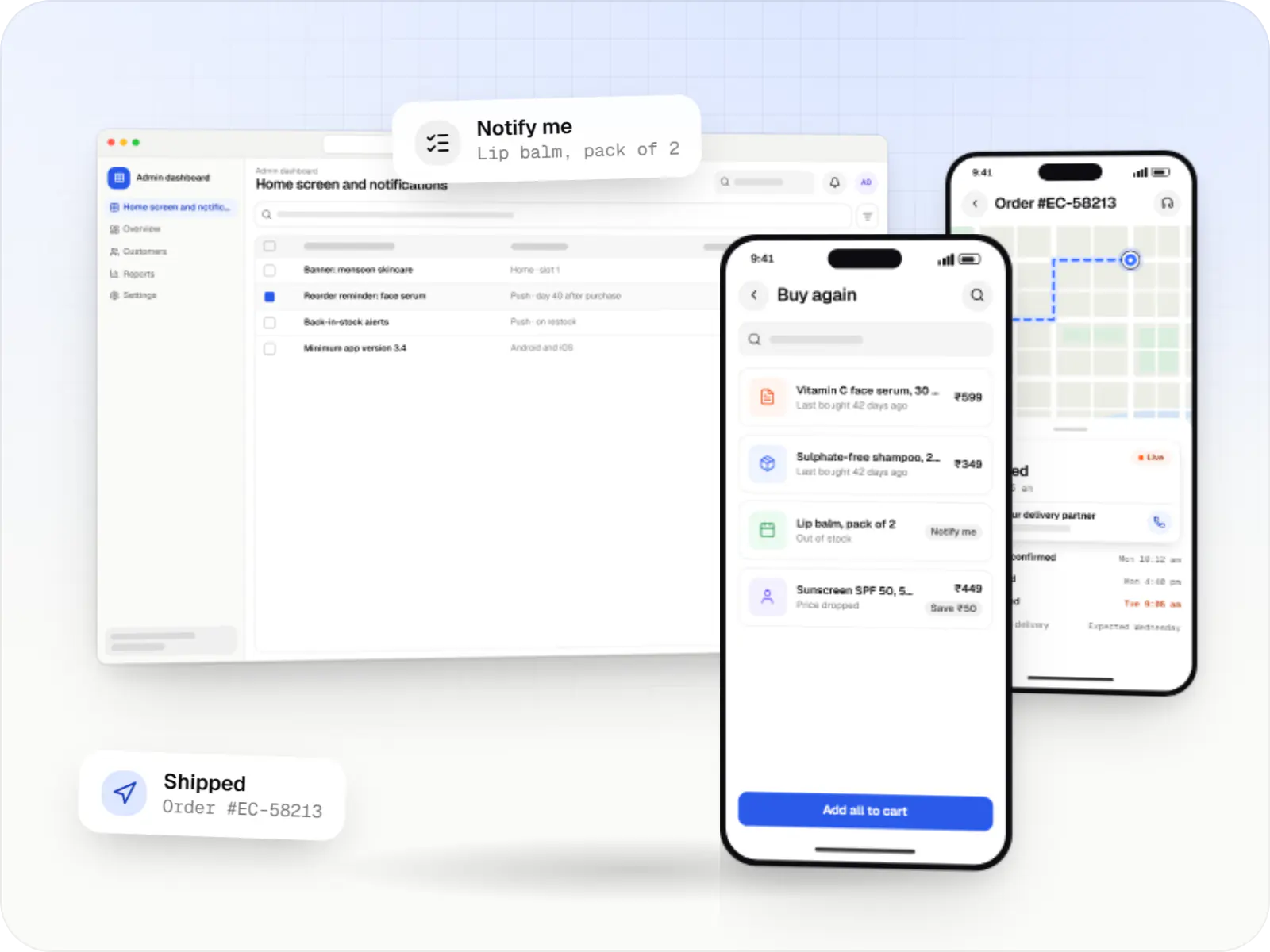
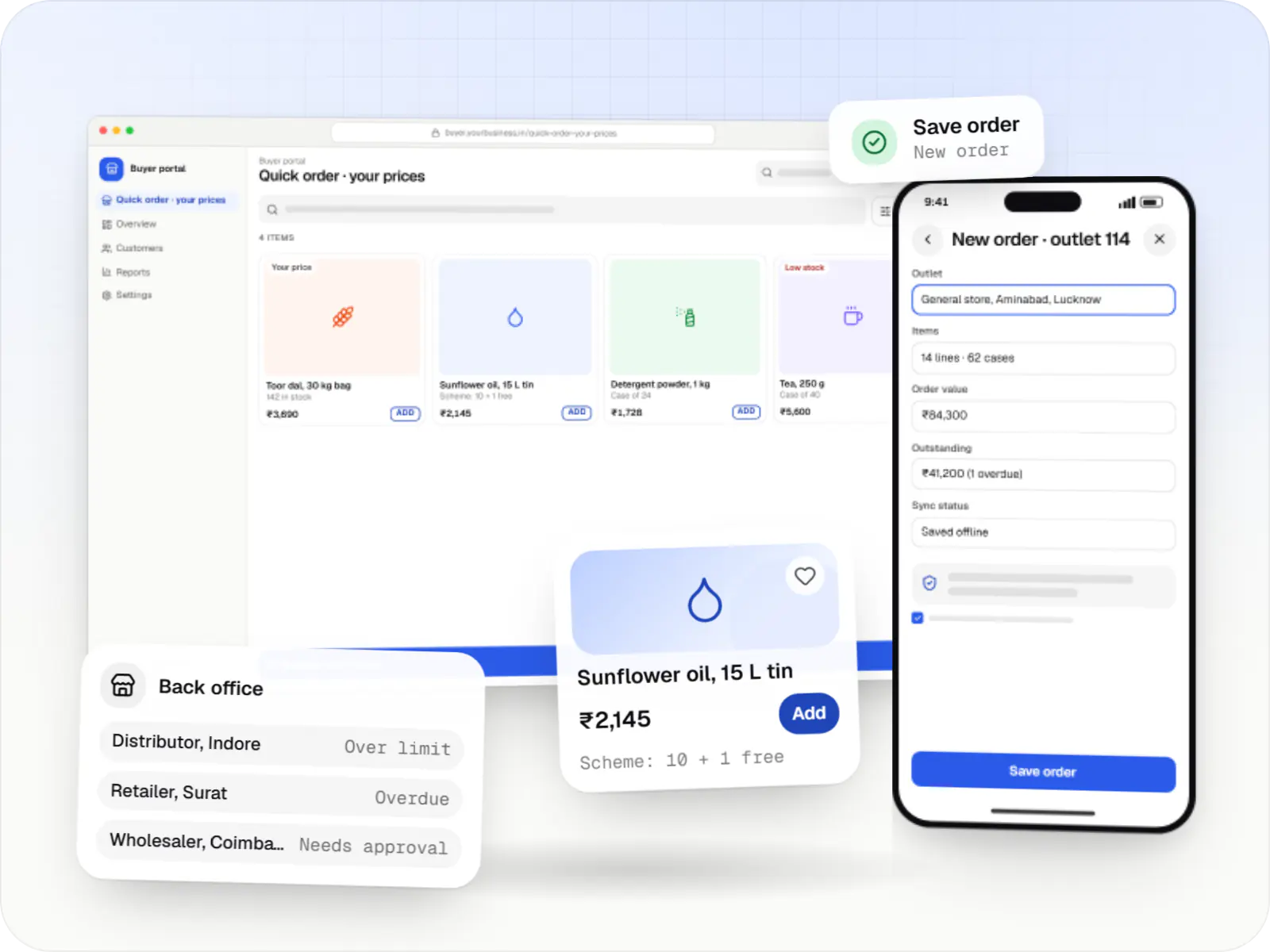
Illustrative screens, using a content-led menswear brand as the example.
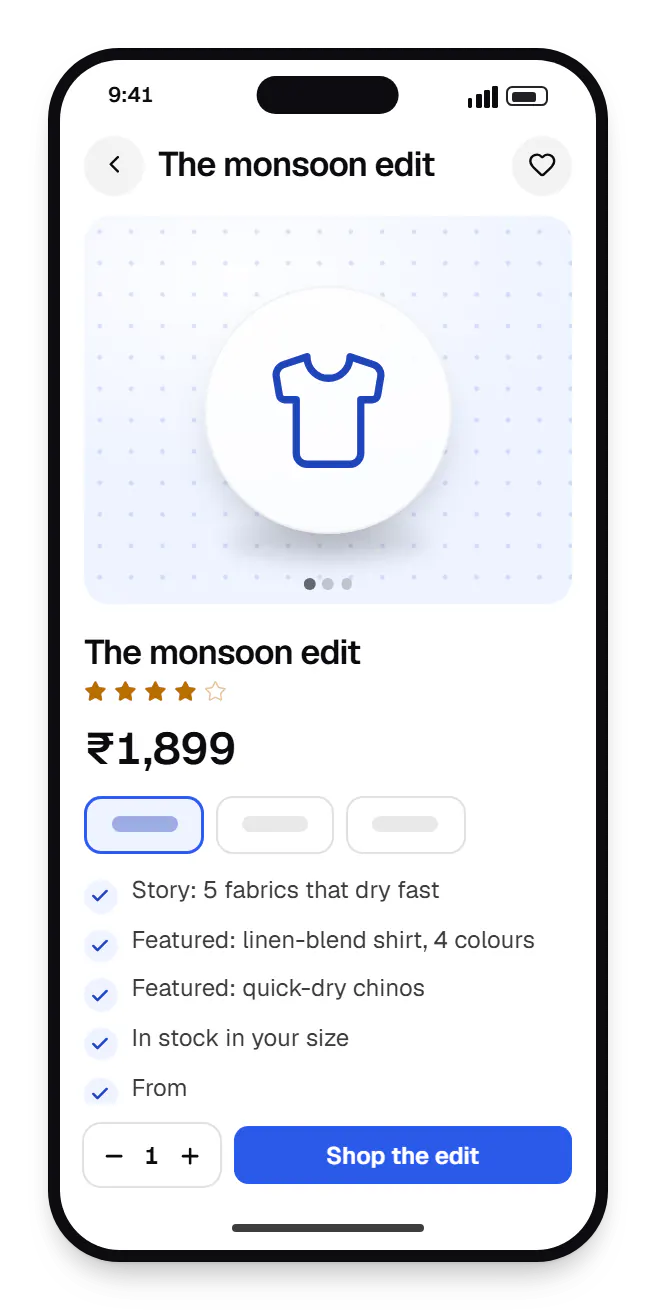
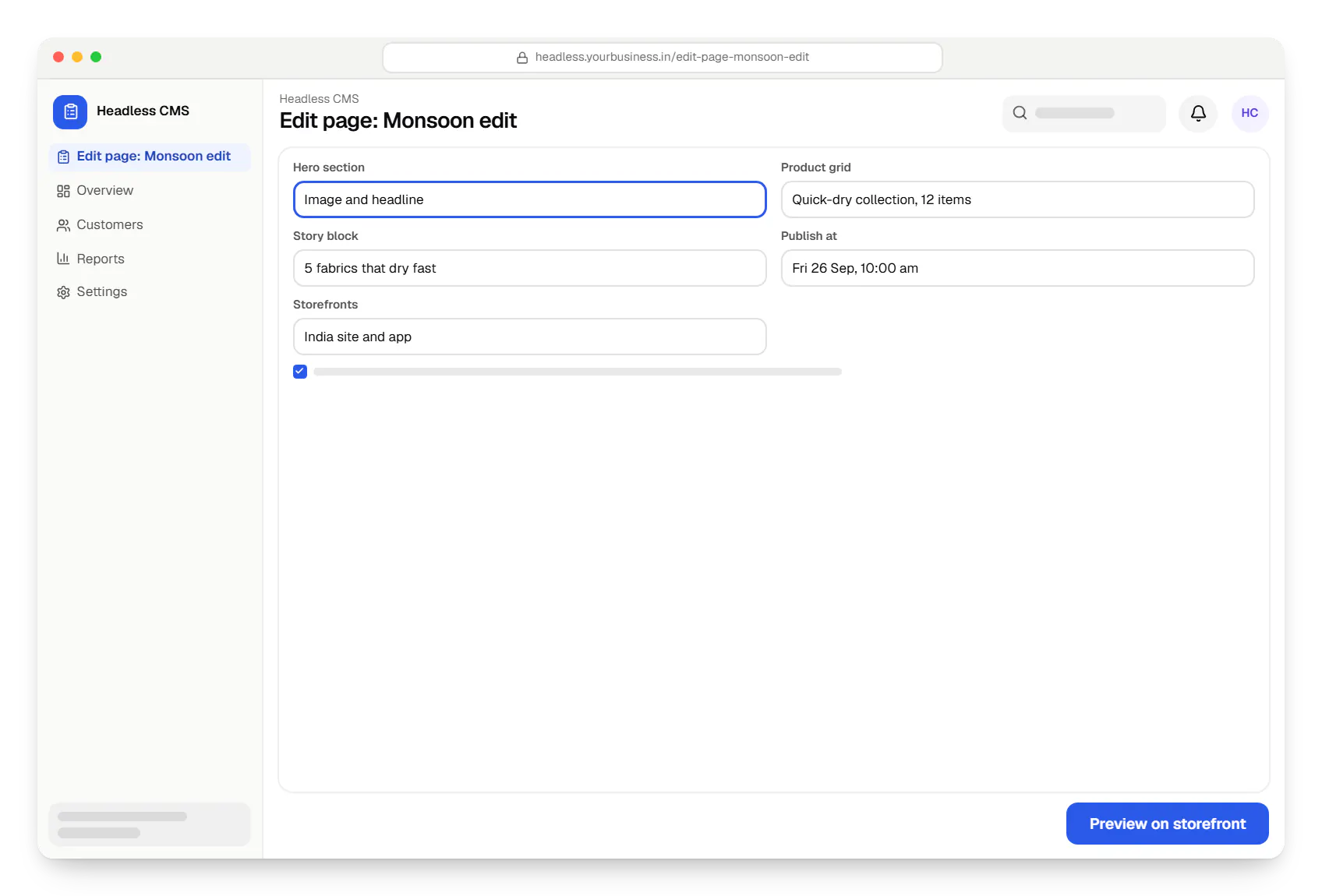
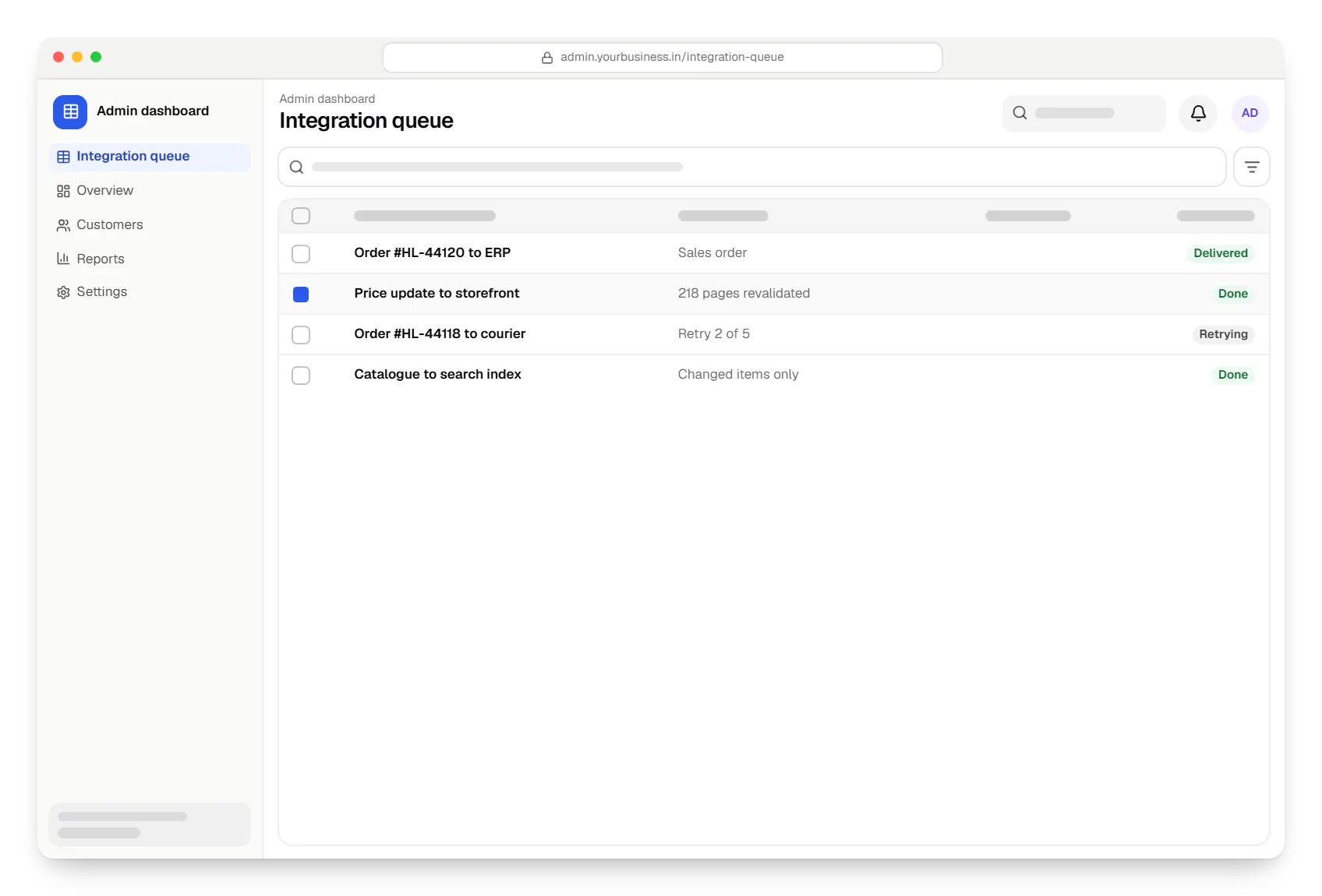
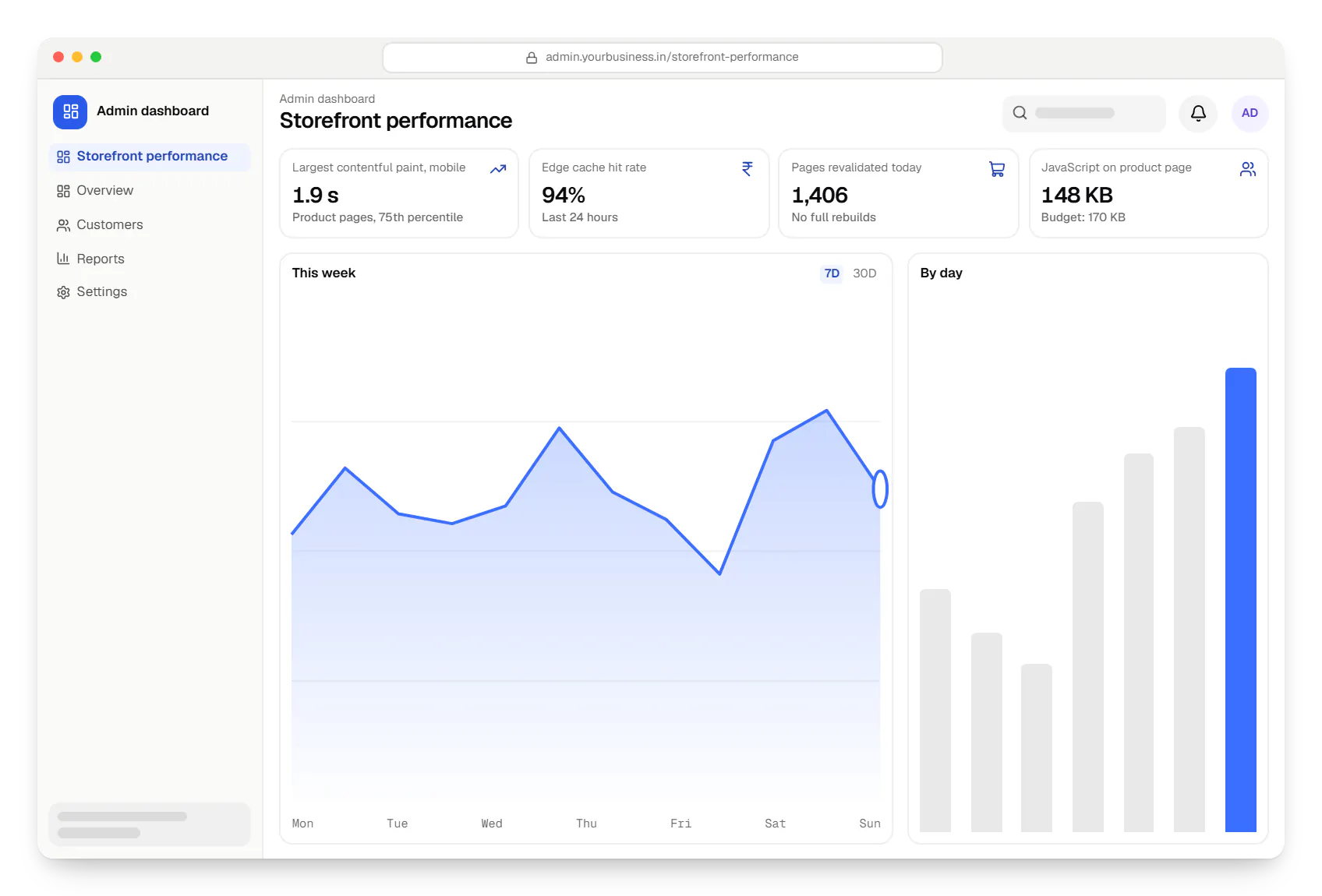
Sample screens: names, prices and figures are examples, not client data.
Industries
Services
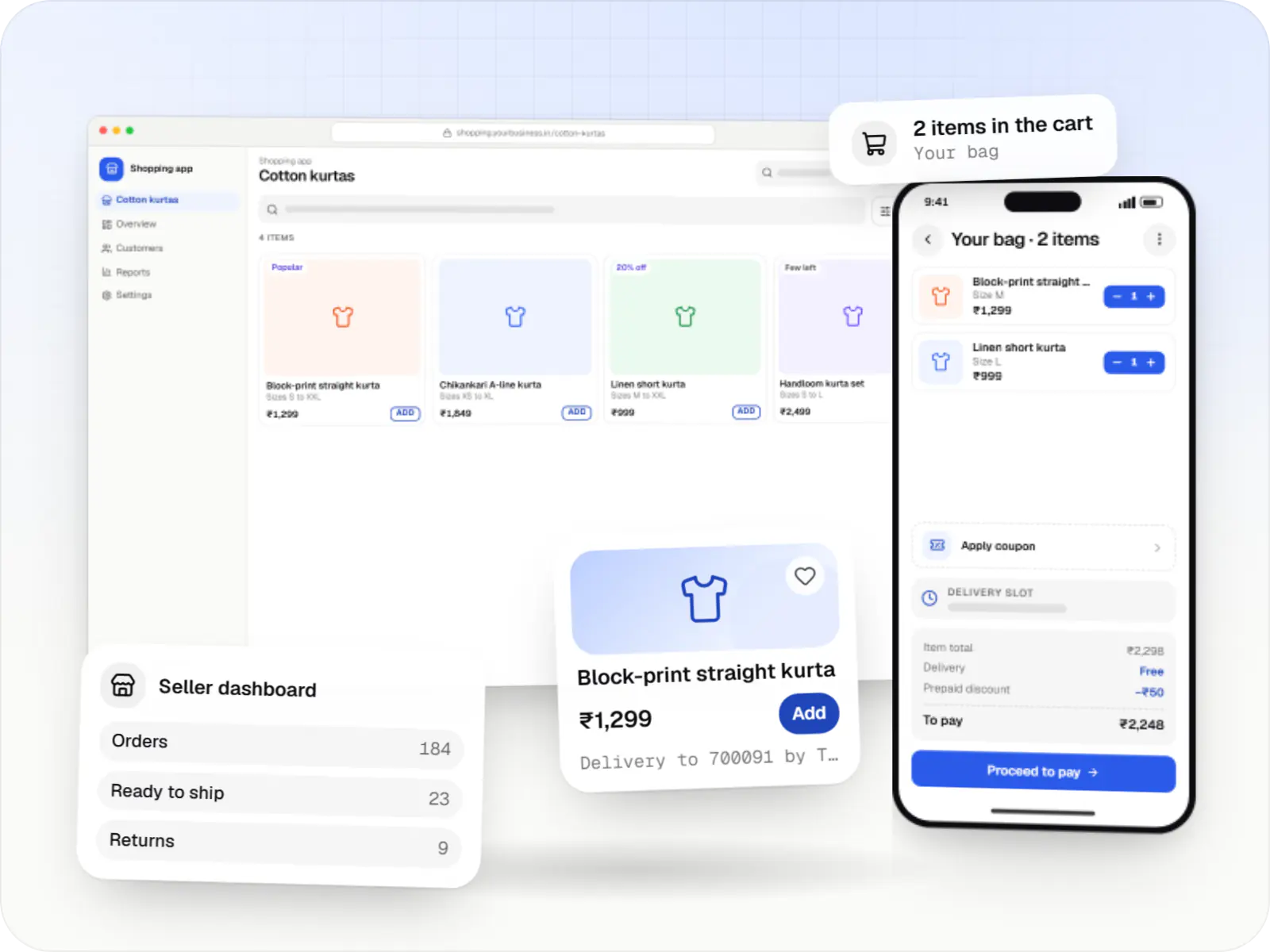
Online stores, shopping apps and B2B ordering portals on Shopify, WooCommerce or custom stacks, wired to Indian payments, couriers and GST invoicing.

Browser-based products, customer portals, dashboards and internal tools, built on clean data models with secure roles and integrations.

Secure, documented REST and GraphQL APIs, plus integrations that connect your apps to payment, logistics, GST, messaging and business systems.
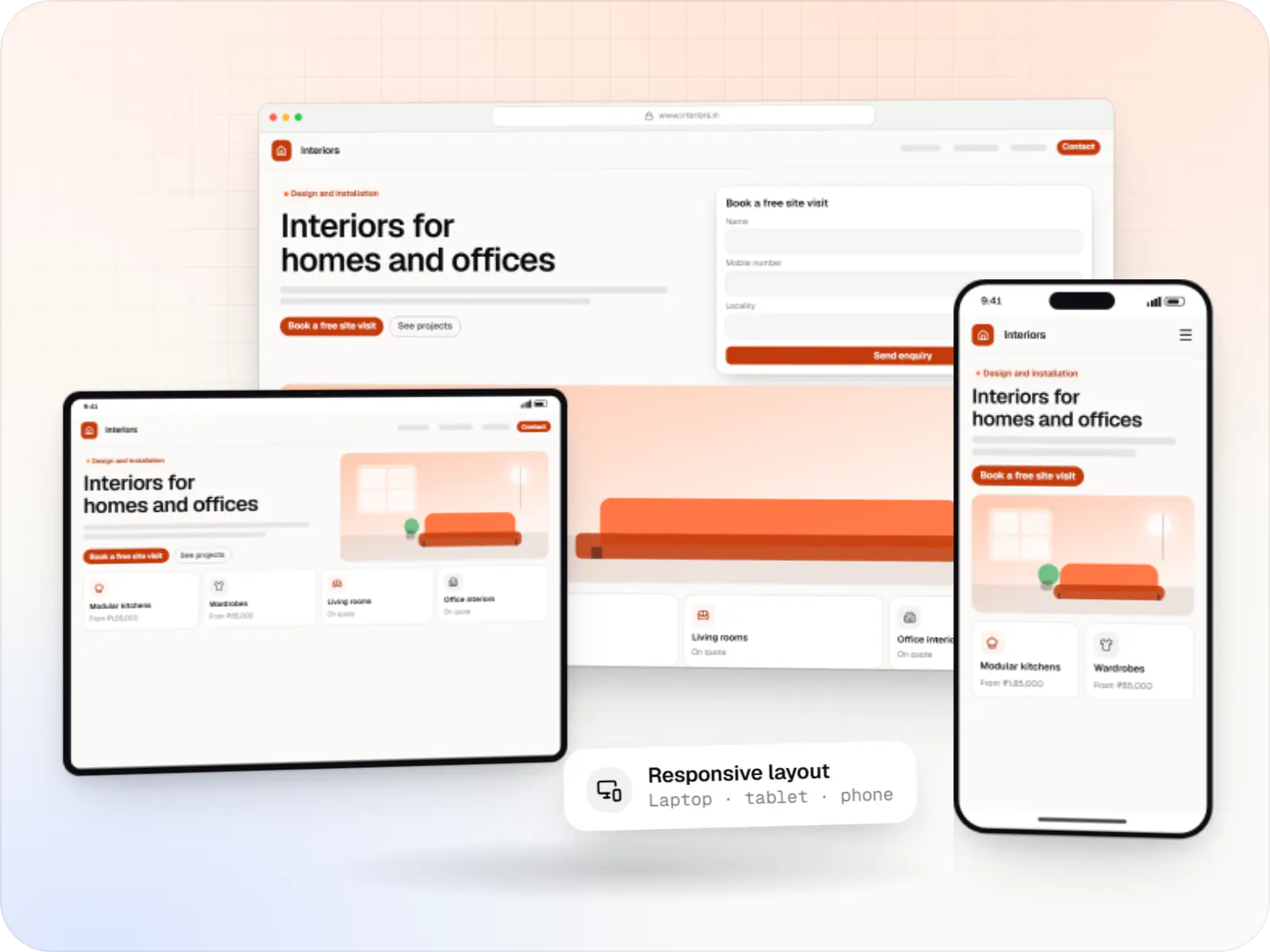
Fast, SEO-ready company and marketing websites with a CMS your team can edit, designed and built by our in-house team.

Product design for web and mobile apps: research, user flows, wireframes, prototypes and design systems that engineers can build from.
Cost drivers
Open-source engines cost engineering time; SaaS engines add fees but less upkeep.
Each brand, region or language adds routing, content models and testing.
Well-designed content types and previews take time up front and save developer time later.
Moving page types over one at a time lowers risk but means running old and new side by side.
Estimates are written from your scope, with the effort and assumptions behind each line item.
How pricing worksWork
Illustrative projects that show how we plan and build this kind of product. They are samples, not client work.
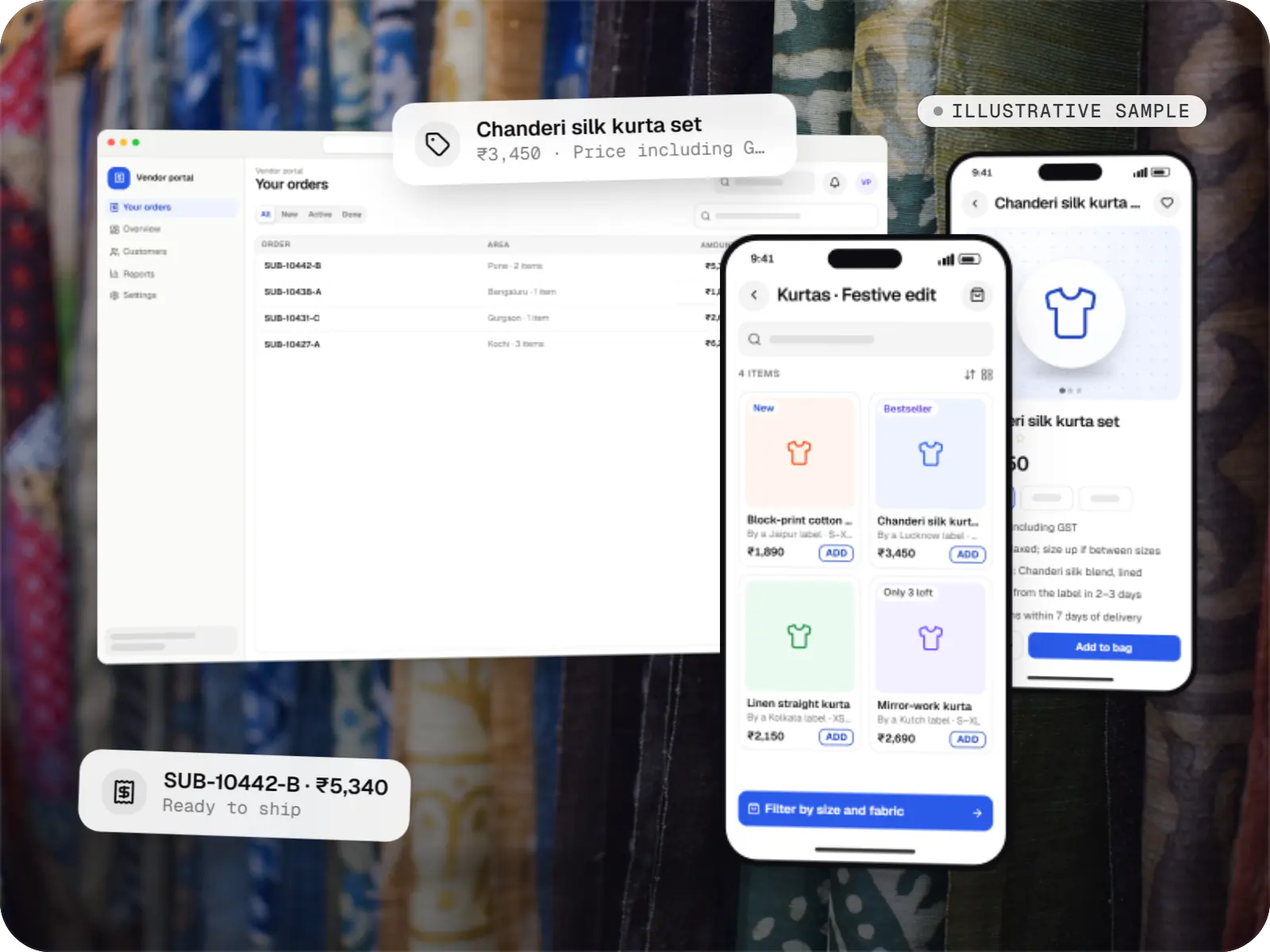
E-commerce & marketplaces
An illustrative marketplace where independent fashion labels sell through one storefront, with vendor onboarding, commission rules, multi-pickup shipping, returns and scheduled payouts.
Runs on
Built with
FAQ
Usually not on its own. With a small catalogue, one storefront and a small team, a good theme on a hosted platform is cheaper to build and simpler to run. Headless makes sense when you need several storefronts, rich content-led pages, an app sharing the same APIs, or performance your theme cannot reach. We would rather say so than build complexity you do not need.
Yes. Many headless builds keep Shopify for products, inventory, orders and checkout, and replace only the storefront with a Next.js site reading from the Storefront API. Your team keeps working in the Shopify admin. Apps that inject features into themes will not work on a custom front end, so we list the ones you rely on and plan replacements during scoping.
We connect the CMS preview mode to the real storefront, so editors see draft pages rendered with live products and prices before publishing. Scheduled content goes live automatically, and each publish revalidates only the affected pages rather than triggering a full rebuild. Roles in the CMS control who can draft, review and publish.
Yes, if it is built with search in mind. That means server-rendered HTML rather than content loaded only in the browser, correct canonical tags on filtered and variant URLs, structured data for products and breadcrumbs, sitemaps generated from the catalogue, and redirects for every old URL during migration. These are acceptance criteria, not afterthoughts.
Related
Next step
Send us your current stack and what it stops you doing. We will tell you plainly whether headless is worth it and what a phased migration looks like.