Mobile
Flutter
Build Android and iOS apps from one shared codebase, so you launch on both platforms faster with a consistent experience.
Used for
- Mobile apps
- Delivery apps
- E-commerce apps
- Booking apps
Travel & hospitality
Ticketing, activity booking, digital guides and visitor apps for attractions, adventure operators, heritage sites and destination teams.
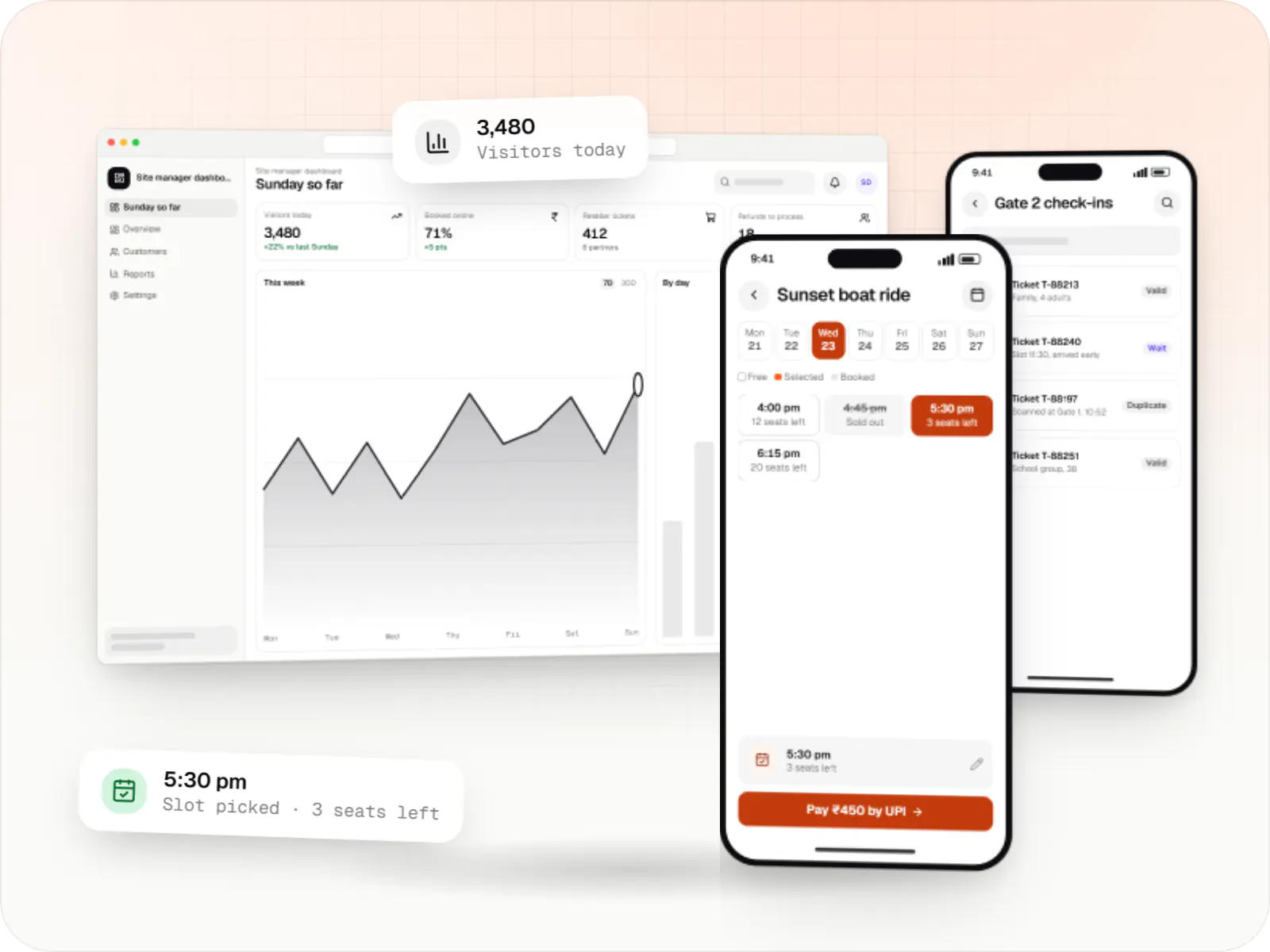
At a glance

Tourism businesses sell an experience at a place and time: a trek, a museum visit, a boat ride, a darshan slot. We build the ticketing and visitor products that manage that capacity.
Flutter and the related logo are trademarks of Google LLC. We are not endorsed by or affiliated with Google LLC.
How to start
Tell us what you need in your own words. You talk to the developers who would build it and get a written, line-item estimate.
Get a project estimateTourism operators work with fixed capacity (seats on a boat, slots at a monument, places on a trek) and demand that swings with weekends, festivals and weather. Visitors often come from other states and countries, speak different languages and may lose signal once they reach the site. Good tourism software sells slots without overbooking, checks visitors in quickly and keeps information available offline.
Challenges
Cash and paper tickets create long lines on peak days and unreliable headcounts.
Reseller, OTA and walk-in bookings are not reconciled against one capacity count.
Treks and water activities get cancelled at short notice, and refunds are handled manually.
Signage and guides in one or two languages leave many visitors without context.
Solutions
Across 4 areas
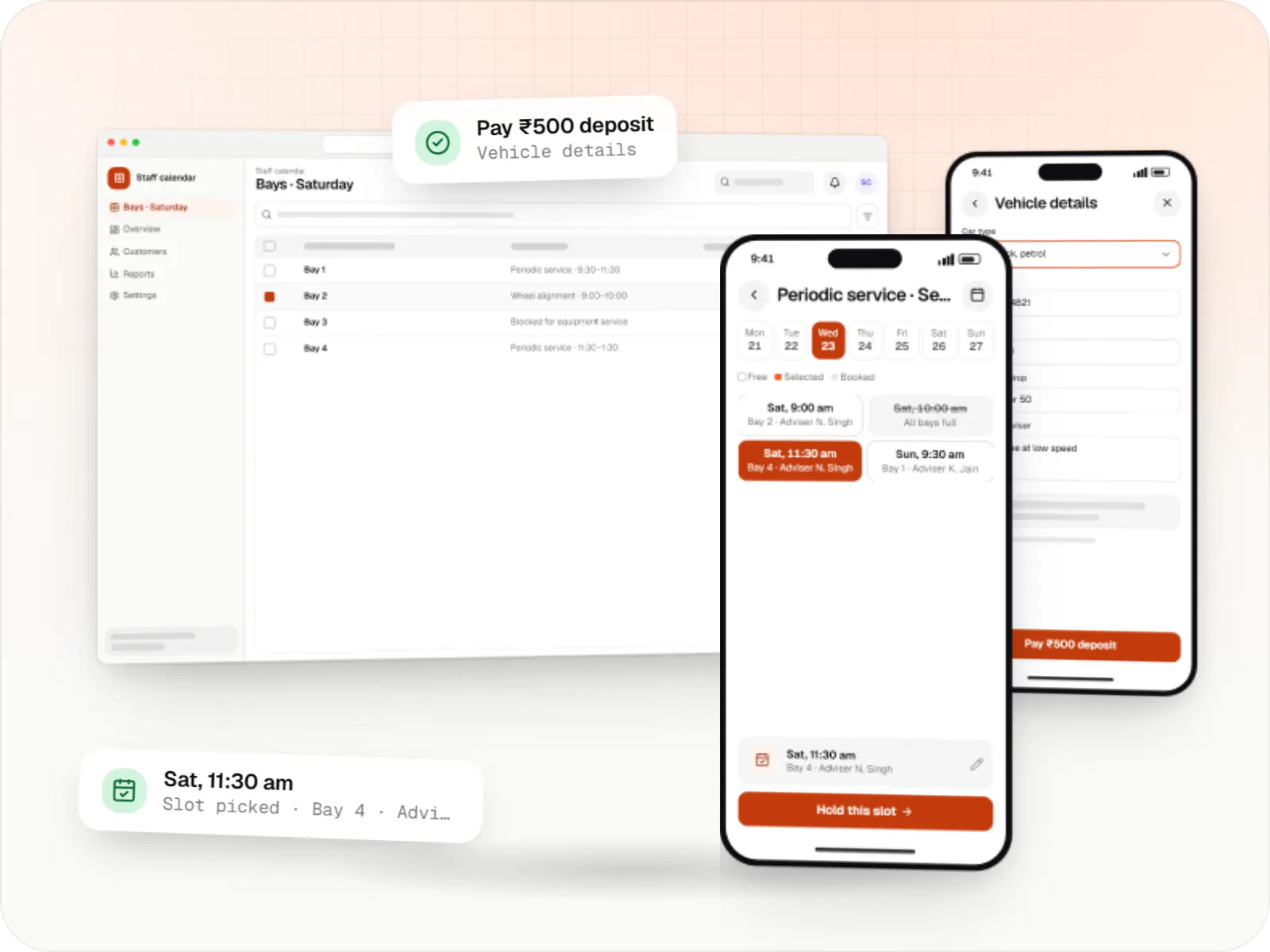
Custom scheduling software for consultants, service centres, labs and multi-location businesses: availability rules, reminders, payments and calendar sync.
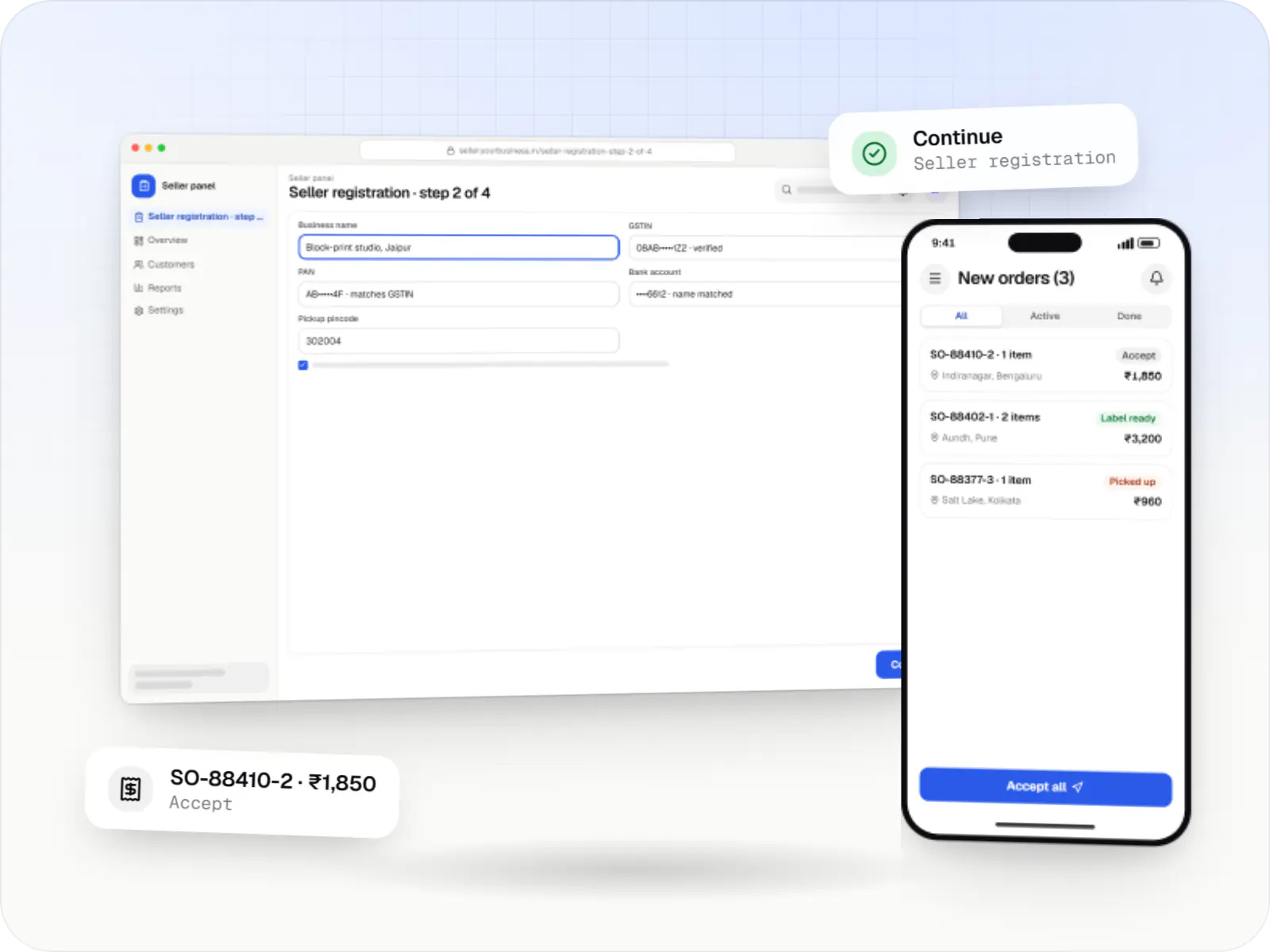
Multi-vendor marketplaces with seller onboarding, commission rules, split payouts, per-seller invoicing and catalogue moderation.
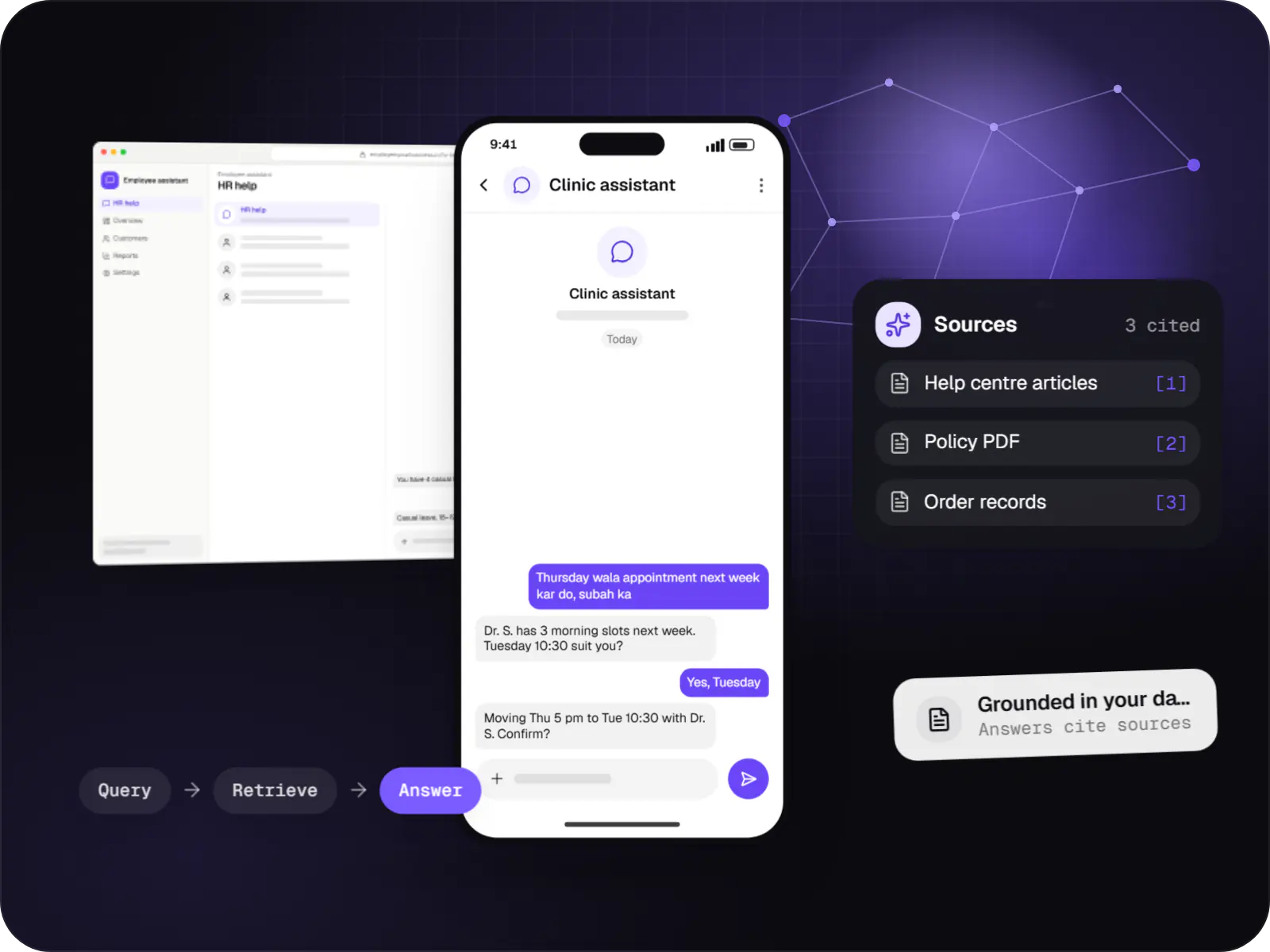
Assistants that book, schedule, look up records and raise requests by voice or text, with confirmation before every action.
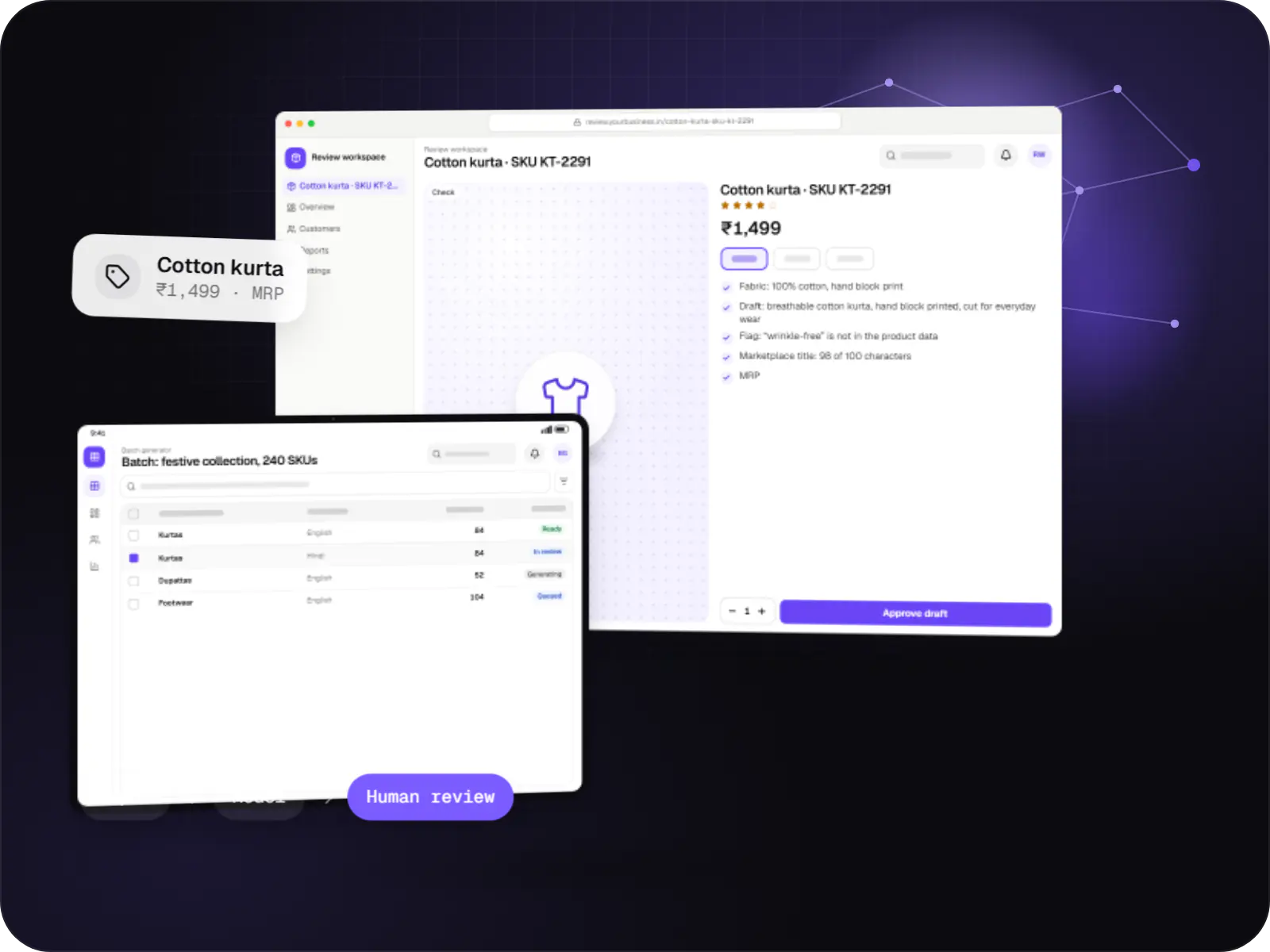
Features that generate catalogue copy, reports, summaries, translations and images, with brand controls and a review step before anything is published.

Custom CRM software that captures leads from every channel, keeps follow-ups on schedule and shows managers a live pipeline.
Slot capacity, QR tickets checked by handheld scanners, and quotas for walk-ins, groups and resellers.
Guide assignment, group sizes, fitness limits, digital waivers and weather cancellation rules.
Location-triggered stories in Hindi, English and regional languages, downloadable for offline use.
Maps and points of interest cached on the phone for hill and coastal areas with patchy coverage.
Allocations and APIs for travel agents and activity platforms from the same inventory.
How it works
The website or app shows remaining places for each slot; the visitor pays by UPI and receives a QR ticket by SMS or WhatsApp.
The sale reduces the same count that walk-ins, resellers and OTAs draw on, so the 11 am boat ride can never be sold beyond its seats.
Handheld scanners check QR codes even when the network drops, and the live headcount inside the site rises as each visitor enters.
Audio stories play as visitors reach each spot, in Hindi, English or a regional language, with trails and maps stored on the phone.
If a slot is cancelled, affected visitors are messaged together and refunds or reschedules are processed as one batch instead of case by case.
Sales by channel, check-ins, no-shows and reseller commissions come from the same records, ready for accounts the next morning.
Platforms
Marketing and content websites: fast, search-friendly pages with a CMS your team can update without a developer.
Installable web apps with offline support and notifications, useful when an app-store listing isn't essential or phones have little storage.
Apps for Android phones and tablets, tested on budget and mid-range devices and published on Google Play or privately.
Apps for iPhone and iPad, built to Apple's guidelines and released through TestFlight and the App Store.
Back-office panels for operations, support and finance teams: orders, users, content, reports and permissions.
Technology
Picked for tickets and maps that work offline, quick gate scans and a booking site that copes with festival-day crowds.
Mobile
Build Android and iOS apps from one shared codebase, so you launch on both platforms faster with a consistent experience.
Used for
Web
A modern web technology for fast, search-friendly websites, online stores and web applications that load quickly on mobile.
Used for
Backend
Runs the server side of apps: fast, scalable back ends that power your app, website and integrations.
Used for
Data
A reliable database for the records your business runs on: orders, payments, bookings and stock, kept accurate and easy to report on.
Used for
Payments & maps
Adds maps, address search, live tracking and travel-time estimates to delivery, ride and field apps, so orders reach the right door.
Used for
Cloud & DevOps
Ready-made building blocks for mobile apps, such as push notifications, phone OTP login and crash reports, so you launch sooner.
Used for
Flutter and the related logo are trademarks of Google LLC. We are not endorsed by or affiliated with Google LLC.
Plain-English glossary
Product preview
Sample screens with illustrative figures for a lakeside attraction.
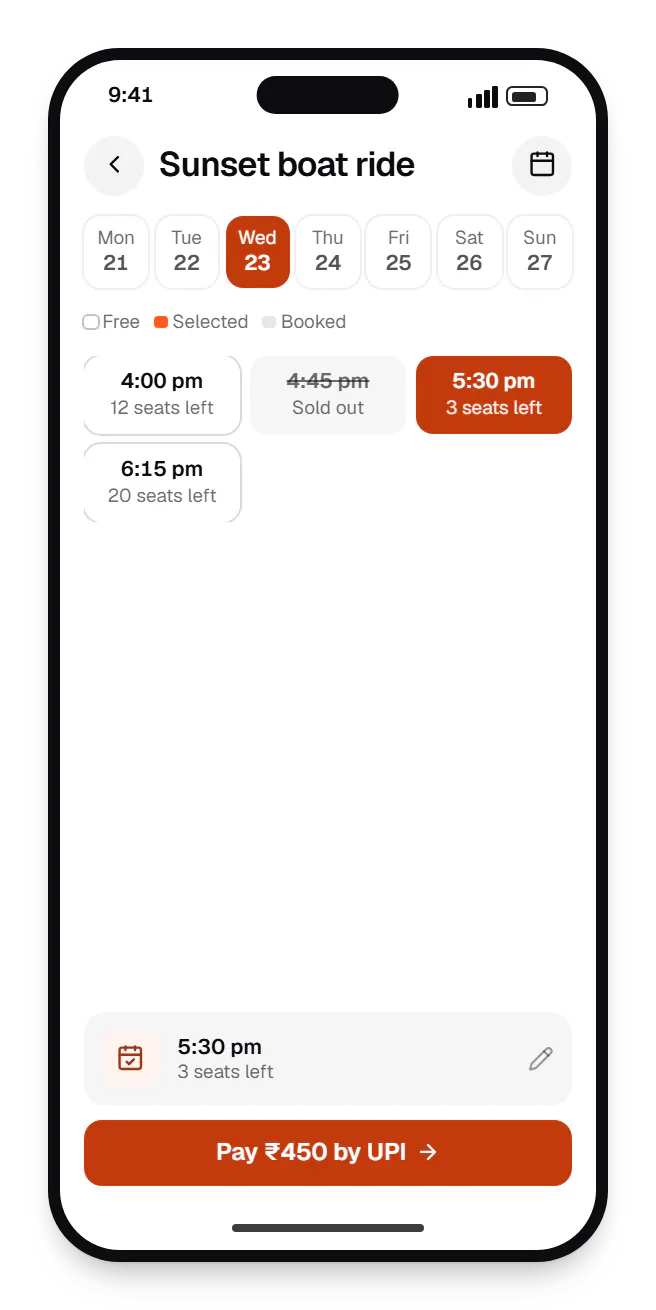
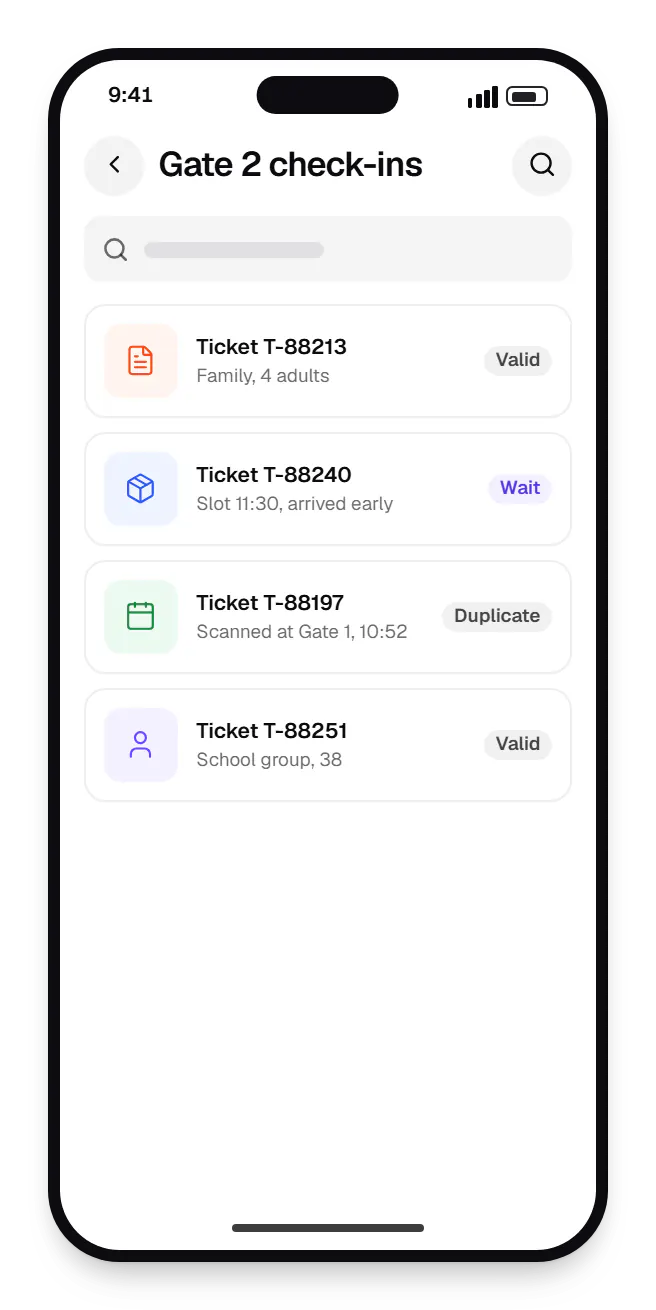
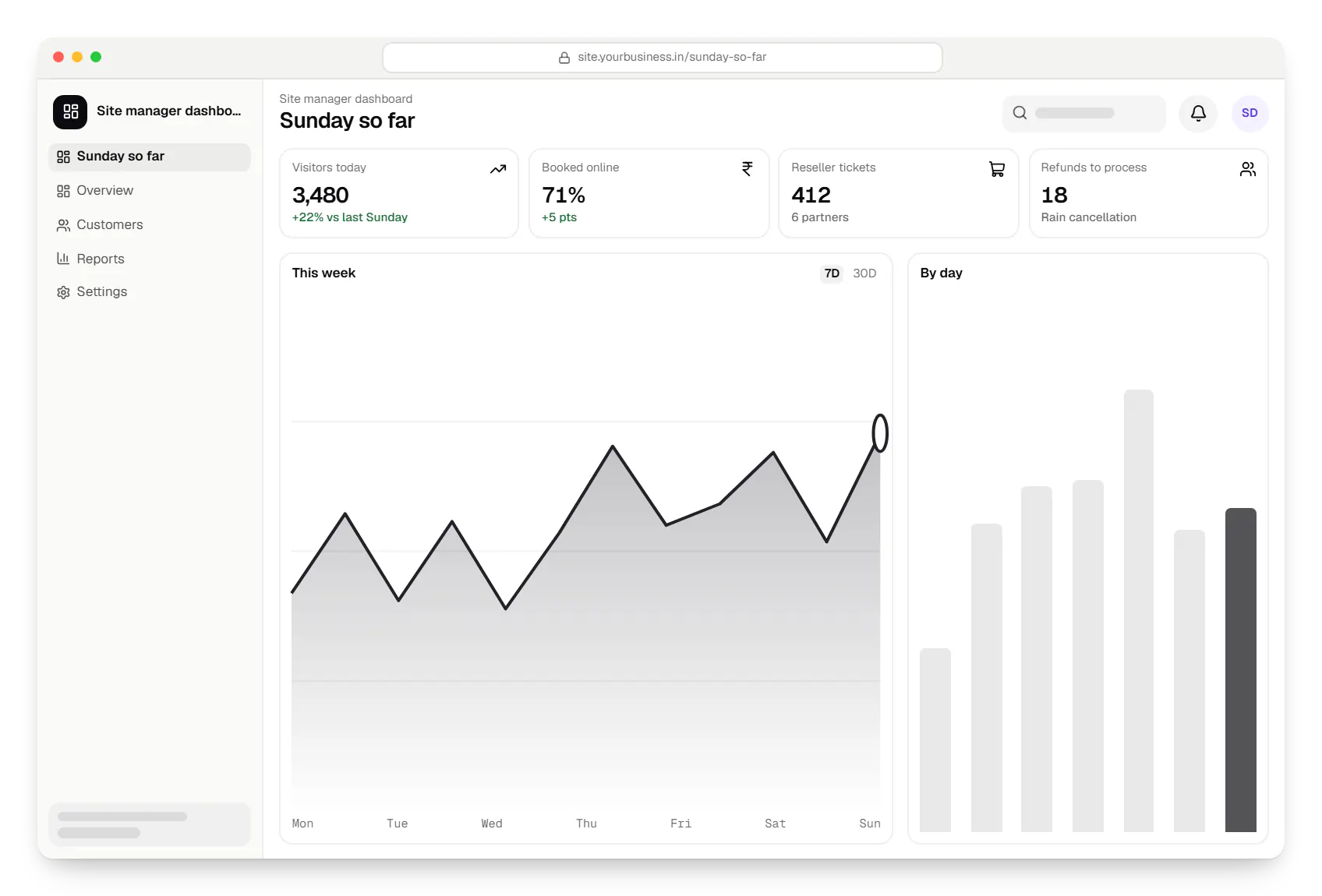
Sample screens: names, prices and figures are examples, not client data.
Cost drivers
Caching maps, audio and tickets adds engineering and testing on real devices.
Every language multiplies scripts, recordings and review time.
Turnstiles, kiosks or handheld scanners each need integration and on-site testing.
Estimates are written from your scope, with the effort and assumptions behind each line item.
How pricing worksServices
The design and engineering services our in-house team combines on projects in this sector.
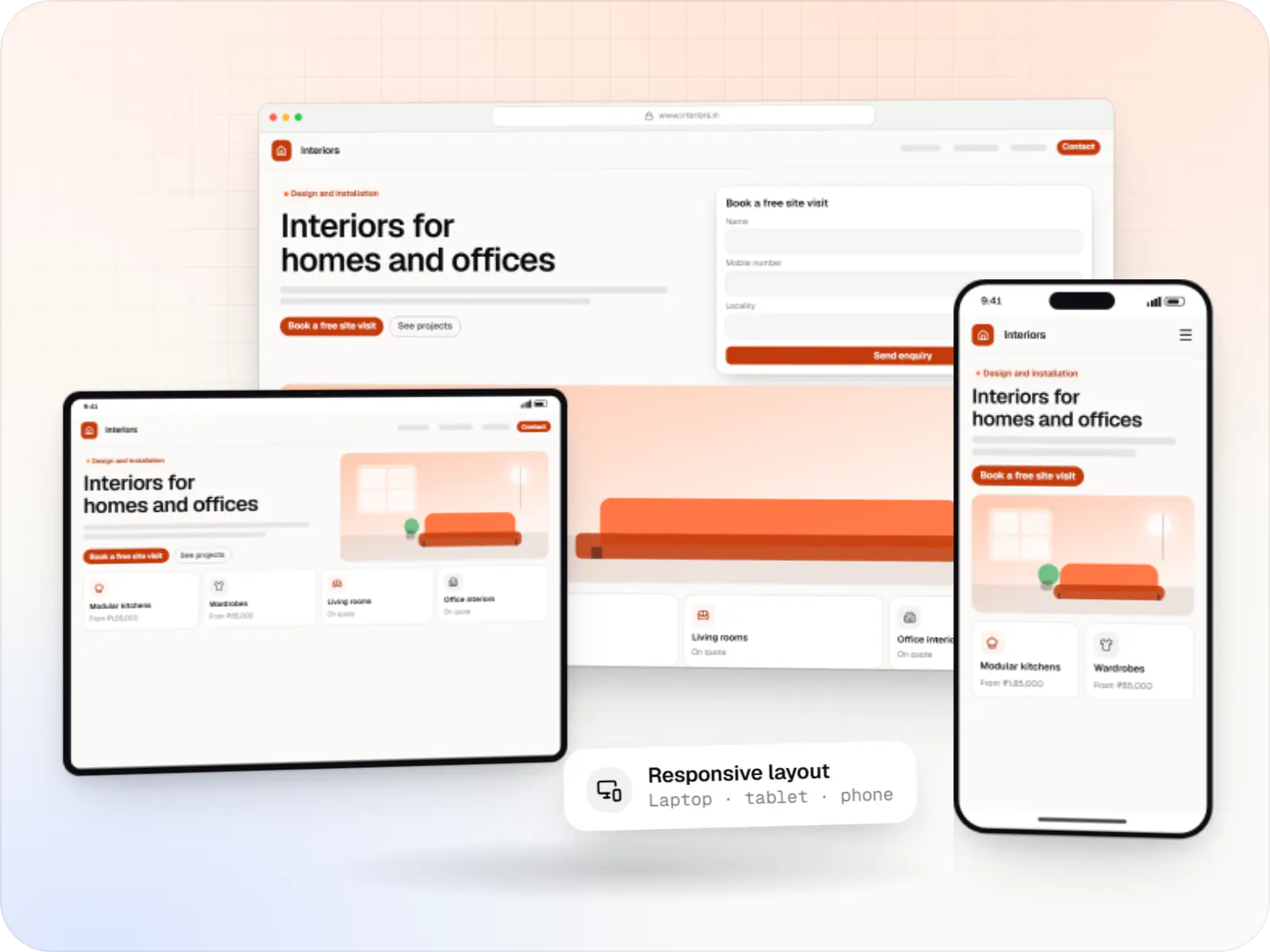
Fast, SEO-ready company and marketing websites with a CMS your team can edit, designed and built by our in-house team.

Native and cross-platform Android and iOS apps, from first release through regular store updates, built by our in-house designers and engineers.

Android and iOS apps from one Dart codebase, built by engineers who know when Flutter is the right call and when native code is needed.

Product design for web and mobile apps: research, user flows, wireframes, prototypes and design systems that engineers can build from.
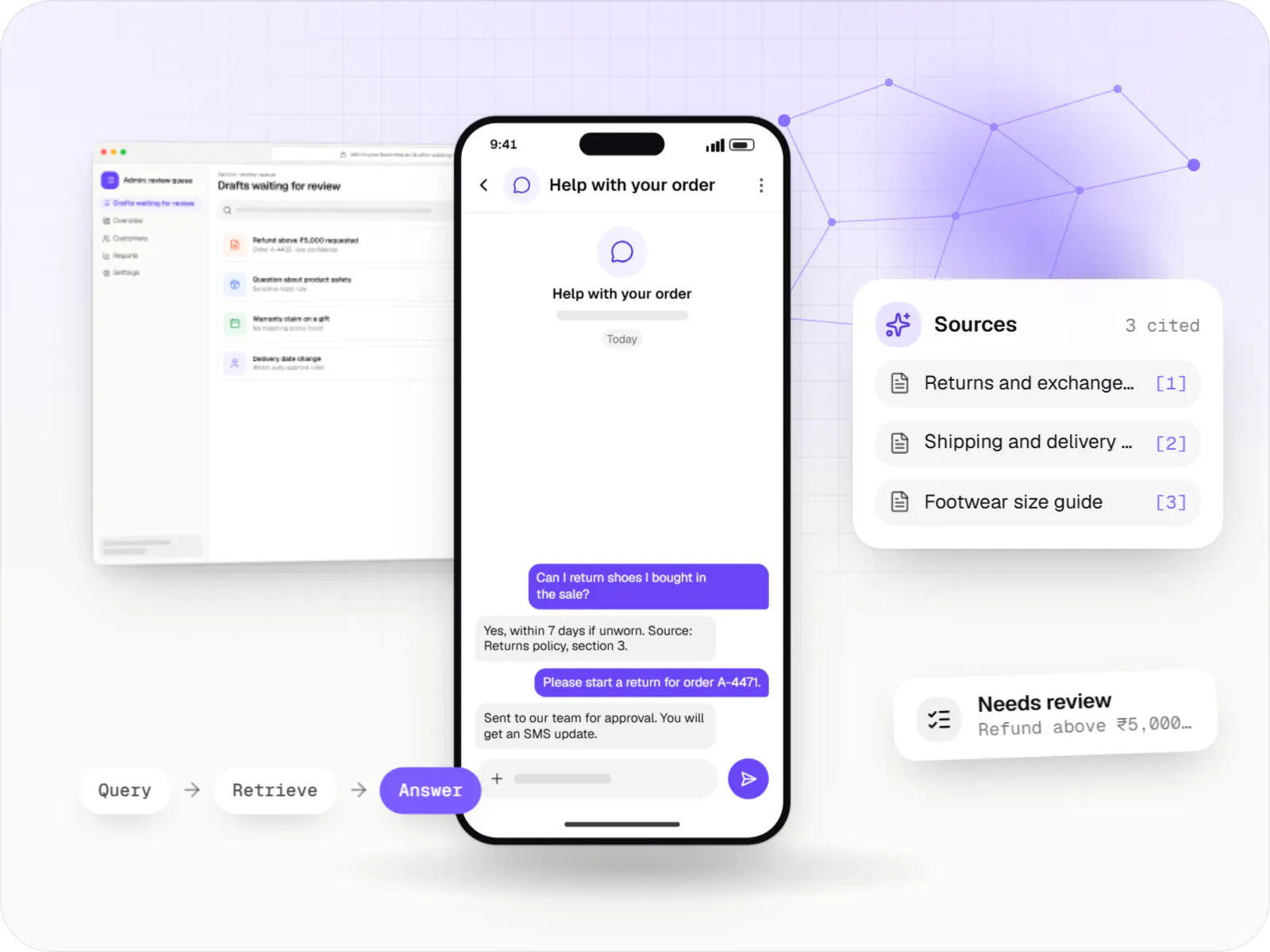
AI features and AI-first apps built on model APIs, retrieval over your own data, workflow automation or custom ML, with evaluation and human review.
FAQ
Yes. Handheld scanners download the day's valid tickets in advance, verify QR codes locally and sync check-ins when the connection returns. To stop a ticket being reused at another gate while offline, we use signed QR codes and per-gate rules, and reconcile duplicates on sync. We test on the devices and networks you actually have at the site, not just in an office.
Yes. Every channel draws on one inventory pool through allocations or live availability, so an agent's booking reduces the same capacity a walk-in does. Partners can use a B2B portal with their own login and rates, or connect through an API if they have a technical team. Commission and settlement reports per partner come from the same booking records.
Some destinations need permits, such as Inner Line Permits in several north-eastern states or protected area permits for foreign visitors in certain regions. We don't issue permits, but a booking flow can collect the details and ID documents your team needs to apply, track each application, and hold departure confirmation until the permit arrives. Rules stay configurable because authorities change them.
Next step
Describe your site or activity and your peak-day capacity, and we will propose a ticketing setup.